
Authentication Chapter 13 Version 1 0 Computer Security
- Slides: 48
Authentication Chapter 13 Version 1. 0 Computer Security: Art and Science, 2 nd Edition Slide 13 -1
Overview • Basics • Passwords • Storage • Selection • Breaking them • Other methods • Multiple methods Version 1. 0 Computer Security: Art and Science, 2 nd Edition Slide 13 - 2
Basics • Authentication: binding of identity to subject • Identity is that of external entity (my identity, Matt, etc. ) • Subject is computer entity (process, etc. ) Version 1. 0 Computer Security: Art and Science, 2 nd Edition Slide 13 - 3
Establishing Identity • One or more of the following • • What entity knows (eg. password) What entity has (eg. badge, smart card) What entity is (eg. fingerprints, retinal characteristics) Where entity is (eg. In front of a particular terminal) Version 1. 0 Computer Security: Art and Science, 2 nd Edition Slide 13 - 4
Authentication System • (A, C, F, L, S) • A information that proves identity • C information stored on computer and used to validate authentication information • F complementation function; for f ∈ F, f : A C • L functions that prove identity; for l ∈ L, l : A × C { true, false } • l is lowercase “L” • S functions enabling entity to create, alter information in A or C Version 1. 0 Computer Security: Art and Science, 2 nd Edition Slide 13 - 5
Example • Password system, with passwords stored on line in clear text • • • A set of strings making up passwords C=A F singleton set of identity function { I } L single equality test function { eq } S function to set/change password Version 1. 0 Computer Security: Art and Science, 2 nd Edition Slide 13 - 6
Passwords • Sequence of characters • Examples: 10 digits, a string of letters, etc. • Generated randomly, by user, by computer with user input • Sequence of words • Examples: pass-phrases • Algorithms • Examples: challenge-response, one-time passwords Version 1. 0 Computer Security: Art and Science, 2 nd Edition Slide 13 - 7
Storage • Store as cleartext • If password file compromised, all passwords revealed • Encipher file • Need to have decipherment, encipherment keys in memory • Reduces to previous problem • Store one-way hash of password • If file read, attacker must still guess passwords or invert the hash Version 1. 0 Computer Security: Art and Science, 2 nd Edition Slide 13 - 8
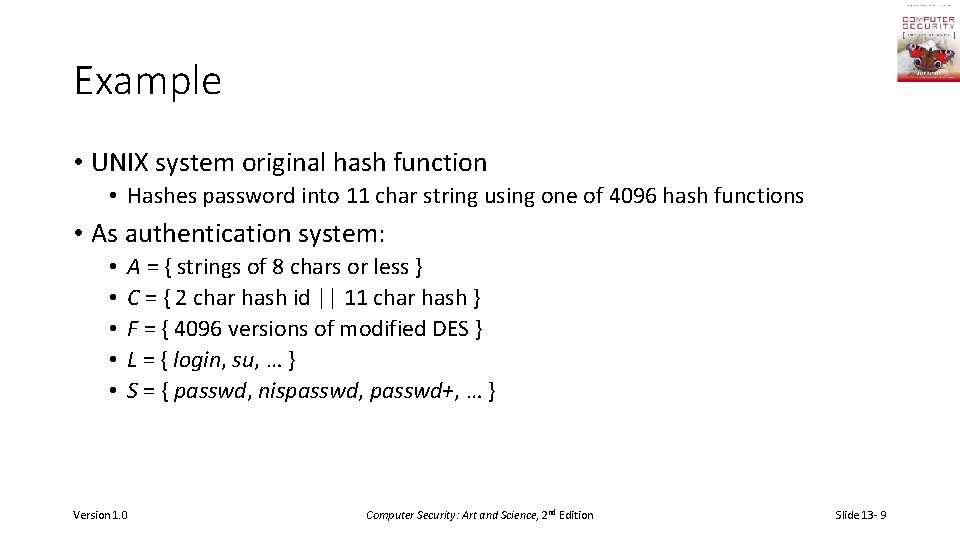
Example • UNIX system original hash function • Hashes password into 11 char string using one of 4096 hash functions • As authentication system: • • • A = { strings of 8 chars or less } C = { 2 char hash id || 11 char hash } F = { 4096 versions of modified DES } L = { login, su, … } S = { passwd, nispasswd, passwd+, … } Version 1. 0 Computer Security: Art and Science, 2 nd Edition Slide 13 - 9
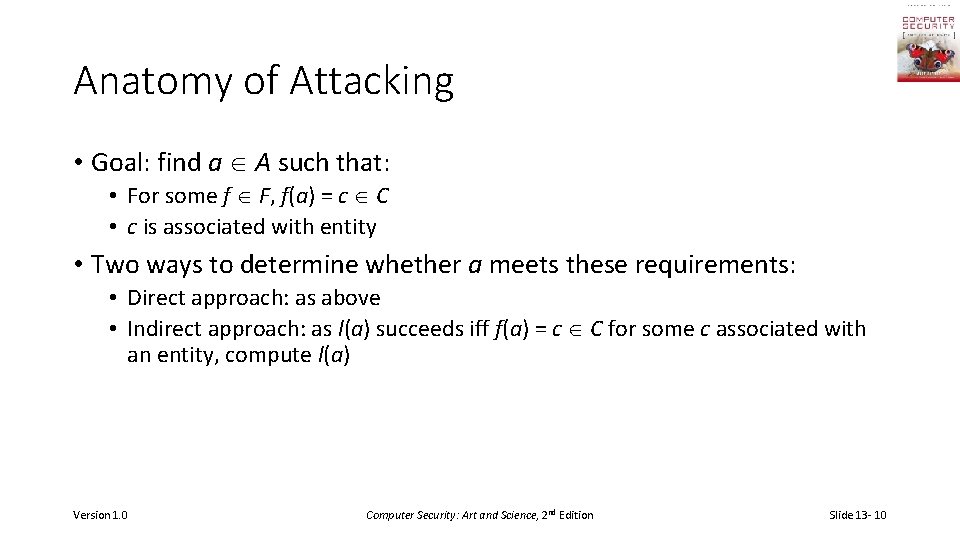
Anatomy of Attacking • Goal: find a A such that: • For some f F, f(a) = c C • c is associated with entity • Two ways to determine whether a meets these requirements: • Direct approach: as above • Indirect approach: as l(a) succeeds iff f(a) = c C for some c associated with an entity, compute l(a) Version 1. 0 Computer Security: Art and Science, 2 nd Edition Slide 13 - 10
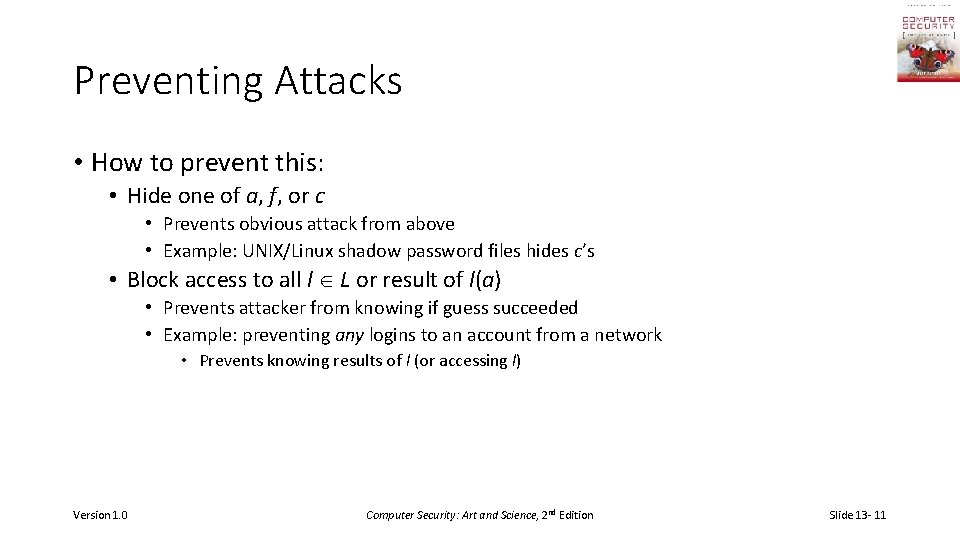
Preventing Attacks • How to prevent this: • Hide one of a, f, or c • Prevents obvious attack from above • Example: UNIX/Linux shadow password files hides c’s • Block access to all l L or result of l(a) • Prevents attacker from knowing if guess succeeded • Example: preventing any logins to an account from a network • Prevents knowing results of l (or accessing l) Version 1. 0 Computer Security: Art and Science, 2 nd Edition Slide 13 - 11
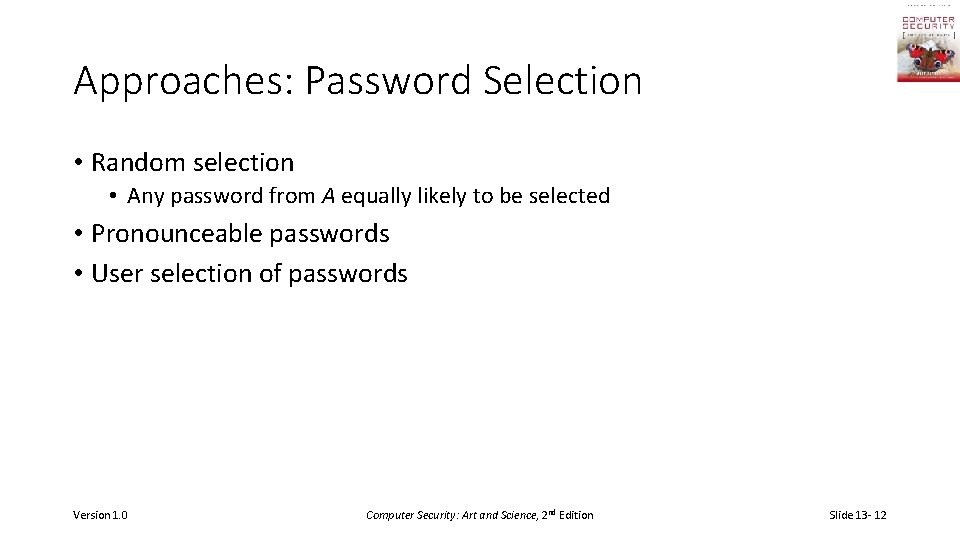
Approaches: Password Selection • Random selection • Any password from A equally likely to be selected • Pronounceable passwords • User selection of passwords Version 1. 0 Computer Security: Art and Science, 2 nd Edition Slide 13 - 12
Random Passwords • Choose characters randomly from a set of possible characters; may also choose length randomly from a set of possible lengths • Expected time to guess password maximized when selection of characters in the set, lengths in the set, are equiprobable • In practice, several factors to be considered: • If password too short, likely to be guessed • Some other classes of passwords need to be eliminated, such as repeated patterns (“aaaaa”), known patterns (“qwerty”) • But if too much is excluded, space of possible passwords becomes small enough to search exhaustively Version 1. 0 Computer Security: Art and Science, 2 nd Edition Slide 13 - 13
Generating Random Passwords • Random (pseudorandom) number generator period critical! • Example: PDP-11 randomly generated passwords of length 8, and composed of capital letters and digits • Number of possible passwords = (26 + 10)8 = 368 = 2. 8× 10¹² • Took 0. 00156 to test a password, so would take about 140 years to try all • Attacker noticed the pseudorandom number generator on PDP-11, with word size of 16 bits, had period of 216 – 1 • Number of possible passwords = 216 – 1 = 65, 535 = 6. 5× 10⁴ • Took 0. 00156 to test a password, so would take about 102 seconds to try all • When launched, found all passwords in under 41 seconds Version 1. 0 Computer Security: Art and Science, 2 nd Edition Slide 13 - 14
Remembering Random Passwords • Humans can repeat with perfect accuracy 8 meaningful items • Like digits, letters, words • Write them down • Put them in a place where others are unlikely to get to them • Purse or wallet is good; keyboard or monitor is not • Write obscured versions of passwords • Let p ∈ P be password; choose invertible transformation algorithm t: P → A • Write down t– 1(p) but not t • Now user must memorize t, not each individual password • Use a password manager (password wallet) • Now must remember password to unlock the other passwords Version 1. 0 Computer Security: Art and Science, 2 nd Edition Slide 13 - 15
Pronounceable Passwords • Generate phonemes randomly • Phoneme is unit of sound, eg. cv, vc, cvc, vcv • Examples: helgoret, juttelon are; przbqxdfl, zxrptglfn are not • Problem: too few • Solution: key crunching • Run long key through hash function and convert to printable sequence • Use this sequence as password • Bigger problem: distribution of passwords • Probabilities of selection of particular phonemes, hence passwords, not equiprobable • Generated passwords tend to cluster; if an attacker finds a cluster with passwords user is likely to select, this reduces search space greatly Version 1. 0 Computer Security: Art and Science, 2 nd Edition Slide 13 - 16
User Selection • Problem: people pick easy to guess passwords • Based on account names, user names, computer names, place names • Dictionary words (also reversed, odd capitalizations, control characters, “elite-speak”, conjugations or declensions, swear words, Torah/Bible/Koran/… words) • Too short, digits only, letters only • License plates, acronyms, social security numbers • Personal characteristics or foibles (pet names, nicknames, job characteristics, etc. Version 1. 0 Computer Security: Art and Science, 2 nd Edition Slide 13 - 17
Picking Good Passwords • “Wt. Bv. St. Hb. Ch. Cs. Lm? Tb. Wt. F. +FSK” • Intermingling of letters from Star Spangled Banner , some punctuation, and author’s initials • What’s good somewhere may be bad somewhere else • “DCHNH, DMC/MHmh” bad at Dartmouth (“Dartmouth College Hanover NH, Dartmouth Medical Center/Mary Hitchcock memorial hospital”), ok elsewhere (probably) • Why are these now bad passwords? Version 1. 0 Computer Security: Art and Science, 2 nd Edition Slide 13 - 18
Proactive Password Checking • Analyze proposed password for “goodness” • • • Always invoked Can detect, reject bad passwords for an appropriate definition of “bad” Discriminate on per-user, per-site basis Needs to do pattern matching on words Needs to execute subprograms and use results • Spell checker, for example • Easy to set up and integrate into password selection system Version 1. 0 Computer Security: Art and Science, 2 nd Edition Slide 13 - 19
Example: OPUS • Goal: check passwords against large dictionaries quickly • Run each word of dictionary through k different hash functions h 1, …, hk producing values less than n • Set bits h 1, …, hk in OPUS dictionary • To check new proposed word, generate bit vector and see if all corresponding bits set • If so, word is in one of the dictionaries to some degree of probability • If not, it is not in the dictionaries Version 1. 0 Computer Security: Art and Science, 2 nd Edition Slide 13 - 20
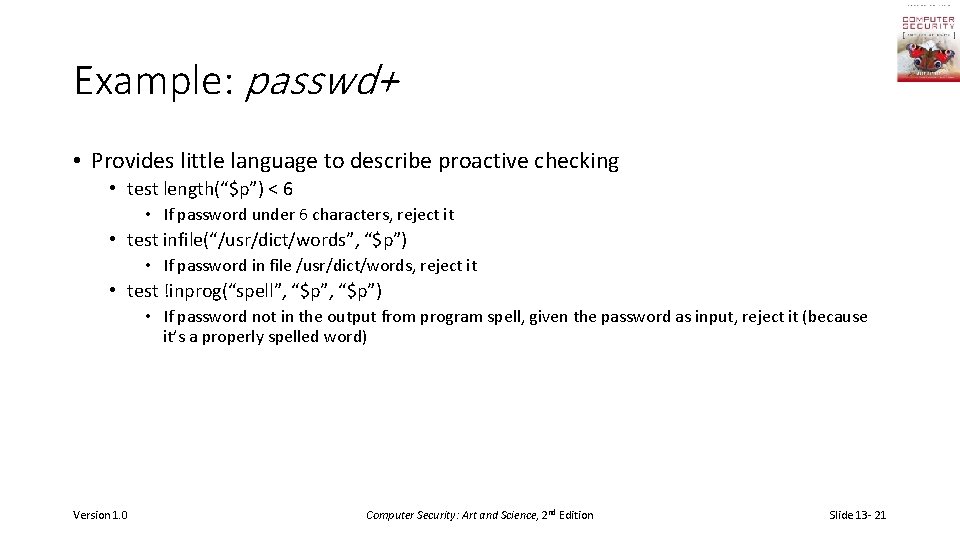
Example: passwd+ • Provides little language to describe proactive checking • test length(“$p”) < 6 • If password under 6 characters, reject it • test infile(“/usr/dict/words”, “$p”) • If password in file /usr/dict/words, reject it • test !inprog(“spell”, “$p”) • If password not in the output from program spell, given the password as input, reject it (because it’s a properly spelled word) Version 1. 0 Computer Security: Art and Science, 2 nd Edition Slide 13 - 21
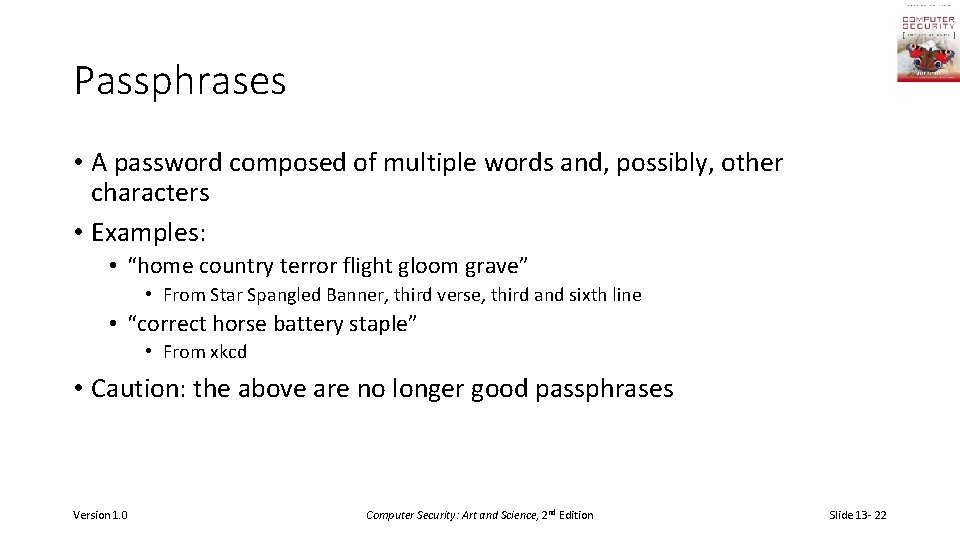
Passphrases • A password composed of multiple words and, possibly, other characters • Examples: • “home country terror flight gloom grave” • From Star Spangled Banner, third verse, third and sixth line • “correct horse battery staple” • From xkcd • Caution: the above are no longer good passphrases Version 1. 0 Computer Security: Art and Science, 2 nd Edition Slide 13 - 22
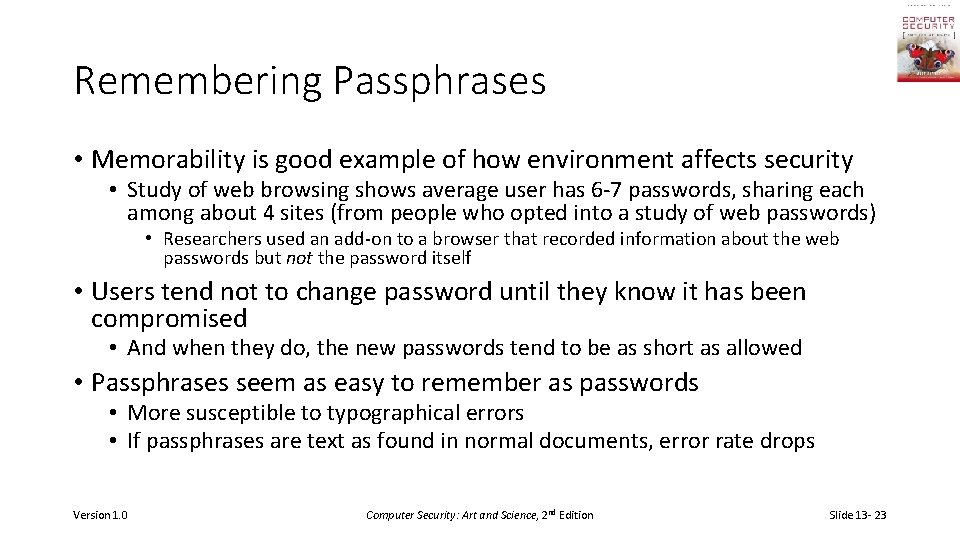
Remembering Passphrases • Memorability is good example of how environment affects security • Study of web browsing shows average user has 6 -7 passwords, sharing each among about 4 sites (from people who opted into a study of web passwords) • Researchers used an add-on to a browser that recorded information about the web passwords but not the password itself • Users tend not to change password until they know it has been compromised • And when they do, the new passwords tend to be as short as allowed • Passphrases seem as easy to remember as passwords • More susceptible to typographical errors • If passphrases are text as found in normal documents, error rate drops Version 1. 0 Computer Security: Art and Science, 2 nd Edition Slide 13 - 23
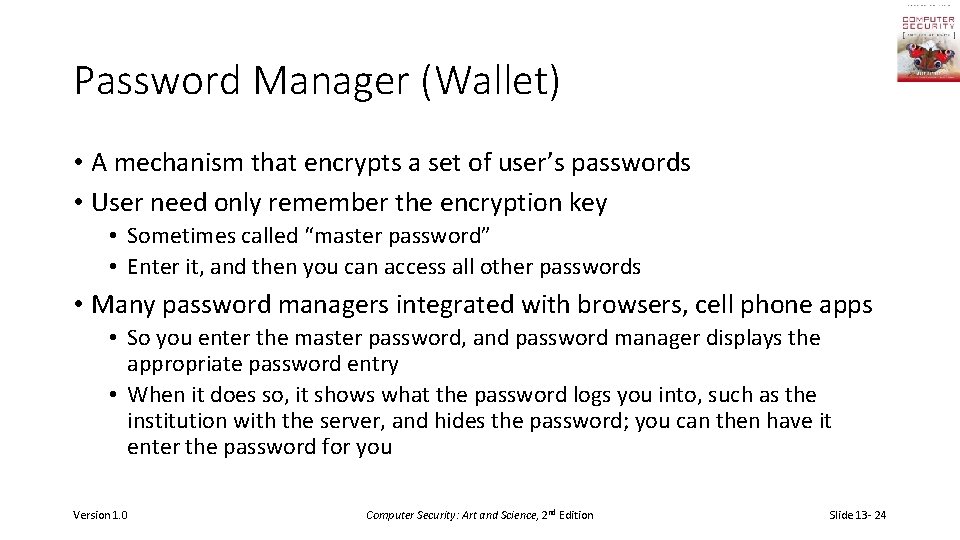
Password Manager (Wallet) • A mechanism that encrypts a set of user’s passwords • User need only remember the encryption key • Sometimes called “master password” • Enter it, and then you can access all other passwords • Many password managers integrated with browsers, cell phone apps • So you enter the master password, and password manager displays the appropriate password entry • When it does so, it shows what the password logs you into, such as the institution with the server, and hides the password; you can then have it enter the password for you Version 1. 0 Computer Security: Art and Science, 2 nd Edition Slide 13 - 24
Salting • Goal: slow dictionary attacks • Method: perturb hash function so that: • Parameter controls which hash function is used • Parameter differs for each password • So given n password hashes, and therefore n salts, need to hash guess n Version 1. 0 Computer Security: Art and Science, 2 nd Edition Slide 13 - 25
Examples • Vanilla UNIX method • Use DES to encipher 0 message with password as key; iterate 25 times • Perturb E table in DES in one of 4096 ways • 12 bit salt flips entries 1– 11 with entries 25– 36 • Alternate methods • Use salt as first part of input to hash function Version 1. 0 Computer Security: Art and Science, 2 nd Edition Slide 13 - 26
Dictionary Attacks • Trial-and-error from a list of potential passwords • Off-line: know f and c’s, and repeatedly try different guesses g A until the list is done or passwords guessed • Examples: crack, john-the-ripper • On-line: have access to functions in L and try guesses g until some l(g) succeeds • Examples: trying to log in by guessing a password Version 1. 0 Computer Security: Art and Science, 2 nd Edition Slide 13 - 27
Using Time Anderson’s formula: • P probability of guessing a password in specified period of time • G number of guesses tested in 1 time unit • T number of time units • N number of possible passwords (|A|) • Then P ≥ TG/N Version 1. 0 Computer Security: Art and Science, 2 nd Edition Slide 13 - 28
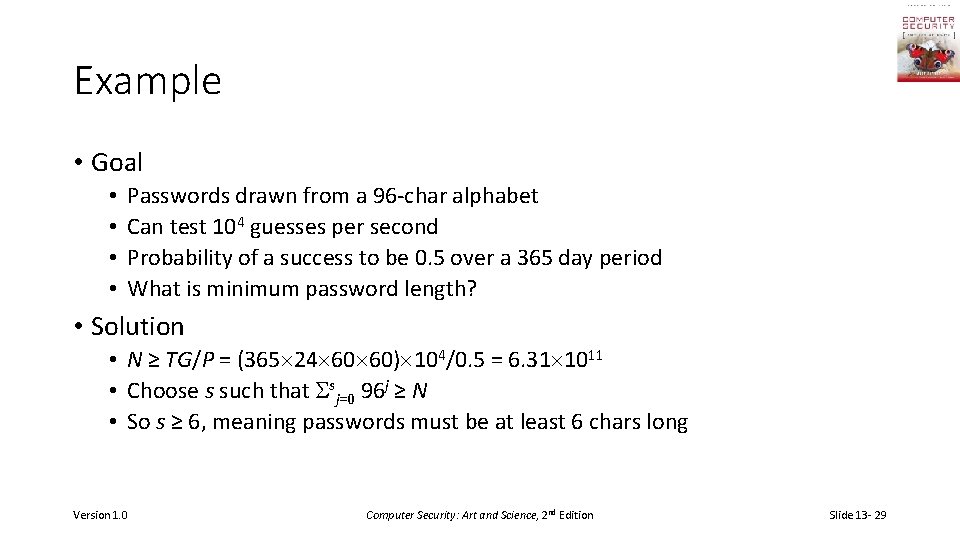
Example • Goal • • Passwords drawn from a 96 -char alphabet Can test 104 guesses per second Probability of a success to be 0. 5 over a 365 day period What is minimum password length? • Solution • N ≥ TG/P = (365 24 60 60) 104/0. 5 = 6. 31 1011 • Choose s such that sj=0 96 j ≥ N • So s ≥ 6, meaning passwords must be at least 6 chars long Version 1. 0 Computer Security: Art and Science, 2 nd Edition Slide 13 - 29
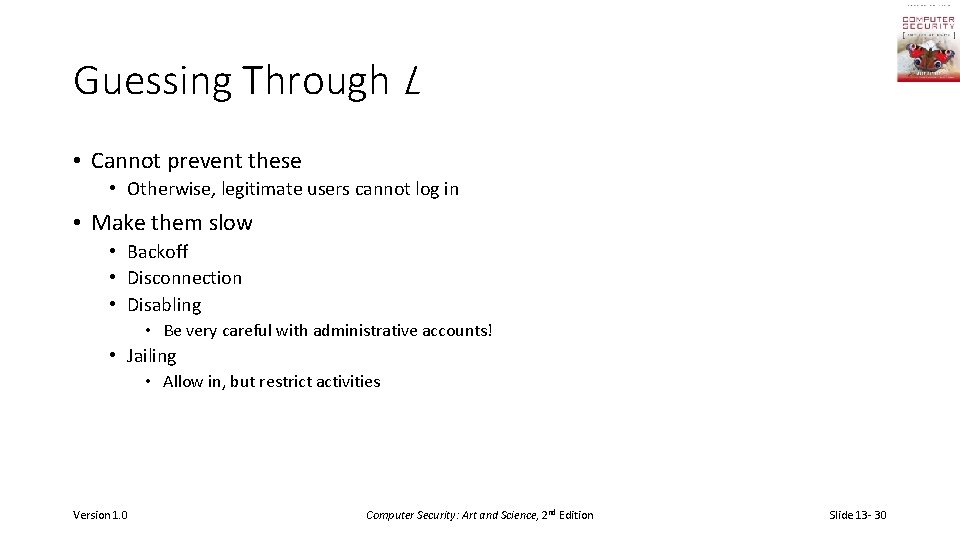
Guessing Through L • Cannot prevent these • Otherwise, legitimate users cannot log in • Make them slow • Backoff • Disconnection • Disabling • Be very careful with administrative accounts! • Jailing • Allow in, but restrict activities Version 1. 0 Computer Security: Art and Science, 2 nd Edition Slide 13 - 30
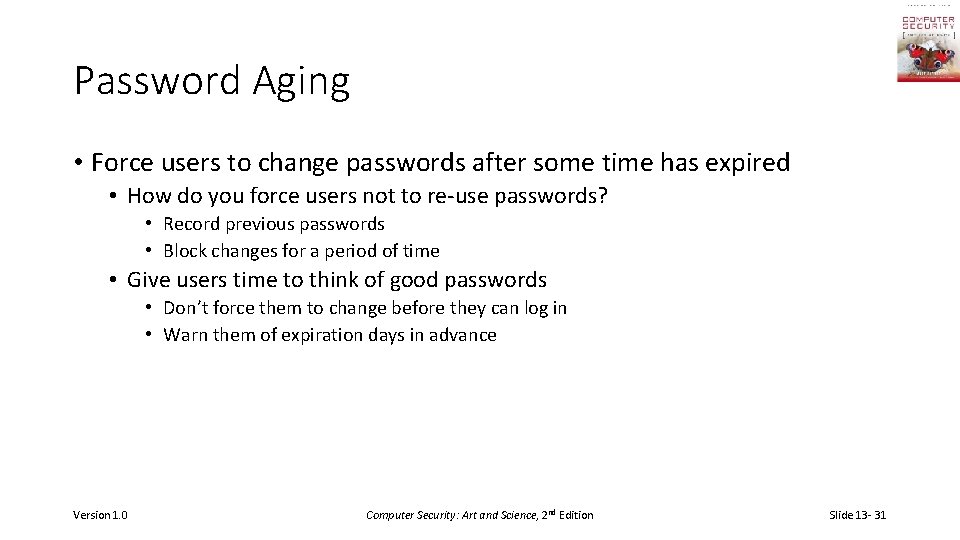
Password Aging • Force users to change passwords after some time has expired • How do you force users not to re-use passwords? • Record previous passwords • Block changes for a period of time • Give users time to think of good passwords • Don’t force them to change before they can log in • Warn them of expiration days in advance Version 1. 0 Computer Security: Art and Science, 2 nd Edition Slide 13 - 31
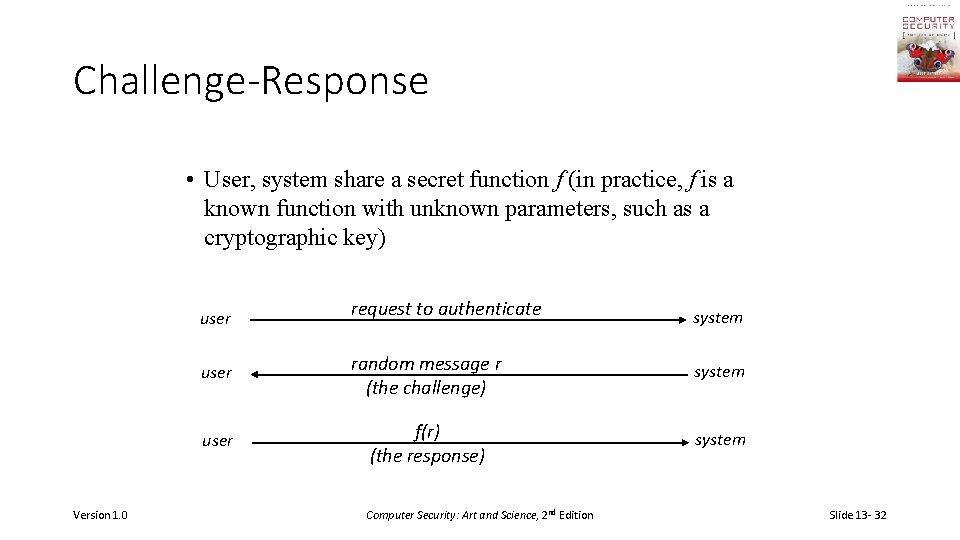
Challenge-Response • User, system share a secret function f (in practice, f is a known function with unknown parameters, such as a cryptographic key) Version 1. 0 user request to authenticate system user random message r (the challenge) system user f(r) (the response) system Computer Security: Art and Science, 2 nd Edition Slide 13 - 32
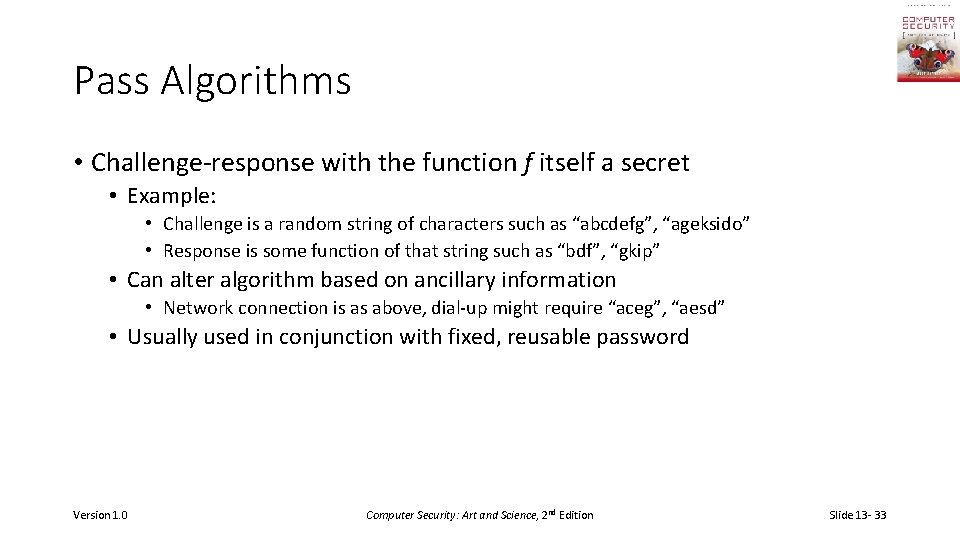
Pass Algorithms • Challenge-response with the function f itself a secret • Example: • Challenge is a random string of characters such as “abcdefg”, “ageksido” • Response is some function of that string such as “bdf”, “gkip” • Can alter algorithm based on ancillary information • Network connection is as above, dial-up might require “aceg”, “aesd” • Usually used in conjunction with fixed, reusable password Version 1. 0 Computer Security: Art and Science, 2 nd Edition Slide 13 - 33
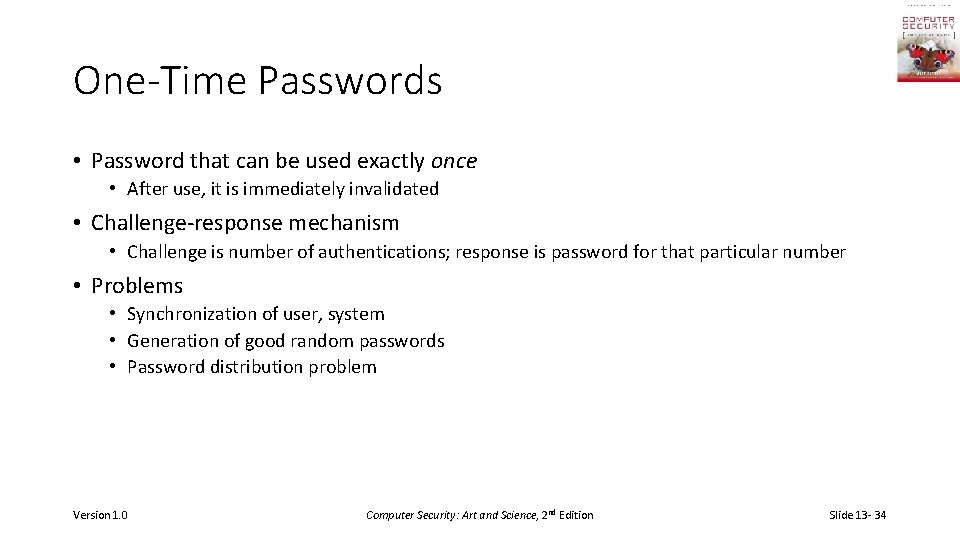
One-Time Passwords • Password that can be used exactly once • After use, it is immediately invalidated • Challenge-response mechanism • Challenge is number of authentications; response is password for that particular number • Problems • Synchronization of user, system • Generation of good random passwords • Password distribution problem Version 1. 0 Computer Security: Art and Science, 2 nd Edition Slide 13 - 34
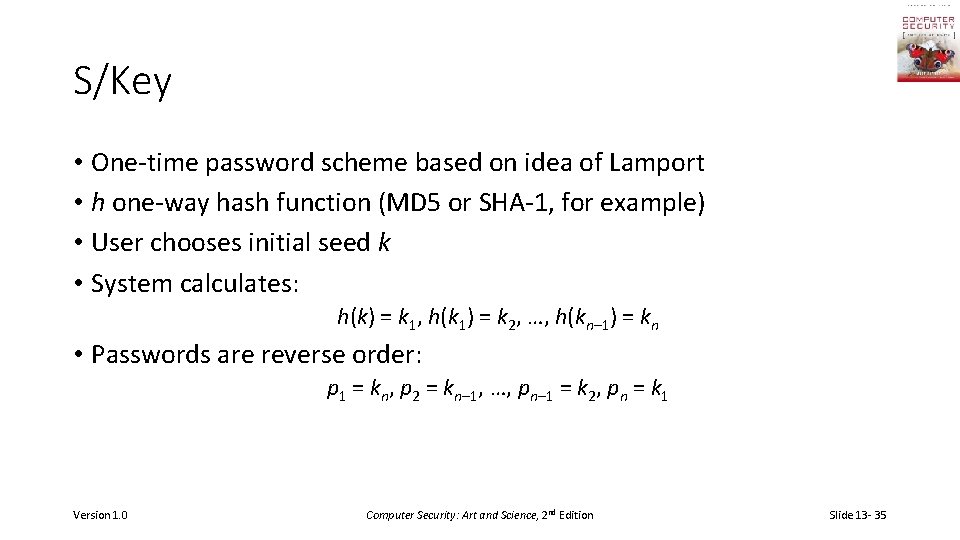
S/Key • One-time password scheme based on idea of Lamport • h one-way hash function (MD 5 or SHA-1, for example) • User chooses initial seed k • System calculates: h(k) = k 1, h(k 1) = k 2, …, h(kn– 1) = kn • Passwords are reverse order: p 1 = kn, p 2 = kn– 1, …, pn– 1 = k 2, pn = k 1 Version 1. 0 Computer Security: Art and Science, 2 nd Edition Slide 13 - 35
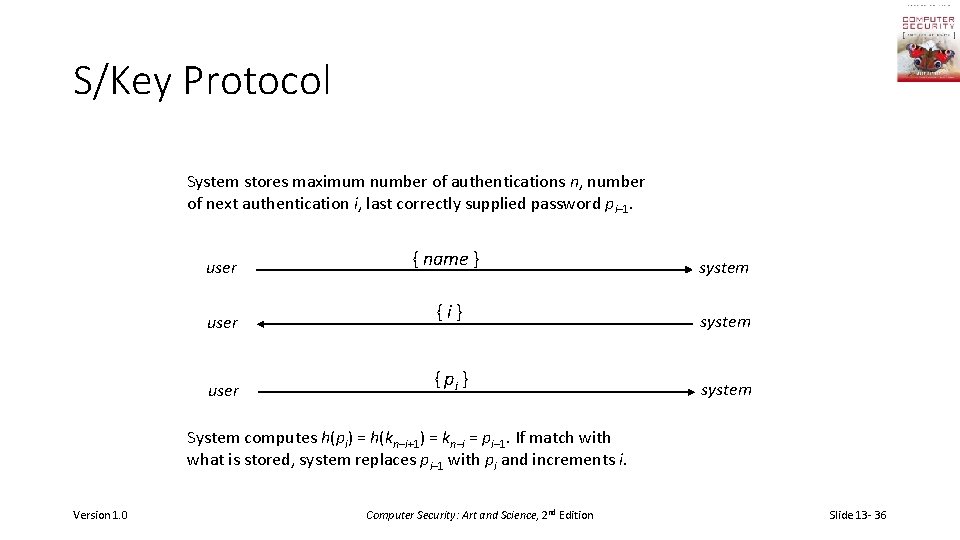
S/Key Protocol System stores maximum number of authentications n, number of next authentication i, last correctly supplied password pi– 1. user { name } system user {i} system user { pi } system System computes h(pi) = h(kn–i+1) = kn–i = pi– 1. If match with what is stored, system replaces pi– 1 with pi and increments i. Version 1. 0 Computer Security: Art and Science, 2 nd Edition Slide 13 - 36
Hardware Support • Token-based • Used to compute response to challenge • May encipher or hash challenge • May require PIN from user • Temporally-based • Every minute (or so) different number shown • Computer knows what number to expect when • User enters number and fixed password Version 1. 0 Computer Security: Art and Science, 2 nd Edition Slide 13 - 37
C-R and Dictionary Attacks • Same as for fixed passwords • Attacker knows challenge r and response f(r); if f encryption function, can try different keys • May only need to know form of response; attacker can tell if guess correct by looking to see if deciphered object is of right form • Example: Kerberos Version 4 used DES, but keys had 20 bits of randomness; Purdue attackers guessed keys quickly because deciphered tickets had a fixed set of bits in some locations Version 1. 0 Computer Security: Art and Science, 2 nd Edition Slide 13 - 38
Encrypted Key Exchange • Defeats off-line dictionary attacks • Idea: random challenges enciphered, so attacker cannot verify correct decipherment of challenge • Assume Alice, Bob share secret password s • In what follows, Alice needs to generate a random public key p and a corresponding private key q • Also, k is a randomly generated session key, and RA and RB are random challenges Version 1. 0 Computer Security: Art and Science, 2 nd Edition Slide 13 - 39
EKE Protocol Alice || Es(p) Bob Alice Es(Ep(k)) Bob Now Alice, Bob share a randomly generated secret session key k Version 1. 0 Alice Ek(RA) Bob Alice Ek(RARB) Bob Alice Ek(RB) Bob Computer Security: Art and Science, 2 nd Edition Slide 13 - 40
Biometrics • Automated measurement of biological, behavioral features that identify a person • Fingerprints: optical or electrical techniques • Maps fingerprint into a graph, then compares with database • Measurements imprecise, so approximate matching algorithms used • Voices: speaker verification or recognition • Verification: uses statistical techniques to test hypothesis that speaker is who is claimed (speaker dependent) • Recognition: checks content of answers (speaker independent) Version 1. 0 Computer Security: Art and Science, 2 nd Edition Slide 13 - 41
Other Characteristics • Can use several other characteristics • Eyes: patterns in irises unique • Measure patterns, determine if differences are random; or correlate images using statistical tests • Faces: image, or specific characteristics like distance from nose to chin • Lighting, view of face, other noise can hinder this • Keystroke dynamics: believed to be unique • Keystroke intervals, pressure, duration of stroke, where key is struck • Statistical tests used Version 1. 0 Computer Security: Art and Science, 2 nd Edition Slide 13 - 42
Cautions • These can be fooled! • Assumes biometric device accurate in the environment it is being used in! • Transmission of data to validator is tamperproof, correct Version 1. 0 Computer Security: Art and Science, 2 nd Edition Slide 13 - 43
Location • If you know where user is, validate identity by seeing if person is where the user is • Requires special-purpose hardware to locate user • GPS (global positioning system) device gives location signature of entity • Host uses LSS (location signature sensor) to get signature for entity Version 1. 0 Computer Security: Art and Science, 2 nd Edition Slide 13 - 44
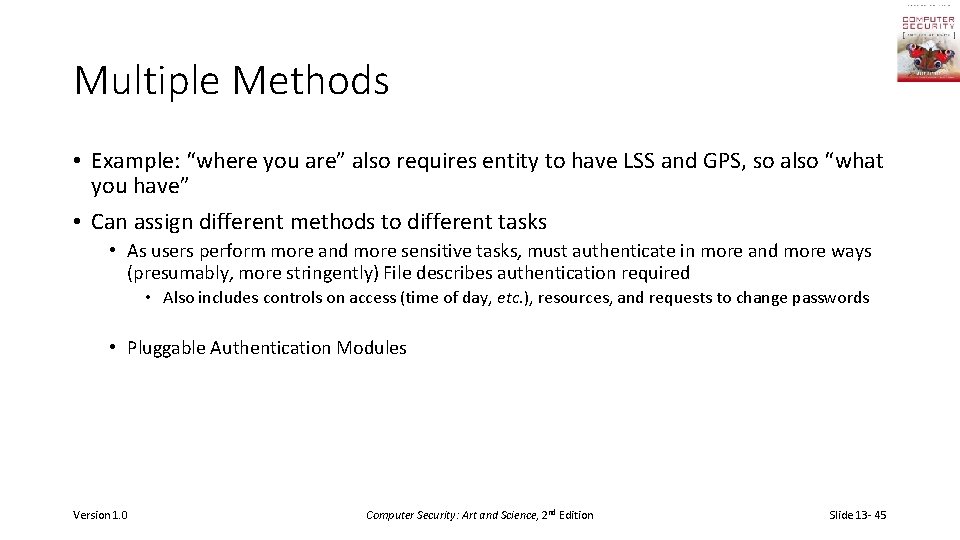
Multiple Methods • Example: “where you are” also requires entity to have LSS and GPS, so also “what you have” • Can assign different methods to different tasks • As users perform more and more sensitive tasks, must authenticate in more and more ways (presumably, more stringently) File describes authentication required • Also includes controls on access (time of day, etc. ), resources, and requests to change passwords • Pluggable Authentication Modules Version 1. 0 Computer Security: Art and Science, 2 nd Edition Slide 13 - 45
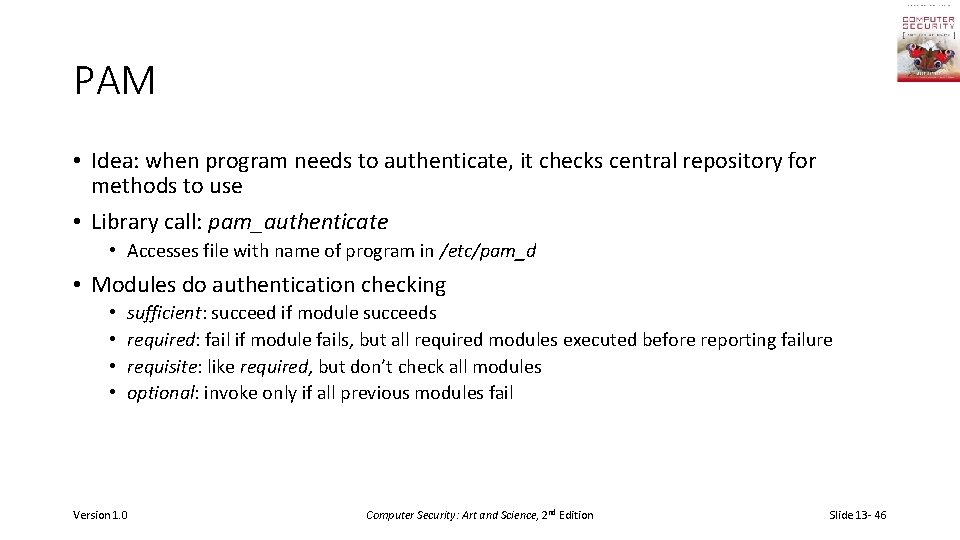
PAM • Idea: when program needs to authenticate, it checks central repository for methods to use • Library call: pam_authenticate • Accesses file with name of program in /etc/pam_d • Modules do authentication checking • • sufficient: succeed if module succeeds required: fail if module fails, but all required modules executed before reporting failure requisite: like required, but don’t check all modules optional: invoke only if all previous modules fail Version 1. 0 Computer Security: Art and Science, 2 nd Edition Slide 13 - 46
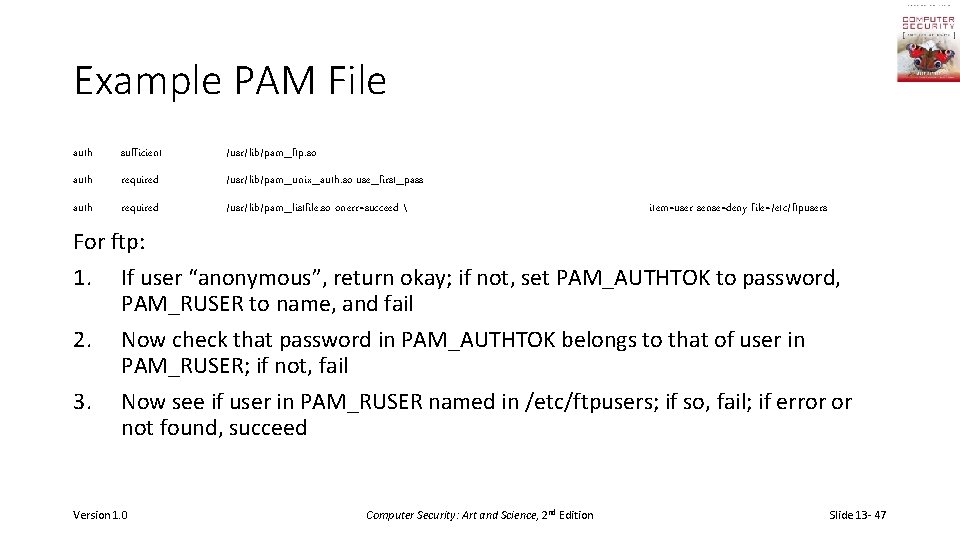
Example PAM File auth sufficient /usr/lib/pam_ftp. so auth required /usr/lib/pam_unix_auth. so use_first_pass auth required /usr/lib/pam_listfile. so onerr=succeed item=user sense=deny file=/etc/ftpusers For ftp: 1. If user “anonymous”, return okay; if not, set PAM_AUTHTOK to password, PAM_RUSER to name, and fail 2. Now check that password in PAM_AUTHTOK belongs to that of user in PAM_RUSER; if not, fail 3. Now see if user in PAM_RUSER named in /etc/ftpusers; if so, fail; if error or not found, succeed Version 1. 0 Computer Security: Art and Science, 2 nd Edition Slide 13 - 47
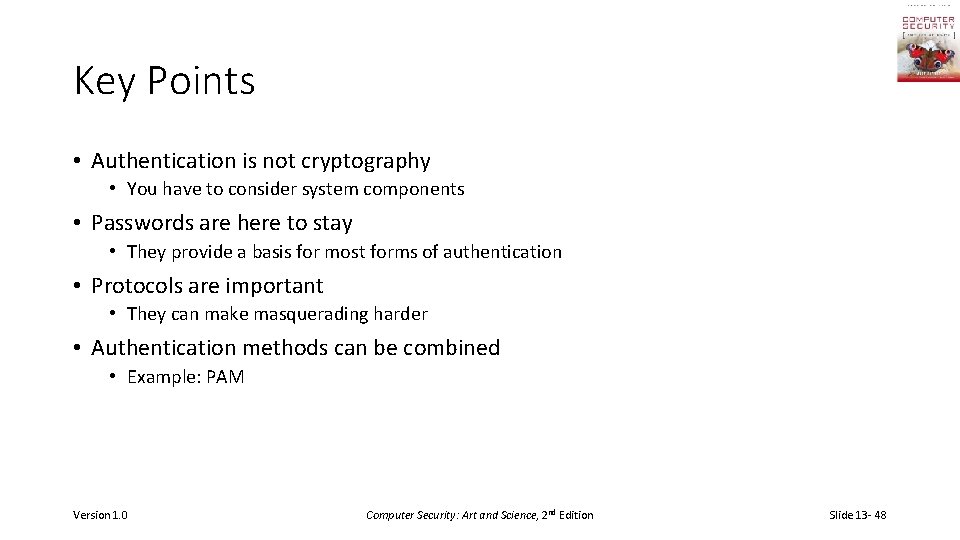
Key Points • Authentication is not cryptography • You have to consider system components • Passwords are here to stay • They provide a basis for most forms of authentication • Protocols are important • They can make masquerading harder • Authentication methods can be combined • Example: PAM Version 1. 0 Computer Security: Art and Science, 2 nd Edition Slide 13 - 48