
Aurelia Angular 2 0 light On Speed Pl
- Slides: 24
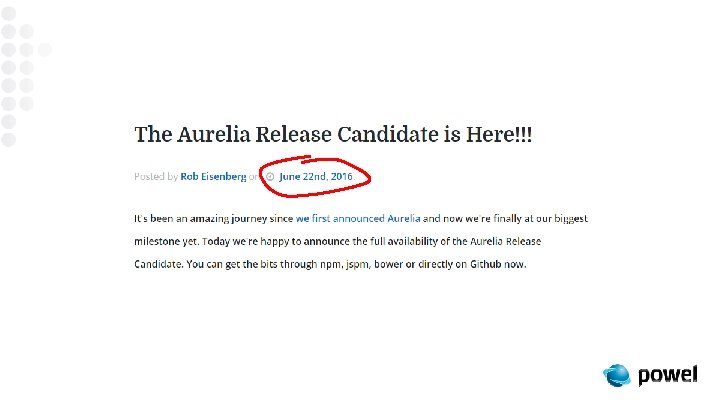
Aurelia – Angular 2. 0 light – On Speed Pål K. Tønder, 23. 06. 2016
Who am I? • 20+ years as developer / architect • Basic, Pascal, C , C++, C#, JS/HTML 5 • Old love: OO, DI, MVVM, XAML • New love: dynamic objects, functional programming +++ • (But you never forget your first love)
Behind every great os project there’s a geek with too much spare time (and no social life)
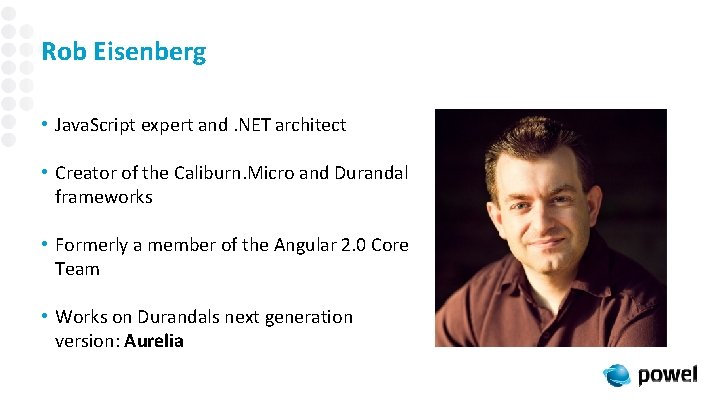
Rob Eisenberg • Java. Script expert and. NET architect • Creator of the Caliburn. Micro and Durandal frameworks • Formerly a member of the Angular 2. 0 Core Team • Works on Durandals next generation version: Aurelia
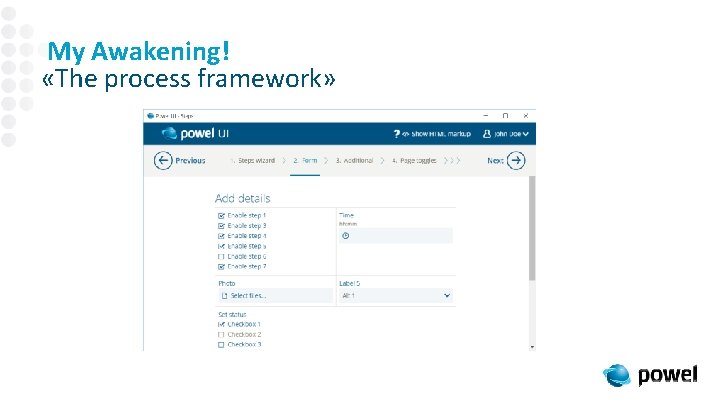
My Awakening! «The process framework»
Aurelia Characteristics • Convention over configuration • Modularity and extensibility • Optimized, two-way binding • Strong focus on web standards • Combining web with lessons from. Net
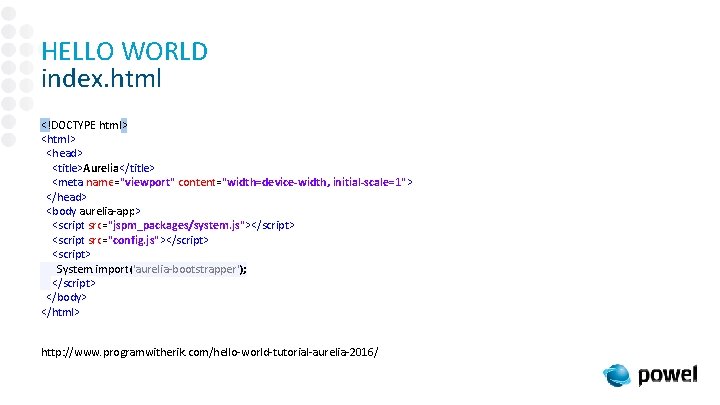
HELLO WORLD index. html <!DOCTYPE html> <head> <title>Aurelia</title> <meta name="viewport" content="width=device-width, initial-scale=1"> </head> <body aurelia-app> <script src="jspm_packages/system. js"></script> <script src="config. js"></script> <script> System. import('aurelia-bootstrapper'); </script> </body> </html> http: //www. programwitherik. com/hello-world-tutorial-aurelia-2016/
HELLO WORLD index. html <!DOCTYPE html> <head> <title>Aurelia</title> <meta name="viewport" content="width=device-width, initial-scale=1"> </head> <body aurelia-app> <script src="jspm_packages/system. js"></script> <script src="config. js"></script> <script> System. import('aurelia-bootstrapper'); </script> </body> </html> http: //www. programwitherik. com/hello-world-tutorial-aurelia-2016/
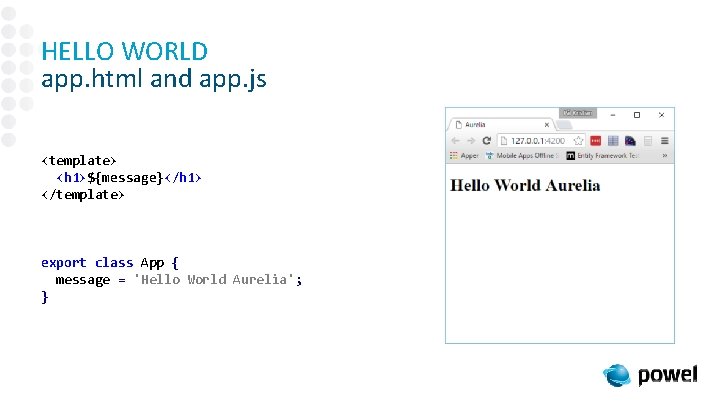
HELLO WORLD app. html and app. js <template> <h 1>${message}</h 1> </template> export class App { message = 'Hello World Aurelia'; }
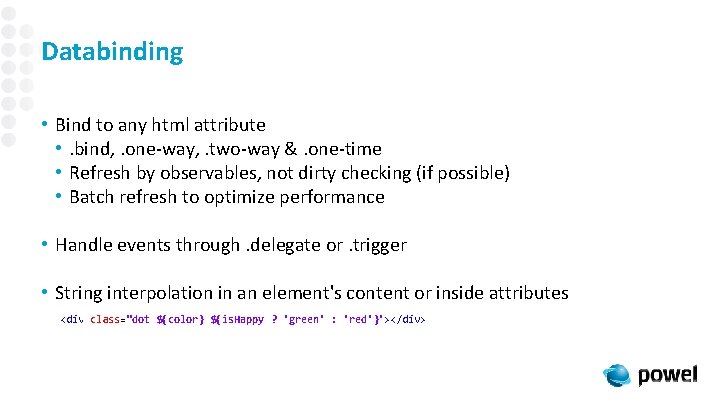
Databinding • Bind to any html attribute • . bind, . one-way, . two-way &. one-time • Refresh by observables, not dirty checking (if possible) • Batch refresh to optimize performance • Handle events through. delegate or. trigger • String interpolation in an element's content or inside attributes <div class="dot ${color} ${is. Happy ? 'green' : 'red'}"></div>
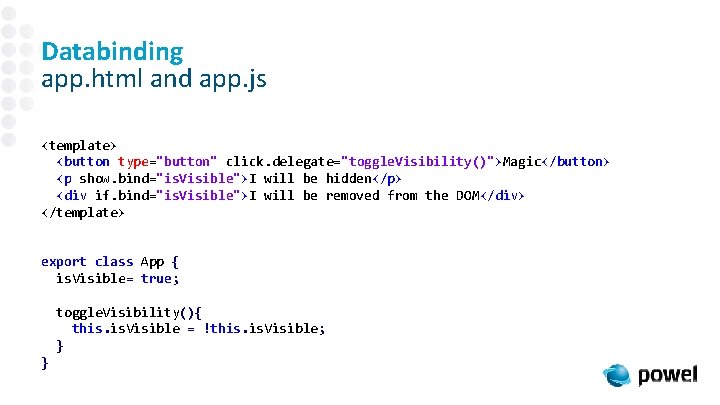
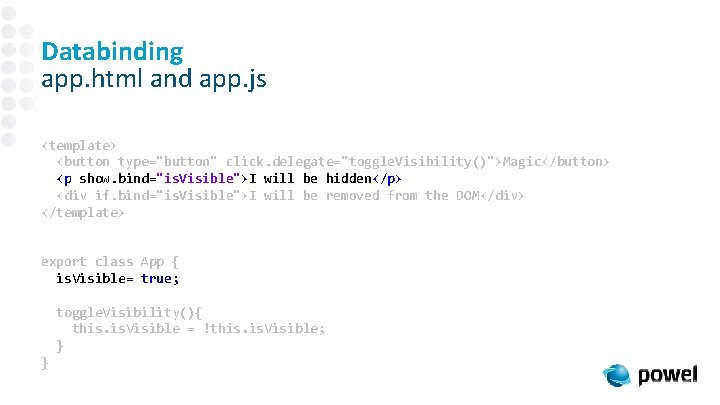
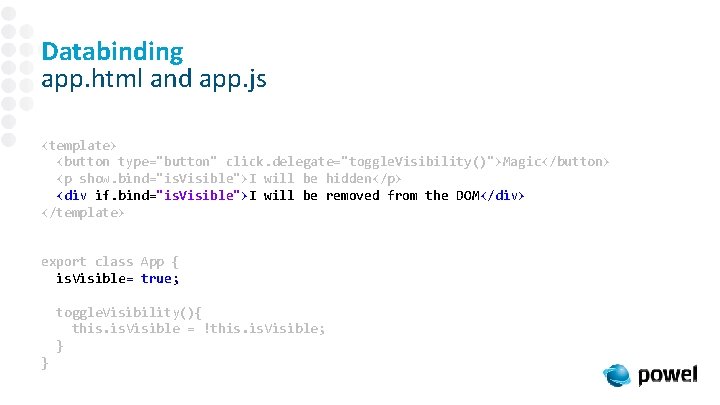
Databinding app. html and app. js <template> <button type="button" click. delegate="toggle. Visibility()">Magic</button> <p show. bind="is. Visible">I will be hidden</p> <div if. bind="is. Visible">I will be removed from the DOM</div> </template> export class App { is. Visible= true; toggle. Visibility(){ this. Visible = !this. Visible; } }
Databinding app. html and app. js <template> <button type="button" click. delegate="toggle. Visibility()">Magic</button> <p show. bind="is. Visible">I will be hidden</p> <div if. bind="is. Visible">I will be removed from the DOM</div> </template> export class App { is. Visible= true; toggle. Visibility(){ this. Visible = !this. Visible; } }
Databinding app. html and app. js <template> <button type="button" click. delegate="toggle. Visibility()">Magic</button> <p show. bind="is. Visible">I will be hidden</p> <div if. bind="is. Visible">I will be removed from the DOM</div> </template> export class App { is. Visible= true; toggle. Visibility(){ this. Visible = !this. Visible; } }
Databinding app. html and app. js <template> <button type="button" click. delegate="toggle. Visibility()">Magic</button> <p show. bind="is. Visible">I will be hidden</p> <div if. bind="is. Visible">I will be removed from the DOM</div> </template> export class App { is. Visible= true; toggle. Visibility(){ this. Visible = !this. Visible; } }
The Demo app Aurelia Features
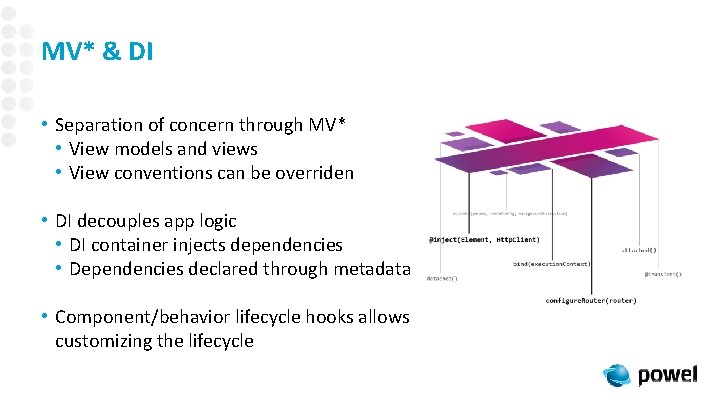
MV* & DI • Separation of concern through MV* • View models and views • View conventions can be overriden • DI decouples app logic • DI container injects dependencies • Dependencies declared through metadata • Component/behavior lifecycle hooks allows customizing the lifecycle
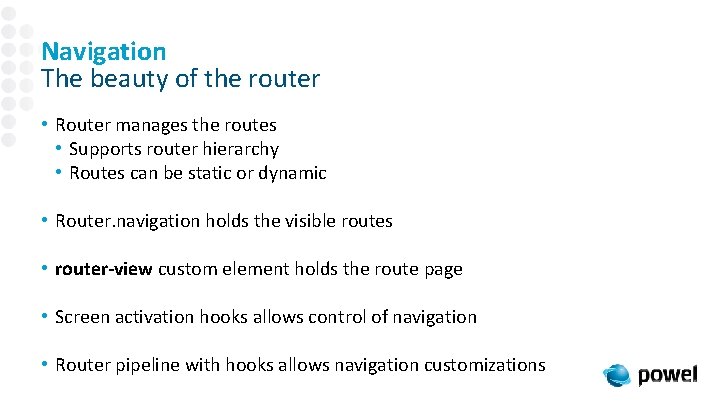
Navigation The beauty of the router • Router manages the routes • Supports router hierarchy • Routes can be static or dynamic • Router. navigation holds the visible routes • router-view custom element holds the route page • Screen activation hooks allows control of navigation • Router pipeline with hooks allows navigation customizations
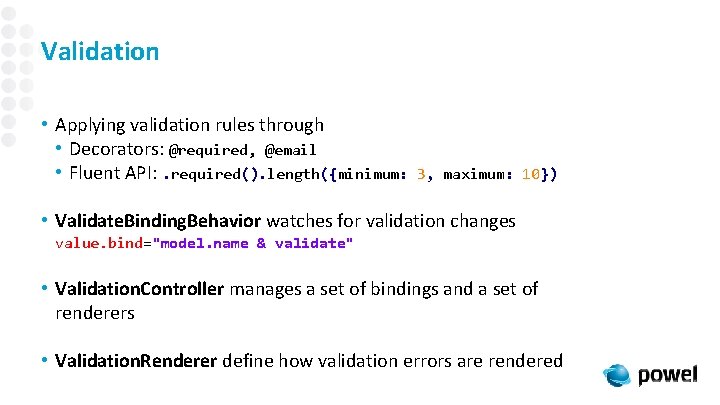
Validation • Applying validation rules through • Decorators: @required, @email • Fluent API: . required(). length({minimum: 3, maximum: 10}) • Validate. Binding. Behavior watches for validation changes value. bind="model. name & validate" • Validation. Controller manages a set of bindings and a set of renderers • Validation. Renderer define how validation errors are rendered
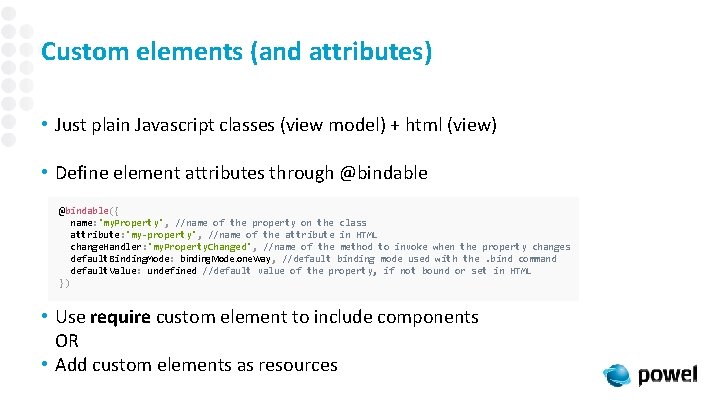
Custom elements (and attributes) • Just plain Javascript classes (view model) + html (view) • Define element attributes through @bindable({ name: 'my. Property', //name of the property on the class attribute: 'my-property', //name of the attribute in HTML change. Handler: 'my. Property. Changed', //name of the method to invoke when the property changes default. Binding. Mode: binding. Mode. one. Way, //default binding mode used with the. bind command default. Value: undefined //default value of the property, if not bound or set in HTML }) • Use require custom element to include components OR • Add custom elements as resources
Extending Aurelia • Plugin framework • Allows external libraries access to Aurelia configuration instance • Replacable components • Router • Binding language • Templating resources • Animation library • Validation library • Pipelines with hooks
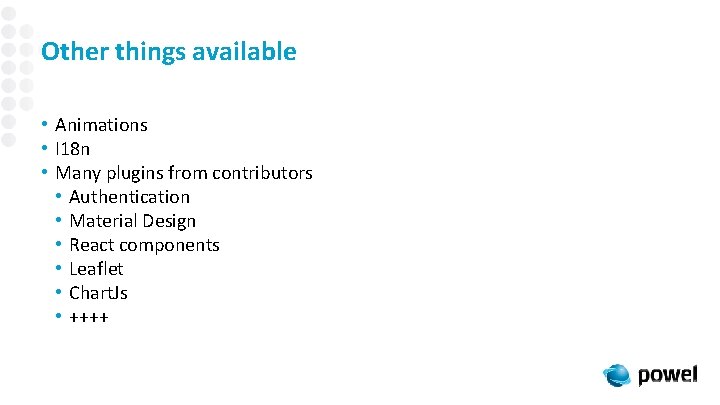
Other things available • Animations • I 18 n • Many plugins from contributors • Authentication • Material Design • React components • Leaflet • Chart. Js • ++++
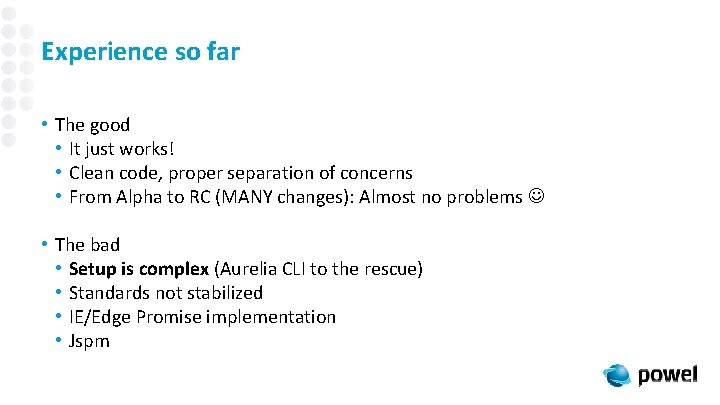
Experience so far • The good • It just works! • Clean code, proper separation of concerns • From Alpha to RC (MANY changes): Almost no problems • The bad • Setup is complex (Aurelia CLI to the rescue) • Standards not stabilized • IE/Edge Promise implementation • Jspm
References • http: //aurelia. io/docs. html#/aurelia/framework/1. 0. 0 beta. 1. 2. 4/doc/article/cheat-sheet • https: //www. danyow. net/inversion-of-control-with-aurelia-part-1/ • https: //www. danyow. net/inversion-of-control-with-aurelia-part-2/