
Audio Testing For Devices And Systems Using DTM
- Slides: 27
Audio Testing For Devices And Systems Using DTM Roland Saad Software Design Engineer in Test Microsoft Corporation
Key Takeaways Great customer experience with audio on Windows Vista Show reasons that drive audio testing requirements Discuss some of the major audio problems faced
Agenda Windows Logo Program (WLP) and Driver Test Manager (DTM) UAA Initiative Audio Fidelity Motivation New Windows Vista Audio Tests Audio Fidelity Test Common Design Issues Retiring Errata
WLP And DTM Current Windows Logo Program (WLP) Requirements v. 3. 0 Driver Test Manager (DTM) Harness to run tests on your driver for Windows Logo Program
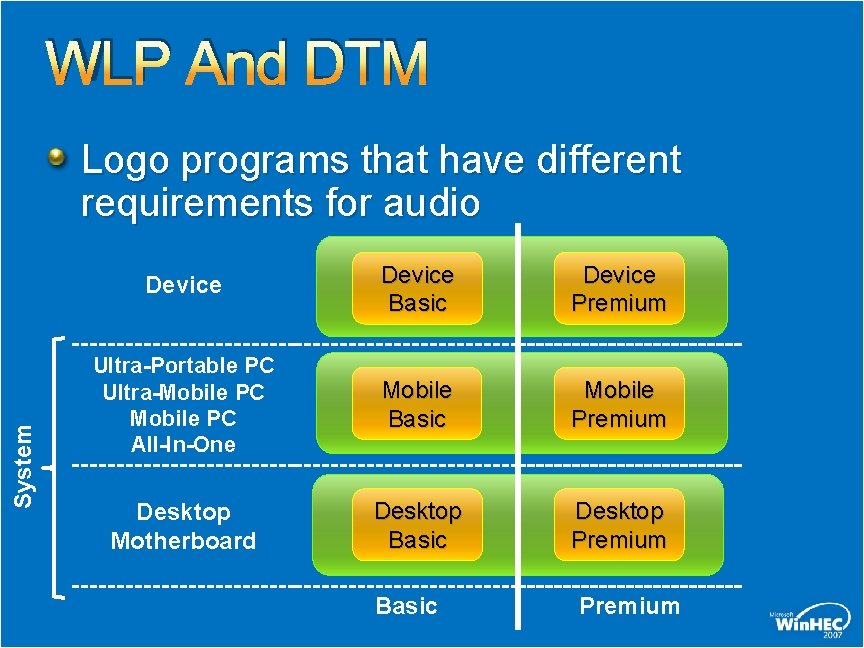
WLP And DTM System Logo programs that have different requirements for audio Device Basic Device Premium Ultra-Portable PC Ultra-Mobile PC All-In-One Mobile Basic Mobile Premium Desktop Motherboard Desktop Basic Desktop Premium Basic Premium
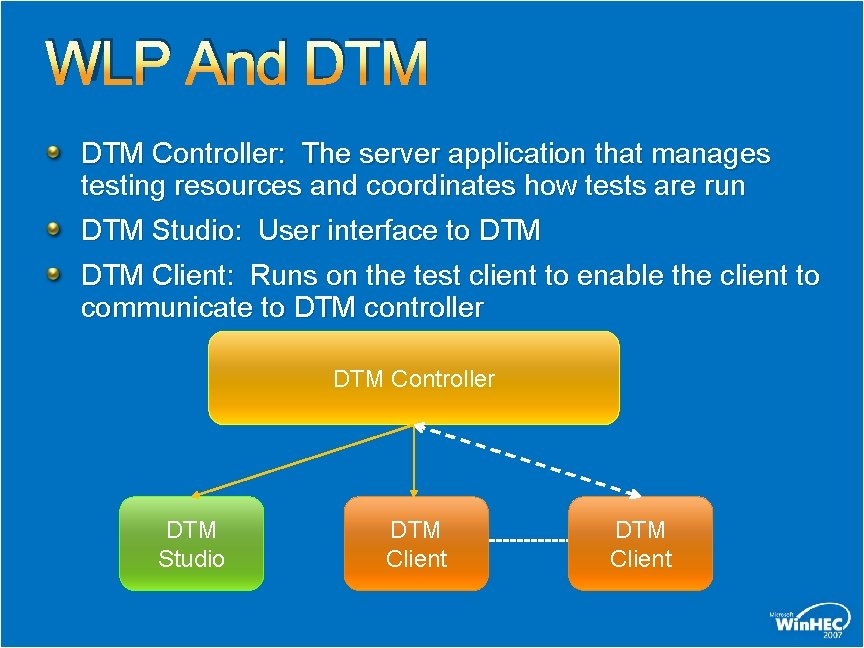
WLP And DTM Controller: The server application that manages testing resources and coordinates how tests are run DTM Studio: User interface to DTM Client: Runs on the test client to enable the client to communicate to DTM controller DTM Controller DTM Studio DTM Client
UAA Initiative Universal Audio Architecture (UAA) Initiative Class drivers Great customer experience Standards supported by UAA High Definition (HD) Audio (most systems) USB Audio
UAA Initiative HD Audio BIOS needs to program pin configuration registers in audio codec Describes jacks and internal connections http: //www. microsoft. com/whdc/device/audio/Pin. Config. mspx BIOS needs to program Sub. System. ID register http: //www. microsoft. com/whdc/device/audio/HDaud_Pn. P. mspx Jack Presence detect requires special circuitry on the motherboard
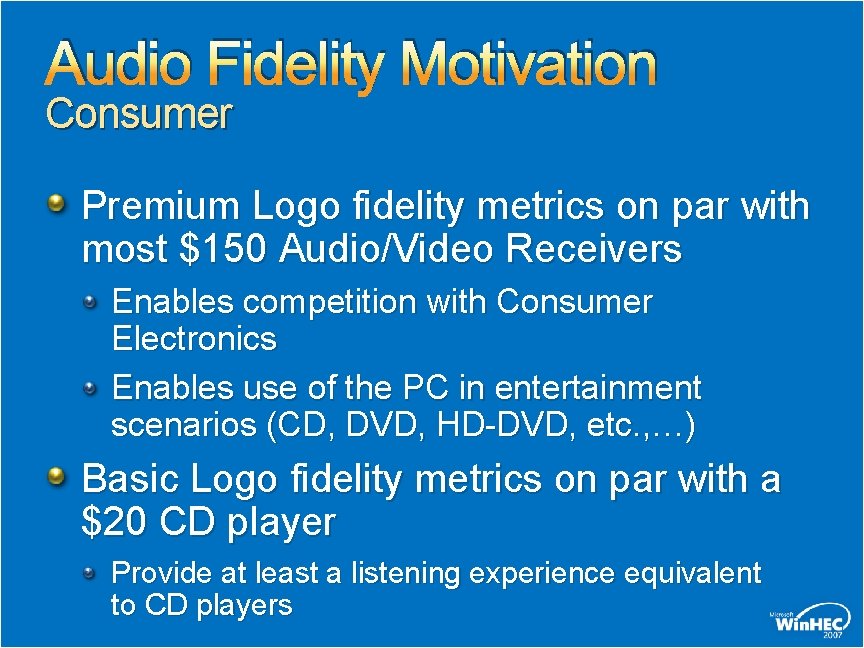
Audio Fidelity Motivation Consumer Premium Logo fidelity metrics on par with most $150 Audio/Video Receivers Enables competition with Consumer Electronics Enables use of the PC in entertainment scenarios (CD, DVD, HD-DVD, etc. , …) Basic Logo fidelity metrics on par with a $20 CD player Provide at least a listening experience equivalent to CD players
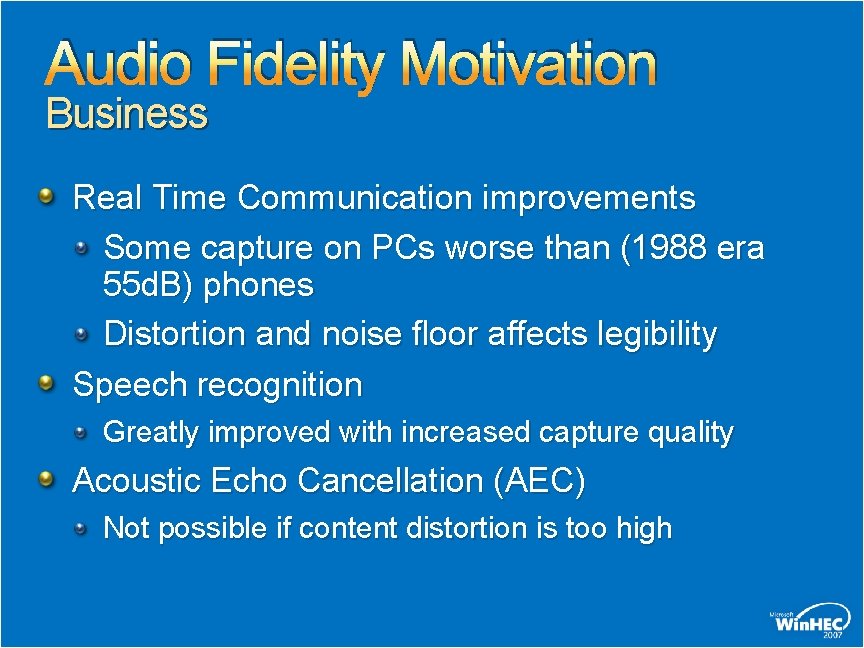
Audio Fidelity Motivation Business Real Time Communication improvements Some capture on PCs worse than (1988 era 55 d. B) phones Distortion and noise floor affects legibility Speech recognition Greatly improved with increased capture quality Acoustic Echo Cancellation (AEC) Not possible if content distortion is too high
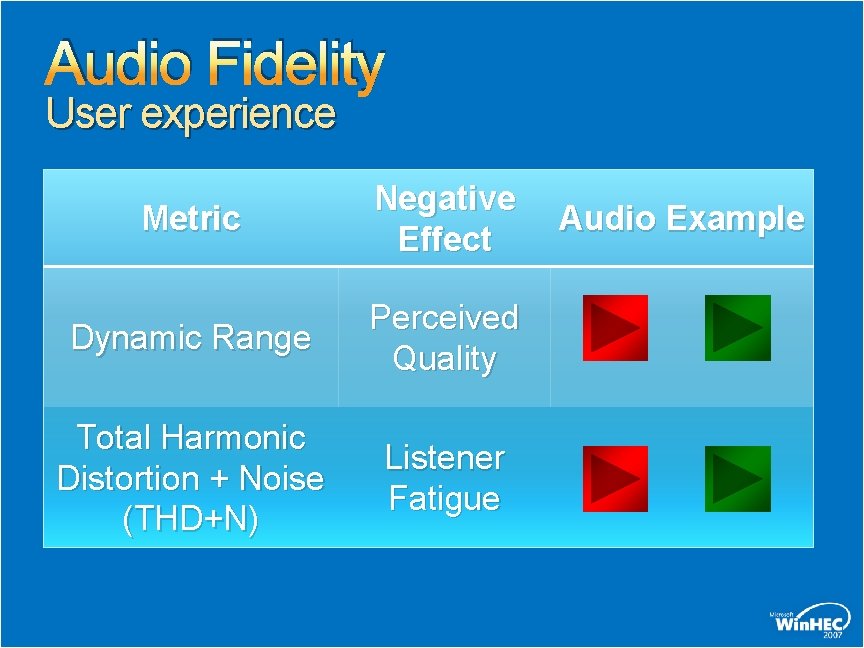
Audio Fidelity User experience Metric Negative Effect Dynamic Range Perceived Quality Total Harmonic Distortion + Noise (THD+N) Listener Fatigue Audio Example
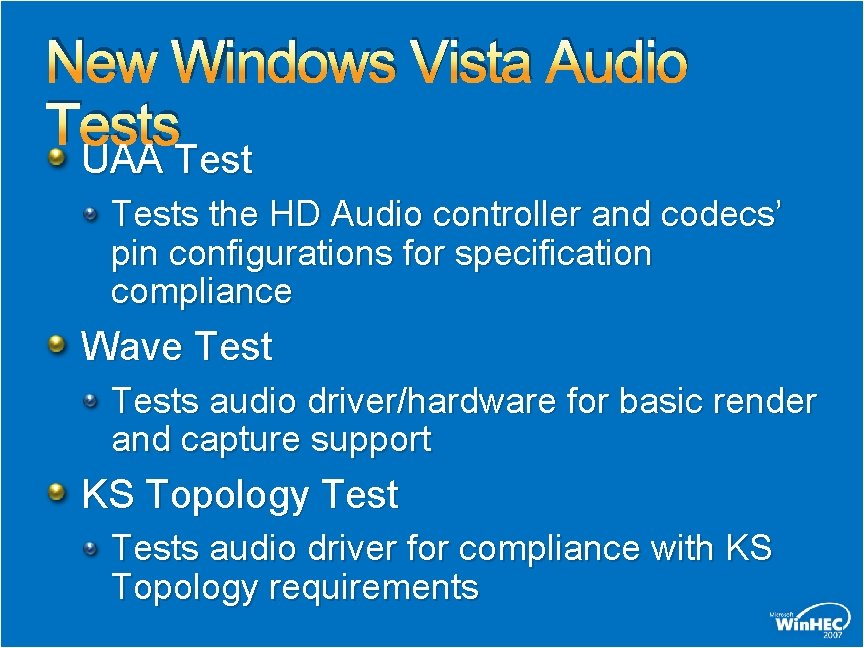
New Windows Vista Audio Tests UAA Tests the HD Audio controller and codecs’ pin configurations for specification compliance Wave Tests audio driver/hardware for basic render and capture support KS Topology Tests audio driver for compliance with KS Topology requirements
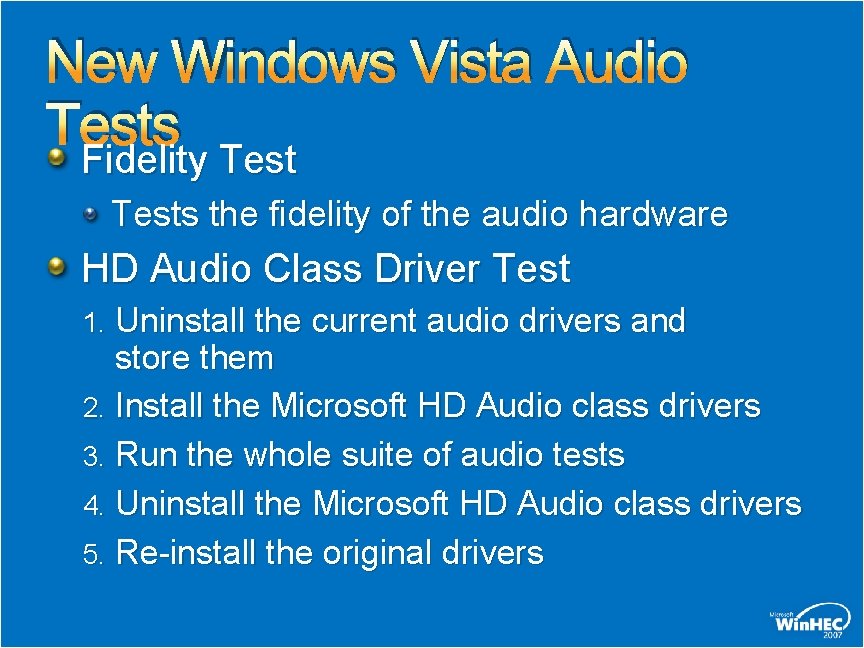
New Windows Vista Audio Tests Fidelity Tests the fidelity of the audio hardware HD Audio Class Driver Test 1. Uninstall the current audio drivers and store them 2. Install the Microsoft HD Audio class drivers 3. Run the whole suite of audio tests 4. Uninstall the Microsoft HD Audio class drivers 5. Re-install the original drivers
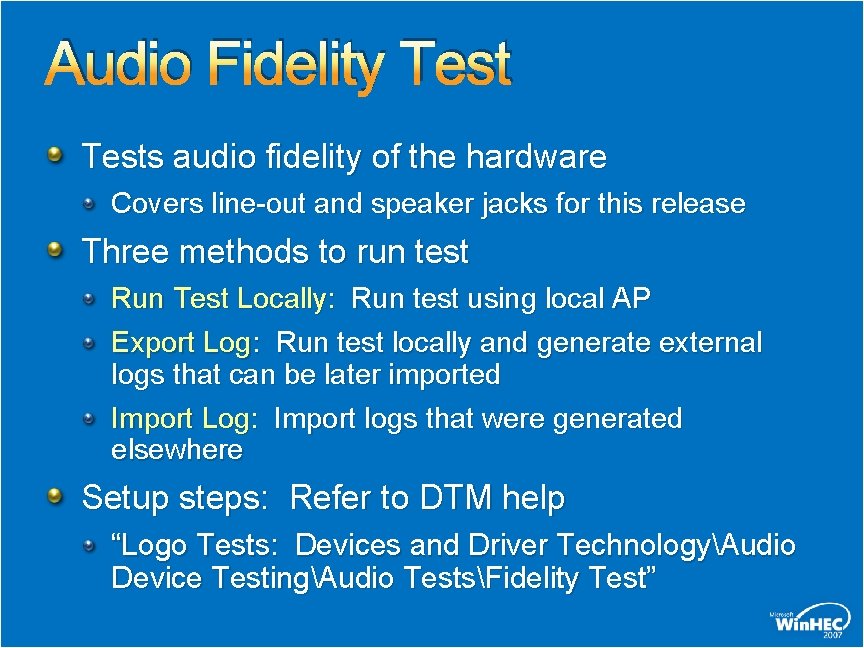
Audio Fidelity Tests audio fidelity of the hardware Covers line-out and speaker jacks for this release Three methods to run test Run Test Locally: Run test using local AP Export Log: Run test locally and generate external logs that can be later imported Import Log: Import logs that were generated elsewhere Setup steps: Refer to DTM help “Logo Tests: Devices and Driver TechnologyAudio Device TestingAudio TestsFidelity Test”
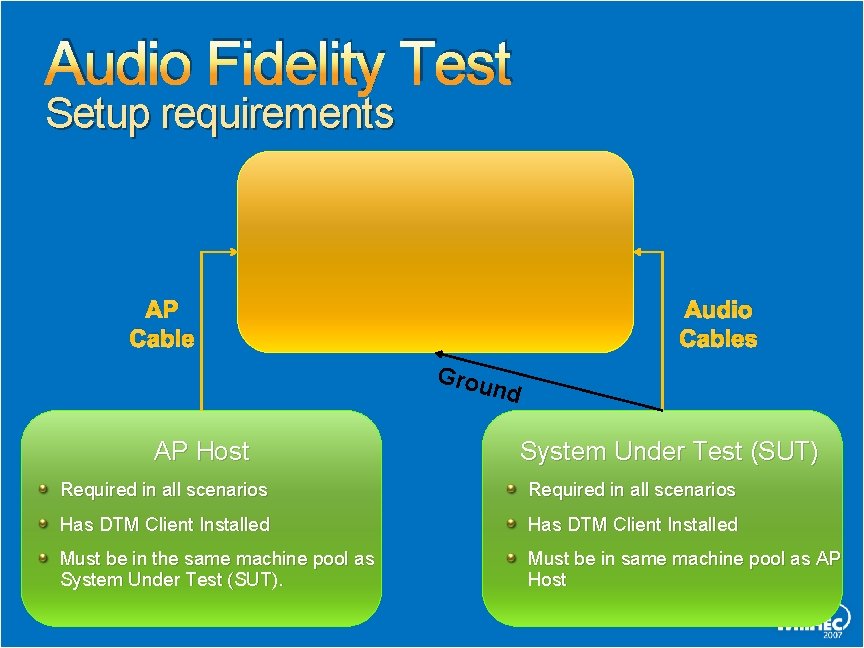
Audio Fidelity Test Setup requirements Audio Precision (AP) Equipment Only required when running locally or in export mode AP Cable System-2 or AP 2700 compatible Audio Cables Grou nd AP Host System Under Test (SUT) Required in all scenarios Has DTM Client Installed Must be in the same machine pool as System Under Test (SUT). Must be in same machine pool as AP Host
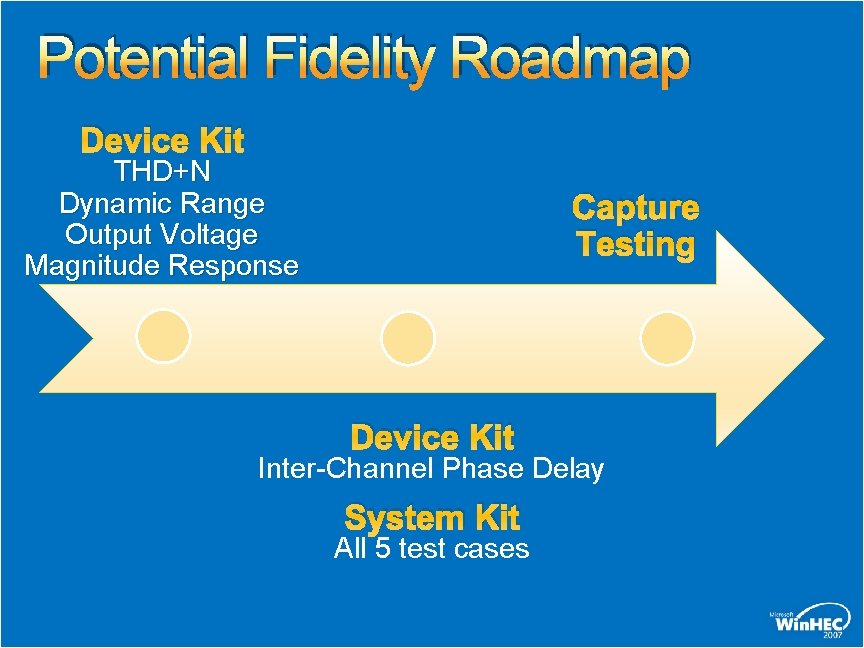
Potential Fidelity Roadmap Device Kit THD+N Dynamic Range Output Voltage Magnitude Response Capture Testing Device Kit Inter-Channel Phase Delay System Kit All 5 test cases
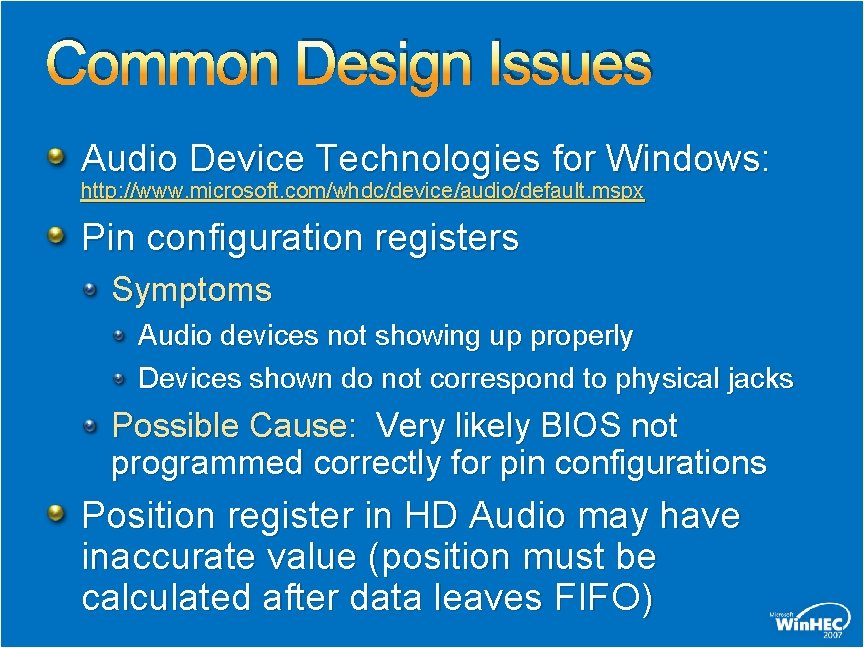
Common Design Issues Audio Device Technologies for Windows: http: //www. microsoft. com/whdc/device/audio/default. mspx Pin configuration registers Symptoms Audio devices not showing up properly Devices shown do not correspond to physical jacks Possible Cause: Very likely BIOS not programmed correctly for pin configurations Position register in HD Audio may have inaccurate value (position must be calculated after data leaves FIFO)
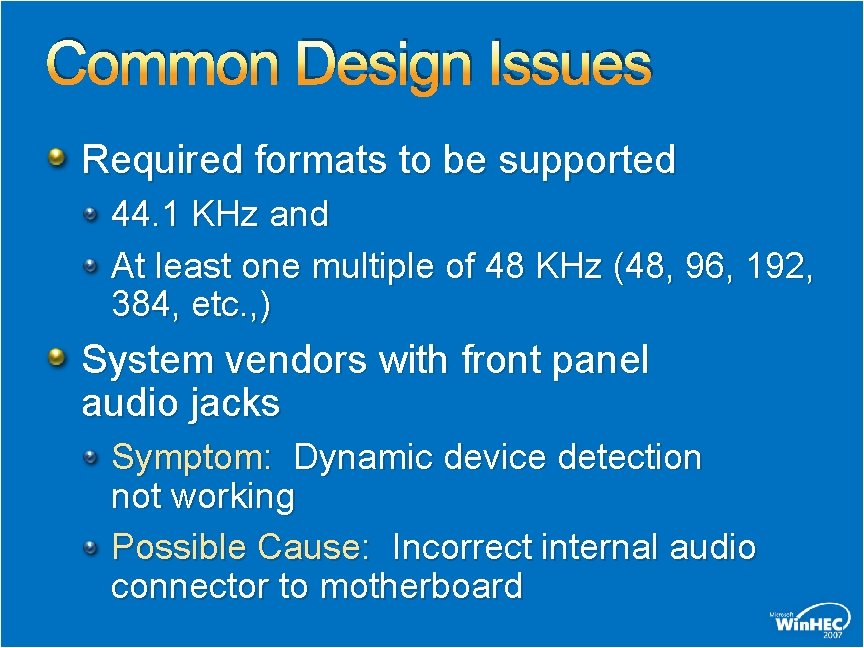
Common Design Issues Required formats to be supported 44. 1 KHz and At least one multiple of 48 KHz (48, 96, 192, 384, etc. , ) System vendors with front panel audio jacks Symptom: Dynamic device detection not working Possible Cause: Incorrect internal audio connector to motherboard
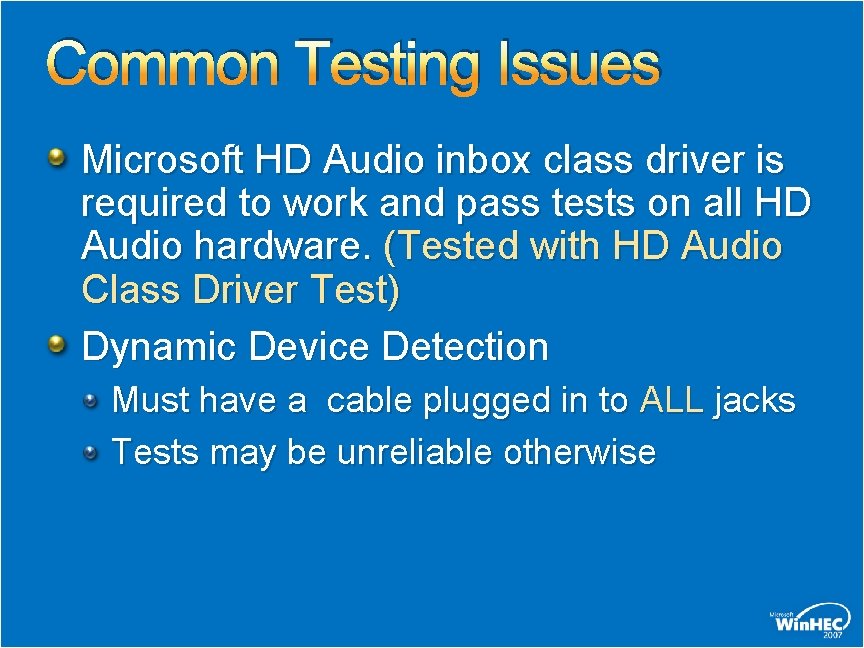
Common Testing Issues Microsoft HD Audio inbox class driver is required to work and pass tests on all HD Audio hardware. (Tested with HD Audio Class Driver Test) Dynamic Device Detection Must have a cable plugged in to ALL jacks Tests may be unreliable otherwise
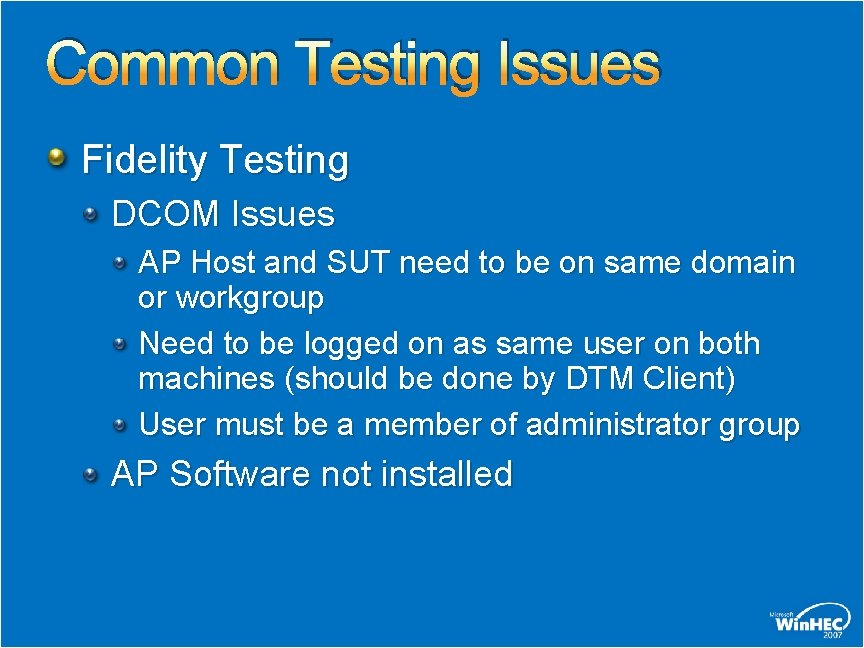
Common Testing Issues Fidelity Testing DCOM Issues AP Host and SUT need to be on same domain or workgroup Need to be logged on as same user on both machines (should be done by DTM Client) User must be a member of administrator group AP Software not installed
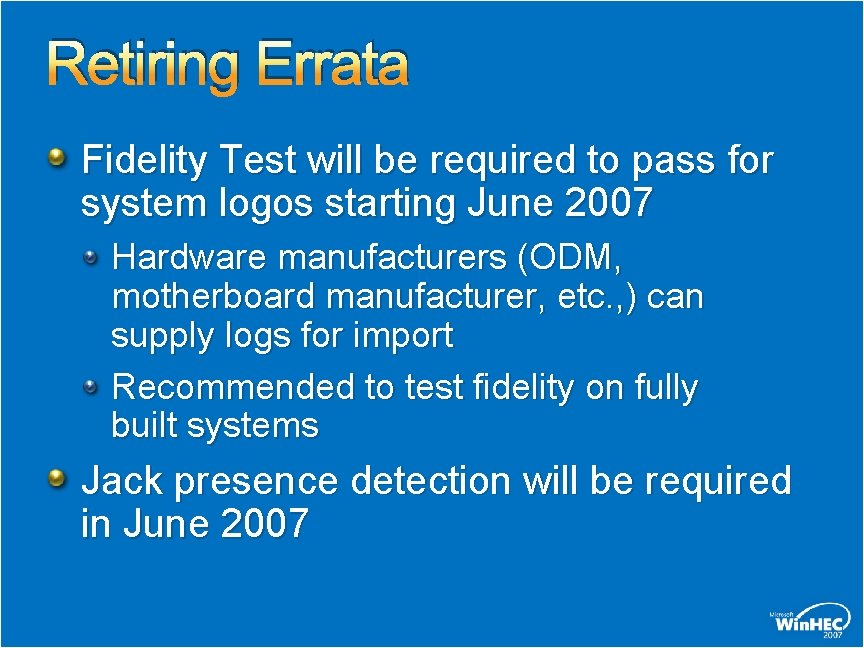
Retiring Errata Fidelity Test will be required to pass for system logos starting June 2007 Hardware manufacturers (ODM, motherboard manufacturer, etc. , ) can supply logs for import Recommended to test fidelity on fully built systems Jack presence detection will be required in June 2007
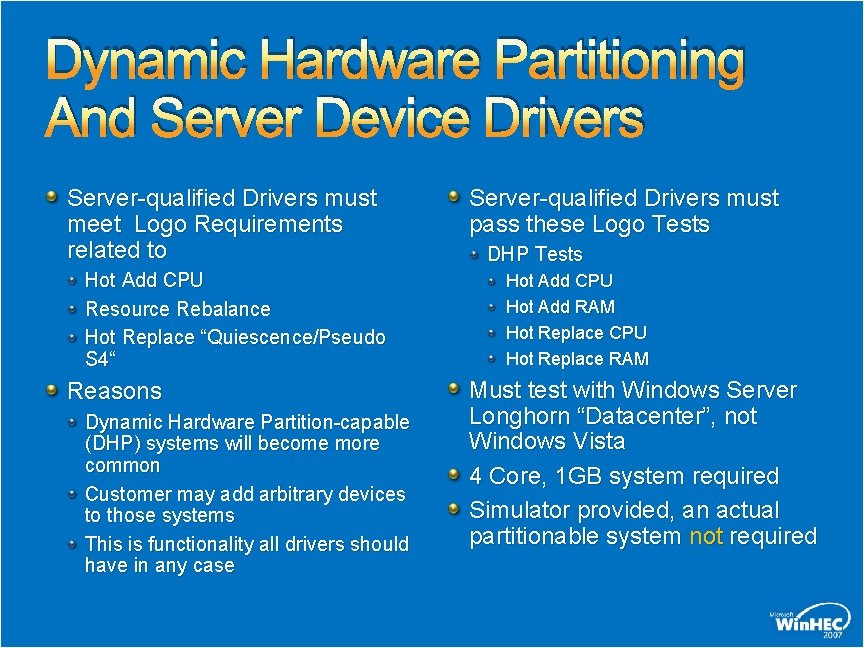
Dynamic Hardware Partitioning And Server Device Drivers Server-qualified Drivers must meet Logo Requirements related to Hot Add CPU Resource Rebalance Hot Replace “Quiescence/Pseudo S 4“ Reasons Dynamic Hardware Partition-capable (DHP) systems will become more common Customer may add arbitrary devices to those systems This is functionality all drivers should have in any case Server-qualified Drivers must pass these Logo Tests DHP Tests Hot Add CPU Hot Add RAM Hot Replace CPU Hot Replace RAM Must test with Windows Server Longhorn “Datacenter”, not Windows Vista 4 Core, 1 GB system required Simulator provided, an actual partitionable system not required
Call To Action Make sure to follow up with new releases of WLP Requirements Ensure that systems meet audio fidelity requirements by June 2007 Talk to Microsoft if you have implementation issues Come to Chalk Talk CLN-C 467
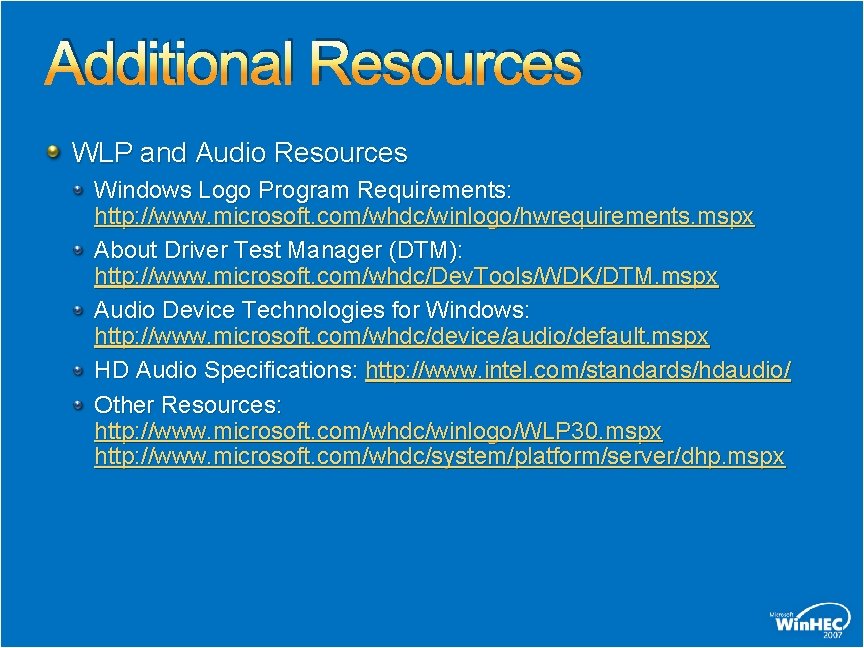
Additional Resources WLP and Audio Resources Windows Logo Program Requirements: http: //www. microsoft. com/whdc/winlogo/hwrequirements. mspx About Driver Test Manager (DTM): http: //www. microsoft. com/whdc/Dev. Tools/WDK/DTM. mspx Audio Device Technologies for Windows: http: //www. microsoft. com/whdc/device/audio/default. mspx HD Audio Specifications: http: //www. intel. com/standards/hdaudio/ Other Resources: http: //www. microsoft. com/whdc/winlogo/WLP 30. mspx http: //www. microsoft. com/whdc/system/platform/server/dhp. mspx
Additional Resources Microsoft Support can be reached through http: //www. microsoft. com/services/ microsoftservices/srv_support. mspx The DTM Support alias has been discontinued since Jan 31, 2007 DTMSupp @ microsoft. com E-mail address for questions related to Universal Audio Architecture uaa @ microsoft. com
Additional Resources Related Win. HEC 2007 Sessions Audio Testing: DTM Best Practices (CLN-C 467) Windows Vista Logo Program: Directions (CLN-C 376) Driver Test Manager: Best Practices And Directions (DVR-T 449) Driver Test Manager: How To Use The DTM #1 (DVRC 387) Driver Test Manager: How To Use The DTM #2 (DVRC 473) Windows Server Longhorn (SVR-T 324) Dynamic Partition: Windows Server (SVR-T 325)
© 2007 Microsoft Corporation. All rights reserved. Microsoft, Windows Vista and other product names are or may be registered trademarks and/or trademarks in the U. S. and/or other countries. The information herein is for informational purposes only and represents the current view of Microsoft Corporation as of the date of this presentation. Because Microsoft must respond to changing market conditions, it should not be interpreted to be a commitment on the part of Microsoft, and Microsoft cannot guarantee the accuracy of any information provided after the date of this presentation. MICROSOFT MAKES NO WARRANTIES, EXPRESS, IMPLIED OR STATUTORY, AS TO THE INFORMATION IN THIS PRESENTATION.