
Audio Tech Full Training Cry Engine 3 Tomas
- Slides: 48
Audio Tech Full Training Cry. Engine 3 Tomas Neumann (constantly WIP)
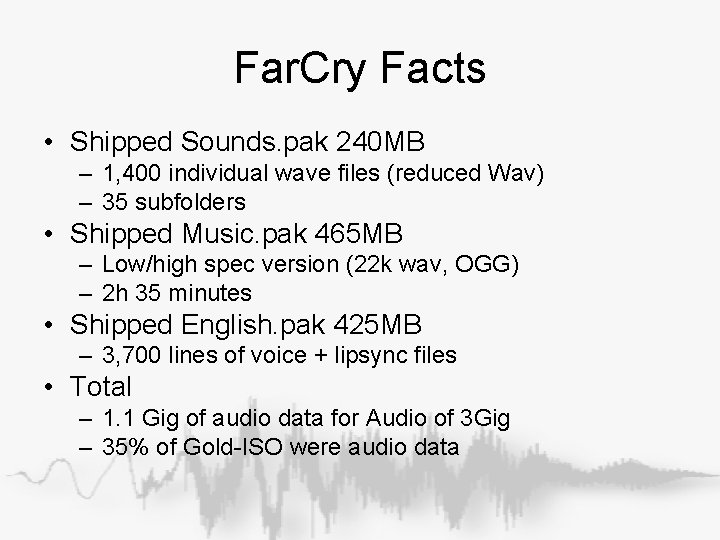
Far. Cry Facts • Shipped Sounds. pak 240 MB – 1, 400 individual wave files (reduced Wav) – 35 subfolders • Shipped Music. pak 465 MB – Low/high spec version (22 k wav, OGG) – 2 h 35 minutes • Shipped English. pak 425 MB – 3, 700 lines of voice + lipsync files • Total – 1. 1 Gig of audio data for Audio of 3 Gig – 35% of Gold-ISO were audio data
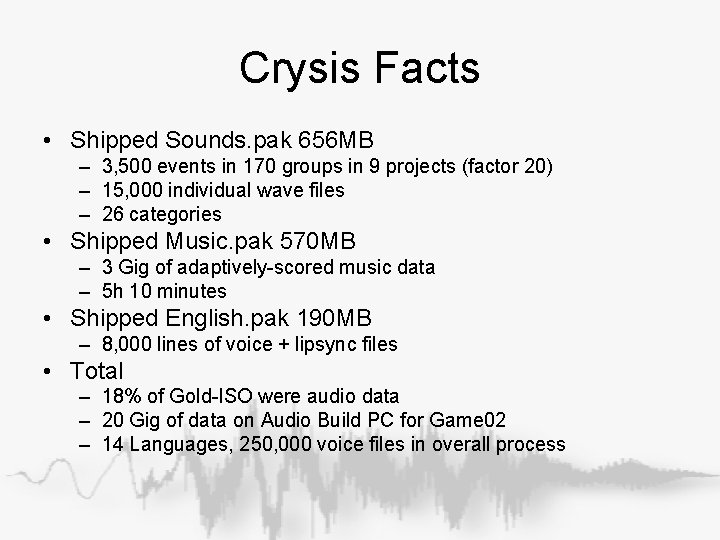
Crysis Facts • Shipped Sounds. pak 656 MB – 3, 500 events in 170 groups in 9 projects (factor 20) – 15, 000 individual wave files – 26 categories • Shipped Music. pak 570 MB – 3 Gig of adaptively-scored music data – 5 h 10 minutes • Shipped English. pak 190 MB – 8, 000 lines of voice + lipsync files • Total – 18% of Gold-ISO were audio data – 20 Gig of data on Audio Build PC for Game 02 – 14 Languages, 250, 000 voice files in overall process
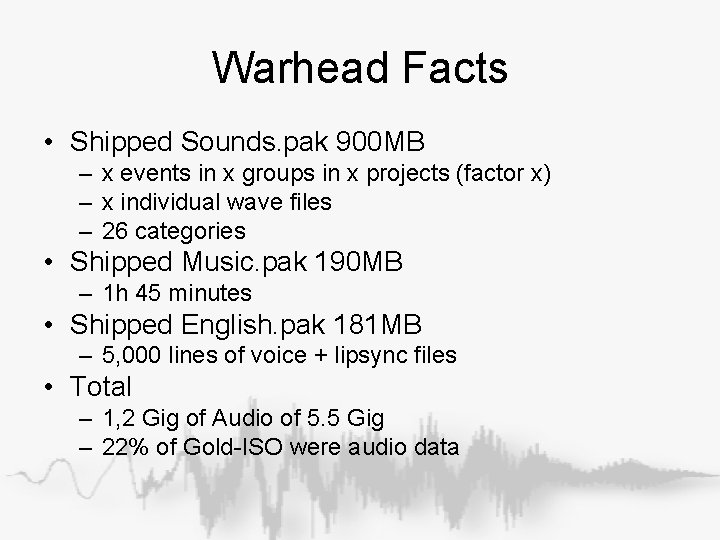
Warhead Facts • Shipped Sounds. pak 900 MB – x events in x groups in x projects (factor x) – x individual wave files – 26 categories • Shipped Music. pak 190 MB – 1 h 45 minutes • Shipped English. pak 181 MB – 5, 000 lines of voice + lipsync files • Total – 1, 2 Gig of Audio of 5. 5 Gig – 22% of Gold-ISO were audio data
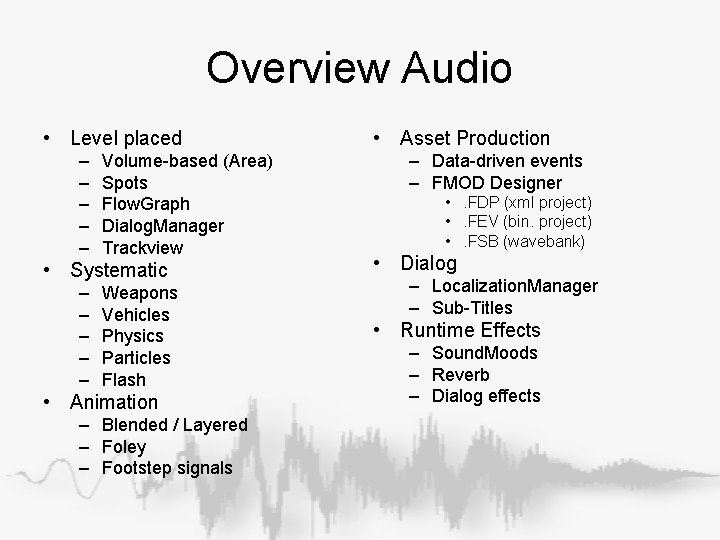
Overview Audio • Level placed – – – Volume-based (Area) Spots Flow. Graph Dialog. Manager Trackview • Systematic – – – Weapons Vehicles Physics Particles Flash • Animation – Blended / Layered – Foley – Footstep signals • Asset Production – Data-driven events – FMOD Designer • . FDP (xml project) • . FEV (bin. project) • . FSB (wavebank) • Dialog – Localization. Manager – Sub-Titles • Runtime Effects – Sound. Moods – Reverb – Dialog effects
FMOD Eventsystem Integration
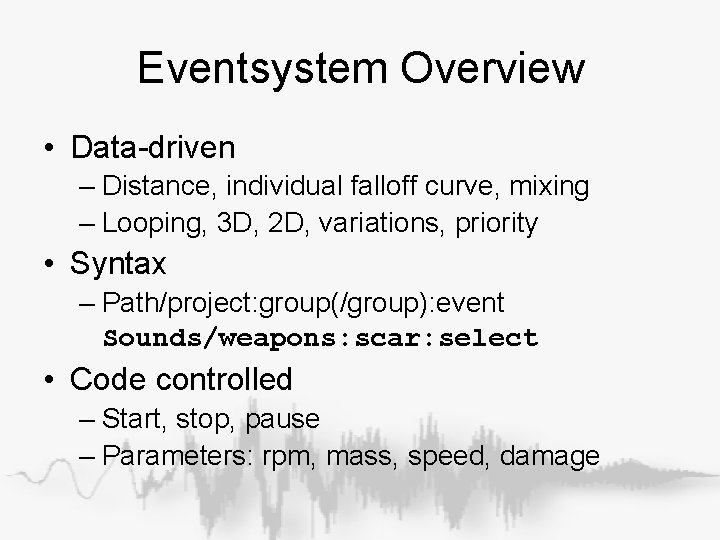
Eventsystem Overview • Data-driven – Distance, individual falloff curve, mixing – Looping, 3 D, 2 D, variations, priority • Syntax – Path/project: group(/group): event Sounds/weapons: scar: select • Code controlled – Start, stop, pause – Parameters: rpm, mass, speed, damage
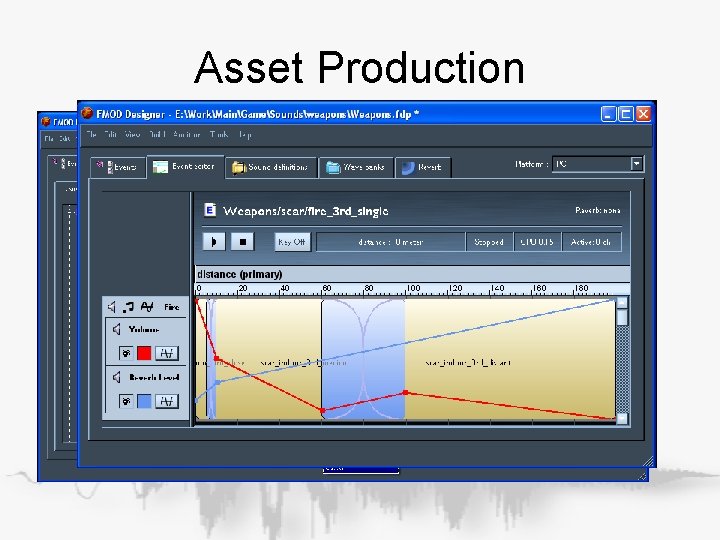
Asset Production
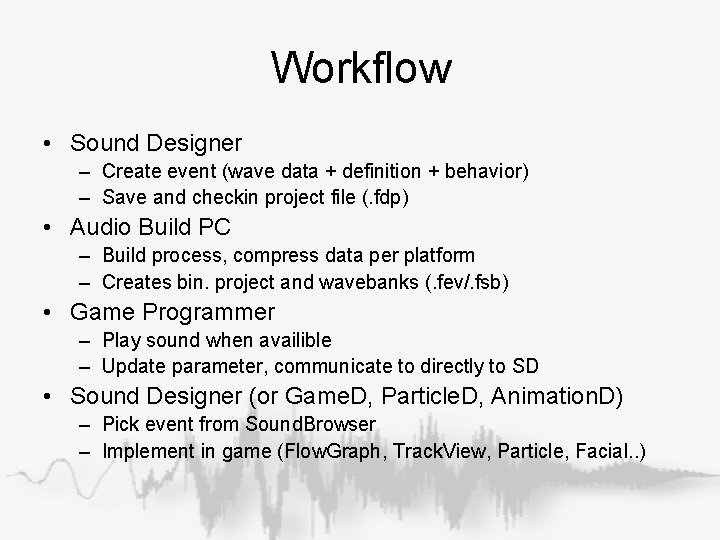
Workflow • Sound Designer – Create event (wave data + definition + behavior) – Save and checkin project file (. fdp) • Audio Build PC – Build process, compress data per platform – Creates bin. project and wavebanks (. fev/. fsb) • Game Programmer – Play sound when availible – Update parameter, communicate to directly to SD • Sound Designer (or Game. D, Particle. D, Animation. D) – Pick event from Sound. Browser – Implement in game (Flow. Graph, Track. View, Particle, Facial. . )
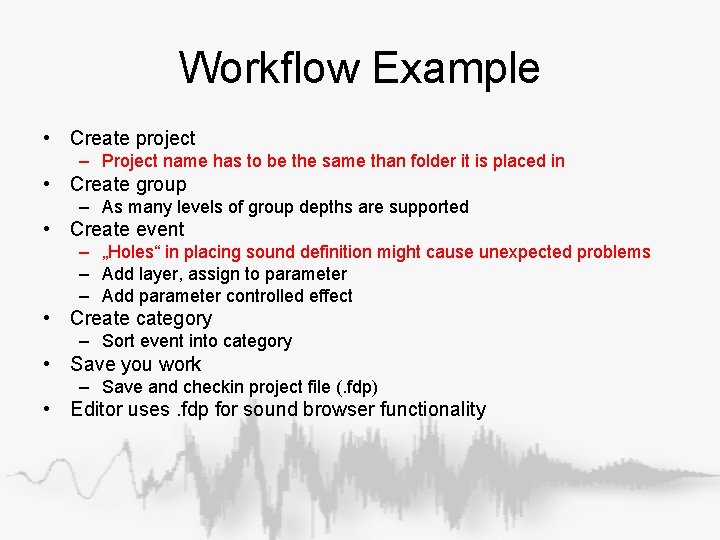
Workflow Example • Create project – Project name has to be the same than folder it is placed in • Create group – As many levels of group depths are supported • Create event – „Holes“ in placing sound definition might cause unexpected problems – Add layer, assign to parameter – Add parameter controlled effect • Create category – Sort event into category • Save you work – Save and checkin project file (. fdp) • Editor uses. fdp for sound browser functionality
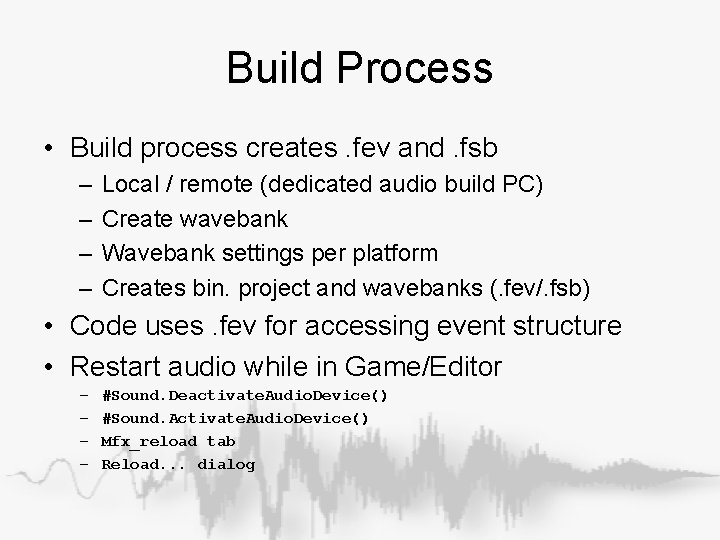
Build Process • Build process creates. fev and. fsb – – Local / remote (dedicated audio build PC) Create wavebank Wavebank settings per platform Creates bin. project and wavebanks (. fev/. fsb) • Code uses. fev for accessing event structure • Restart audio while in Game/Editor – – #Sound. Deactivate. Audio. Device() #Sound. Activate. Audio. Device() Mfx_reload tab Reload. . . dialog
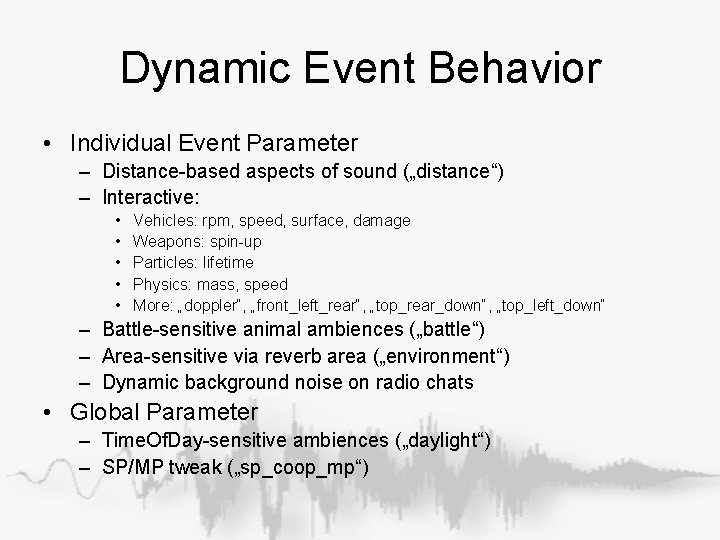
Dynamic Event Behavior • Individual Event Parameter – Distance-based aspects of sound („distance“) – Interactive: • • • Vehicles: rpm, speed, surface, damage Weapons: spin-up Particles: lifetime Physics: mass, speed More: „doppler“, „front_left_rear“, „top_rear_down“, „top_left_down“ – Battle-sensitive animal ambiences („battle“) – Area-sensitive via reverb area („environment“) – Dynamic background noise on radio chats • Global Parameter – Time. Of. Day-sensitive ambiences („daylight“) – SP/MP tweak („sp_coop_mp“)
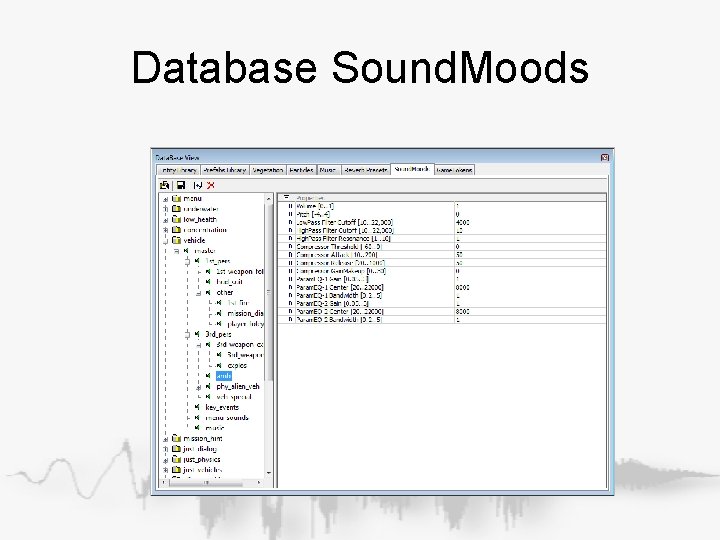
Dynamic System Behavior • CVar-based volume • Sound. Moods – Category-based mixing system – Mixing deskish control over faders and effects – Effects: • • • Volume / Pitch Lowpass / Highpass Compressor 2 Param. EQs (Any VST-Plugin) • Sound. Moods: – – – – – Mission objective Underwater Low-health Explosion Vehicle Cloak Frozen Cutscene Huge alien
Mixing • Static Mix – Set volume on event prop, not in sound definition – Network Audition • Enable cvar s_Network. Audition 1 (opens port) • Connect to localhost or remote machine • Ingame mixing and profiling • Dynamic in-game mix: Soundmoods! – Category based mixing – Music ducking
Other Audio Middleware • • FMOD Eventsystem in CE 2 since mid. ‘ 05 Audiokinetic‘s WWise CRI Audio Unreal engine integrate FMOD and WWise • FMOD (Firelight Technologies) • Wwise (Audiokinetic)
Audio GUI
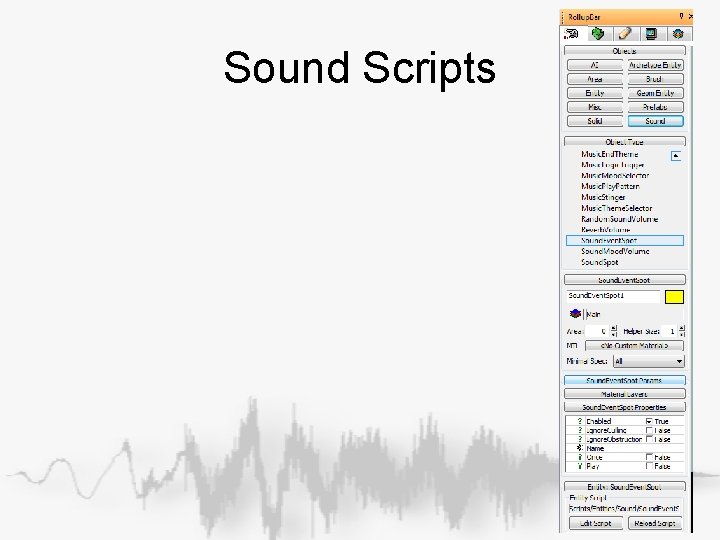
Sound Scripts
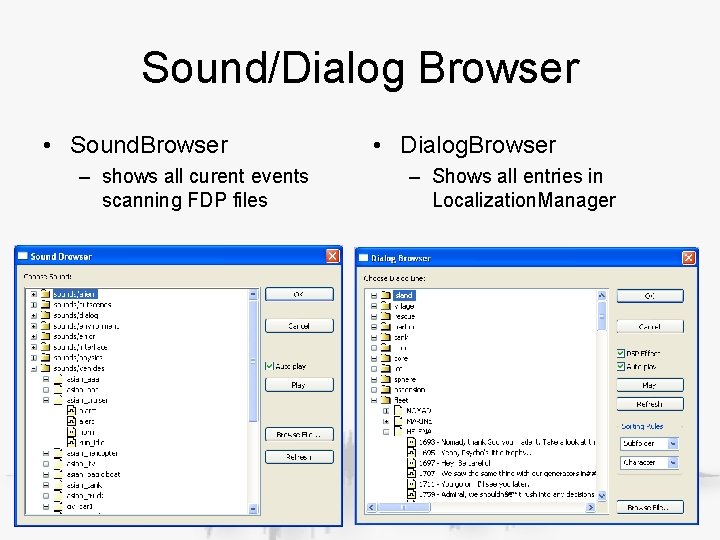
Sound/Dialog Browser • Sound. Browser – shows all curent events scanning FDP files • Dialog. Browser – Shows all entries in Localization. Manager
Database Music
Database Sound. Moods
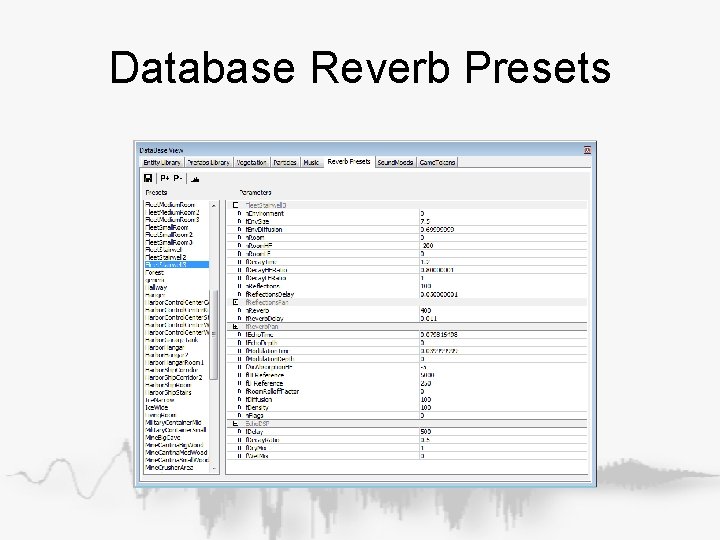
Database Reverb Presets
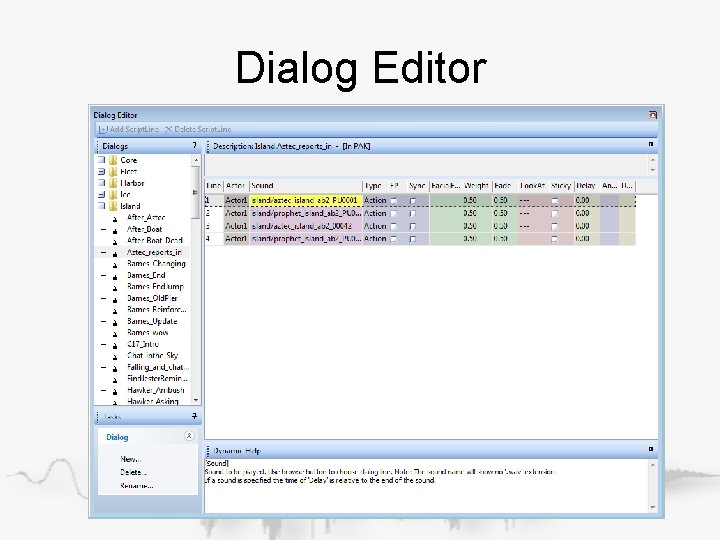
Dialog Editor
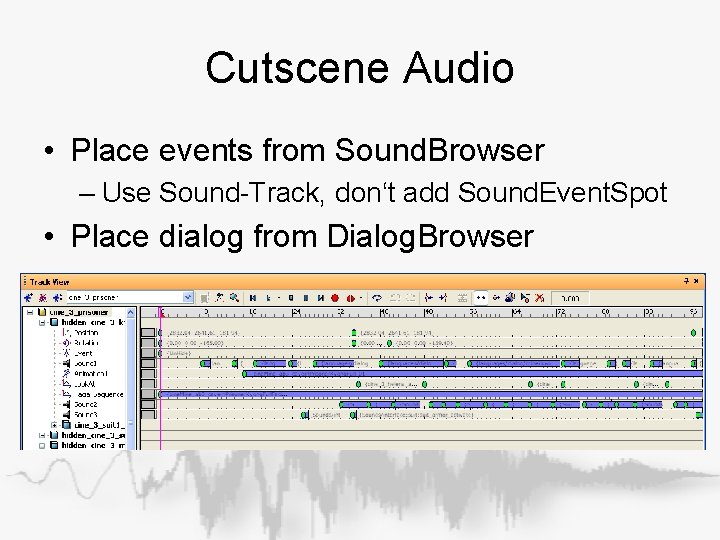
Cutscene Audio • Place events from Sound. Browser – Use Sound-Track, don‘t add Sound. Event. Spot • Place dialog from Dialog. Browser
Audio Details
Sound Implementation • Volumetric Effects – Ambience – Random Oneshots – Reverb – Opt. Soundmoods • Flow. Graph – Play. Sound-Node – Dialog-Node – Use instances of sound entities
Script Entities • Sound – – – Sound. Event. Spot (simple placable sound) Ambient. Volume (attachable to area) Random. Volume (attachable to area) Sound. Mood (attachable to area or flowgraph) Reverb. Volume (attachable to area) • Dialog – Dialog (also flowgraph) • Music – – – Theme. Selector (attachable to area or flowgraph) Mood. Selector (attachable to area or flowgraph) End. Theme (attachable to area or flowgraph) Stinger (also flowgraph) Music. Logic (also flowgraph) Play. Pattern
Volumetric Sounds • Point – Simple radial propagation (arbritary volume behavior) • Line – 2 points, closest to listener • Sphere – Radius, closest or at listener if inside • Cone – Specified by sound designers • Area-attached (shape, box, sphere) – Reverb, ambiences, randomsound, soundmood
Obstruction • Effect if sound is blocked from listener – Direkt (dry) signal by ray cast – Indirekt (wet) signal by Visarea • Controllable by CVars • Obstruction flag set by code (might change) • Listener spawned sounds usually skipped • Material based by pierceability
Culling • Effect if playback gets skipped • Outdoor – Distance is larger than radius • Indoor – Max. visarea propagation reached • Priority – Event priority lower than current threshold – (FMOD counts zero as being highest)
Dialog
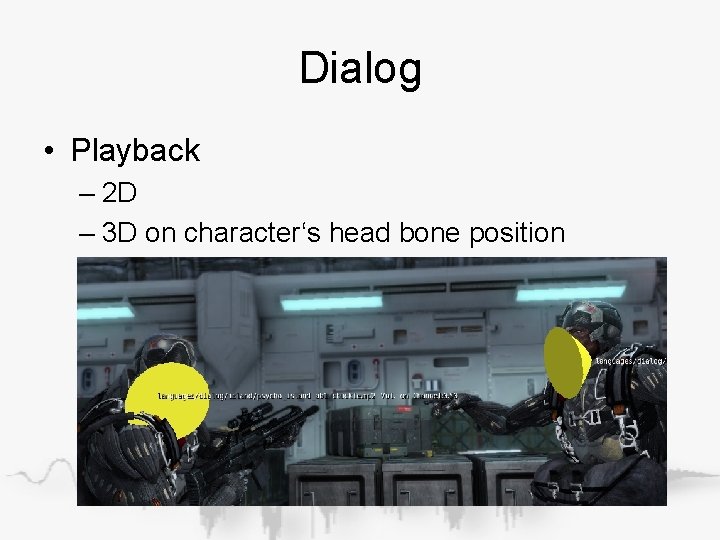
Dialog • Playback – 2 D – 3 D on character‘s head bone position
Dialog • Source – Languages/Dialog/ – Uncompressed WAVs – Dialog_recording Excel • Build – Localized/English. pak – Compressed MP 2/MP 3 – XMA in development via FSB • Syntax (File/key) File: languages/dialog/subfolde r/soundfile. wav Key: subfolder/soundfile • Playback – Sound. Buffer of wav attached to empty prototype event sounds/dialog: clean • Format priority – s_Mpeg. Compression 1/2/3
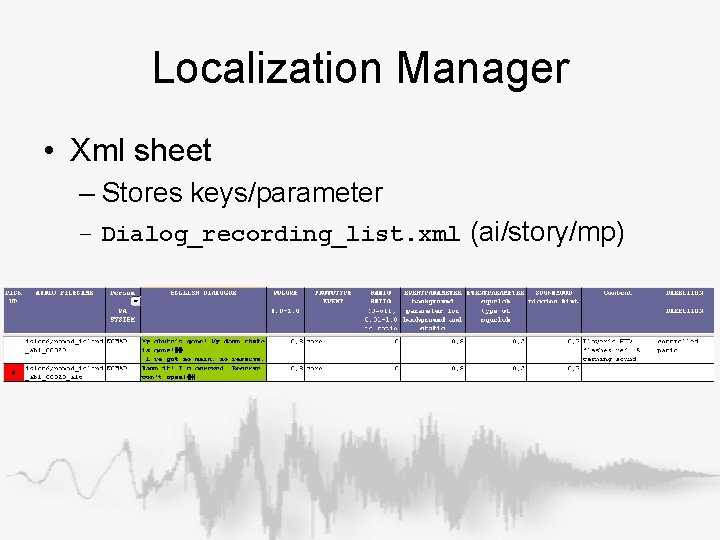
Localization Manager • Xml sheet – Stores keys/parameter – Dialog_recording_list. xml (ai/story/mp)
Code
Overview Code • Sound. System – Sound • Platform. Sound – Asset. Manager • Manages audio cache • Controls Sound. Buffer – Mood. Manager – Reverb. Manager • NULL Implementation • Sound and parameter names are lower case • Prevent hardcoded sound names • g. Env->p. Sound. System is always valid
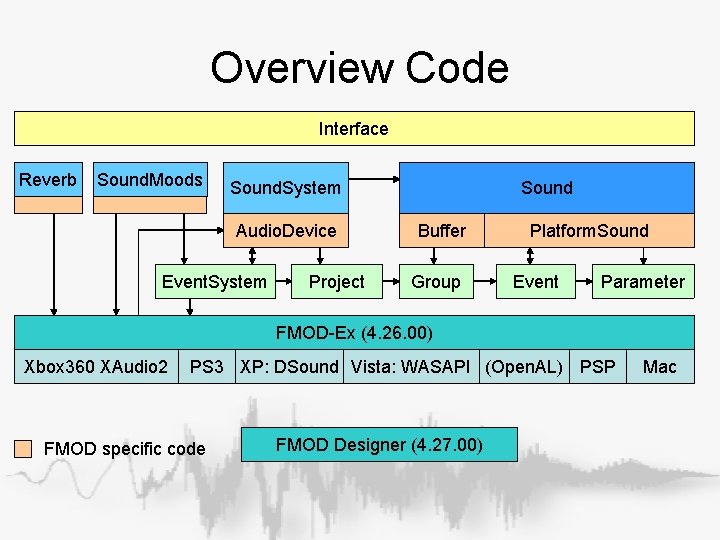
Overview Code Interface Reverb Sound. Moods Sound. System Audio. Device Event. System Project Sound Buffer Group Platform. Sound Event Parameter FMOD-Ex (4. 26. 00) Xbox 360 XAudio 2 PS 3 XP: DSound Vista: WASAPI (Open. AL) PSP FMOD specific code FMOD Designer (4. 27. 00) Mac
Code Interface • ISound. h for ISound. System and ISound – Sound will not move unless you do it • IEntity. Sound. Proxy for sounds on entities – Sound will move/rotate with entity – Faster access to find a sound by Sound. ID – Hidden entities (layer) dont play sounds
Modular Interfaces • ISound. System and ISound – Core functionality – Get. Extended() • know what you are doing • Ask me if you are unsure! – Get. Deprecated() • No support • Dont count on it – Get. Work. In. Progress() • Might have bugs
Ref Counting • Sounds, Sound. Buffers, Platformsounds – Release() dont destroy – Reset and stored in pool to be reused • Sound. IDs used to prevent ref-couting – No guarantee sound still exist – Test for valid Sound. ID – Only use scoped smart_ptr
Script Interface • Script. Bind_Sound. h – Most functionality – Also Reverb, Sound. Mood, Music • Script. Bind_Entity. h – proxy access • Script. Bind_Music. Logic. h
Golden Rules • Query information – Create the sound – Query: Loop, 3 D/2 D, Radius • • Dont hardcode: Sound references Parameter names Set Flags: Event, Voice
Music
Overview Music • Music. System – Theme • Mood – Pattern • Music. Logic (optional) – Animation. Graph – Music. Logic events • Editor – Database-Music – Animationgraph • Sources – Music: Game/Music – Events: Game/Libs/Music. Logic – Music graph: Game/Animation/grap hs/ (will change)
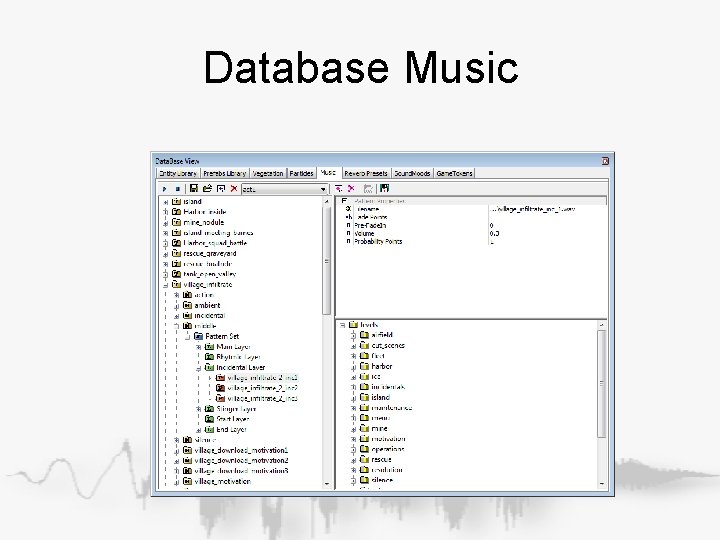
Database View • Theme – Wider range of music of a certain area or situation • Mood – Special motive • Pattern. Block – Variation of motive • Layer – – – Start (optional) Main (loop) Rythmic (synched) Incidental (synched) Stinger (async) End (optional) • Pattern – Reference to file – Always link to WAV
Music Logic • Dynamic Music – Picks Mood – AI Intensity • Idle/alerted/combat • 100 m radius – Player Intensity • Wounded • Killed enemy • Suit Mode – Game Intensity • OR of above • Code – Cry. Action • Specification – Music Events and Points – Game/Libs/Music. Logic • Graph – /Animation/Graphs
Music Graph • Animation Graph Code • Traverse Nodes – – Match input values Enter wait time Leave wait time Allow change early • Mood Node – Set Mood on enter – Wait leave time – Leave early on Allow Change • Stinger Node
Script / Flow. Graph Control • Script Entity – Set. Theme – Set. Mood – End. Theme • Can be triggered or linked to area • Flowgraph – Set. Music. Logic
Questions? Please post them in the Sound and Music forum on My. Cry. ENGINE.