
Attach 2 Dynamics Drag and Drop multiple files

- Slides: 18
Attach 2 Dynamics Drag and Drop multiple files and folders to Cloud Storage within your Dynamics 365 CRM crm@inogic. com
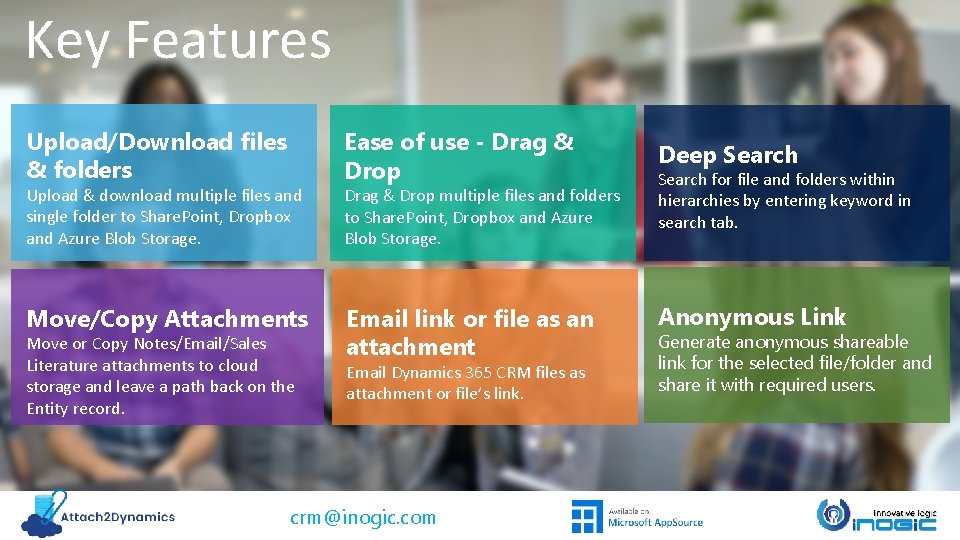
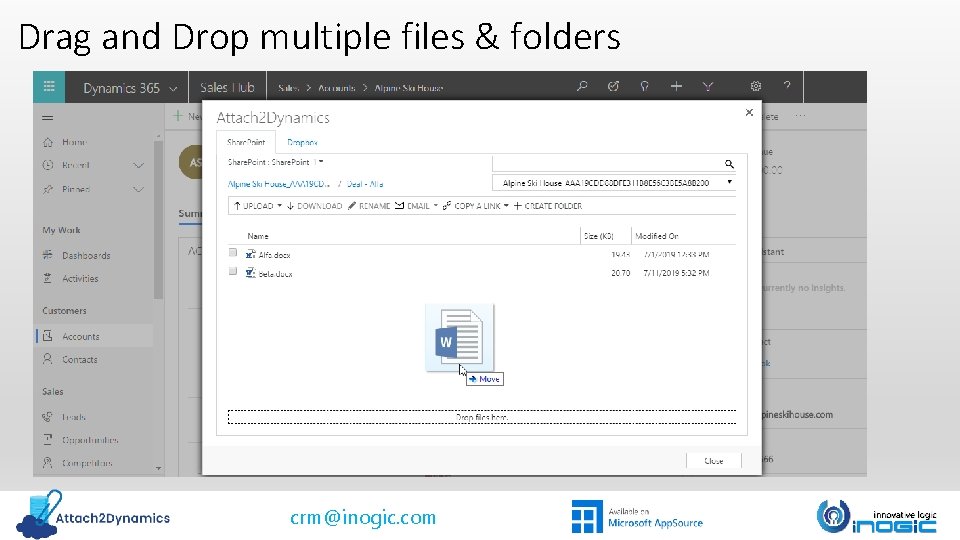
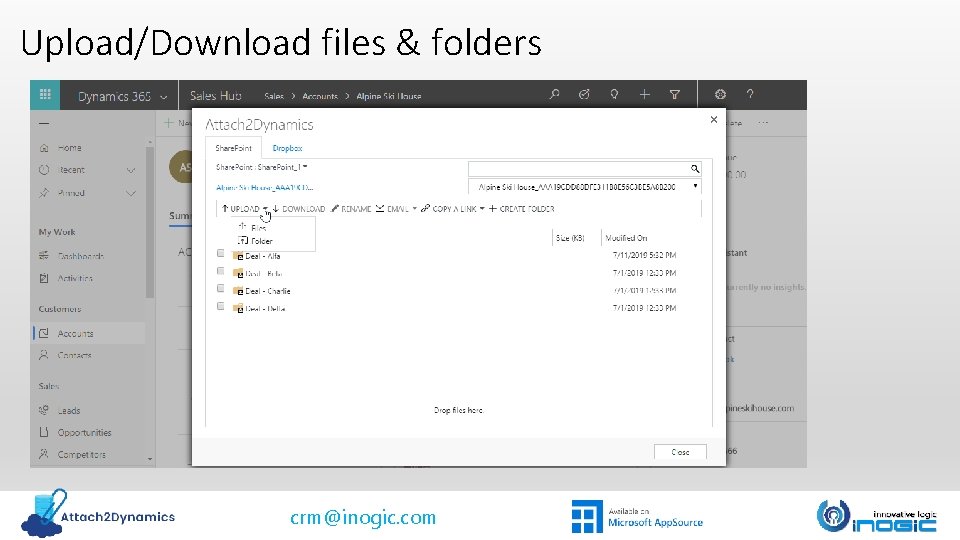
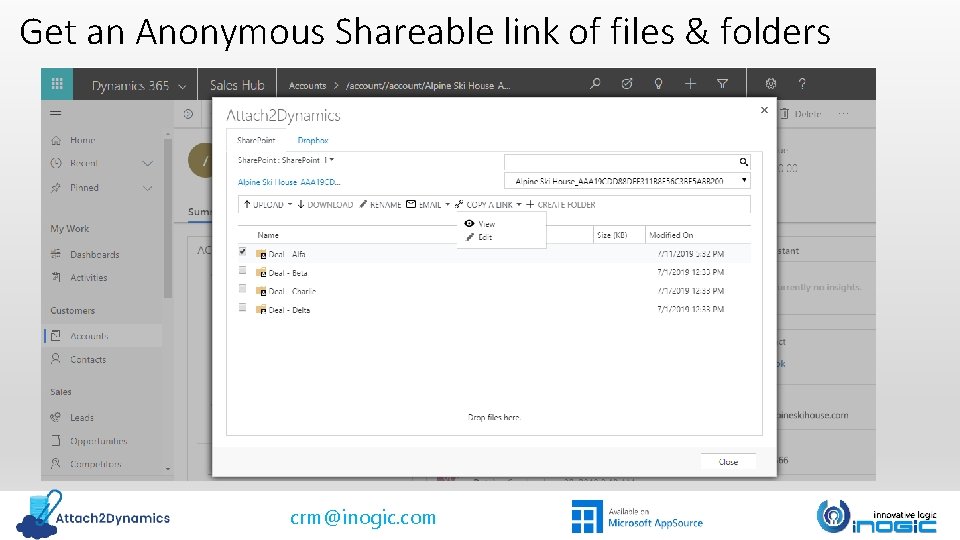
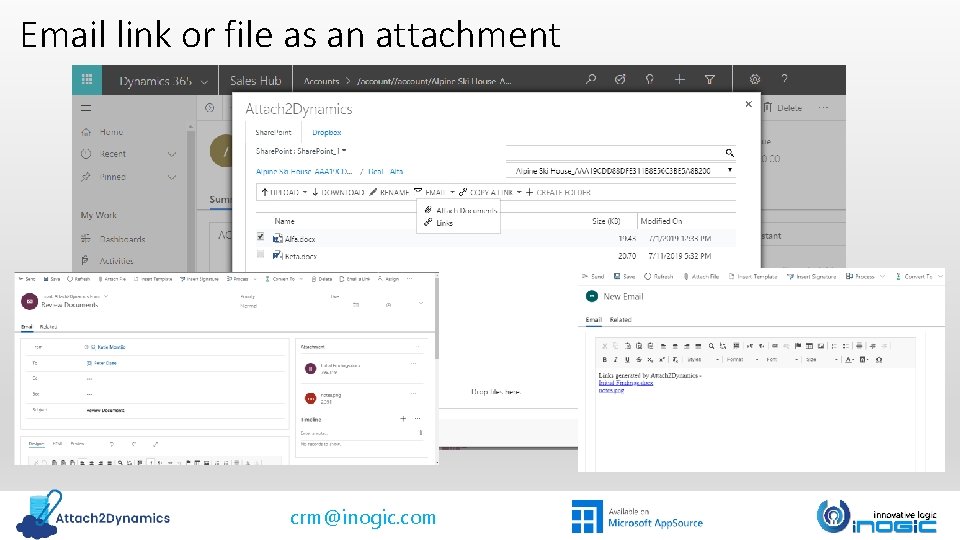
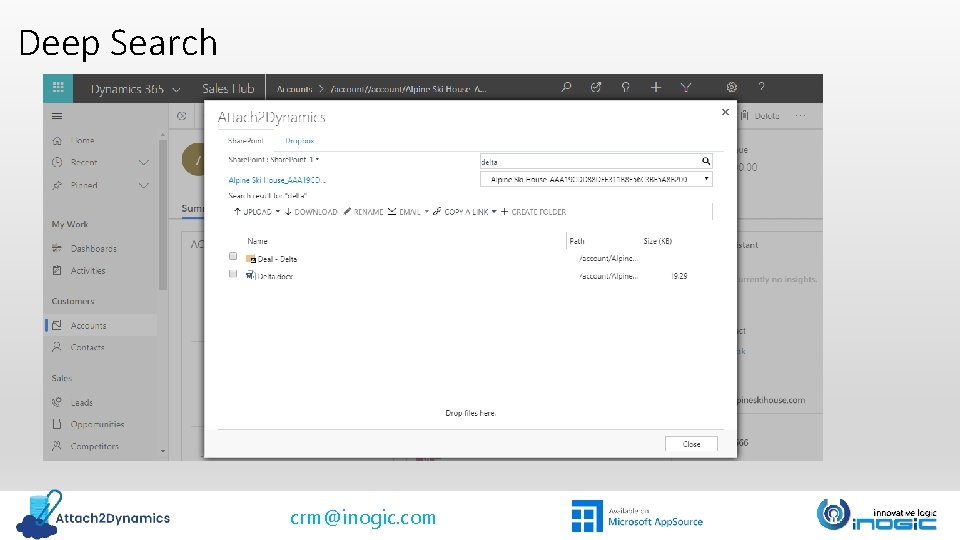
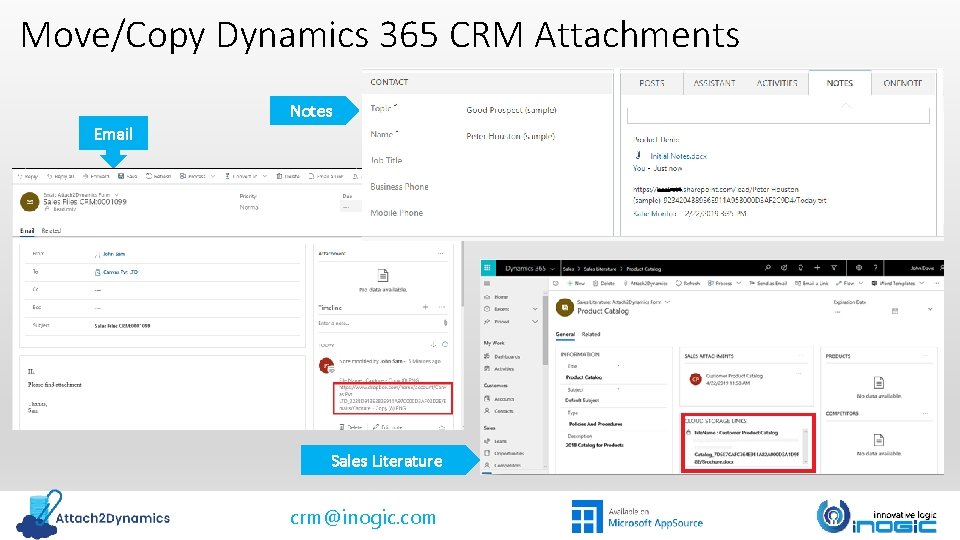
Key Features Upload/Download files & folders Upload & download multiple files and single folder to Share. Point, Dropbox and Azure Blob Storage. Move/Copy Attachments Move or Copy Notes/Email/Sales Literature attachments to cloud storage and leave a path back on the Entity record. Ease of use - Drag & Drop multiple files and folders to Share. Point, Dropbox and Azure Blob Storage. Email link or file as an attachment Email Dynamics 365 CRM files as attachment or file’s link. crm@inogic. com Deep Search for file and folders within hierarchies by entering keyword in search tab. Anonymous Link Generate anonymous shareable link for the selected file/folder and share it with required users.
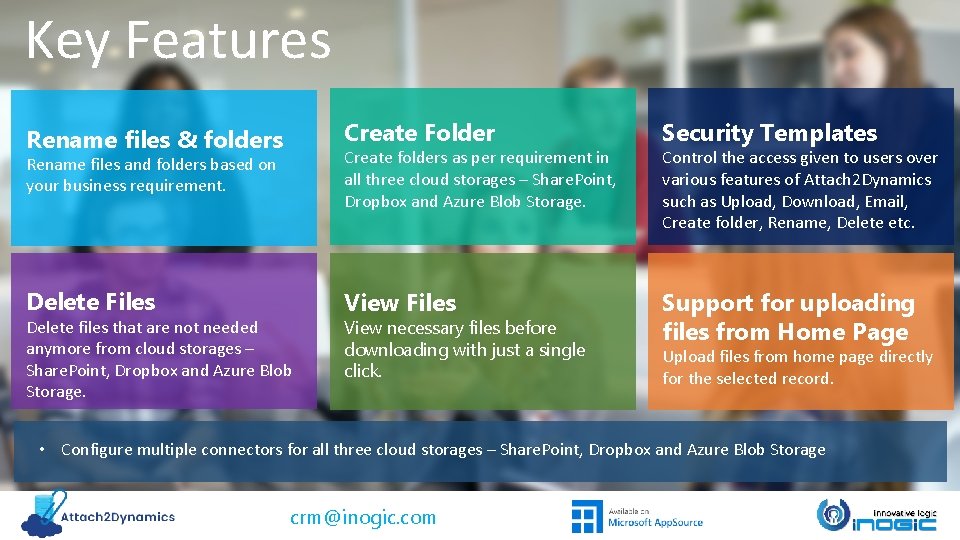
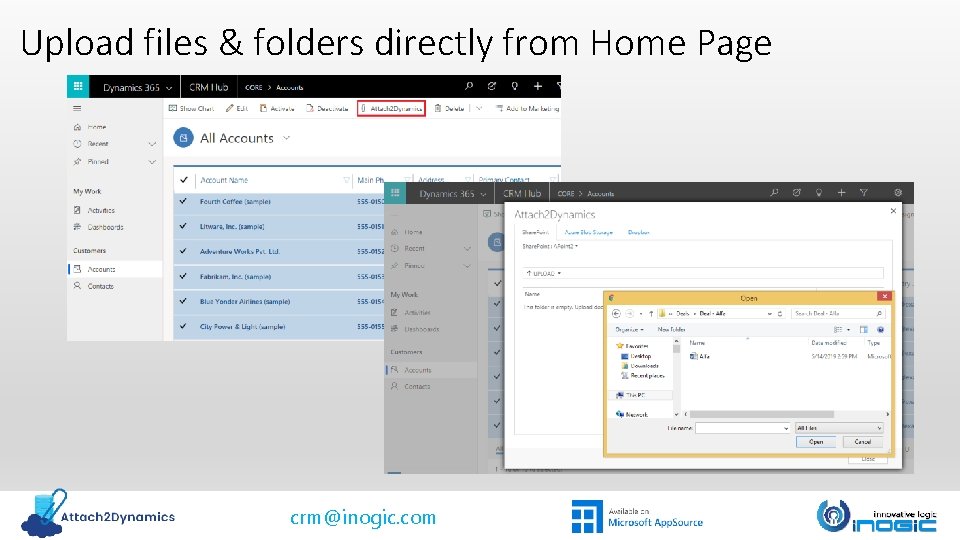
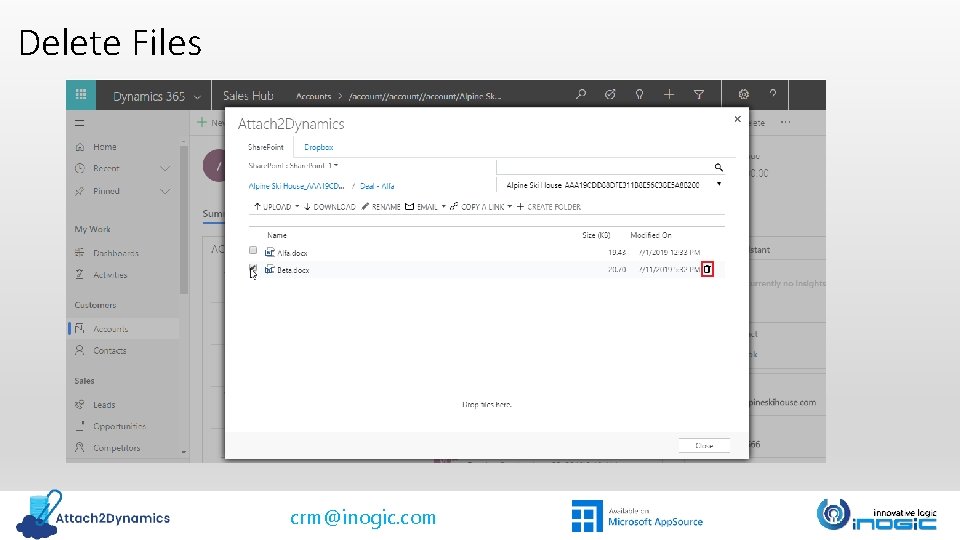
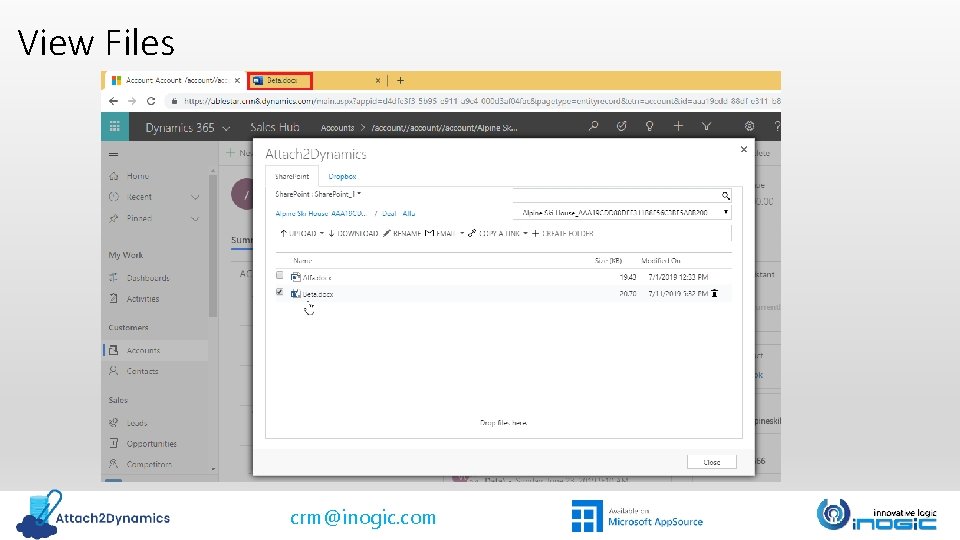
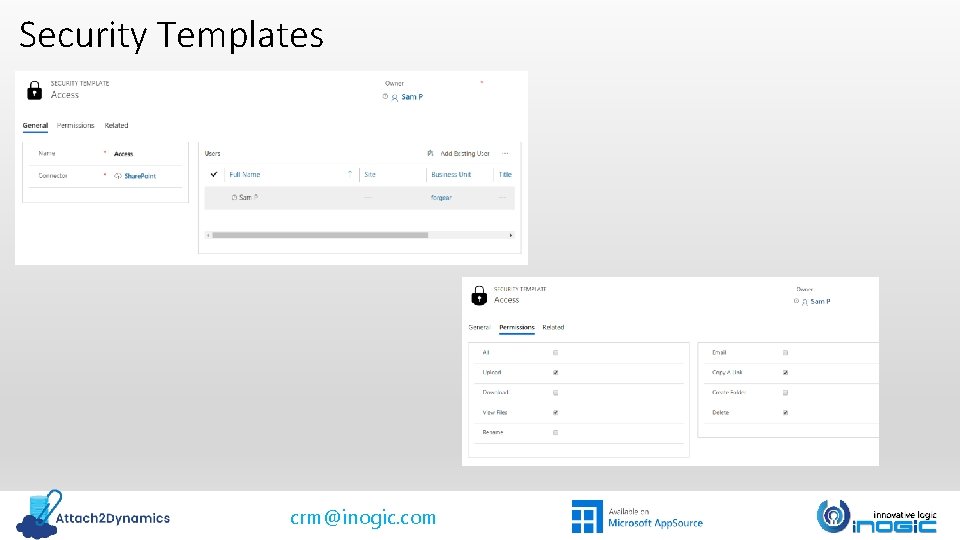
Key Features Rename files & folders Create Folder Rename files and folders based on your business requirement. Create folders as per requirement in all three cloud storages – Share. Point, Dropbox and Azure Blob Storage. Security Templates Delete Files View Files Support for uploading files from Home Page Delete files that are not needed anymore from cloud storages – Share. Point, Dropbox and Azure Blob Storage. View necessary files before downloading with just a single click. Control the access given to users over various features of Attach 2 Dynamics such as Upload, Download, Email, Create folder, Rename, Delete etc. Upload files from home page directly for the selected record. • Configure multiple connectors for all three cloud storages – Share. Point, Dropbox and Azure Blob Storage crm@inogic. com
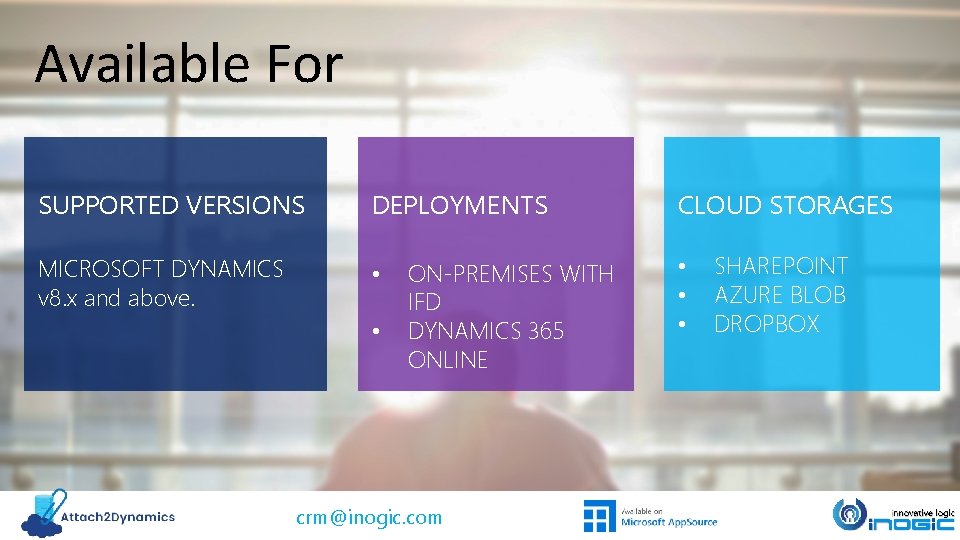
Available For SUPPORTED VERSIONS DEPLOYMENTS MICROSOFT DYNAMICS v 8. x and above. • • ON-PREMISES WITH IFD DYNAMICS 365 ONLINE crm@inogic. com CLOUD STORAGES • • • SHAREPOINT AZURE BLOB DROPBOX
Drag and Drop multiple files & folders crm@inogic. com
Upload/Download files & folders crm@inogic. com
Upload files & folders directly from Home Page crm@inogic. com
Get an Anonymous Shareable link of files & folders crm@inogic. com
Email link or file as an attachment crm@inogic. com
Deep Search crm@inogic. com
Delete Files crm@inogic. com
View Files crm@inogic. com
Move/Copy Dynamics 365 CRM Attachments Notes Email Sales Literature crm@inogic. com
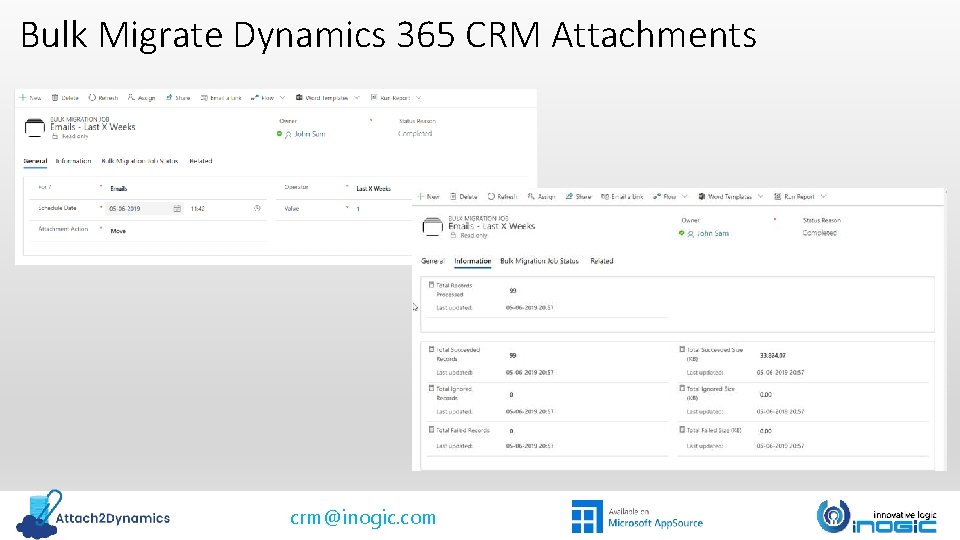
Bulk Migrate Dynamics 365 CRM Attachments crm@inogic. com
Security Templates crm@inogic. com
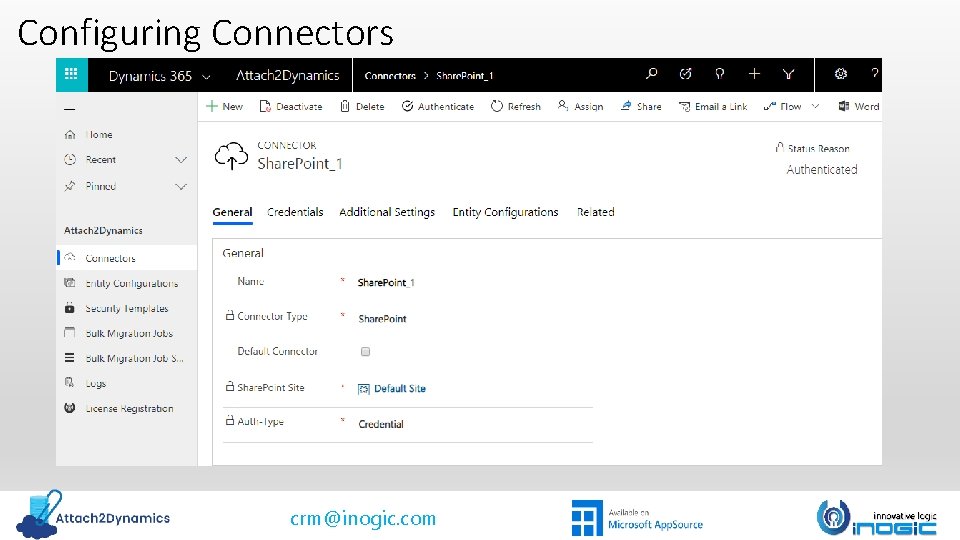
Configuring Connectors crm@inogic. com
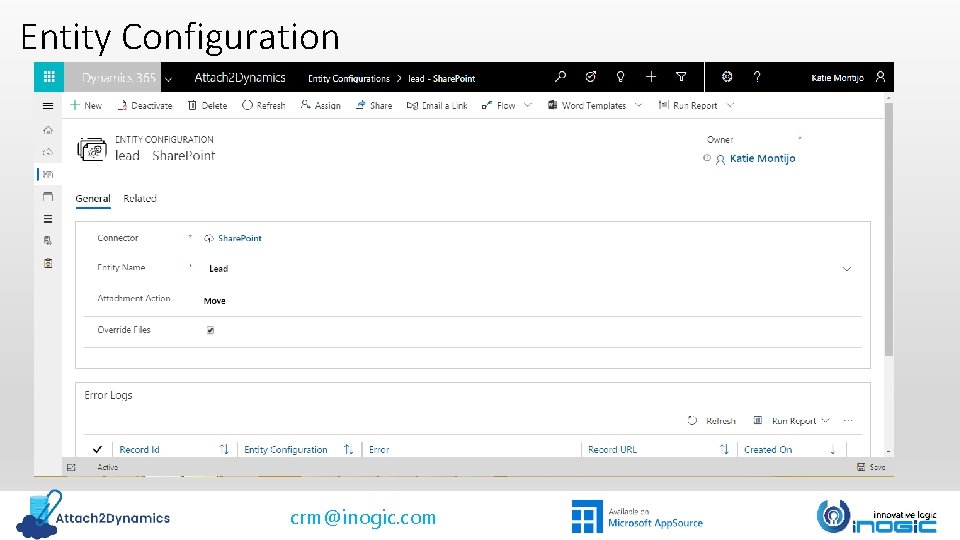
Entity Configuration crm@inogic. com
Next Steps Learn more about Attach 2 Dynamics today. Get your free Attach 2 Dynamics trial from Microsoft App. Source or our website! Email: crm@inogic. com