
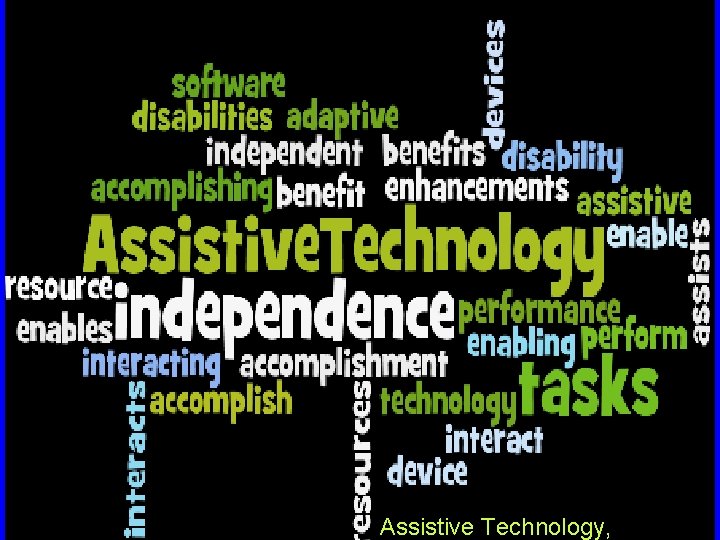
Assistive Technology What is Assistive Technology Any item

- Slides: 21
Assistive Technology,
What is Assistive Technology? Any item, piece of equipment, or software that will • increase • maintain • improve the functional capabilities of individuals with disabilities in all aspects of life
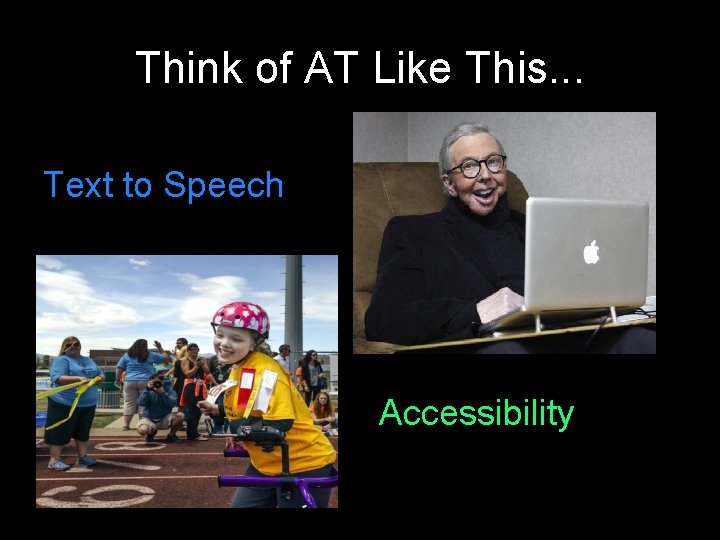
Think of AT Like This. . . Text to Speech Accessibility
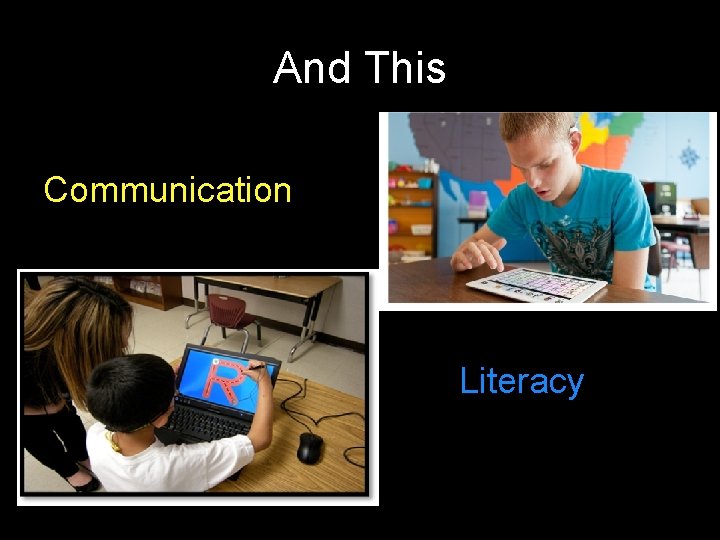
And This Communication Literacy
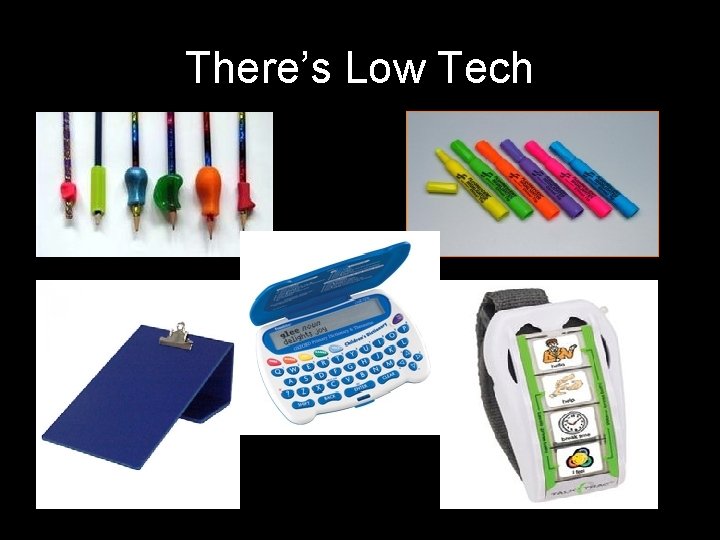
There’s Low Tech
And High Tech
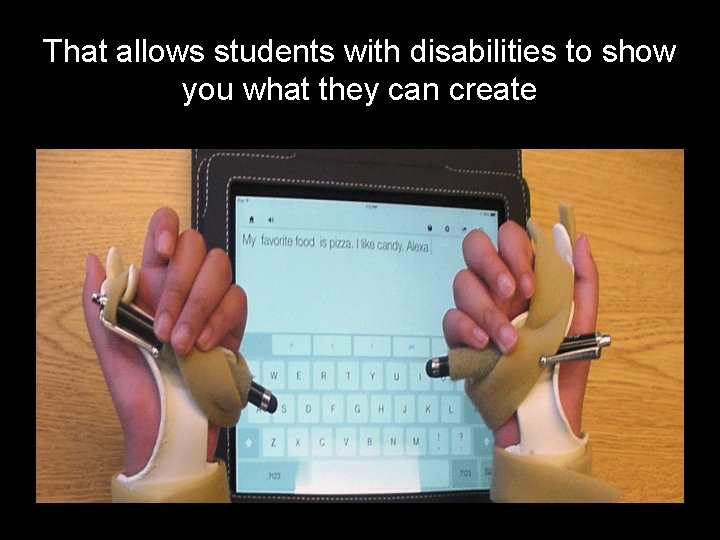
That allows students with disabilities to show you what they can create
It's not the tool, it’s the function The function of the support tool is the most important component in providing support to a student Highlighter Timer Recorder Word Processor
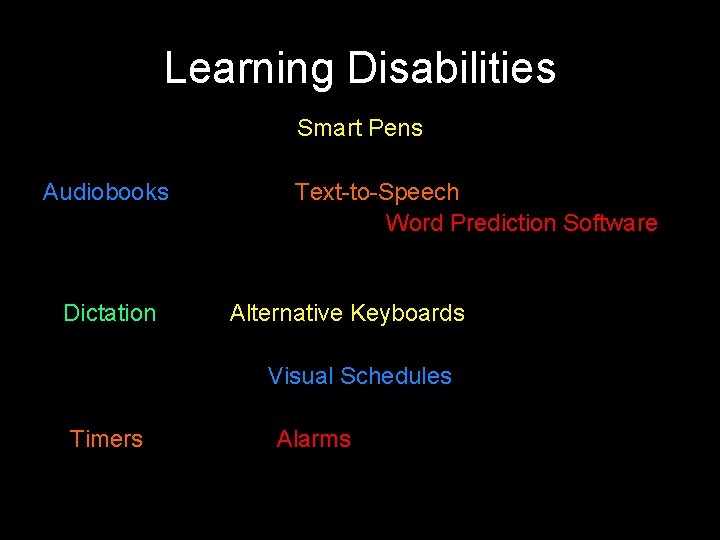
Learning Disabilities Smart Pens Audiobooks Dictation Text-to-Speech Word Prediction Software Alternative Keyboards Visual Schedules Timers Alarms
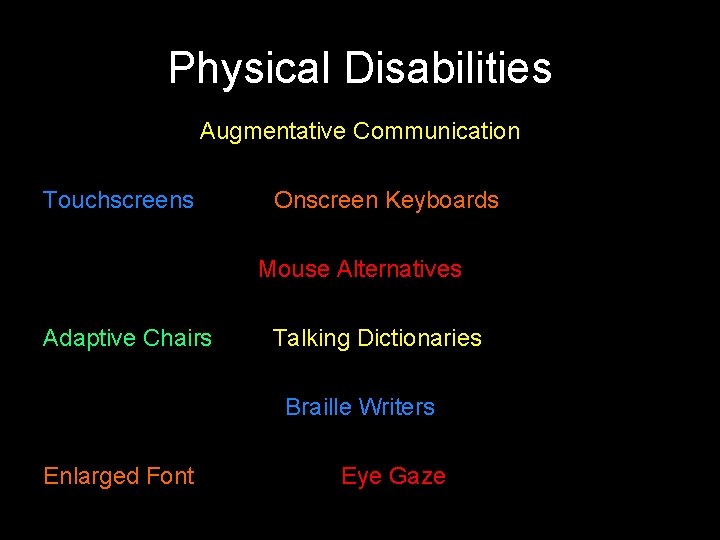
Physical Disabilities Augmentative Communication Touchscreens Onscreen Keyboards Mouse Alternatives Adaptive Chairs Talking Dictionaries Braille Writers Enlarged Font Eye Gaze
AT Is Required When. . . A student is not able to equally access their environment or curriculum
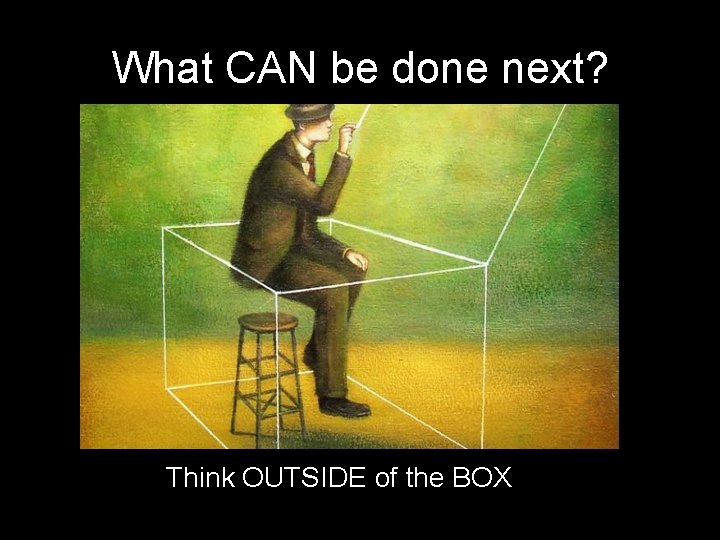
What CAN be done next? Think OUTSIDE of the BOX
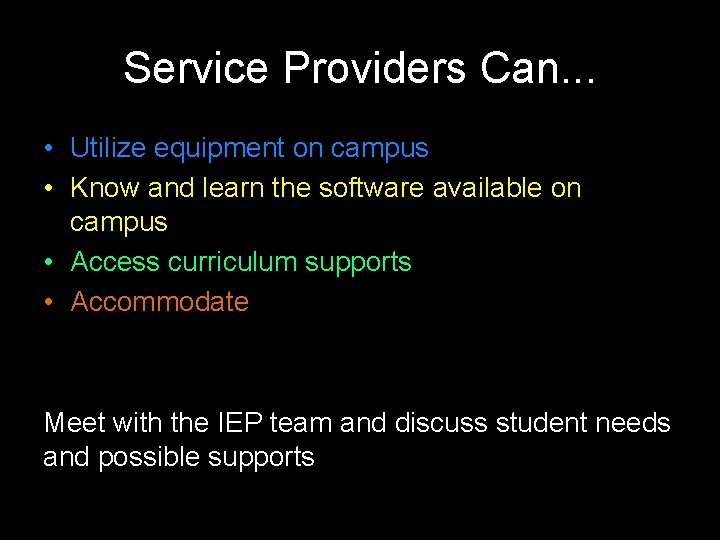
Service Providers Can. . . • Utilize equipment on campus • Know and learn the software available on campus • Access curriculum supports • Accommodate Meet with the IEP team and discuss student needs and possible supports
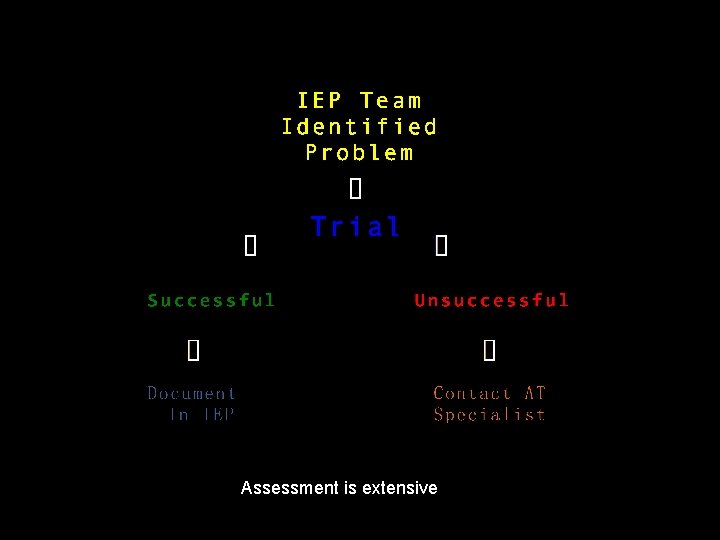
Assessment is extensive
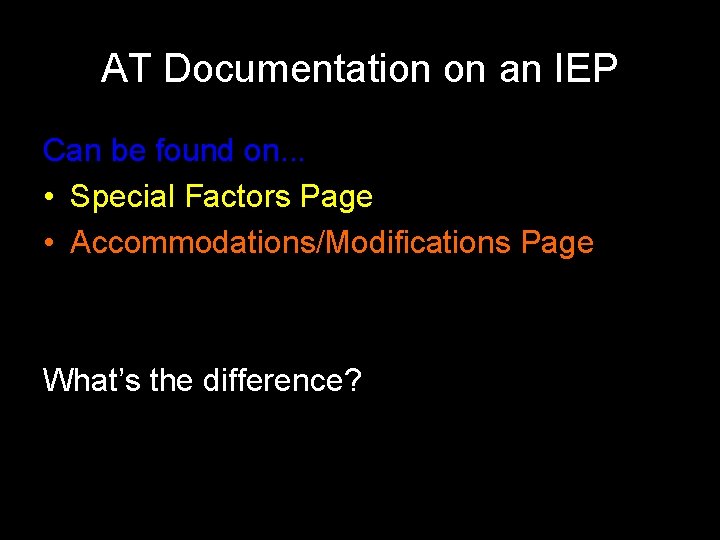
AT Documentation on an IEP Can be found on. . . • Special Factors Page • Accommodations/Modifications Page What’s the difference?
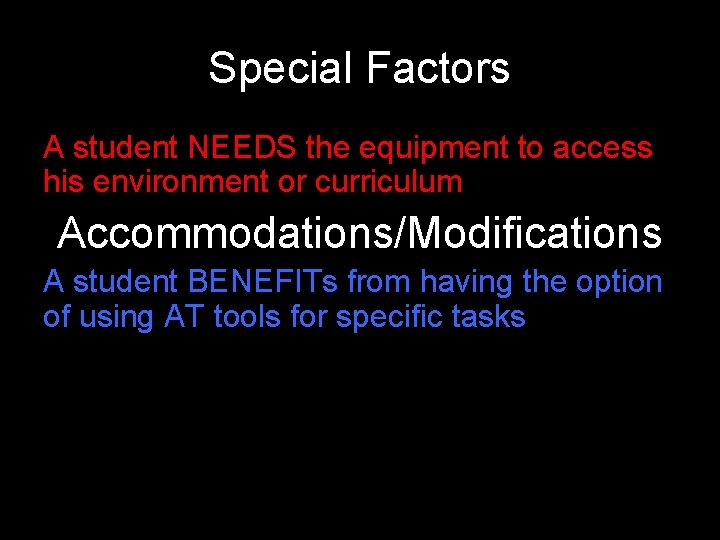
Special Factors A student NEEDS the equipment to access his environment or curriculum Accommodations/Modifications A student BENEFITs from having the option of using AT tools for specific tasks
Future of Technology in BUSD The Tech Task Force is developing the Instructional Technology Master Plan. The long term plan is to provide ALL students with technology in the classroom. Upcoming meeting dates and times: – February 21 st @ 4: 00 -5: 30 – March 28, 2017 @ 4: 00 -5: 30 http: //www. burbankusd. org/District/Department/Instructional. Technology
AT at Home Typing Club https: //www. typingclub. com/sportal/team-2/program-typing-jungle. game Spell Better http: //www. spellbetterapp. com Speak It https: //itunes. apple. com/us/app/speak-it!-text-tospeech/id 308629295? mt=8 Inspiration/Kidspiration http: //www. inspiration. com/Kidspiration Read & Write for Google https: //rwchrome. texthelp. com/drive/support/home Mod Math http: //www. modmath. com
Remember: We’re here to help you Laura Jack, AT Specialist E: Laurajack@burbankusd. org P: 818 -729 -4442 Teri Yee, AT Technician E: Teriyee@burbankusd. org P: 818 -729 -4419
Questions?