
Assistive Technology To Support Executive Functioning Rachel Kruzel

- Slides: 65
Assistive Technology To Support Executive Functioning Rachel Kruzel, ATP MNAHEAD Conference Friday, June 7 th, 2019 – 2: 00 -3: 00 pm
Our Ask… We ask you join us in creating a culture of ▪ Access ▪ Inclusion ▪ Civility, and ▪ Respect …this week and in all aspects of our organization
Silence Your Cell Please be respectful of your colleagues by silencing your phone. If you need to answer a call, please go into the hallway.
Session Evaluation Your evaluation and feedback is important to us!!! Please session moderator for paper evaluation form or complete the evaluation online.
Agenda and Learning Outcomes ▪ What is Thomas Brown’s Model of Executive Function? ▪ Why is process so important when working with assistive technology? ▪ What process questions connect with each of the six areas of Brown’s Model when it comes to assistive technology selection? ▪ What assistive technology will benefit a student with impacts in each of Brown’s six areas?
Thanks and Gratitude to Todd Thanks Todd! ▪ Director of Ed. Tech Integration at Groves Academy in St. Louis Park, MN (K-12 School for students with Learning Disabilities) ▪ AT Specialist at the core ▪ Frequently collaborate on this session together and was originally his presentation
What are Executive Functions?
Executive Functions Definition Executive Function is an umbrella term for cognitive processes that regulate, control, and manage other cognitive processes such as planning, working memory, attention, problem solving, verbal reasoning, inhibition, mental flexibility, task switching, and initiation and monitoring of activities.
Impacts of Executive Functioning ▪ Executive Functioning allows us to get things done! ▪ Helps or hinders us from being productive ▪ Executive functioning are the cognitive processes that allow us to be productive ▪ People who struggle with Executive Functioning feel less successful and have to work harder to get the same results as their peers without Executive Functioning impacts
Executive Functioning a Disability? ▪ Executive Functioning is not a disability in and of itself, but is instead impacted by many disabilities – – ADHD Learning Disabilities Mental Health – Anxiety, Depression, and others Autism Spectrum Disorder ▪ Spend a few minutes on the front end supporting a student or a longer amount of time later when a student is in crisis
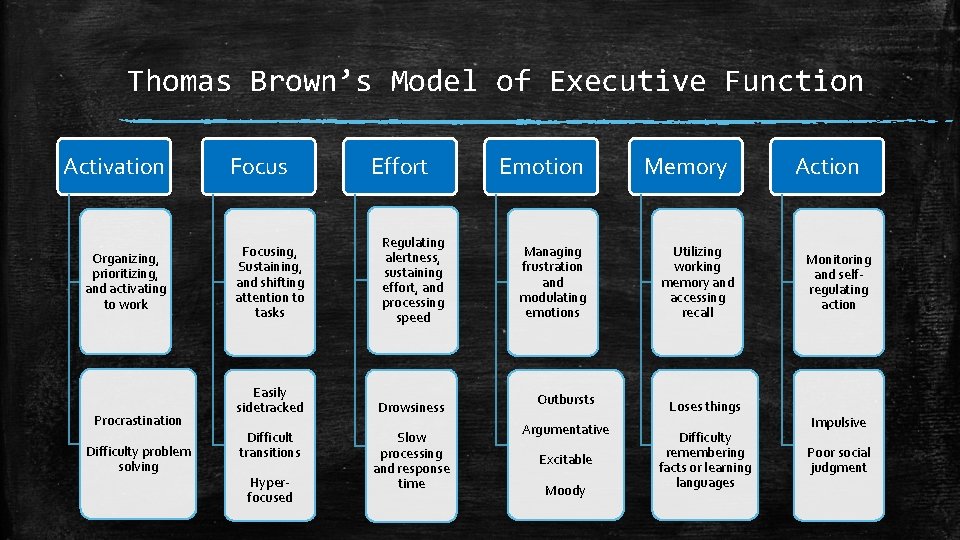
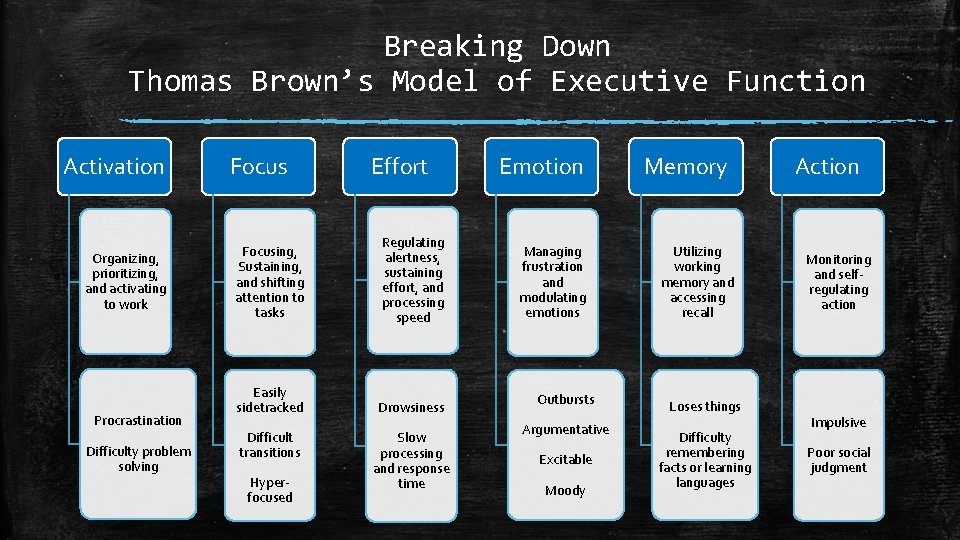
Thomas Brown’s Model of Executive Function Activation Organizing, prioritizing, and activating to work Procrastination Difficulty problem solving Focus Effort Focusing, Sustaining, and shifting attention to tasks Regulating alertness, sustaining effort, and processing speed Easily sidetracked Drowsiness Difficult transitions Hyperfocused Slow processing and response time Emotion Managing frustration and modulating emotions Outbursts Argumentative Excitable Moody Memory Utilizing working memory and accessing recall Loses things Difficulty remembering facts or learning languages Action Monitoring and selfregulating action Impulsive Poor social judgment
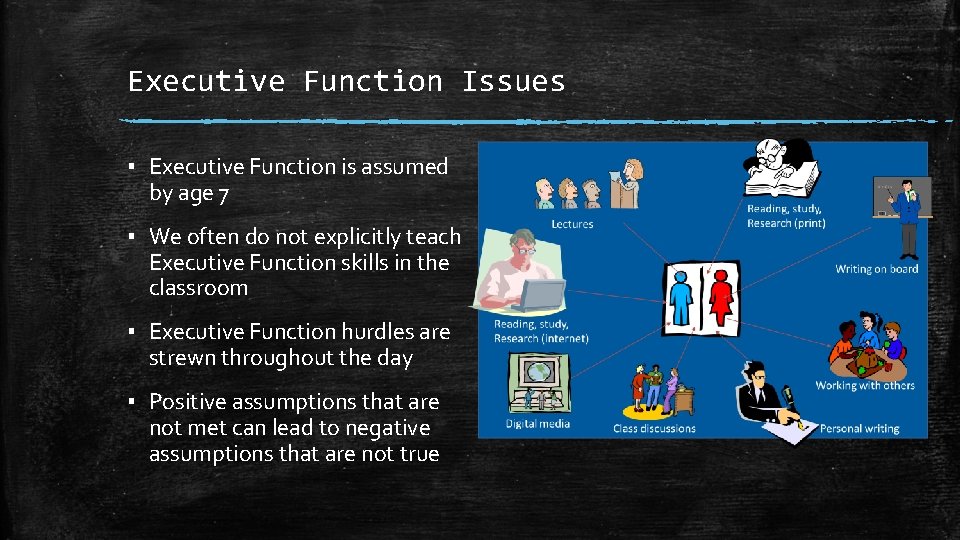
Executive Function Issues ▪ Executive Function is assumed by age 7 ▪ We often do not explicitly teach Executive Function skills in the classroom ▪ Executive Function hurdles are strewn throughout the day ▪ Positive assumptions that are not met can lead to negative assumptions that are not true
Executive Function Assumptions Many times we assume things about our students: ▪ They’re so neat and organized ▪ Finished is turned in ▪ It’s written in the planner so it will be done ▪ They don’t care at all ▪ They are so… – Lazy – Scattered – Definant
How Can We Help? ▪ Patience and a non-judgmental attitude ▪ Build a consistent routine ▪ Teach/model solid organizational and work skills ▪ Find the tools that will make the difference – – – Activation - Organizing, prioritizing, and activating to work Focus - Focusing, Sustaining, and shifting attention to tasks Effort - Regulating alertness, sustaining effort, and processing speed Emotion - Managing frustration and modulating emotions Memory - Utilizing working memory and accessing recall Action - Monitoring and self-regulating action
What Is Assistive Technology?
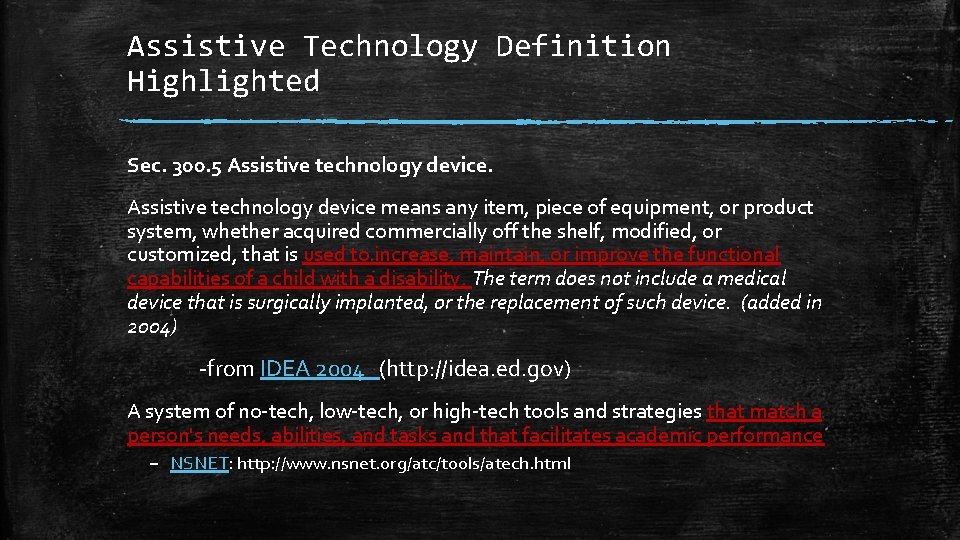
Assistive Technology Definition Sec. 300. 5 Assistive technology device means any item, piece of equipment, or product system, whether acquired commercially off the shelf, modified, or customized, that is used to increase, maintain, or improve the functional capabilities of a child with a disability. The term does not include a medical device that is surgically implanted, or the replacement of such device. (added in 2004) - from IDEA 2004 (http: //idea. ed. gov) A system of no-tech, low-tech, or high-tech tools and strategies that match a person's needs, abilities, and tasks and that facilitates academic performance – NSNET: http: //www. nsnet. org/atc/tools/atech. html
Assistive Technology Definition Highlighted Sec. 300. 5 Assistive technology device means any item, piece of equipment, or product system, whether acquired commercially off the shelf, modified, or customized, that is used to increase, maintain, or improve the functional capabilities of a child with a disability. The term does not include a medical device that is surgically implanted, or the replacement of such device. (added in 2004) -from IDEA 2004 (http: //idea. ed. gov) A system of no-tech, low-tech, or high-tech tools and strategies that match a person's needs, abilities, and tasks and that facilitates academic performance – NSNET: http: //www. nsnet. org/atc/tools/atech. html
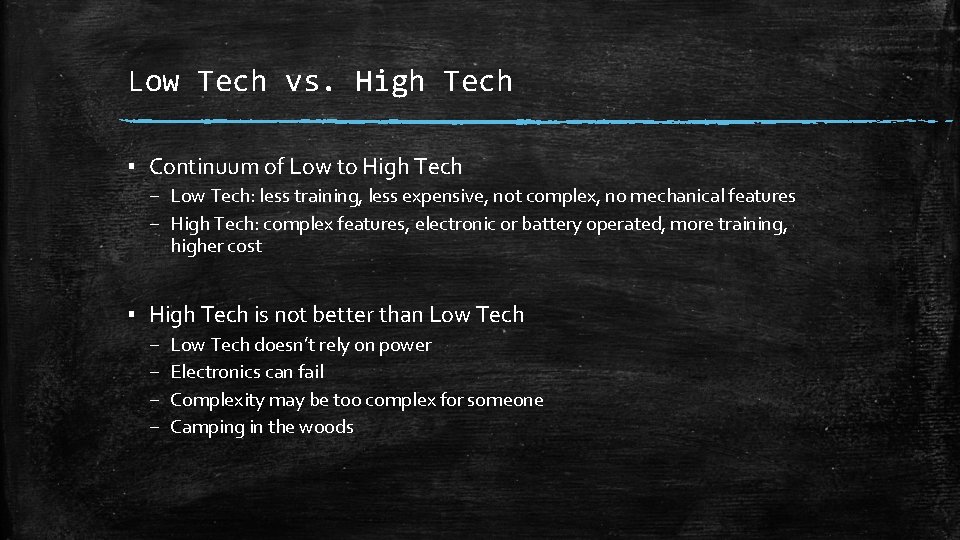
Low Tech vs. High Tech ▪ Continuum of Low to High Tech – Low Tech: less training, less expensive, not complex, no mechanical features – High Tech: complex features, electronic or battery operated, more training, higher cost ▪ High Tech is not better than Low Tech – – Low Tech doesn’t rely on power Electronics can fail Complexity may be too complex for someone Camping in the woods
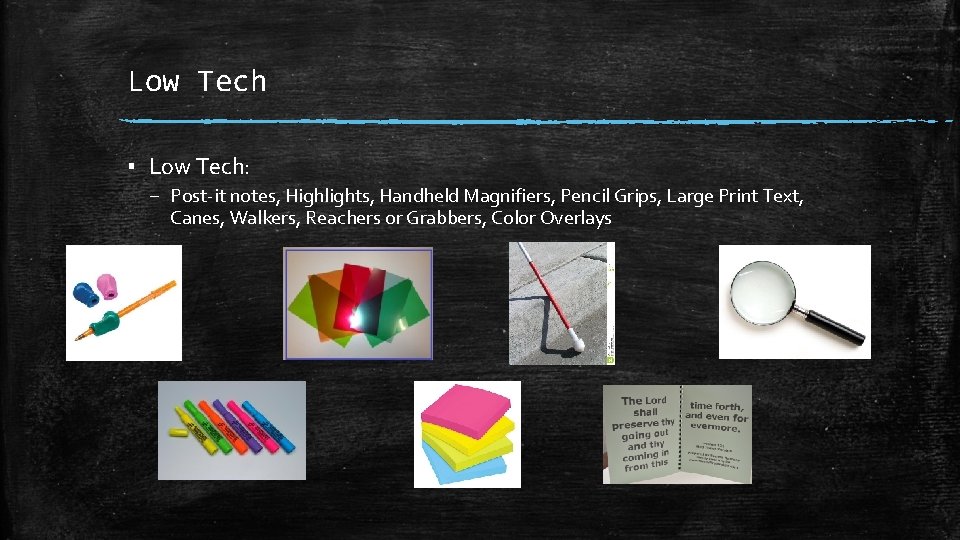
Low Tech ▪ Low Tech: – Post-it notes, Highlights, Handheld Magnifiers, Pencil Grips, Large Print Text, Canes, Walkers, Reachers or Grabbers, Color Overlays
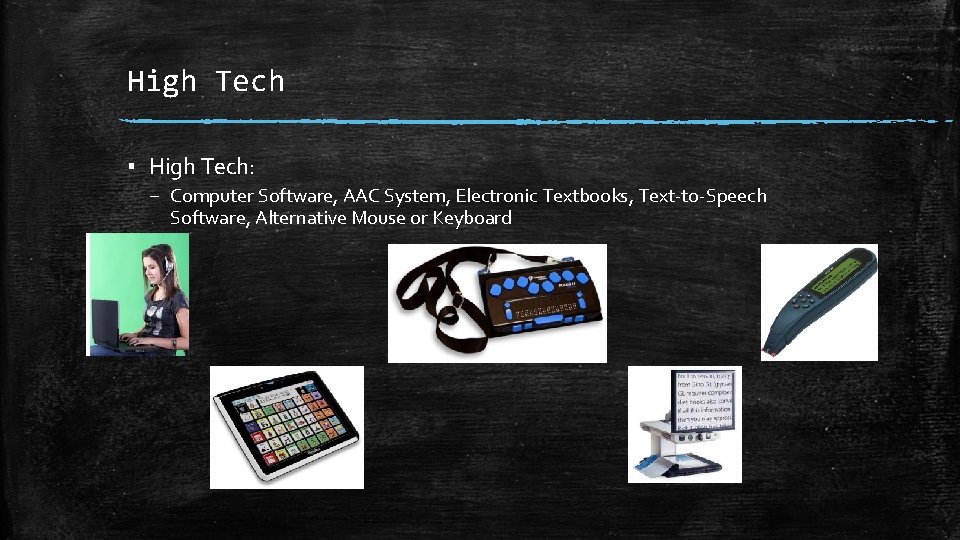
High Tech ▪ High Tech: – Computer Software, AAC System, Electronic Textbooks, Text-to-Speech Software, Alternative Mouse or Keyboard
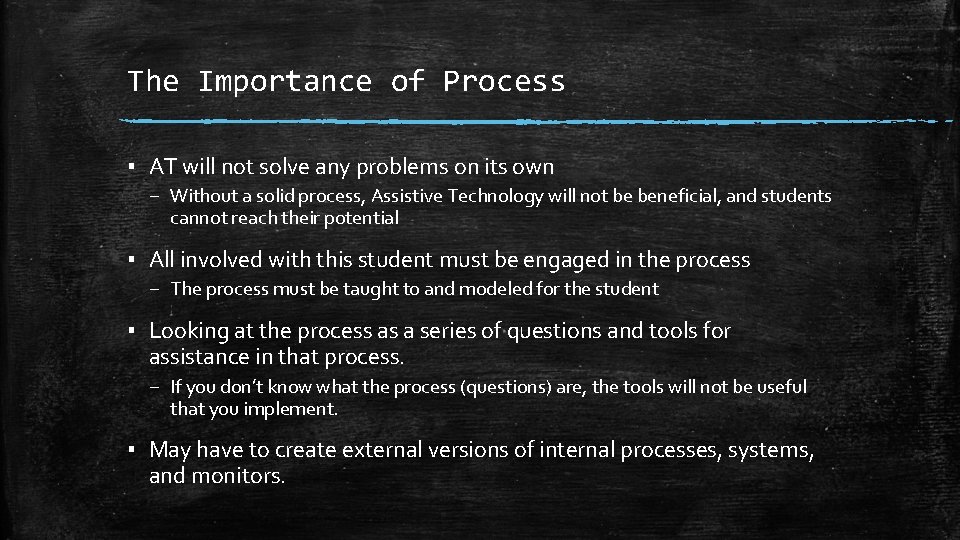
The Importance of Process ▪ AT will not solve any problems on its own – Without a solid process, Assistive Technology will not be beneficial, and students cannot reach their potential ▪ All involved with this student must be engaged in the process – The process must be taught to and modeled for the student ▪ Looking at the process as a series of questions and tools for assistance in that process. – If you don’t know what the process (questions) are, the tools will not be useful that you implement. ▪ May have to create external versions of internal processes, systems, and monitors.
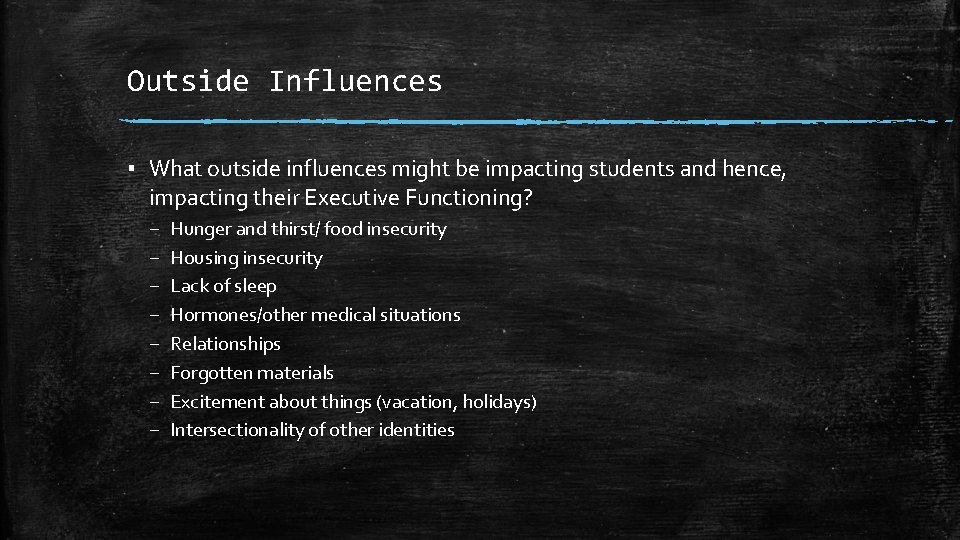
Outside Influences ▪ What outside influences might be impacting students and hence, impacting their Executive Functioning? – – – – Hunger and thirst/ food insecurity Housing insecurity Lack of sleep Hormones/other medical situations Relationships Forgotten materials Excitement about things (vacation, holidays) Intersectionality of other identities
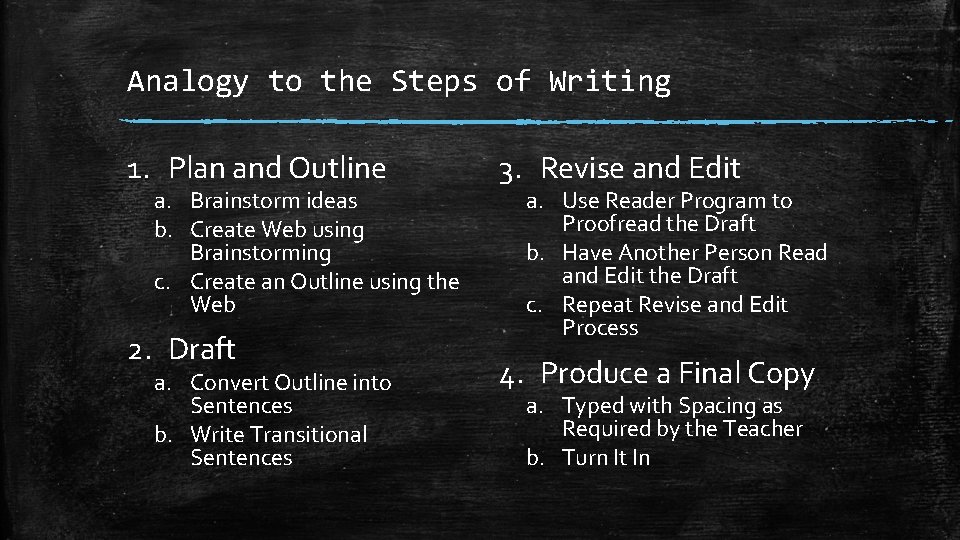
Analogy to the Steps of Writing 1. Plan and Outline a. Brainstorm ideas b. Create Web using Brainstorming c. Create an Outline using the Web 2. Draft a. Convert Outline into Sentences b. Write Transitional Sentences 3. Revise and Edit a. Use Reader Program to Proofread the Draft b. Have Another Person Read and Edit the Draft c. Repeat Revise and Edit Process 4. Produce a Final Copy a. Typed with Spacing as Required by the Teacher b. Turn It In
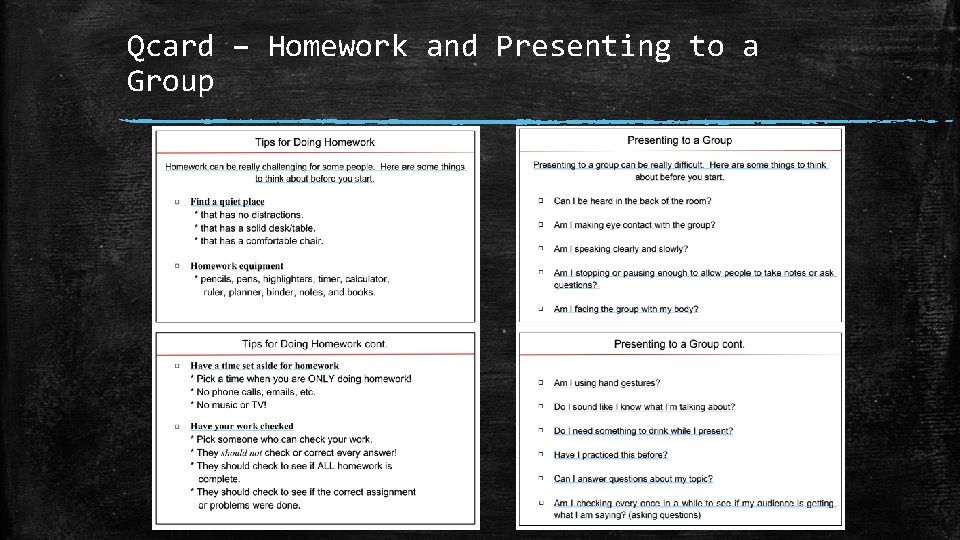
Qcard – Homework and Presenting to a Group
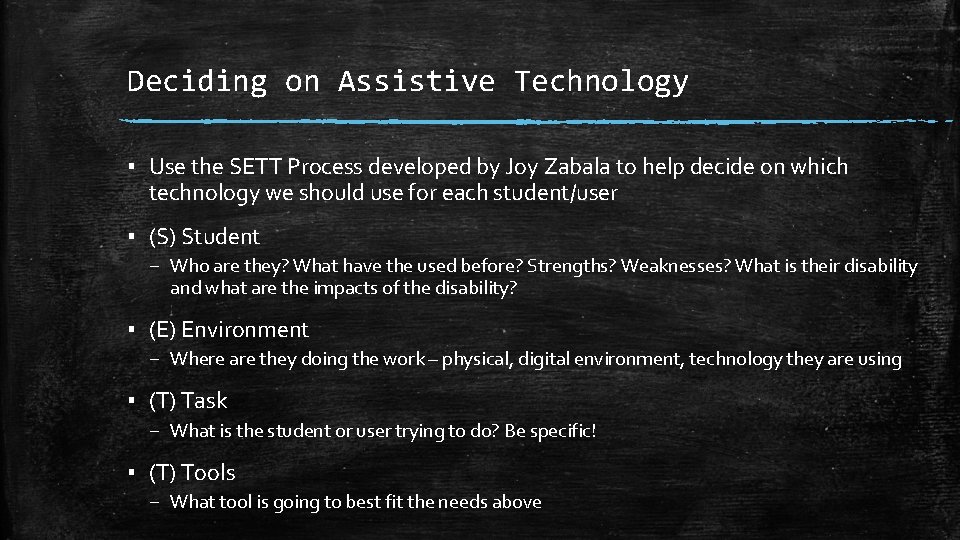
Deciding on Assistive Technology ▪ Use the SETT Process developed by Joy Zabala to help decide on which technology we should use for each student/user ▪ (S) Student – Who are they? What have the used before? Strengths? Weaknesses? What is their disability and what are the impacts of the disability? ▪ (E) Environment – Where are they doing the work – physical, digital environment, technology they are using ▪ (T) Task – What is the student or user trying to do? Be specific! ▪ (T) Tools – What tool is going to best fit the needs above
Breaking Down Brown’s Model With Assistive Technology Tools to Support
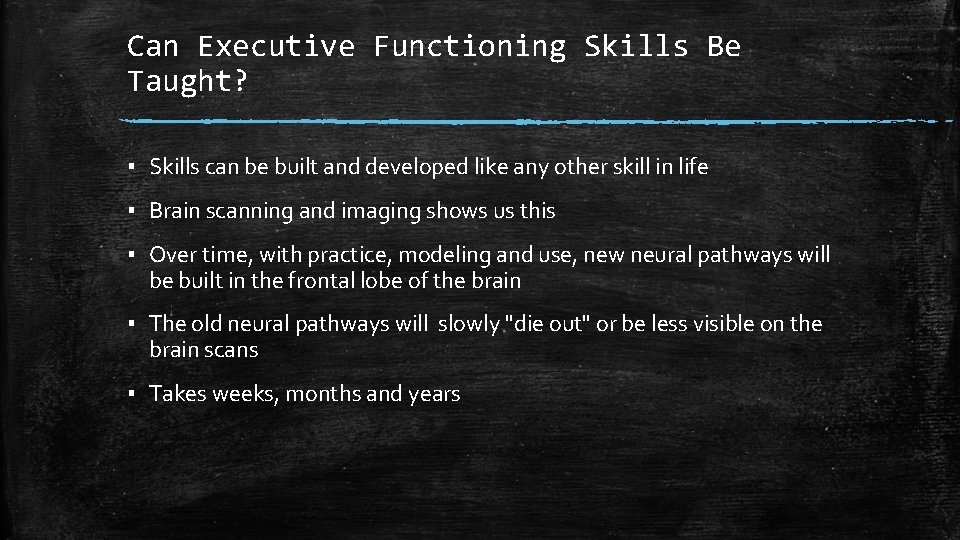
Can Executive Functioning Skills Be Taught? ▪ Skills can be built and developed like any other skill in life ▪ Brain scanning and imaging shows us this ▪ Over time, with practice, modeling and use, new neural pathways will be built in the frontal lobe of the brain ▪ The old neural pathways will slowly "die out" or be less visible on the brain scans ▪ Takes weeks, months and years
Breaking Down Thomas Brown’s Model of Executive Function Activation Organizing, prioritizing, and activating to work Procrastination Difficulty problem solving Focus Effort Focusing, Sustaining, and shifting attention to tasks Regulating alertness, sustaining effort, and processing speed Easily sidetracked Drowsiness Difficult transitions Hyperfocused Slow processing and response time Emotion Managing frustration and modulating emotions Outbursts Argumentative Excitable Moody Memory Utilizing working memory and accessing recall Loses things Difficulty remembering facts or learning languages Action Monitoring and selfregulating action Impulsive Poor social judgment
Activating Organizing, Prioritizing, and Activating Work
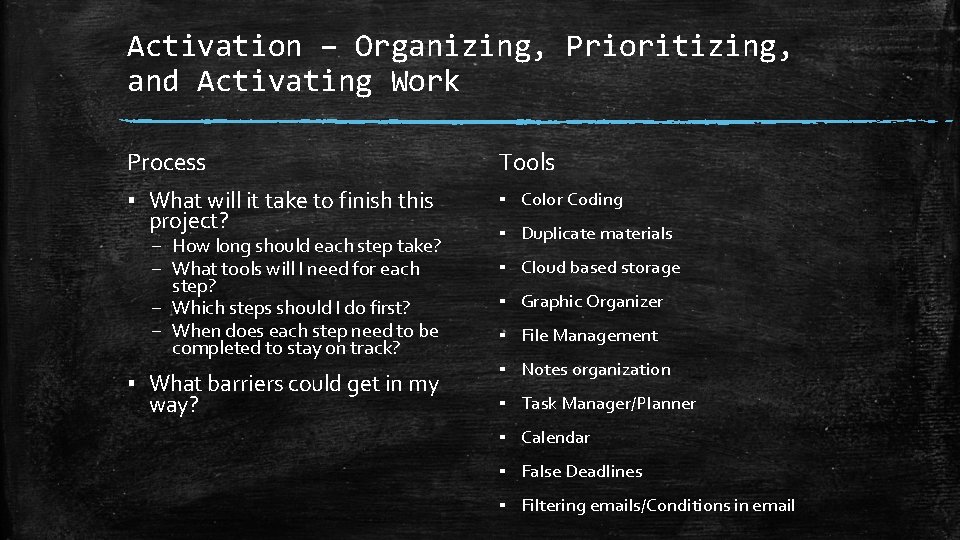
Activation – Organizing, Prioritizing, and Activating Work Process Tools ▪ What will it take to finish this project? ▪ Color Coding – How long should each step take? – What tools will I need for each step? – Which steps should I do first? – When does each step need to be completed to stay on track? ▪ What barriers could get in my way? ▪ Duplicate materials ▪ Cloud based storage ▪ Graphic Organizer ▪ File Management ▪ Notes organization ▪ Task Manager/Planner ▪ Calendar ▪ False Deadlines ▪ Filtering emails/Conditions in email
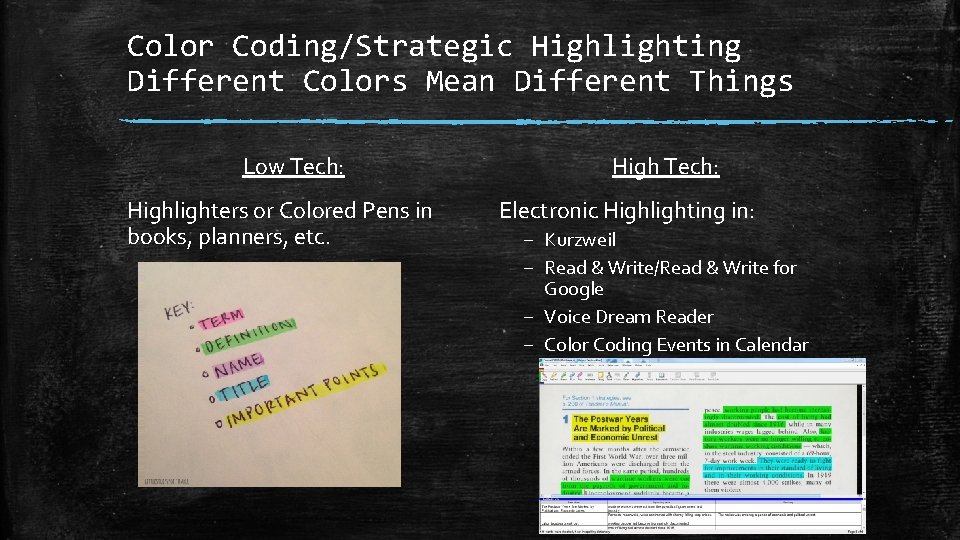
Color Coding/Strategic Highlighting Different Colors Mean Different Things Low Tech: Highlighters or Colored Pens in books, planners, etc. High Tech: Electronic Highlighting in: – Kurzweil – Read & Write/Read & Write for Google – Voice Dream Reader – Color Coding Events in Calendar
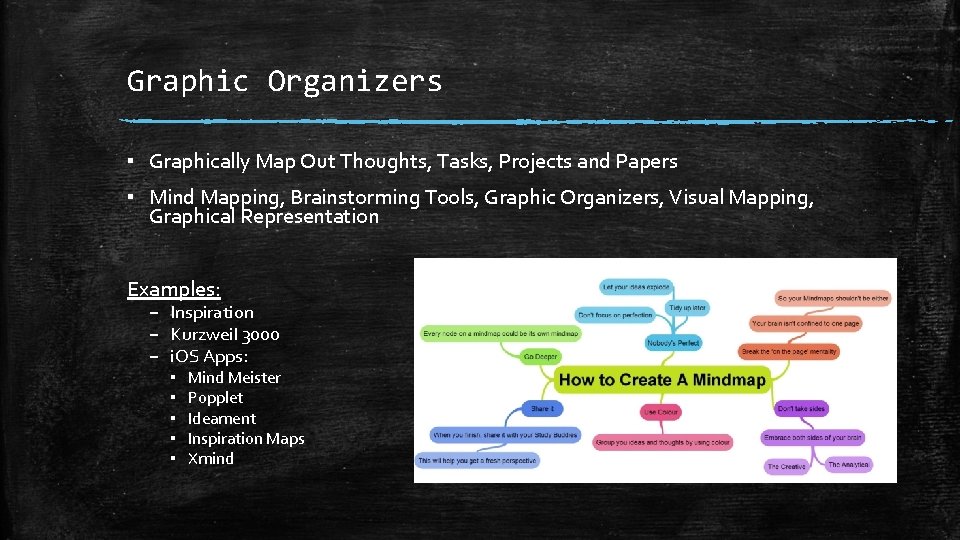
Graphic Organizers ▪ Graphically Map Out Thoughts, Tasks, Projects and Papers ▪ Mind Mapping, Brainstorming Tools, Graphic Organizers, Visual Mapping, Graphical Representation Examples: – Inspiration – Kurzweil 3000 – i. OS Apps: ▪ ▪ ▪ Mind Meister Popplet Ideament Inspiration Maps Xmind
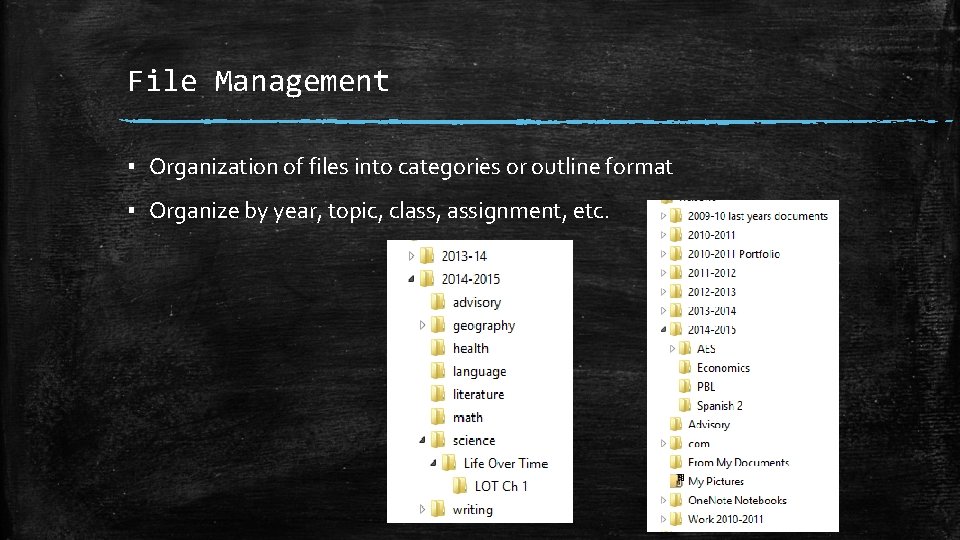
File Management ▪ Organization of files into categories or outline format ▪ Organize by year, topic, class, assignment, etc.
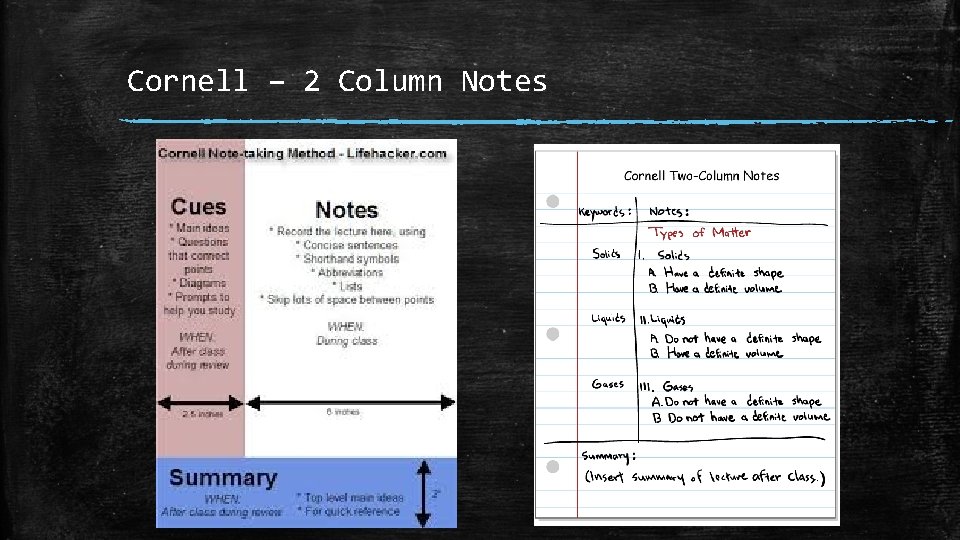
Notes Organization ▪ Organizing notes while you are taking it makes for easier studying later ▪ Not word for word notes but main points and summaries ▪ IN YOUR OWN WORDS!! Examples: – – – – Cornell Notes (low tech) Sonocent Audio Notetaker Livescribe Smartpen (Echo & Aegir) Noteability One Note Evernote Clipping Tool
Cornell – 2 Column Notes
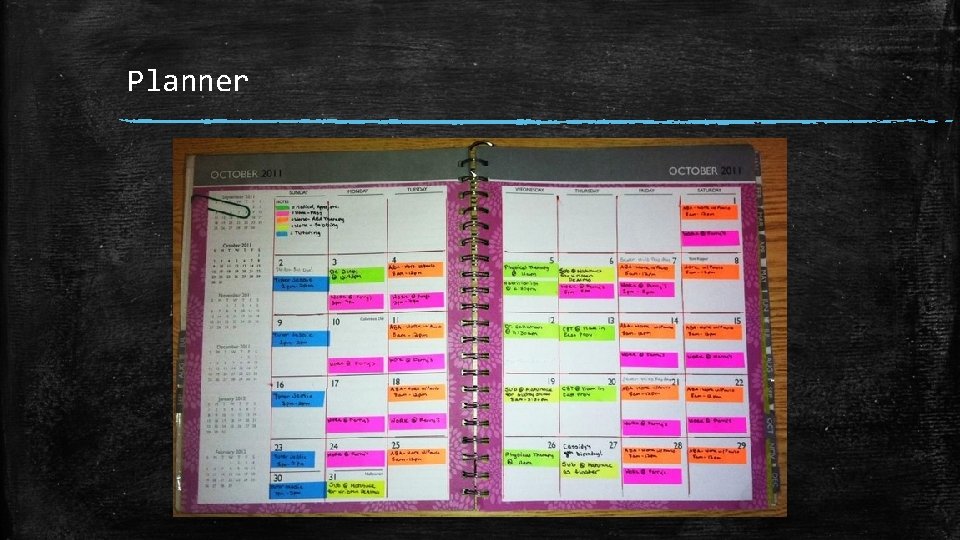
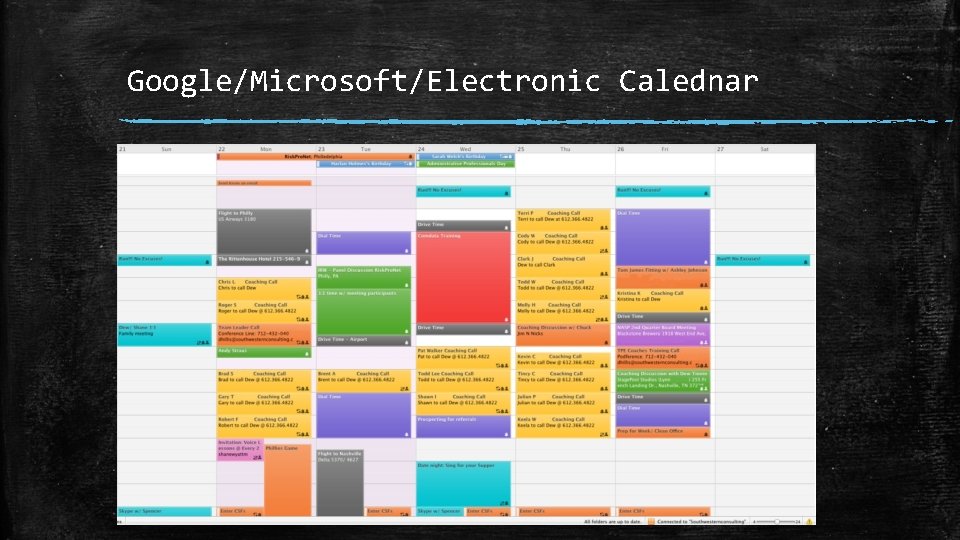
Calendar ▪ Dates, Time, Events ▪ Schedule days out hour by hour – Fit in class time, homework time, sports, activities, and, don’t forget…Fun Time! – Use Color Coding (another low tech tool talked about earlier) ▪ Tie use to an action completed daily –example: brushing your teeth Examples: ▪ Paper Planner (low tech) ▪ Google Calendar or Microsoft Calendar (high tech and Duplicating Materials/Cloud Based Storage) (high tech) ▪ Many other electronic calendar programs to list – Use color coding, notes with any of these tools (other Activation Tool)
Planner
Google/Microsoft/Electronic Calednar
Task Management/Planner ▪ Keeps track of tasks, assignments, classes, exams ▪ Checklists, to-do lists ▪ School, Work, personal, professional, family lists Examples: ▪ Minama. List ▪ My Study Life ▪ To. Doist ▪ in. Class ▪ Priority Matrix ▪ Google Keep ▪ Remember the Milk ▪ My. Homework
False Deadlines ▪ Very important skill! ▪ One of the most important shown today! ▪ Backtrack due dates with smaller projects ▪ Breaks down task to manageable pieces ▪ Lowers stress and anxiety with large projects ▪ Give deadlines to achieve and stick to ▪ Think of the process, the steps, and what questions you need to ask to get the task done Example: Research Project Calculator
Filtering Emails/Conditions ▪ Make email work for you ▪ Many tools built into email to help you stay organized and to focus ▪ Put filters on the email coming in (categorize, put into folders automatically) ▪ Conditioning allows you to do things like bold or color code emails from certain senders ▪ Helps user focus on important information and stay more organized
Focusing, Sustaining, and Shifting Attention to Tasks
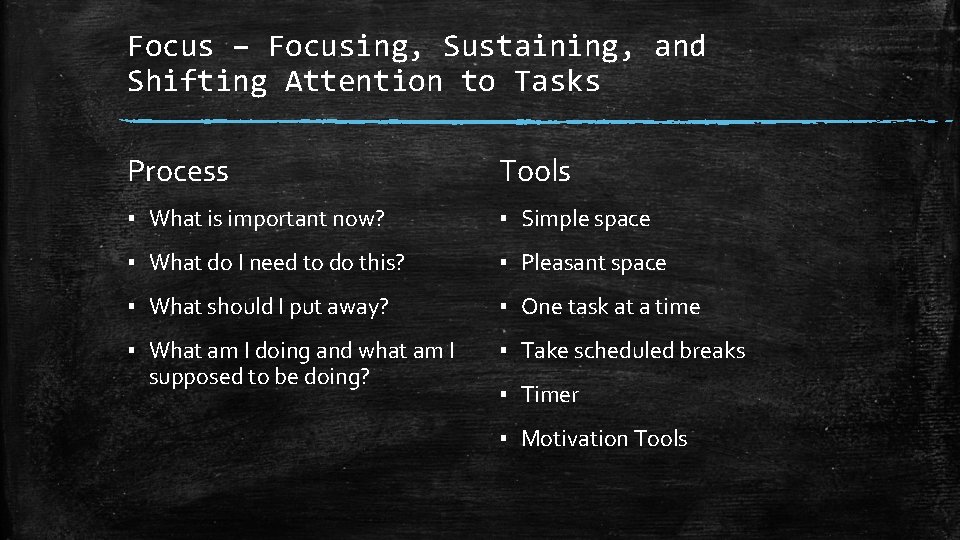
Focus – Focusing, Sustaining, and Shifting Attention to Tasks Process Tools ▪ What is important now? ▪ Simple space ▪ What do I need to do this? ▪ Pleasant space ▪ What should I put away? ▪ One task at a time ▪ What am I doing and what am I supposed to be doing? ▪ Take scheduled breaks ▪ Timer ▪ Motivation Tools
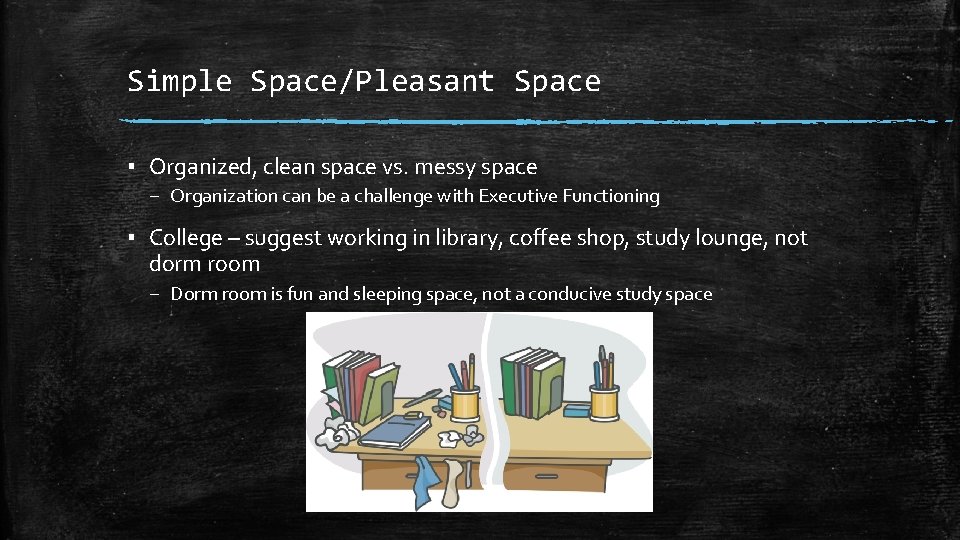
Simple Space/Pleasant Space ▪ Organized, clean space vs. messy space – Organization can be a challenge with Executive Functioning ▪ College – suggest working in library, coffee shop, study lounge, not dorm room – Dorm room is fun and sleeping space, not a conducive study space
Virtual Study Space ▪ Distraction Free Space is Essential both physical and virtually ▪ Cell Phones, Internet, Social Media Examples: ▪ Do Not Disturb on i. OS ▪ Readability ▪ Cold Turkey (Cold Turkey Writer) ▪ Self Control ▪ Keep. Me. Out ▪ Stay. Focused ▪ Write Room ▪ Freedom ▪ Focus. Writer
One Task at a Time ▪ What’s the Process to get this done? Examples: ▪ What are the Steps I need to do to complete this? ▪ Scaffolding Assignments ▪ Breaking down assignments ▪ Create task list/to-do list for project ▪ Similar to false deadlines ▪ Work on Step 1 first, then Step 2 next ▪ Priority Matrix ▪ False Deadline
Timers & Taking Scheduled Breaks ▪ Useful for any type of task Examples: ▪ Helps break hyper focused individuals as well ▪ Pomodoro Timer – 4 hours of math but still have English to work on ▪ Self-Time the length of time it takes to complete tasks ▪ Timer ▪ focus booster ▪ 30/30 ▪ My. Tomatoes ▪ Tomato. Timer
Pomodoro Technique ▪ Decide on task ▪ Set time for 25 minutes – Short break for 5 minutes ▪ Repeat ▪ Every 4 Pomodoros take a longer break for 15 -30 minutes ▪ Sustains attention over time ▪ Allows for a brain recharge with the longer break
Self-Timing of Tasks ▪ Time yourself to gauge how long it takes you to complete a task ▪ Break down larger assignments and track the time for each step – Is there an area you frequently trip up on? – Is there one part that always take the longest? – Does writing thesis statement always take the longest? ▪ Begin to have a more accurate sense of the time it takes you to do work ▪ Better able to plan how long something takes in the future ▪ Better understand if there is an area you struggle with more
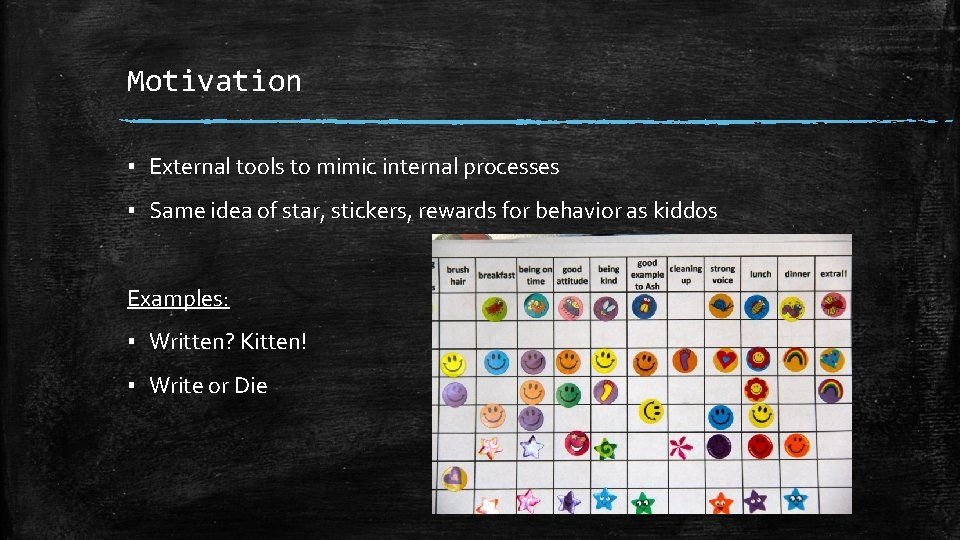
Motivation ▪ External tools to mimic internal processes ▪ Same idea of star, stickers, rewards for behavior as kiddos Examples: ▪ Written? Kitten! ▪ Write or Die
Effort Regulating Alertness, Sustaining Effort, and Processing Speed
Effort – Regulating Alertness, Sustaining Efforts, and Processing Speed Process Tools ▪ How am I doing? ▪ Scheduled breaks ▪ Is there anything that is pulling me down? ▪ Timer
Emotion Managing Frustration and Modulating Emotions
Emotion – Managing Frustration and Modulating Emotions Process Tools ▪ How am I feeling right now? ▪ Music ▪ Is there anything that I can deal with and take it off my plate? ▪ Fidgets ▪ Balance ball ▪ Exercise ▪ Meditation/mindfulness exercises ▪ Yoga
Meditation/Mindfulness Exercises ▪ Apps & programs to help regulate emotions and frustrations Examples: ▪ Unstuck ▪ Breathing Zone ▪ Guided Mind ▪ Buddhify ▪ You. Tube Videos for Meditation, Yoga, Breathing, etc.
Memory Utilizing Working Memory and Accessing Recall
Memory – Utilizing Working Memory and Accessing Recall Process Tools ▪ What are the key concepts? ▪ Flashcards ▪ Strategic Highlighting ▪ Active reading ▪ Summarizing activity ▪ Rehearsal
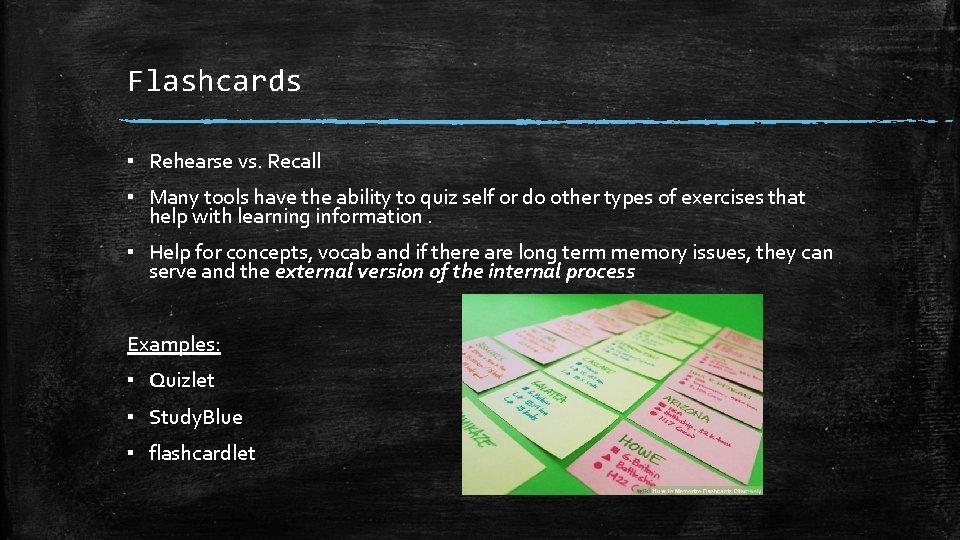
Flashcards ▪ Rehearse vs. Recall ▪ Many tools have the ability to quiz self or do other types of exercises that help with learning information. ▪ Help for concepts, vocab and if there are long term memory issues, they can serve and the external version of the internal process Examples: ▪ Quizlet ▪ Study. Blue ▪ flashcardlet
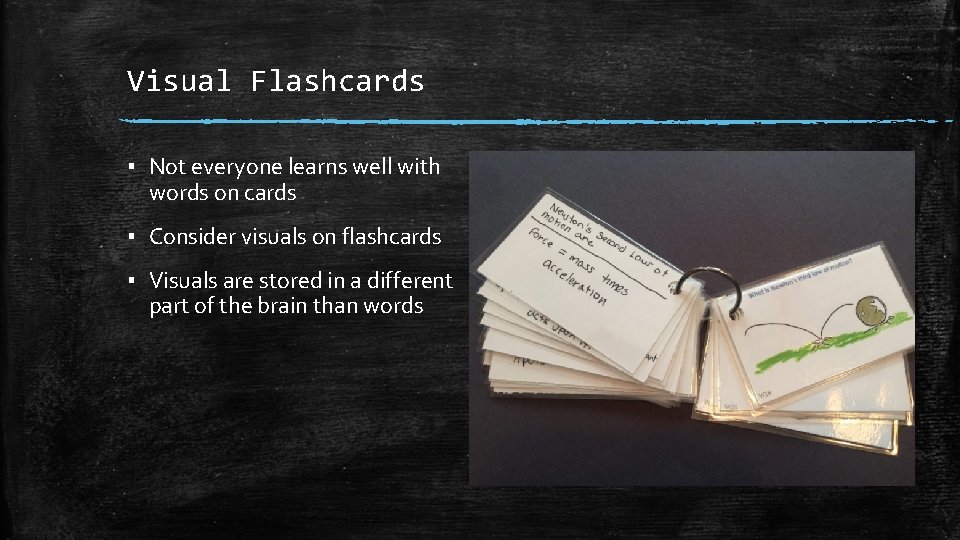
Visual Flashcards ▪ Not everyone learns well with words on cards ▪ Consider visuals on flashcards ▪ Visuals are stored in a different part of the brain than words
Action Monitoring and Self-Regulating Action
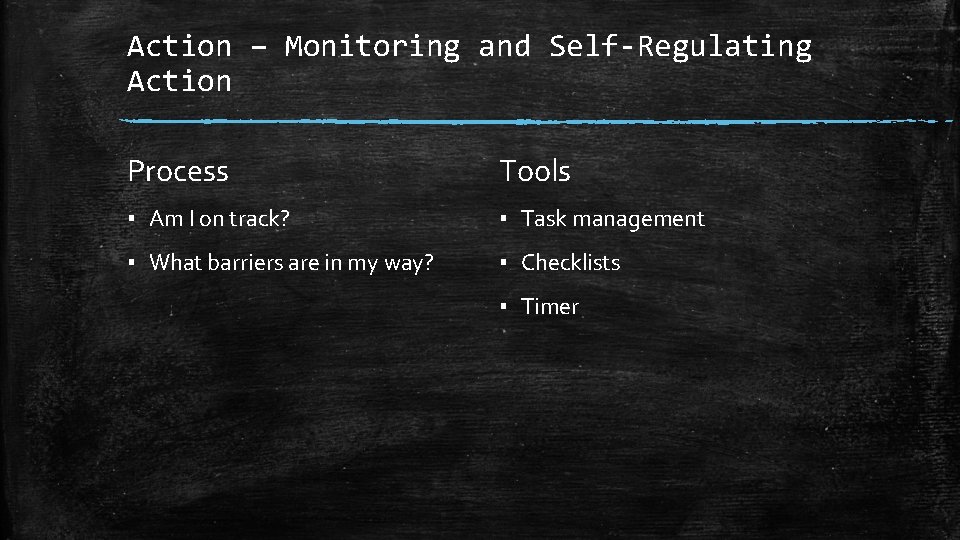
Action – Monitoring and Self-Regulating Action Process Tools ▪ Am I on track? ▪ Task management ▪ What barriers are in my way? ▪ Checklists ▪ Timer
Tools - A place to start, not an exhaustive list ▪ List of tools is provided today ▪ Not all tools were shown today ▪ Each tool does something a little different ▪ Check out a more exhaustive list at: Augsburg Assistive Technology Website http: //www. augsburg. edu/class/groves/ assistive-technology/everyone/
Questions?
Session Evaluation - Reminder Your evaluation and feedback is important to us!!! Please session moderator for paper evaluation form or complete the evaluation online.
Contact Information Rachel Kruzel, ATP Accommodations & Assistive Technology Specialist RESNA Certified Assistive Technology Professional University of St. Thomas St. Paul, MN Email: rlkruzel@stthomas. edu Phone: 651 -962 -6312 Twitter: @rachelkruzel