
ASSISTIVE TECHNOLOGY IN THE CLASSROOM Week 3 Module
- Slides: 12
ASSISTIVE TECHNOLOGY IN THE CLASSROOM Week 3: Module 2
BY THE END OF THIS LESSON … q. Identify 5 types of assistive technology q. Explain how students can benefit from the use of assistive technology q. Learn how to use two examples of assistive technology through online tutorial videos
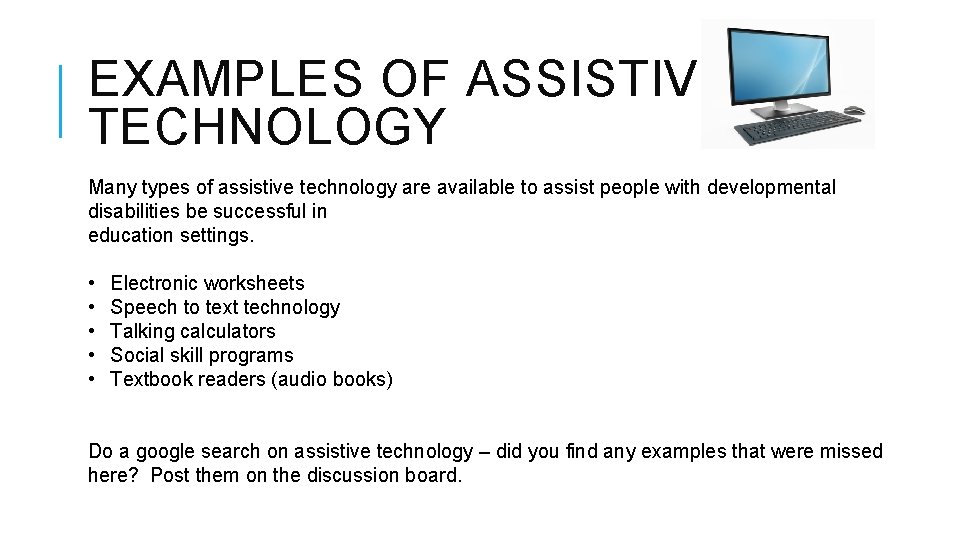
EXAMPLES OF ASSISTIVE TECHNOLOGY Many types of assistive technology are available to assist people with developmental disabilities be successful in education settings. • • • Electronic worksheets Speech to text technology Talking calculators Social skill programs Textbook readers (audio books) Do a google search on assistive technology – did you find any examples that were missed here? Post them on the discussion board.
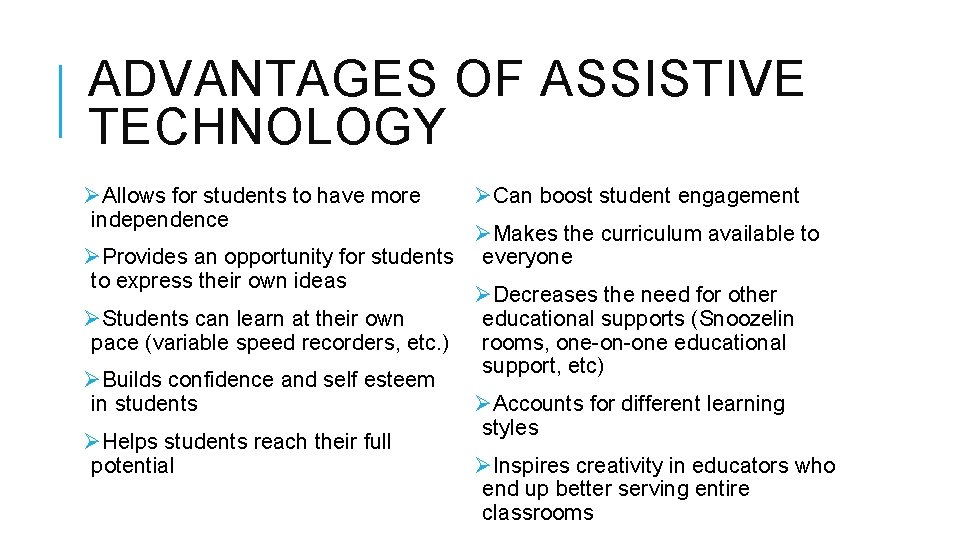
ADVANTAGES OF ASSISTIVE TECHNOLOGY ØAllows for students to have more independence ØCan boost student engagement ØMakes the curriculum available to ØProvides an opportunity for students everyone to express their own ideas ØDecreases the need for other ØStudents can learn at their own educational supports (Snoozelin pace (variable speed recorders, etc. ) rooms, one-on-one educational support, etc) ØBuilds confidence and self esteem in students ØAccounts for different learning styles ØHelps students reach their full potential ØInspires creativity in educators who end up better serving entire classrooms
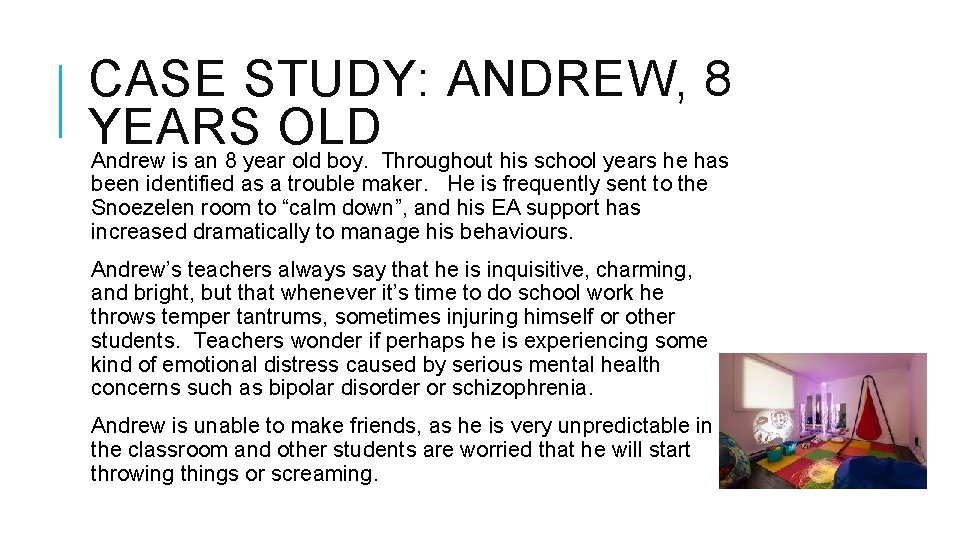
CASE STUDY: ANDREW, 8 YEARS OLD Andrew is an 8 year old boy. Throughout his school years he has been identified as a trouble maker. He is frequently sent to the Snoezelen room to “calm down”, and his EA support has increased dramatically to manage his behaviours. Andrew’s teachers always say that he is inquisitive, charming, and bright, but that whenever it’s time to do school work he throws temper tantrums, sometimes injuring himself or other students. Teachers wonder if perhaps he is experiencing some kind of emotional distress caused by serious mental health concerns such as bipolar disorder or schizophrenia. Andrew is unable to make friends, as he is very unpredictable in the classroom and other students are worried that he will start throwing things or screaming.
UPON FURTHER TESTING … The school recommends further testing after years of these issues. Tests come back showing that Andrew is a brilliant student with very poor fine motor skills and OCD, which prevents him from writing as he hates to be wrong. Upon implementing speech to text technology for Andrew in the classroom, his life drastically changes. He is able to express his ideas without writing, and he is no longer frustrated. He is no longer sent out of the classroom, missing instructional time. Students no longer find him unpredictable and intimidating, and he begins to repair his reputation and become friendly with other kids.
ELECTRONIC WORKSHEETS v v v v v Google Docs Paper. Port Omniform Adobe Acrobat Professional/Adobe Reader Microsoft Word (Forms) Test. Talker Kurzweil 3000 Snap. Type Claro. PDF Snapverter Short tutorial explaining how to use Snapverter, one of the most popular electronic worksheet programs: https: //www. youtube. com/watch? v=j. NCz 2 AJu. YNU
SPEECH TO TEXT TECHNOLOGY v v v v Cloud Speech-to-Text Google Read and Write Dragon Naturally Speaking Evernote Speechnotes Transcribe Windows Speech Recognition Google Read and Write is a popular and free speech to text technology program. Watch this video tutorial on Read and Write now. https: //www. youtube. com/watch? v=j. NCz 2 AJu. YNU
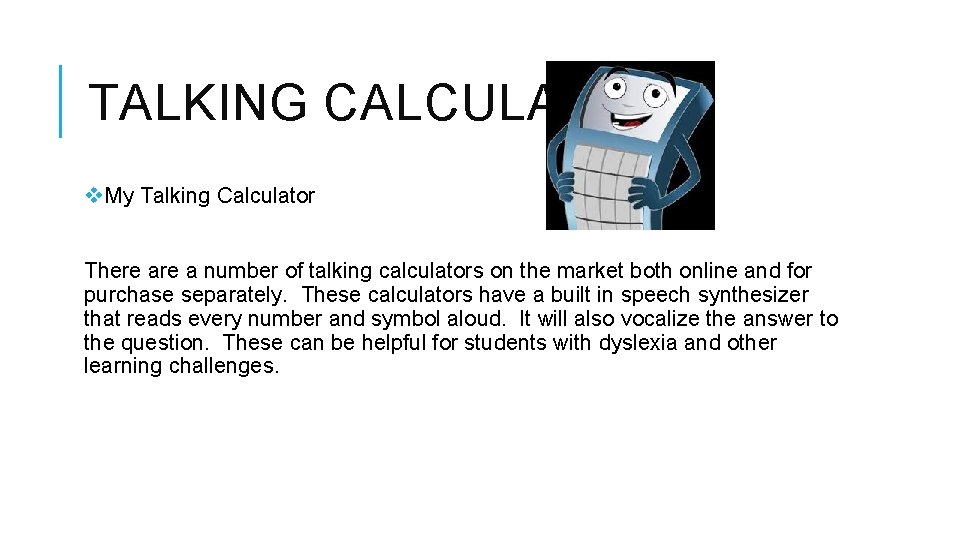
TALKING CALCULATORS v. My Talking Calculator There a number of talking calculators on the market both online and for purchase separately. These calculators have a built in speech synthesizer that reads every number and symbol aloud. It will also vocalize the answer to the question. These can be helpful for students with dyslexia and other learning challenges.
SOCIAL SKILLS PROGRAMS v. Go. Strengths! v. Adventures in Learning: PBS Kids v. S. S. GRIN v. Social Skill Builder v. Gynzy v. Calm App Self regulation is a very important social skill. Find out more about the Calm App below: https: //www. youtube. com/watch? v=f. TQ 9 CRl_XPM
TEXTBOOK READERS v. Kobo Aura v. Pearson Textbook Reader v. Shelfie v. Campus. Grotto v. Audiofor. Books This is a market where there are many, many versions available due to the increase in audio books.
ASSIGNMENT: ASSISTIVE TECHNOLOGY In pairs, sign up for an example of assistive technology that we have discussed in class. You will be doing a short, 3 minute presentation on this example in two weeks. Only one pair per example, please. Please prepare a 1 -2 page handout on your assistive technology example. We will be compiling these examples into a resource book, so that at the end of this semester, everyone will have the same excellent resource for use in their career as DSWs. If you have an idea for another example of assistive technology, you may ask permission to present on this topic. This assignment will be worth 20% of your final grade