
Assistive Technology for the Learning Environment Katelynn Cantrell
- Slides: 13
Assistive Technology for the Learning Environment Katelynn Cantrell Technology for Teachers
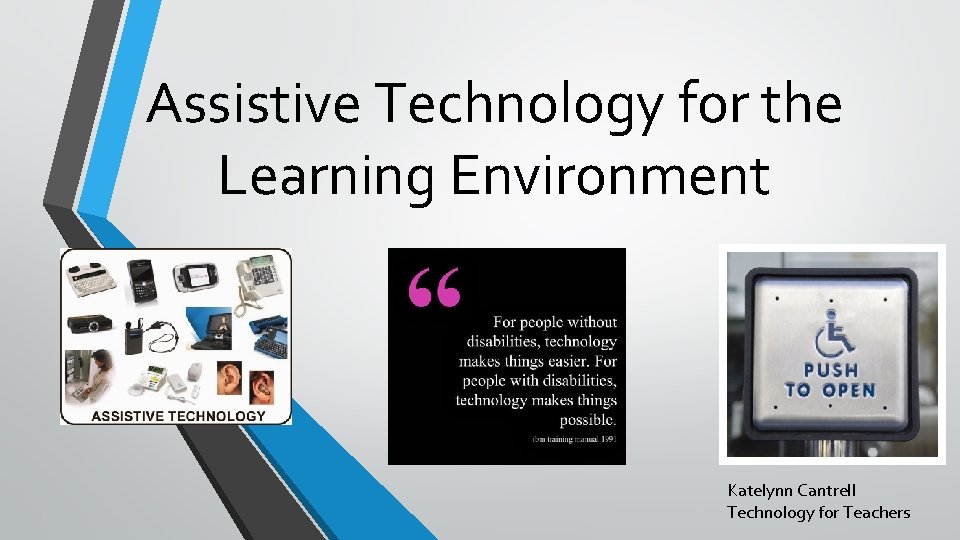
What is Assistive Technology? According to the text book Teachers Discovering Computer, Assistive Technology is, ”Any equipment, modification, or accommodation that can improve a persons capacity to learn, to communicate, to solve problems, or to complete a task through the use of a computer. ” Some types of Assistive Technology include but are not limited to the following… • • • Talking Calculators Word prediction software Text-to-voice Digital Pens Alternative Keyboards Speech recognition Visual systems Audiobooks Outlining Software Communication Access Realtime Translation
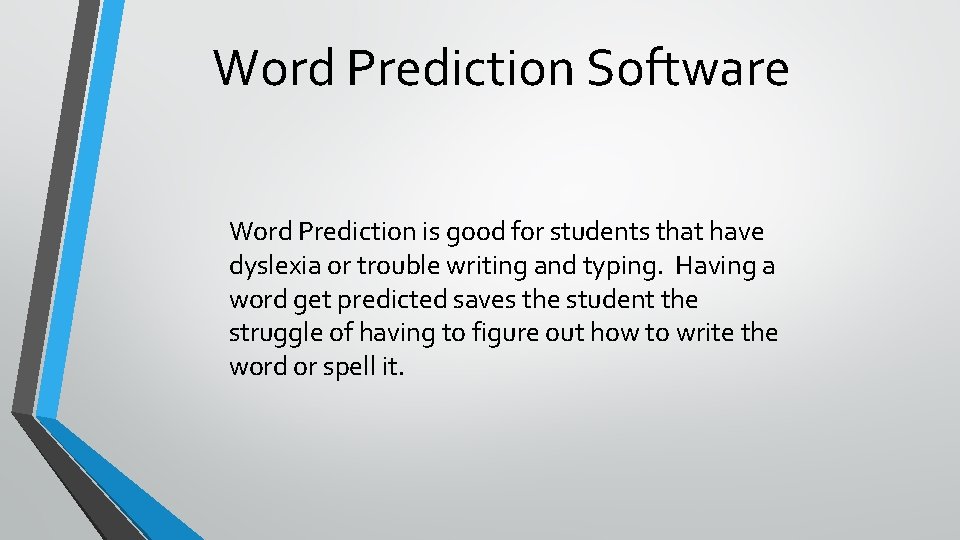
Talking Calculators Talking calculators read allowed the number that has been entered. They are great for students with dyscalculia. Below is a link to show just how the talking calculator works. https: //youtu. be/h. MFre. Oc. Vzh 0
Word Prediction Software Word Prediction is good for students that have dyslexia or trouble writing and typing. Having a word get predicted saves the student the struggle of having to figure out how to write the word or spell it.
Text-to-Voice helps students that have trouble spelling, writing, or typing. This can be used on a computer or a cell phone. This software will read the text to you.
Digital Pens Livescribe smartpens is just one of the digital pens out there for Assistive Technology. According to the Livescribe website some of the things the smartpen can do for students is the reduce anxiety that students get from taking notes, students can play back class instructions, they allow students to build independence and academic confidence, and they are a discrete accommodation. This link is a great video to show to use a digital pen in class https: //www. youtube. com/watch? v=QSCOZK 9 l. Kr. Y
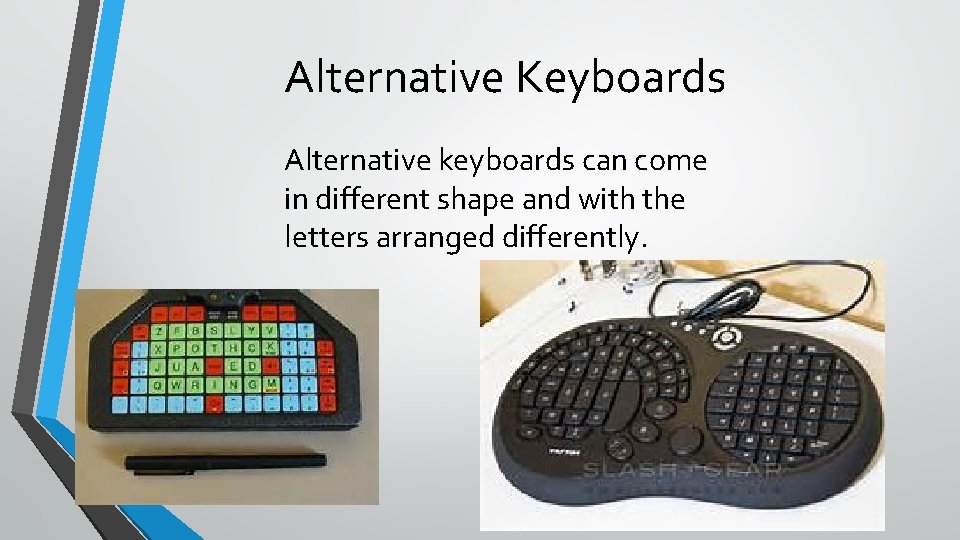
Alternative Keyboards Alternative keyboards can come in different shape and with the letters arranged differently.
Speech Recognition This software is also like voice -to-text. It puts what the person says into text so it helps kids that have trouble typing or writing.
Visual Systems Visual systems are good for students that have trouble communicating. They are used to express how the student is feeling or what they need. They are usually pictures or anything visual that can be used to communicate.
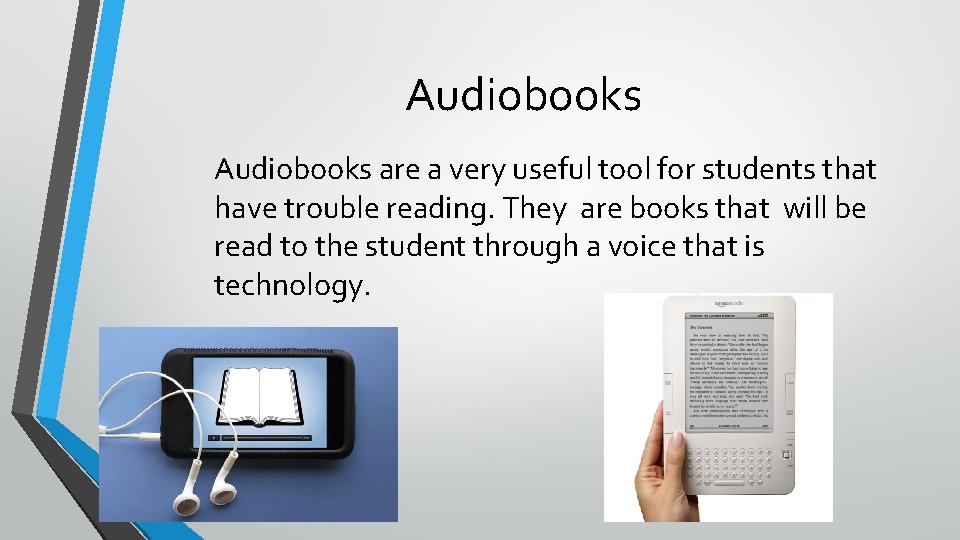
Audiobooks are a very useful tool for students that have trouble reading. They are books that will be read to the student through a voice that is technology.
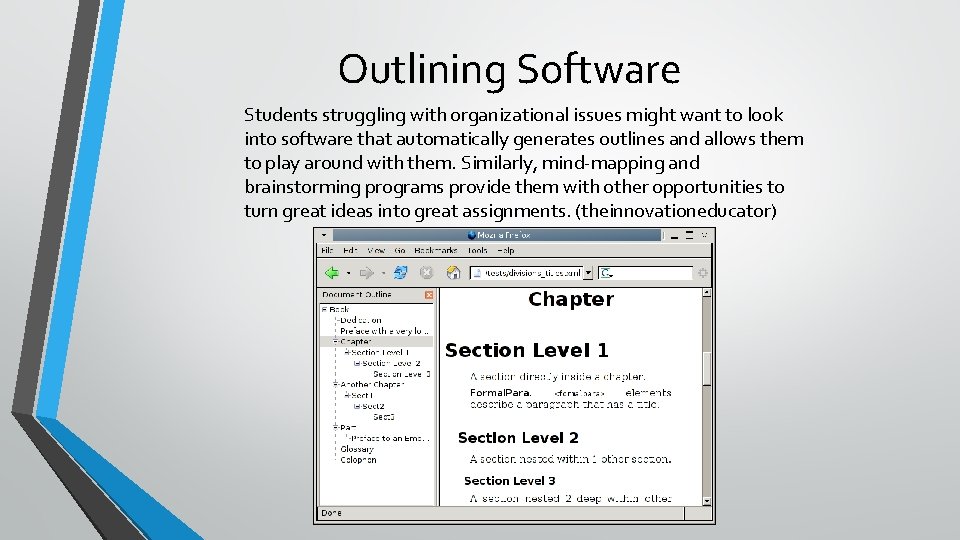
Outlining Software Students struggling with organizational issues might want to look into software that automatically generates outlines and allows them to play around with them. Similarly, mind-mapping and brainstorming programs provide them with other opportunities to turn great ideas into great assignments. (theinnovationeducator)
Communication Access Realtime Translation AKA CART, this technology is meant to reach an audience rather than a single student, making it a perfect fit for classrooms with multiple learning disabled students. The teacher types in what’s being said, then the text is displayed on a screen for easy reading. This is great for the hearing impaired. (theinnovativeeducator)
Works Cited http: //theinnovativeeducator. blogspot. com/2011/09/25 -incredible-assistivetechnologies. html https: //www. smartpen. com. au/livescribe/learn/solutions/assistive-technology www. youtube. com Randolph E. Gunter, and Glenda A. Gunter. Teachers Discovering Computers: Integrating Technology in a Changing World 8 th Ed. Boston, Mass: Cengage Learning, 2014. Print. All pictures were found on bing