
ASSISTIVE TECHNOLOGY By Mallory Lyons WHAT IS ASSISTIVE
ASSISTIVE TECHNOLOGY By: Mallory Lyons
WHAT IS ASSISTIVE TECHNOLOGY? Assistive technology is any equipment that can improve your ability to learn, to communicate, to solve a problem, or to complete a task by using a computer. (Teachers Discovering Computers)
MICROSOFT AND APPLE Both Microsoft and Apple provide accessibility features Apple has System Preferences options which will take you to the Universal Access option which gives you instructions for zooming text, visual alerts, and much more For mobile devices, there is assistive support for users with vision loss, hearing loss, physical and motor challenges, and learning disabilities Microsoft Depending on which version of Windows you have, you can use the Ease of Access Center to change the settings By changing the settings, it will give you different accessibility options (Teachers Discovering Computers)

DEAF AND HARD OF HEARING A student that is hard of hearing can use an amplified telephone, which makes the communication louder and more understandable If a person is deaf, can use a teletypewriter (TTY) A TTY consists of a keyboard, text display, and a coupler TTY’s are portable and connect to cell phone (Teachers Discovering Computers)
BLIND AND VISUALLY IMPAIRED If someone is visually impaired, the size of the text on the screen or the screen itself can be enlarged or zoomed in A blind person needs a certain software on their computer like a screen reader that renders text to voice Freedom Scientific’s JAWS GW Micro’s Windows Eyes Screen reader programs do require keyboard skill, since the person cannot use a mouse The link Below shows examples of both options listed above. https: //www. youtube. com/watch? v=l. La. Ux 7 BJ 4 r 0 (Teachers Discovering Technologies, You. Tube)
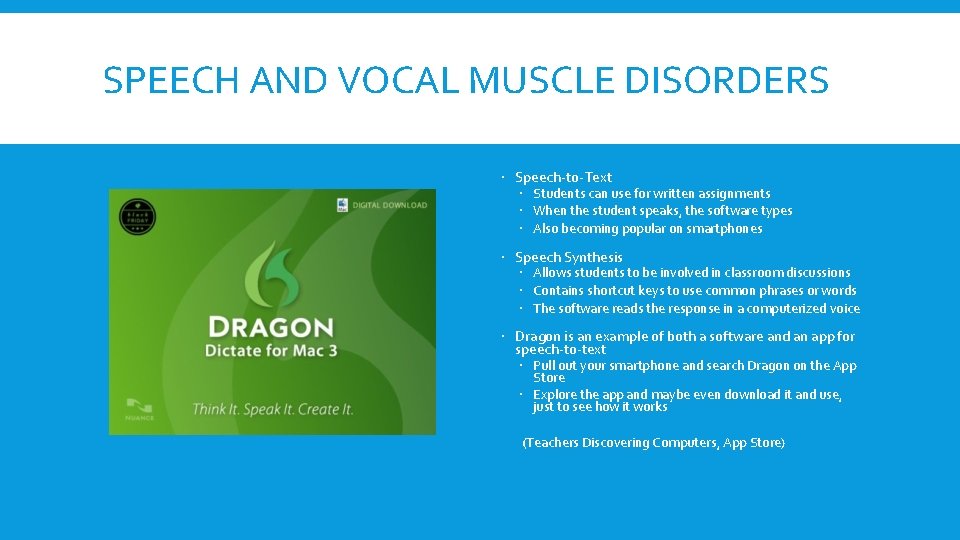
SPEECH AND VOCAL MUSCLE DISORDERS Speech-to-Text Students can use for written assignments When the student speaks, the software types Also becoming popular on smartphones Speech Synthesis Allows students to be involved in classroom discussions Contains shortcut keys to use common phrases or words The software reads the response in a computerized voice Dragon is an example of both a software and an app for speech-to-text Pull out your smartphone and search Dragon on the App Store Explore the app and maybe even download it and use, just to see how it works (Teachers Discovering Computers, App Store)

ALTERNATIVES TO KEYBOARDS Limited Hand mobility may result in the need of an alternative keyboard A Screen-Displayed Keyboard A keyboard that is displayed on the users screen Users use a pointing device to press keys on the screen-displayed keyboard Keyguard A device that is placed over the original keyboard Prevents the user from pressing the wrong keys and also guides the student to only press one key at a time (Teachers Discovering Technology) Below is an example of a Keyguard. As you can see, the keyguard has just been placed over the original keyboard and only allows the user to press one key at a time
HOW WILL ASSISTIVE TECHNOLOGY HELP YOUR TEACHING? As a teacher, you will set learning objectives and plans for all of your students to achieve those objectives Some of your students may have some complications, maybe some of the ones that have been discussed in this presentation, and you will still need to make sure that they achieve the objectives as well Technology will give you that option to make it easier or more user friendly for you students with complications (Teacher Discovering Computers)
QUESTION RACE FOR REVIEW GAME (SPILT UP INTO GROUPS OF 3 AND THE FIRT GROUP TO HAVE A HAND RAISED GETS TO ANSWER) 1. What is one example of a software that a blind person may use? 2. T or F? A Keyguard allows the user to freely press any key on the keyboard. 3. What is assistive technology? 4. Which software for speech and vocal disorders allows the user to be more involved in classroom discussions? 5. T or F? Microsoft and Apple both have assistive technology features. 6. What 3 things does a teletypewriter (TTY) consist of? 7. List all 10 assistive technologies discussed in this presentation.
WORKS CITED Teachers Discovering Technologies text book You. Tube App Store
- Slides: 10