
Assignment statement Assigns a value to a variable
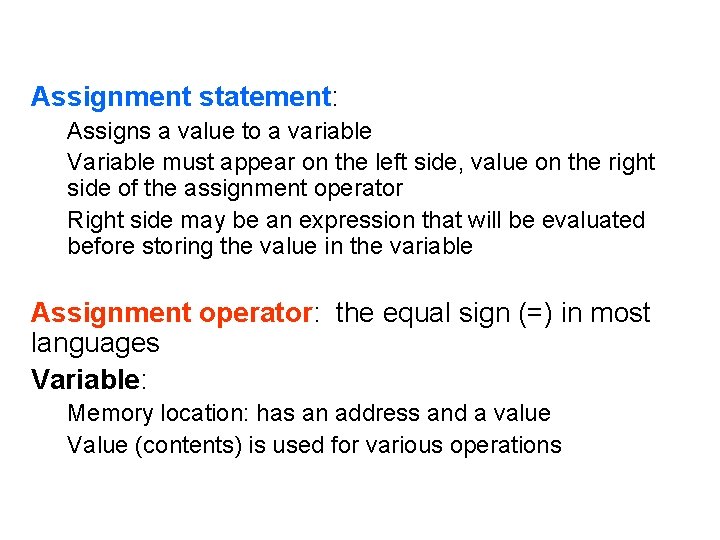
Assignment statement: Assigns a value to a variable Variable must appear on the left side, value on the right side of the assignment operator Right side may be an expression that will be evaluated before storing the value in the variable Assignment operator: the equal sign (=) in most languages Variable: Memory location: has an address and a value Value (contents) is used for various operations
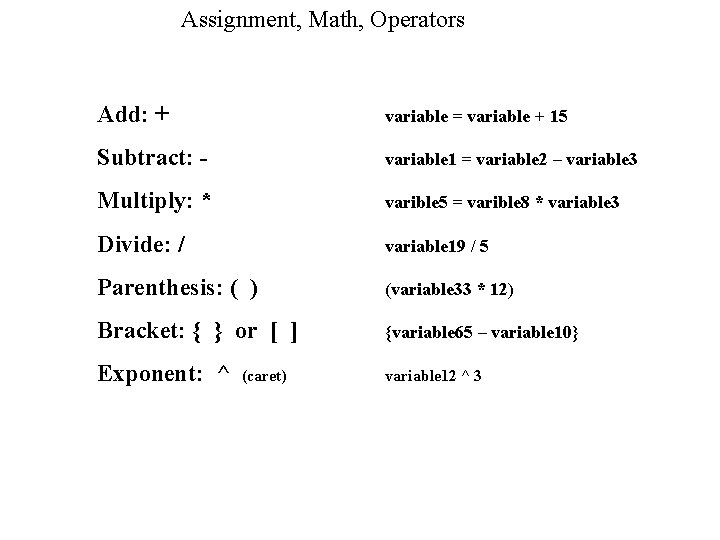
Assignment, Math, Operators Add: + variable = variable + 15 Subtract: - variable 1 = variable 2 – variable 3 Multiply: * varible 5 = varible 8 * variable 3 Divide: / variable 19 / 5 Parenthesis: ( ) (variable 33 * 12) Bracket: { } or [ ] {variable 65 – variable 10} Exponent: ^ variable 12 ^ 3 (caret)
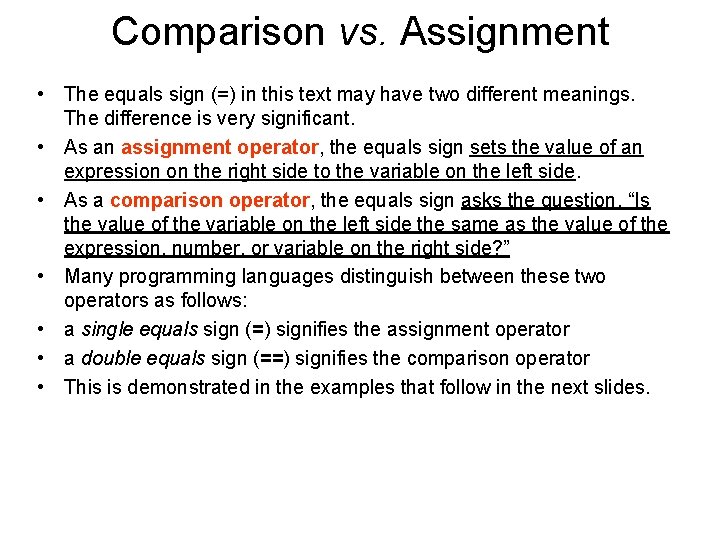
Comparison vs. Assignment • The equals sign (=) in this text may have two different meanings. The difference is very significant. • As an assignment operator, the equals sign sets the value of an expression on the right side to the variable on the left side. • As a comparison operator, the equals sign asks the question, “Is the value of the variable on the left side the same as the value of the expression, number, or variable on the right side? ” • Many programming languages distinguish between these two operators as follows: • a single equals sign (=) signifies the assignment operator • a double equals sign (==) signifies the comparison operator • This is demonstrated in the examples that follow in the next slides.
- Slides: 3