
Assignment 1 Representing demographic data at global and
Assignment 1 Representing demographic data at global and local scales Patxi Escobar EXPLORERS EUROLAB 2 O 2 O - ENVIRONMENTAL MAPPING STRATEGY
Assignment 1 - Representing demographic data at global and local scales Main steps in map making Step 1 – Gathering Data Step 2 – Deploying and exploring data in Arc. Map Step 3 – Projecting maps Step 4 – Generalizing maps Step 5 – Joining thematic and spatial data Step 6 – Symbolizing data. Total figures Step 7 – Symbolizing data. Normalized figures Step 8 – Map design Step 9 – Map publishing
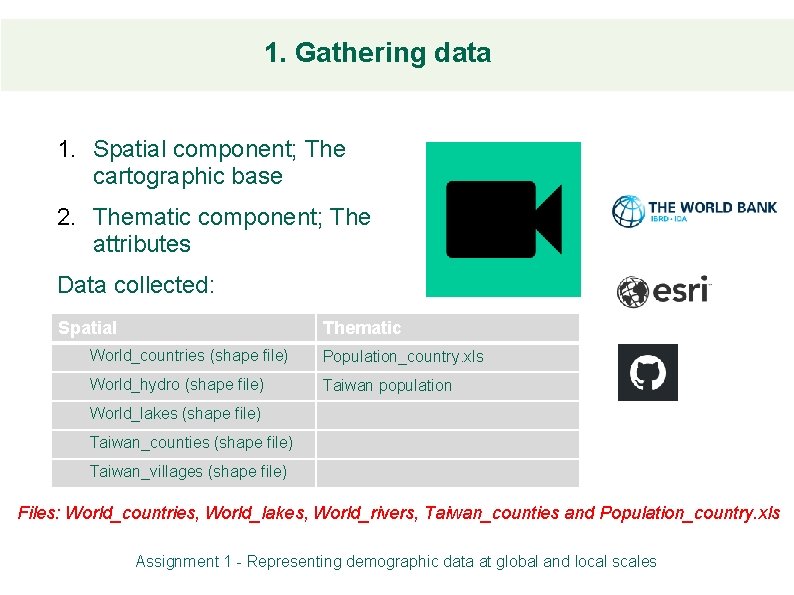
1. Gathering data 1. Spatial component; The cartographic base 2. Thematic component; The attributes Data collected: Spatial Thematic World_countries (shape file) Population_country. xls World_hydro (shape file) Taiwan population World_lakes (shape file) Taiwan_counties (shape file) Taiwan_villages (shape file) Files: World_countries, World_lakes, World_rivers, Taiwan_counties and Population_country. xls Assignment 1 - Representing demographic data at global and local scales
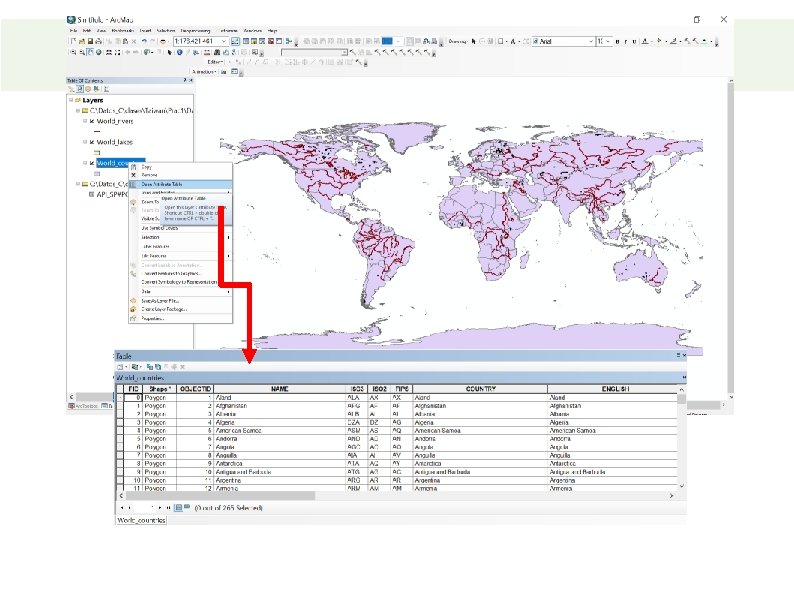
2. Data deployment in Arc. GIS 1. Open Arc. Map 2. Adding shape files 3. Adding data tables 4. Exploring data • Viewing data table • Viewing data frame properties • Viewing layer properties 5. Properties: • Basic information • Coordinate system • Symbology Assignment 1 - Representing demographic data at global and local scales
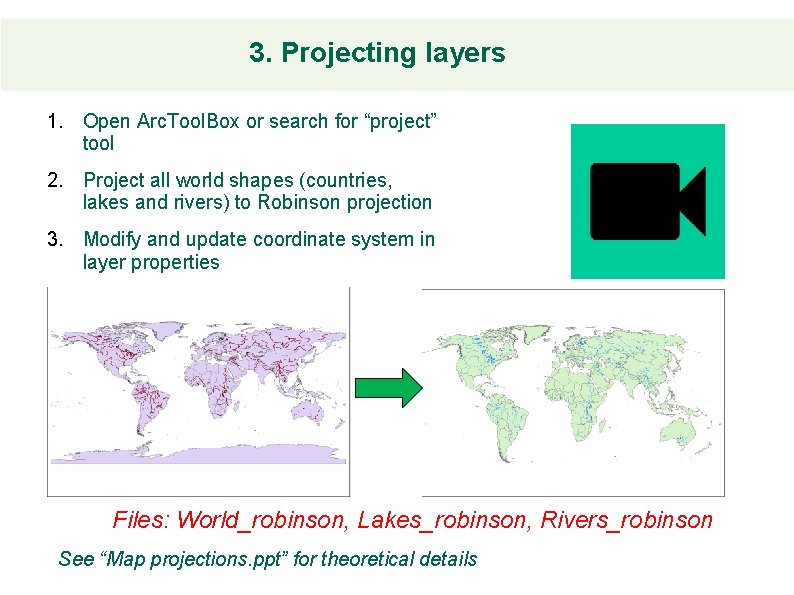
3. Projecting layers 1. Open Arc. Tool. Box or search for “project” tool 2. Project all world shapes (countries, lakes and rivers) to Robinson projection 3. Modify and update coordinate system in layer properties Files: World_robinson, Lakes_robinson, Rivers_robinson See “Map projections. ppt” for theoretical details
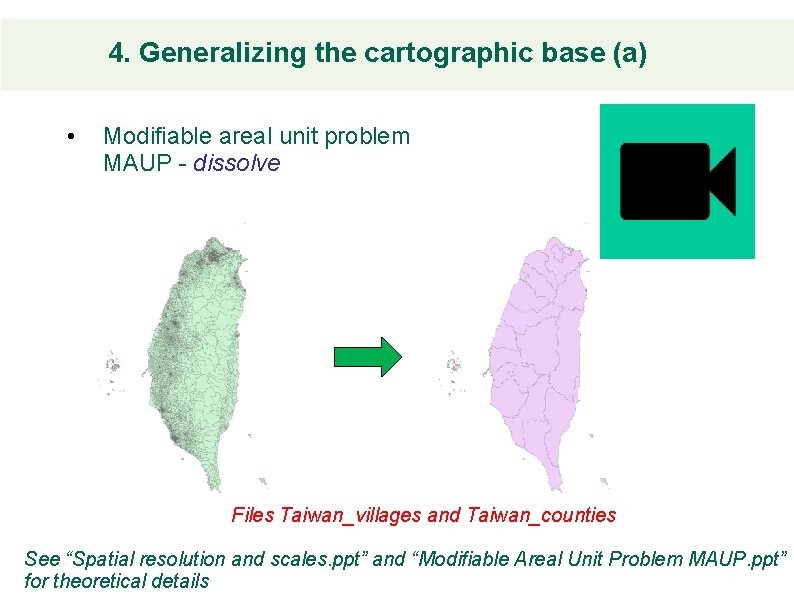
4. Generalizing the cartographic base (a) • Modifiable areal unit problem MAUP - dissolve Files Taiwan_villages and Taiwan_counties See “Spatial resolution and scales. ppt” and “Modifiable Areal Unit Problem MAUP. ppt” for theoretical details
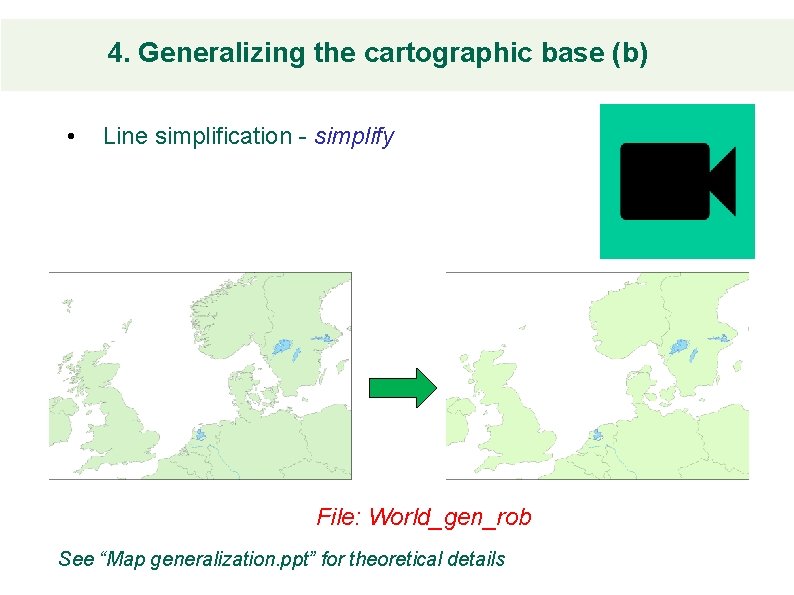
4. Generalizing the cartographic base (b) • Line simplification - simplify File: World_gen_rob See “Map generalization. ppt” for theoretical details
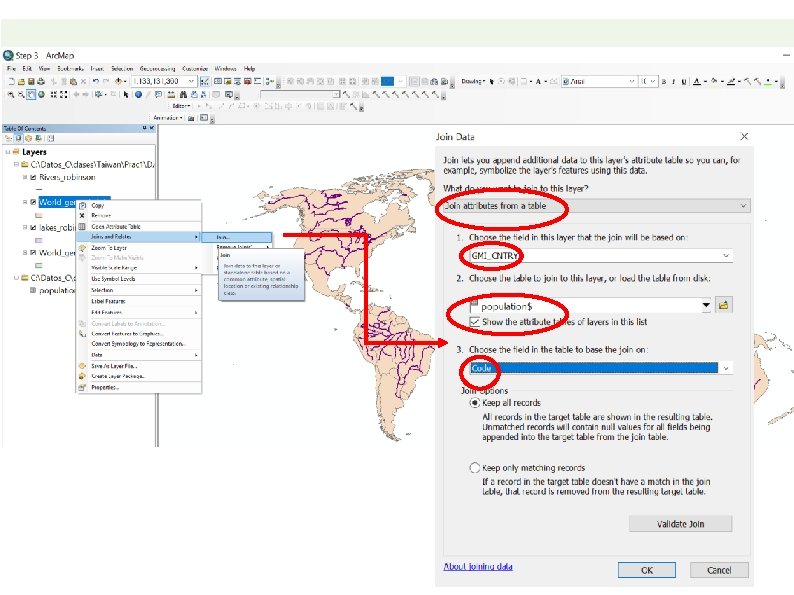
5. Joining thematic and spatial data 1. Explore thematic data - open table 2. Join tables - join 3. Export to new shape – export data File: World_gen_rob_join
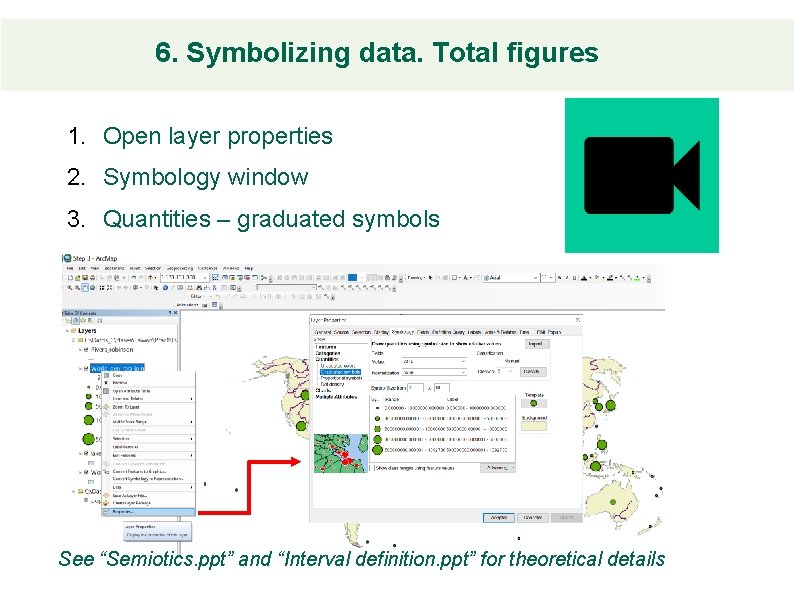
6. Symbolizing data. Total figures 1. Open layer properties 2. Symbology window 3. Quantities – graduated symbols See “Semiotics. ppt” and “Interval definition. ppt” for theoretical details
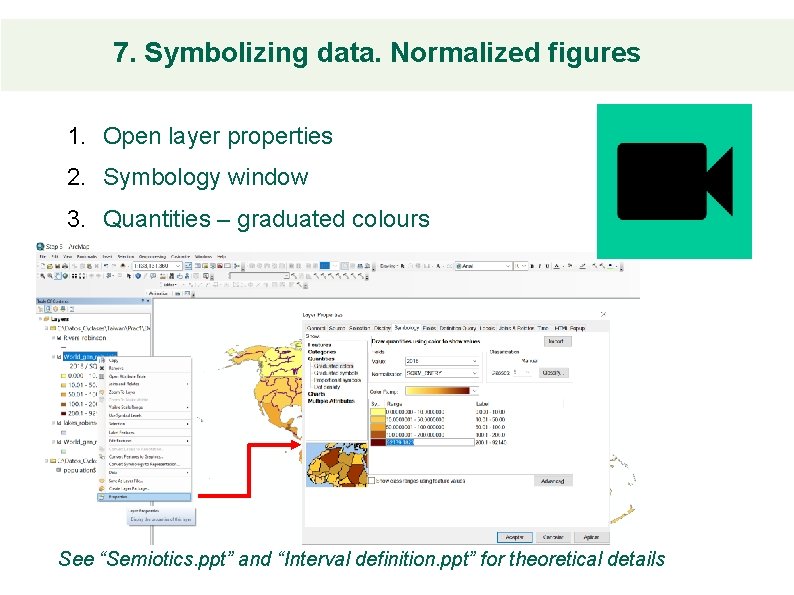
7. Symbolizing data. Normalized figures 1. Open layer properties 2. Symbology window 3. Quantities – graduated colours See “Semiotics. ppt” and “Interval definition. ppt” for theoretical details
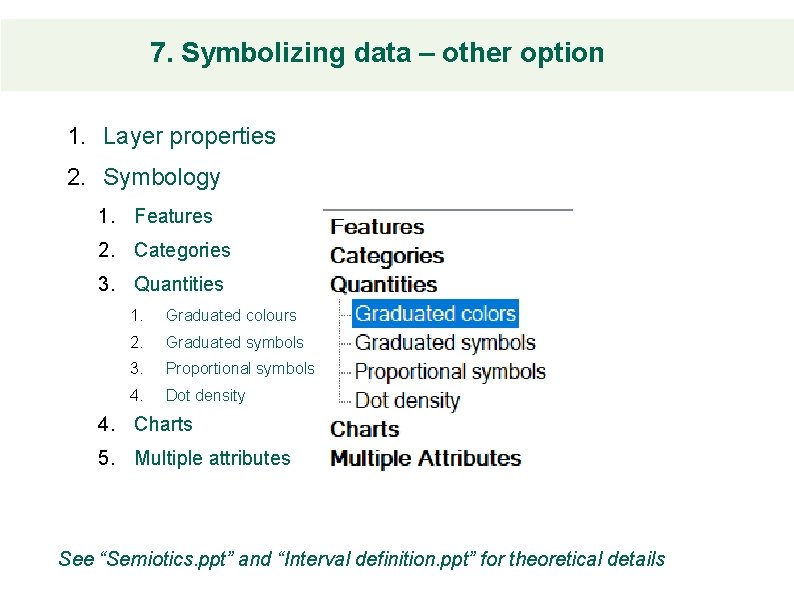
7. Symbolizing data – other option 1. Layer properties 2. Symbology 1. Features 2. Categories 3. Quantities 1. Graduated colours 2. Graduated symbols 3. Proportional symbols 4. Dot density 4. Charts 5. Multiple attributes See “Semiotics. ppt” and “Interval definition. ppt” for theoretical details
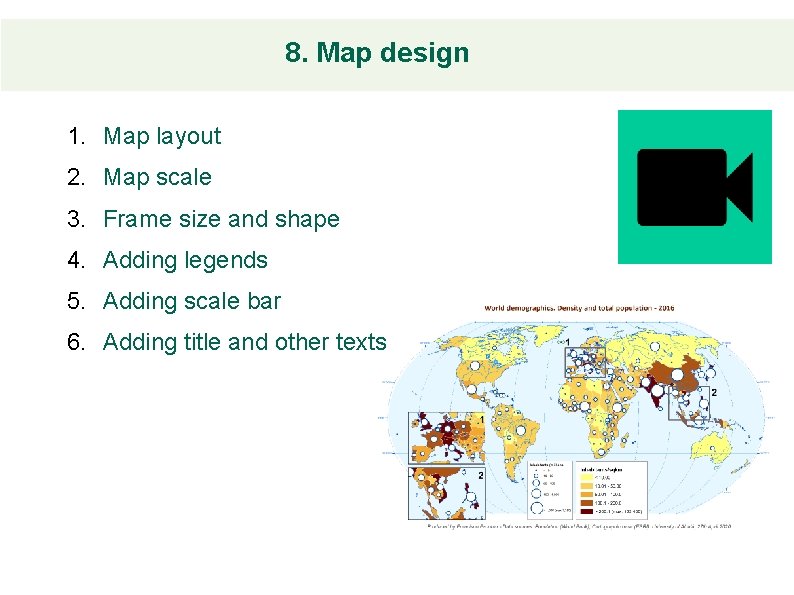
8. Map design 1. Map layout 2. Map scale 3. Frame size and shape 4. Adding legends 5. Adding scale bar 6. Adding title and other texts
9. Map publishing 1. Exporting maps 2. Formats and resolution
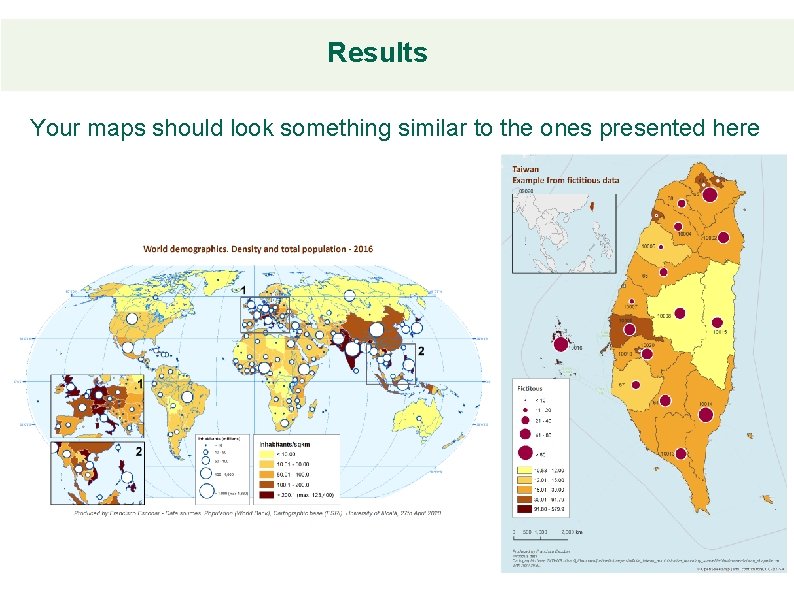
Results Your maps should look something similar to the ones presented here
- Slides: 16