
ASP NET Server Controls Presented By Robin Lilly

ASP. NET Server Controls Presented By: Robin Lilly i. Logbook
Agenda n n Introduction Basic control authoring topics Implementing properties Rendering n Raising Events n Extending existing controls n Compositing existing controls n
Agenda n Build some real world examples n 2 ADA controls n Label n n Textbox n n <label for=<%=Client. ID%>Name</label>, Inherited textbox that implements onfocus & onblur Inspect a Shopping Cart n n Composite Control Inspect code n n n Create. Child. Controls() Back. Button prevention via session state Properties UI Type Editor Events State Management – View State and Session
What Is A Server Control? n n A server control is a. NET component that is used to generate the user interface of an ASP. NET Web application. It is implemented as a managed class deriving directly or indirectly from the System. Web. UI. Control base class.
What Is A Server Control? Speaking More Practically… n A Web user interface element n n n A Web user interface component n n Exposes properties, events and methods and is programmable Provides higher level abstractions n n Renders into HTML, script or a different markup format Allows customization of rendering Performs post-back processing Handles differences between browsers Consistent programming model A RAD component that offers a design-time experience
2 Ways To Author Server Controls n User Controls n n Simple, declarative authoring model (. ascx file) Scoped to a single application Well suited to static content and layout “Custom” or Compiled Controls n n Code-based authoring model (. cs or. vb class file) Easily shared across applications Well suited to dynamic or programmatic generation of content and layout More complex, but also more capabilities
Setting up your Solution n Use a Web. Control. Library project to create custom compiled controls Initialize the Version attribute Add a Web app to test controls n n Solution > Add New > Web Application Add a Tool. Box reference n Customize Toolbox > Browse
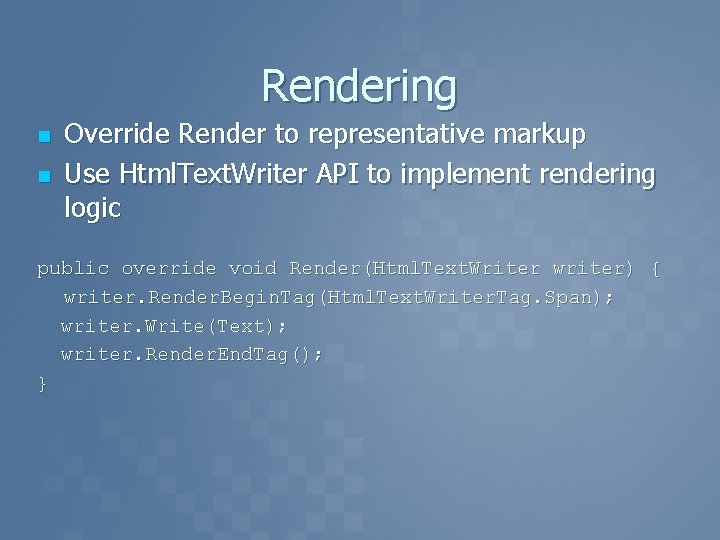
Rendering n n Override Render to representative markup Use Html. Text. Writer API to implement rendering logic public override void Render(Html. Text. Writer writer) { writer. Render. Begin. Tag(Html. Text. Writer. Tag. Span); writer. Write(Text); writer. Render. End. Tag(); }
Custom Toolbox Glyph n Bitmap file with same base name as control class in the same namespace n n n Text. Box. ADA Build Action = “Embedded Resource” Image properties: File type supported is bitmap n 16 x 16 pixels n Lower-left pixel is used to determine transparency n n Adds an extra professional touch
Building Controls In Visual Studio. NET n n Setting up your Solution Choosing a Tag Prefix Choosing a Toolbox Glyph Debugging your Control
What is the ADA? n n n Defines web accessibility American Disabilities Act or US Section 508 compliance http: //www. section 508. gov/ http: //www. usdoj. gov/crt/adahom 1. htm Universities and Governments are required to implement.
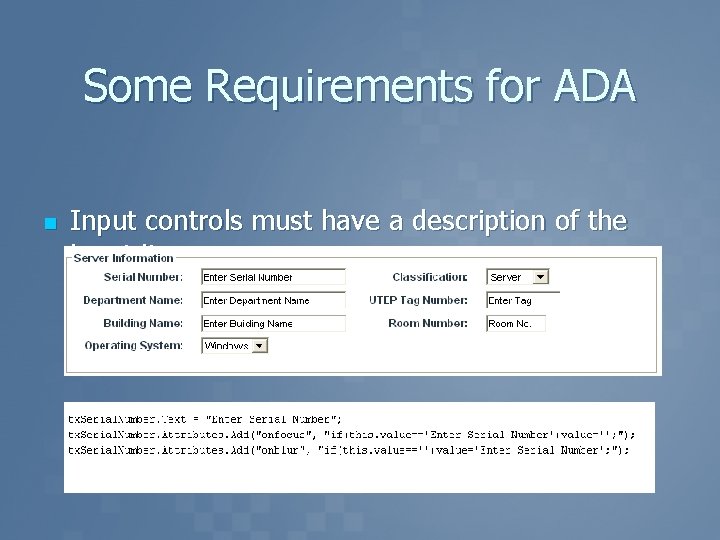
Some Requirements for ADA n Input controls must have a description of the input item.
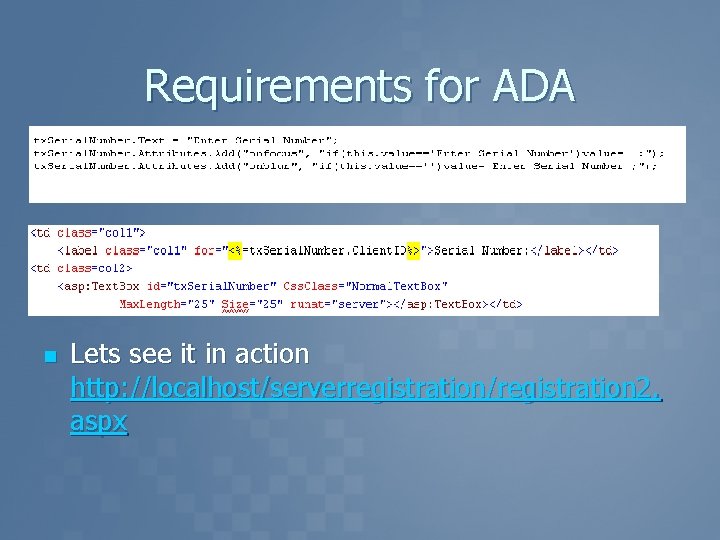
Requirements for ADA n Lets see it in action http: //localhost/serverregistration/registration 2. aspx
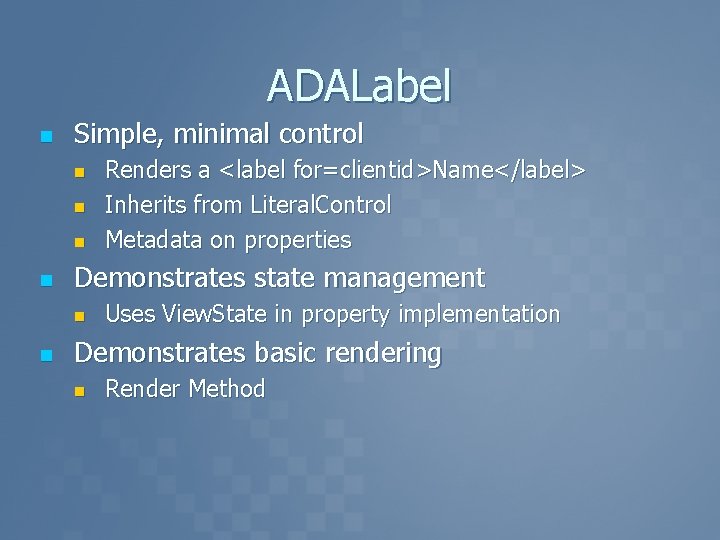
ADALabel n Simple, minimal control n n Demonstrates state management n n Renders a <label for=clientid>Name</label> Inherits from Literal. Control Metadata on properties Uses View. State in property implementation Demonstrates basic rendering n Render Method
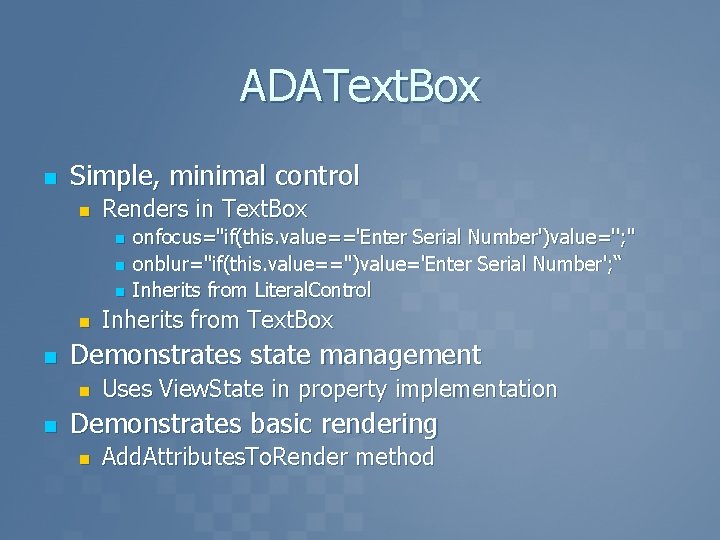
ADAText. Box n Simple, minimal control n Renders in Text. Box n n n Inherits from Text. Box Demonstrates state management n n onfocus="if(this. value=='Enter Serial Number')value=''; " onblur="if(this. value=='')value='Enter Serial Number'; “ Inherits from Literal. Control Uses View. State in property implementation Demonstrates basic rendering n Add. Attributes. To. Render method
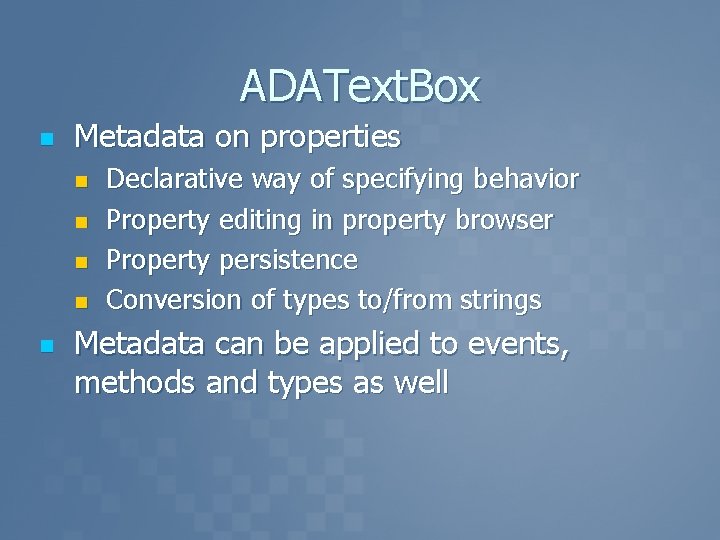
ADAText. Box n Metadata on properties n n n Declarative way of specifying behavior Property editing in property browser Property persistence Conversion of types to/from strings Metadata can be applied to events, methods and types as well
demo ADAText. Box ADALabel State managed properties, Rendering
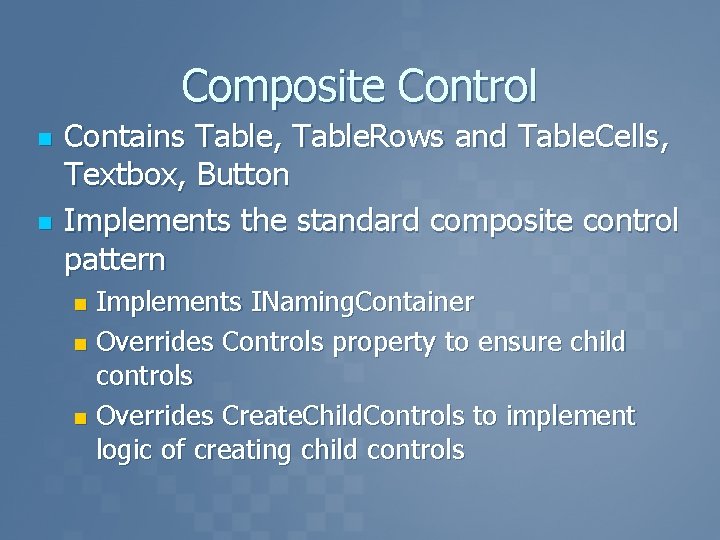
Composite Control n n Contains Table, Table. Rows and Table. Cells, Textbox, Button Implements the standard composite control pattern Implements INaming. Container n Overrides Controls property to ensure child controls n Overrides Create. Child. Controls to implement logic of creating child controls n
Why Our own Shopping Cart at UTEP n n Needed to call our own credit card api – TOUCHNET internally Needed to be reusable by all programmers Handle financial accounting transactions differently. Nothing existed that solved the problems
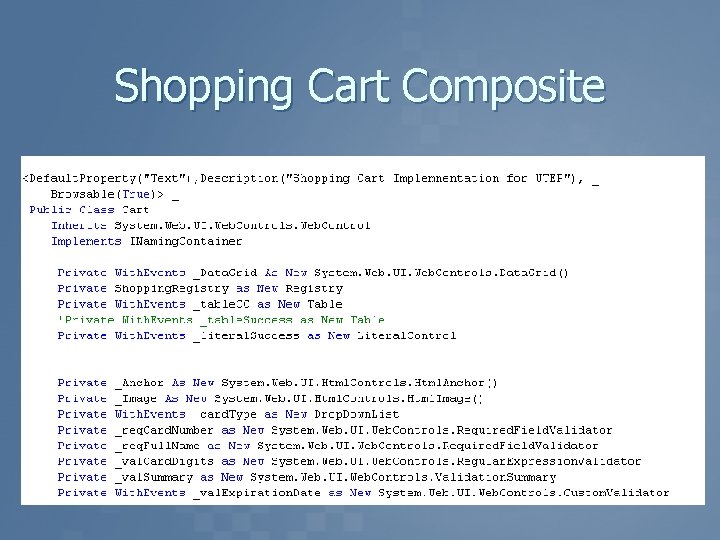
Shopping Cart Composite
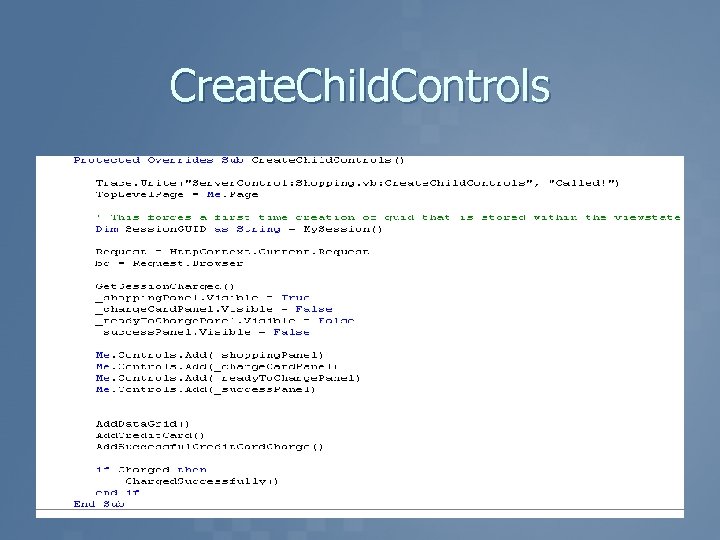
Create. Child. Controls
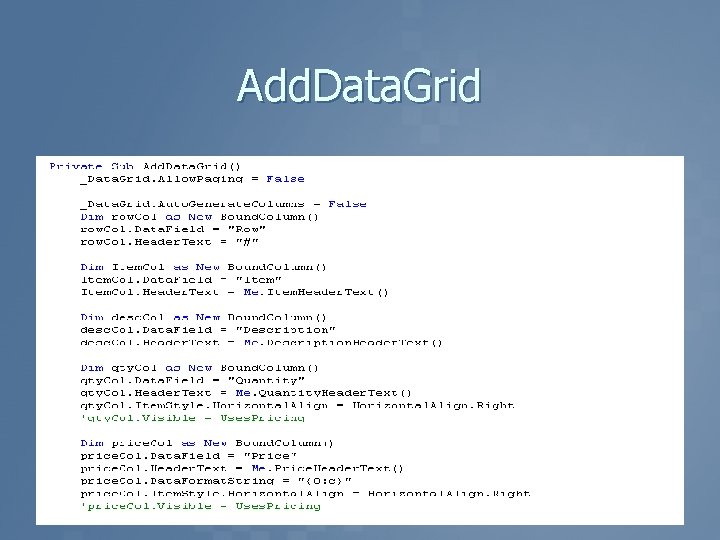
Add. Data. Grid
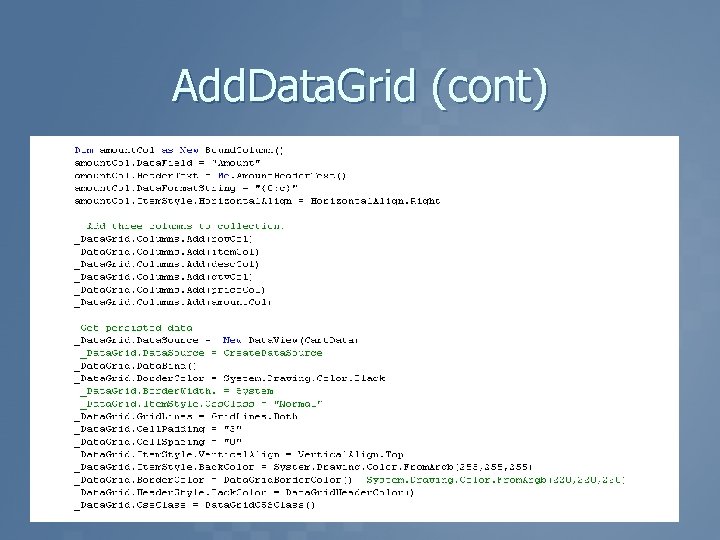
Add. Data. Grid (cont)
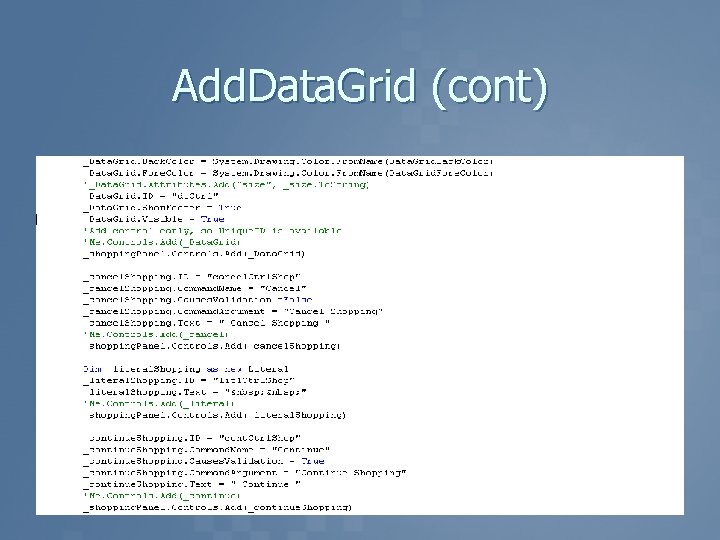
Add. Data. Grid (cont)
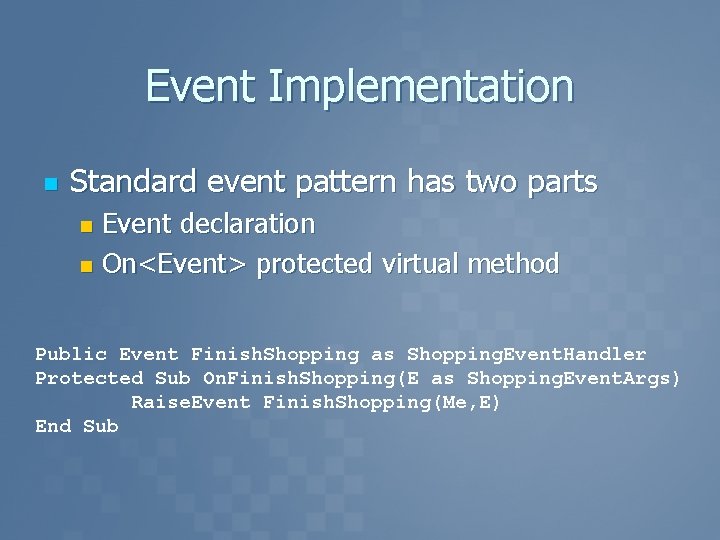
Event Implementation n Standard event pattern has two parts Event declaration n On<Event> protected virtual method n Public Event Finish. Shopping as Shopping. Event. Handler Protected Sub On. Finish. Shopping(E as Shopping. Event. Args) Raise. Event Finish. Shopping(Me, E) End Sub

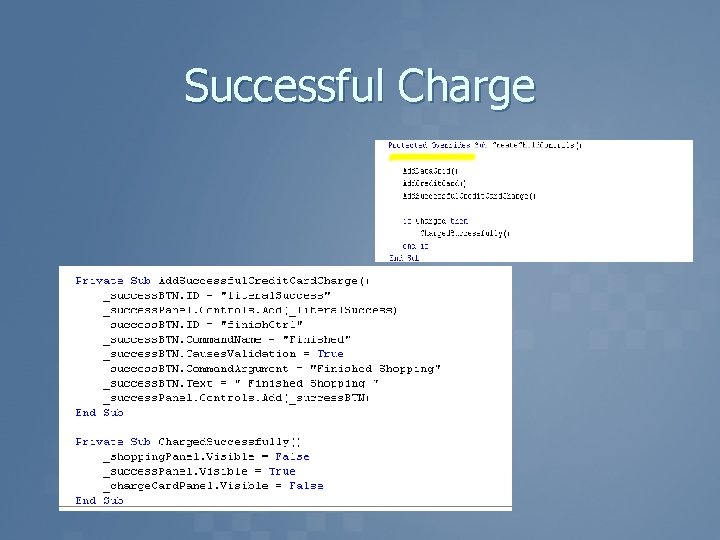
Events Implemented n n n Success. Shopping Cancel. Shopping Finish. Shopping
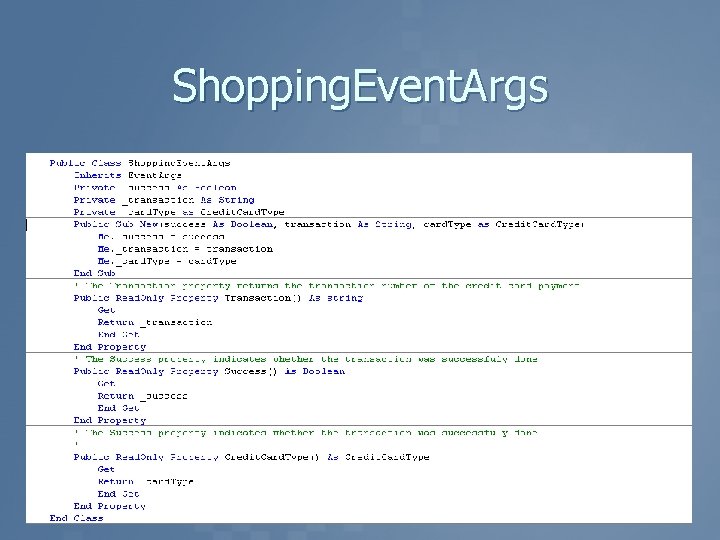
Shopping. Event. Args
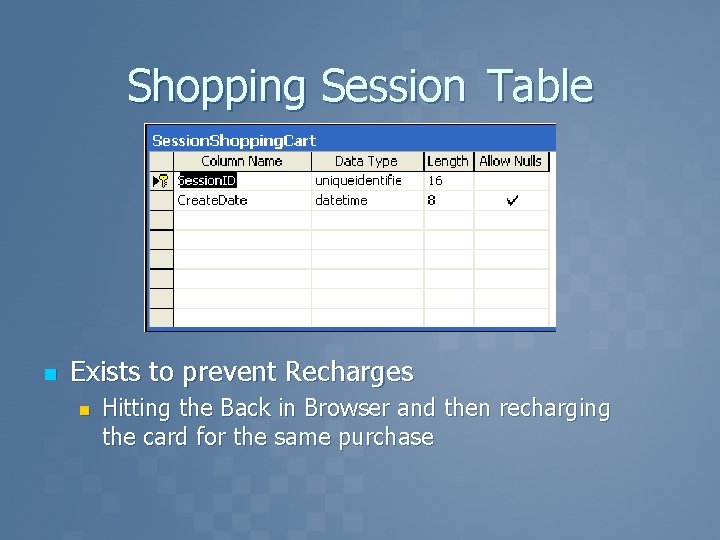
Shopping Session Table n Exists to prevent Recharges n Hitting the Back in Browser and then recharging the card for the same purchase
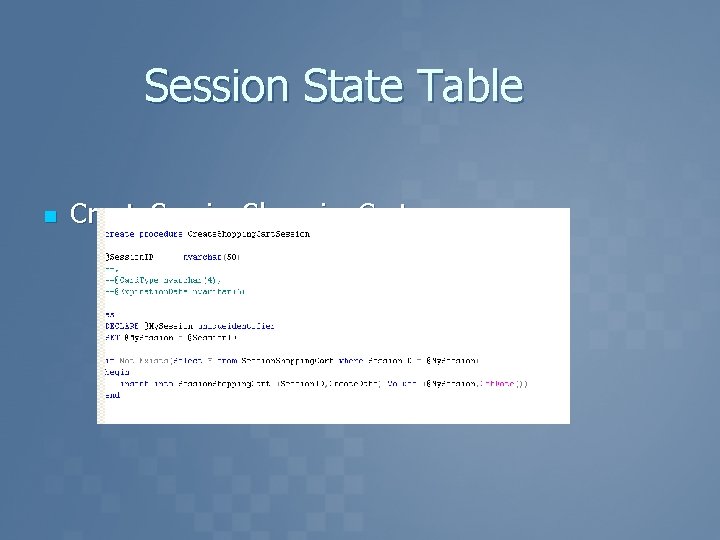
Session State Table n Create. Session. Shopping. Cart
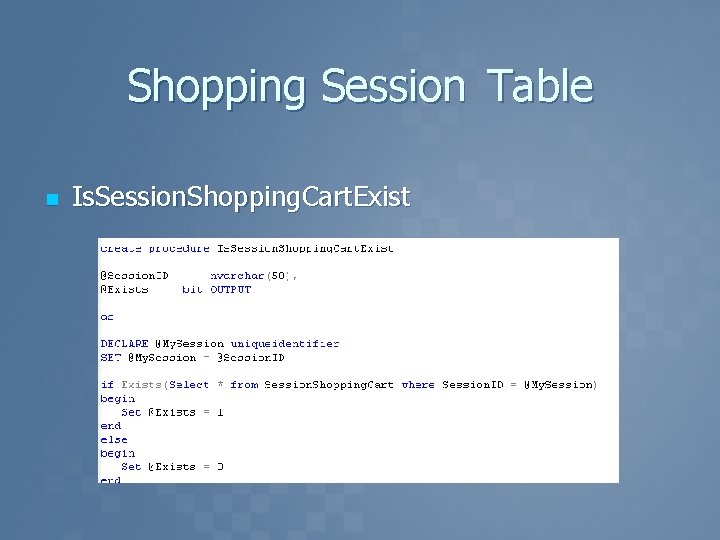
Shopping Session Table n Is. Session. Shopping. Cart. Exist
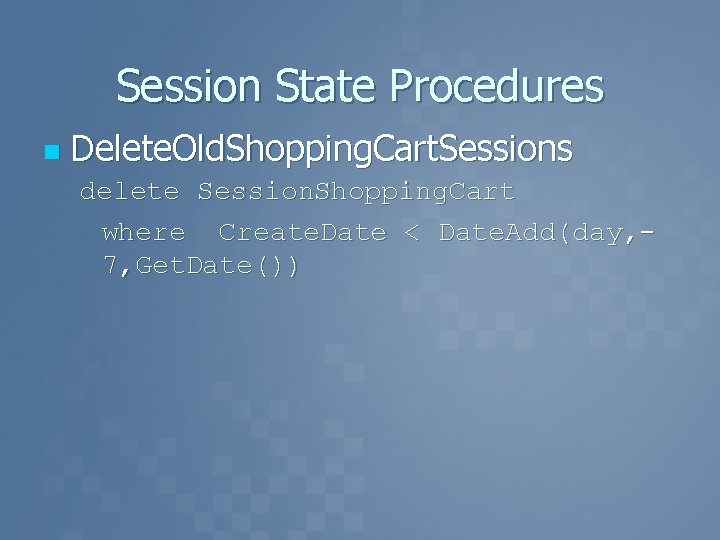
Session State Procedures n Delete. Old. Shopping. Cart. Sessions delete Session. Shopping. Cart where Create. Date < Date. Add(day, 7, Get. Date())
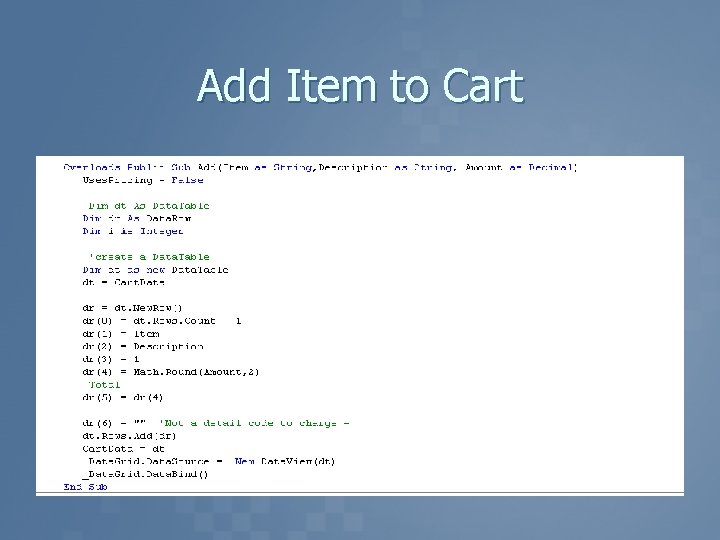
Add Item to Cart

demo Shopping Cart
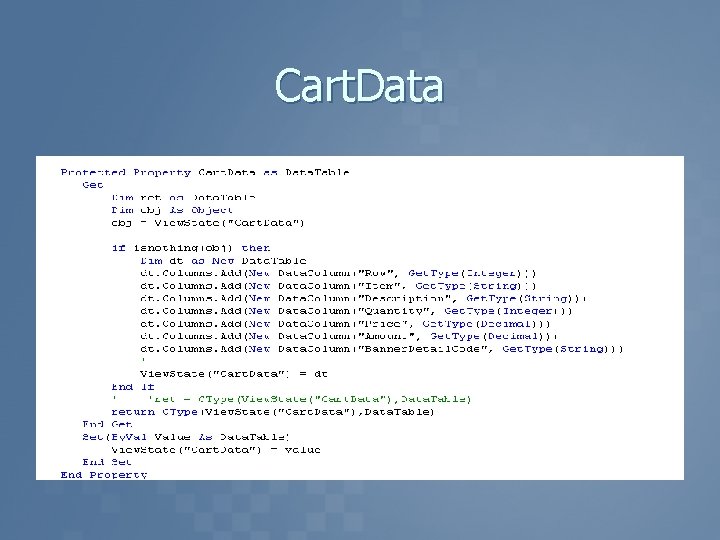
Cart. Data
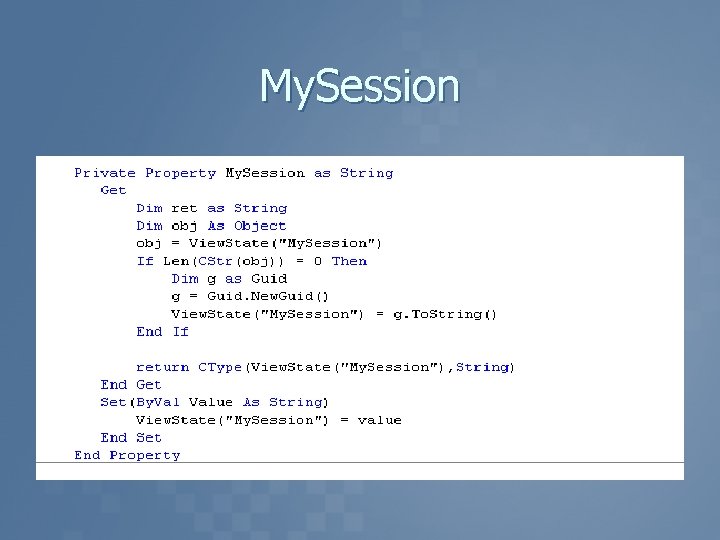
My. Session
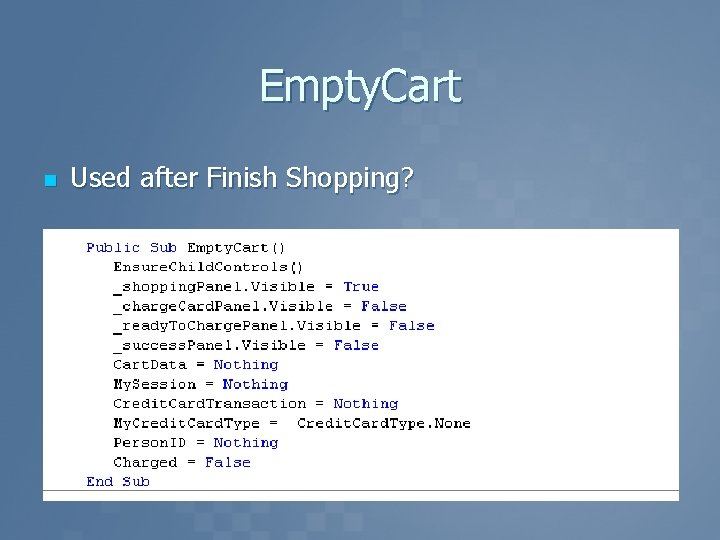
Empty. Cart n Used after Finish Shopping?
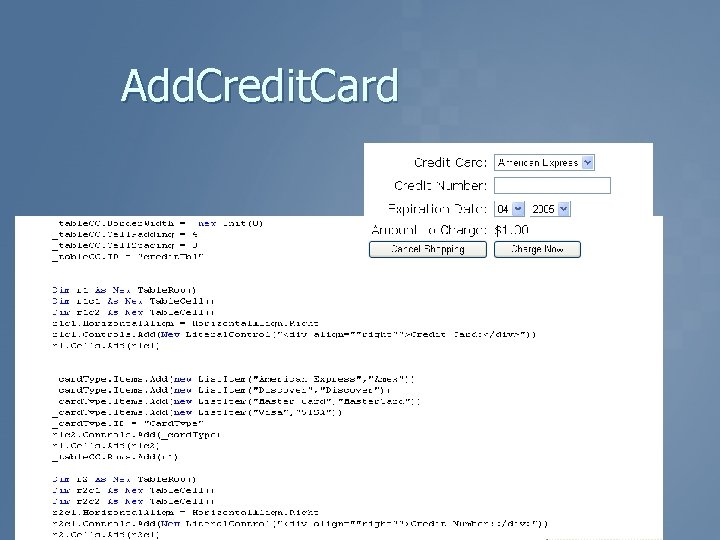
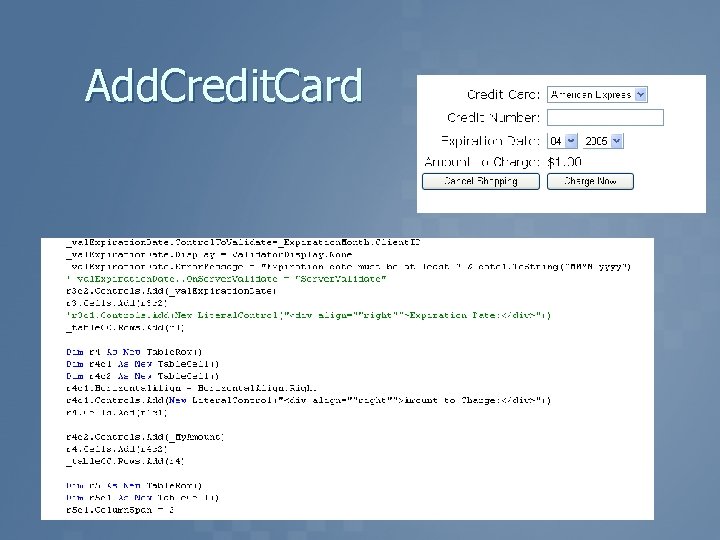
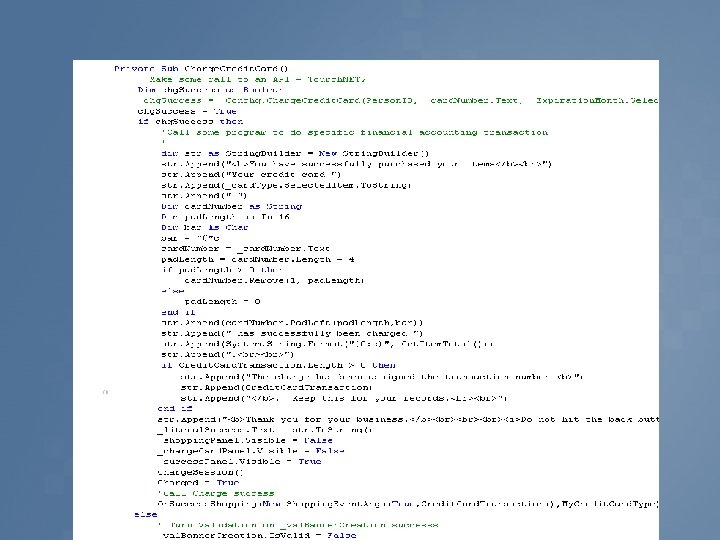
Add. Credit. Card
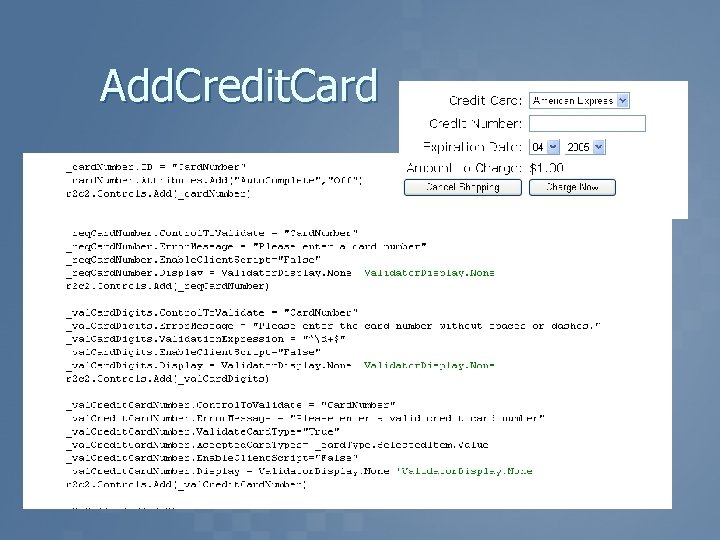
Add. Credit. Card
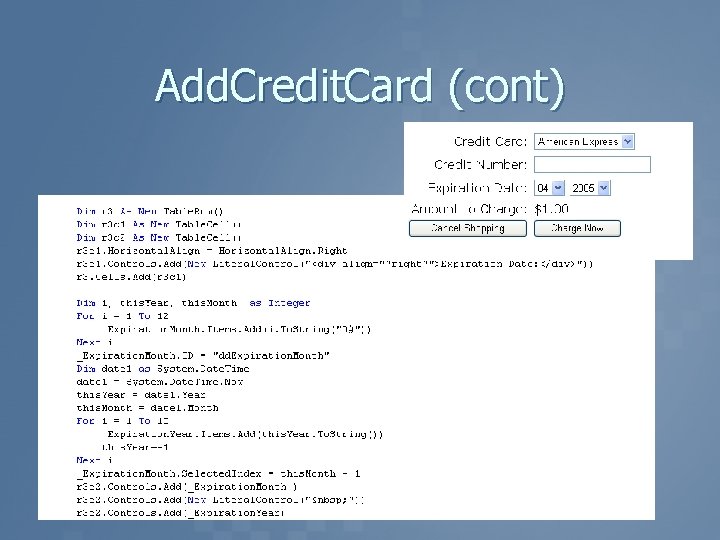
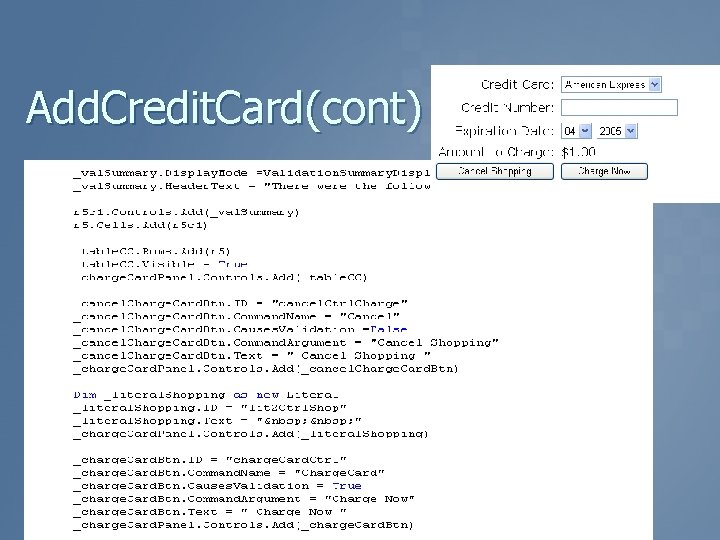
Add. Credit. Card (cont)
Add. Credit. Card
Add. Credit. Card(cont)
Successful Charge
Charge Credit Card Button
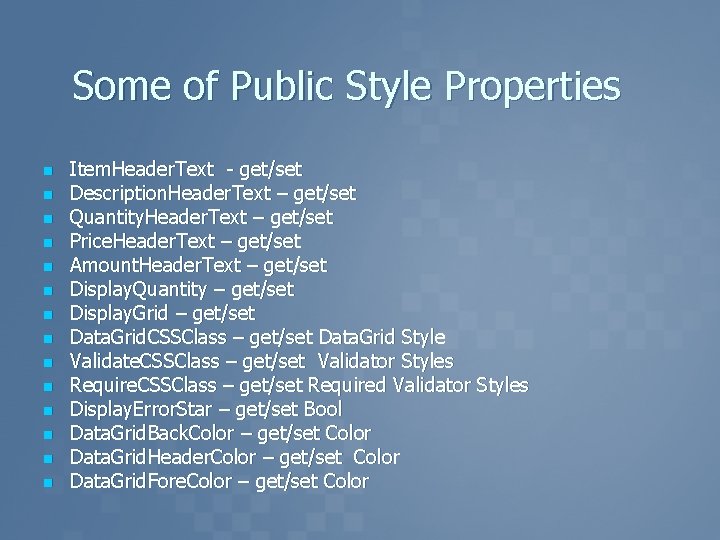
Some of Public Style Properties n n n n Item. Header. Text - get/set Description. Header. Text – get/set Quantity. Header. Text – get/set Price. Header. Text – get/set Amount. Header. Text – get/set Display. Quantity – get/set Display. Grid – get/set Data. Grid. CSSClass – get/set Data. Grid Style Validate. CSSClass – get/set Validator Styles Require. CSSClass – get/set Required Validator Styles Display. Error. Star – get/set Bool Data. Grid. Back. Color – get/set Color Data. Grid. Header. Color – get/set Color Data. Grid. Fore. Color – get/set Color
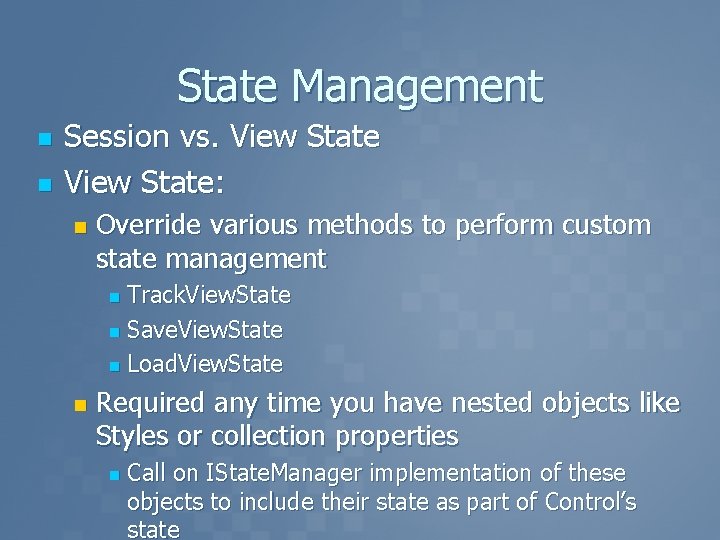
State Management n n Session vs. View State: n Override various methods to perform custom state management Track. View. State n Save. View. State n Load. View. State n n Required any time you have nested objects like Styles or collection properties n Call on IState. Manager implementation of these objects to include their state as part of Control’s state
Key Points n n n Controls provide an abstraction and reusability mechanism for web apps ASP. NET provides a rich framework for creating server controls Create specialized derived controls to make incremental changes to existing controls Use composition to leverage existing controls in more specialized scenarios Think about your Markup!!!!!
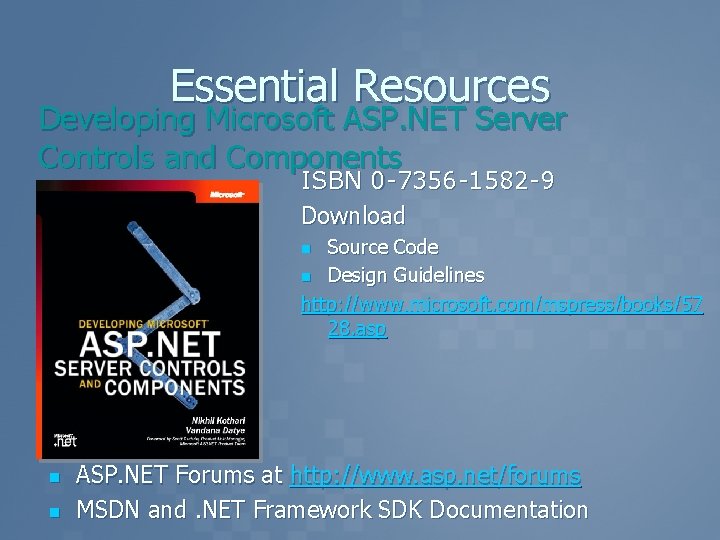
Essential Resources Developing Microsoft ASP. NET Server Controls and Components ISBN 0 -7356 -1582 -9 Download Source Code n Design Guidelines http: //www. microsoft. com/mspress/books/57 28. asp n n n ASP. NET Forums at http: //www. asp. net/forums MSDN and. NET Framework SDK Documentation

Download Samples http: //www. ilogbook. com/

Questions… And Answers

Server Control

- Slides: 53