
ASP NET Dynamic Styles Response and Request Objects
ASP. NET Dynamic Styles Response and Request Objects
Dynamic Styles l l DHTML is a browser phenomenon, using Java. Script to manipulate the properties and methods of HTML tags in response to user or browser events. Under ASP. NET these same style settings can take place, in this case through server scripts rather than browser scripts

Dynamic Styles <SCRIPT language="javascript"> function Format() { document. all. BROWSERButton. style. background. Color = "#FF 0000“ document. all. BROWSERButton. style. font. Family = "comic sans ms“ document. all. BROWSERButton. style. font. Size = "12 pt“ document. all. BROWSERButton. style. width = "150 px“ document. all. BROWSERButton. value = "Thank You" } </SCRIPT> <input id="BROWSERButton" type="button" value="Click Me" on. Click="Format()“ style="background-color: steelblue; color: #FFFFFF; font-family: arial; font-size: 10 pt; width: 100; cursor: hand">
Built-in ASP Objects l Response Object – l Server Object – l Send text, data and cookies to the browser and control each stage of transmitting the page Overall scripting control, set the timeout variable for the script Request Object – Read submitted form data, cookies and server variables
Built-in ASP Objects l Session Object – l Allows to attach data to a specific user browsing the site that is isolated and invisible to other users (user session is identifiable by the cookie that is sent every time a user makes a request) (stay active by default until 20 minutes after the user’s last request or until the session is explicitly abandoned through the code) Application Object – Allows to manipulate global data in the script that will be visible to all users browsing the site (ASP application itself)
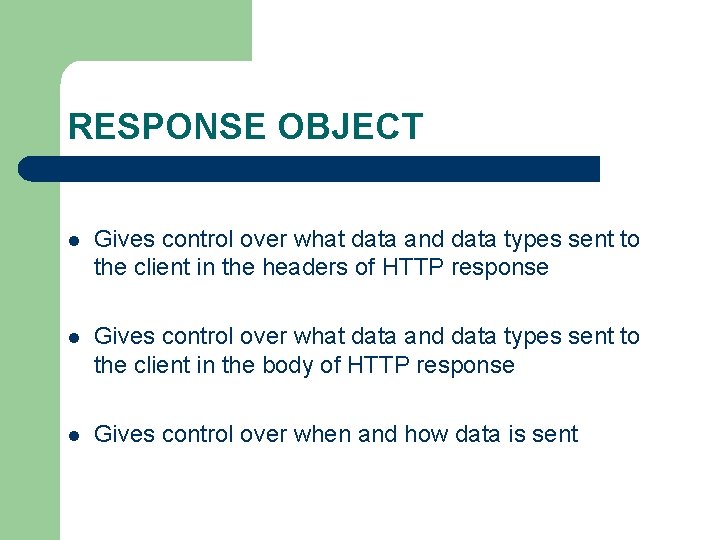
RESPONSE OBJECT l Gives control over what data and data types sent to the client in the headers of HTTP response l Gives control over what data and data types sent to the client in the body of HTTP response l Gives control over when and how data is sent
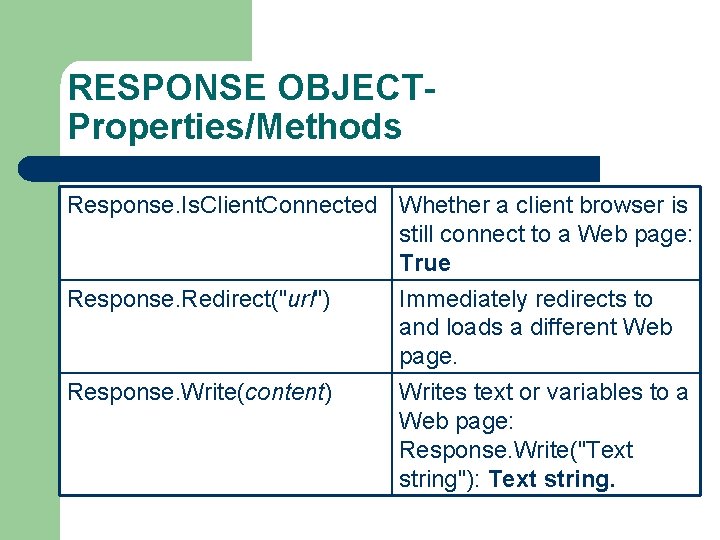
RESPONSE OBJECTProperties/Methods Response. Is. Client. Connected Whether a client browser is still connect to a Web page: True Response. Redirect("url") Immediately redirects to and loads a different Web page. Response. Write(content) Writes text or variables to a Web page: Response. Write("Text string"): Text string.
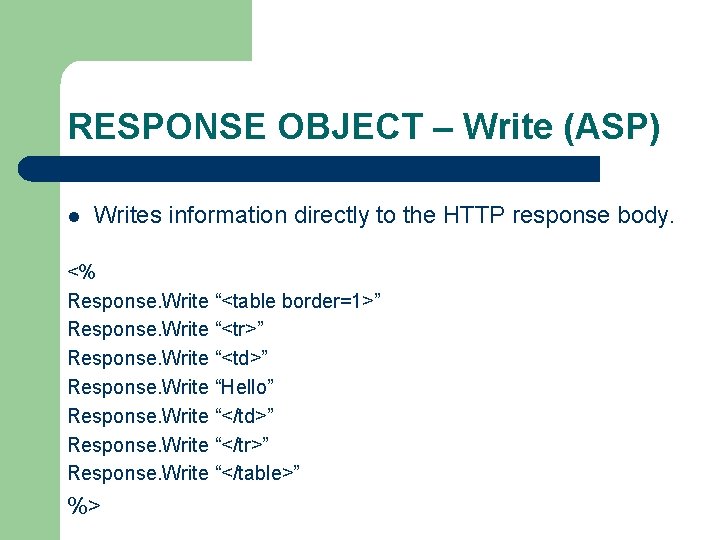
RESPONSE OBJECT – Write (ASP) l Writes information directly to the HTTP response body. <% Response. Write “<table border=1>” Response. Write “<tr>” Response. Write “<td>” Response. Write “Hello” Response. Write “</td>” Response. Write “</tr>” Response. Write “</table>” %>
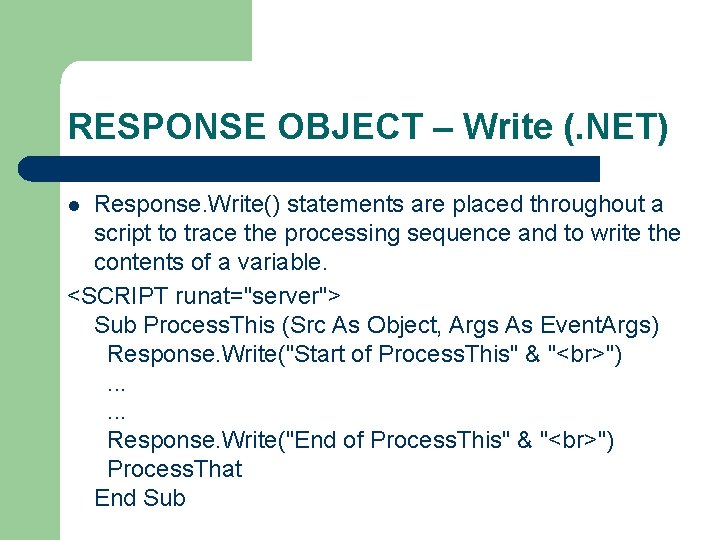
RESPONSE OBJECT – Write (. NET) Response. Write() statements are placed throughout a script to trace the processing sequence and to write the contents of a variable. <SCRIPT runat="server"> Sub Process. This (Src As Object, Args As Event. Args) Response. Write("Start of Process. This" & " "). . . Response. Write("End of Process. This" & " ") Process. That End Sub l
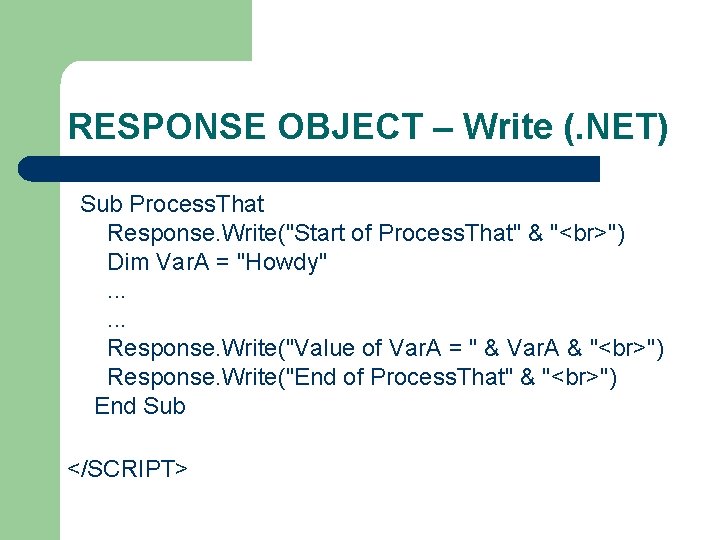
RESPONSE OBJECT – Write (. NET) Sub Process. That Response. Write("Start of Process. That" & " ") Dim Var. A = "Howdy". . . Response. Write("Value of Var. A = " & Var. A & " ") Response. Write("End of Process. That" & " ") End Sub </SCRIPT>
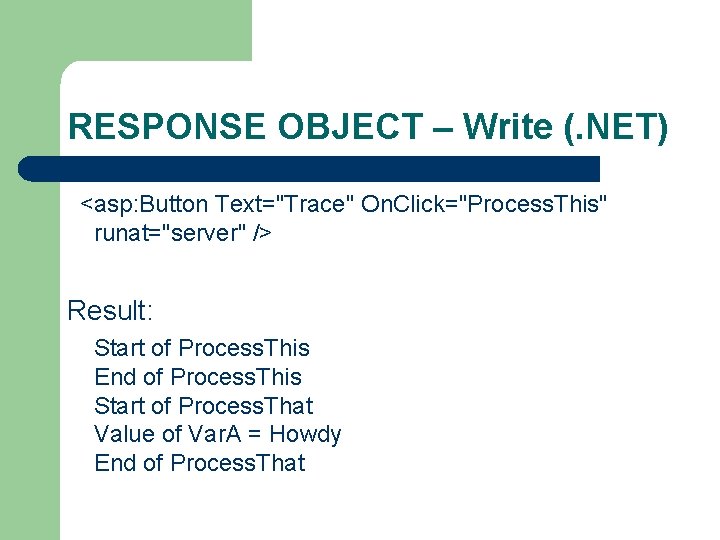
RESPONSE OBJECT – Write (. NET) <asp: Button Text="Trace" On. Click="Process. This" runat="server" /> Result: Start of Process. This End of Process. This Start of Process. That Value of Var. A = Howdy End of Process. That
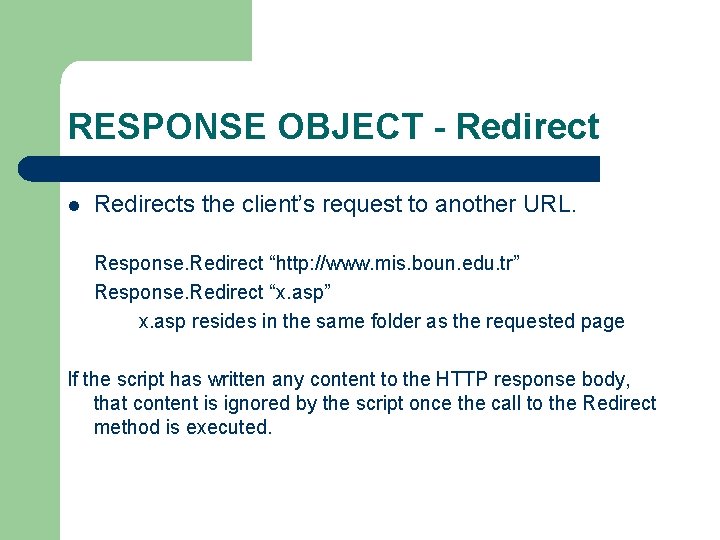
RESPONSE OBJECT - Redirect l Redirects the client’s request to another URL. Response. Redirect “http: //www. mis. boun. edu. tr” Response. Redirect “x. asp” x. asp resides in the same folder as the requested page If the script has written any content to the HTTP response body, that content is ignored by the script once the call to the Redirect method is executed.
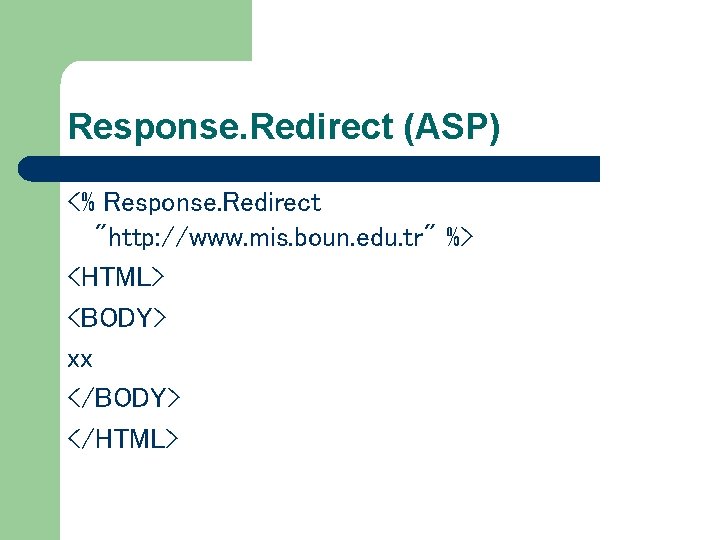
Response. Redirect (ASP) <% Response. Redirect "http: //www. mis. boun. edu. tr" %> <HTML> <BODY> xx </BODY> </HTML>
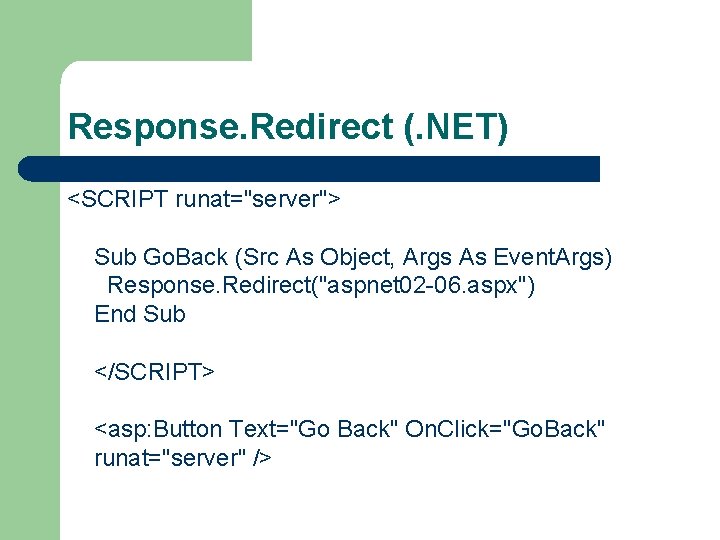
Response. Redirect (. NET) <SCRIPT runat="server"> Sub Go. Back (Src As Object, Args As Event. Args) Response. Redirect("aspnet 02 -06. aspx") End Sub </SCRIPT> <asp: Button Text="Go Back" On. Click="Go. Back" runat="server" />
RESPONSE OBJECT Is. Client. Connected l l The Response. Is. Client. Connected property is useful when you need to make sure that the visitor is still connected to your Web site. This issue arises when, say, you are conducting ecommerce with a customer. If you have just completed processing a set of transactions for a purchase being made, you might wish to check that the customer has not abandoned your site before finalizing those transactions.
RESPONSE OBJECT - Buffer Determines whether the content created by the script is delivered to the client browser as a whole or send immediately to the client browser as each line is created and entered into the HTML stream l If set to TRUE, then all script on the page is run before the results of that script are sent to the client browser <% Response. Buffer = True %> l
RESPONSE OBJECT - Clear l Empties the current contents of the Response buffer. l It does so without sending any of the buffered response to the client.
RESPONSE OBJECT - End l Ends all storage of information in the response buffer and sends the current contents of the buffer immediately to the client. l Any code present after the call to the End method is not processed.
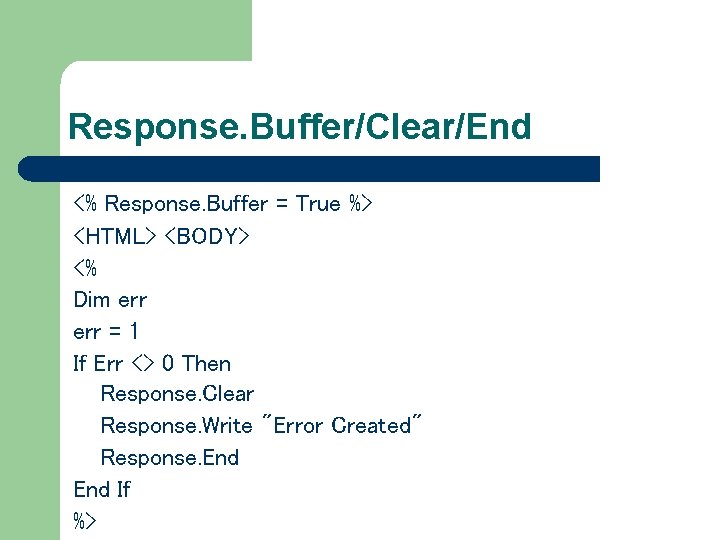
Response. Buffer/Clear/End <% Response. Buffer = True %> <HTML> <BODY> <% Dim err = 1 If Err <> 0 Then Response. Clear Response. Write "Error Created" Response. End If %>
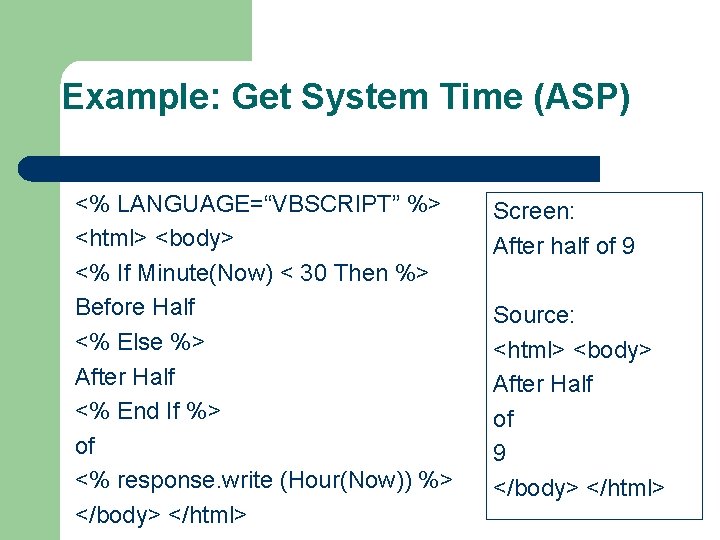
Example: Get System Time (ASP) <% LANGUAGE=“VBSCRIPT” %> <html> <body> <% If Minute(Now) < 30 Then %> Before Half <% Else %> After Half <% End If %> of <% response. write (Hour(Now)) %> </body> </html> Screen: After half of 9 Source: <html> <body> After Half of 9 </body> </html>
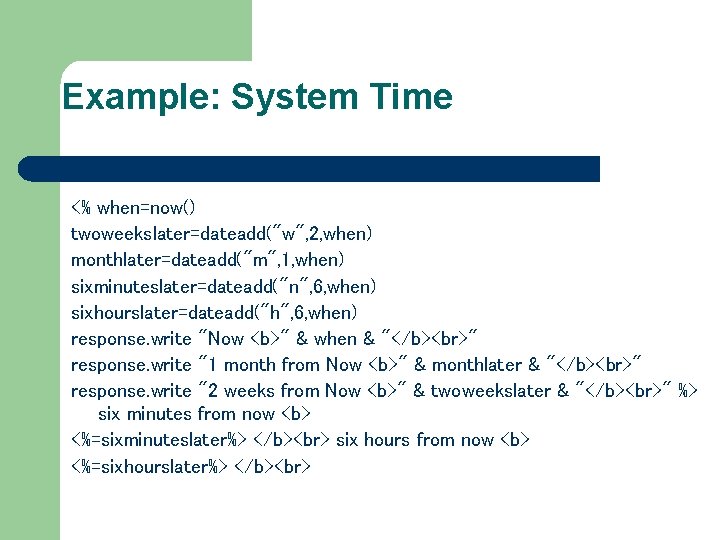
Example: System Time <% when=now() twoweekslater=dateadd("w", 2, when) monthlater=dateadd("m", 1, when) sixminuteslater=dateadd("n", 6, when) sixhourslater=dateadd("h", 6, when) response. write "Now <b>" & when & "</b> " response. write "1 month from Now <b>" & monthlater & "</b> " response. write "2 weeks from Now <b>" & twoweekslater & "</b> " %> six minutes from now <b> <%=sixminuteslater%> </b> six hours from now <b> <%=sixhourslater%> </b>
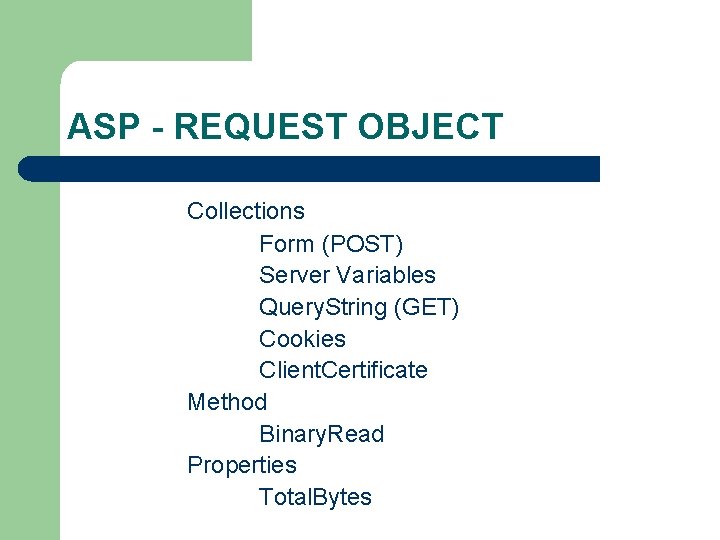
ASP - REQUEST OBJECT Collections Form (POST) Server Variables Query. String (GET) Cookies Client. Certificate Method Binary. Read Properties Total. Bytes
REQUEST OBJECTHttp. Request Class Http. Request class provides a Request object that contains information about a URL request issued for a Web page. In general, the Request object pertains to Web page input, with a set of properties that provide information about the URL request received by the page
REQUEST OBJECTServer. Variables Contain several predefined environment variables in the context of the client’s specific HTTP request of the web server.
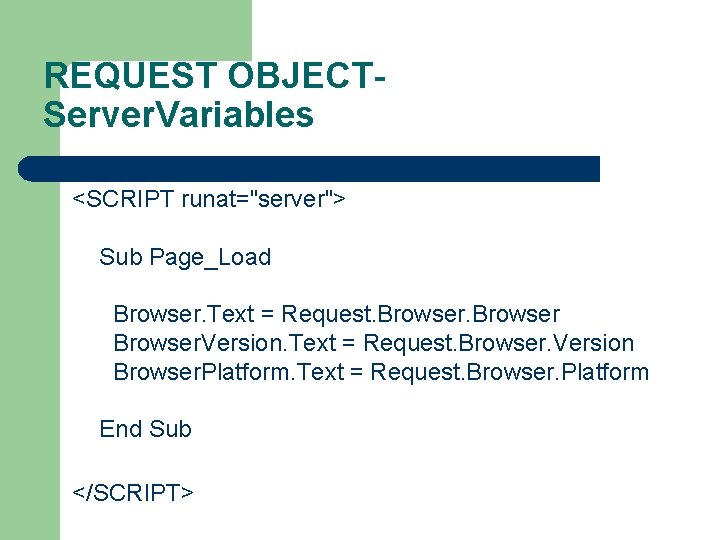
REQUEST OBJECTServer. Variables <SCRIPT runat="server"> Sub Page_Load Browser. Text = Request. Browser. Version Browser. Platform. Text = Request. Browser. Platform End Sub </SCRIPT>
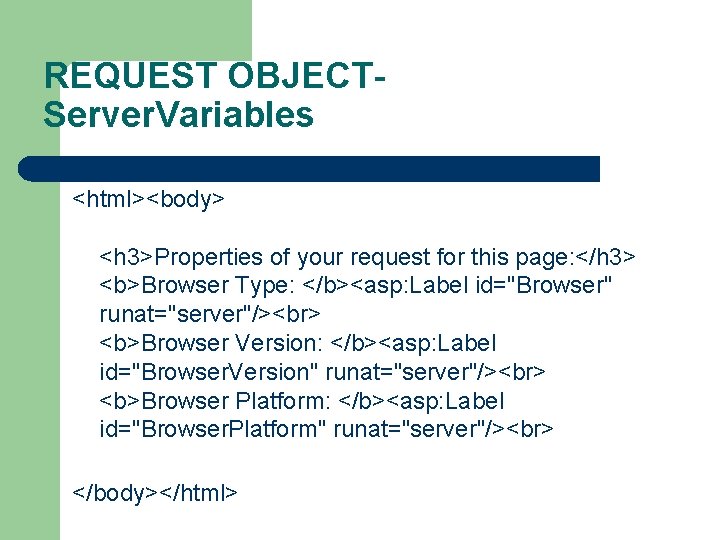
REQUEST OBJECTServer. Variables <html><body> <h 3>Properties of your request for this page: </h 3> <b>Browser Type: </b><asp: Label id="Browser" runat="server"/> <b>Browser Version: </b><asp: Label id="Browser. Version" runat="server"/> <b>Browser Platform: </b><asp: Label id="Browser. Platform" runat="server"/> </body></html>
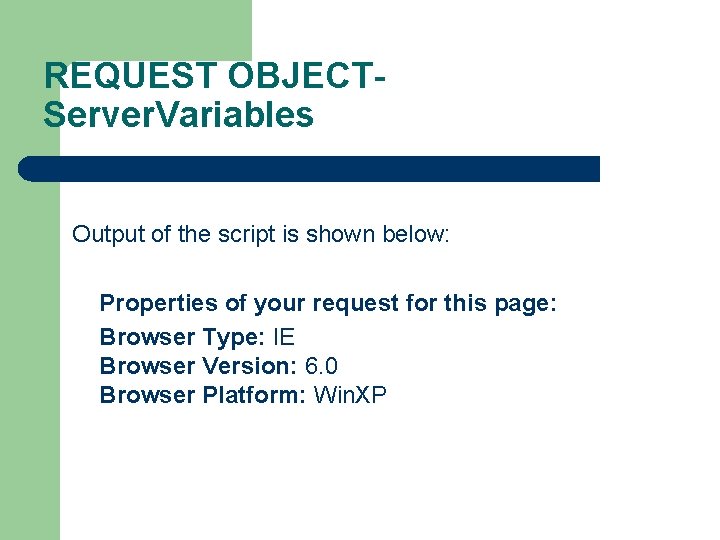
REQUEST OBJECTServer. Variables Output of the script is shown below: Properties of your request for this page: Browser Type: IE Browser Version: 6. 0 Browser Platform: Win. XP
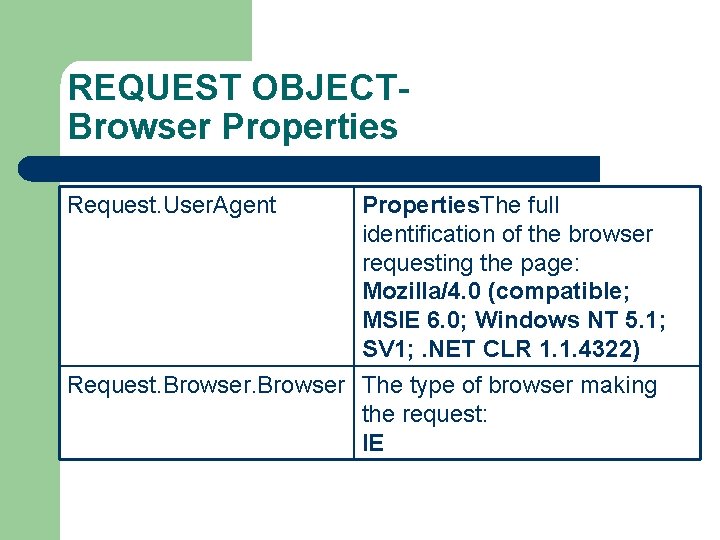
REQUEST OBJECTBrowser Properties Request. User. Agent Properties. The full identification of the browser requesting the page: Mozilla/4. 0 (compatible; MSIE 6. 0; Windows NT 5. 1; SV 1; . NET CLR 1. 1. 4322) Request. Browser The type of browser making the request: IE
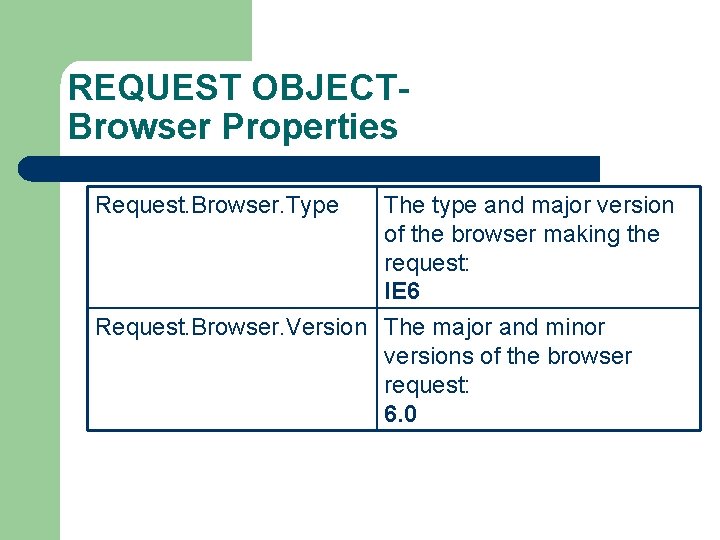
REQUEST OBJECTBrowser Properties Request. Browser. Type The type and major version of the browser making the request: IE 6 Request. Browser. Version The major and minor versions of the browser request: 6. 0
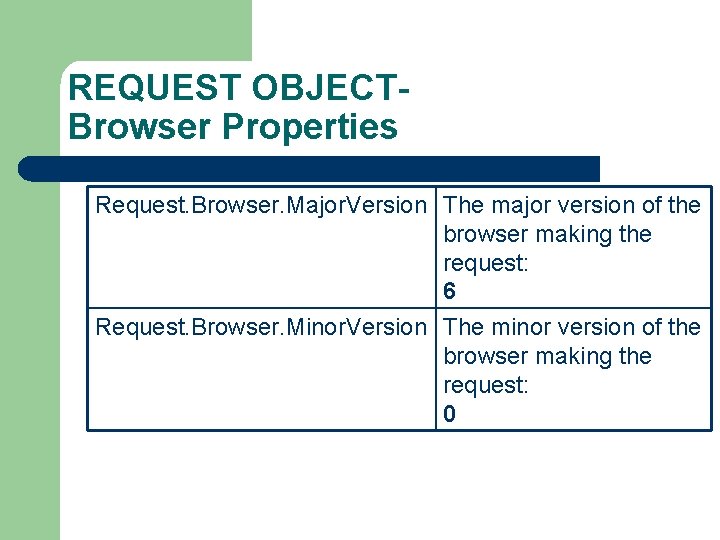
REQUEST OBJECTBrowser Properties Request. Browser. Major. Version The major version of the browser making the request: 6 Request. Browser. Minor. Version The minor version of the browser making the request: 0
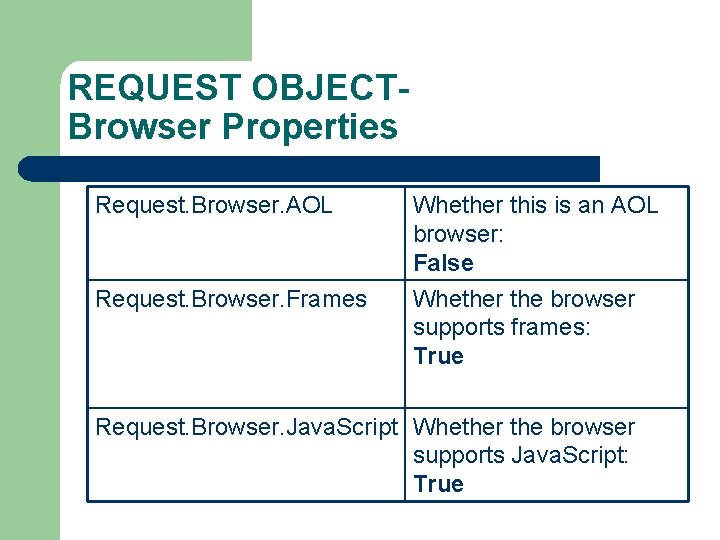
REQUEST OBJECTBrowser Properties Request. Browser. AOL Request. Browser. Frames Whether this is an AOL browser: False Whether the browser supports frames: True Request. Browser. Java. Script Whether the browser supports Java. Script: True
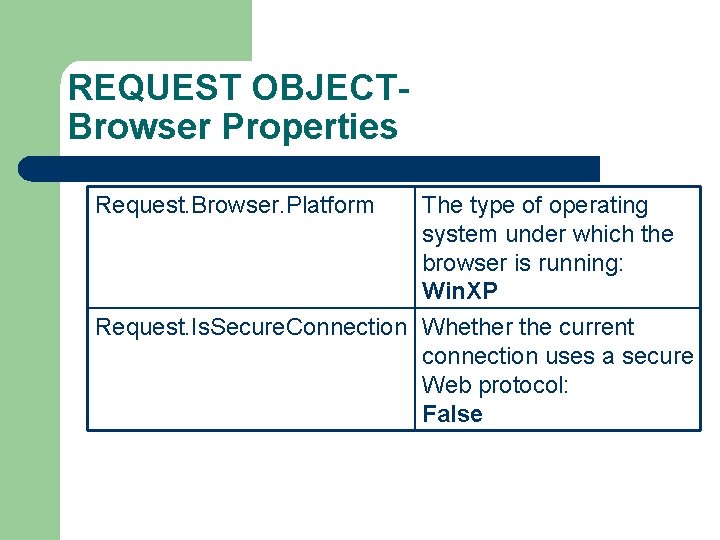
REQUEST OBJECTBrowser Properties Request. Browser. Platform The type of operating system under which the browser is running: Win. XP Request. Is. Secure. Connection Whether the current connection uses a secure Web protocol: False
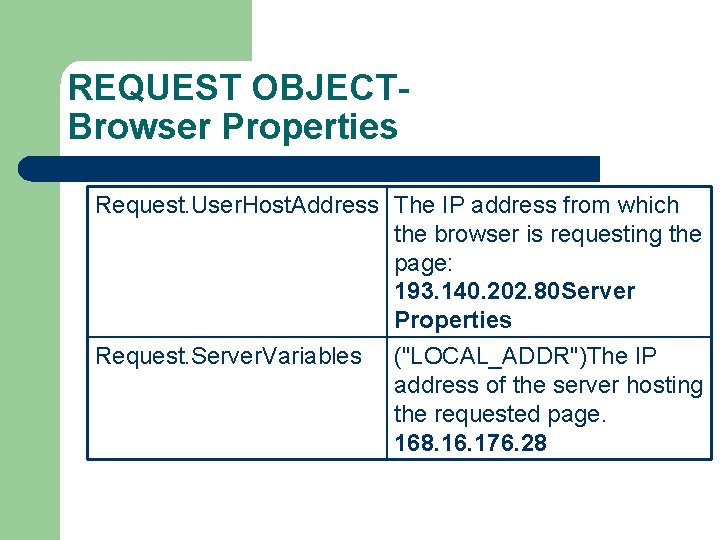
REQUEST OBJECTBrowser Properties Request. User. Host. Address The IP address from which the browser is requesting the page: 193. 140. 202. 80 Server Properties Request. Server. Variables ("LOCAL_ADDR")The IP address of the server hosting the requested page. 168. 16. 176. 28
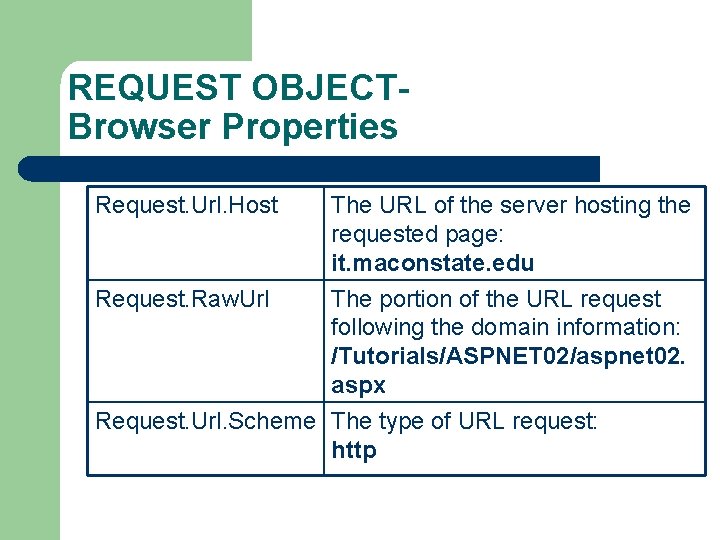
REQUEST OBJECTBrowser Properties Request. Url. Host The URL of the server hosting the requested page: it. maconstate. edu Request. Raw. Url The portion of the URL request following the domain information: /Tutorials/ASPNET 02/aspnet 02. aspx Request. Url. Scheme The type of URL request: http
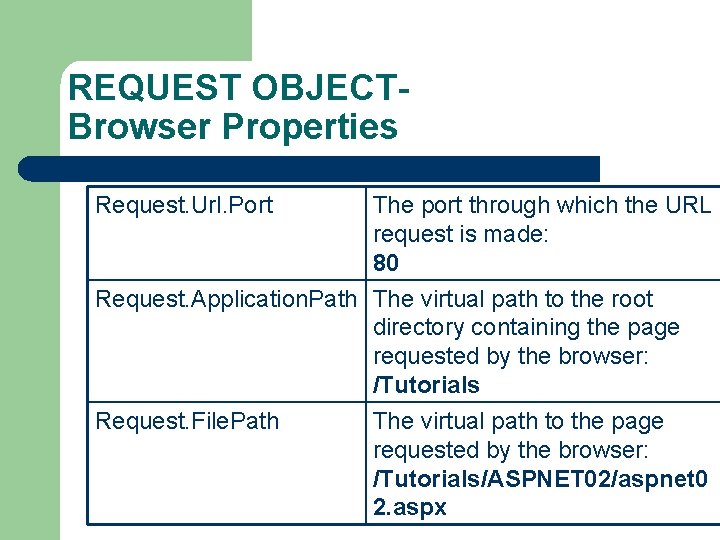
REQUEST OBJECTBrowser Properties Request. Url. Port The port through which the URL request is made: 80 Request. Application. Path The virtual path to the root directory containing the page requested by the browser: /Tutorials Request. File. Path The virtual path to the page requested by the browser: /Tutorials/ASPNET 02/aspnet 0 2. aspx
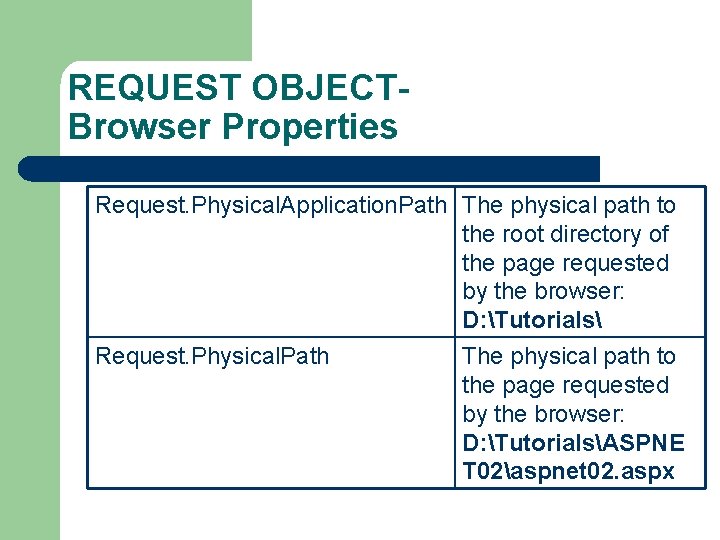
REQUEST OBJECTBrowser Properties Request. Physical. Application. Path The physical path to the root directory of the page requested by the browser: D: Tutorials Request. Physical. Path The physical path to the page requested by the browser: D: TutorialsASPNE T 02aspnet 02. aspx
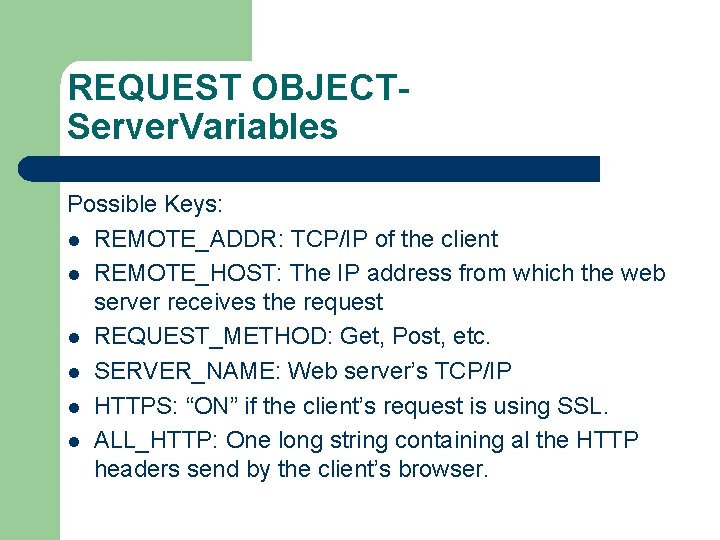
REQUEST OBJECTServer. Variables Possible Keys: l REMOTE_ADDR: TCP/IP of the client l REMOTE_HOST: The IP address from which the web server receives the request l REQUEST_METHOD: Get, Post, etc. l SERVER_NAME: Web server’s TCP/IP l HTTPS: “ON” if the client’s request is using SSL. l ALL_HTTP: One long string containing al the HTTP headers send by the client’s browser.
REQUEST OBJECTServer. Variables Possible Keys: l LOGON_USER: Windows NT account with which the user has logged onto the system l URL: The base URL requested by the client in its HTTP request. l SERVER_PORT: The server port to which the client’s HTTP request is sent. <% Dim str. User. Name=Request. Server. Variables(“LOGON_USER”) %>
Get IP <HTML> <BODY> <% Dim str. User. Name=Request. Server. Variables ("REMOTE_ADDR") Response. Write str. User. Name %> merhaba </BODY> </HTML>
GET vs. POST l l GET can be used to retrieve any document, POST cannot GET and POST can be used to pass data to the object indicated by the URL When POST is used, the data is passed to the server in the body of the request message When GET is used, the data is included in the URL as argument string and needs to be parsed
REQUEST OBJECTForm (POST) l l l User enters input into the fields of a form When form is submitted, data in each field is transferred to the server, and then to ASP Data is sent in the format: name = value name (attribute of <INPUT>)
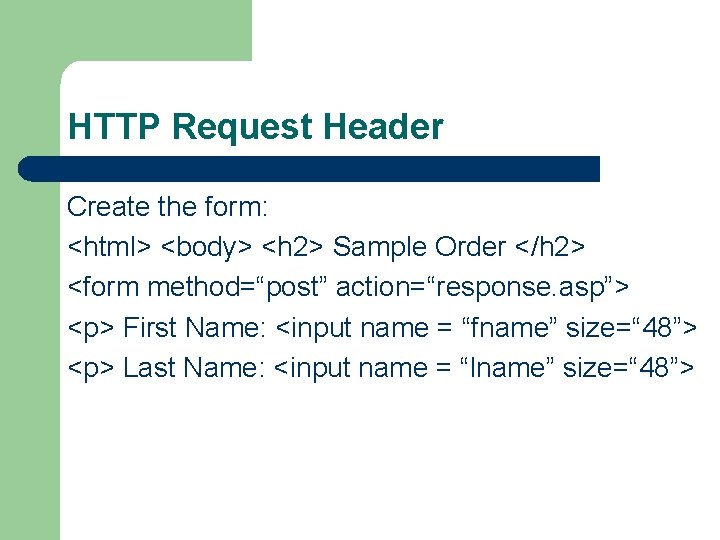
HTTP Request Header Create the form: <html> <body> <h 2> Sample Order </h 2> <form method=“post” action=“response. asp”> <p> First Name: <input name = “fname” size=“ 48”> <p> Last Name: <input name = “lname” size=“ 48”>
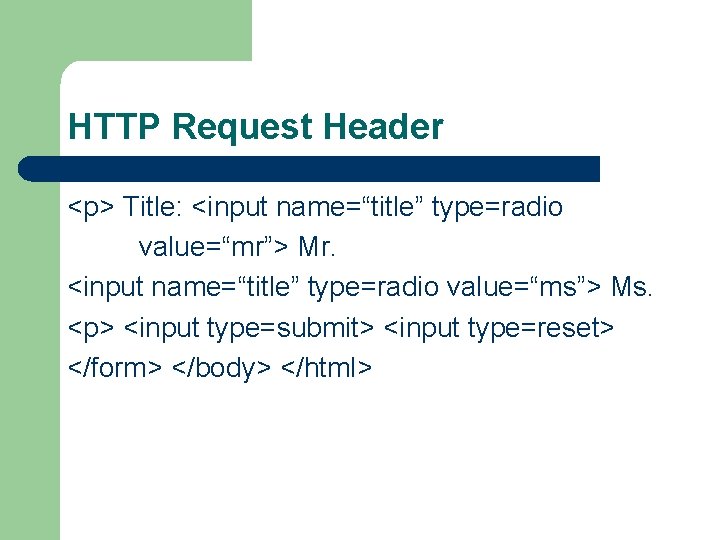
HTTP Request Header <p> Title: <input name=“title” type=radio value=“mr”> Mr. <input name=“title” type=radio value=“ms”> Ms. <p> <input type=submit> <input type=reset> </form> </body> </html>
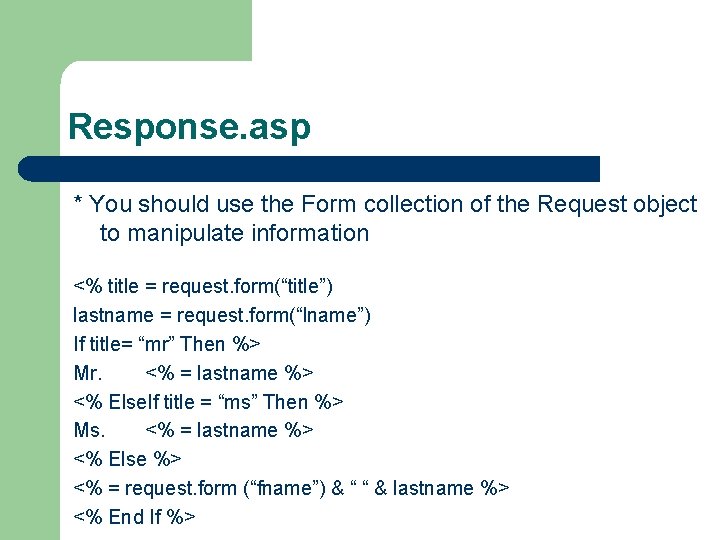
Response. asp * You should use the Form collection of the Request object to manipulate information <% title = request. form(“title”) lastname = request. form(“lname”) If title= “mr” Then %> Mr. <% = lastname %> <% Else. If title = “ms” Then %> Ms. <% = lastname %> <% Else %> <% = request. form (“fname”) & “ “ & lastname %> <% End If %>
REQUEST OBJECT-Total. Bytes property is a read-only value that specifies the total number of bytes posted to the web server by the client in the HTTP request body. Var = Request. Total. Bytes
REQUEST OBJECTClient Certificate Provides access to the certification fields of the client’s digital certificate. Client certificates are sent to the web server when a client’s browser supports the Secure Sockets Layer and that browser is connected to a web server running the SSL (https: //). Request. Client. Certificate
REQUEST OBJECTClient Certificate Subject: A list of comma-delimited strings that provide information about the owner of the digital certificate. Issuer: Information about the issuer. Valid. From and Valid. Until: Validation dates Serial. Number: An ASCII representation Ex: 0 A-B 7 -34 -23 Certificate: A string value that contains the entire binary stream from the certificate content. Flags: Provide additional information such as presence of certificate.
REQUEST OBJECTClient Certificate Request. Client. Certificate (“Issuer. C”) Retrieve the country of origin for the Issuer. Request. Client. Certificate (“Subject. O”) Retrieve the organization of the Subject.
Session Tracking l l HTTP is a stateless protocol that does not support persistent connections that would enable Web servers to maintain state information regarding clients. A session ID represents a unique client on the Internet. If the client leaves a site and returns later, the client will still be recognized as the same user. To help the server distinguish among clients, each client must identify itself to the server. The tracking of each individual clients, known as session tracking, can be achieved in a number of ways.
Session Tracking Session tracking ways: 1. Use of input form elements of type hidden and sending them to the form handler on the Web server. 2. Use of Http. Session. State object 3. Cookies
Cookies Cookie: Small pieces of information stored by the web server on the web client’s machine. This information is sent to the server each time the client requested a page from the same area from which the information was received. A cookie is a text file.
Cookies Domain: Returns a String containing the cookie’s domain. This determines which web server can receive the cookie. Expires: Returns a Date. Time object indicating when the browser can delete the cookie. Name: Returns a String containing the cookie’s name.
Cookies Path: Returns a String containing the URL prefix for the cookie. Secure: Returns a Boolean value indicating whether the cookie should be transmitted through a secure protocol. The value True causes a secure protocol to be used. Value: Returns a String containing the cookie’s value.
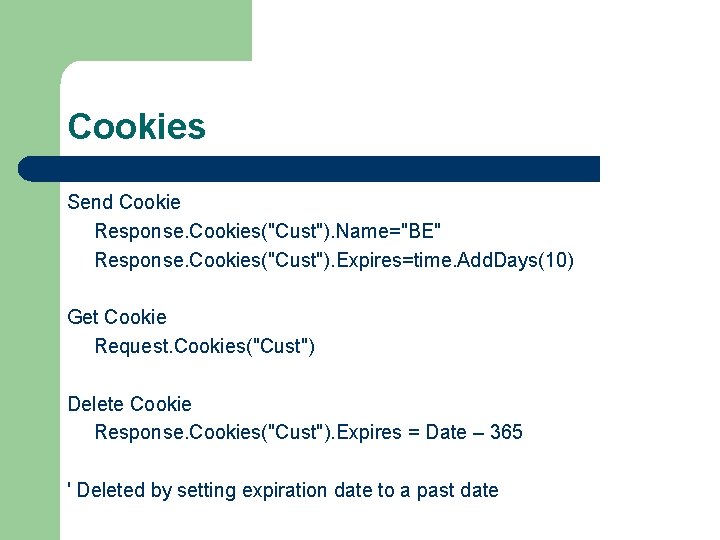
Cookies Send Cookie Response. Cookies("Cust"). Name="BE" Response. Cookies("Cust"). Expires=time. Add. Days(10) Get Cookie Request. Cookies("Cust") Delete Cookie Response. Cookies("Cust"). Expires = Date – 365 ' Deleted by setting expiration date to a past date
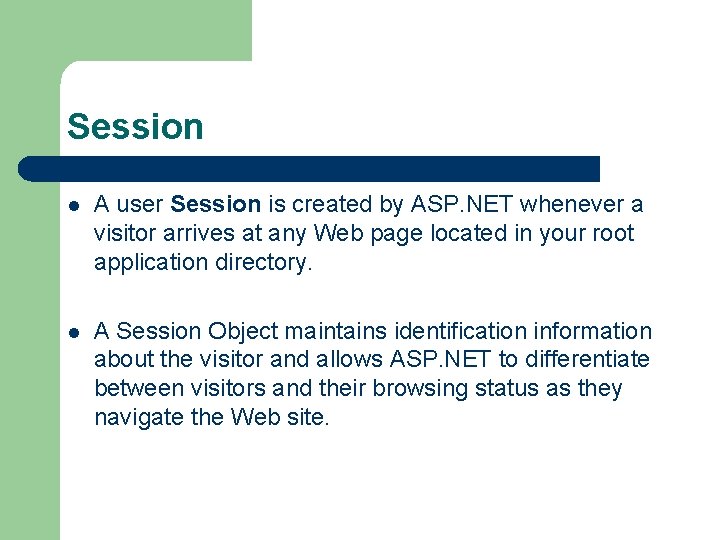
Session l A user Session is created by ASP. NET whenever a visitor arrives at any Web page located in your root application directory. l A Session Object maintains identification information about the visitor and allows ASP. NET to differentiate between visitors and their browsing status as they navigate the Web site.
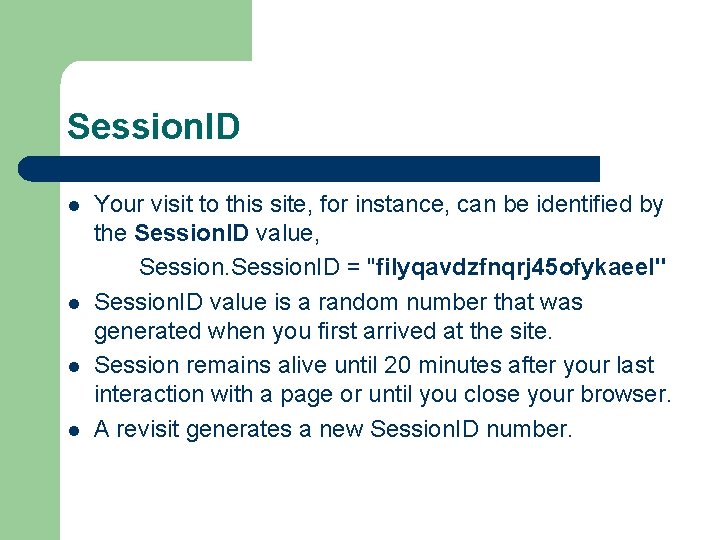
Session. ID l l Your visit to this site, for instance, can be identified by the Session. ID value, Session. ID = "filyqavdzfnqrj 45 ofykaeel" Session. ID value is a random number that was generated when you first arrived at the site. Session remains alive until 20 minutes after your last interaction with a page or until you close your browser. A revisit generates a new Session. ID number.
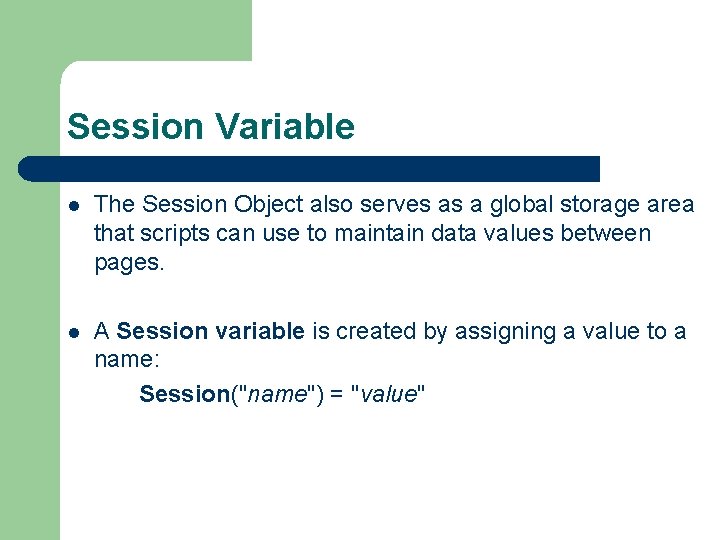
Session Variable l The Session Object also serves as a global storage area that scripts can use to maintain data values between pages. l A Session variable is created by assigning a value to a name: Session("name") = "value"
Http. Session. State Properties l Count: Specifies the numebr of key-vaue pairs in the Session object. l Is. New. Session: Indicates whether this is a new session. l Is. Read. Only: Indicates whether the Session object is read only. l Keys: Returns an object containing the Session object’s keys.
Http. Session. State Properties l Session. ID: Returns the session’s unique ID. Session. ID l Timeout: Specifies the maximum number of minutes during which a session can be inactive before the session expires. Session. Timeout l Session. Add(“TR”, ” 2005”) Store in session as name-value pair
Http. Session. State Properties l Session. ID: Returns the session’s unique ID. Session. l Timeout: Specifies the maximum number of minutes during which a session can be inactive before the session expires. Session. Timeout
- Slides: 60