
ASCE Mentor Match Sign In Only ASCE members
ASCE Mentor Match
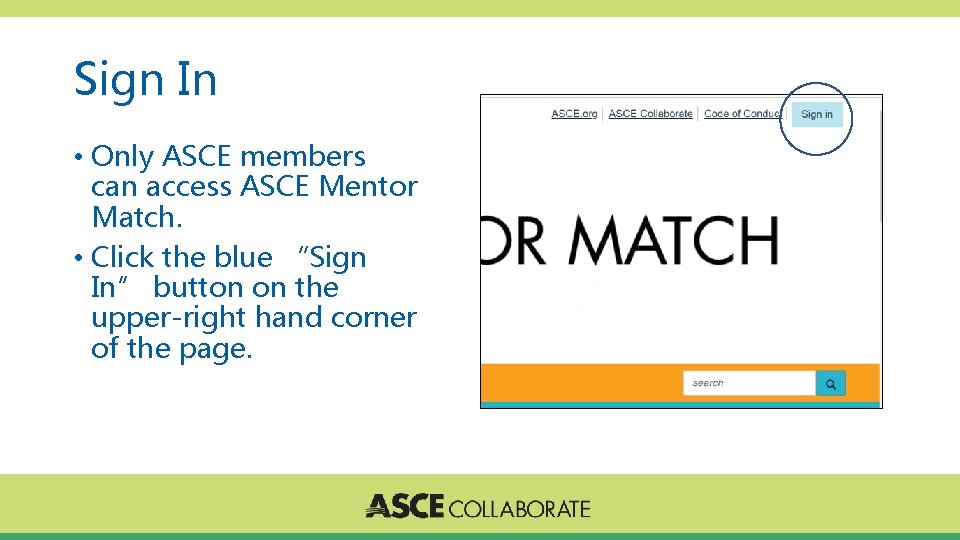
Sign In • Only ASCE members can access ASCE Mentor Match. • Click the blue “Sign In” button on the upper-right hand corner of the page.
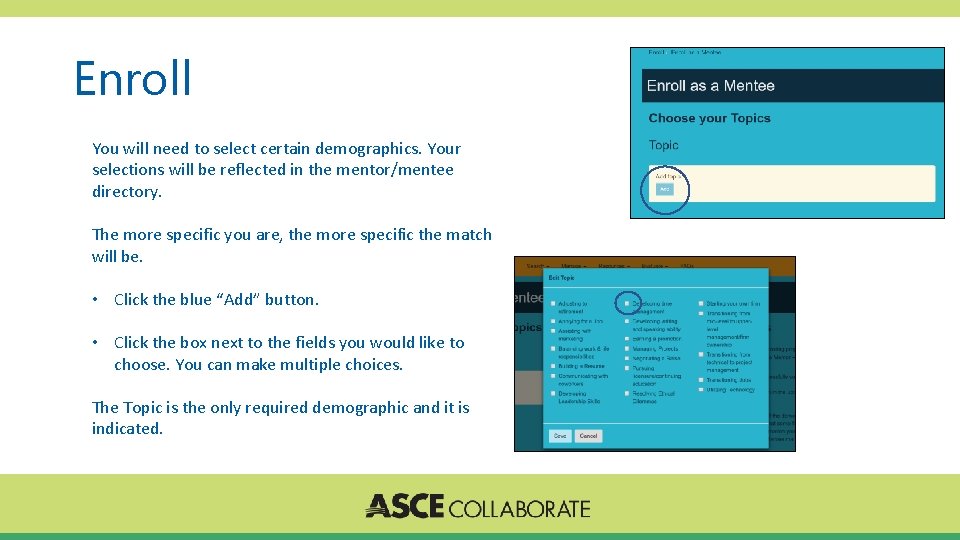
Enroll You will need to select certain demographics. Your selections will be reflected in the mentor/mentee directory. The more specific you are, the more specific the match will be. • Click the blue “Add” button. • Click the box next to the fields you would like to choose. You can make multiple choices. The Topic is the only required demographic and it is indicated.
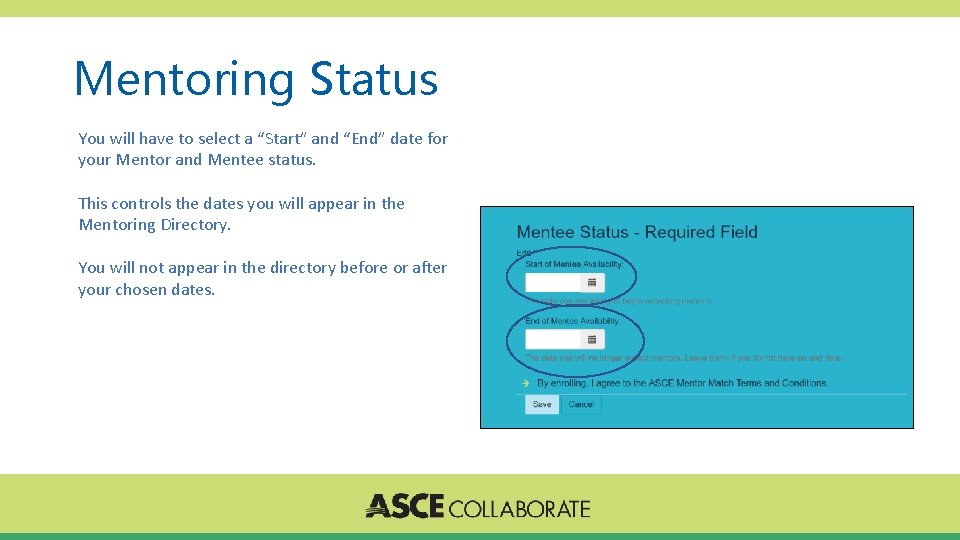
Mentoring Status You will have to select a “Start” and “End” date for your Mentor and Mentee status. This controls the dates you will appear in the Mentoring Directory. You will not appear in the directory before or after your chosen dates.
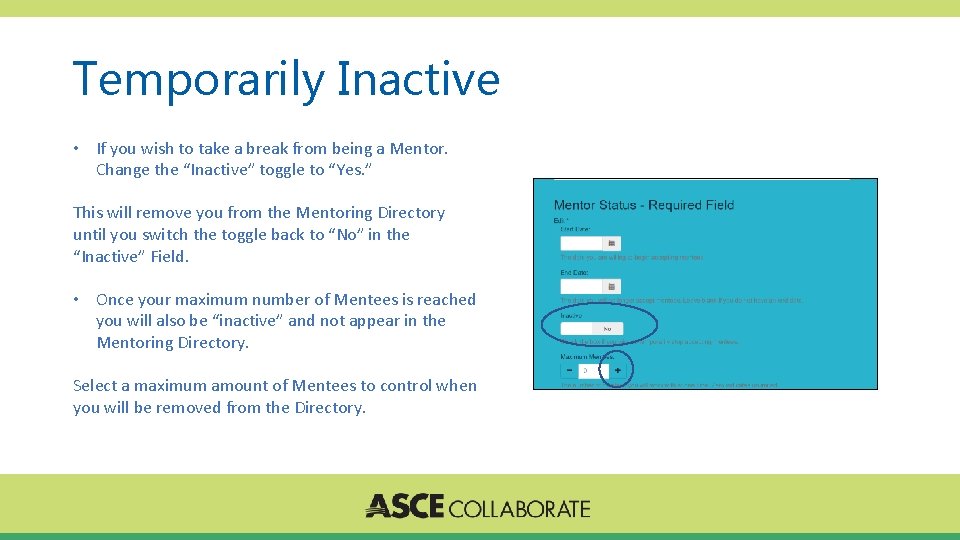
Temporarily Inactive • If you wish to take a break from being a Mentor. Change the “Inactive” toggle to “Yes. ” This will remove you from the Mentoring Directory until you switch the toggle back to “No” in the “Inactive” Field. • Once your maximum number of Mentees is reached you will also be “inactive” and not appear in the Mentoring Directory. Select a maximum amount of Mentees to control when you will be removed from the Directory.
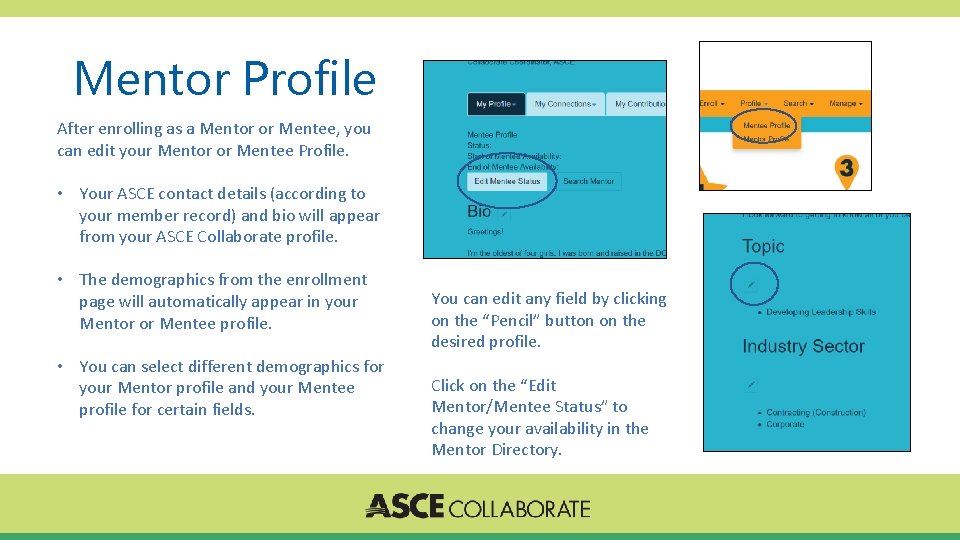
Mentor Profile After enrolling as a Mentor or Mentee, you can edit your Mentor or Mentee Profile. • Your ASCE contact details (according to your member record) and bio will appear from your ASCE Collaborate profile. • The demographics from the enrollment page will automatically appear in your Mentor or Mentee profile. • You can select different demographics for your Mentor profile and your Mentee profile for certain fields. You can edit any field by clicking on the “Pencil” button on the desired profile. Click on the “Edit Mentor/Mentee Status” to change your availability in the Mentor Directory.
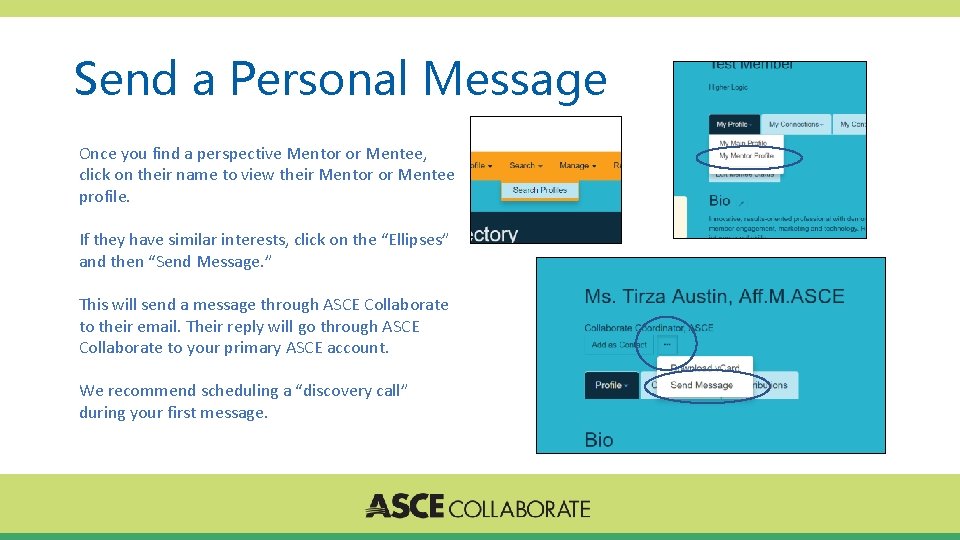
Send a Personal Message Once you find a perspective Mentor or Mentee, click on their name to view their Mentor or Mentee profile. If they have similar interests, click on the “Ellipses” and then “Send Message. ” This will send a message through ASCE Collaborate to their email. Their reply will go through ASCE Collaborate to your primary ASCE account. We recommend scheduling a “discovery call” during your first message.
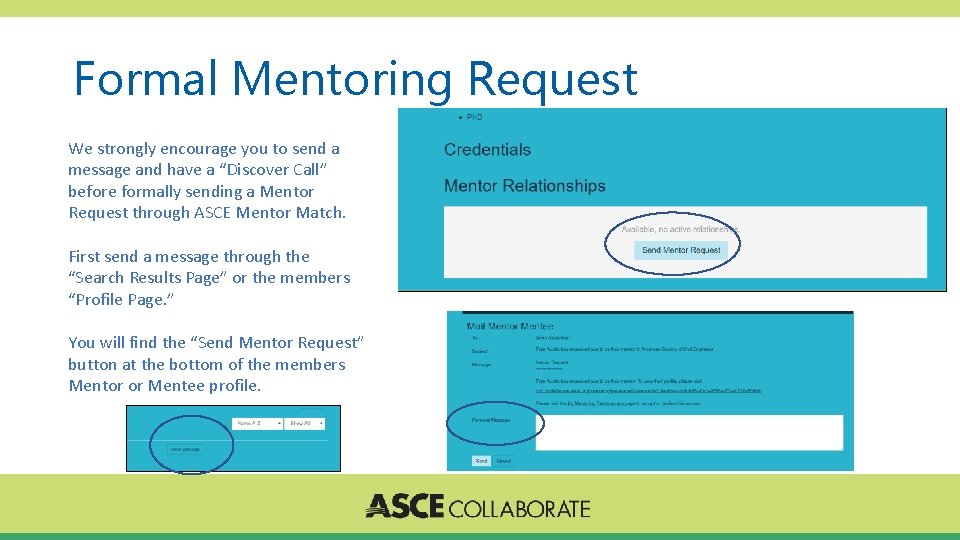
Formal Mentoring Request We strongly encourage you to send a message and have a “Discover Call” before formally sending a Mentor Request through ASCE Mentor Match. First send a message through the “Search Results Page” or the members “Profile Page. ” You will find the “Send Mentor Request” button at the bottom of the members Mentor or Mentee profile.
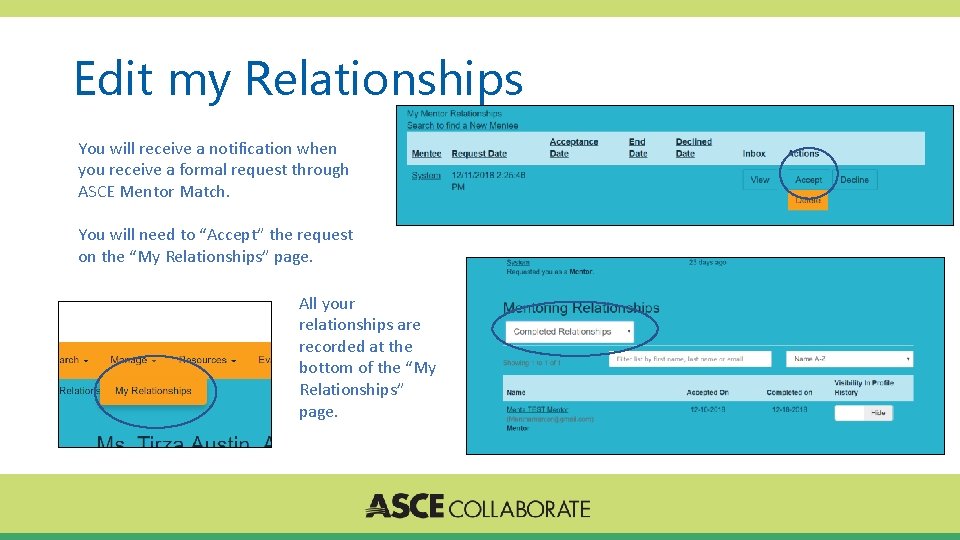
Edit my Relationships You will receive a notification when you receive a formal request through ASCE Mentor Match. You will need to “Accept” the request on the “My Relationships” page. All your relationships are recorded at the bottom of the “My Relationships” page.
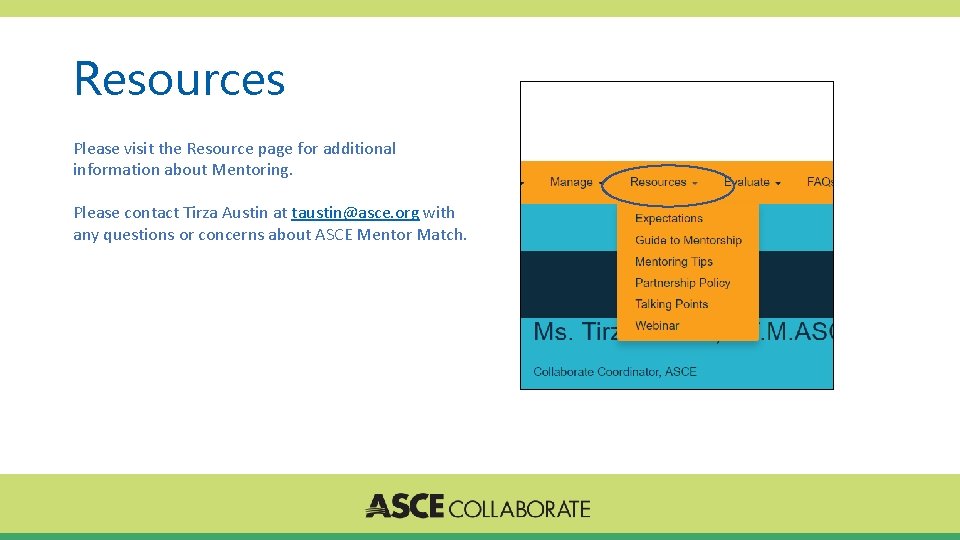
Resources Please visit the Resource page for additional information about Mentoring. Please contact Tirza Austin at taustin@asce. org with any questions or concerns about ASCE Mentor Match.
- Slides: 10