
Arts in the Digital Age Photography Camera Framing

- Slides: 19
Arts in the Digital Age Photography
Camera Framing: Camera Angles and Shots
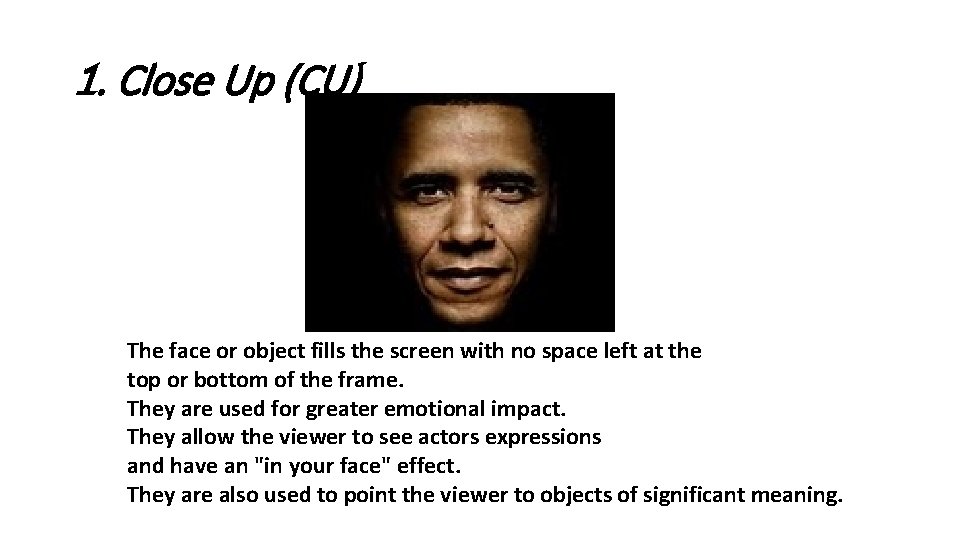
1. Close Up (CU) The face or object fills the screen with no space left at the top or bottom of the frame. They are used for greater emotional impact. They allow the viewer to see actors expressions and have an "in your face" effect. They are also used to point the viewer to objects of significant meaning.
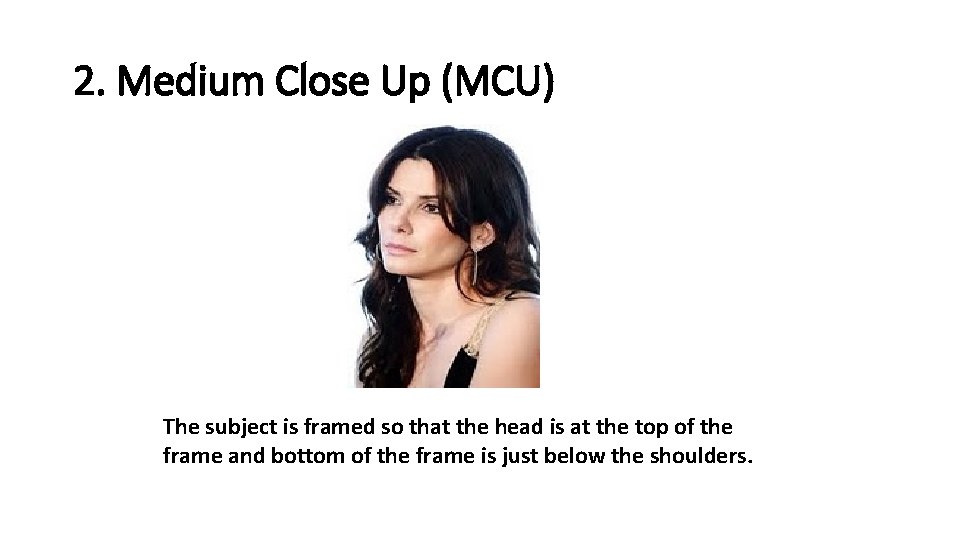
2. Medium Close Up (MCU) The subject is framed so that the head is at the top of the frame and bottom of the frame is just below the shoulders.
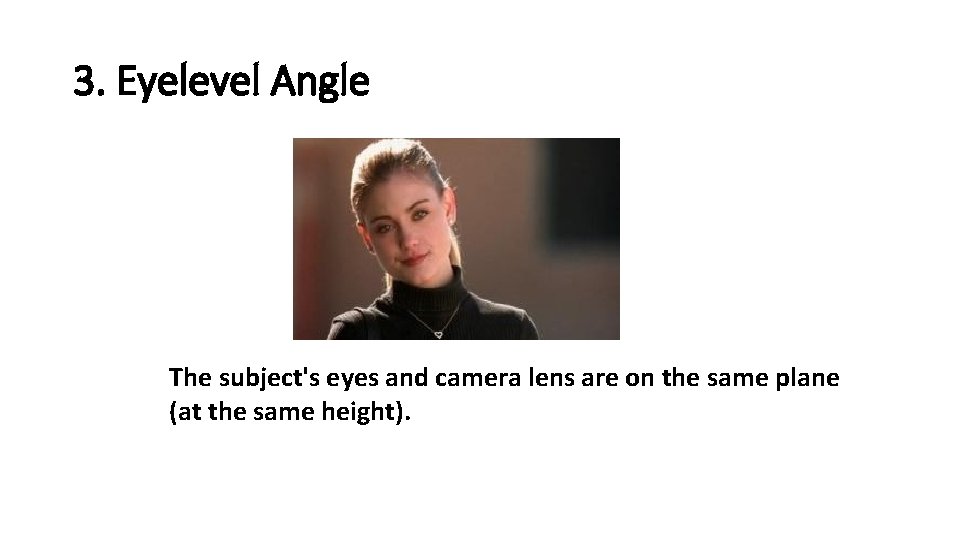
3. Eyelevel Angle The subject's eyes and camera lens are on the same plane (at the same height).
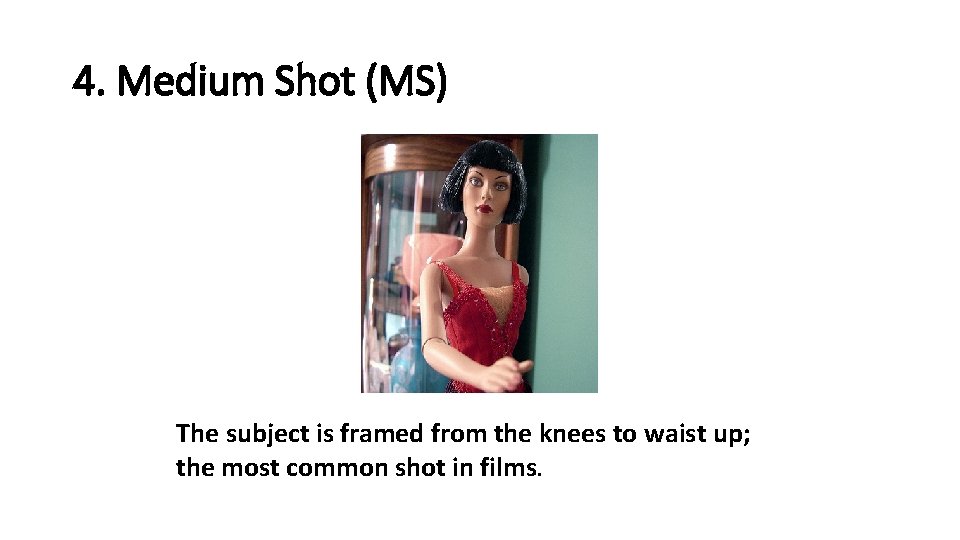
4. Medium Shot (MS) The subject is framed from the knees to waist up; the most common shot in films.
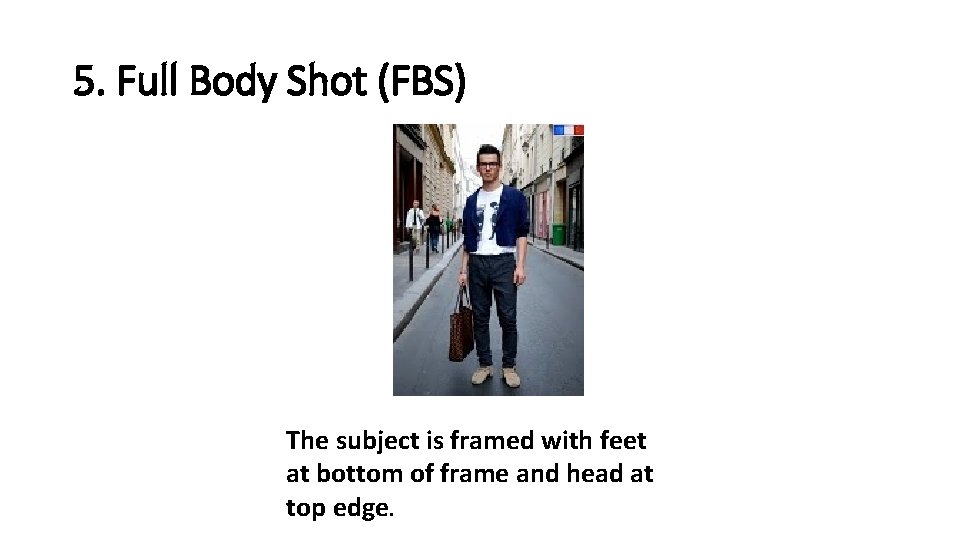
5. Full Body Shot (FBS) The subject is framed with feet at bottom of frame and head at top edge.
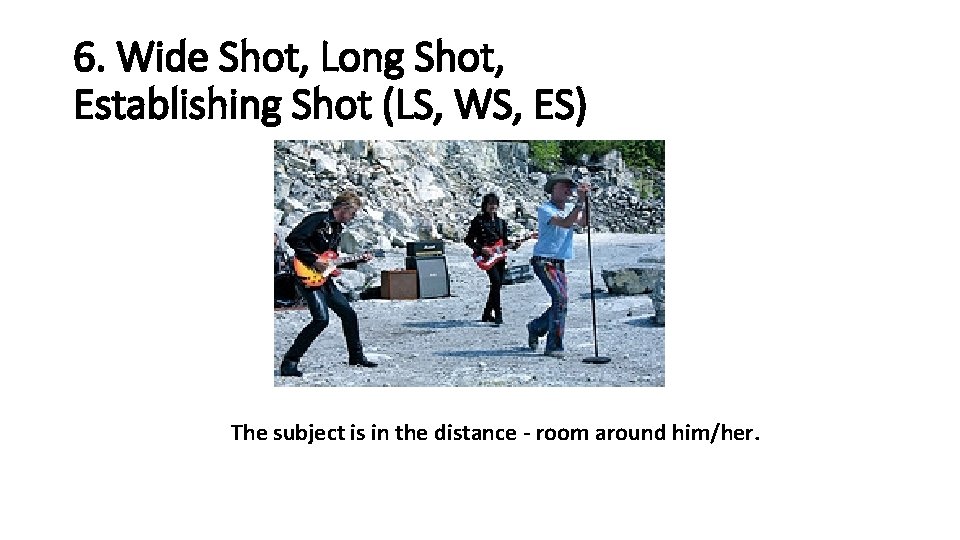
6. Wide Shot, Long Shot, Establishing Shot (LS, WS, ES) The subject is in the distance - room around him/her.
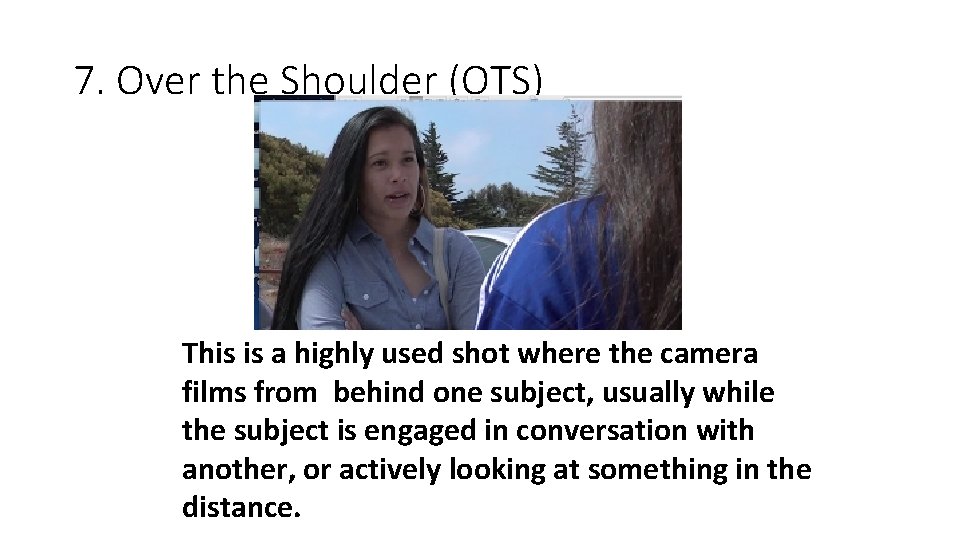
7. Over the Shoulder (OTS) This is a highly used shot where the camera films from behind one subject, usually while the subject is engaged in conversation with another, or actively looking at something in the distance.
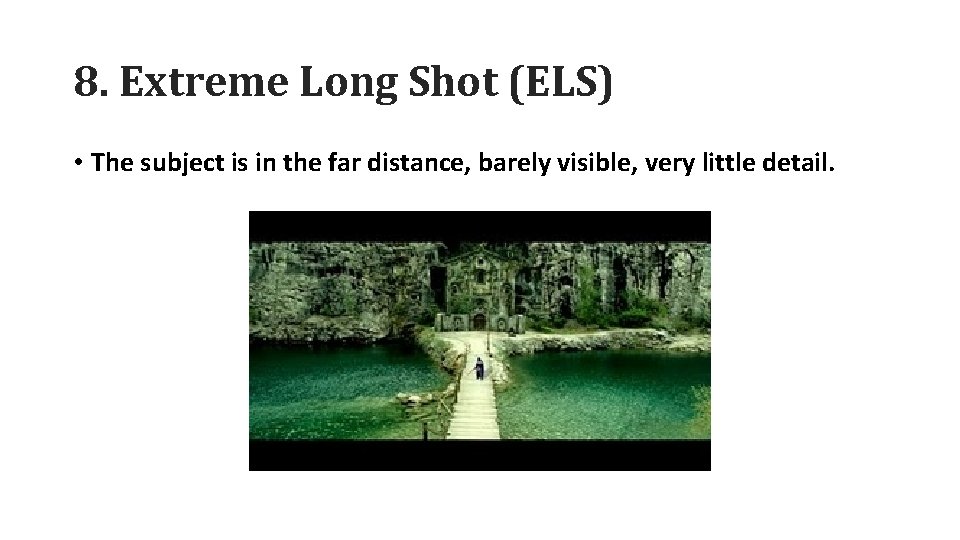
8. Extreme Long Shot (ELS) • The subject is in the far distance, barely visible, very little detail.
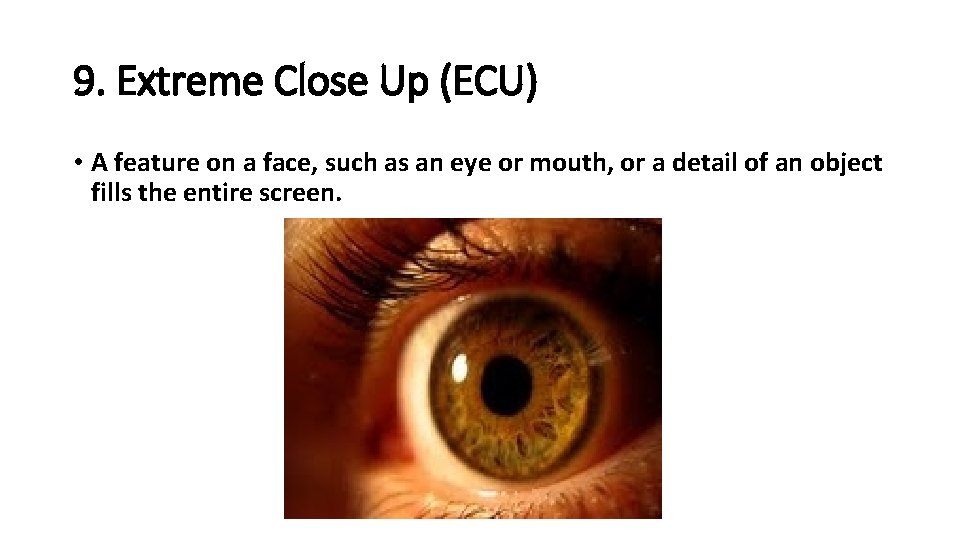
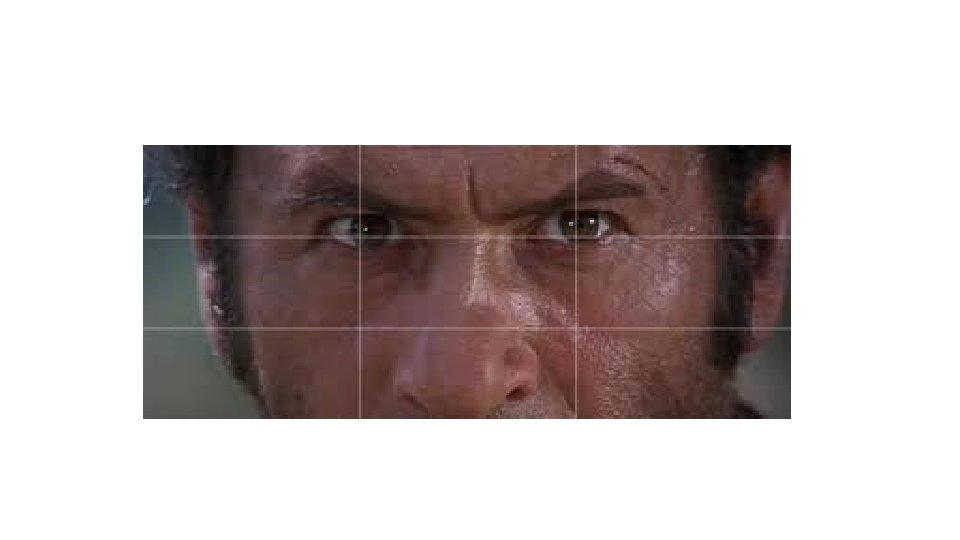
9. Extreme Close Up (ECU) • A feature on a face, such as an eye or mouth, or a detail of an object fills the entire screen.
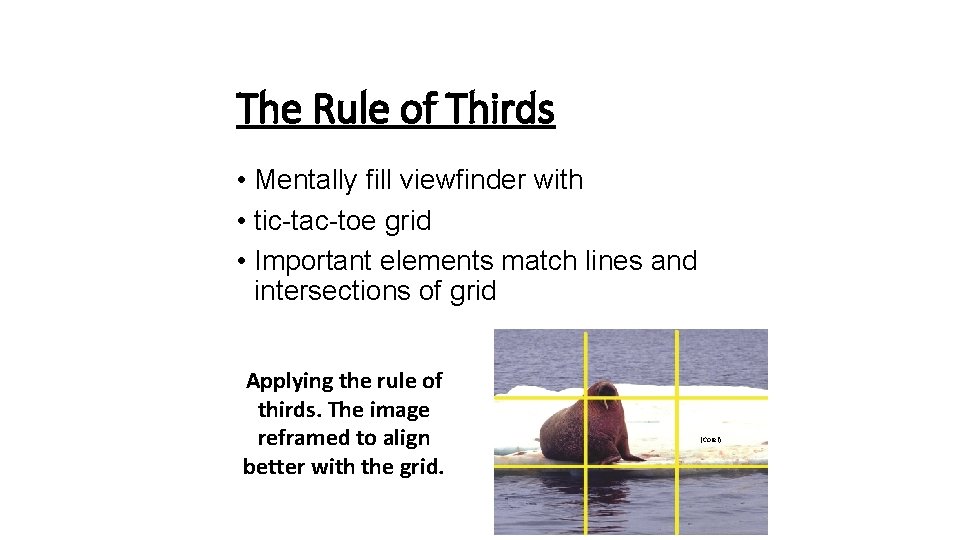
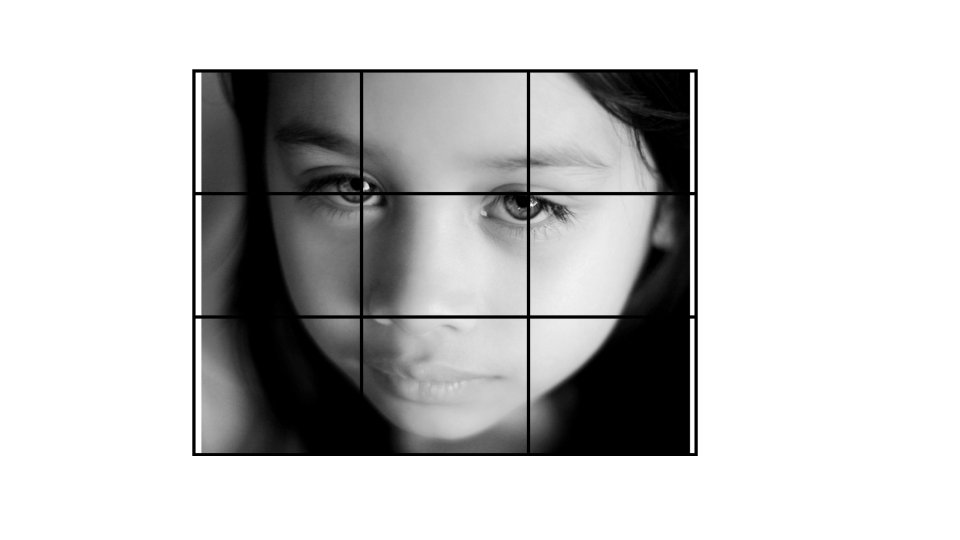
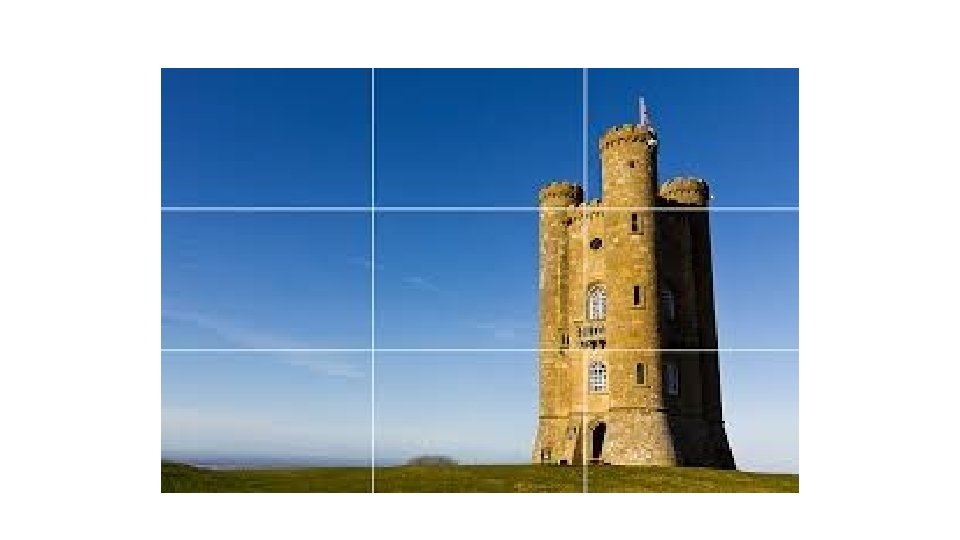
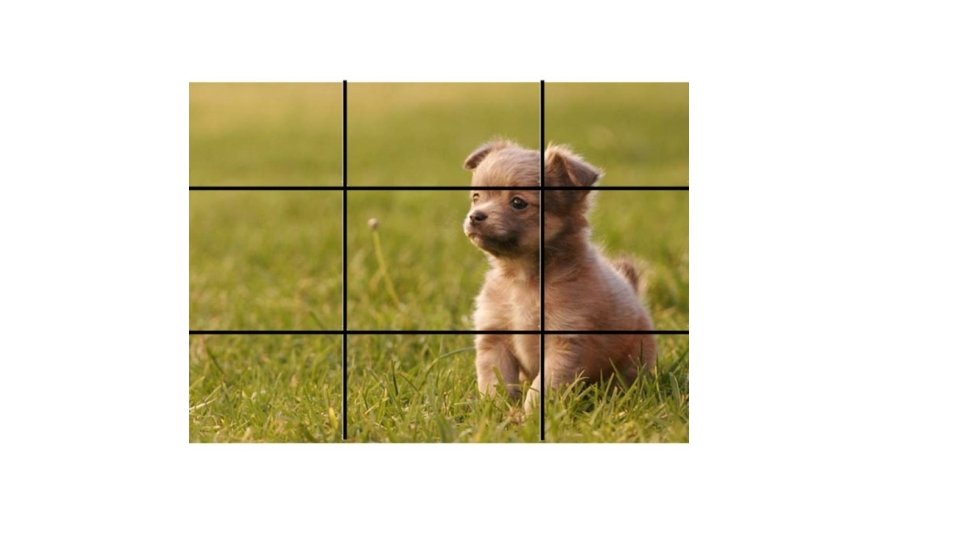
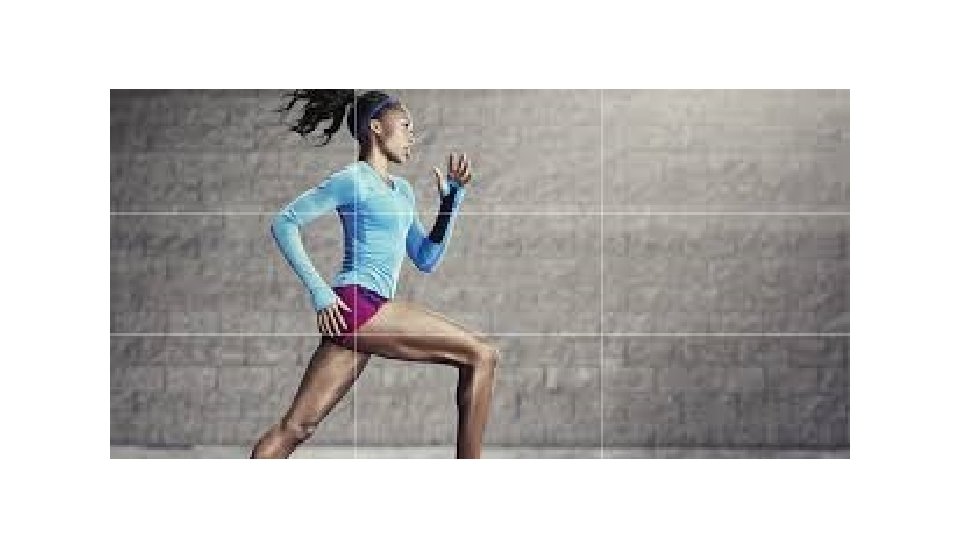
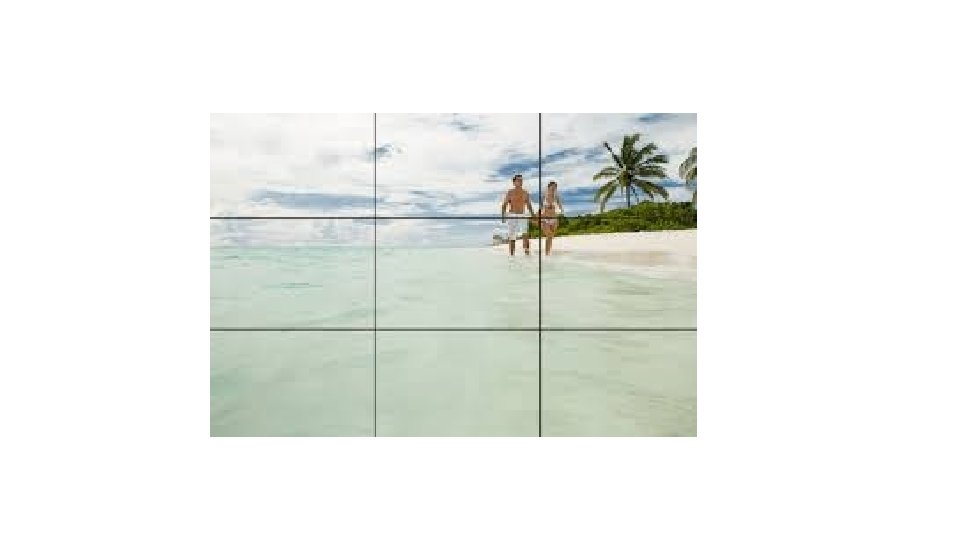
The Rule of Thirds • Mentally fill viewfinder with • tic-tac-toe grid • Important elements match lines and intersections of grid Applying the rule of thirds. The image reframed to align better with the grid. (Corel)
RULE OF THIRDS Defined • The rule of thirds is applied by aligning a subject with the guide lines and their intersection points, placing the horizon on the top or bottom line. • Allowing linear features in the image to flow from section to section.