
Arrays in Java Selim Aksoy Bilkent University Department
Arrays in Java Selim Aksoy Bilkent University Department of Computer Engineering saksoy@cs. bilkent. edu. tr Fall 2004 CS 111
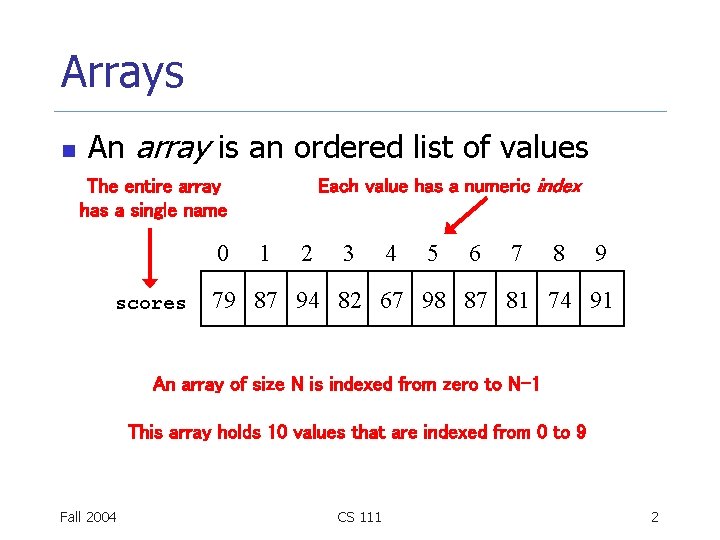
Arrays n An array is an ordered list of values Each value has a numeric index The entire array has a single name 0 scores 1 2 3 4 5 6 7 8 9 79 87 94 82 67 98 87 81 74 91 An array of size N is indexed from zero to N-1 This array holds 10 values that are indexed from 0 to 9 Fall 2004 CS 111 2
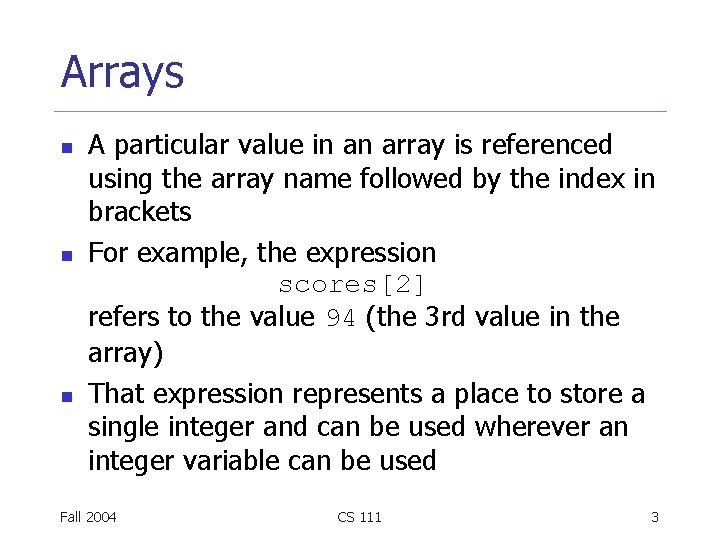
Arrays n n n A particular value in an array is referenced using the array name followed by the index in brackets For example, the expression scores[2] refers to the value 94 (the 3 rd value in the array) That expression represents a place to store a single integer and can be used wherever an integer variable can be used Fall 2004 CS 111 3
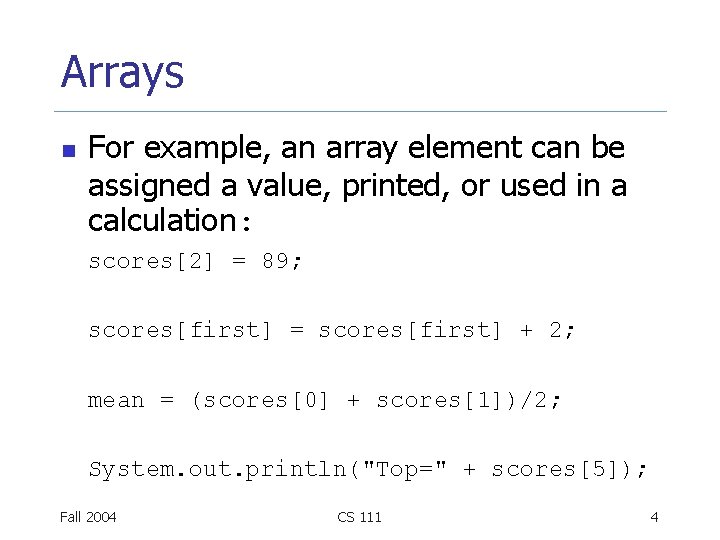
Arrays n For example, an array element can be assigned a value, printed, or used in a calculation: scores[2] = 89; scores[first] = scores[first] + 2; mean = (scores[0] + scores[1])/2; System. out. println("Top=" + scores[5]); Fall 2004 CS 111 4
Arrays n n n The values held in an array are called array elements An array stores multiple values of the same type (the element type) The element type can be a primitive type or an object reference Therefore, we can create an array of integers, or an array of characters, or an array of String objects, etc. In Java, the array itself is an object Therefore the name of the array is an object reference variable, and the array itself must be instantiated Fall 2004 CS 111 5
![Declaring Arrays n n The scores array could be declared as follows: int[] scores](http://slidetodoc.com/presentation_image_h2/ed8897af5ecf20f7136a57a73e77cdc1/image-6.jpg "Declaring Arrays n n The scores array could be declared as follows: int[] scores")
Declaring Arrays n n The scores array could be declared as follows: int[] scores = new int[10]; The type of the variable scores is int[] (an array of integers) Note that the type of the array does not specify its size, but each object of that type has a specific size The reference variable scores is set to a new array object that can hold 10 integers Fall 2004 CS 111 6
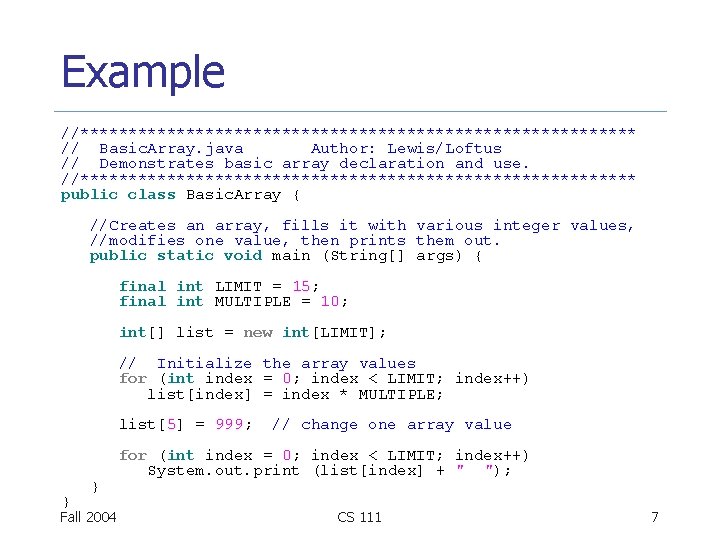
Example //***************************** // Basic. Array. java Author: Lewis/Loftus // Demonstrates basic array declaration and use. //***************************** public class Basic. Array { //Creates an array, fills it with various integer values, //modifies one value, then prints them out. public static void main (String[] args) { final int LIMIT = 15; final int MULTIPLE = 10; int[] list = new int[LIMIT]; // Initialize the array values for (int index = 0; index < LIMIT; index++) list[index] = index * MULTIPLE; list[5] = 999; } } Fall 2004 // change one array value for (int index = 0; index < LIMIT; index++) System. out. print (list[index] + " "); CS 111 7
![Declaring Arrays n Some examples of array declarations: float[] prices = new float[500]; boolean[]](http://slidetodoc.com/presentation_image_h2/ed8897af5ecf20f7136a57a73e77cdc1/image-8.jpg "Declaring Arrays n Some examples of array declarations: float[] prices = new float[500]; boolean[]")
Declaring Arrays n Some examples of array declarations: float[] prices = new float[500]; boolean[] flags; flags = new boolean[20]; char[] codes = new char[1750]; Fall 2004 CS 111 8
Bounds Checking n n n Once an array is created, it has a fixed size An index used in an array reference must specify a valid element That is, the index value must be in bounds (0 to N-1) The Java interpreter gives an error if an array index is out of bounds This is called automatic bounds checking Fall 2004 CS 111 9
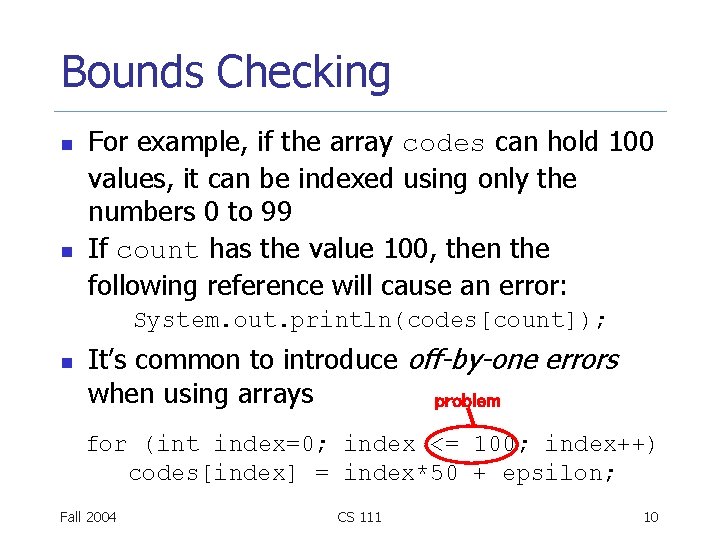
Bounds Checking n n For example, if the array codes can hold 100 values, it can be indexed using only the numbers 0 to 99 If count has the value 100, then the following reference will cause an error: System. out. println(codes[count]); n It’s common to introduce off-by-one errors when using arrays problem for (int index=0; index <= 100; index++) codes[index] = index*50 + epsilon; Fall 2004 CS 111 10
Bounds Checking n n n Each array object has a public constant called length that stores the size of the array It is referenced using the array name: scores. length Note that length holds the number of elements, not the largest index Fall 2004 CS 111 11
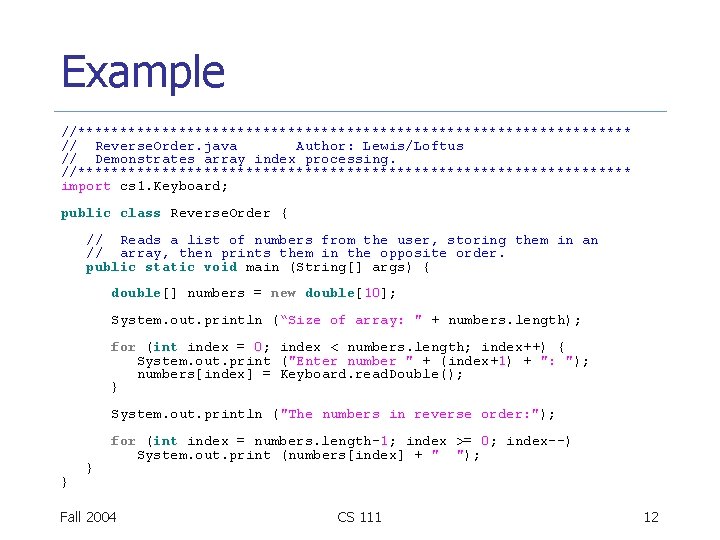
Example //********************************* // Reverse. Order. java Author: Lewis/Loftus // Demonstrates array index processing. //********************************* import cs 1. Keyboard; public class Reverse. Order { // Reads a list of numbers from the user, storing them in an // array, then prints them in the opposite order. public static void main (String[] args) { double[] numbers = new double[10]; System. out. println (“Size of array: " + numbers. length); for (int index = 0; index < numbers. length; index++) { System. out. print ("Enter number " + (index+1) + ": "); numbers[index] = Keyboard. read. Double(); } System. out. println ("The numbers in reverse order: "); } } for (int index = numbers. length-1; index >= 0; index--) System. out. print (numbers[index] + " "); Fall 2004 CS 111 12
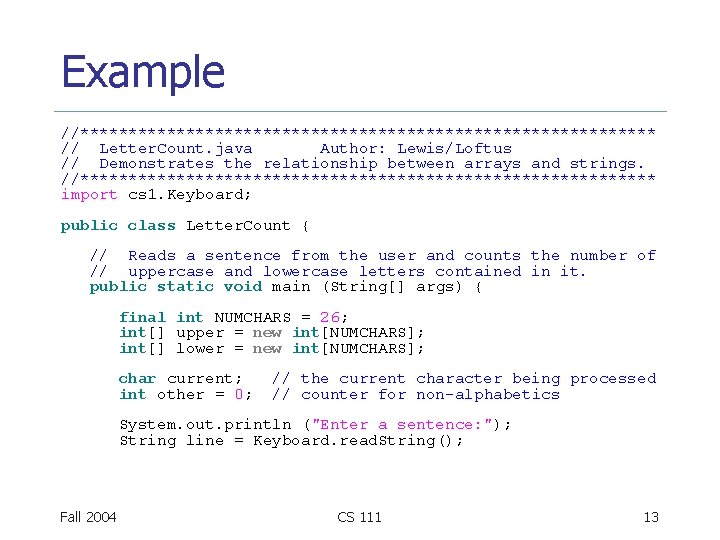
Example //****************************** // Letter. Count. java Author: Lewis/Loftus // Demonstrates the relationship between arrays and strings. //****************************** import cs 1. Keyboard; public class Letter. Count { // Reads a sentence from the user and counts the number of // uppercase and lowercase letters contained in it. public static void main (String[] args) { final int NUMCHARS = 26; int[] upper = new int[NUMCHARS]; int[] lower = new int[NUMCHARS]; char current; int other = 0; // the current character being processed // counter for non-alphabetics System. out. println ("Enter a sentence: "); String line = Keyboard. read. String(); Fall 2004 CS 111 13
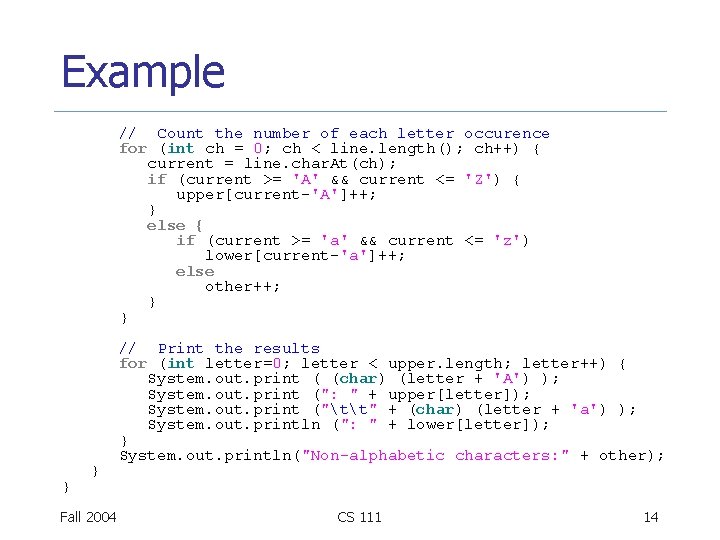
Example // Count the number of each letter occurence for (int ch = 0; ch < line. length(); ch++) { current = line. char. At(ch); if (current >= 'A' && current <= 'Z') { upper[current-'A']++; } else { if (current >= 'a' && current <= 'z') lower[current-'a']++; else other++; } } Fall 2004 // Print the results for (int letter=0; letter < upper. length; letter++) { System. out. print ( (char) (letter + 'A') ); System. out. print (": " + upper[letter]); System. out. print ("tt" + (char) (letter + 'a') ); System. out. println (": " + lower[letter]); } System. out. println("Non-alphabetic characters: " + other); CS 111 14
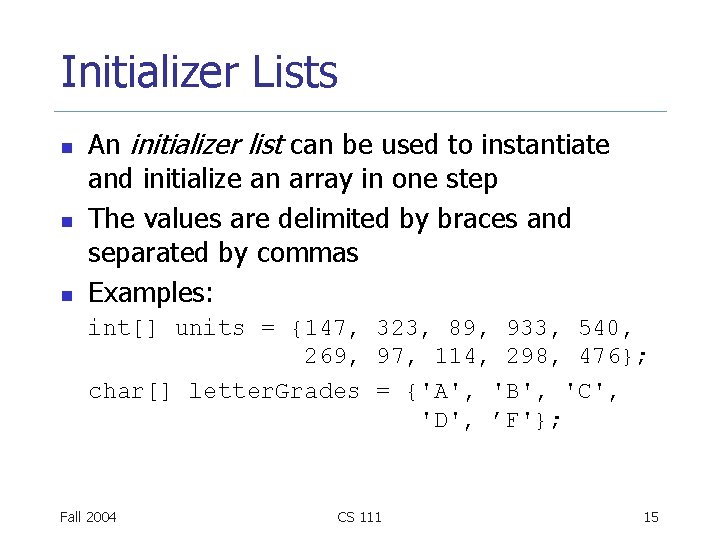
Initializer Lists n n n An initializer list can be used to instantiate and initialize an array in one step The values are delimited by braces and separated by commas Examples: int[] units = {147, 323, 89, 933, 540, 269, 97, 114, 298, 476}; char[] letter. Grades = {'A', 'B', 'C', 'D', ’F'}; Fall 2004 CS 111 15
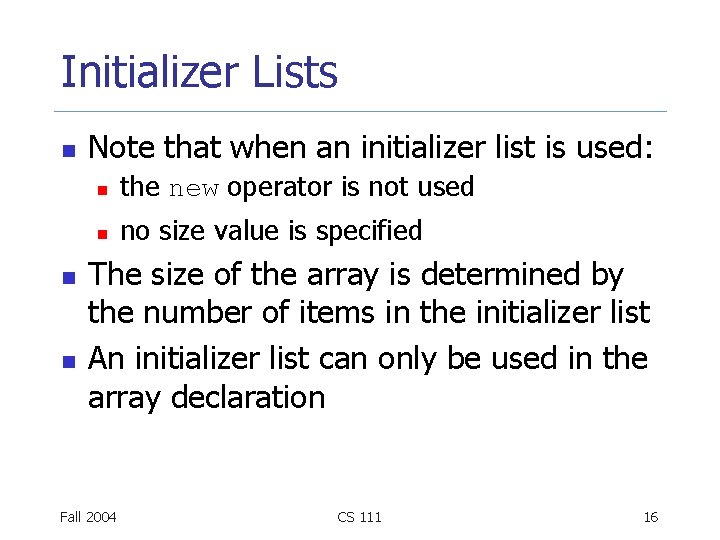
Initializer Lists n n n Note that when an initializer list is used: n the new operator is not used n no size value is specified The size of the array is determined by the number of items in the initializer list An initializer list can only be used in the array declaration Fall 2004 CS 111 16
Arrays as Parameters n n An entire array can be passed as a parameter to a method Like any other object, the reference to the array is passed, making the formal and actual parameters aliases of each other Changing an array element within the method changes the original An array element can be passed to a method as well, and follows the parameter passing rules of that element's type Fall 2004 CS 111 17
Sorting n n Sorting is the process of arranging a list of items in a particular order The sorting process is based on specific value(s) n n sorting a list of test scores in ascending numeric order sorting a list of people alphabetically by last name There are many algorithms for sorting a list of items and these algorithms vary in efficiency We will examine two specific algorithms: n n Fall 2004 Selection Sort Insertion Sort CS 111 18
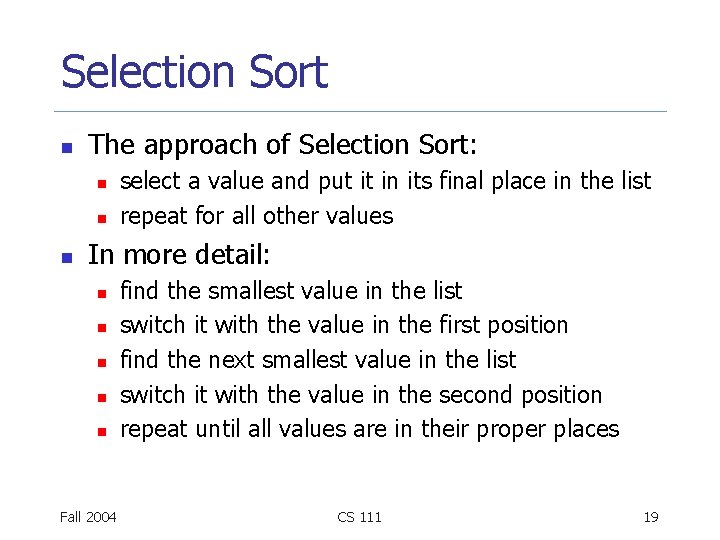
Selection Sort n The approach of Selection Sort: n n n select a value and put it in its final place in the list repeat for all other values In more detail: n n n Fall 2004 find the smallest value in the list switch it with the value in the first position find the next smallest value in the list switch it with the value in the second position repeat until all values are in their proper places CS 111 19
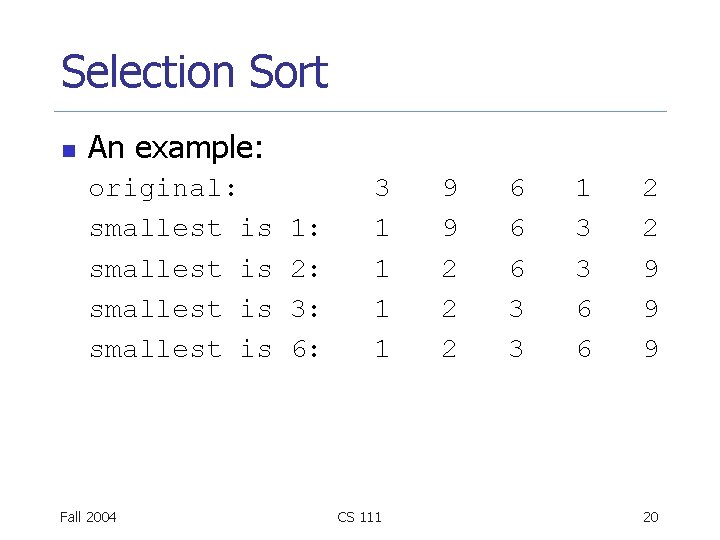
Selection Sort n An example: original: smallest is Fall 2004 1: 2: 3: 6: 3 1 1 CS 111 9 9 2 2 2 6 6 6 3 3 1 3 3 6 6 2 2 9 9 9 20
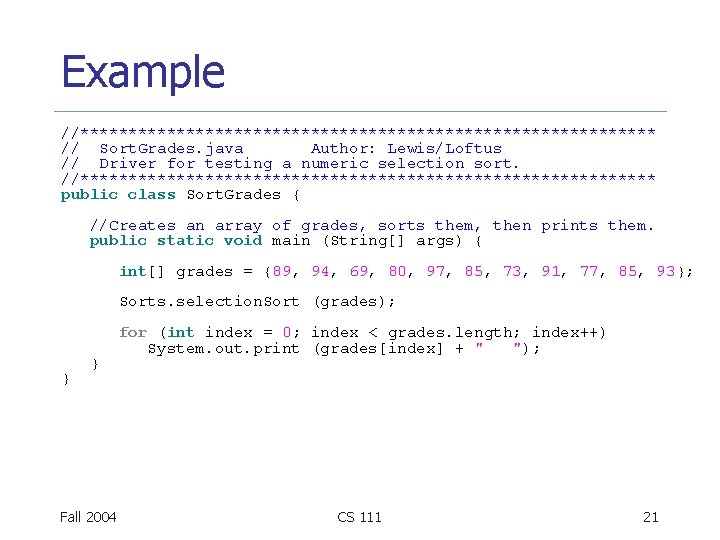
Example //****************************** // Sort. Grades. java Author: Lewis/Loftus // Driver for testing a numeric selection sort. //****************************** public class Sort. Grades { //Creates an array of grades, sorts them, then prints them. public static void main (String[] args) { int[] grades = {89, 94, 69, 80, 97, 85, 73, 91, 77, 85, 93}; Sorts. selection. Sort (grades); } } Fall 2004 for (int index = 0; index < grades. length; index++) System. out. print (grades[index] + " "); CS 111 21
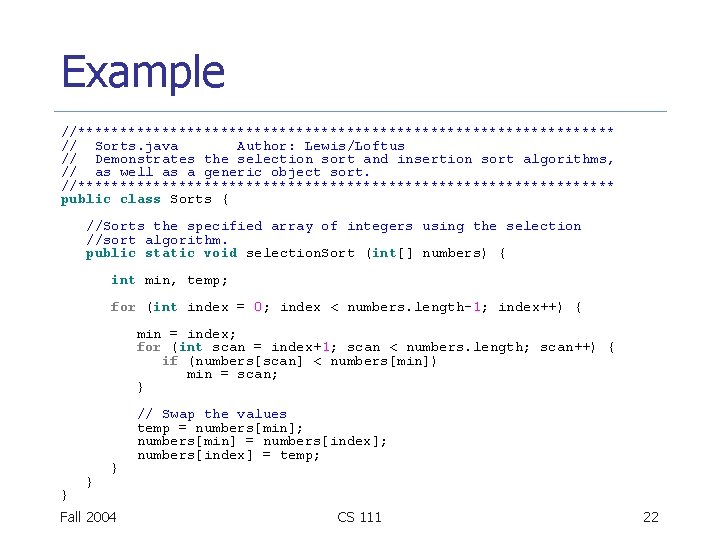
Example //******************************** // Sorts. java Author: Lewis/Loftus // Demonstrates the selection sort and insertion sort algorithms, // as well as a generic object sort. //******************************** public class Sorts { //Sorts the specified array of integers using the selection //sort algorithm. public static void selection. Sort (int[] numbers) { int min, temp; for (int index = 0; index < numbers. length-1; index++) { min = index; for (int scan = index+1; scan < numbers. length; scan++) { if (numbers[scan] < numbers[min]) min = scan; } } Fall 2004 // Swap the values temp = numbers[min]; numbers[min] = numbers[index]; numbers[index] = temp; CS 111 22
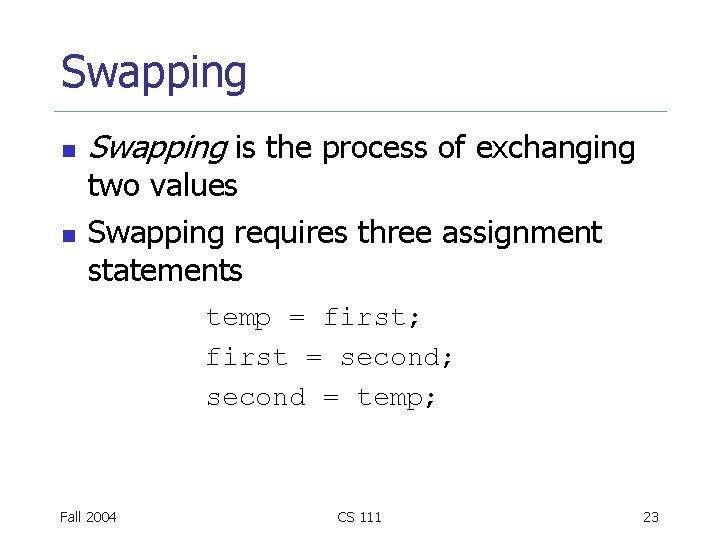
Swapping n n Swapping is the process of exchanging two values Swapping requires three assignment statements temp = first; first = second; second = temp; Fall 2004 CS 111 23
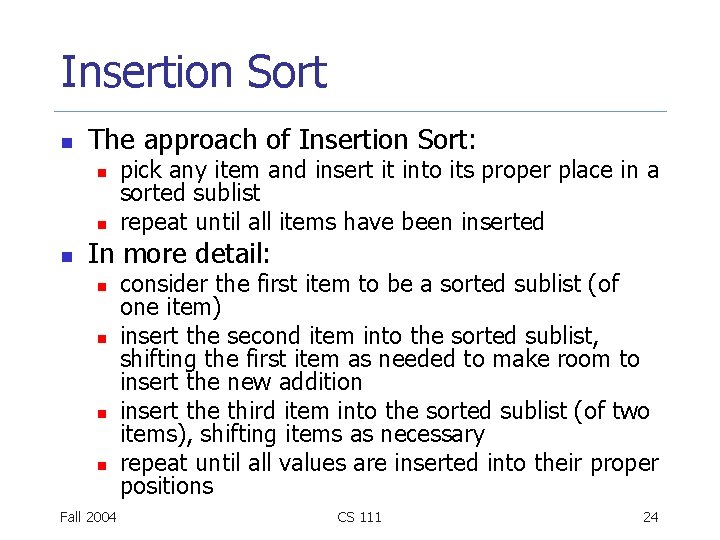
Insertion Sort n The approach of Insertion Sort: n n n pick any item and insert it into its proper place in a sorted sublist repeat until all items have been inserted In more detail: n n Fall 2004 consider the first item to be a sorted sublist (of one item) insert the second item into the sorted sublist, shifting the first item as needed to make room to insert the new addition insert the third item into the sorted sublist (of two items), shifting items as necessary repeat until all values are inserted into their proper positions CS 111 24
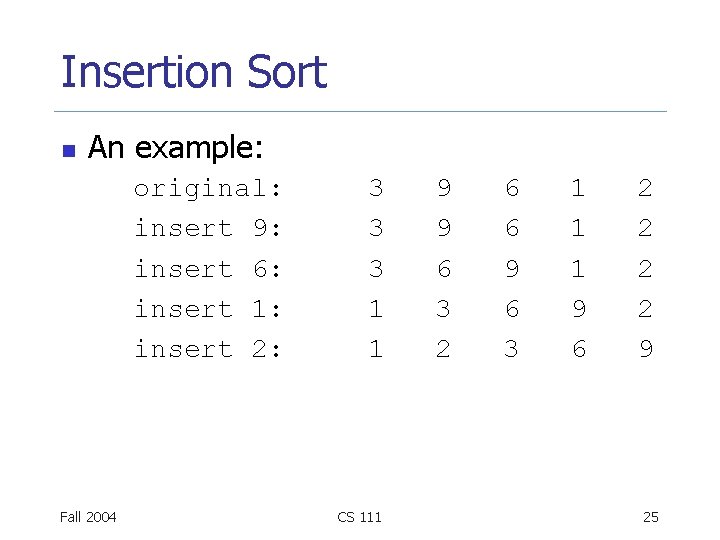
Insertion Sort n An example: original: insert 9: insert 6: insert 1: insert 2: Fall 2004 3 3 3 1 1 CS 111 9 9 6 3 2 6 6 9 6 3 1 1 1 9 6 2 2 9 25
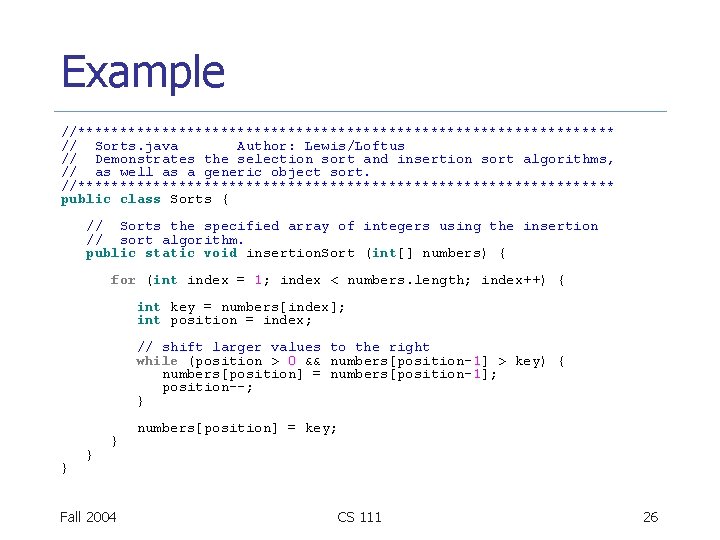
Example //******************************** // Sorts. java Author: Lewis/Loftus // Demonstrates the selection sort and insertion sort algorithms, // as well as a generic object sort. //******************************** public class Sorts { // Sorts the specified array of integers using the insertion // sort algorithm. public static void insertion. Sort (int[] numbers) { for (int index = 1; index < numbers. length; index++) { int key = numbers[index]; int position = index; // shift larger values to the right while (position > 0 && numbers[position-1] > key) { numbers[position] = numbers[position-1]; position--; } } Fall 2004 numbers[position] = key; CS 111 26
Comparing Sorts n Both Selection and Insertion sorts are similar in efficiency They both have outer loops that scan all elements, and inner loops that compare the value of the outer loop with almost all values in the list Approximately n 2 number of comparisons are made to sort a list of size n We therefore say that these sorts are of order n Other sorts are more efficient: order n log 2 n n n 2 Fall 2004 CS 111 27
- Slides: 27