
Arrays Chapter 6 1 Announcements Project 3 is
![Creating and Accessing Arrays • example double[] temperature = new double[7]; is like declaring](https://slidetodoc.com/presentation_image_h2/02c35186ad9fb454056049716e93b2d6/image-6.jpg "Creating and Accessing Arrays • example double[] temperature = new double[7]; is like declaring")
![Making a Copy of an Array • example int[] a = new int[50]; int[]](https://slidetodoc.com/presentation_image_h2/02c35186ad9fb454056049716e93b2d6/image-20.jpg "Making a Copy of an Array • example int[] a = new int[50]; int[]")
![Swapping Elements • To swap two elements a[i] and a[j], one of them must](https://slidetodoc.com/presentation_image_h2/02c35186ad9fb454056049716e93b2d6/image-34.jpg "Swapping Elements • To swap two elements a[i] and a[j], one of them must")
![Multidimensional-Array Basics • example declaration int[][] table = new int [10][6]; or int[][] table;](https://slidetodoc.com/presentation_image_h2/02c35186ad9fb454056049716e93b2d6/image-40.jpg "Multidimensional-Array Basics • example declaration int[][] table = new int [10][6]; or int[][] table;")
![Multidimensional-Array Basics, cont. • syntax Base_Type[]…[] Array_Name = new Base_Type[Length_1]…[Length_n]; • examples char[][] page](https://slidetodoc.com/presentation_image_h2/02c35186ad9fb454056049716e93b2d6/image-41.jpg "Multidimensional-Array Basics, cont. • syntax Base_Type[]…[] Array_Name = new Base_Type[Length_1]…[Length_n]; • examples char[][] page")
![Ragged Arrays, cont. • Example int[][] b = new int[3][]; b[0] = new int[5];](https://slidetodoc.com/presentation_image_h2/02c35186ad9fb454056049716e93b2d6/image-51.jpg "Ragged Arrays, cont. • Example int[][] b = new int[3][]; b[0] = new int[5];")
- Slides: 51
Arrays Chapter 6 1
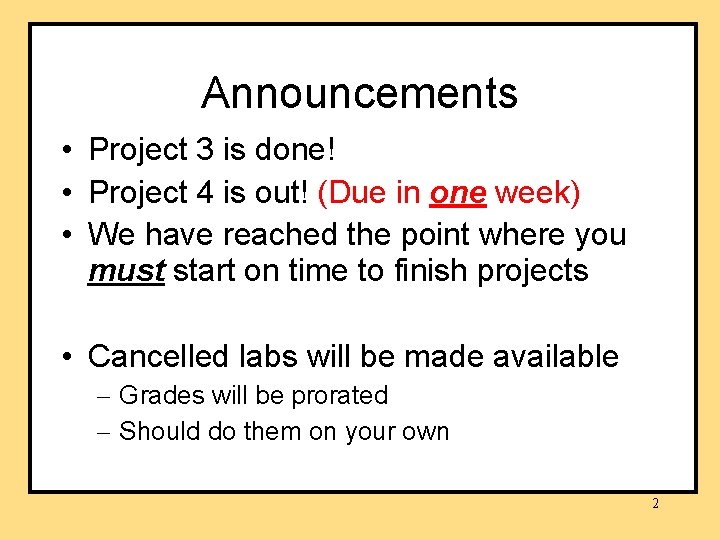
Announcements • Project 3 is done! • Project 4 is out! (Due in one week) • We have reached the point where you must start on time to finish projects • Cancelled labs will be made available – Grades will be prorated – Should do them on your own 2
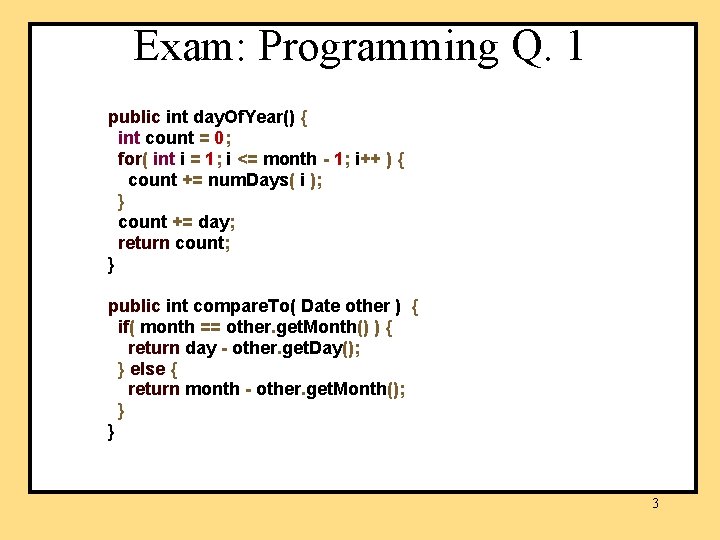
Exam: Programming Q. 1 public int day. Of. Year() { int count = 0; for( int i = 1; i <= month - 1; i++ ) { count += num. Days( i ); } count += day; return count; } public int compare. To( Date other ) { if( month == other. get. Month() ) { return day - other. get. Day(); } else { return month - other. get. Month(); } } 3
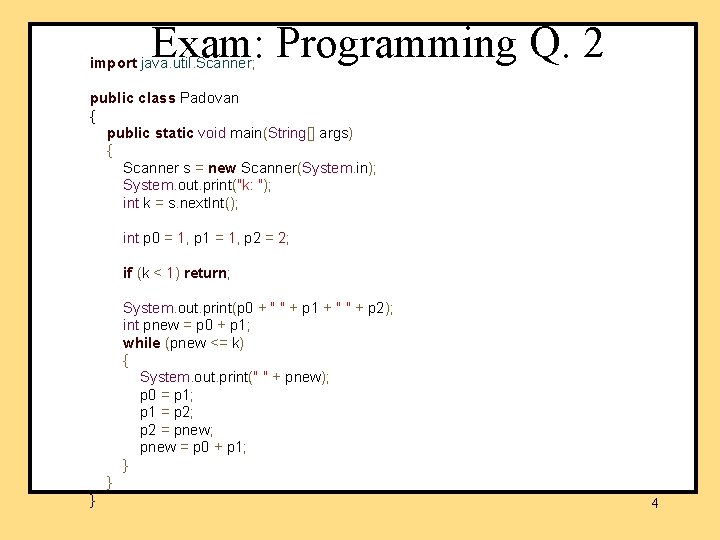
Exam: Programming Q. 2 import java. util. Scanner; public class Padovan { public static void main(String[] args) { Scanner s = new Scanner(System. in); System. out. print("k: "); int k = s. next. Int(); int p 0 = 1, p 1 = 1, p 2 = 2; if (k < 1) return; System. out. print(p 0 + " " + p 1 + " " + p 2); int pnew = p 0 + p 1; while (pnew <= k) { System. out. print(" " + pnew); p 0 = p 1; p 1 = p 2; p 2 = pnew; pnew = p 0 + p 1; } } } 4
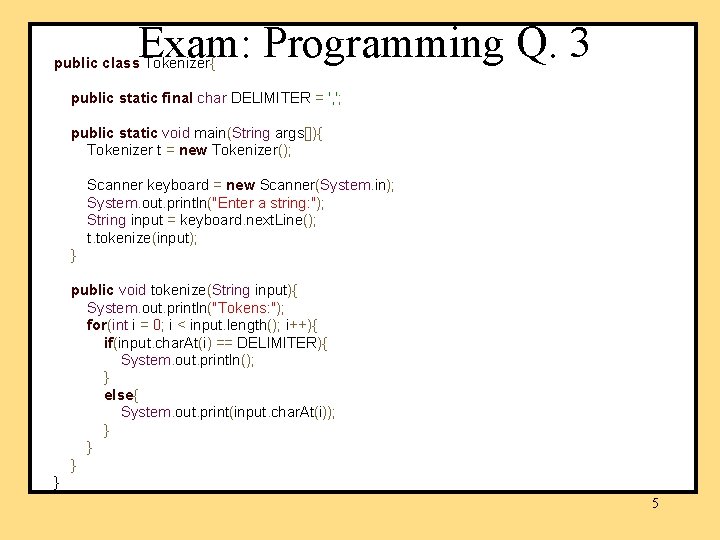
Exam: Programming Q. 3 public class Tokenizer{ public static final char DELIMITER = ', '; public static void main(String args[]){ Tokenizer t = new Tokenizer(); Scanner keyboard = new Scanner(System. in); System. out. println("Enter a string: "); String input = keyboard. next. Line(); t. tokenize(input); } public void tokenize(String input){ System. out. println("Tokens: "); for(int i = 0; i < input. length(); i++){ if(input. char. At(i) == DELIMITER){ System. out. println(); } else{ System. out. print(input. char. At(i)); } } 5
Creating and Accessing Arrays • example double[] temperature = new double[7]; is like declaring seven variables of type double, named temperature[0], temperature[1], temperature[2], temperature[3], temperature[4], temperature[5], temperature[6]. 6
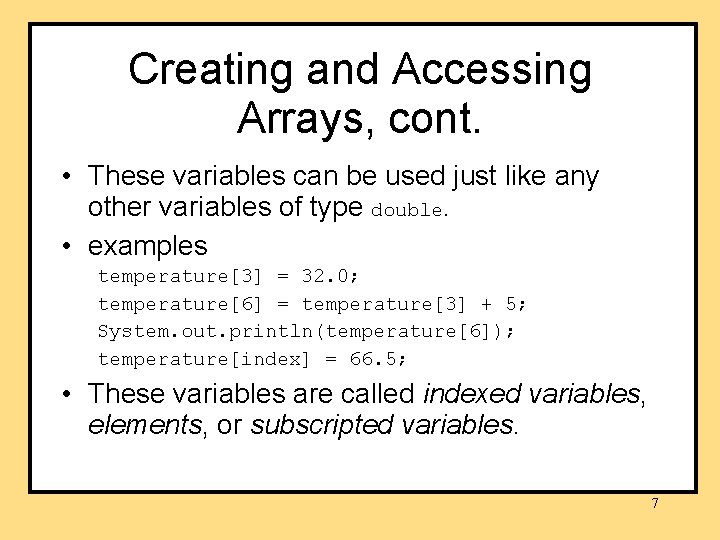
Creating and Accessing Arrays, cont. • These variables can be used just like any other variables of type double. • examples temperature[3] = 32. 0; temperature[6] = temperature[3] + 5; System. out. println(temperature[6]); temperature[index] = 66. 5; • These variables are called indexed variables, elements, or subscripted variables. 7
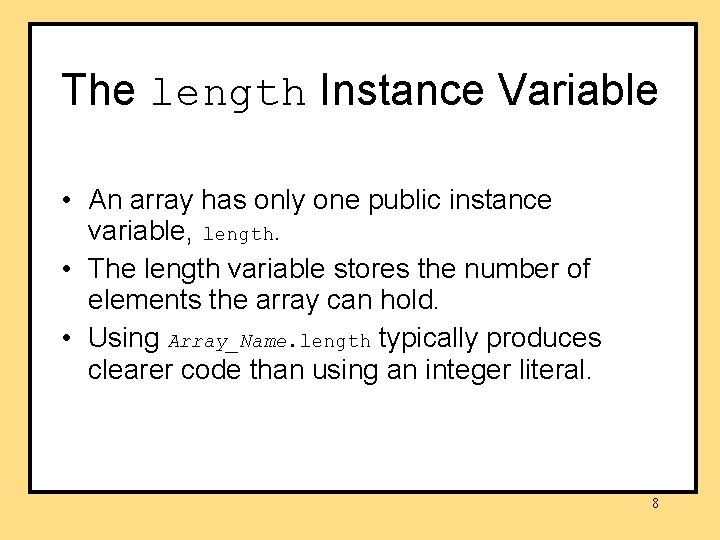
The length Instance Variable • An array has only one public instance variable, length. • The length variable stores the number of elements the array can hold. • Using Array_Name. length typically produces clearer code than using an integer literal. 8
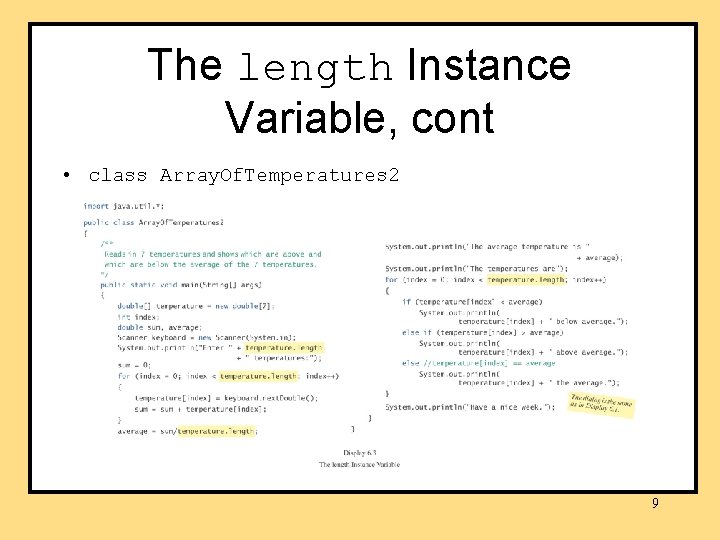
The length Instance Variable, cont • class Array. Of. Temperatures 2 9
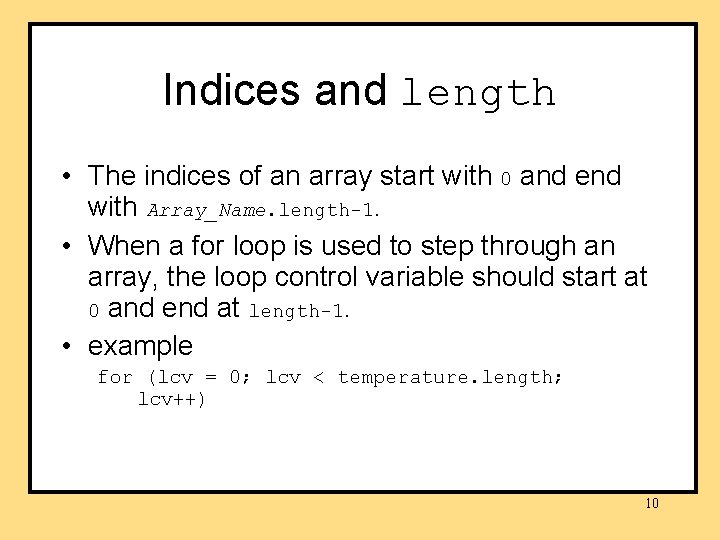
Indices and length • The indices of an array start with 0 and end with Array_Name. length-1. • When a for loop is used to step through an array, the loop control variable should start at 0 and end at length-1. • example for (lcv = 0; lcv < temperature. length; lcv++) 10
Initializing Arrays • An array can be initialized at the time it is declared. • example double[] reading = {3, 3, 15. 8, 9. 7}; – The size of the array is determined by the number of values in the initializer list. 11
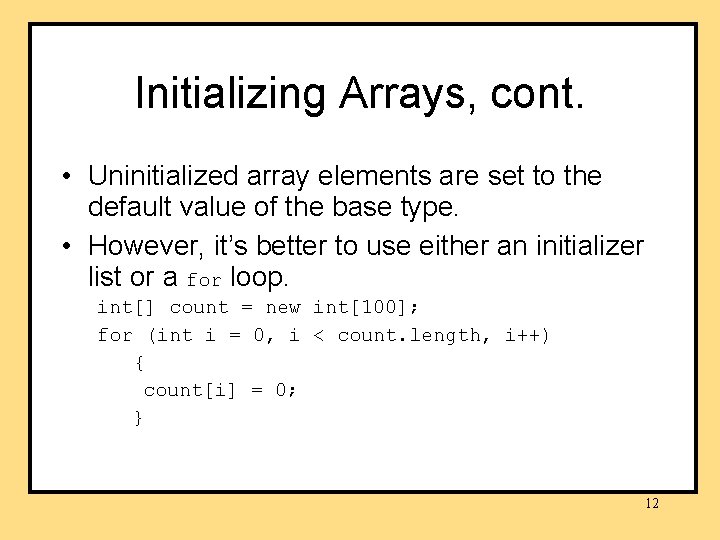
Initializing Arrays, cont. • Uninitialized array elements are set to the default value of the base type. • However, it’s better to use either an initializer list or a for loop. int[] count = new int[100]; for (int i = 0, i < count. length, i++) { count[i] = 0; } 12
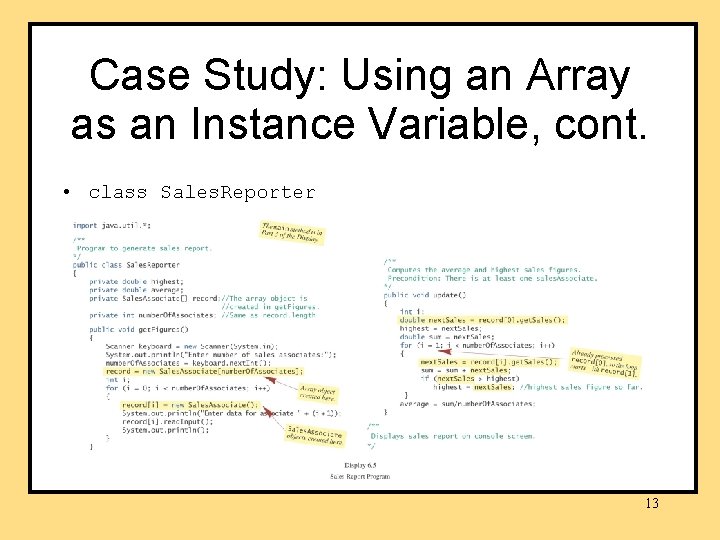
Case Study: Using an Array as an Instance Variable, cont. • class Sales. Reporter 13
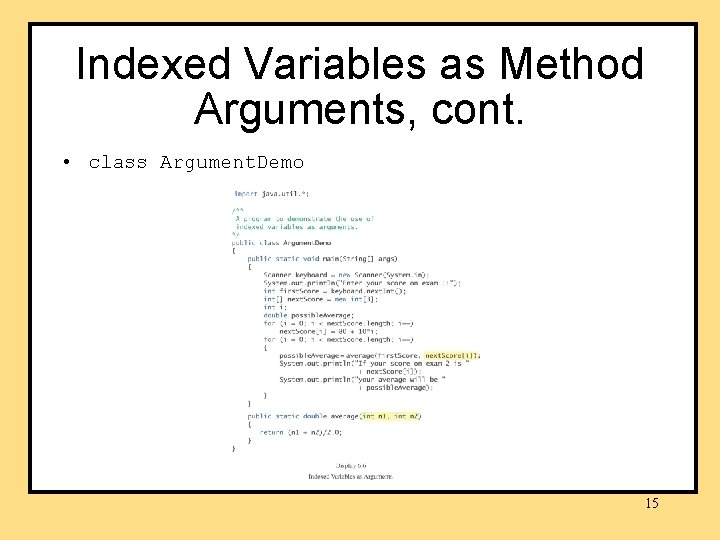
Indexed Variables as Method Arguments • An indexed variable can be used anywhere that any other variable of the base type of the array can be used. • Hence, an indexed variable can be an argument to a method. 14
Indexed Variables as Method Arguments, cont. • class Argument. Demo 15
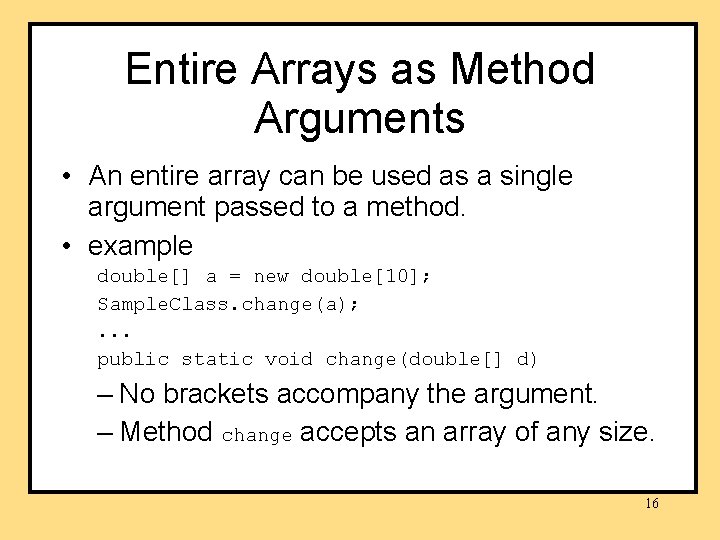
Entire Arrays as Method Arguments • An entire array can be used as a single argument passed to a method. • example double[] a = new double[10]; Sample. Class. change(a); . . . public static void change(double[] d) – No brackets accompany the argument. – Method change accepts an array of any size. 16
Arguments for the Method main • Recall the heading for method main: public static void main(String[] args) • Method main takes an array of String values as its argument. 17
Arguments for the Method main, cont. • An array of String values can be provided in the command line. • example java Test. Program Mary Lou – args[0] is set to “Mary” – args[1] “Lou” System. out. println(“Hello “ + args[0] + “ “ + args[1]); prints Hello Mary Lou. 18
Use of = and == with Arrays • The assignment operator = and the equality operator ==, when used with arrays, behave the same as when used with other objects. – The assignment operator creates an alias, not a copy of the array. – The equality operator determines if two references contain the same memory address, not if two arrays contain the same values. 19
Making a Copy of an Array • example int[] a = new int[50]; int[] b = new int[50]; . . . for (int j = 0; j < a. length; j++) b[j] = a[j]; 20
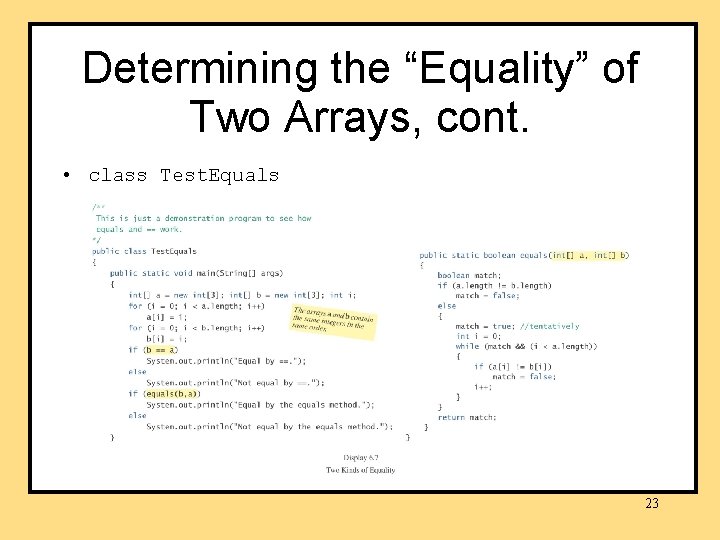
Determining the “Equality” of Two Arrays • To determine if two arrays at different memory locations contain the same elements in the same order, define an equals method which determines if – both arrays have the same number of elements – each element in the first array is the same as the corresponding element in the second array. 21
Determining the “Equality” of Two Arrays, cont. • A while loop can be used. – A boolean variable match is set to true. – Each element in the first array is compared to the corresponding element in the second array. – If two elements are different, match is set to false and the while loop is exited. – Otherwise, the loop terminates with match still set to true. 22
Determining the “Equality” of Two Arrays, cont. • class Test. Equals 23
Determining the “Equality” of Two Arrays, cont. • Common functionality is built in: – java. util. Arrays. equals( [], [] ) 24
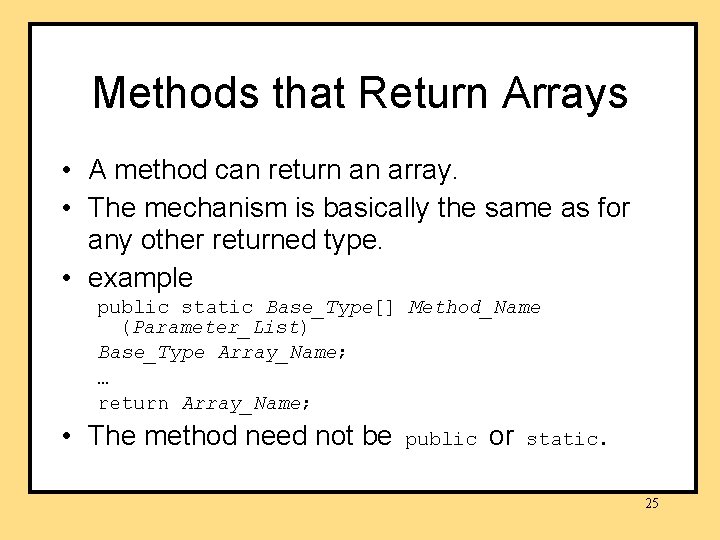
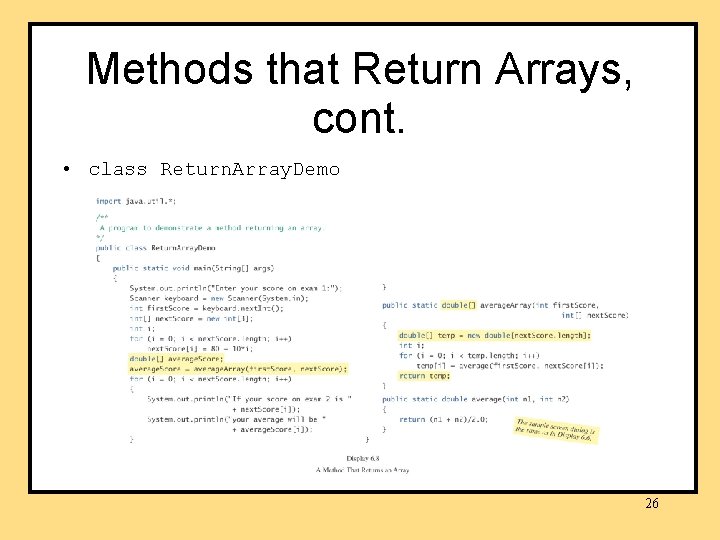
Methods that Return Arrays • A method can return an array. • The mechanism is basically the same as for any other returned type. • example public static Base_Type[] Method_Name (Parameter_List) Base_Type Array_Name; … return Array_Name; • The method need not be public or static. 25
Methods that Return Arrays, cont. • class Return. Array. Demo 26
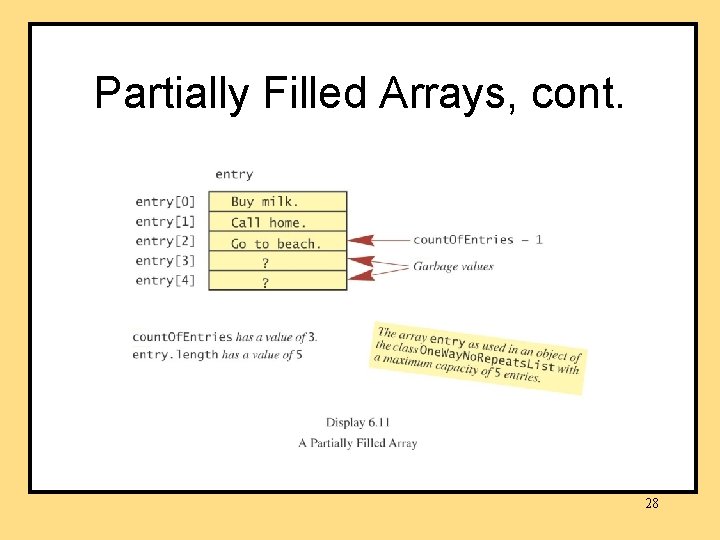
Partially Filled Arrays • Sometimes you need some, but not all of the indexed variables in an array. • In such situations, it is important to keep track of how much of the array has been used and/or the index of the last entry so that only meaningful values are accessed. 27
Partially Filled Arrays, cont. 28
Sorting Arrays • Sometime we want numbers in an array sorted from smallest to largest, or from largest to smallest. • Sometimes we want the strings referenced by an array to be in alphabetical order. • Sorting techniques typically are easy to adapt to sort any type that can be ordered. 29
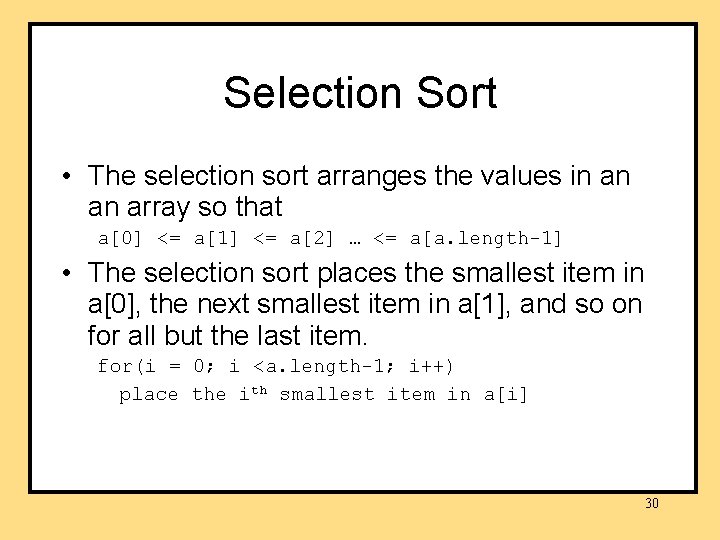
Selection Sort • The selection sort arranges the values in an an array so that a[0] <= a[1] <= a[2] … <= a[a. length-1] • The selection sort places the smallest item in a[0], the next smallest item in a[1], and so on for all but the last item. for(i = 0; i <a. length-1; i++) place the ith smallest item in a[i] 30
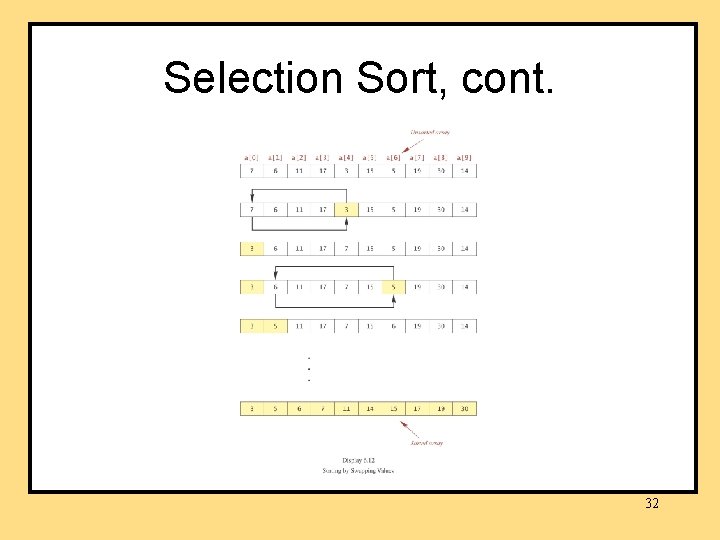
Selection Sort, cont. • Selection sort begins by finding the smallest item in the array and swapping it with the item in a[0]. • Selection sort continues by finding the smallest item in the remainder of the array and swapping it with the next item in array a. • Selection sort terminates when only one item remains. 31
Selection Sort, cont. 32
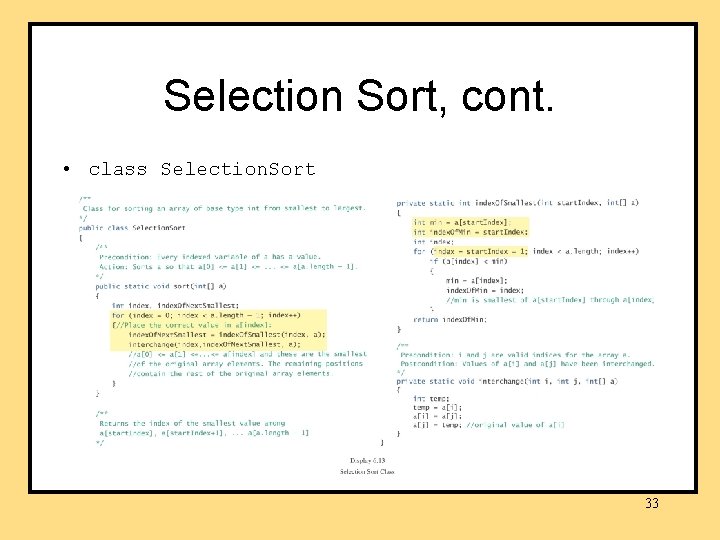
Selection Sort, cont. • class Selection. Sort 33
Swapping Elements • To swap two elements a[i] and a[j], one of them must be saved temporarily. 34
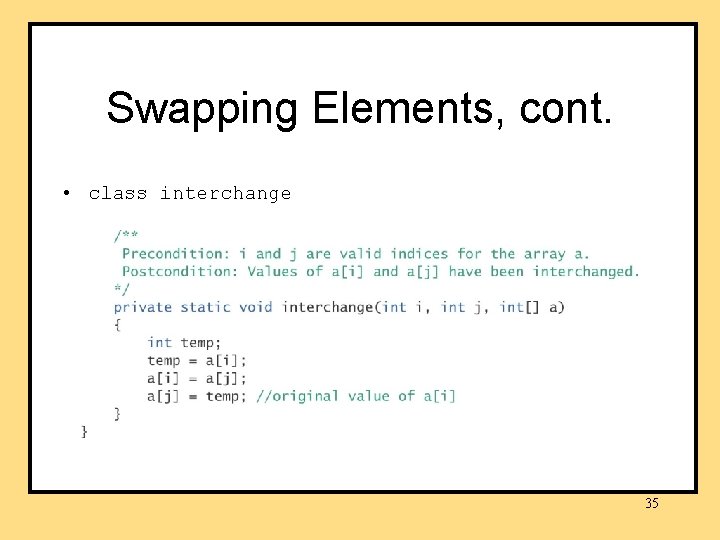
Swapping Elements, cont. • class interchange 35
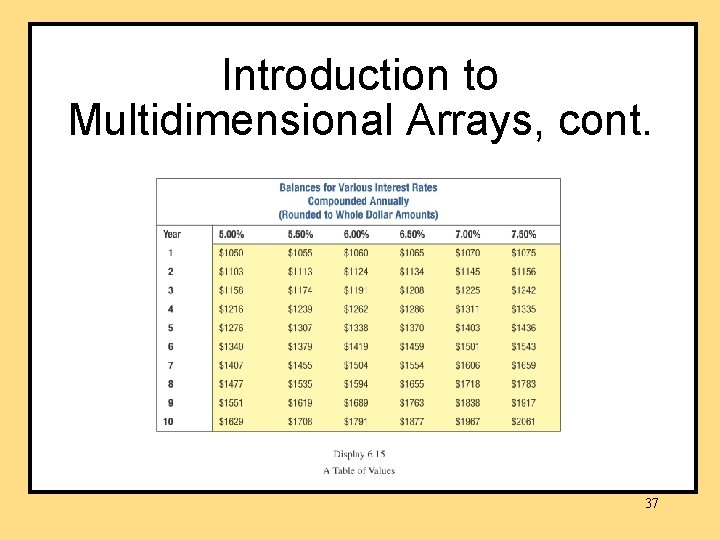
Introduction to Multidimensional Arrays • An array with more than one index sometimes is useful. • example: savings account balances at various interest rates for various numbers of years – columns for interest rates – rows for years • This two-dimensional table calls for a twodimensional array. 36
Introduction to Multidimensional Arrays, cont. 37
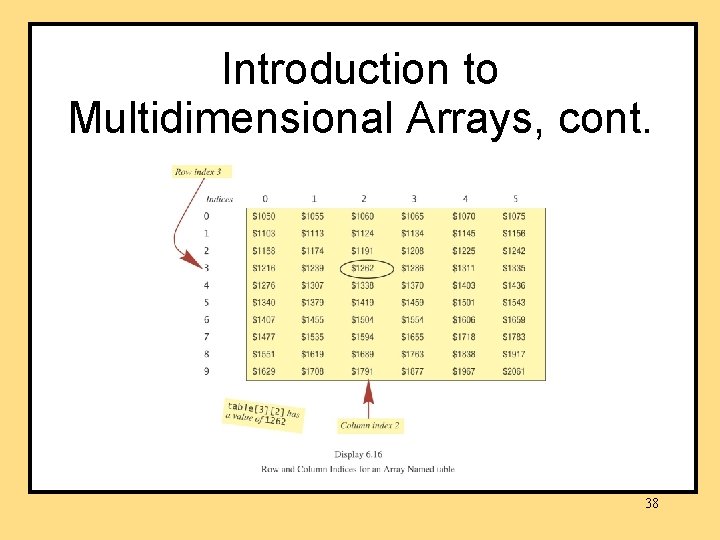
Introduction to Multidimensional Arrays, cont. 38
Introduction to Multidimensional Arrays, cont. • An array with n indices is called an ndimensional array. • The arrays we considered previously, which had one index, were one-dimensional arrays. 39
Multidimensional-Array Basics • example declaration int[][] table = new int [10][6]; or int[][] table; table = new int[10][6]; • The number of bracket pairs in the declaration is the same as the number of indices. 40
Multidimensional-Array Basics, cont. • syntax Base_Type[]…[] Array_Name = new Base_Type[Length_1]…[Length_n]; • examples char[][] page = new char [100][80]; double[][][] three. DPicture = new double[10][20][30]; Some. Class[][] entry = new Some. Class[100][80]; 41
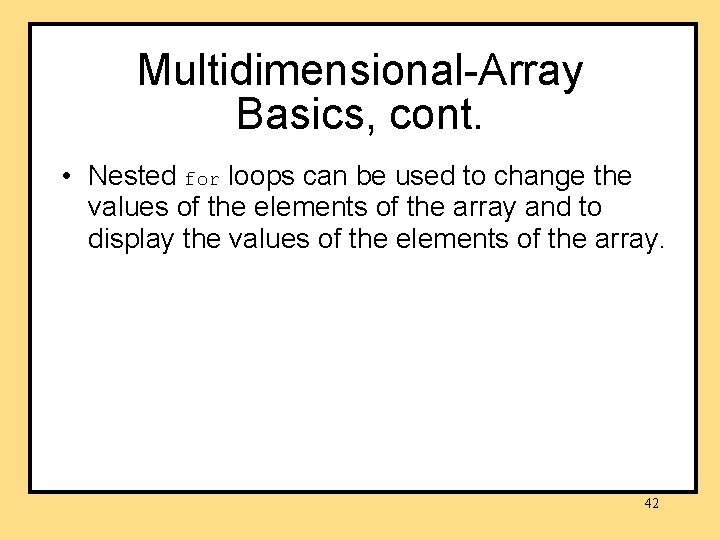
Multidimensional-Array Basics, cont. • Nested for loops can be used to change the values of the elements of the array and to display the values of the elements of the array. 42
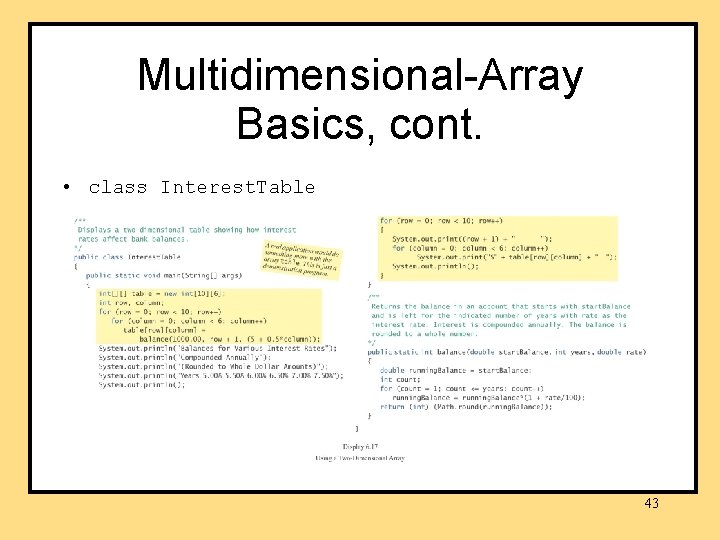
Multidimensional-Array Basics, cont. • class Interest. Table 43
Multidimensional-Array Parameters • Methods may have multidimensional-array parameters. 44
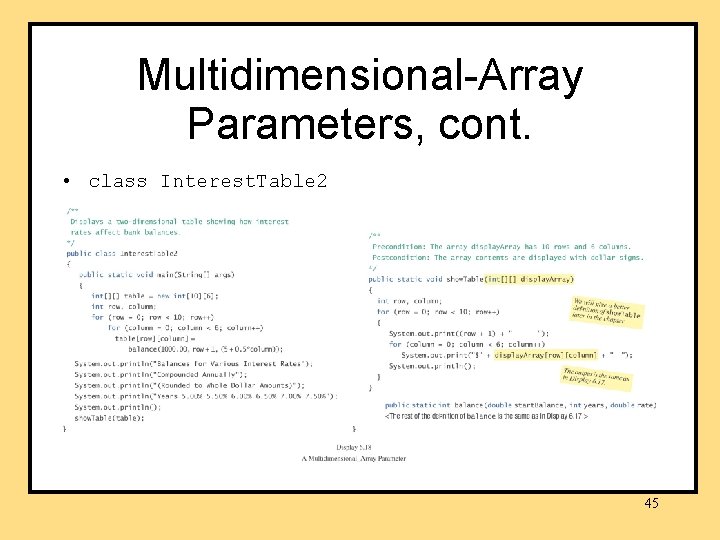
Multidimensional-Array Parameters, cont. • class Interest. Table 2 45
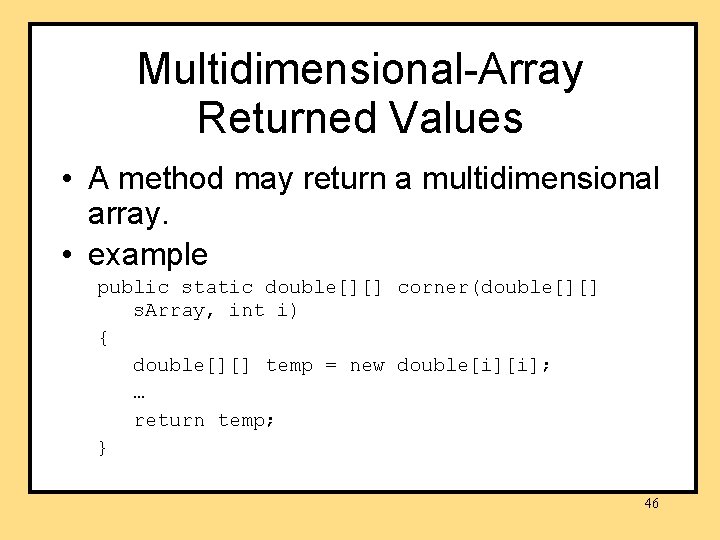
Multidimensional-Array Returned Values • A method may return a multidimensional array. • example public static double[][] corner(double[][] s. Array, int i) { double[][] temp = new double[i][i]; … return temp; } 46
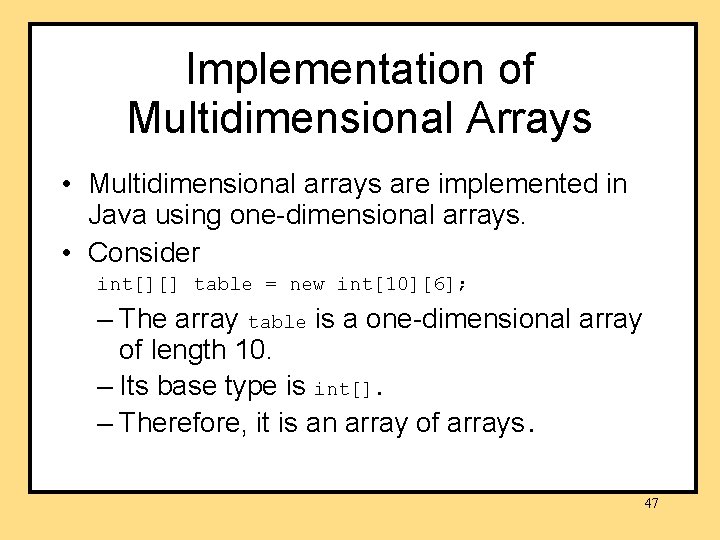
Implementation of Multidimensional Arrays • Multidimensional arrays are implemented in Java using one-dimensional arrays. • Consider int[][] table = new int[10][6]; – The array table is a one-dimensional array of length 10. – Its base type is int[]. – Therefore, it is an array of arrays. 47
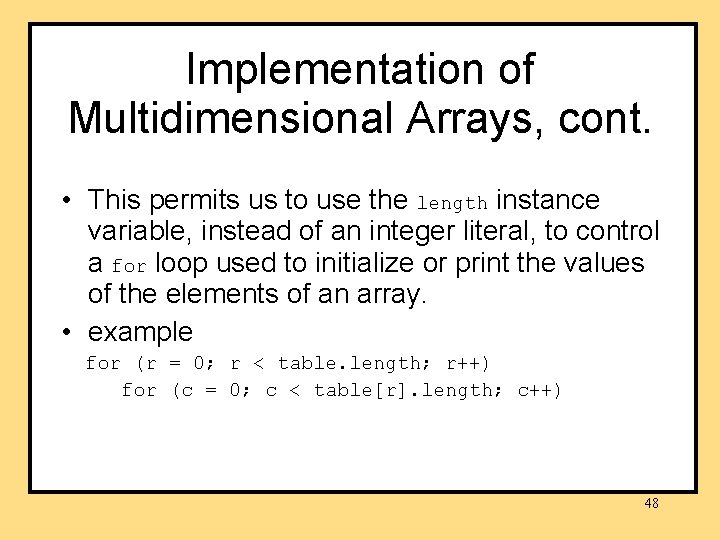
Implementation of Multidimensional Arrays, cont. • This permits us to use the length instance variable, instead of an integer literal, to control a for loop used to initialize or print the values of the elements of an array. • example for (r = 0; r < table. length; r++) for (c = 0; c < table[r]. length; c++) 48
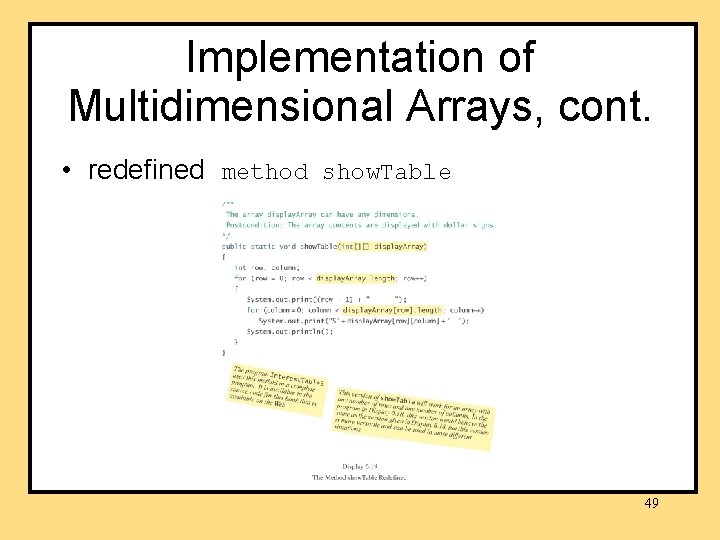
Implementation of Multidimensional Arrays, cont. • redefined method show. Table 49
Ragged Arrays • Since a two-dimensional array in Java is an array of arrays, each row can have a different number of elements (columns). • Arrays in which rows have different numbers of elements are called ragged arrays. 50
Ragged Arrays, cont. • Example int[][] b = new int[3][]; b[0] = new int[5]; b[1] = new int[7]; b[2] = new int[4]; 51