
Arrays and Strings A way to make oodles
![Declaring and assigning arrays • We use brackets [] right after the variable type](https://slidetodoc.com/presentation_image_h2/550a8dbf20ac63bc59468efeae0e9842/image-3.jpg "Declaring and assigning arrays • We use brackets [] right after the variable type")
![Assigning values to arrays 1 1 2 3 5 [0] [1] [2] [3] [4]](https://slidetodoc.com/presentation_image_h2/550a8dbf20ac63bc59468efeae0e9842/image-4.jpg "Assigning values to arrays 1 1 2 3 5 [0] [1] [2] [3] [4]")
![Assigning values to multidimensional arrays [0][0] [1][0] [2][0] [0][1] [1][1] [2][1]](https://slidetodoc.com/presentation_image_h2/550a8dbf20ac63bc59468efeae0e9842/image-9.jpg "Assigning values to multidimensional arrays [0][0] [1][0] [2][0] [0][1] [1][1] [2][1]")
- Slides: 19
Arrays and Strings A way to make oodles of variables, and a deeper look at classes
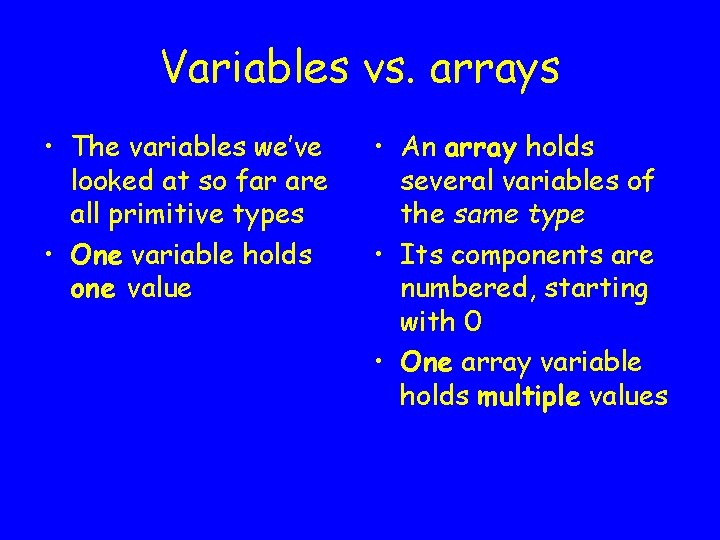
Variables vs. arrays • The variables we’ve looked at so far are all primitive types • One variable holds one value • An array holds several variables of the same type • Its components are numbered, starting with 0 • One array variable holds multiple values
Declaring and assigning arrays • We use brackets [] right after the variable type to indicate that we are declaring an array • We use the word “new” to create new arrays • We use index numbers within the brackets to refer to individual components of an array int[] fibonacci; fibonacci = new int[5]; fibonacci[0] fibonacci[1] fibonacci[2] fibonacci[3] fibonacci[4] = = = 1; 1; 2; 3; 5;
Assigning values to arrays 1 1 2 3 5 [0] [1] [2] [3] [4] fibonacci[0] fibonacci[1] fibonacci[2] fibonacci[3] fibonacci[4]
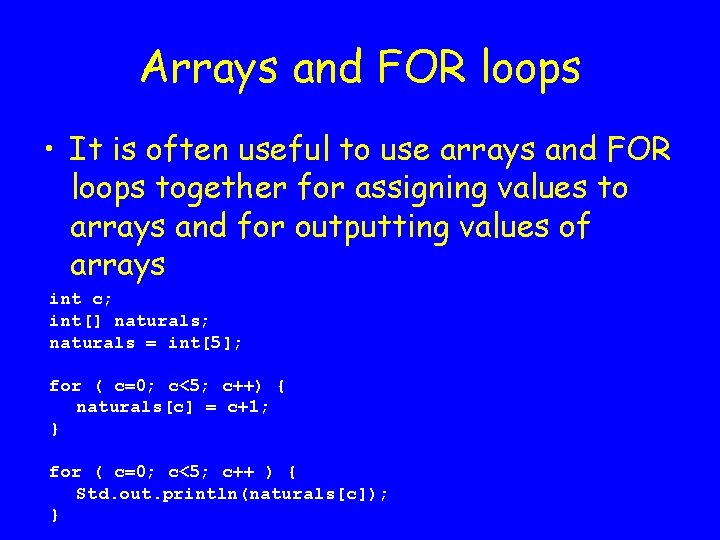
Arrays and FOR loops • It is often useful to use arrays and FOR loops together for assigning values to arrays and for outputting values of arrays int c; int[] naturals; naturals = int[5]; for ( c=0; c<5; c++) { naturals[c] = c+1; } for ( c=0; c<5; c++ ) { Std. out. println(naturals[c]); }
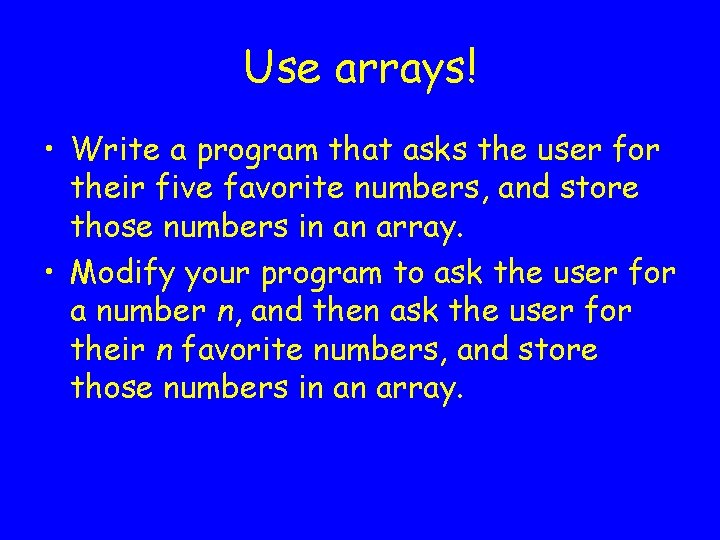
Use arrays! • Write a program that asks the user for their five favorite numbers, and store those numbers in an array. • Modify your program to ask the user for a number n, and then ask the user for their n favorite numbers, and store those numbers in an array.
Multi-dimensional arrays • The arrays we have examined so far are only one-dimensional arrays • You can create arrays in two, three, or more dimensions. • Remember, the more dimensions your array is, the more memory they will require!
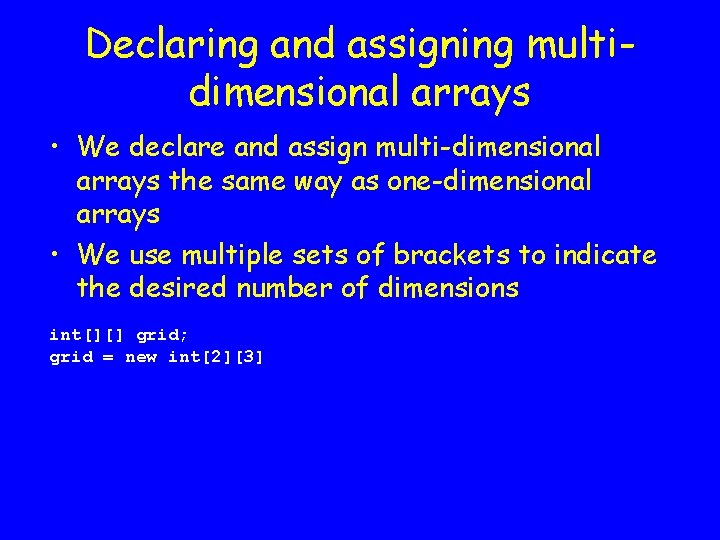
Declaring and assigning multidimensional arrays • We declare and assign multi-dimensional arrays the same way as one-dimensional arrays • We use multiple sets of brackets to indicate the desired number of dimensions int[][] grid; grid = new int[2][3]
Assigning values to multidimensional arrays [0][0] [1][0] [2][0] [0][1] [1][1] [2][1]
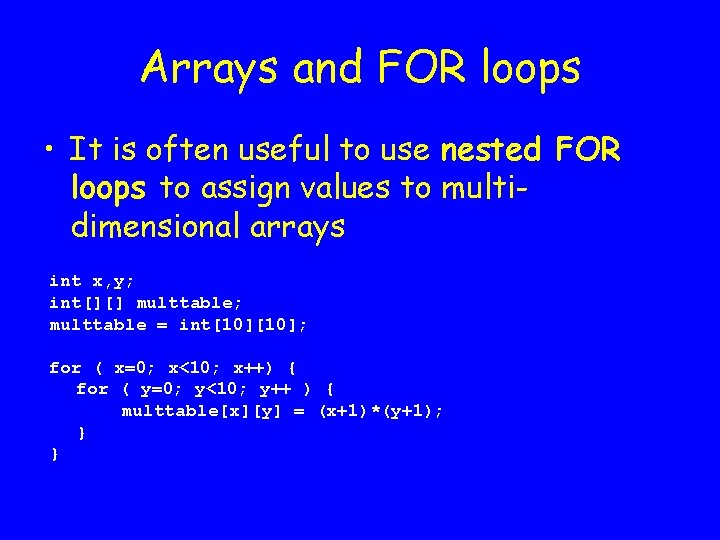
Arrays and FOR loops • It is often useful to use nested FOR loops to assign values to multidimensional arrays int x, y; int[][] multtable; multtable = int[10]; for ( x=0; x<10; x++) { for ( y=0; y<10; y++ ) { multtable[x][y] = (x+1)*(y+1); } }
What is a string? • A string is any sequence of text, numbers, or text and numbers together • A substring of a string is any sequence of text and/or numbers contained within the larger string
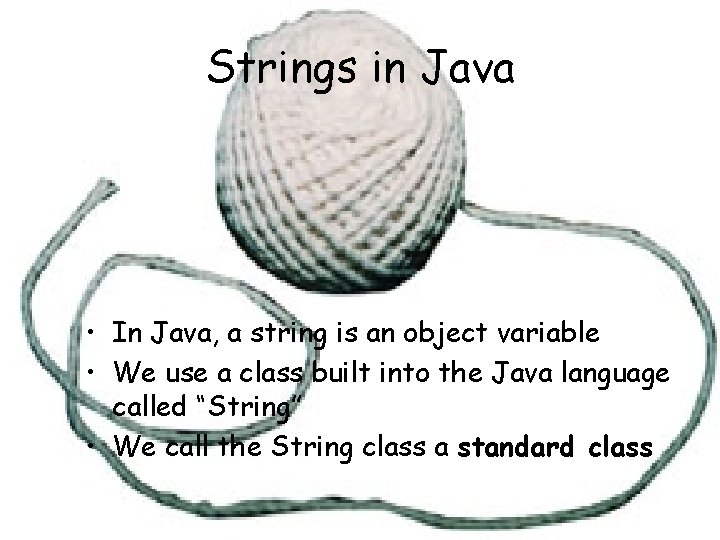
Strings in Java • In Java, a string is an object variable • We use a class built into the Java language called “String” • We call the String class a standard class
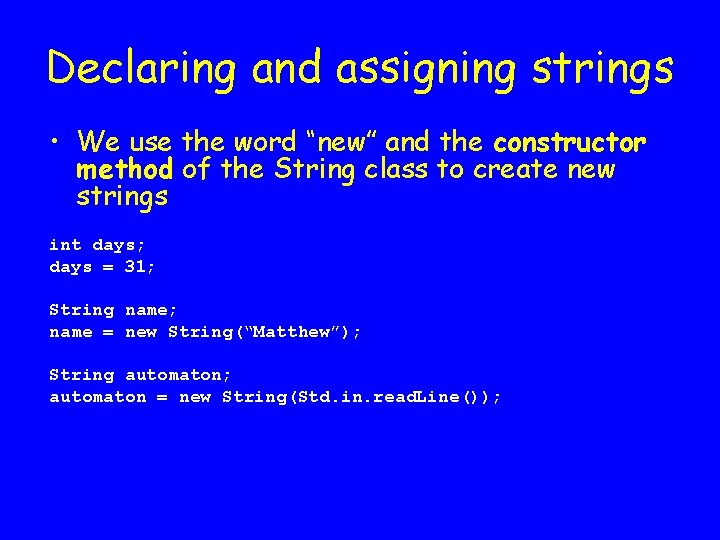
Declaring and assigning strings • We use the word “new” and the constructor method of the String class to create new strings int days; days = 31; String name; name = new String(“Matthew”); String automaton; automaton = new String(Std. in. read. Line());
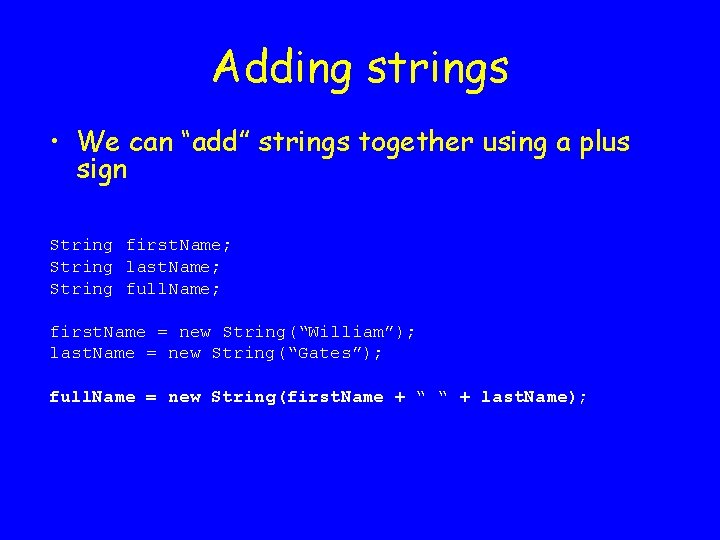
Adding strings • We can “add” strings together using a plus sign String first. Name; String last. Name; String full. Name; first. Name = new String(“William”); last. Name = new String(“Gates”); full. Name = new String(first. Name + “ “ + last. Name);
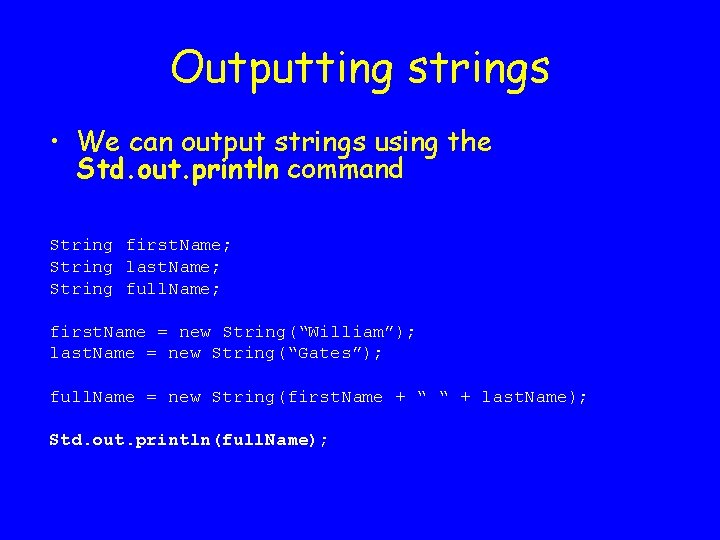
Outputting strings • We can output strings using the Std. out. println command String first. Name; String last. Name; String full. Name; first. Name = new String(“William”); last. Name = new String(“Gates”); full. Name = new String(first. Name + “ “ + last. Name); Std. out. println(full. Name);
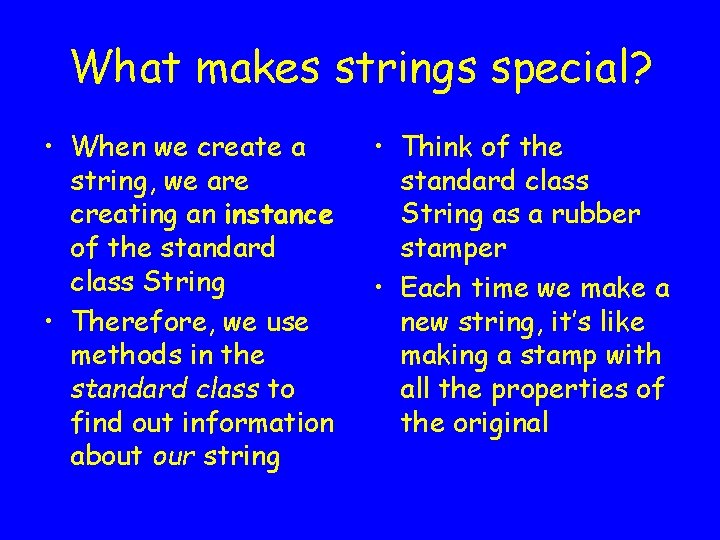
What makes strings special? • When we create a string, we are creating an instance of the standard class String • Therefore, we use methods in the standard class to find out information about our string • Think of the standard class String as a rubber stamper • Each time we make a new string, it’s like making a stamp with all the properties of the original
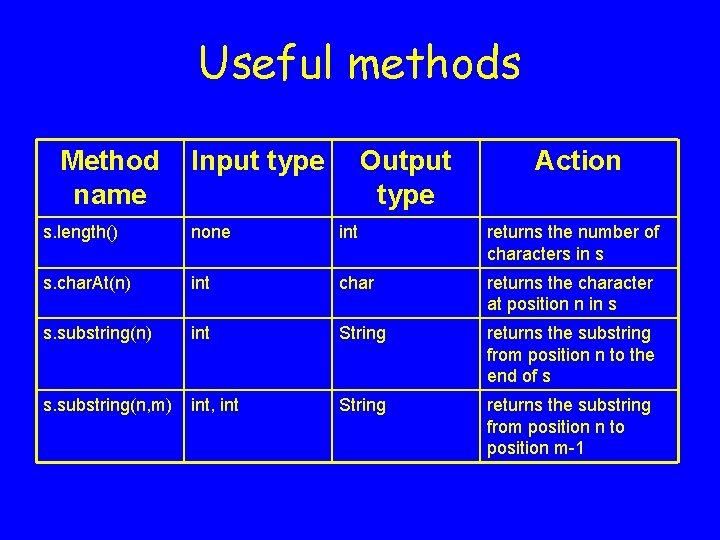
Useful methods Method name Input type Output type Action s. length() none int returns the number of characters in s s. char. At(n) int char returns the character at position n in s s. substring(n) int String returns the substring from position n to the end of s s. substring(n, m) int, int String returns the substring from position n to position m-1
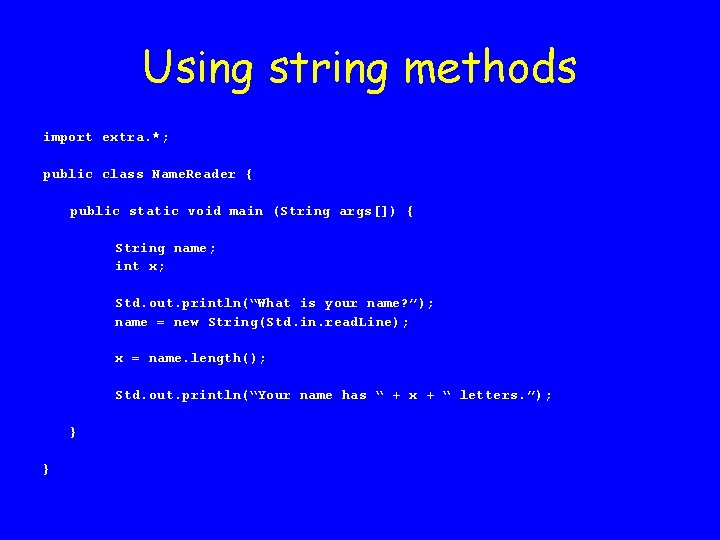
Using string methods import extra. *; public class Name. Reader { public static void main (String args[]) { String name; int x; Std. out. println(“What is your name? ”); name = new String(Std. in. read. Line); x = name. length(); Std. out. println(“Your name has “ + x + “ letters. ”); } }
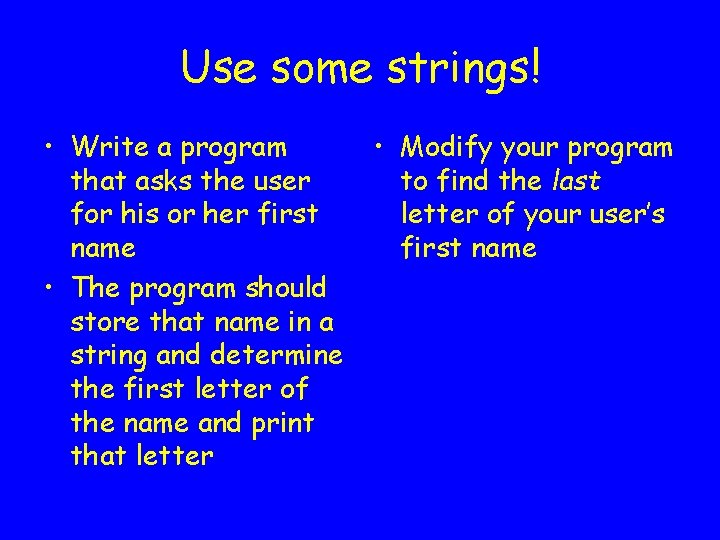
Use some strings! • Write a program that asks the user for his or her first name • The program should store that name in a string and determine the first letter of the name and print that letter • Modify your program to find the last letter of your user’s first name