
Arrays A problem with simple variables n One
Arrays
A problem with simple variables n One variable holds one value n n The value may change over time, but at any given time, a variable holds a single value If you want to keep track of many values, you need many variables All of these variables need to have names What if you need to keep track of hundreds or thousands of values? 2
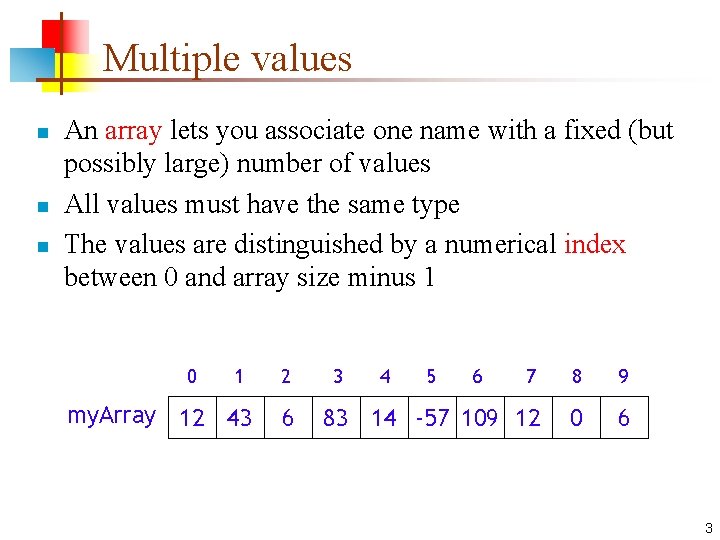
Multiple values n n n An array lets you associate one name with a fixed (but possibly large) number of values All values must have the same type The values are distinguished by a numerical index between 0 and array size minus 1 0 1 my. Array 12 43 2 6 3 4 5 6 7 8 9 83 14 -57 109 12 0 6 3
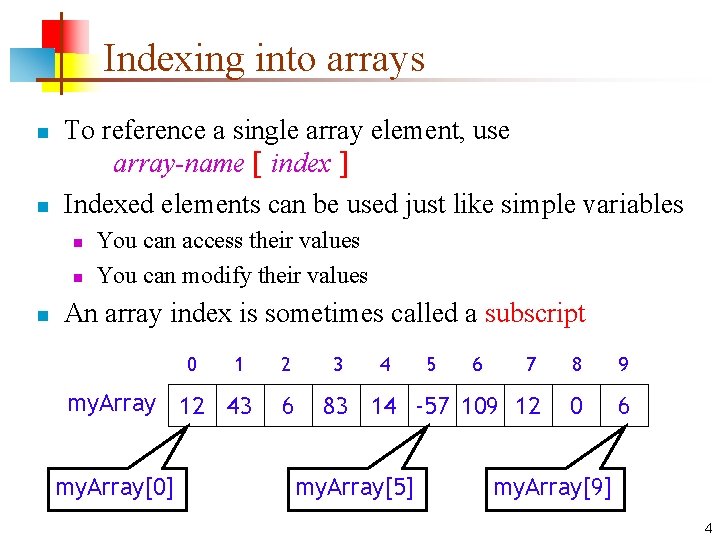
Indexing into arrays n n To reference a single array element, use array-name [ index ] Indexed elements can be used just like simple variables n n n You can access their values You can modify their values An array index is sometimes called a subscript 0 1 my. Array 12 43 my. Array[0] 2 6 3 4 7 8 9 83 14 -57 109 12 0 6 my. Array[5] 5 6 my. Array[9] 4
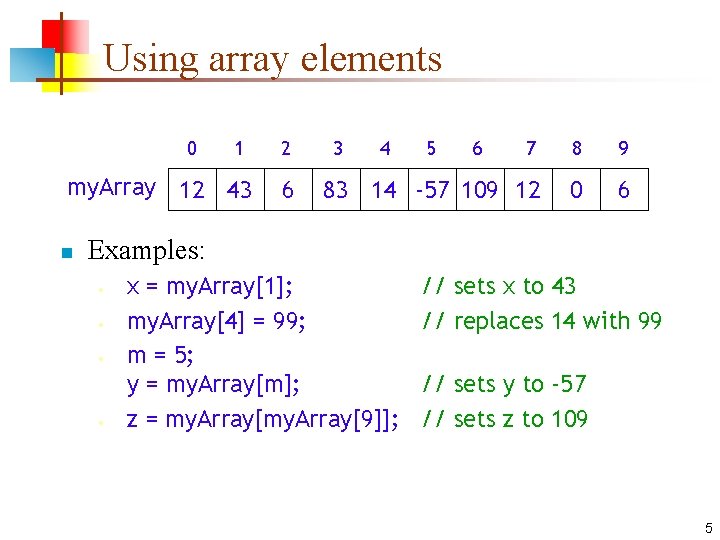
Using array elements 0 1 my. Array 12 43 n 2 6 3 4 5 6 7 8 9 83 14 -57 109 12 0 6 Examples: • • x = my. Array[1]; my. Array[4] = 99; m = 5; y = my. Array[m]; z = my. Array[9]]; // sets x to 43 // replaces 14 with 99 // sets y to -57 // sets z to 109 5
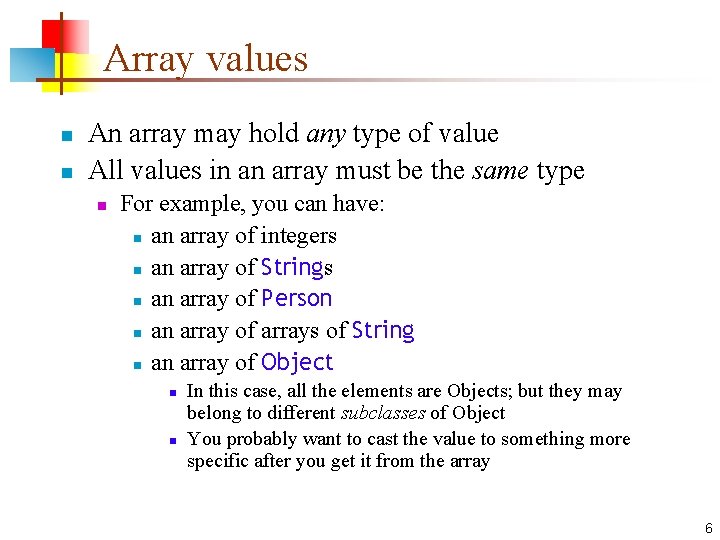
Array values n n An array may hold any type of value All values in an array must be the same type n For example, you can have: n an array of integers n an array of Strings n an array of Person n an array of arrays of String n an array of Object n n In this case, all the elements are Objects; but they may belong to different subclasses of Object You probably want to cast the value to something more specific after you get it from the array 6
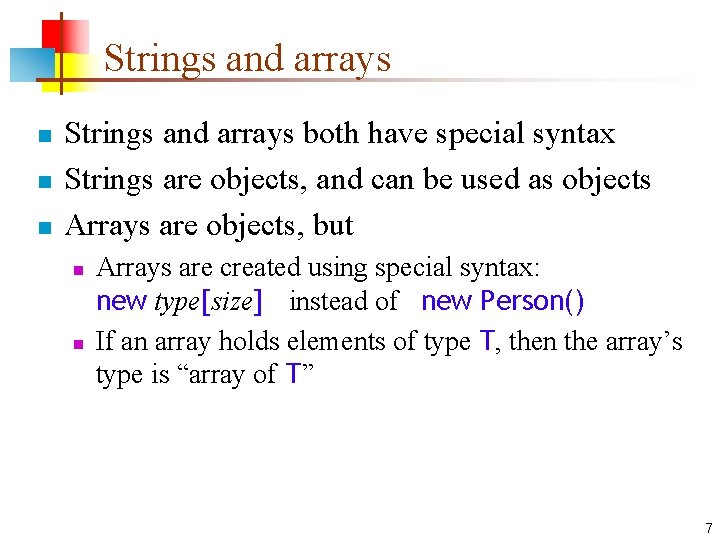
Strings and arrays n n n Strings and arrays both have special syntax Strings are objects, and can be used as objects Arrays are objects, but n n Arrays are created using special syntax: new type[size] instead of new Person() If an array holds elements of type T, then the array’s type is “array of T” 7
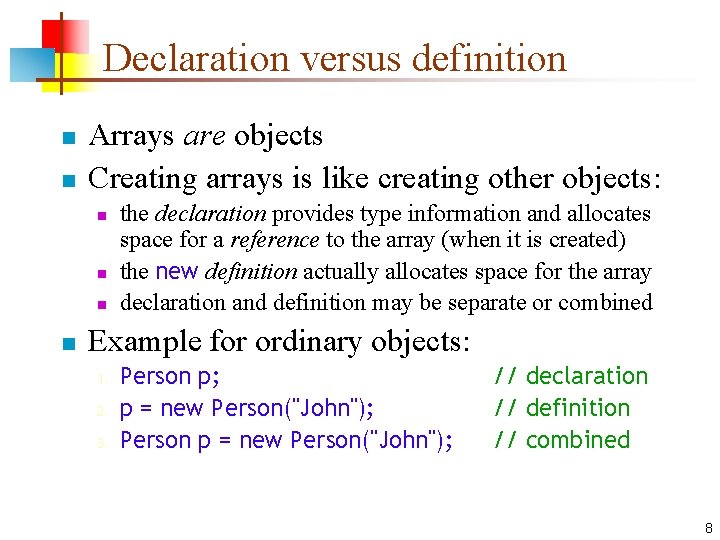
Declaration versus definition n n Arrays are objects Creating arrays is like creating other objects: n n the declaration provides type information and allocates space for a reference to the array (when it is created) the new definition actually allocates space for the array declaration and definition may be separate or combined Example for ordinary objects: 1. 2. 3. Person p; p = new Person("John"); Person p = new Person("John"); // declaration // definition // combined 8
![Declaring and defining arrays n Example for array objects: n n n int[ ]](http://slidetodoc.com/presentation_image_h2/e4d382774202608b6cb2bbd6aacf83d8/image-9.jpg "Declaring and defining arrays n Example for array objects: n n n int[ ]")
Declaring and defining arrays n Example for array objects: n n n int[ ] my. Array; // declaration n This declares my. Array to be an array of integers n It does not create an array—it only provides a place to put an array n Notice that the size is not part of the type my. Array = new int[10]; // definition n new int[10] creates the array n The rest is an ordinary assignment statement int[ ] my. Array = new int[10]; // both 9
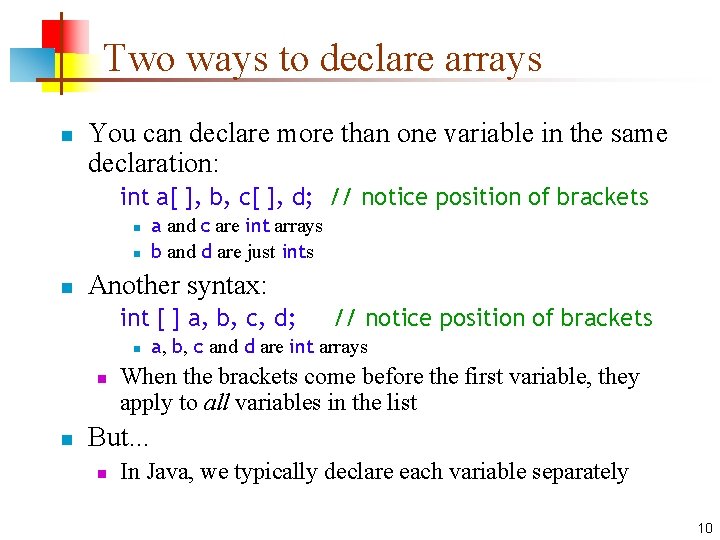
Two ways to declare arrays n You can declare more than one variable in the same declaration: int a[ ], b, c[ ], d; // notice position of brackets n n n a and c are int arrays b and d are just ints Another syntax: int [ ] a, b, c, d; n n n // notice position of brackets a, b, c and d are int arrays When the brackets come before the first variable, they apply to all variables in the list But. . . n In Java, we typically declare each variable separately 10
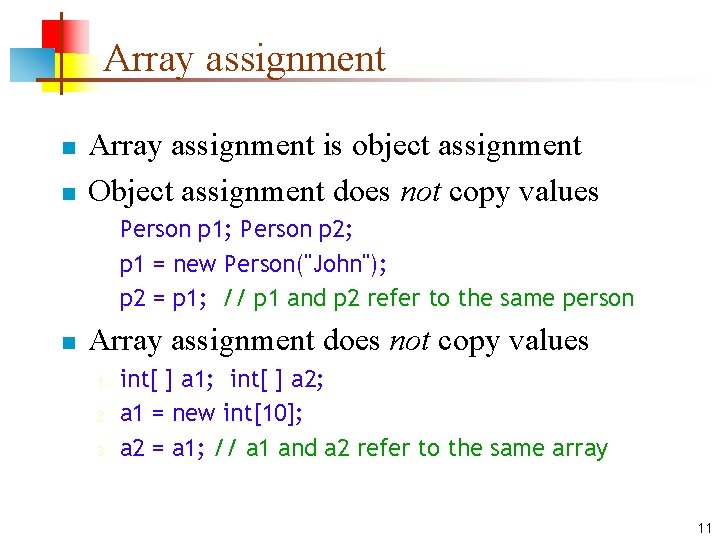
Array assignment n n Array assignment is object assignment Object assignment does not copy values Person p 1; Person p 2; p 1 = new Person("John"); p 2 = p 1; // p 1 and p 2 refer to the same person n Array assignment does not copy values 1. 2. 3. int[ ] a 1; int[ ] a 2; a 1 = new int[10]; a 2 = a 1; // a 1 and a 2 refer to the same array 11
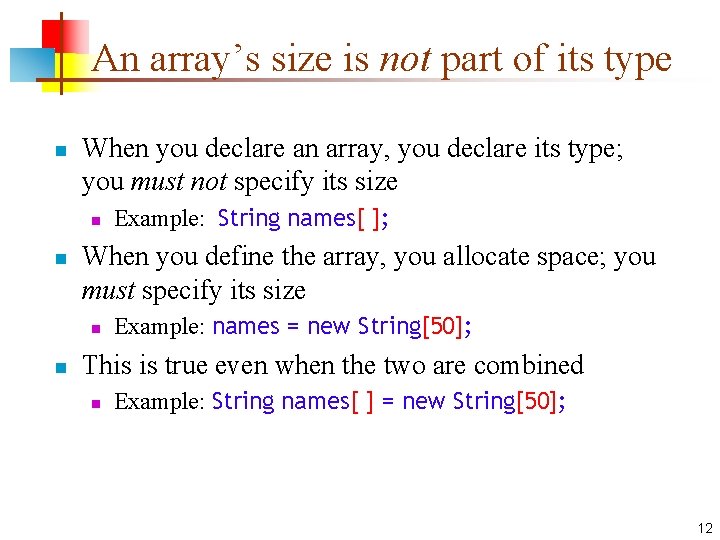
An array’s size is not part of its type n When you declare an array, you declare its type; you must not specify its size n n When you define the array, you allocate space; you must specify its size n n Example: String names[ ]; Example: names = new String[50]; This is true even when the two are combined n Example: String names[ ] = new String[50]; 12
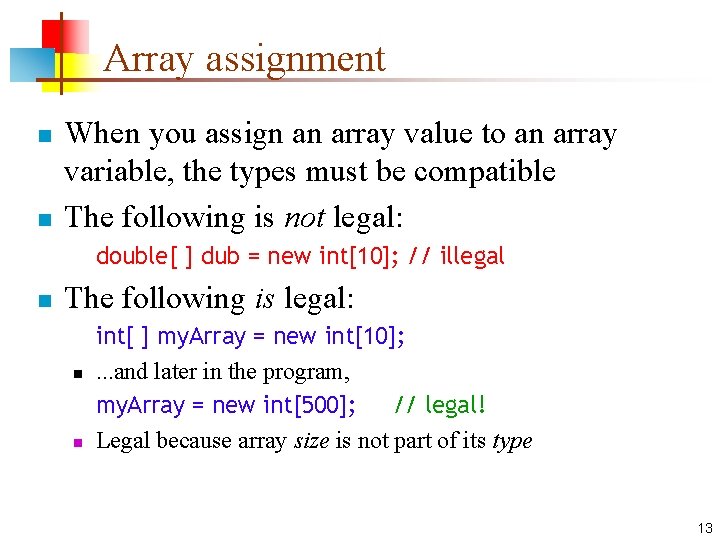
Array assignment n n When you assign an array value to an array variable, the types must be compatible The following is not legal: double[ ] dub = new int[10]; // illegal n The following is legal: n n int[ ] my. Array = new int[10]; . . . and later in the program, my. Array = new int[500]; // legal! Legal because array size is not part of its type 13
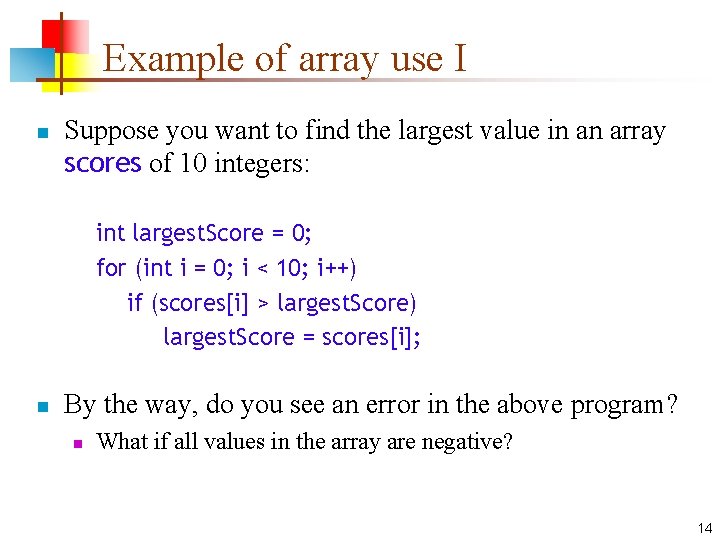
Example of array use I n Suppose you want to find the largest value in an array scores of 10 integers: int largest. Score = 0; for (int i = 0; i < 10; i++) if (scores[i] > largest. Score) largest. Score = scores[i]; n By the way, do you see an error in the above program? n What if all values in the array are negative? 14
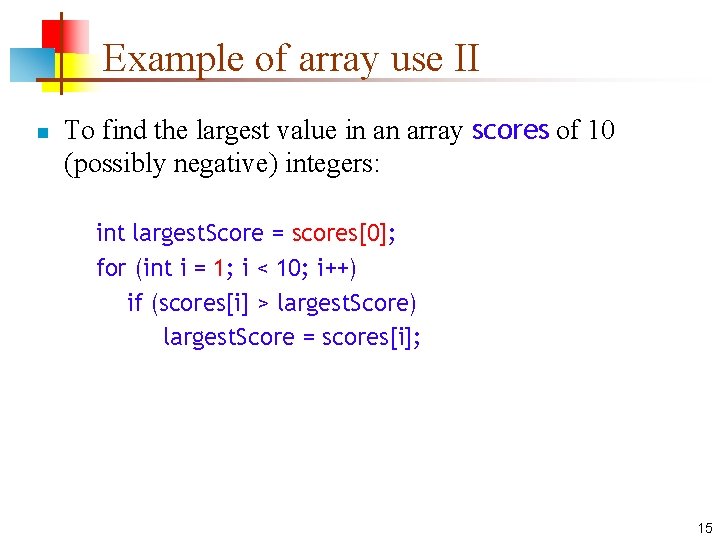
Example of array use II n To find the largest value in an array scores of 10 (possibly negative) integers: int largest. Score = scores[0]; for (int i = 1; i < 10; i++) if (scores[i] > largest. Score) largest. Score = scores[i]; 15
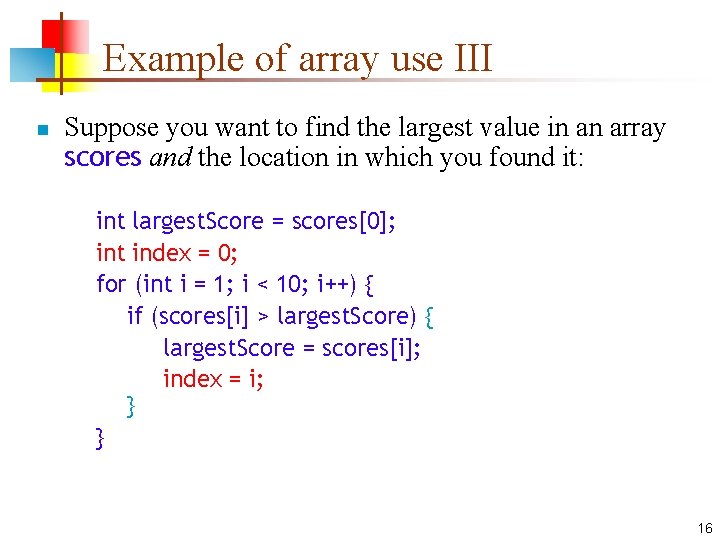
Example of array use III n Suppose you want to find the largest value in an array scores and the location in which you found it: int largest. Score = scores[0]; int index = 0; for (int i = 1; i < 10; i++) { if (scores[i] > largest. Score) { largest. Score = scores[i]; index = i; } } 16
Array names I n The rules for variables apply to arrays n n n Use lowercase for the first word and capitalize only the first letter of each subsequent word that appears in a variable name Use nouns to name variables Pluralize the names of collection references 17
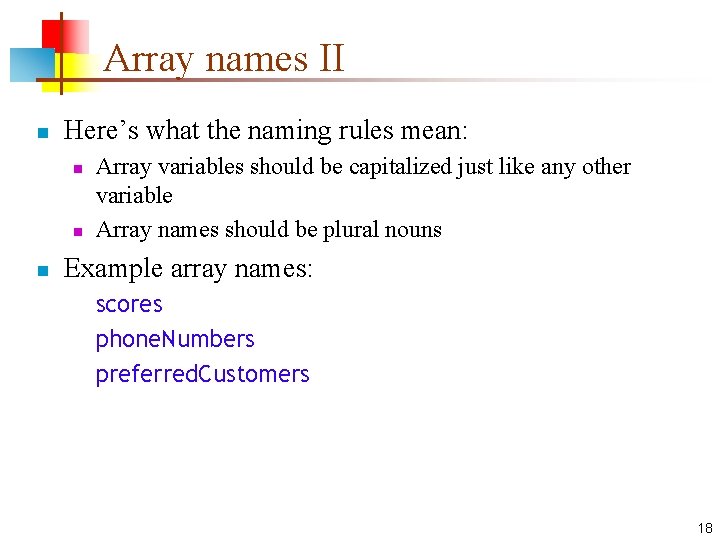
Array names II n Here’s what the naming rules mean: n n n Array variables should be capitalized just like any other variable Array names should be plural nouns Example array names: scores phone. Numbers preferred. Customers 18
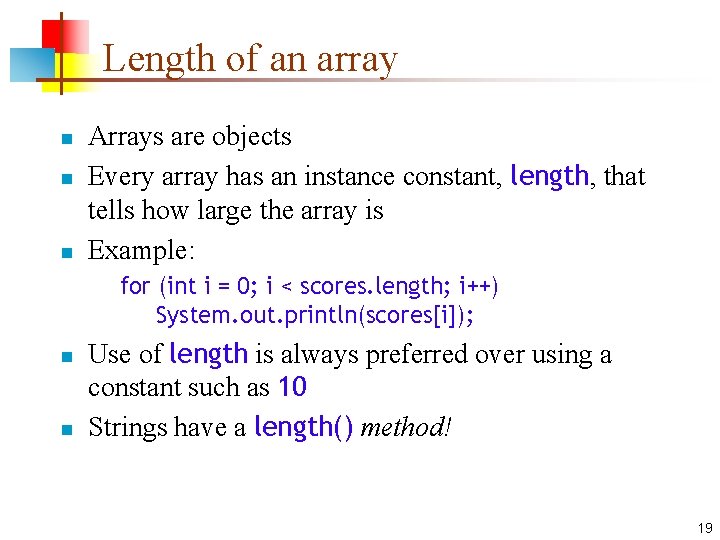
Length of an array n n n Arrays are objects Every array has an instance constant, length, that tells how large the array is Example: for (int i = 0; i < scores. length; i++) System. out. println(scores[i]); n n Use of length is always preferred over using a constant such as 10 Strings have a length() method! 19
Magic numbers n Use names instead of numbers in your code n n Names help document the code; numbers don’t It may be hard to tell why a particular number is used--we call it a magic number n n You might change your name about the value of a “constant” (say, more than ten scores) n n This is a pejorative term You can change the value of a name in one place An array’s length is always correct! 20
Null. Pointer. Exception n Suppose you declare a Person p but you don’t define it n n Until you define p, it has the special value null is a legal value for any kind of object null can be assigned, tested, and printed But if you try to use a field or method of null, such as p. name or p. birthday(), the error you get is a null. Pointer. Exception 21
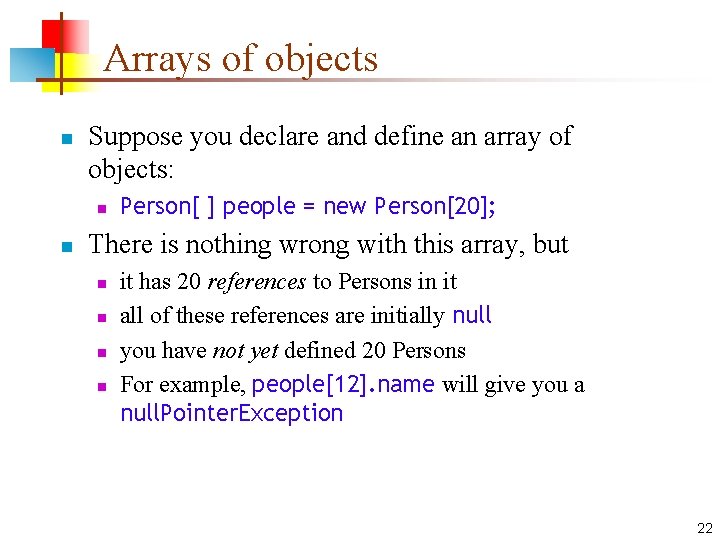
Arrays of objects n Suppose you declare and define an array of objects: n n Person[ ] people = new Person[20]; There is nothing wrong with this array, but n n it has 20 references to Persons in it all of these references are initially null you have not yet defined 20 Persons For example, people[12]. name will give you a null. Pointer. Exception 22
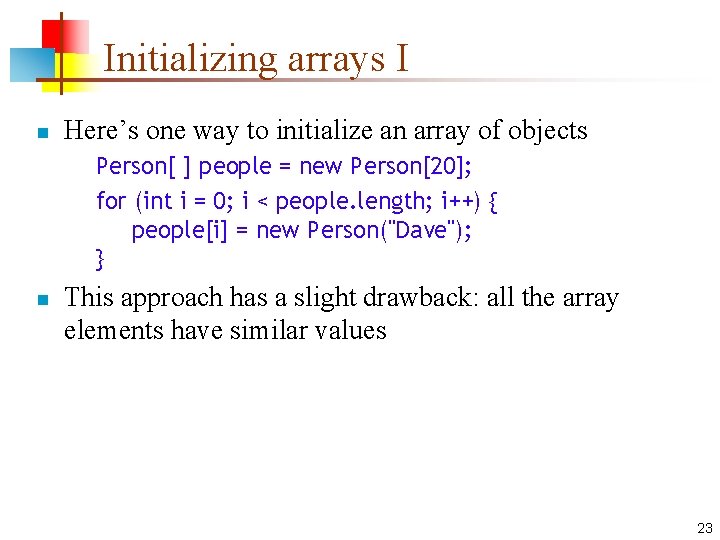
Initializing arrays I n Here’s one way to initialize an array of objects Person[ ] people = new Person[20]; for (int i = 0; i < people. length; i++) { people[i] = new Person("Dave"); } n This approach has a slight drawback: all the array elements have similar values 23
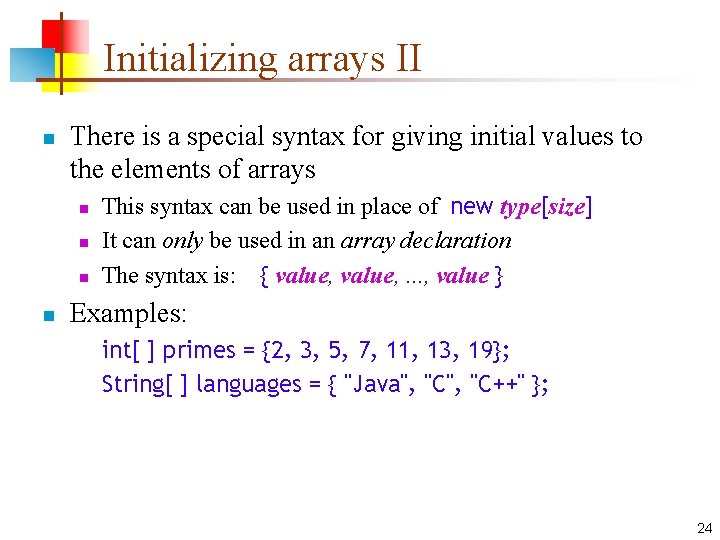
Initializing arrays II n There is a special syntax for giving initial values to the elements of arrays n n This syntax can be used in place of new type[size] It can only be used in an array declaration The syntax is: { value, . . . , value } Examples: int[ ] primes = {2, 3, 5, 7, 11, 13, 19}; String[ ] languages = { "Java", "C++" }; 24
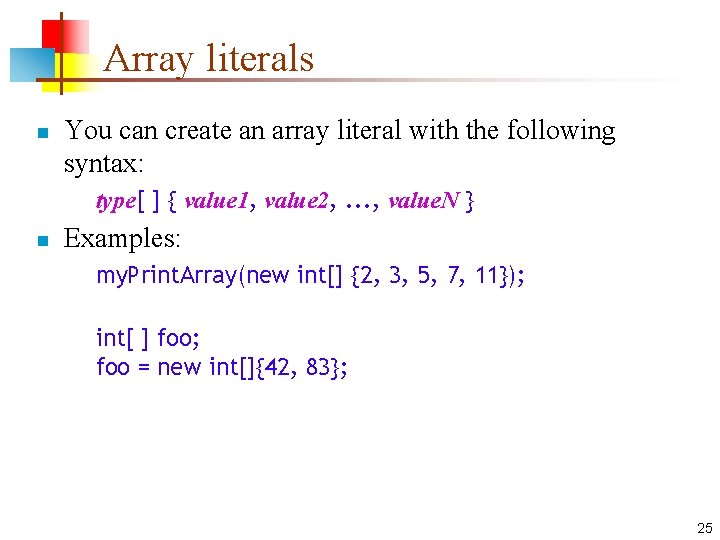
Array literals n You can create an array literal with the following syntax: type[ ] { value 1, value 2, . . . , value. N } n Examples: my. Print. Array(new int[] {2, 3, 5, 7, 11}); int[ ] foo; foo = new int[]{42, 83}; 25
![Initializing arrays III n To initialize an array of Person: Person[ ] people =](http://slidetodoc.com/presentation_image_h2/e4d382774202608b6cb2bbd6aacf83d8/image-26.jpg "Initializing arrays III n To initialize an array of Person: Person[ ] people =")
Initializing arrays III n To initialize an array of Person: Person[ ] people = { new Person("Alice"), new Person("Bob"), new Person("Carla"), new Person("Don") }; n Notice that you do not say the size of the array n The computer is better at counting than you are! 26
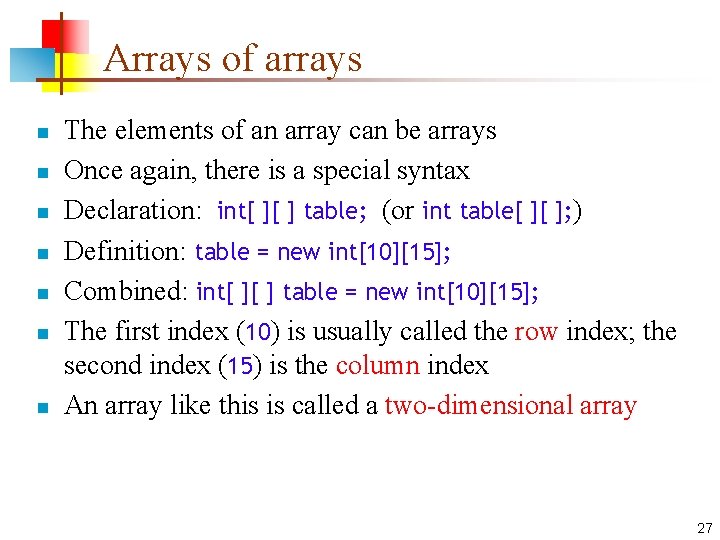
Arrays of arrays n n n n The elements of an array can be arrays Once again, there is a special syntax Declaration: int[ ][ ] table; (or int table[ ][ ]; ) Definition: table = new int[10][15]; Combined: int[ ][ ] table = new int[10][15]; The first index (10) is usually called the row index; the second index (15) is the column index An array like this is called a two-dimensional array 27
![Example array of arrays n n int[ ][ ] table = new int[3][2]; or,](http://slidetodoc.com/presentation_image_h2/e4d382774202608b6cb2bbd6aacf83d8/image-28.jpg "Example array of arrays n n int[ ][ ] table = new int[3][2]; or,")
Example array of arrays n n int[ ][ ] table = new int[3][2]; or, int[ ][ ] table = { {1, 2}, {3, 6}, {7, 8} }; 1 n 1 2 1 3 6 2 7 8 n 0 0 n n For example, table[1][1] contains 6 table[2][1] contains 8, and table[1][2] is “array out of bounds” To “zero out this table”: for (int i = 0; i < 3; i++) for (int j = 0; j < 2; j++) table[i][j] = 0; n How could this code be improved? 28
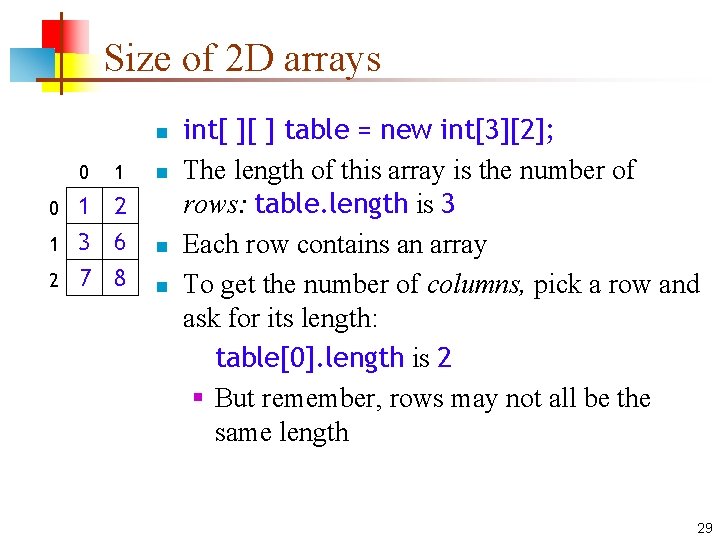
Size of 2 D arrays n 0 1 n 1 2 1 3 6 2 7 8 n 0 n int[ ][ ] table = new int[3][2]; The length of this array is the number of rows: table. length is 3 Each row contains an array To get the number of columns, pick a row and ask for its length: table[0]. length is 2 § But remember, rows may not all be the same length 29
Arrays of Object n n n Arrays are useful for holding many values of the same type If the array type is Object, then it is convenient to cast the value to the correct type after you get it from the array If the type is Object, then the array can hold anything except primitives If you want to put primitives into an array of objects, you need to “wrap” them in objects There are “wrapper classes” defined for each of the primitive objects Example: n n Integer wrapped. Int = new Integer(5); int number = wrapped. Int. int. Value(); 30
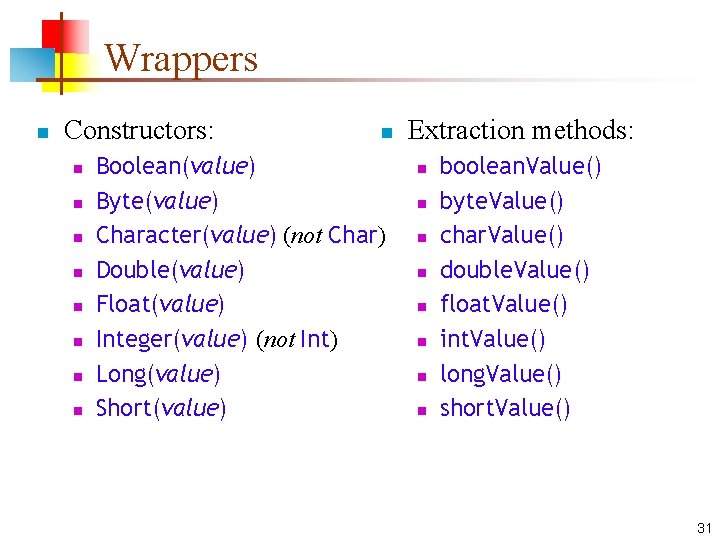
Wrappers n Constructors: n n n n n Boolean(value) Byte(value) Character(value) (not Char) Double(value) Float(value) Integer(value) (not Int) Long(value) Short(value) Extraction methods: n n n n boolean. Value() byte. Value() char. Value() double. Value() float. Value() int. Value() long. Value() short. Value() 31
The End 32
- Slides: 32