
Arkansas student GPS Dashboards Discipline Charts Presented by
Arkansas student. GPS Dashboards Discipline Charts Presented by Belinda Kittrell, Program Manager Cindy Wilkinson, Quality Assurance Analyst

Vision The Arkansas Department of Education is transforming Arkansas to lead the nation in student-focused education. Mission The Arkansas Department of Education provides leadership, support, and service to schools, districts, and communities so every student graduates prepared for college, career, and community engagement.
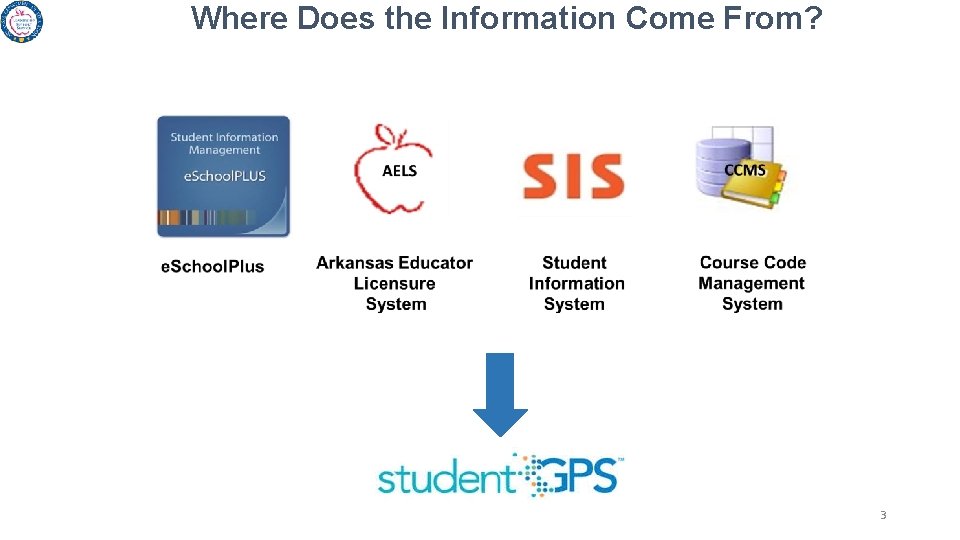
Where Does the Information Come From? 3
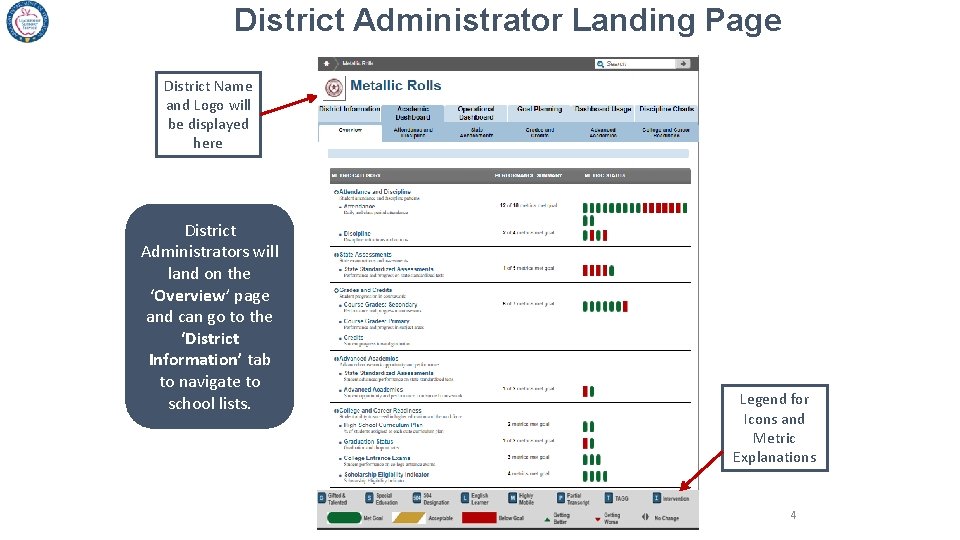
District Administrator Landing Page District Name and Logo will be displayed here District Administrators will land on the ‘Overview’ page and can go to the ‘District Information’ tab to navigate to school lists. Legend for Icons and Metric Explanations 4
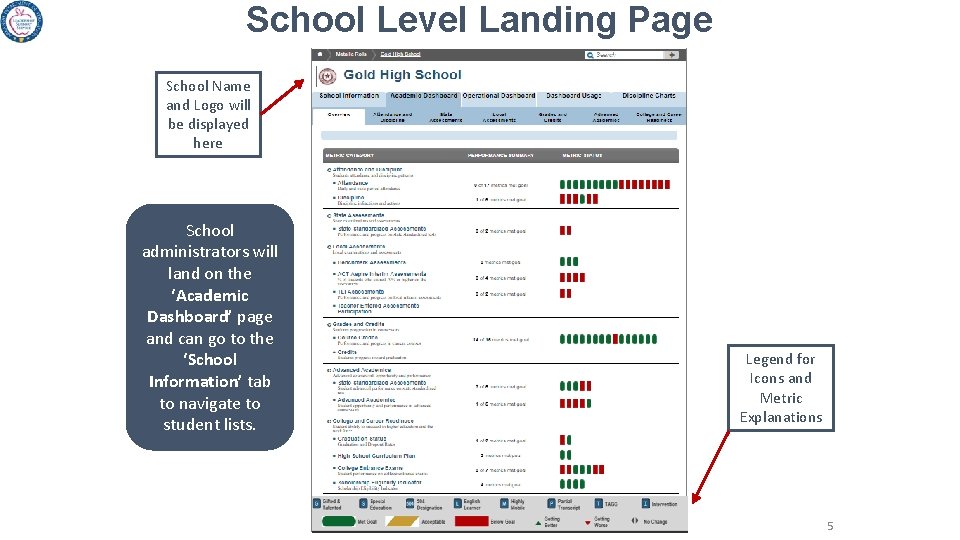
School Level Landing Page School Name and Logo will be displayed here School administrators will land on the ‘Academic Dashboard’ page and can go to the ‘School Information’ tab to navigate to student lists. Legend for Icons and Metric Explanations 5
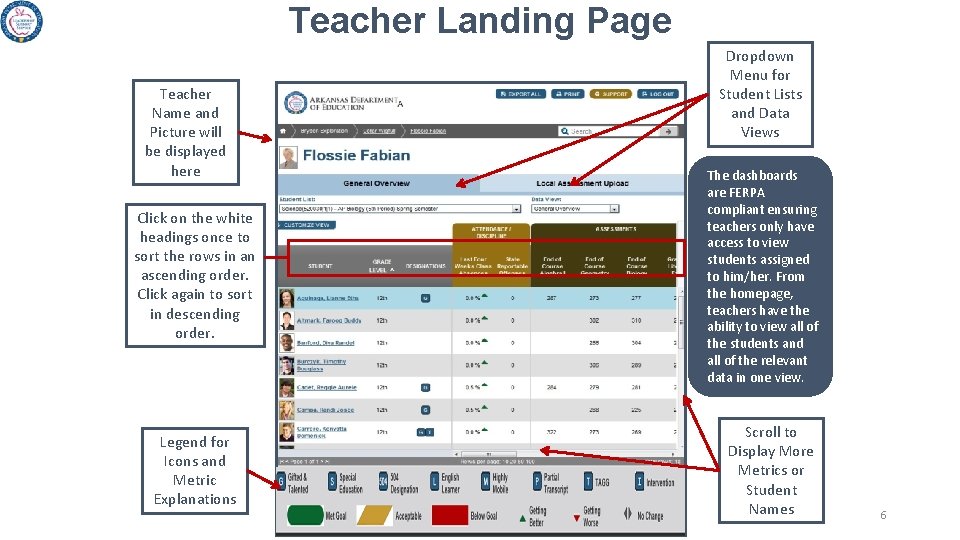
Teacher Landing Page Teacher Name and Picture will be displayed here Click on the white headings once to sort the rows in an ascending order. Click again to sort in descending order. Legend for Icons and Metric Explanations Dropdown Menu for Student Lists and Data Views The dashboards are FERPA compliant ensuring teachers only have access to view students assigned to him/her. From the homepage, teachers have the ability to view all of the students and all of the relevant data in one view. Scroll to Display More Metrics or Student Names 6
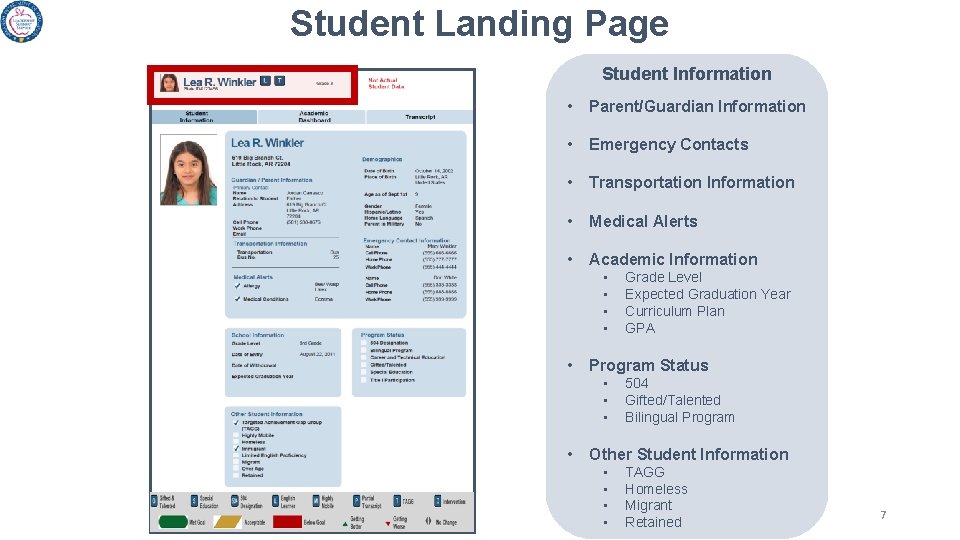
Student Landing Page Student Information • Parent/Guardian Information • Emergency Contacts • Transportation Information • Medical Alerts • Academic Information • • • Program Status • • Grade Level Expected Graduation Year Curriculum Plan GPA 504 Gifted/Talented Bilingual Program Other Student Information • • TAGG Homeless Migrant Retained 7
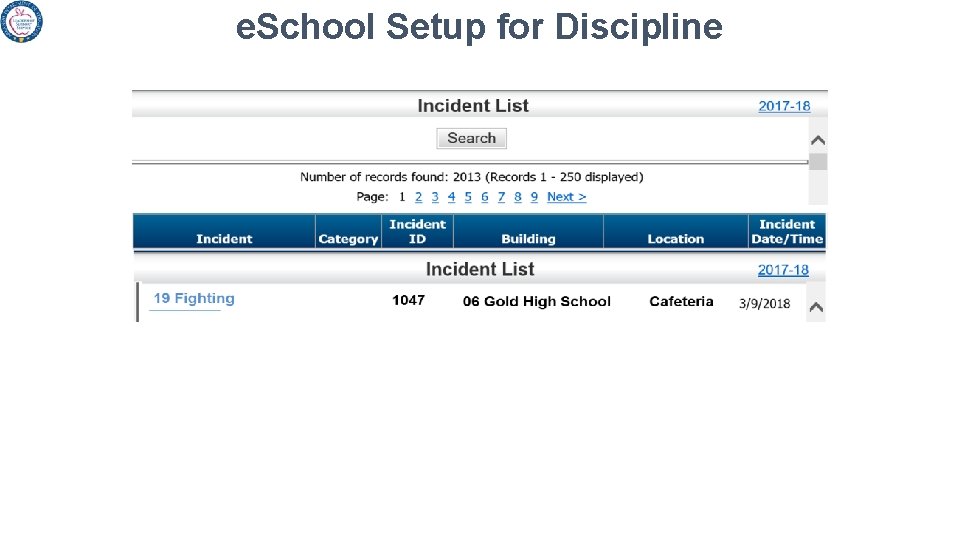
e. School Setup for Discipline
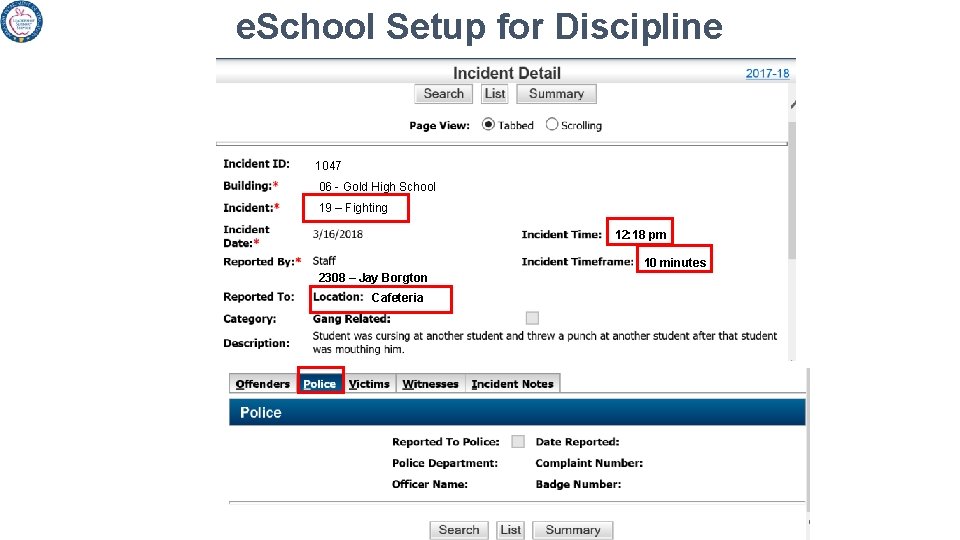
e. School Setup for Discipline 1047 06 - Gold High School 19 – Fighting 12: 18 pm 10 minutes 2308 – Jay Borgton Cafeteria
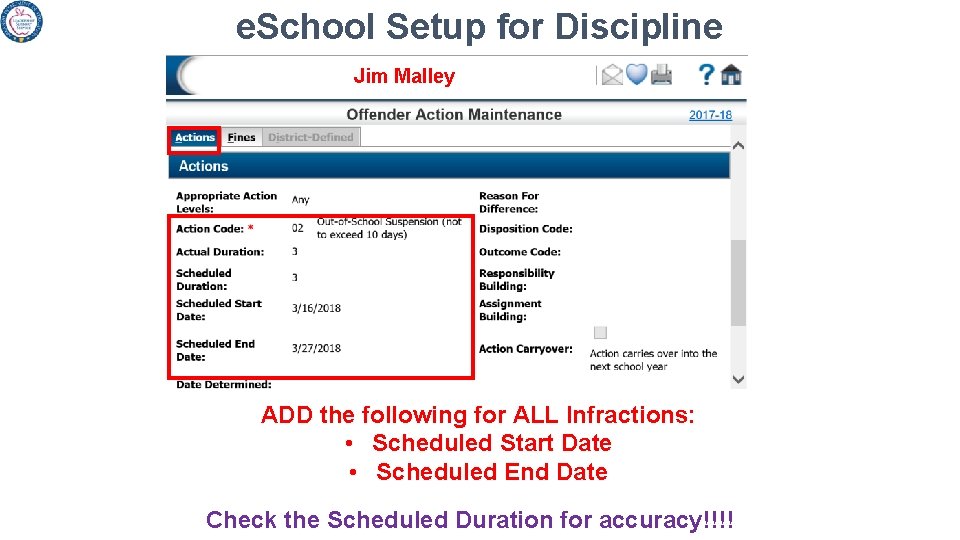
e. School Setup for Discipline Jim Malley ADD the following for ALL Infractions: • Scheduled Start Date • Scheduled End Date Check the Scheduled Duration for accuracy!!!!
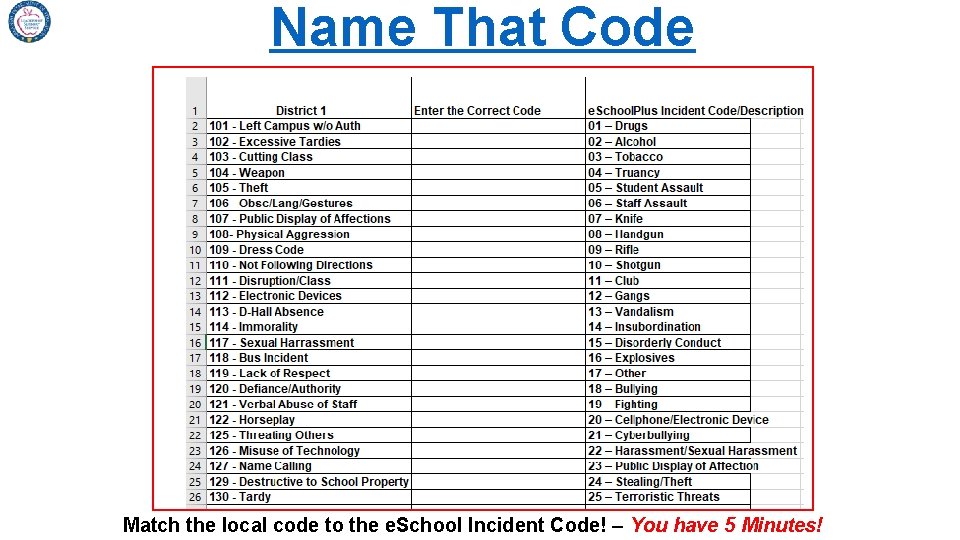
Name That Code Match the local code to the e. School Incident Code! – You have 5 Minutes!
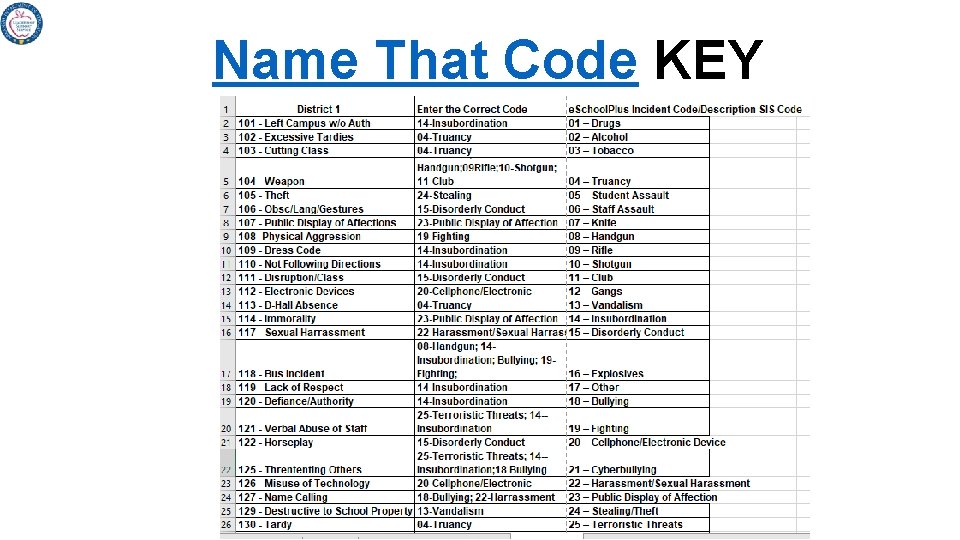
Name That Code KEY
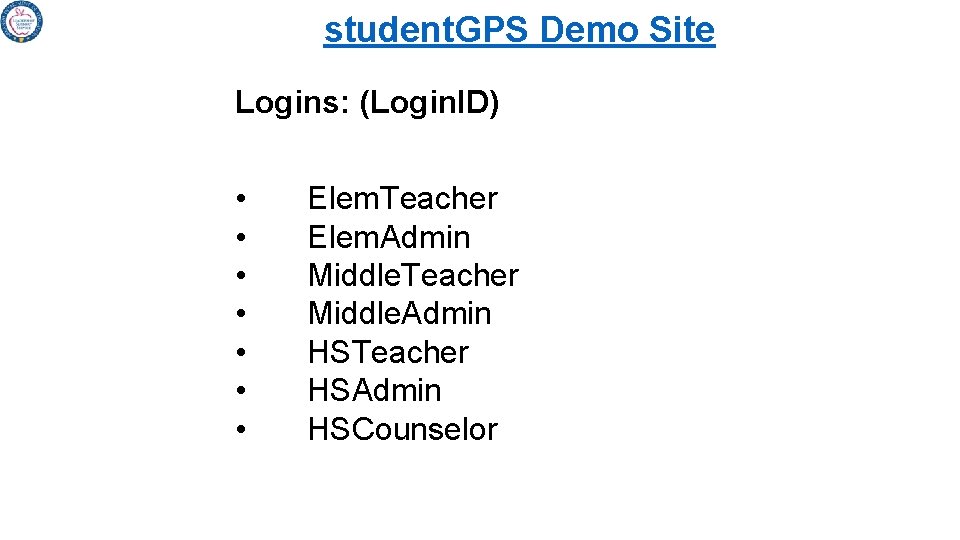
student. GPS Demo Site Logins: (Login. ID) • • Elem. Teacher Elem. Admin Middle. Teacher Middle. Admin HSTeacher HSAdmin HSCounselor
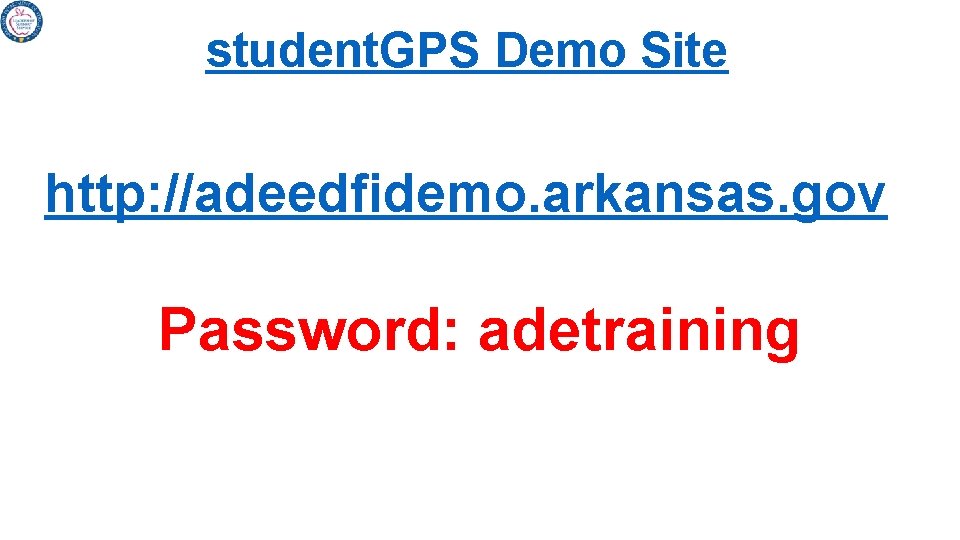
student. GPS Demo Site http: //adeedfidemo. arkansas. gov Password: adetraining
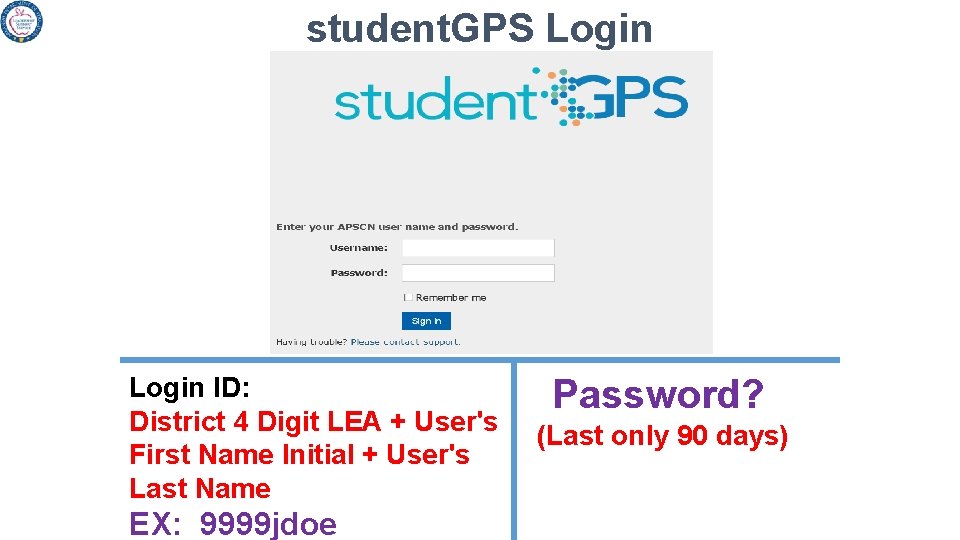
student. GPS Login ID: District 4 Digit LEA + User's First Name Initial + User's Last Name EX: 9999 jdoe Password? (Last only 90 days)
student. GPS Dashboards HELP! student. GPS Dashboards Link https: //adeedfi. arkansas. gov Support Team ade. studentgps@arkansas. gov

QUESTIONS
Thank You ade. studentgps@arkansas. gov
- Slides: 18