
Arizona State University Network Access Control Cisco ISE

- Slides: 22
Arizona State University Network Access Control Cisco ISE – Present and Future Overview Presentation
Cisco ISE – The Basics • • • Hye Tech Network & Security Solutions, llc Role with the university Purpose of today’s presentation What is NAC? Why do we call it ISE? How does it work?
Cisco ISE – What is it? • What exactly is ISE? • What can it do? • What is it doing for ASU today? • What is it NOT doing?
Cisco ISE – What is Next Wired Authentication • Non Dorm switch ports will be configured to use. 1 X • Pilot sites are being scheduled • Goal is two fold • Identify the users on the network • Give them the access they need
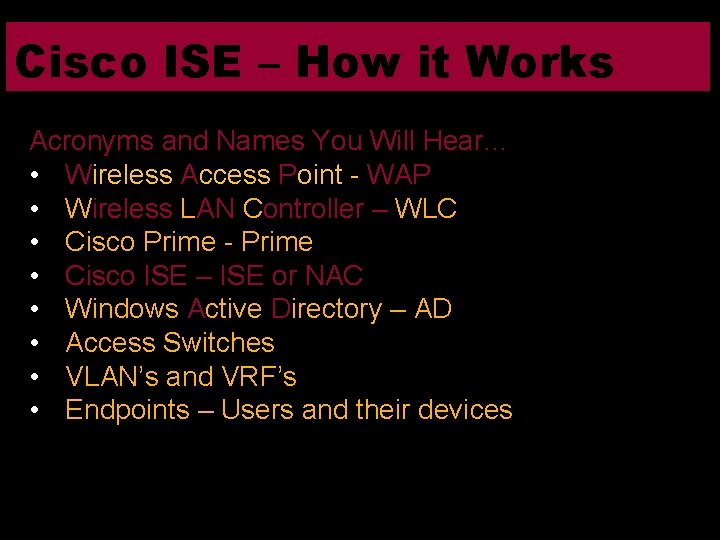
Cisco ISE – How it Works Acronyms and Names You Will Hear… • Wireless Access Point - WAP • Wireless LAN Controller – WLC • Cisco Prime - Prime • Cisco ISE – ISE or NAC • Windows Active Directory – AD • Access Switches • VLAN’s and VRF’s • Endpoints – Users and their devices
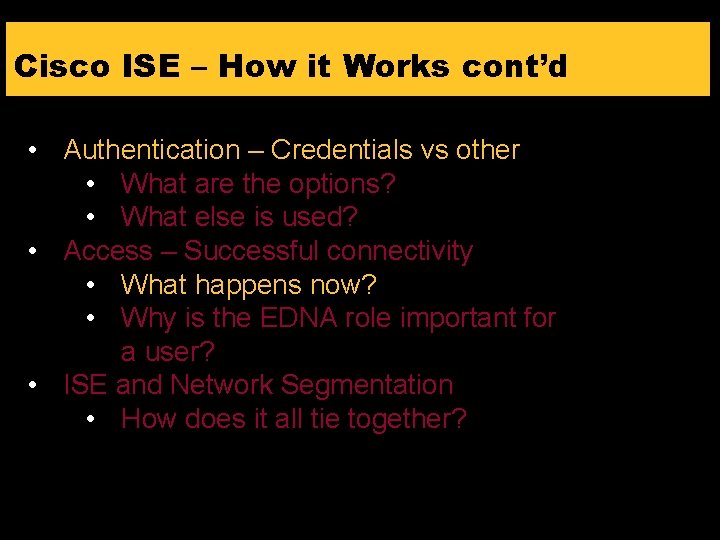
Cisco ISE – How it Works cont’d • Authentication – Credentials vs other • What are the options? • What else is used? • Access – Successful connectivity • What happens now? • Why is the EDNA role important for a user? • ISE and Network Segmentation • How does it all tie together?
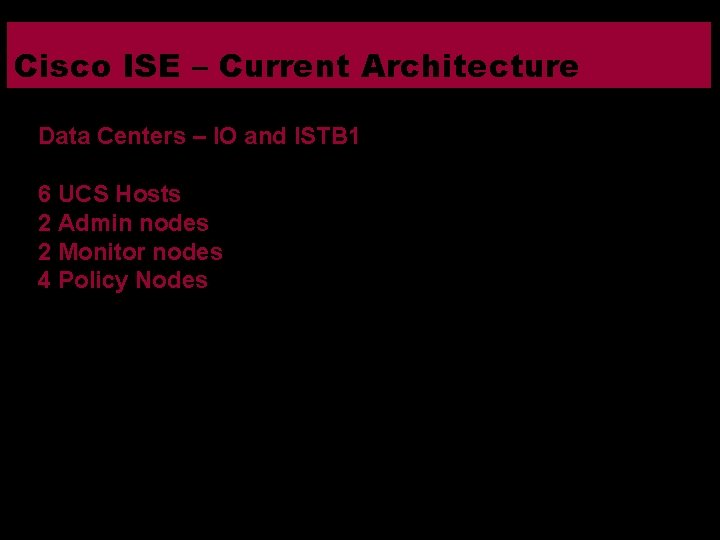
Cisco ISE – Current Architecture Data Centers – IO and ISTB 1 6 UCS Hosts 2 Admin nodes 2 Monitor nodes 4 Policy Nodes
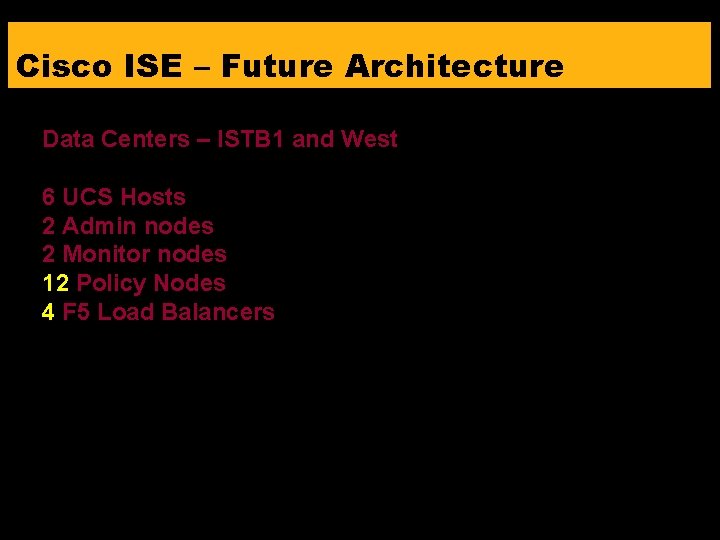
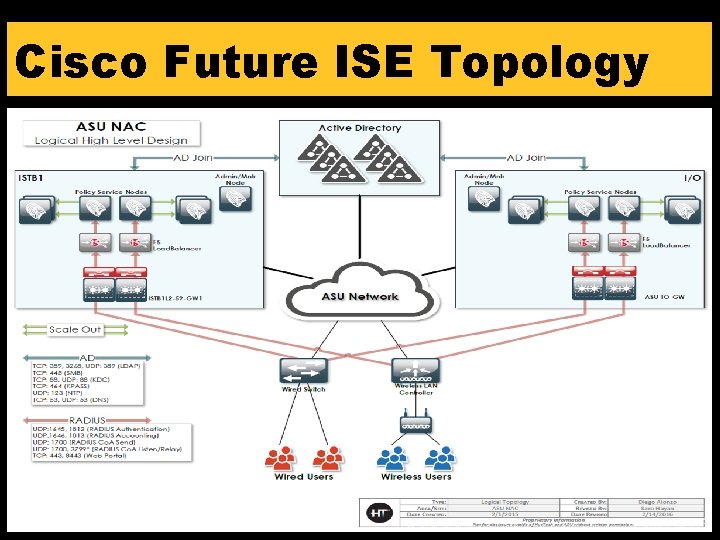
Cisco ISE – Future Architecture Data Centers – ISTB 1 and West 6 UCS Hosts 2 Admin nodes 2 Monitor nodes 12 Policy Nodes 4 F 5 Load Balancers
Cisco Future ISE Topology
Cisco ISE Architecture Highly Available & Scalable Design • Each virtual appliance is capable of supporting 20, 000 end users • Initial deployment with 4 nodes • All nodes in a single cluster • Load Balancer to achieve even more resiliency and scale
Troubleshooting Tools and logging • • • Splunk Cisco ISE Cisco WLC Access Switch EDNA and AD
Tools – SPLUNK University owned Syslog system • Easily searchable by user ID or MAC • Most systems log to Splunk • ISE • WLC • Prime • Access switches
Other Factors Issues that impact the user experience • Active Directory Groups • EDNA Role • Device Support of. 1 X • Ability of device to dynamically change IP’s • Login and Password
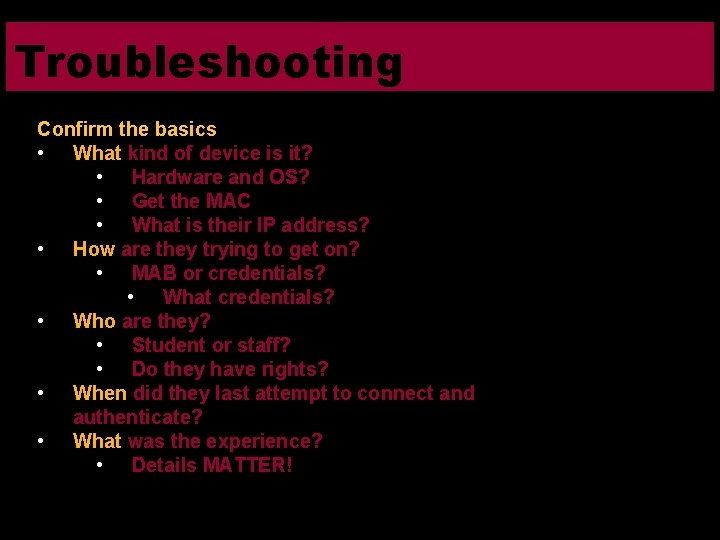
Troubleshooting Confirm the basics • What kind of device is it? • Hardware and OS? • Get the MAC • What is their IP address? • How are they trying to get on? • MAB or credentials? • What credentials? • Who are they? • Student or staff? • Do they have rights? • When did they last attempt to connect and authenticate? • What was the experience? • Details MATTER!
Troubleshooting cont’d • Why do we need the data points? • The failure to connect may be the expected behavior • Black Listed • Role may not allow authentication • Follow the data gathered • Verify the experience if you can • No such thing as too much info • Questions…
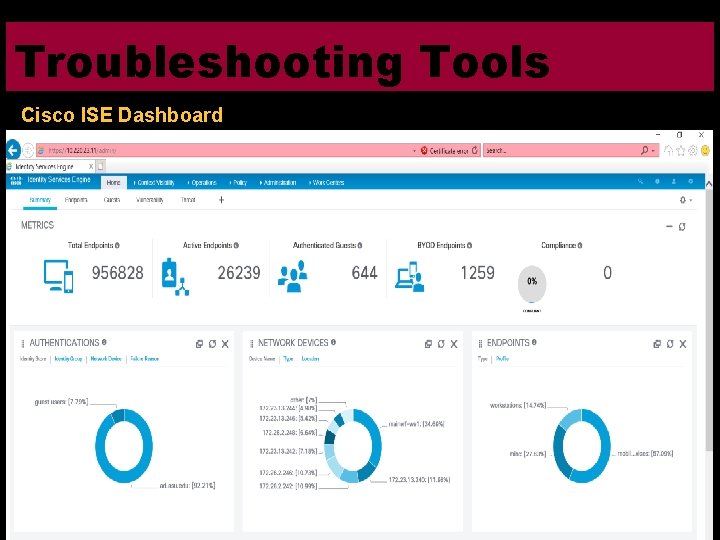
Troubleshooting Tools Cisco ISE Dashboard
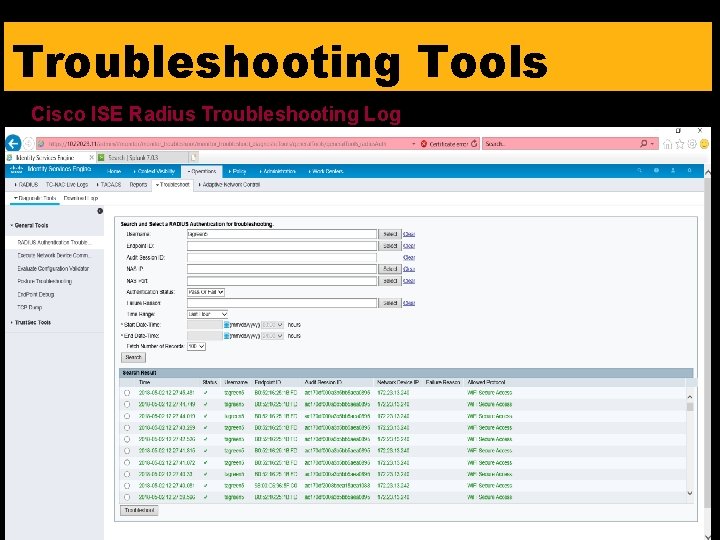
Troubleshooting Tools Cisco ISE Radius Troubleshooting Log
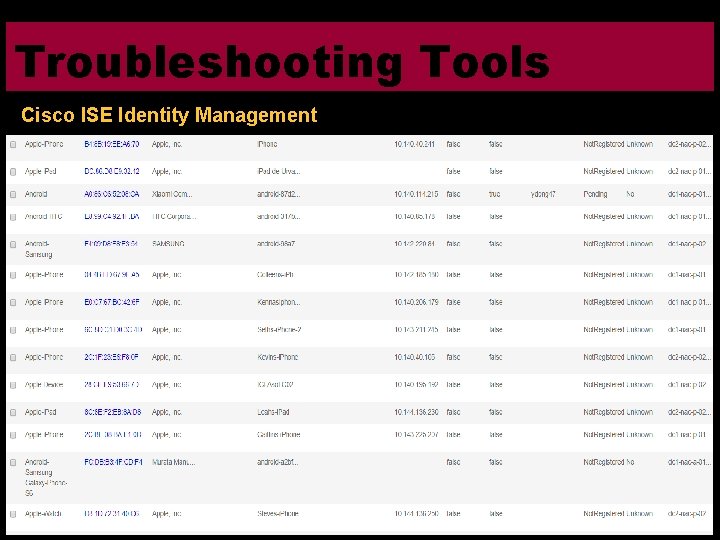
Troubleshooting Tools Cisco ISE Identity Management
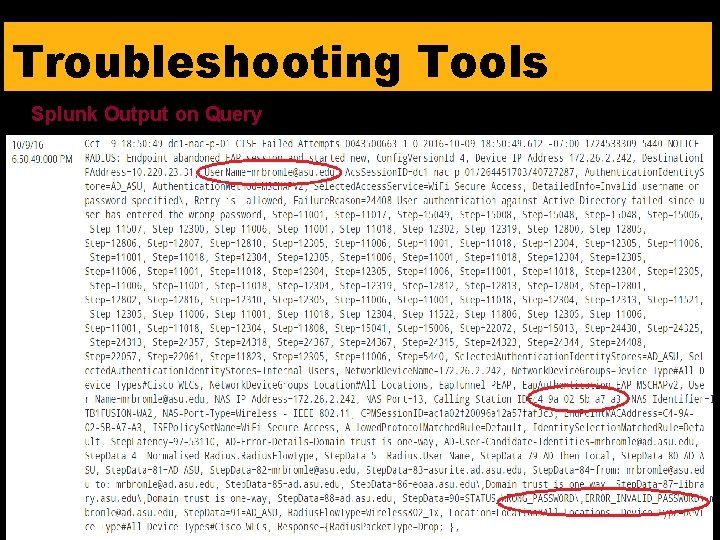
Troubleshooting Tools Splunk Output on Query
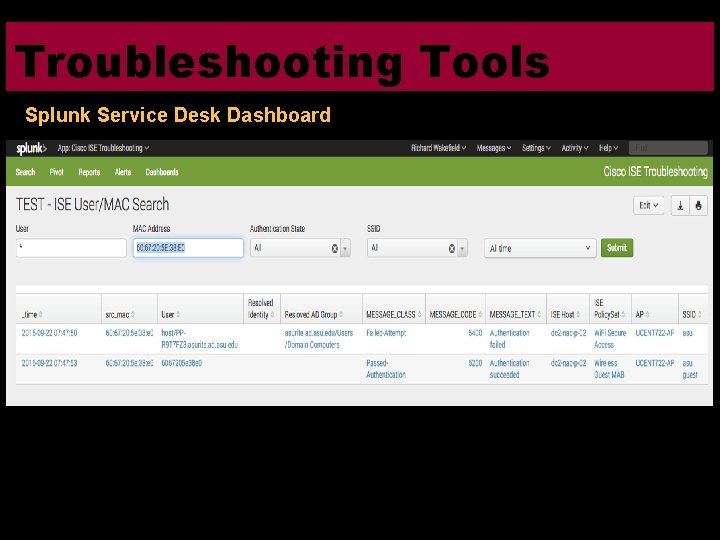
Troubleshooting Tools Splunk Service Desk Dashboard
Troubleshooting Tools Requesting Splunk Access via Service Now Submit Service Now “Enterprise Infrastructure and Services/SPLUNK Access” catalog item with your user ID Select “SPLUNK Access” and “SPLUNK Tier 1 Support” access needed.
Questions?