
Are Your Clients Overweight Software Architectures for the
- Slides: 31
Are Your Clients Overweight? Software Architectures for the Internet Age FITO - October 16, 1998 Gregor Hohpe
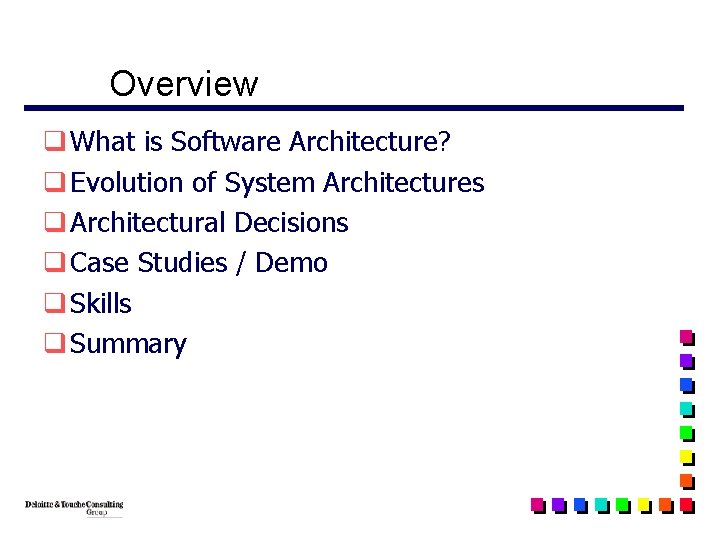
Overview q What is Software Architecture? q Evolution of System Architectures q Architectural Decisions q Case Studies / Demo q Skills q Summary
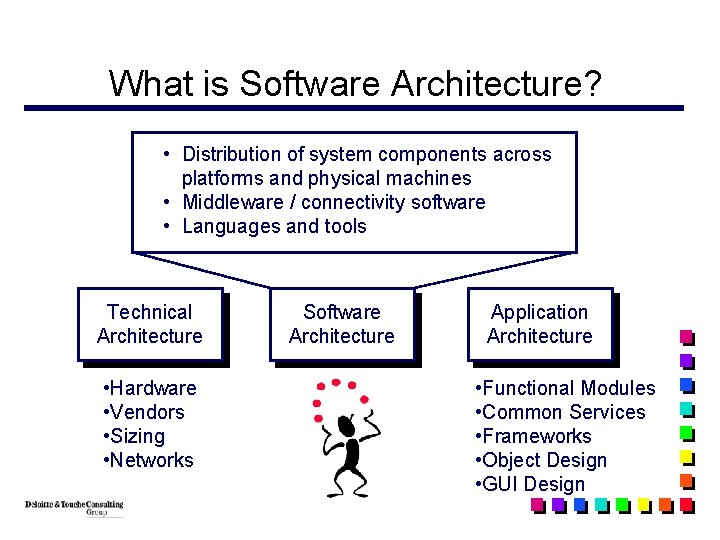
What is Software Architecture? • Distribution of system components across platforms and physical machines • Middleware / connectivity software • Languages and tools Technical Architecture • Hardware • Vendors • Sizing • Networks Software Architecture Application Architecture • Functional Modules • Common Services • Frameworks • Object Design • GUI Design
Evolution of Software Architectures
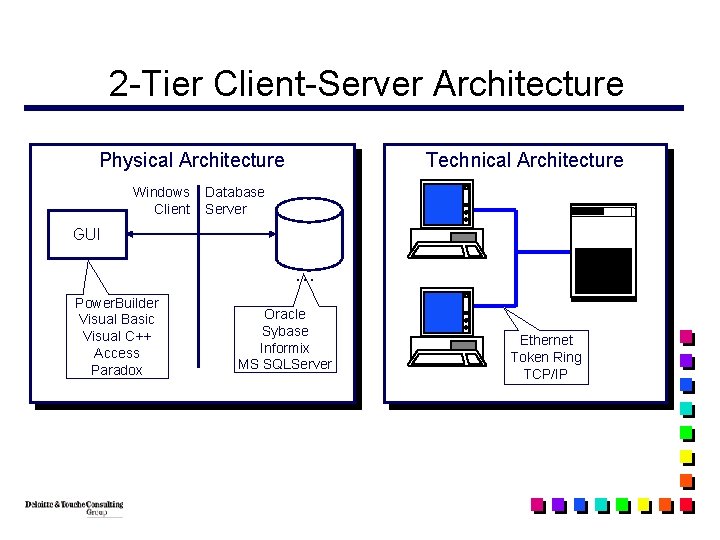
2 -Tier Client-Server Architecture Physical Architecture Windows Client Technical Architecture Database Server GUI … Power. Builder Visual Basic Visual C++ Access Paradox Oracle Sybase Informix MS SQLServer Ethernet Token Ring TCP/IP
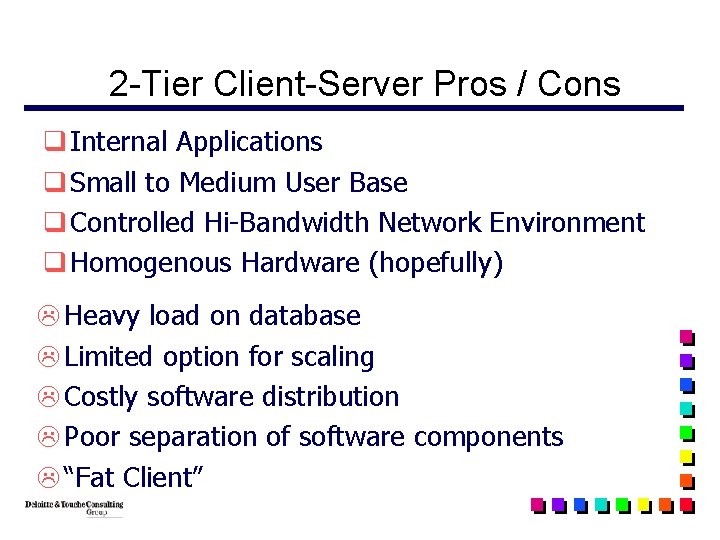
2 -Tier Client-Server Pros / Cons q Internal Applications q Small to Medium User Base q Controlled Hi-Bandwidth Network Environment q Homogenous Hardware (hopefully) L Heavy load on database L Limited option for scaling L Costly software distribution L Poor separation of software components L “Fat Client”
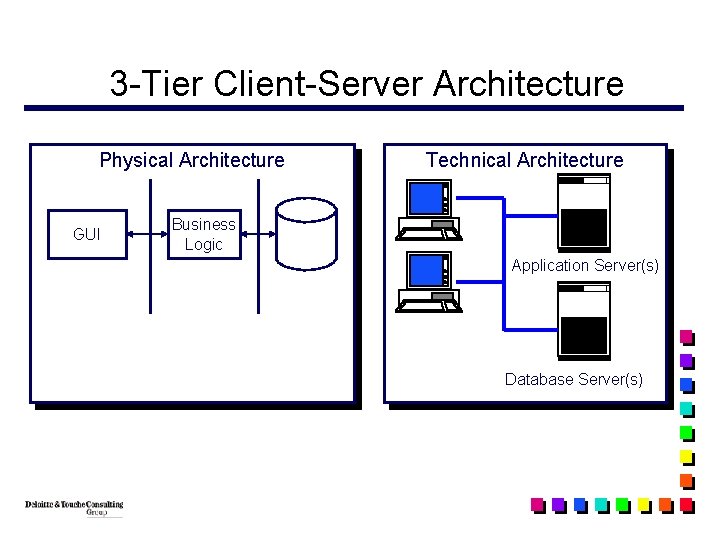
3 -Tier Client-Server Architecture Physical Architecture GUI Technical Architecture Business Logic Application Server(s) Database Server(s)
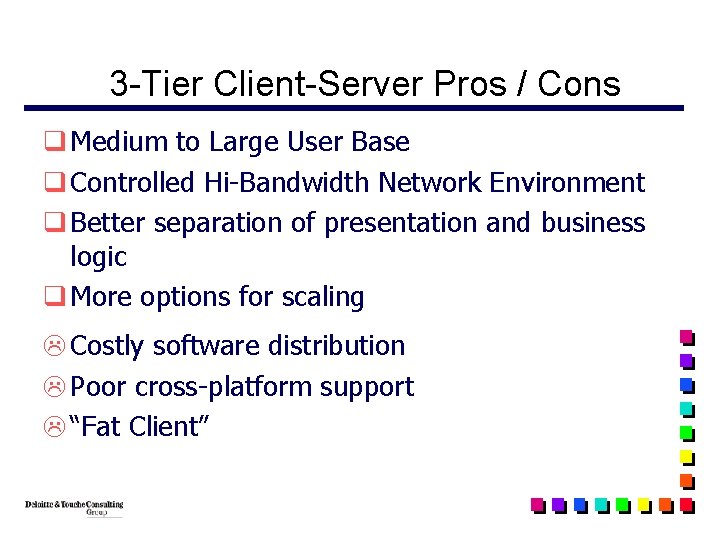
3 -Tier Client-Server Pros / Cons q Medium to Large User Base q Controlled Hi-Bandwidth Network Environment q Better separation of presentation and business logic q More options for scaling L Costly software distribution L Poor cross-platform support L “Fat Client”
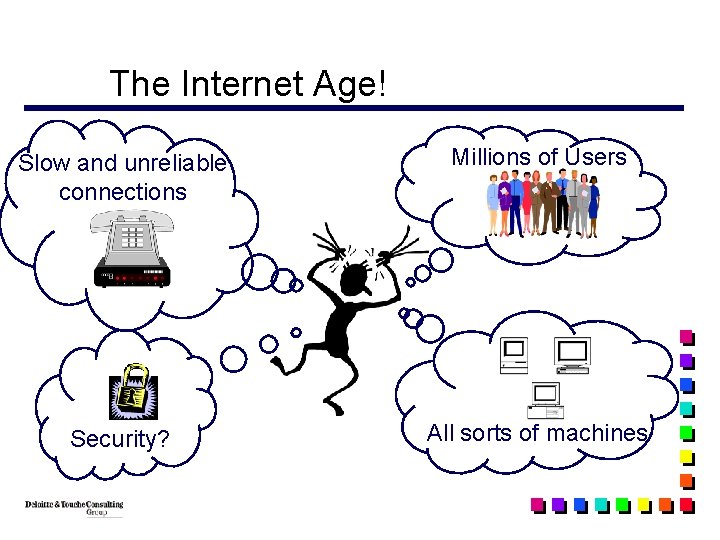
The Internet Age! Slow and unreliable connections Millions of Users Security? All sorts of machines
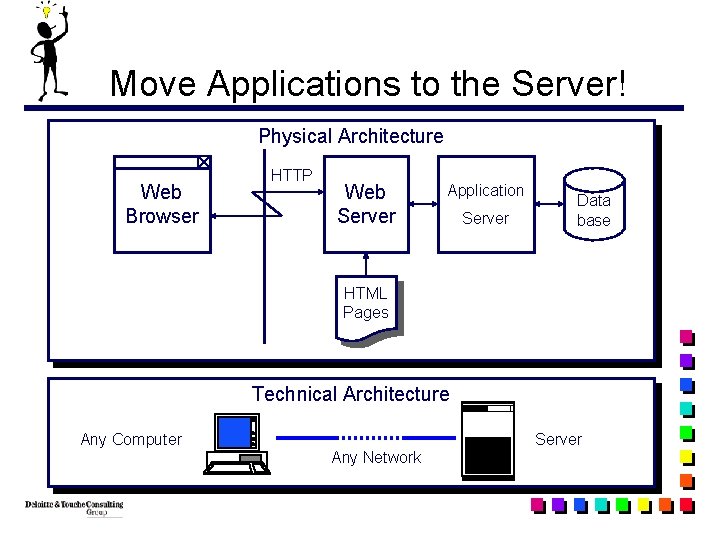
Move Applications to the Server! Physical Architecture Web Browser HTTP Web Server Application Server Data base HTML Pages Technical Architecture Any Computer Server Any Network
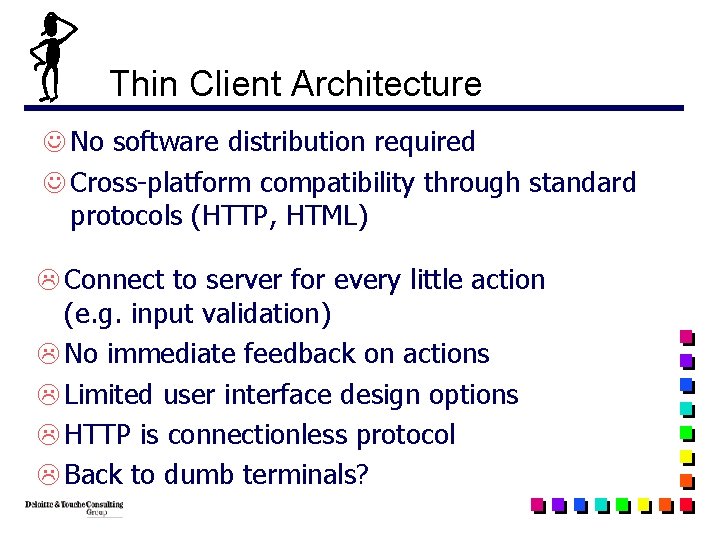
Thin Client Architecture J No software distribution required J Cross-platform compatibility through standard protocols (HTTP, HTML) L Connect to server for every little action (e. g. input validation) L No immediate feedback on actions L Limited user interface design options L HTTP is connectionless protocol L Back to dumb terminals?
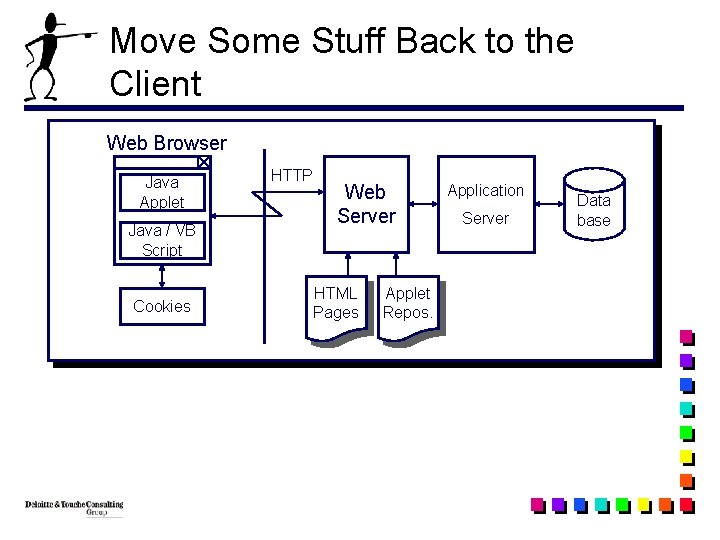
Move Some Stuff Back to the Client Web Browser Java Applet Java / VB Script Cookies HTTP Web Server HTML Pages Applet Repos. Application Server Data base
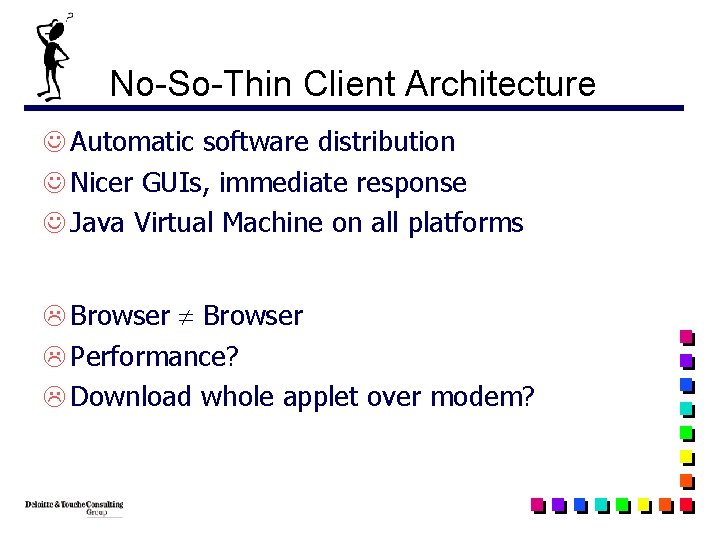
No-So-Thin Client Architecture J Automatic software distribution J Nicer GUIs, immediate response J Java Virtual Machine on all platforms L Browser L Performance? L Download whole applet over modem?
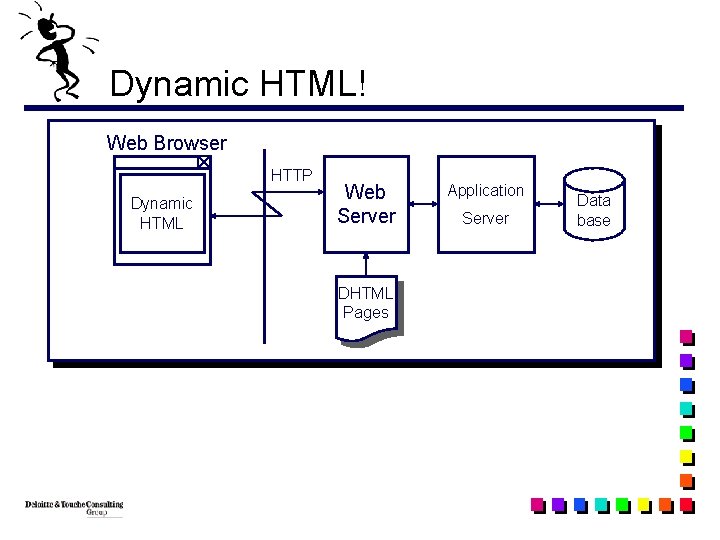
Dynamic HTML! Web Browser HTTP Dynamic HTML Web Server DHTML Pages Application Server Data base
The Saga Continues. . . q XML: Data Description q Push Technologies / Channels q. . .
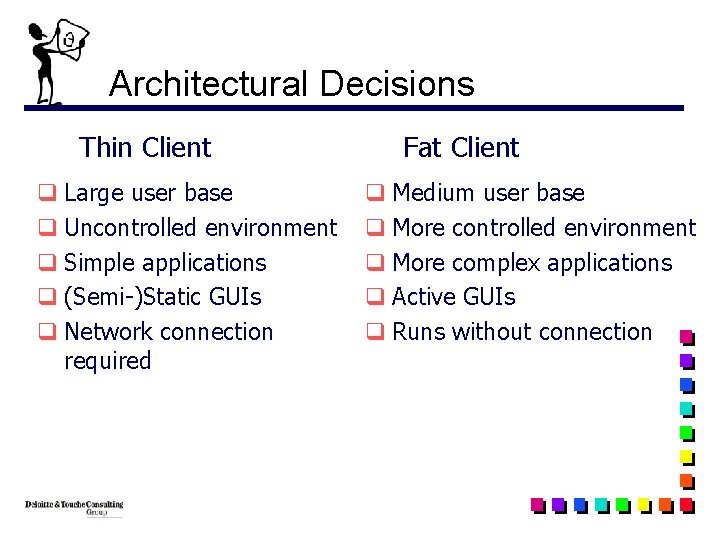
Architectural Decisions Thin Client q Large user base q Uncontrolled environment q Simple applications q (Semi-)Static GUIs q Network connection required Fat Client q Medium user base q More controlled environment q More complex applications q Active GUIs q Runs without connection
Case Studies: Face. Book Training Navigator
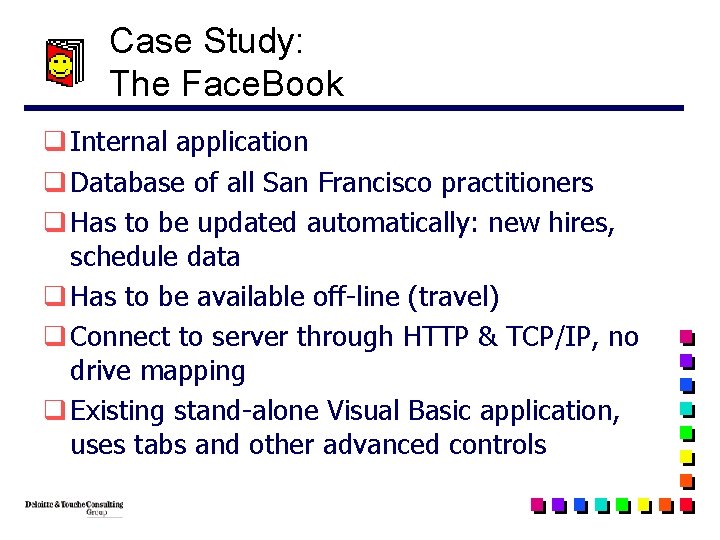
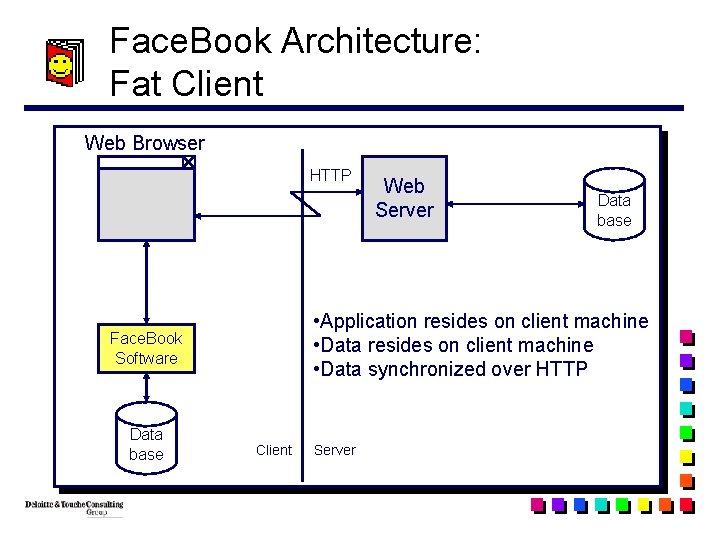
Case Study: The Face. Book q Internal application q Database of all San Francisco practitioners q Has to be updated automatically: new hires, schedule data q Has to be available off-line (travel) q Connect to server through HTTP & TCP/IP, no drive mapping q Existing stand-alone Visual Basic application, uses tabs and other advanced controls
Face. Book Architecture: Fat Client Web Browser HTTP Data base • Application resides on client machine • Data synchronized over HTTP Face. Book Software Data base Web Server Client Server
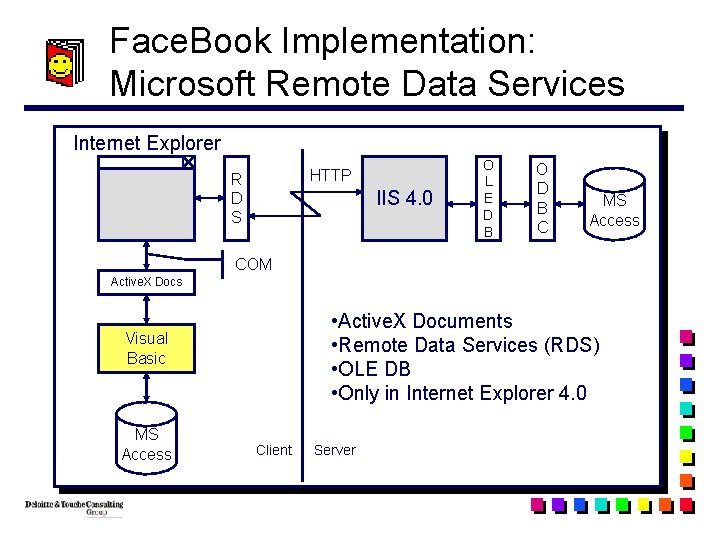
Face. Book Implementation: Microsoft Remote Data Services Internet Explorer HTTP R D S IIS 4. 0 O L E D B O D B C MS Access COM Active. X Docs • Active. X Documents • Remote Data Services (RDS) • OLE DB • Only in Internet Explorer 4. 0 Visual Basic MS Access Client Server
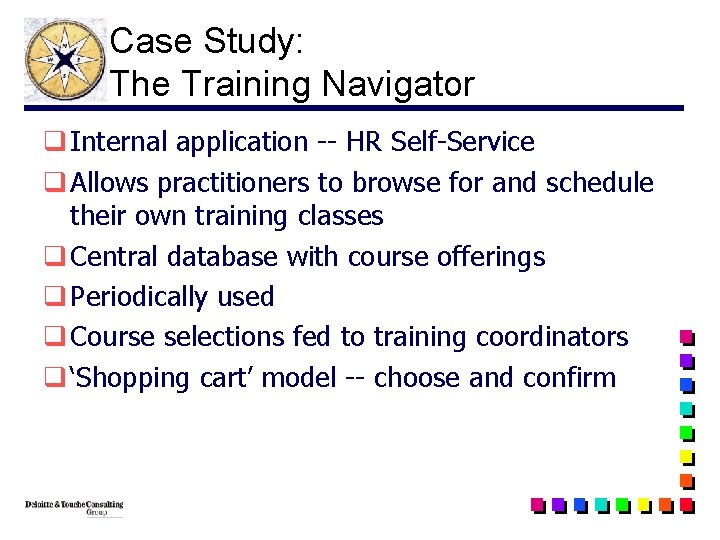
Case Study: The Training Navigator q Internal application -- HR Self-Service q Allows practitioners to browse for and schedule their own training classes q Central database with course offerings q Periodically used q Course selections fed to training coordinators q ‘Shopping cart’ model -- choose and confirm
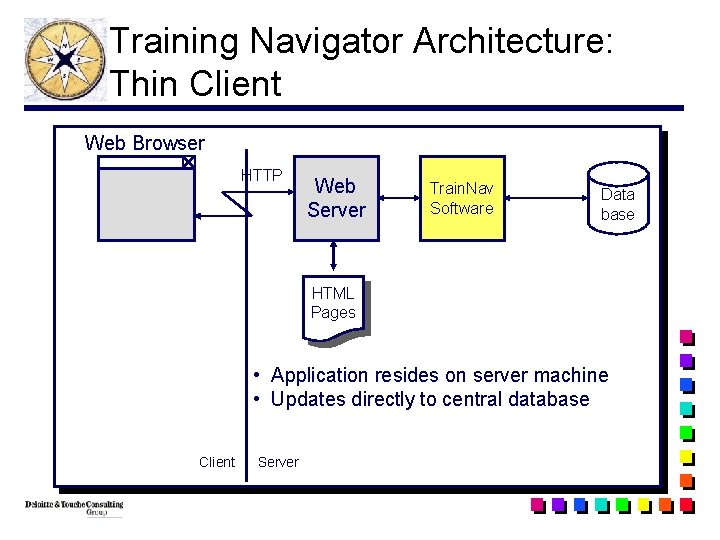
Training Navigator Architecture: Thin Client Web Browser HTTP Web Server Train. Nav Software Data base HTML Pages • Application resides on server machine • Updates directly to central database Client Server
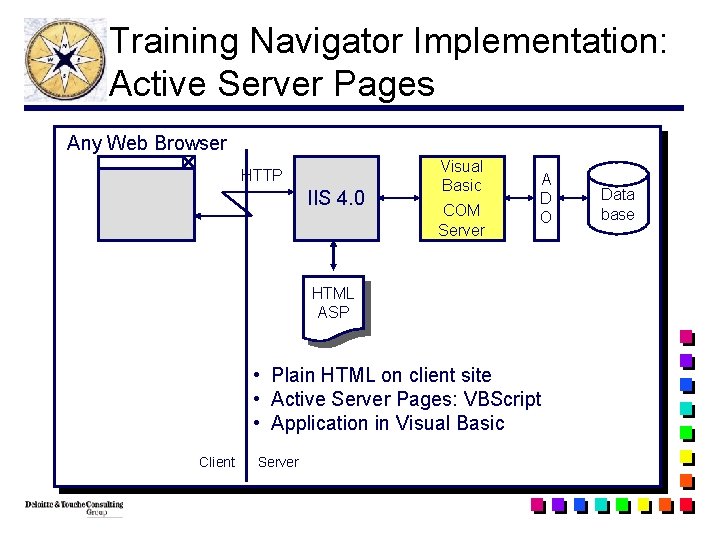
Training Navigator Implementation: Active Server Pages Any Web Browser HTTP IIS 4. 0 Visual Basic COM Server A D O HTML ASP • Plain HTML on client site • Active Server Pages: VBScript • Application in Visual Basic Client Server Data base
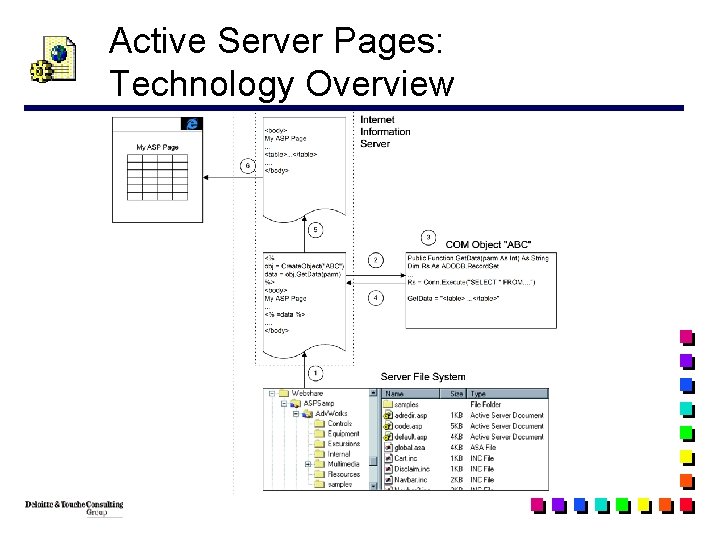
Active Server Pages: Technology Overview
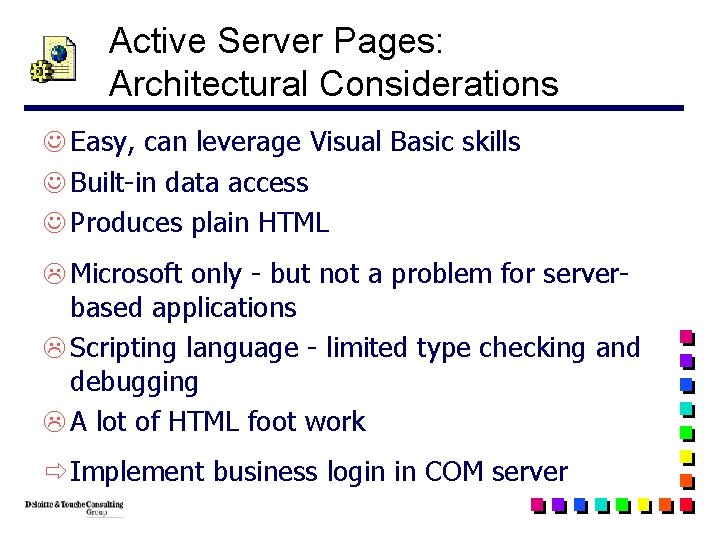
Active Server Pages: Architectural Considerations J Easy, can leverage Visual Basic skills J Built-in data access J Produces plain HTML L Microsoft only - but not a problem for serverbased applications L Scripting language - limited type checking and debugging L A lot of HTML foot work ð Implement business login in COM server
Skill Sets
Skill Sets q Choice of tools does not necessarily limit your architectural options q Biggest challenge: staying up to date ð Ride the Muni / BART, read magazines! l Microsoft Interactive Developer l Internet World l Software Development
Summary q Software architecture is an interesting and often times overlooked area q Architectural choices are critical to project success q Diverse skill set is required q Interface with clients and technologists q Become a software architect!
Questions / Discussion