
Arduino Raspberry Pi Development Environment Framingham Maker Space
Arduino – Raspberry Pi Development Environment Framingham Maker. Space Presentation Saman Amighi 05/2014 ® Raspberry Pi Foundation

Arduino Environment Arduino. cc Java based development C/C++ style coding Downloads of the IDE environment AVR and Gcc/G++ command line utilities
Arduino Raspi Environment Build and Upload Arduino code on Raspberry Pi Low cost solution Isolate circuitry Allows upload or serial output for multiple Arudinos With a Hub Or multiple Raspberry Pis
Development Environment Headless Development Where? Work on the Raspberry PI Work on your own Computer How? Which editor to use Locally - VI, EMACS, NANO, etc. Remotely - Windows- Notepad, Mac – Text. Wrangler Required native SFTP and backups

Environment Setup Install latest code on Raspi Using your favorite method Isolate and build a new Raspi SD card apt-get update and apt-get upgrade Make a backup on Windows or SD card Install Arduino 1. 0. 1 Upgrade to Arduino 1. 0. 5 (as of May 2014) Install github INO for command line function
Environment Setup (cont’d) Install Arduino 1. 0. 1 sudo apt-get install arduino Reference http: //tech. cyborg 5. com/2013/05/30/irlib-tutorial-part-3 d -installing-the-arduino-ide-on-a-raspberry-pi/
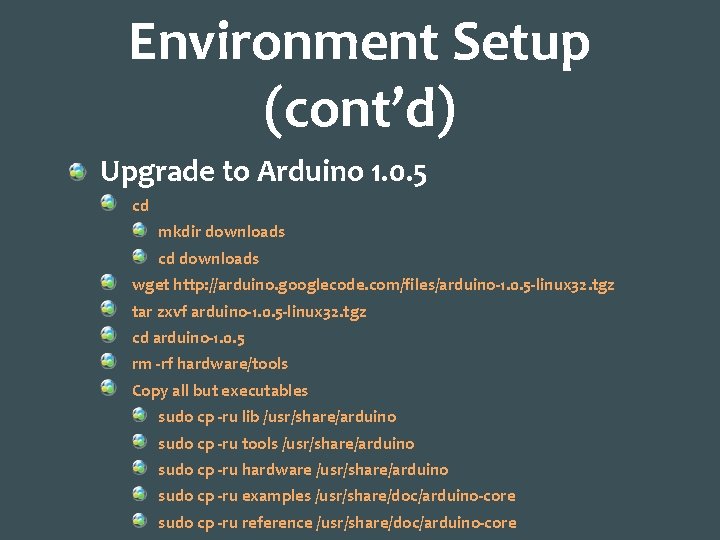
Environment Setup (cont’d) Upgrade to Arduino 1. 0. 5 cd mkdir downloads cd downloads wget http: //arduino. googlecode. com/files/arduino-1. 0. 5 -linux 32. tgz tar zxvf arduino-1. 0. 5 -linux 32. tgz cd arduino-1. 0. 5 rm -rf hardware/tools Copy all but executables sudo cp -ru lib /usr/share/arduino sudo cp -ru tools /usr/share/arduino sudo cp -ru hardware /usr/share/arduino sudo cp -ru examples /usr/share/doc/arduino-core sudo cp -ru reference /usr/share/doc/arduino-core
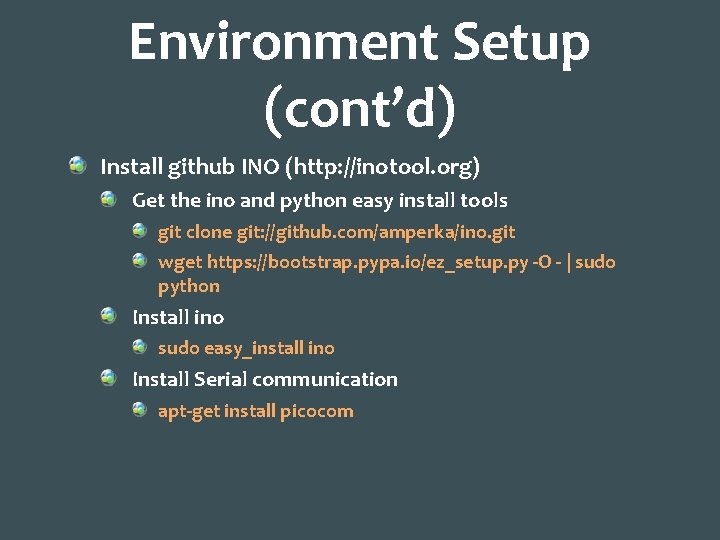
Environment Setup (cont’d) Install github INO (http: //inotool. org) Get the ino and python easy install tools git clone git: //github. com/amperka/ino. git wget https: //bootstrap. pypa. io/ez_setup. py -O - | sudo python Install ino sudo easy_install ino Install Serial communication apt-get install picocom
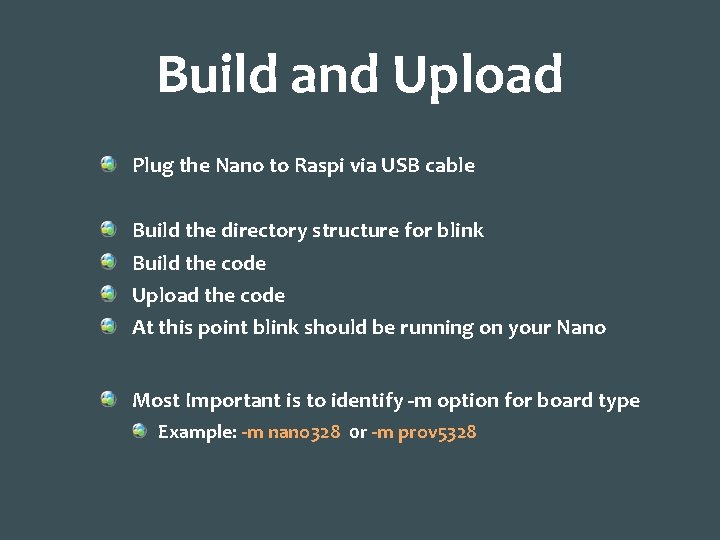
Build and Upload Plug the Nano to Raspi via USB cable Build the directory structure for blink Build the code Upload the code At this point blink should be running on your Nano Most Important is to identify -m option for board type Example: -m nano 328 0 r -m prov 5328
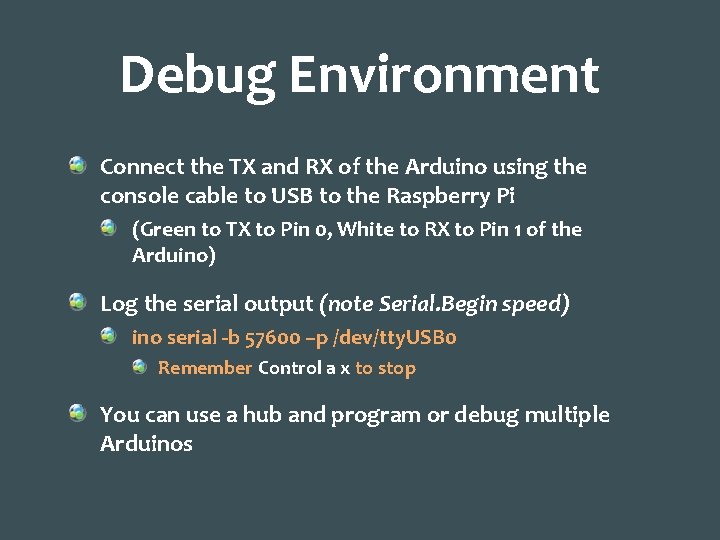
Debug Environment Connect the TX and RX of the Arduino using the console cable to USB to the Raspberry Pi (Green to TX to Pin 0, White to RX to Pin 1 of the Arduino) Log the serial output (note Serial. Begin speed) ino serial -b 57600 –p /dev/tty. USB 0 Remember Control a x to stop You can use a hub and program or debug multiple Arduinos
![More on ino commands usage: ino [-h] {list-models , preproc, upload, init, build, clean,](http://slidetodoc.com/presentation_image_h2/decec8d5af540b96c39e567551aa8a85/image-11.jpg "More on ino commands usage: ino [-h] {list-models , preproc, upload, init, build, clean,")
More on ino commands usage: ino [-h] {list-models , preproc, upload, init, build, clean, serial} init – setup blink or empty sketch clean – erase and clean all build settings build – build the code based on board model upload – upload code to the board serial – similar to Arduino IDE, work with serial output list-models – list board models
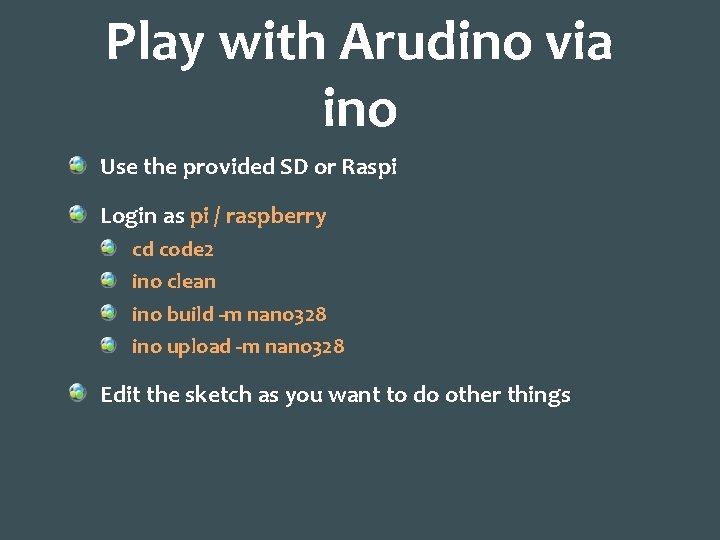
Play with Arudino via ino Use the provided SD or Raspi Login as pi / raspberry cd code 2 ino clean ino build -m nano 328 ino upload -m nano 328 Edit the sketch as you want to do other things
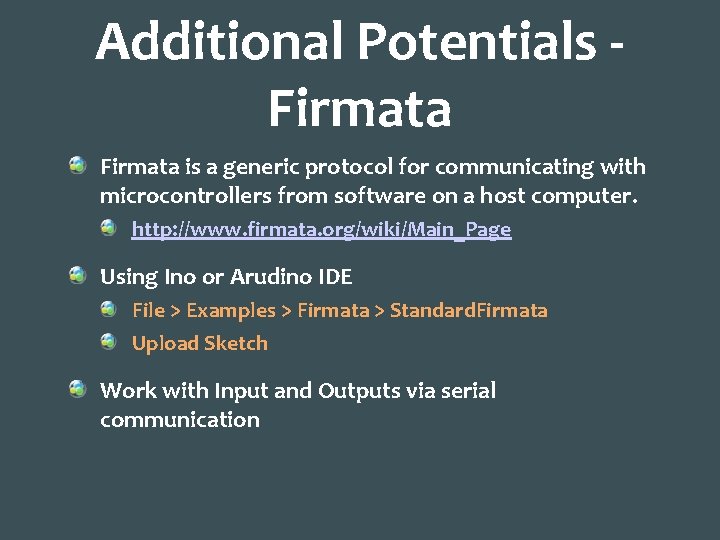
Additional Potentials Firmata is a generic protocol for communicating with microcontrollers from software on a host computer. http: //www. firmata. org/wiki/Main_Page Using Ino or Arudino IDE File > Examples > Firmata > Standard. Firmata Upload Sketch Work with Input and Outputs via serial communication
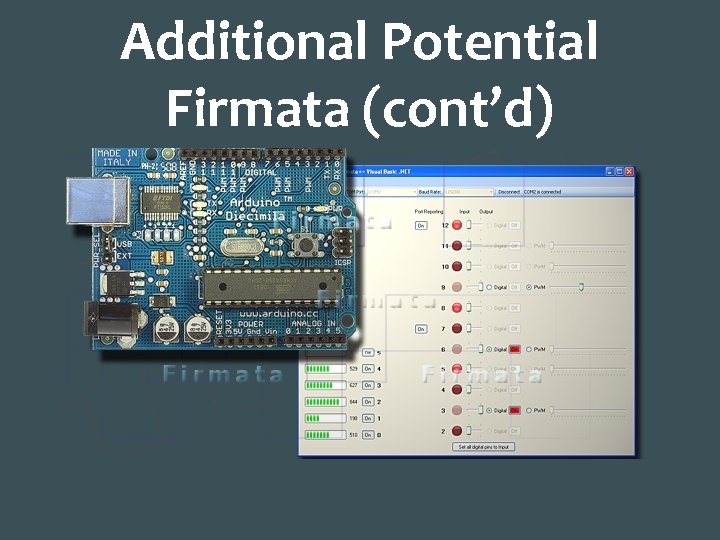
Additional Potential Firmata (cont’d)
Q&A Raspberry Pi installation steps? Why would you do this? Next steps?
- Slides: 15