
ARDUINO CLUB Session 1 C An Introduction to
ARDUINO CLUB Session 1: C & An Introduction to Linux
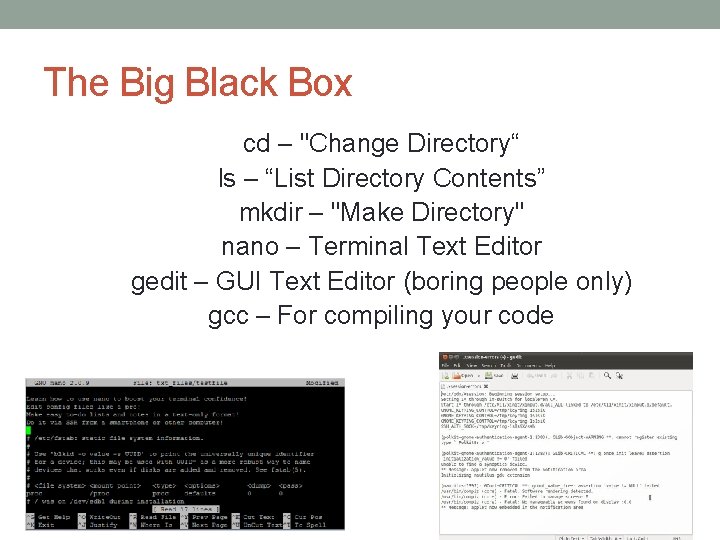
The Big Black Box cd – "Change Directory“ ls – “List Directory Contents” mkdir – "Make Directory" nano – Terminal Text Editor gedit – GUI Text Editor (boring people only) gcc – For compiling your code
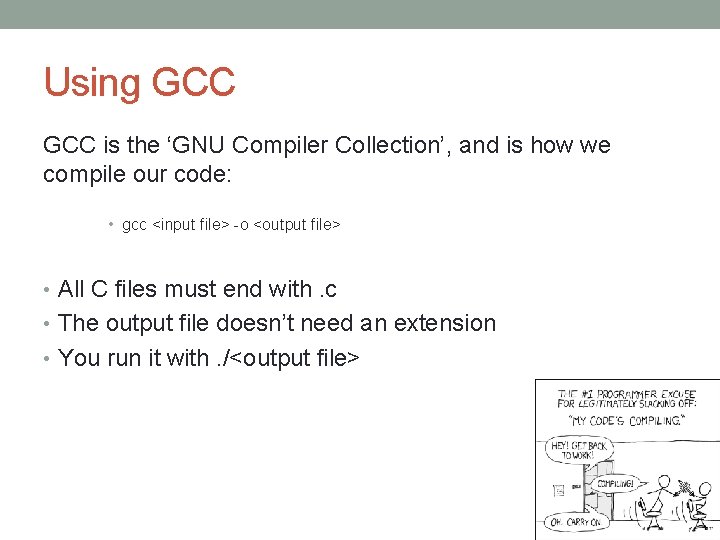
Using GCC is the ‘GNU Compiler Collection’, and is how we compile our code: • gcc <input file> -o <output file> • All C files must end with. c • The output file doesn’t need an extension • You run it with. /<output file>
Basic Program Outline • Pre-processor Commands • Function definitions • Global Variables • Functions
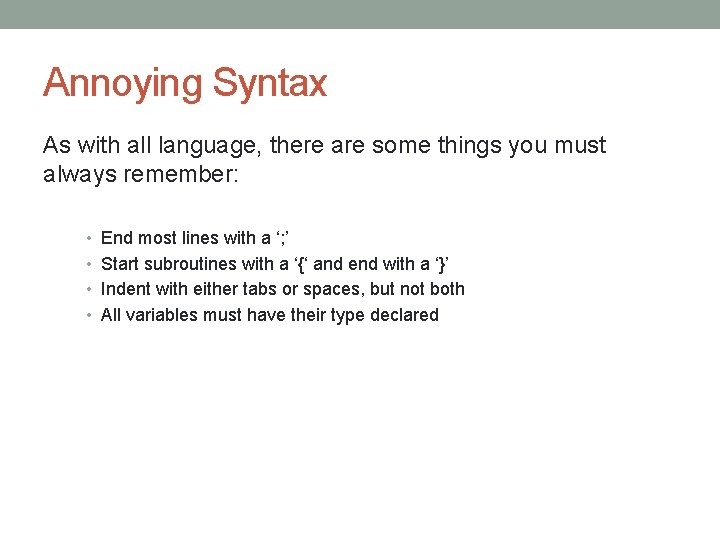
Annoying Syntax As with all language, there are some things you must always remember: • End most lines with a ‘; ’ • Start subroutines with a ‘{‘ and end with a ‘}’ • Indent with either tabs or spaces, but not both • All variables must have their type declared
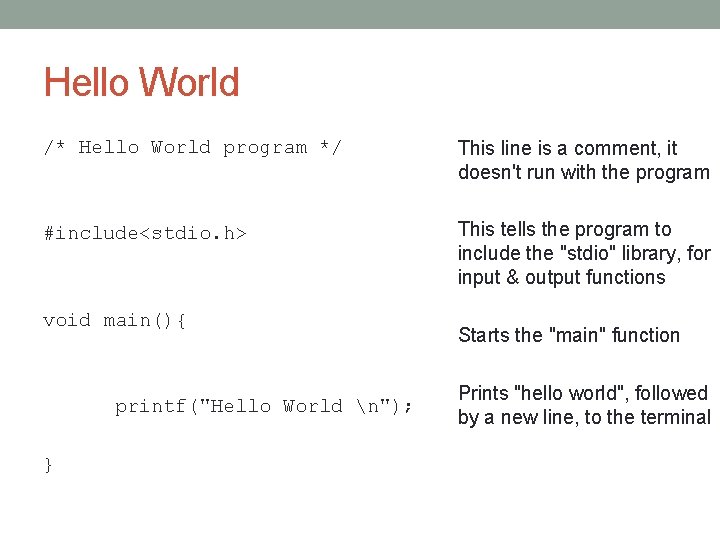
Hello World /* Hello World program */ This line is a comment, it doesn't run with the program #include<stdio. h> This tells the program to include the "stdio" library, for input & output functions void main(){ printf("Hello World n"); } Starts the "main" function Prints "hello world", followed by a new line, to the terminal
STORING VALUES
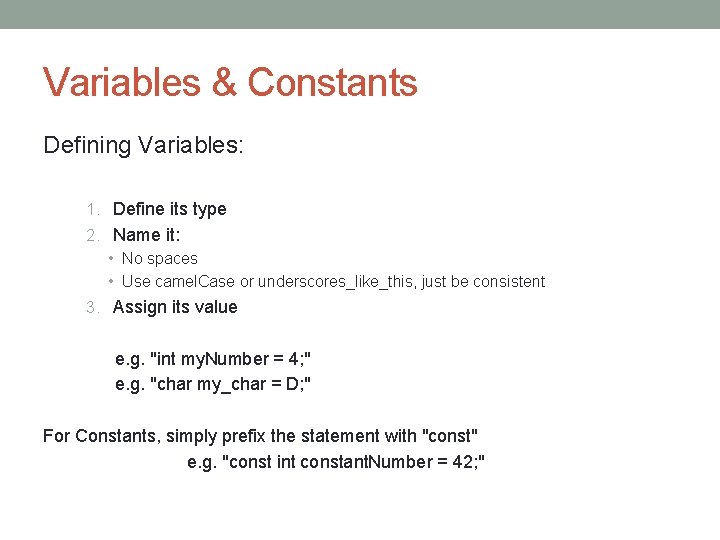
Variables & Constants Defining Variables: 1. Define its type 2. Name it: • No spaces • Use camel. Case or underscores_like_this, just be consistent 3. Assign its value e. g. "int my. Number = 4; " e. g. "char my_char = D; " For Constants, simply prefix the statement with "const" e. g. "const int constant. Number = 42; "
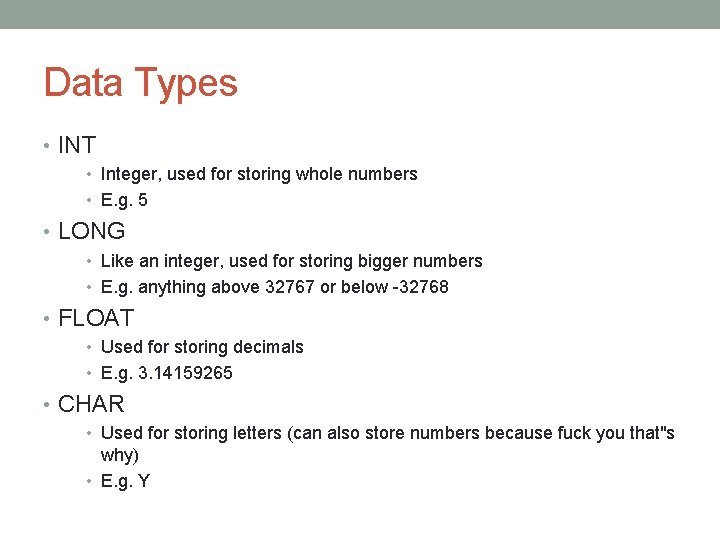
Data Types • INT • Integer, used for storing whole numbers • E. g. 5 • LONG • Like an integer, used for storing bigger numbers • E. g. anything above 32767 or below -32768 • FLOAT • Used for storing decimals • E. g. 3. 14159265 • CHAR • Used for storing letters (can also store numbers because fuck you that"s why) • E. g. Y
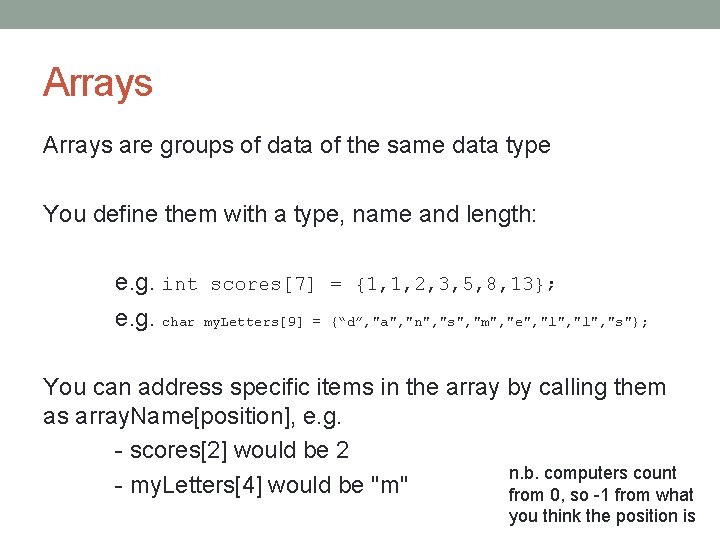
Arrays are groups of data of the same data type You define them with a type, name and length: e. g. int scores[7] = {1, 1, 2, 3, 5, 8, 13}; e. g. char my. Letters[9] = {“d”, "a", "n", "s", "m", "e", "l", "s"}; You can address specific items in the array by calling them as array. Name[position], e. g. - scores[2] would be 2 n. b. computers count - my. Letters[4] would be "m" from 0, so -1 from what you think the position is
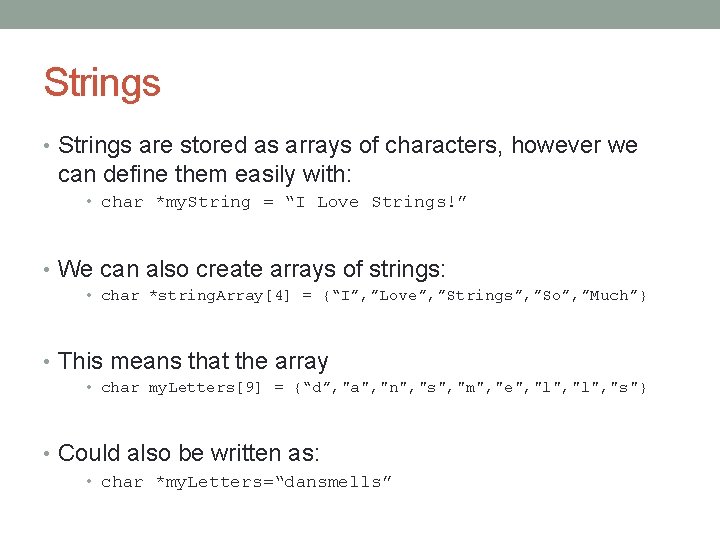
Strings • Strings are stored as arrays of characters, however we can define them easily with: • char *my. String = “I Love Strings!” • We can also create arrays of strings: • char *string. Array[4] = {“I”, ”Love”, ”Strings”, ”So”, ”Much”} • This means that the array • char my. Letters[9] = {“d”, "a", "n", "s", "m", "e", "l", "s"} • Could also be written as: • char *my. Letters=“dansmells”
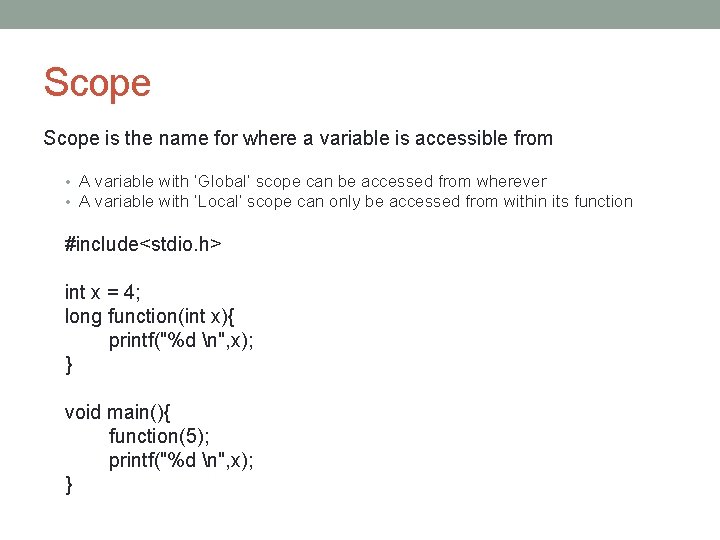
Scope is the name for where a variable is accessible from • A variable with ‘Global’ scope can be accessed from wherever • A variable with ‘Local’ scope can only be accessed from within its function #include<stdio. h> int x = 4; long function(int x){ printf("%d n", x); } void main(){ function(5); printf("%d n", x); }
BASIC MATHS
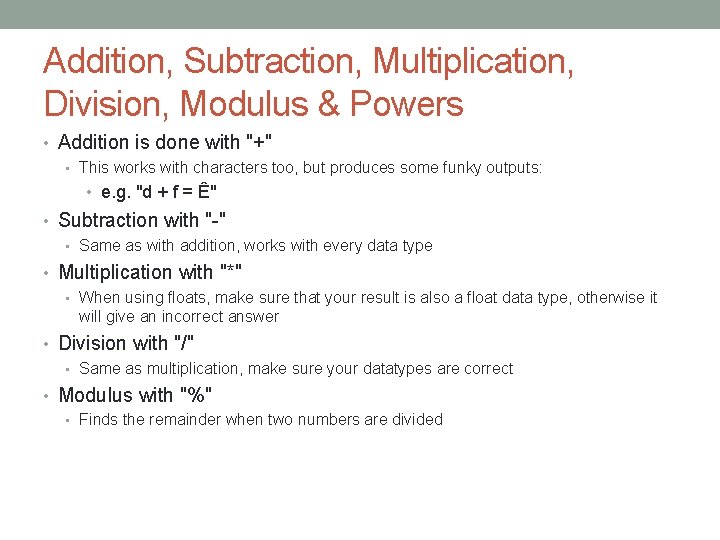
Addition, Subtraction, Multiplication, Division, Modulus & Powers • Addition is done with "+" • This works with characters too, but produces some funky outputs: • e. g. "d + f = Ê" • Subtraction with "-" • Same as with addition, works with every data type • Multiplication with "*" • When using floats, make sure that your result is also a float data type, otherwise it will give an incorrect answer • Division with "/" • Same as multiplication, make sure your datatypes are correct • Modulus with "%" • Finds the remainder when two numbers are divided
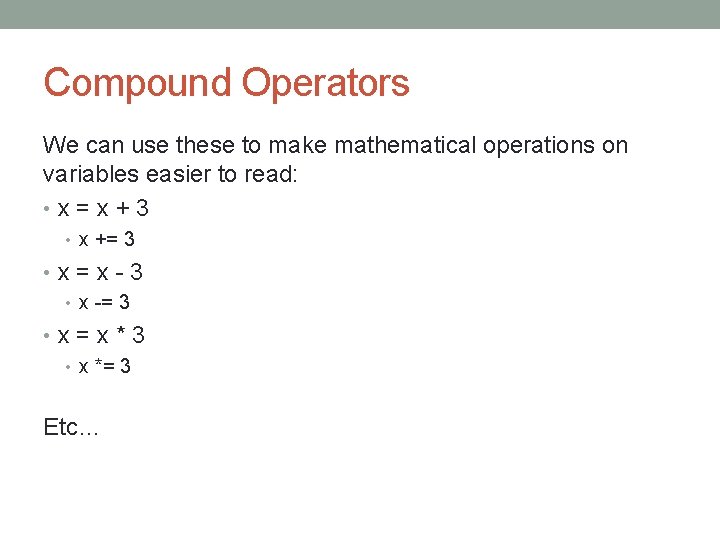
Compound Operators We can use these to make mathematical operations on variables easier to read: • x = x + 3 • x += 3 • x = x - 3 • x -= 3 • x = x * 3 • x *= 3 Etc…
INPUT & OUTPUT
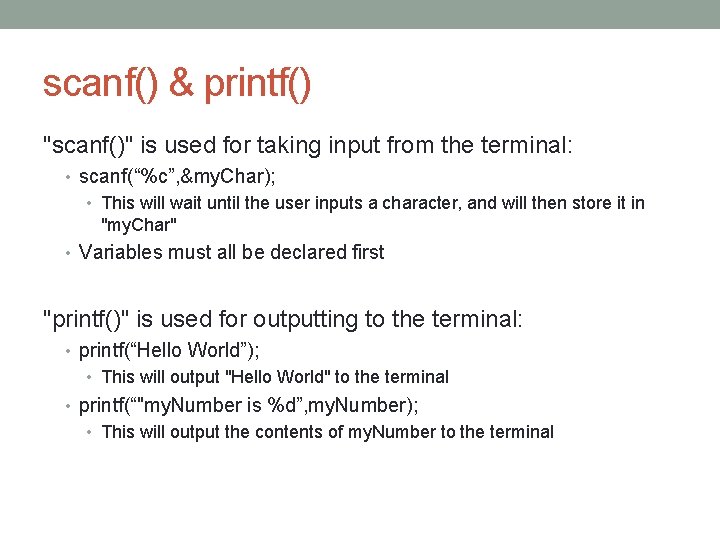
scanf() & printf() "scanf()" is used for taking input from the terminal: • scanf(“%c”, &my. Char); • This will wait until the user inputs a character, and will then store it in "my. Char" • Variables must all be declared first "printf()" is used for outputting to the terminal: • printf(“Hello World”); • This will output "Hello World" to the terminal • printf(“"my. Number is %d”, my. Number); • This will output the contents of my. Number to the terminal
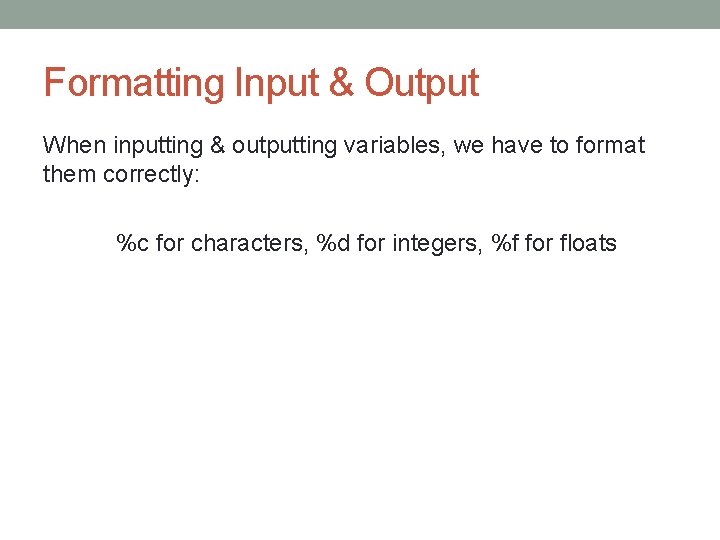
Formatting Input & Output When inputting & outputting variables, we have to format them correctly: %c for characters, %d for integers, %f for floats
CONDITIONALS
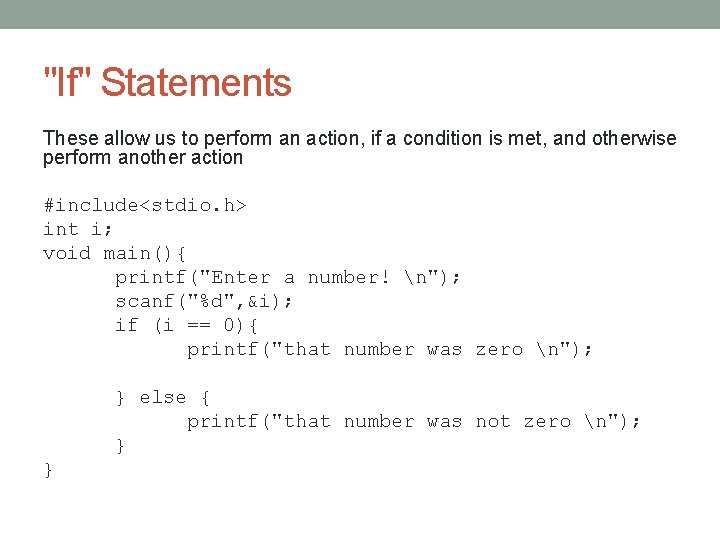
"If" Statements These allow us to perform an action, if a condition is met, and otherwise perform another action #include<stdio. h> int i; void main(){ printf("Enter a number! n"); scanf("%d", &i); if (i == 0){ printf("that number was zero n"); } else { printf("that number was not zero n"); } }
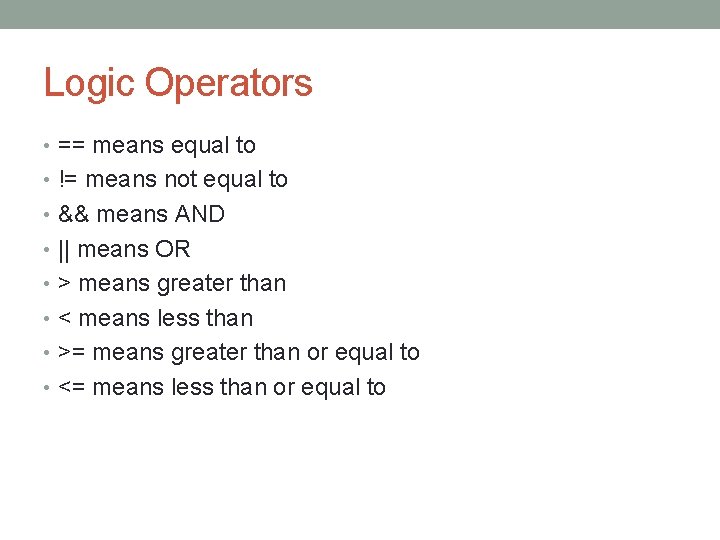
Logic Operators • == means equal to • != means not equal to • && means AND • || means OR • > means greater than • < means less than • >= means greater than or equal to • <= means less than or equal to
LOOPS
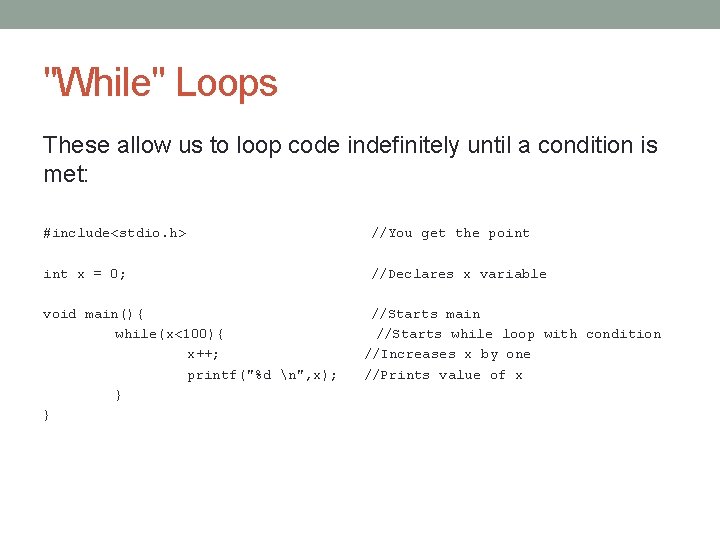
"While" Loops These allow us to loop code indefinitely until a condition is met: #include<stdio. h> //You get the point x = 0; //Declares x variable void main(){ while(x<100){ x++; printf("%d n", x); } } //Starts main //Starts while loop with condition //Increases x by one //Prints value of x
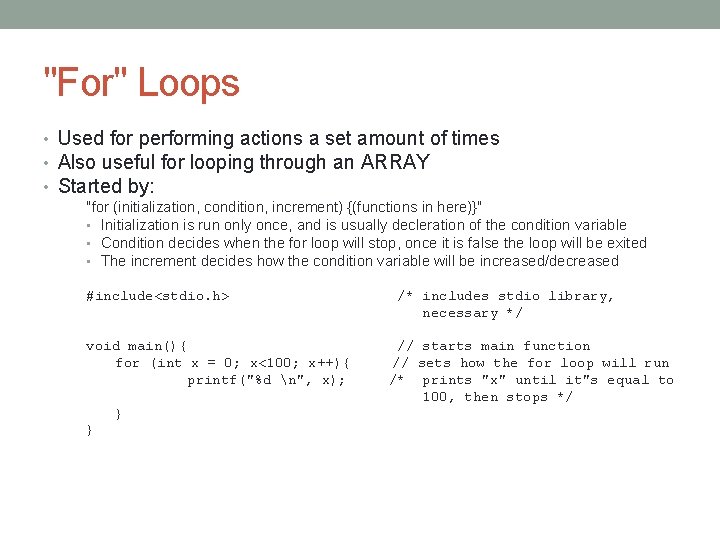
"For" Loops • Used for performing actions a set amount of times • Also useful for looping through an ARRAY • Started by: "for (initialization, condition, increment) {(functions in here)}" • Initialization is run only once, and is usually decleration of the condition variable • Condition decides when the for loop will stop, once it is false the loop will be exited • The increment decides how the condition variable will be increased/decreased #include<stdio. h> void main(){ for (int x = 0; x<100; x++){ printf("%d n", x); } } /* includes stdio library, necessary */ // starts main function // sets how the for loop will run /* prints "x" until it"s equal to 100, then stops */
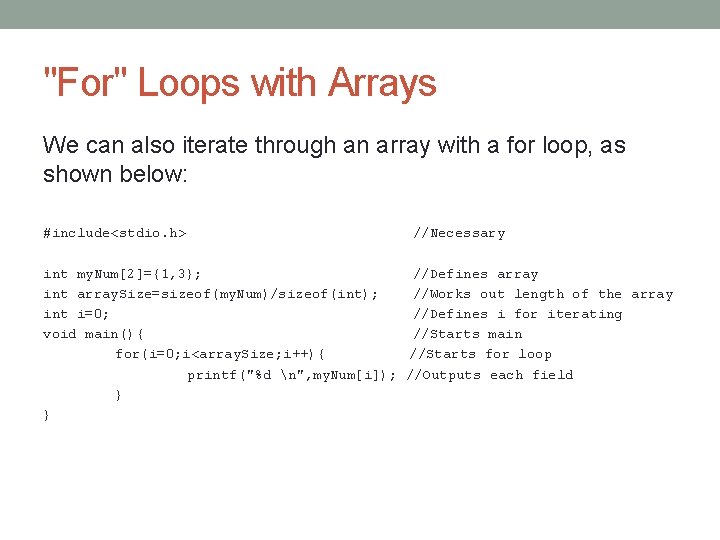
"For" Loops with Arrays We can also iterate through an array with a for loop, as shown below: #include<stdio. h> //Necessary int my. Num[2]={1, 3}; //Defines array int array. Size=sizeof(my. Num)/sizeof(int); //Works out length of the array int i=0; //Defines i for iterating void main(){ //Starts main for(i=0; i<array. Size; i++){ //Starts for loop printf("%d n", my. Num[i]); //Outputs each field } }
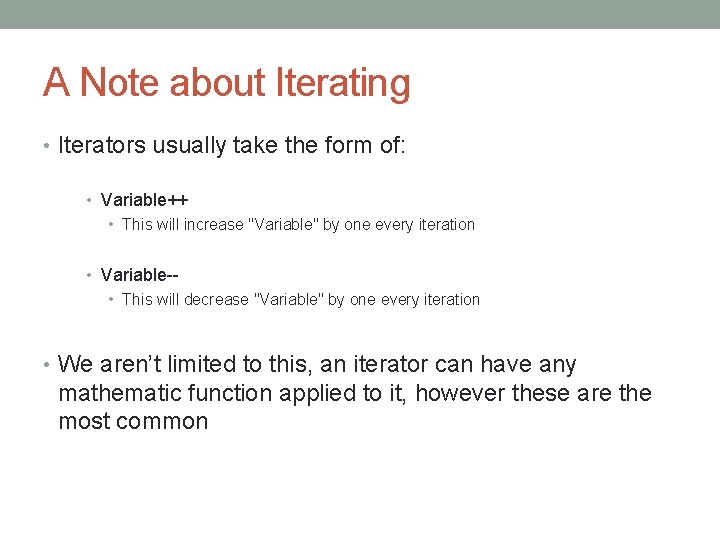
A Note about Iterating • Iterators usually take the form of: • Variable++ • This will increase "Variable" by one every iteration • Variable- • This will decrease "Variable" by one every iteration • We aren’t limited to this, an iterator can have any mathematic function applied to it, however these are the most common
FUNCTIONS
Why use functions? • Less repeated code • Easier to fix bad code • Neater
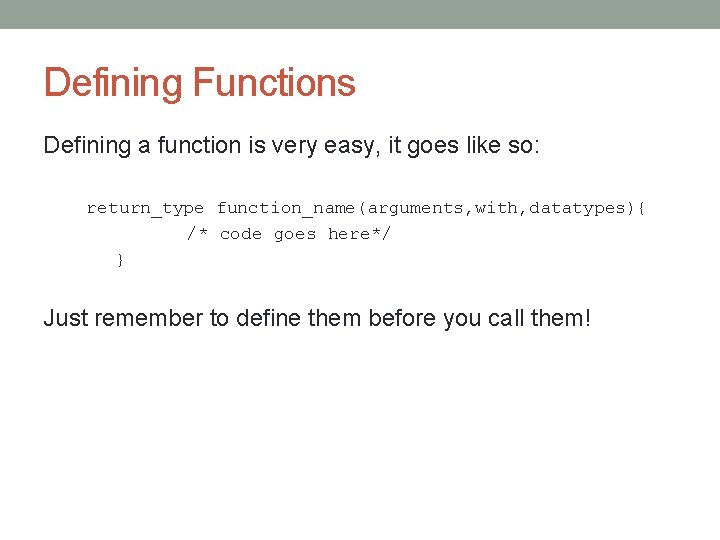
Defining Functions Defining a function is very easy, it goes like so: return_type function_name(arguments, with, datatypes){ /* code goes here*/ } Just remember to define them before you call them!
Calling Functions Calling a function is even easier: function_name(arguments);
Variables can be functions too! If we do x = function. Name(arguments) x will then hold the return value of the function ‘function. Name’
- Slides: 31