
Arduino and the Web The Ethernet Shield This
Arduino and the Web
The Ethernet Shield �This shield allows the Arduino to be plugged into a network and ultimately talk to the web �The Ethernet library takes care of assigning an IP address and offers functions to talk to the web �Search the web for more details on how the web works as that is out of the scope of this course �DHCP, DNS, IP, GET, POST are some key words
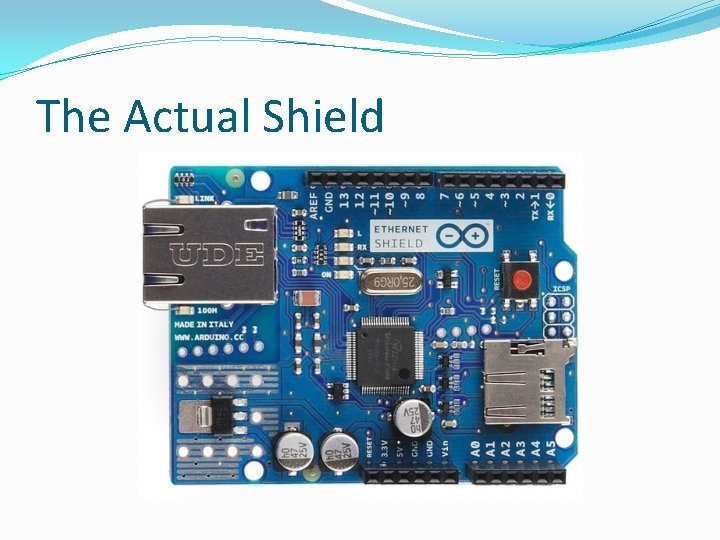
The Actual Shield
Sandbox Network �Since Lehigh’s network is quite complex, it is easier to create our own personal network to wire the shield to �Take an ordinary router and plug the WAN/Internet port into the Ethernet jack in the lab �Plug the Arduino shield into one of the open LAN ports �Connect your laptop to this network too to test if internet is up and running �This will help eliminate errors when developing for the web with Arduino
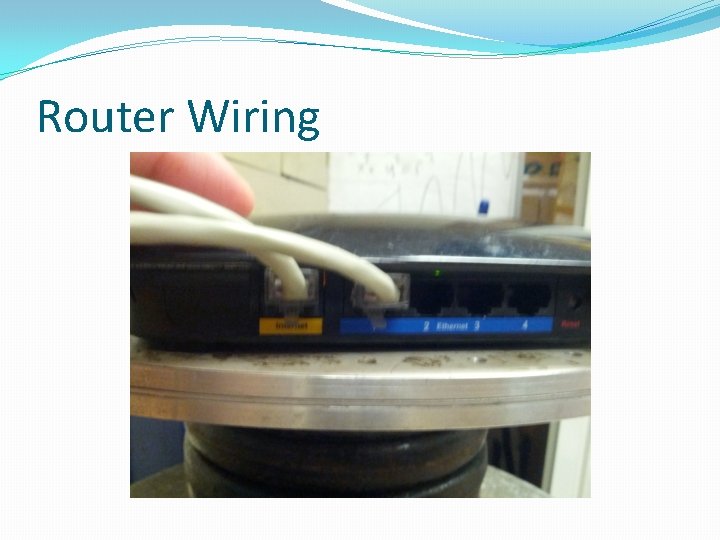
Router Wiring
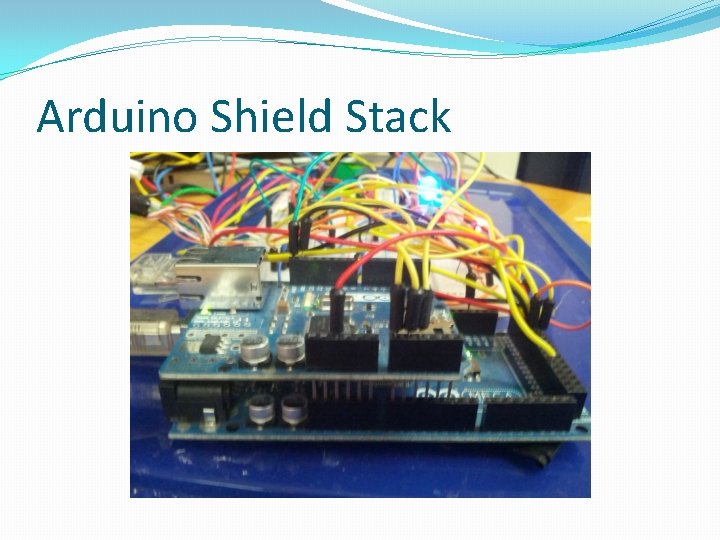
Arduino Shield Stack
Method to our Madness �You will notice small dashes next to some of the pins on the shield �These pins are the ones used for communication between the Arduino and the Ethernet chip �This is why we left these ports open during the development of the chamber �Remember the 6 P’s of success �Prior Planning Prevents Piss Poor Perfomance
The Test �To test that we can communication with the web run the Ethernet example �Examples->Ethernet->Web Client �In Arduino 1. 0. 1 there is an error in the example that will prevent the Arduino from downloading from the web �They are using the wrong IP address for Google! �Change the Server ip to server(74, 125, 224, 72) and give it a go! �A sample of the serial output is on the next page �Be sure to set the serial console to 9600 from the 57600 we are using for our chamber or else you will see gibberish displayed
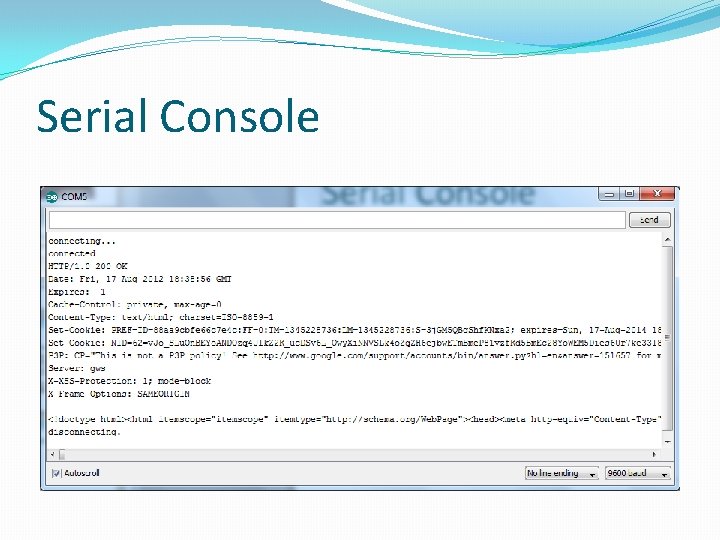
Serial Console
- Slides: 9