
Arc GIS PRO MIGRATION SUCCESSES AND LESSONS LEARNED

- Slides: 12
Arc. GIS PRO MIGRATION, SUCCESSES, AND LESSONS LEARNED
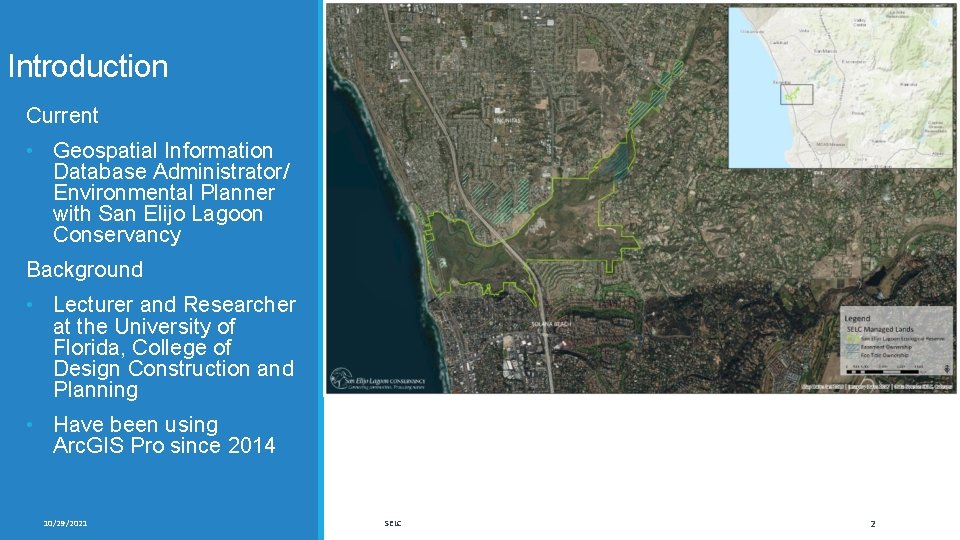
Introduction Current • Geospatial Information Database Administrator/ Environmental Planner with San Elijo Lagoon Conservancy Background • Lecturer and Researcher at the University of Florida, College of Design Construction and Planning • Have been using Arc. GIS Pro since 2014 10/29/2021 SELC 2
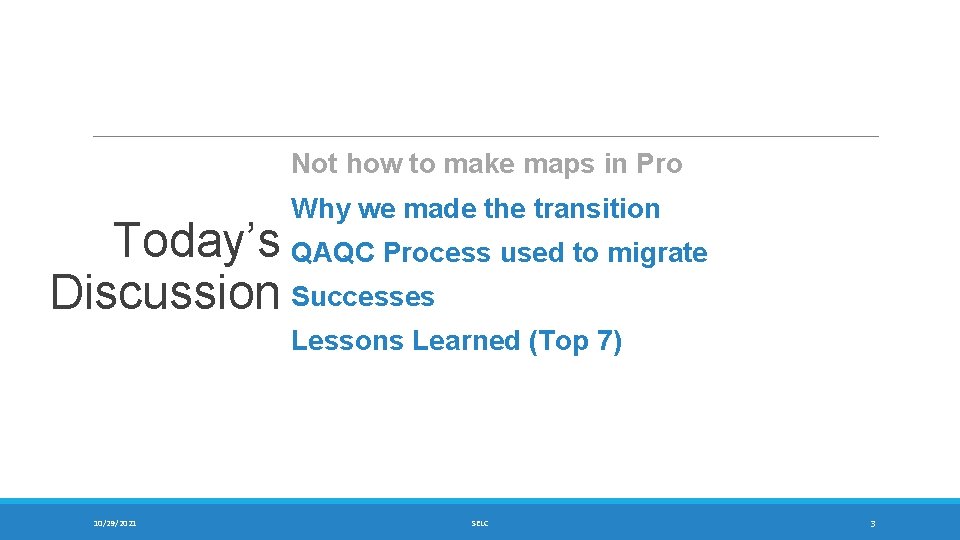
Not how to make maps in Pro Why we made the transition Today’s QAQC Process used to migrate Discussion Successes Lessons Learned (Top 7) 10/29/2021 SELC 3
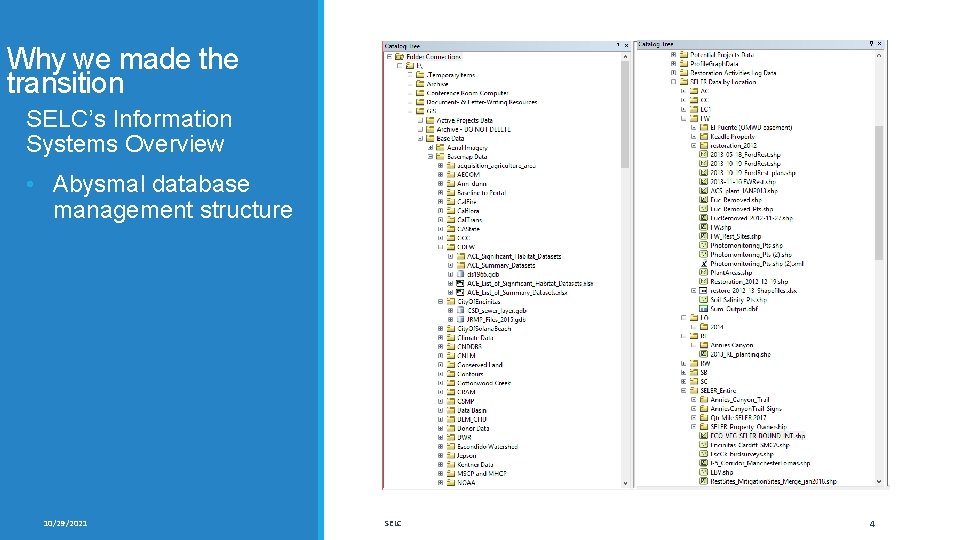
Why we made the transition SELC’s Information Systems Overview • Abysmal database management structure 10/29/2021 SELC 4
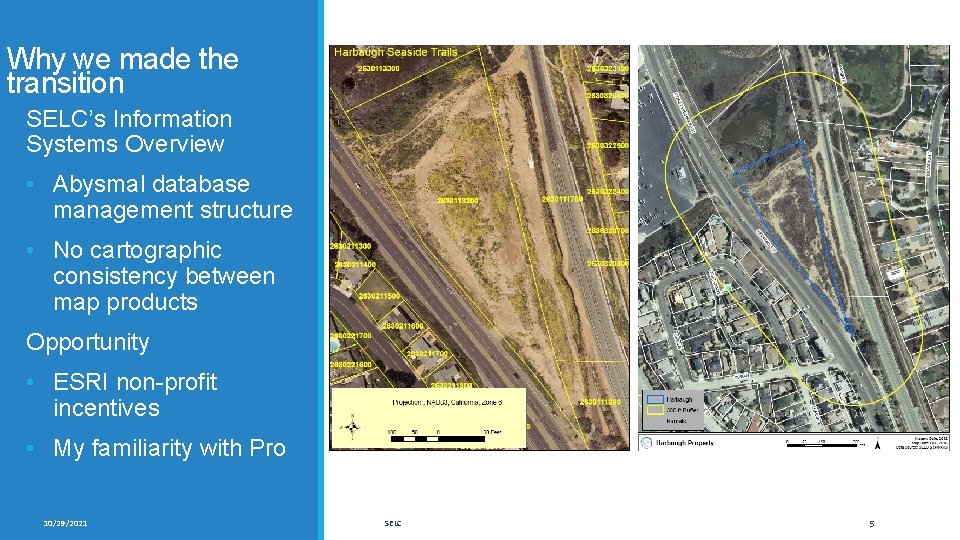
Why we made the transition SELC’s Information Systems Overview • Abysmal database management structure • No cartographic consistency between map products Opportunity • ESRI non-profit incentives • My familiarity with Pro 10/29/2021 SELC 5
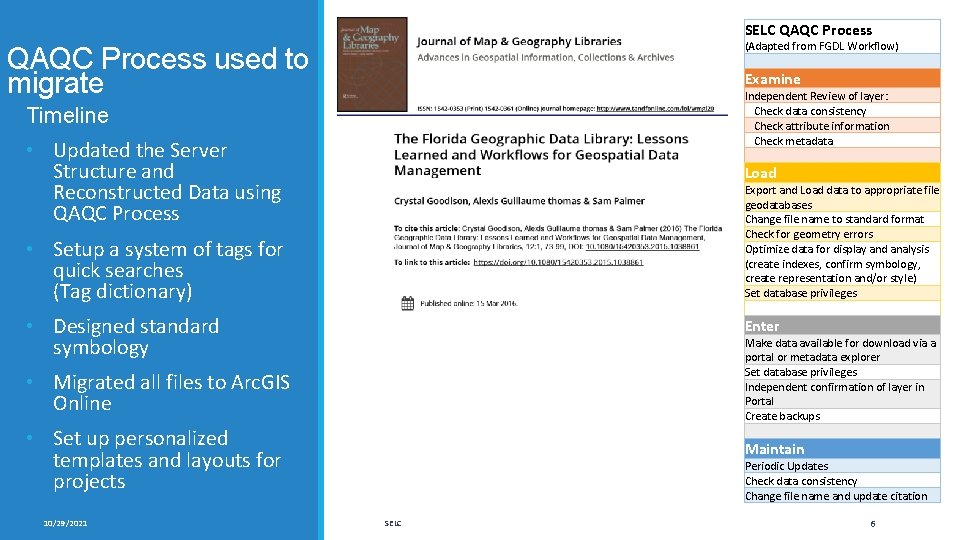
SELC QAQC Process (Adapted from FGDL Workflow) QAQC Process used to migrate Examine Independent Review of layer: Check data consistency Check attribute information Check metadata Timeline • Updated the Server Structure and Reconstructed Data using QAQC Process Load Export and Load data to appropriate file geodatabases Change file name to standard format Check for geometry errors Optimize data for display and analysis (create indexes, confirm symbology, create representation and/or style) Set database privileges • Setup a system of tags for quick searches (Tag dictionary) • Designed standard symbology Enter Make data available for download via a portal or metadata explorer Set database privileges Independent confirmation of layer in Portal Create backups • Migrated all files to Arc. GIS Online • Set up personalized templates and layouts for projects 10/29/2021 Maintain Periodic Updates Check data consistency Change file name and update citation SELC 6
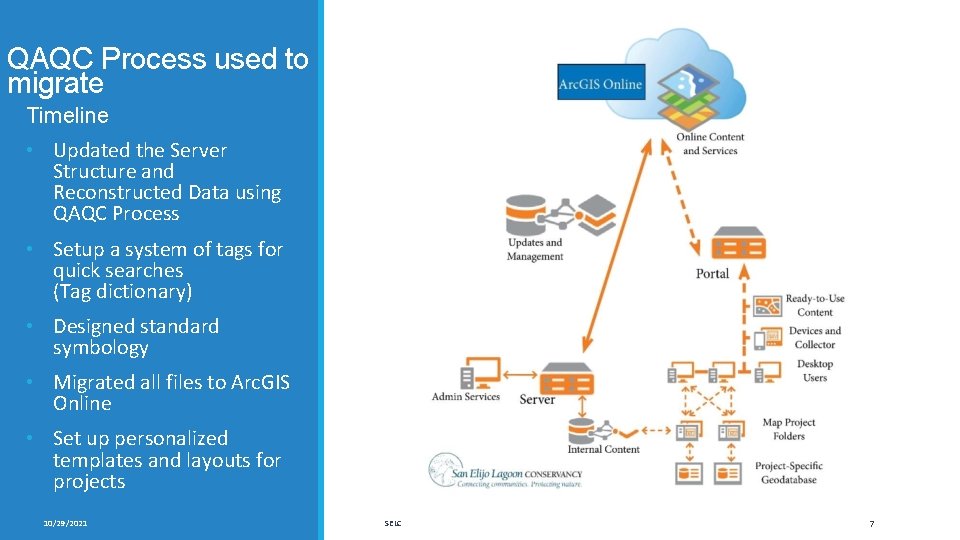
QAQC Process used to migrate Timeline • Updated the Server Structure and Reconstructed Data using QAQC Process • Setup a system of tags for quick searches (Tag dictionary) • Designed standard symbology • Migrated all files to Arc. GIS Online • Set up personalized templates and layouts for projects 10/29/2021 SELC 7
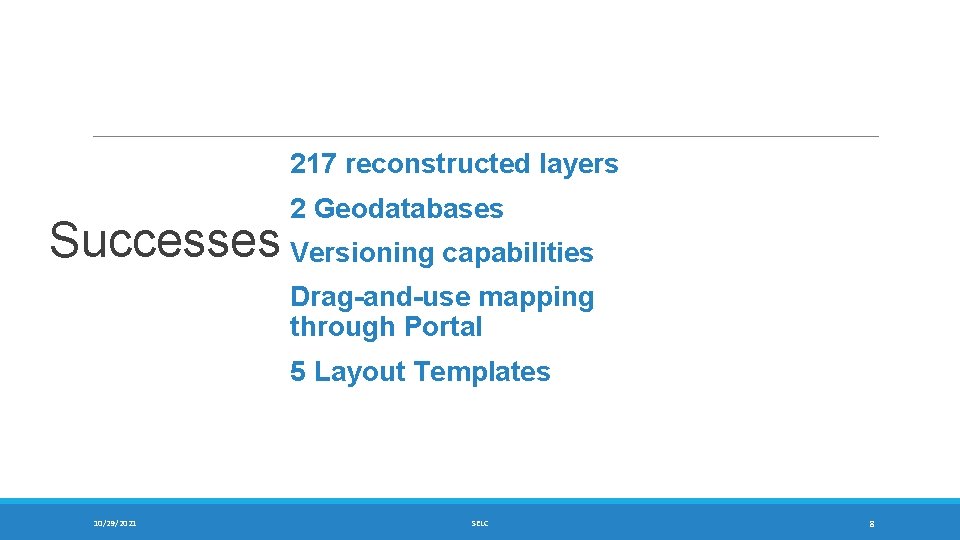
217 reconstructed layers 2 Geodatabases Successes Versioning capabilities Drag-and-use mapping through Portal 5 Layout Templates 10/29/2021 SELC 8
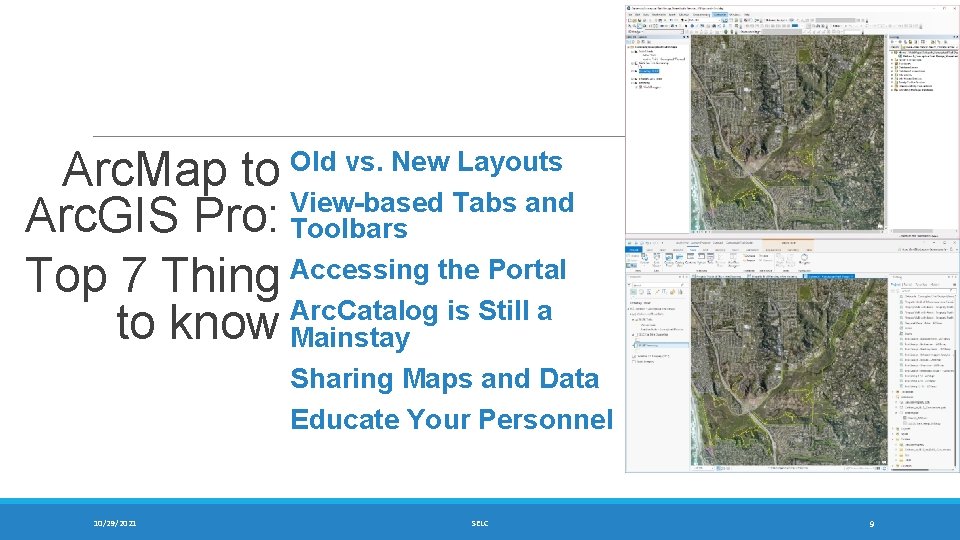
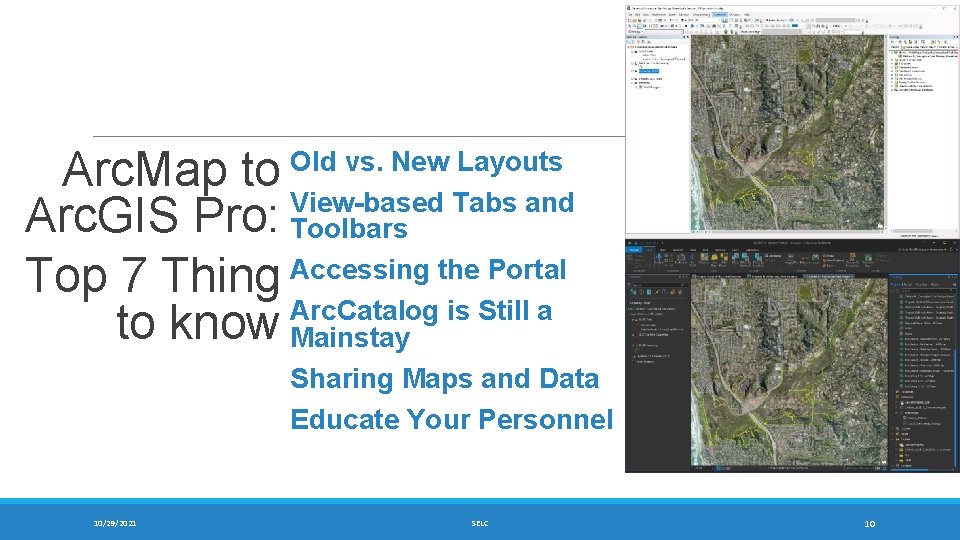
Arc. Map to Arc. GIS Pro: Top 7 Thing to know 10/29/2021 Old vs. New Layouts View-based Tabs and Toolbars Accessing the Portal Arc. Catalog is Still a Mainstay Sharing Maps and Data Educate Your Personnel SELC 9
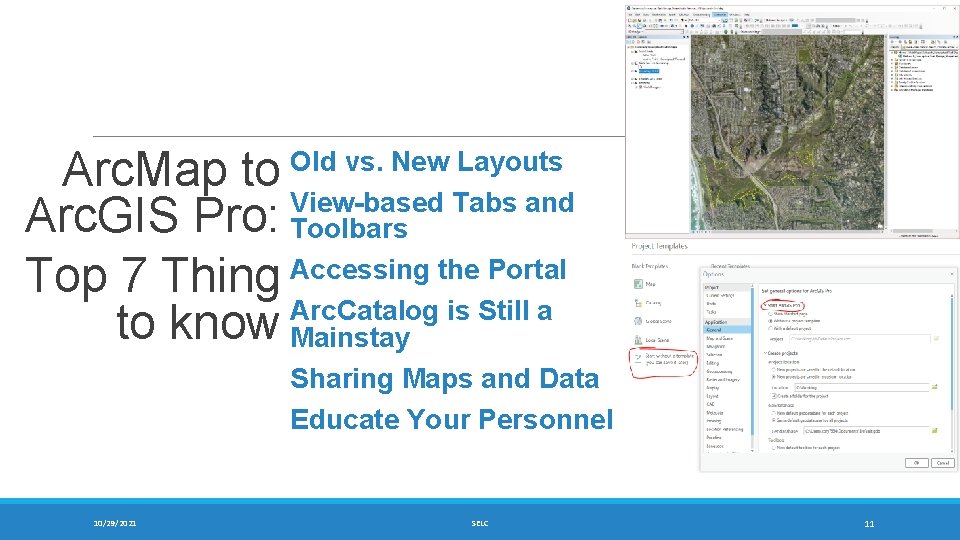
Arc. Map to Arc. GIS Pro: Top 7 Thing to know 10/29/2021 Old vs. New Layouts View-based Tabs and Toolbars Accessing the Portal Arc. Catalog is Still a Mainstay Sharing Maps and Data Educate Your Personnel SELC 10
Arc. Map to Arc. GIS Pro: Top 7 Thing to know 10/29/2021 Old vs. New Layouts View-based Tabs and Toolbars Accessing the Portal Arc. Catalog is Still a Mainstay Sharing Maps and Data Educate Your Personnel SELC 11
Questions? Thanks for listening! 10/29/2021 SELC 12