
Arc GIS Licensing and Copy Protection The mechanism

- Slides: 12
Arc. GIS Licensing and Copy Protection The mechanism to validate and enable your purchased Cory Viles Arc. GIS Software Peter D. Adams Nicholas Twohig Esri UC 2014 | Technical Workshop |
Session Agenda • Single Use License Model • Concurrent Use License Model • License Models for Other Products • Timeline of Functionality • Useful Information • Resources and Questions Esri UC 2014 | Technical Workshop | Arc. GIS Licensing and Copy Protection
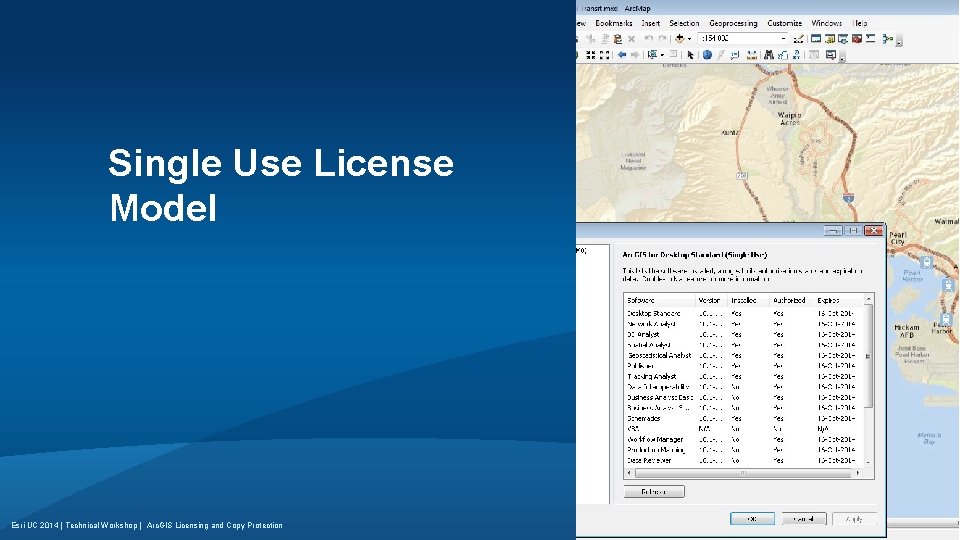
Single Use License Model Esri UC 2014 | Technical Workshop | Arc. GIS Licensing and Copy Protection
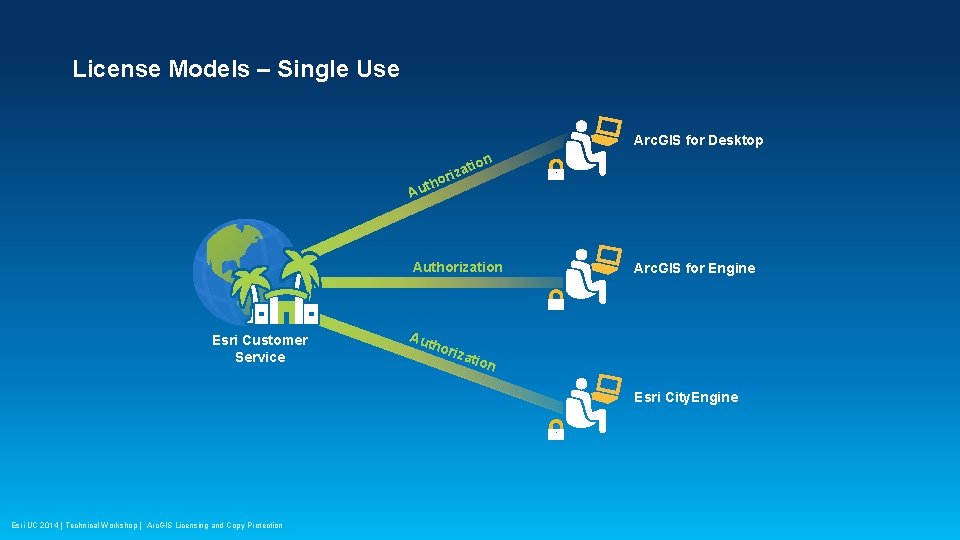
License Models – Single Use Arc. GIS for Desktop tion iza r o uth A Authorization Esri Customer Service Aut hor Arc. GIS for Engine izat ion Esri City. Engine Esri UC 2014 | Technical Workshop | Arc. GIS Licensing and Copy Protection
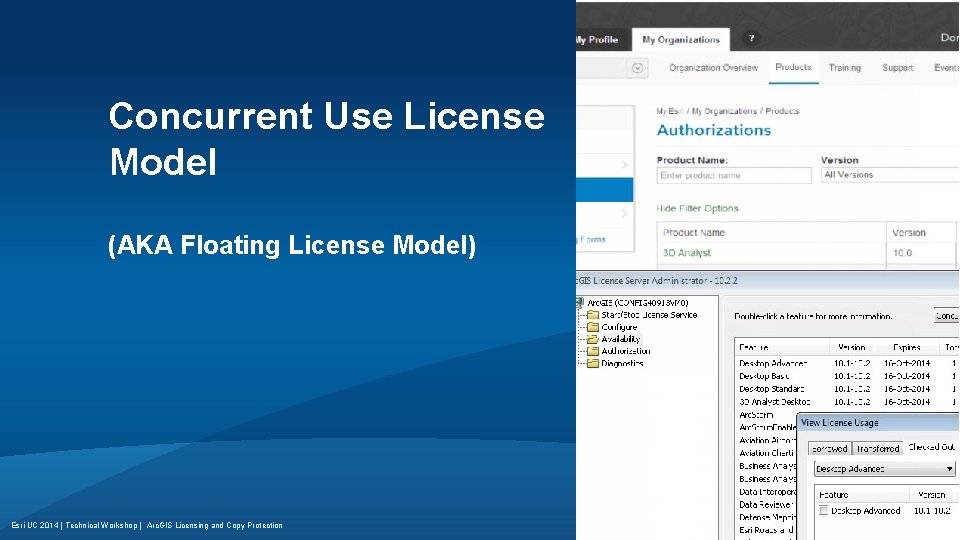
Concurrent Use License Model (AKA Floating License Model) Esri UC 2014 | Technical Workshop | Arc. GIS Licensing and Copy Protection
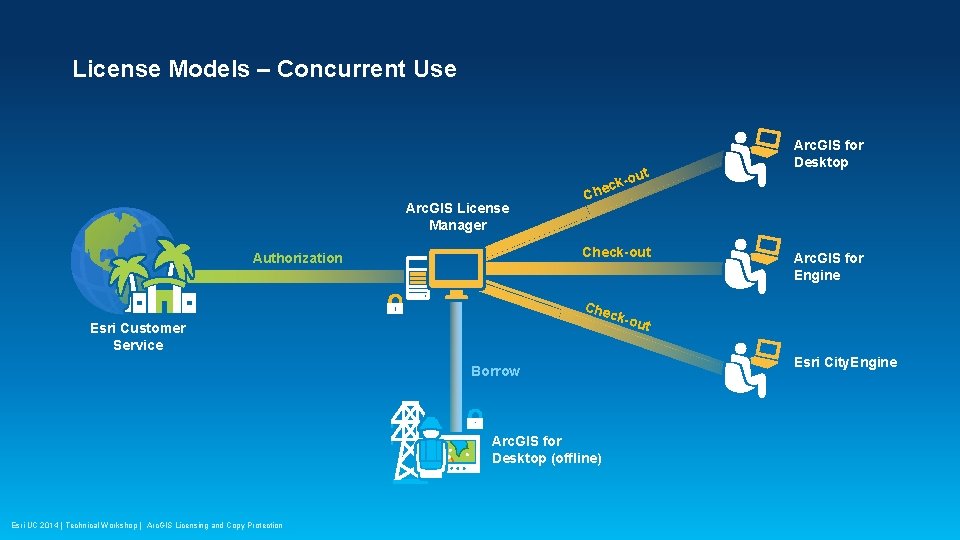
License Models – Concurrent Use Arc. GIS License Manager C t -ou k c he Check-out Authorization Che Arc. GIS for Engine ck-o Esri Customer Service Borrow Arc. GIS for Desktop (offline) Esri UC 2014 | Technical Workshop | Arc. GIS Licensing and Copy Protection Arc. GIS for Desktop ut Esri City. Engine
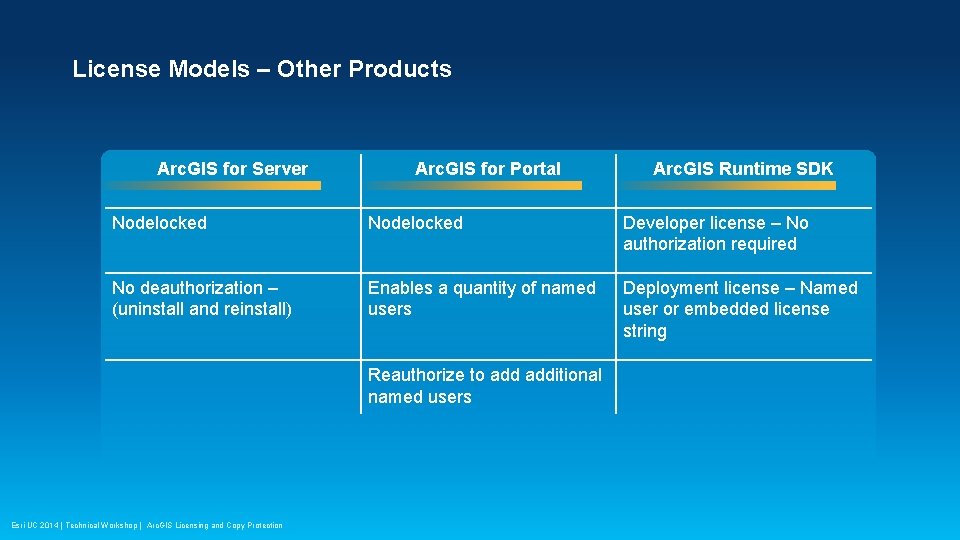
License Models – Other Products Arc. GIS for Server Arc. GIS for Portal Arc. GIS Runtime SDK Nodelocked Developer license – No authorization required No deauthorization – (uninstall and reinstall) Enables a quantity of named users Deployment license – Named user or embedded license string Reauthorize to additional named users Esri UC 2014 | Technical Workshop | Arc. GIS Licensing and Copy Protection
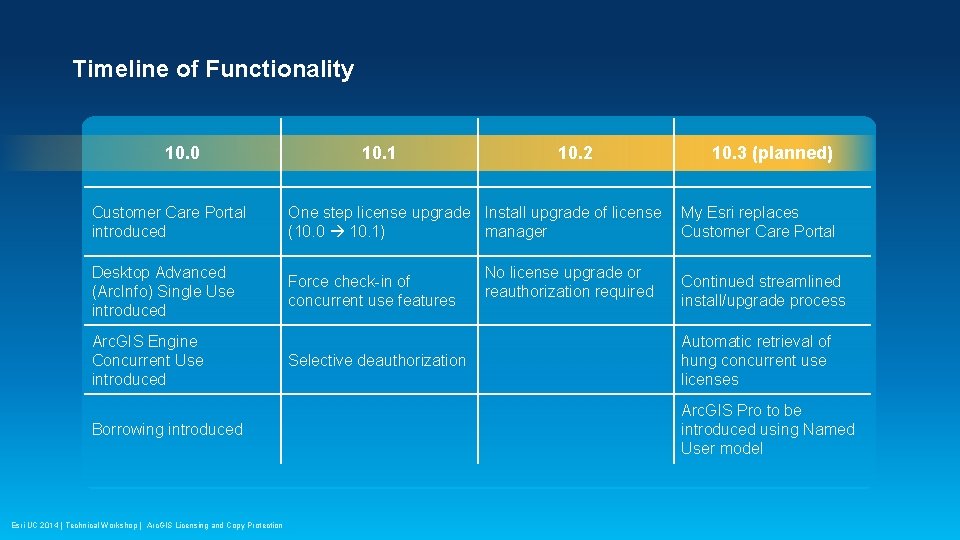
Timeline of Functionality 10. 0 10. 1 10. 2 Customer Care Portal introduced One step license upgrade Install upgrade of license (10. 0 10. 1) manager Desktop Advanced (Arc. Info) Single Use introduced Force check-in of concurrent use features Arc. GIS Engine Concurrent Use introduced Borrowing introduced Esri UC 2014 | Technical Workshop | Arc. GIS Licensing and Copy Protection Selective deauthorization No license upgrade or reauthorization required 10. 3 (planned) My Esri replaces Customer Care Portal Continued streamlined install/upgrade process Automatic retrieval of hung concurrent use licenses Arc. GIS Pro to be introduced using Named User model
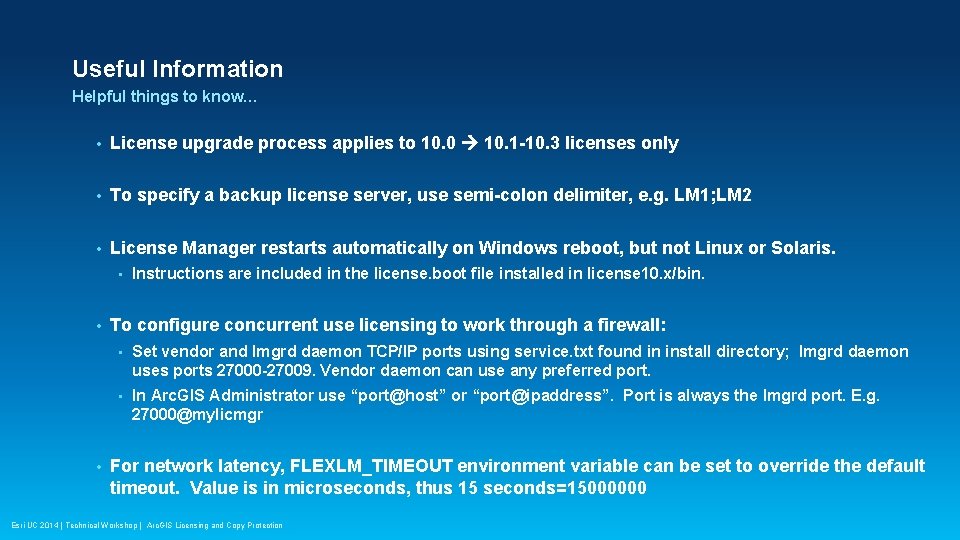
Useful Information Helpful things to know… • License upgrade process applies to 10. 0 10. 1 -10. 3 licenses only • To specify a backup license server, use semi-colon delimiter, e. g. LM 1; LM 2 • License Manager restarts automatically on Windows reboot, but not Linux or Solaris. • • • Instructions are included in the license. boot file installed in license 10. x/bin. To configure concurrent use licensing to work through a firewall: • Set vendor and lmgrd daemon TCP/IP ports using service. txt found in install directory; lmgrd daemon uses ports 27000 -27009. Vendor daemon can use any preferred port. • In Arc. GIS Administrator use “port@host” or “port@ipaddress”. Port is always the lmgrd port. E. g. 27000@mylicmgr For network latency, FLEXLM_TIMEOUT environment variable can be set to override the default timeout. Value is in microseconds, thus 15 seconds=15000000 Esri UC 2014 | Technical Workshop | Arc. GIS Licensing and Copy Protection
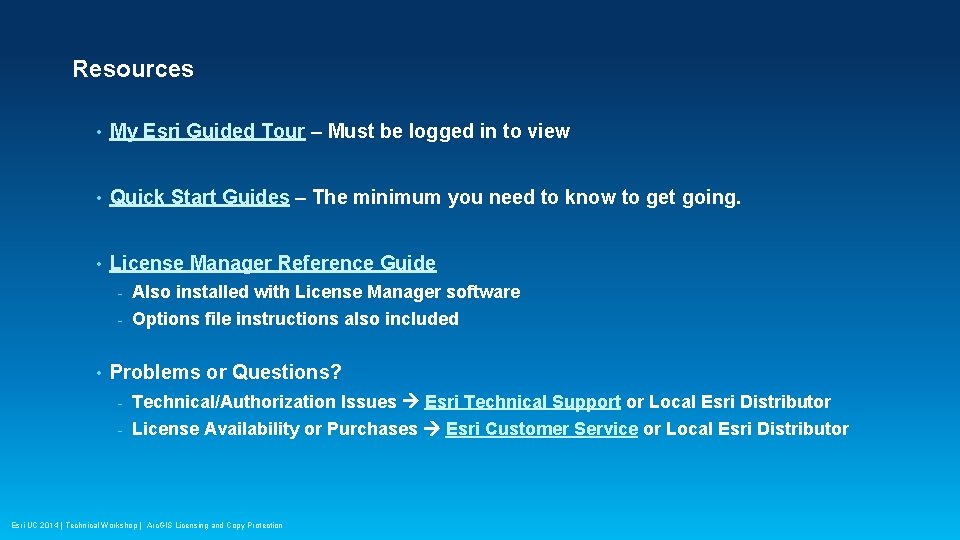
Resources • My Esri Guided Tour – Must be logged in to view • Quick Start Guides – The minimum you need to know to get going. • License Manager Reference Guide • - Also installed with License Manager software - Options file instructions also included Problems or Questions? - Technical/Authorization Issues Esri Technical Support or Local Esri Distributor - License Availability or Purchases Esri Customer Service or Local Esri Distributor Esri UC 2014 | Technical Workshop | Arc. GIS Licensing and Copy Protection
Thank you… • Please fill out the session survey: First Offering (Tue, July 15) ID: 1714 Second Offering (Wed, July 16) ID: 1738 Online – www. esri. com/ucsessionsurveys Paper – Fill in and place in drop box Esri UC 2014 | Technical Workshop | Arc. GIS Licensing and Copy Protection
Esri UC 2014 | Technical Workshop | Arc. GIS Licensing and Copy Protection