
Arc GIS for 3 D Cities An Introduction



- Slides: 62
Arc. GIS for 3 D Cities: An Introduction Brian Sims Dan Hedges Thorsten Reitz
Arc. GIS for 3 D Cities: An Introduction Go 3 D with your GIS • 75 minute presentation • Beginners to GIS Jedi Masters • Speakers: - Brian Sims - Dan Hedges - Thorsten Reitz
Technical Session Overview • Why 3 D? • Introduction to 3 D Cities • 3 D-Enabling Your GIS • Understanding through 3 D Analytics: - Shadow Analysis - Solar Potential - View Quality • Sharing Your 3 D City • Using + Extending the Living Atlas • Wrap Up + Questions Go 3 D with Your GIS
Why 3 D?
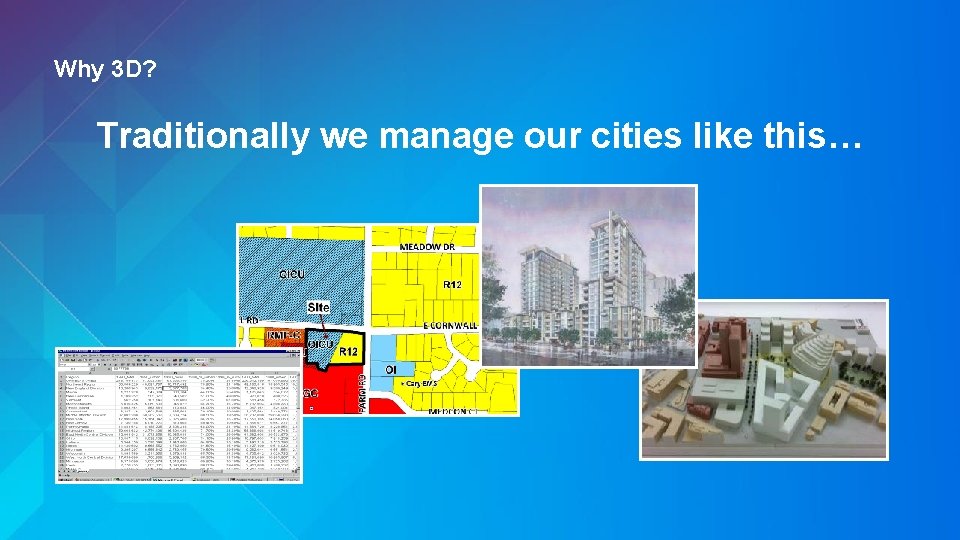
Why 3 D? Traditionally we manage our cities like this…
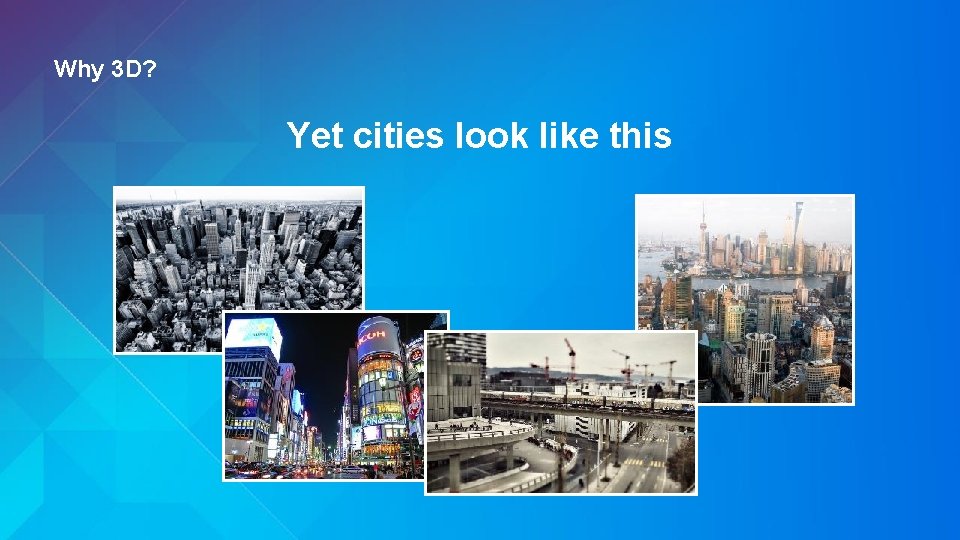
Why 3 D? Yet cities look like this
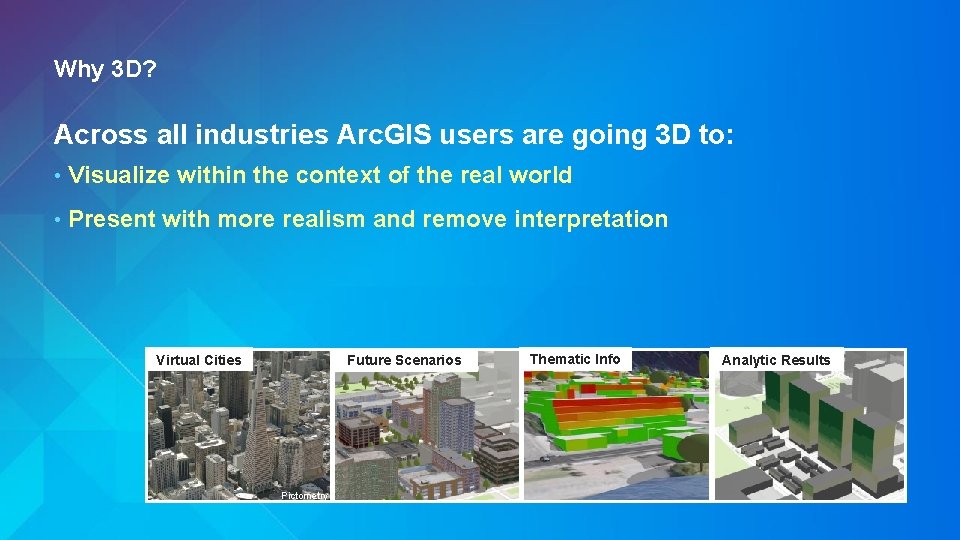
Why 3 D? Across all industries Arc. GIS users are going 3 D to: • Visualize within the context of the real world • Present with more realism and remove interpretation Virtual Cities Future Scenarios Pictometry Thematic Info Analytic Results
Why 3 D? Across all industries Arc. GIS users are going 3 D to: • Visualize within the context of the real world • Present with more realism and remove interpretation • Communicate with non-technical audiences
Why 3 D? Across all industries Arc. GIS users are going 3 D to: • Visualize within the context of the real world • Present with more realism and remove interpretation • Communicate with non-technical audiences • Drive more informed decisions faster
Introduction to 3 D Cities
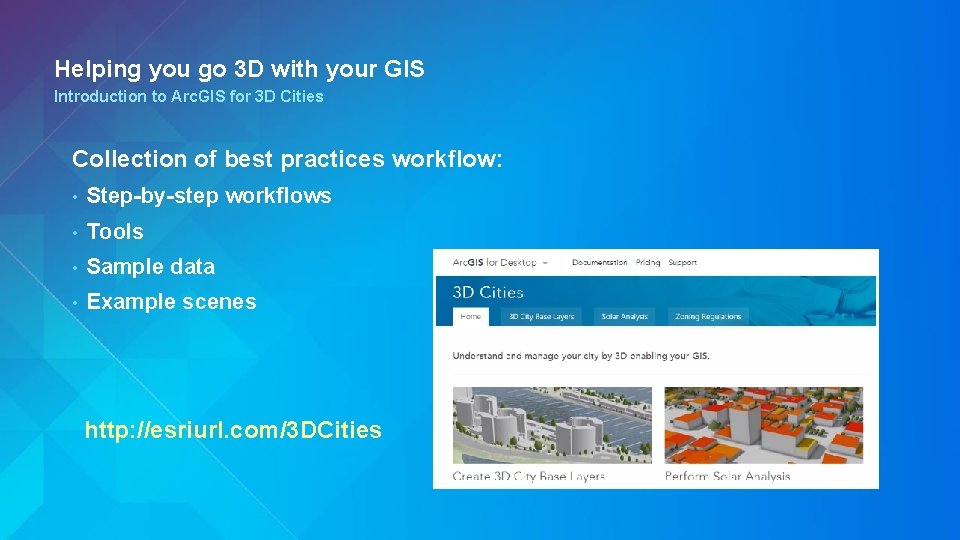
Helping you go 3 D with your GIS Introduction to Arc. GIS for 3 D Cities Collection of best practices workflow: • Step-by-step workflows • Tools • Sample data • Example scenes http: //esriurl. com/3 DCities
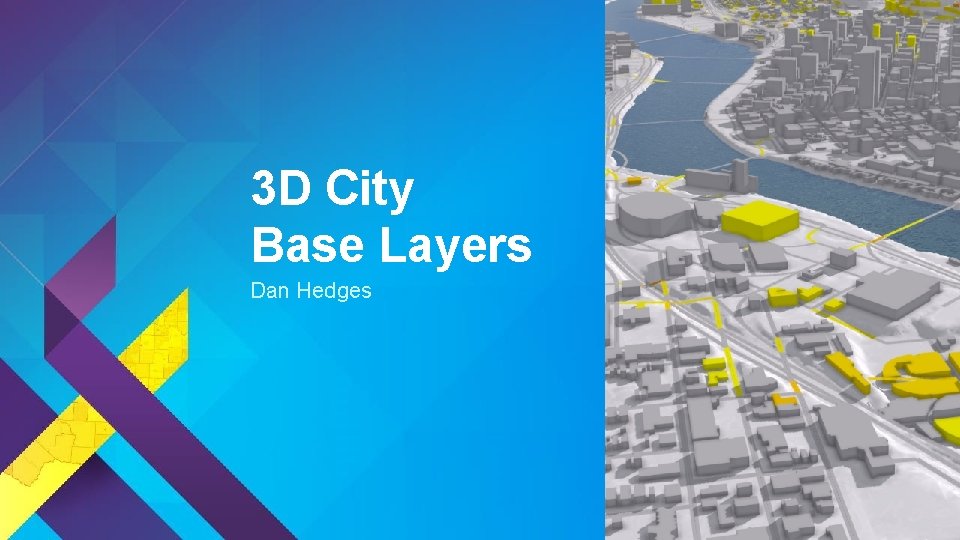
3 D City Base Layers Dan Hedges
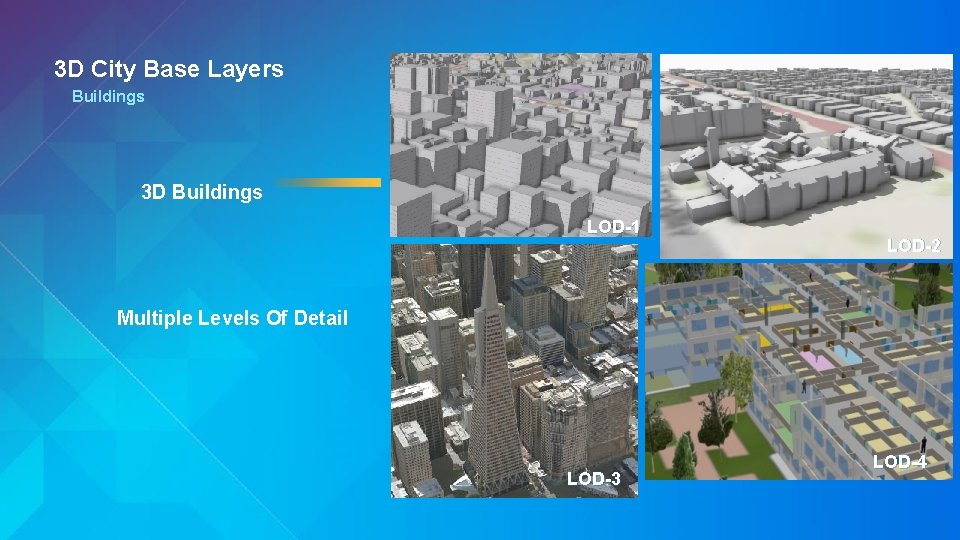
3 D City Base Layers Buildings 3 D Buildings LOD-1 LOD-2 Multiple Levels Of Detail LOD-3 LOD-4
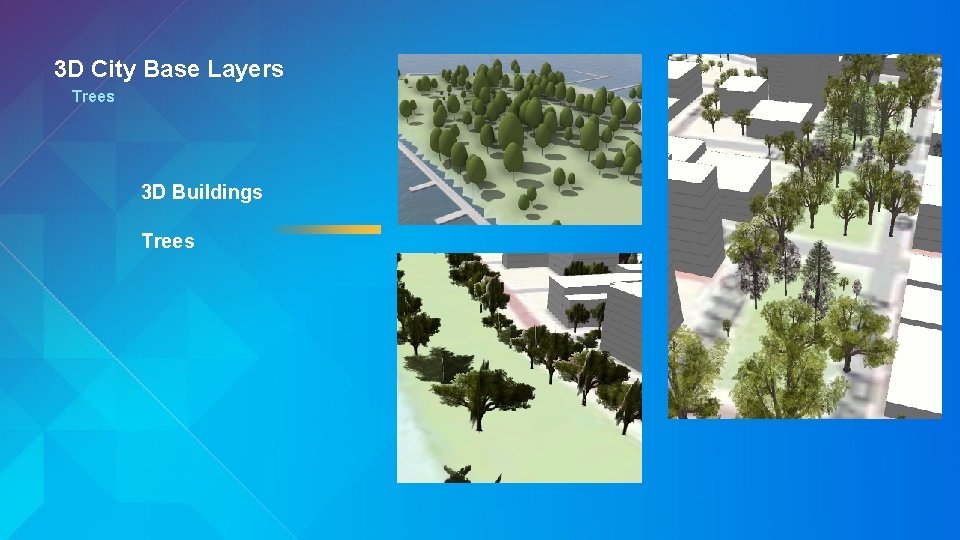
3 D City Base Layers Trees 3 D Buildings Trees
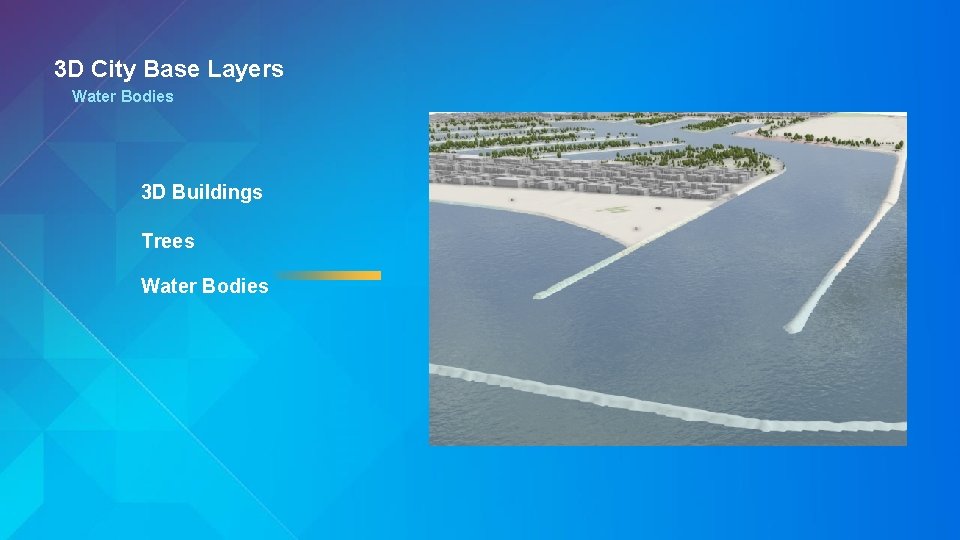
3 D City Base Layers Water Bodies 3 D Buildings Trees Water Bodies
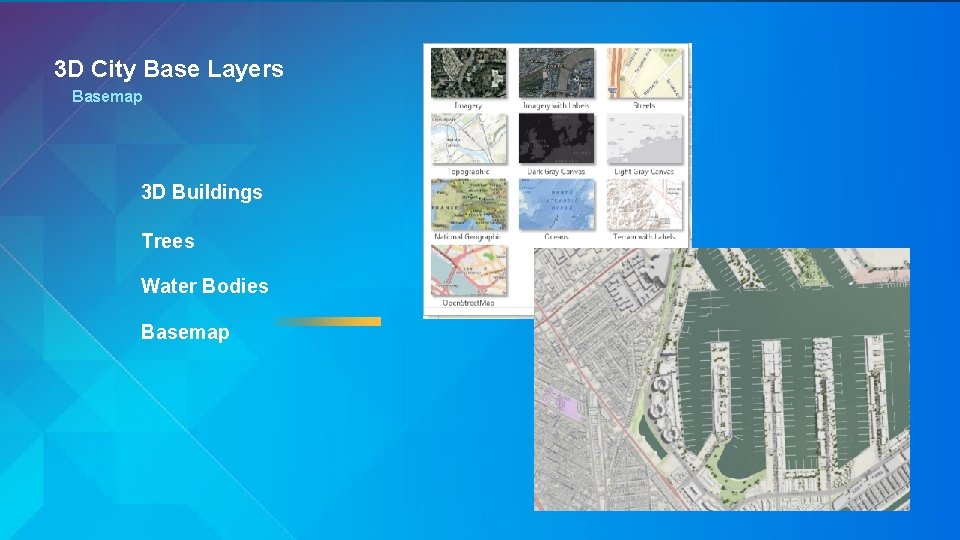
3 D City Base Layers Basemap 3 D Buildings Trees Water Bodies Basemap
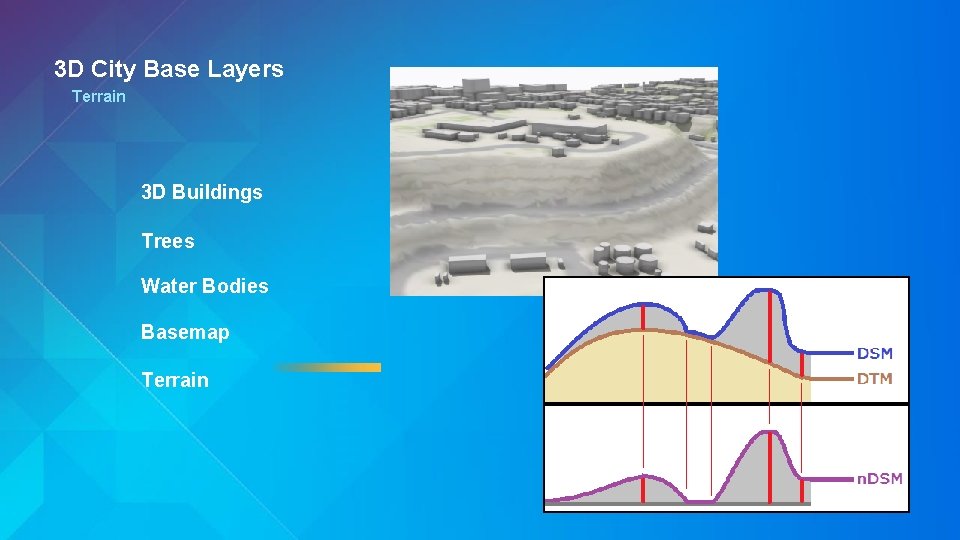
3 D City Base Layers Terrain 3 D Buildings Trees Water Bodies Basemap Terrain
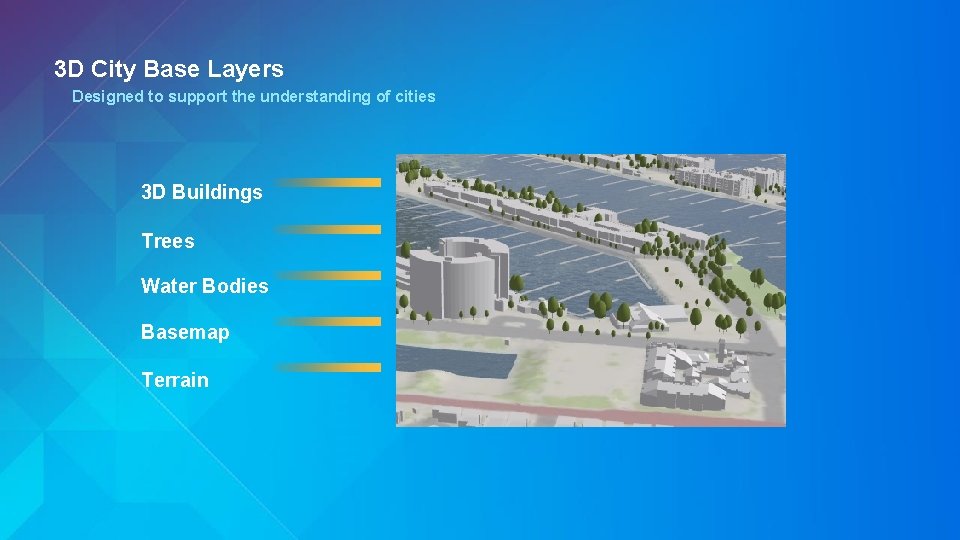
3 D City Base Layers Designed to support the understanding of cities 3 D Buildings Trees Water Bodies Basemap Terrain
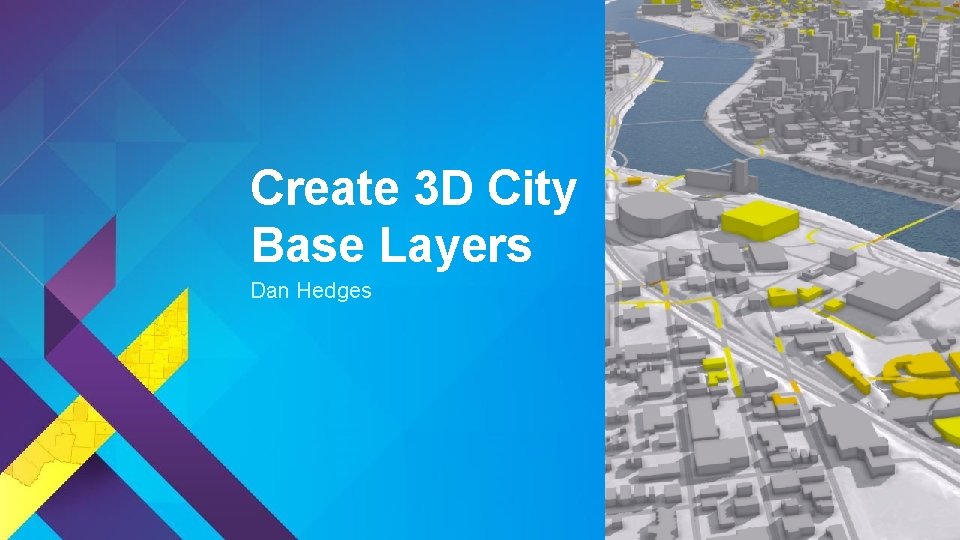
Create 3 D City Base Layers Dan Hedges
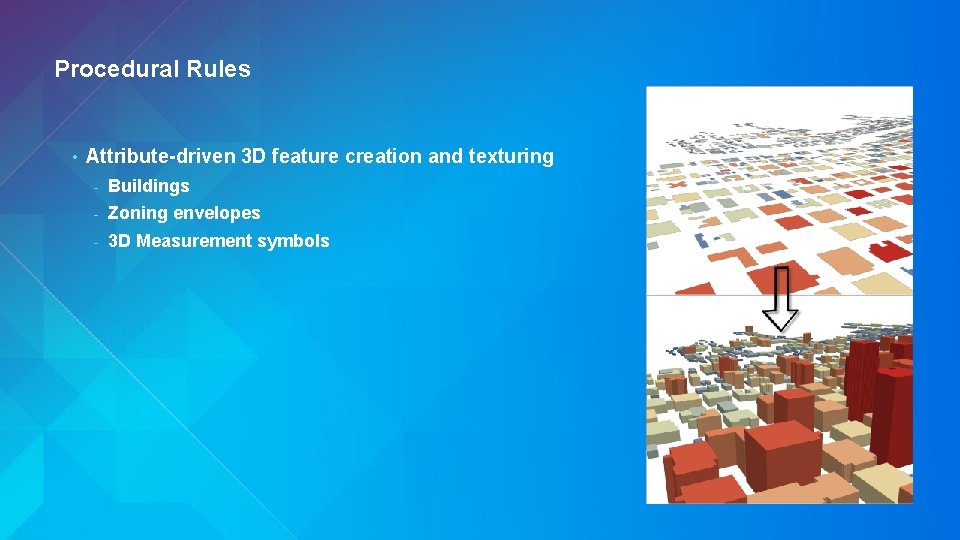
Procedural Rules • Attribute-driven 3 D feature creation and texturing - Buildings - Zoning envelopes - 3 D Measurement symbols
Base Layer Editing Video Demo
Analytics: Shadow Impact Dan Hedges
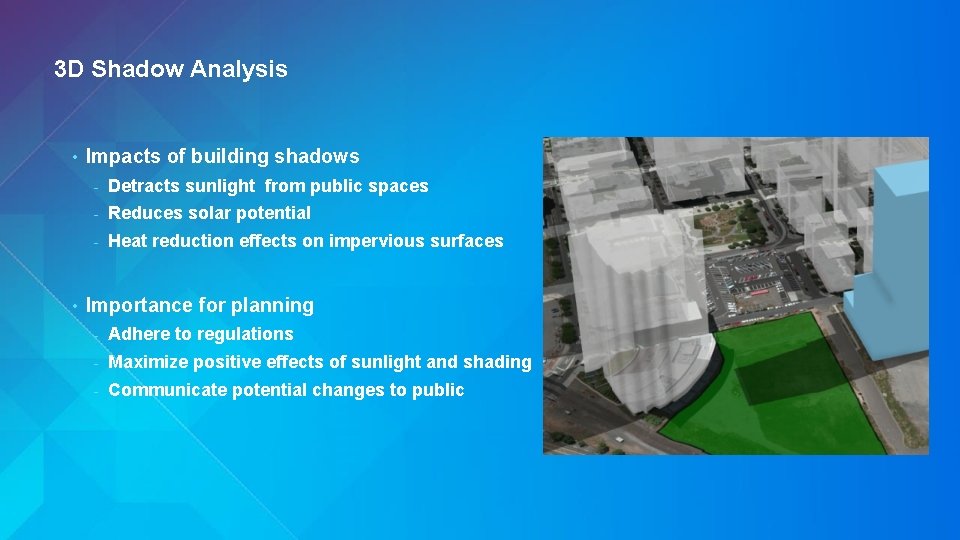
3 D Shadow Analysis • • Impacts of building shadows - Detracts sunlight from public spaces - Reduces solar potential - Heat reduction effects on impervious surfaces Importance for planning - Adhere to regulations - Maximize positive effects of sunlight and shading - Communicate potential changes to public
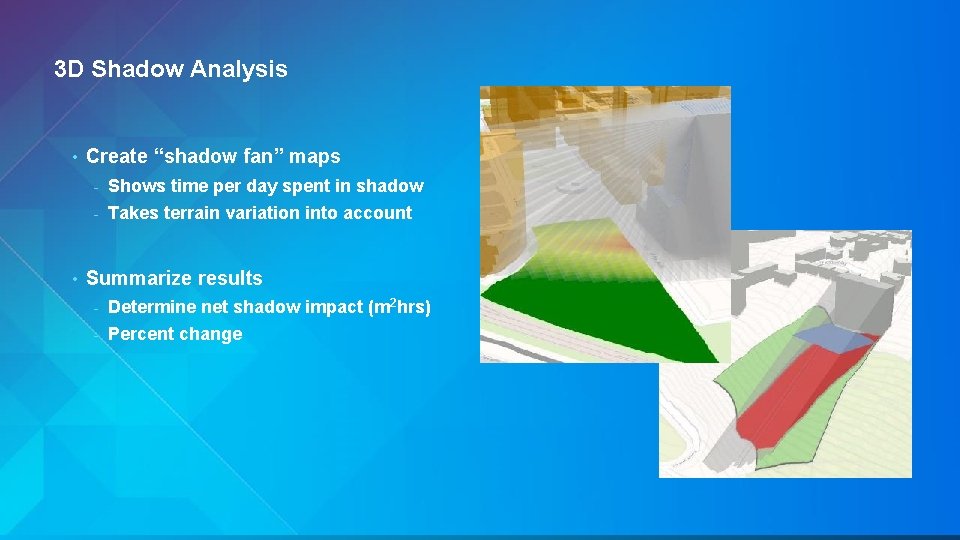
3 D Shadow Analysis • • Create “shadow fan” maps - Shows time per day spent in shadow - Takes terrain variation into account Summarize results - Determine net shadow impact (m 2 hrs) - Percent change
Shadow Web Scene
Analytics: Solar Potential Dan Hedges
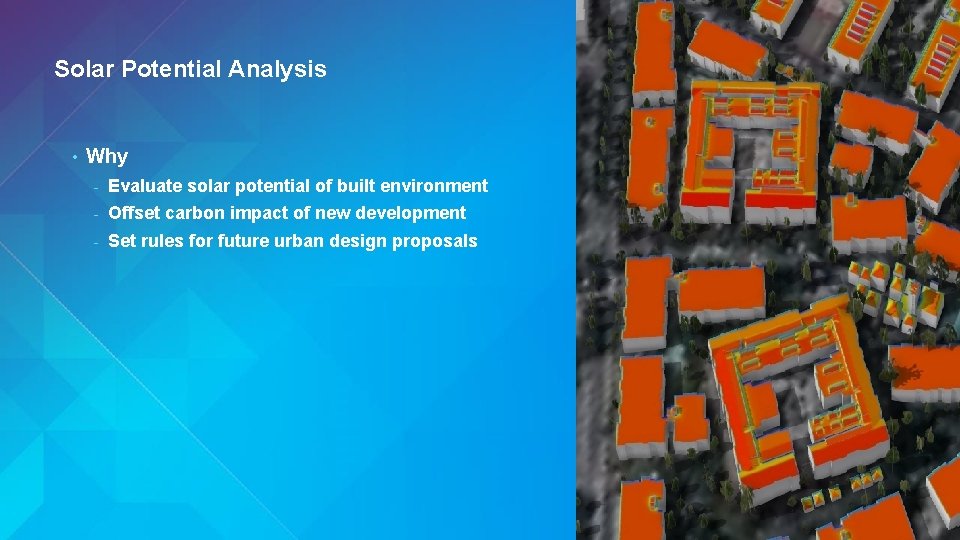
Solar Potential Analysis • Why - Evaluate solar potential of built environment - Offset carbon impact of new development - Set rules for future urban design proposals
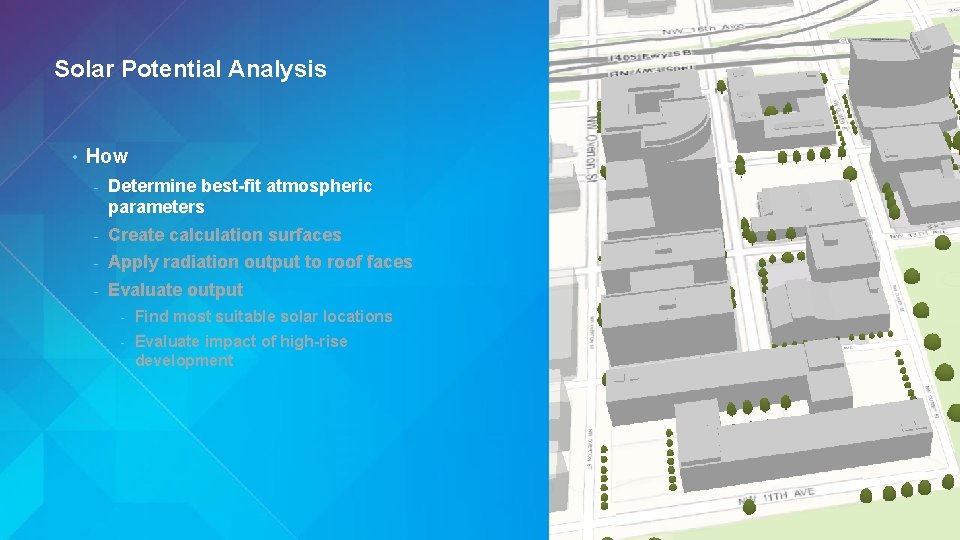
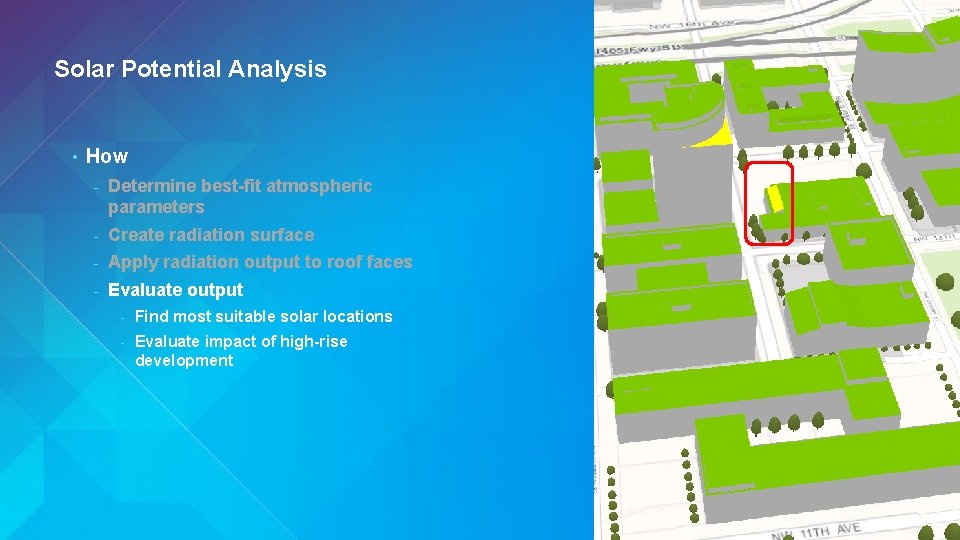
Solar Potential Analysis • How - Determine best-fit atmospheric parameters - Create calculation surfaces - Apply radiation output to roof faces - Evaluate output - Find most suitable solar locations - Evaluate impact of high-rise development
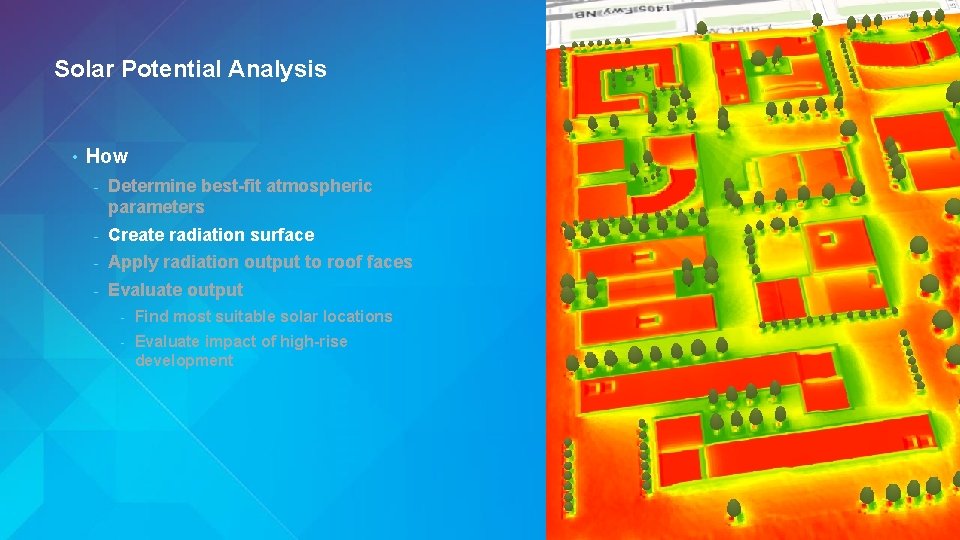
Solar Potential Analysis • How - Determine best-fit atmospheric parameters - Create radiation surface - Apply radiation output to roof faces - Evaluate output - Find most suitable solar locations - Evaluate impact of high-rise development
Solar Potential Analysis • How - Determine best-fit atmospheric parameters - Create radiation surface - Apply radiation output to roof faces - Evaluate output - Find most suitable solar locations - Evaluate impact of high-rise development
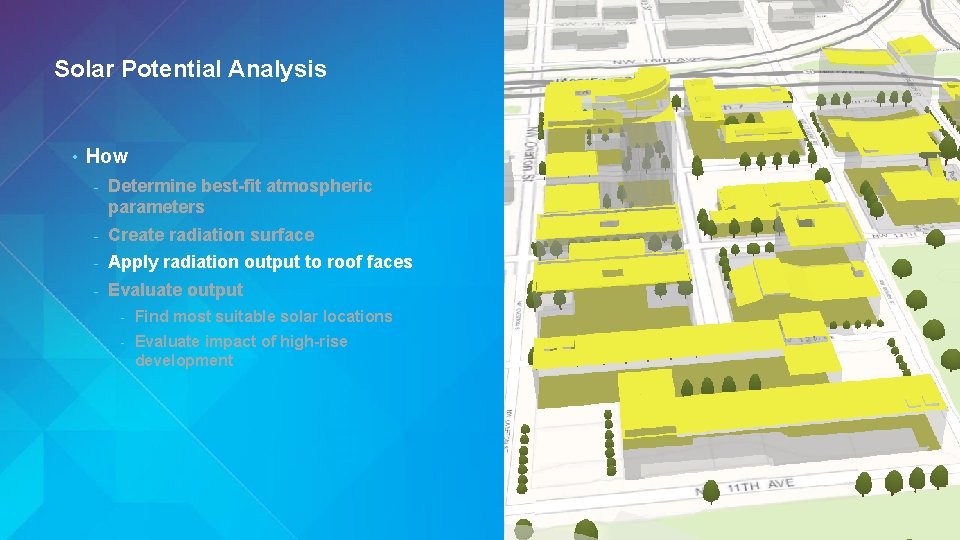
Solar Potential Analysis • How - Determine best-fit atmospheric parameters - Create radiation surface - Apply radiation output to roof faces - Evaluate output - Find most suitable solar locations - Evaluate impact of high-rise development
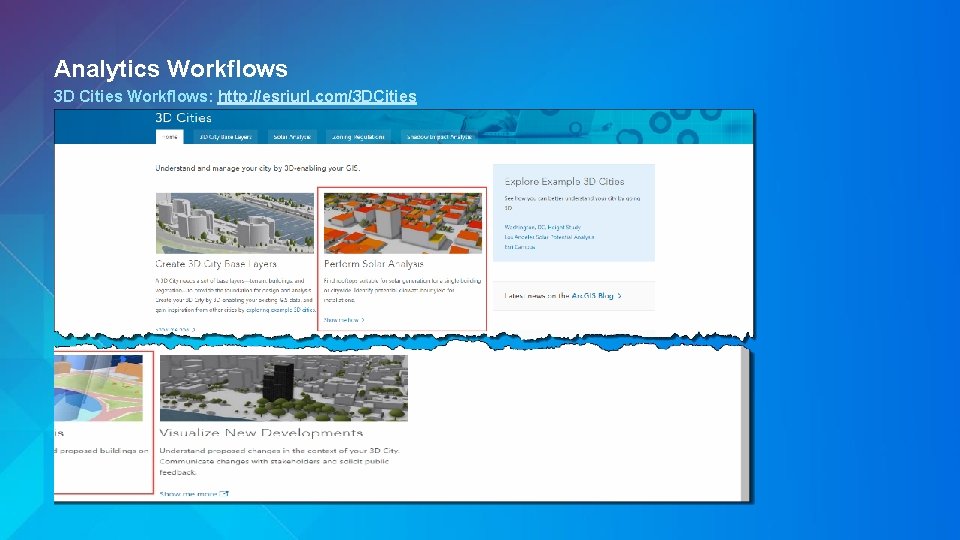
Analytics Workflows 3 D Cities Workflows: http: //esriurl. com/3 DCities
View Quality Thorsten Reitz
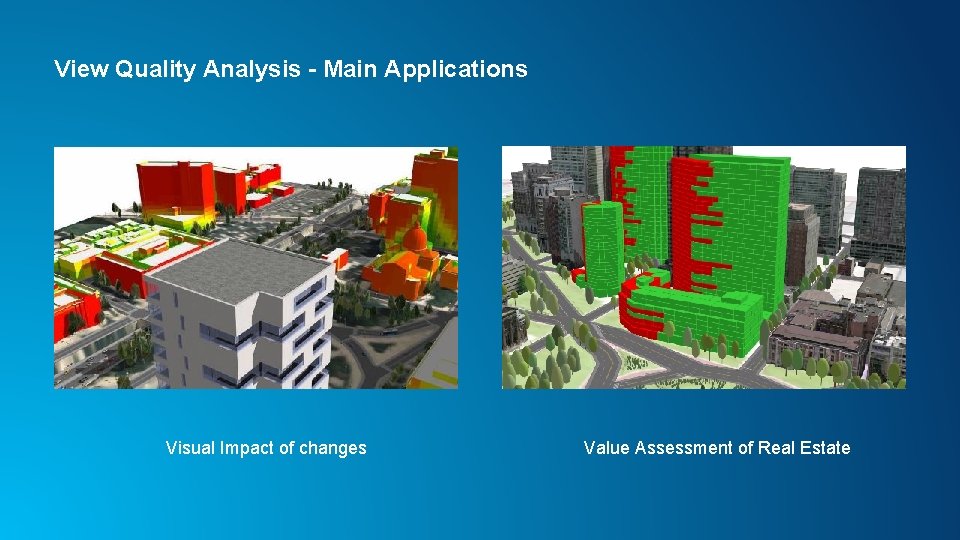
View Quality Analysis - Main Applications Visual Impact of changes Value Assessment of Real Estate
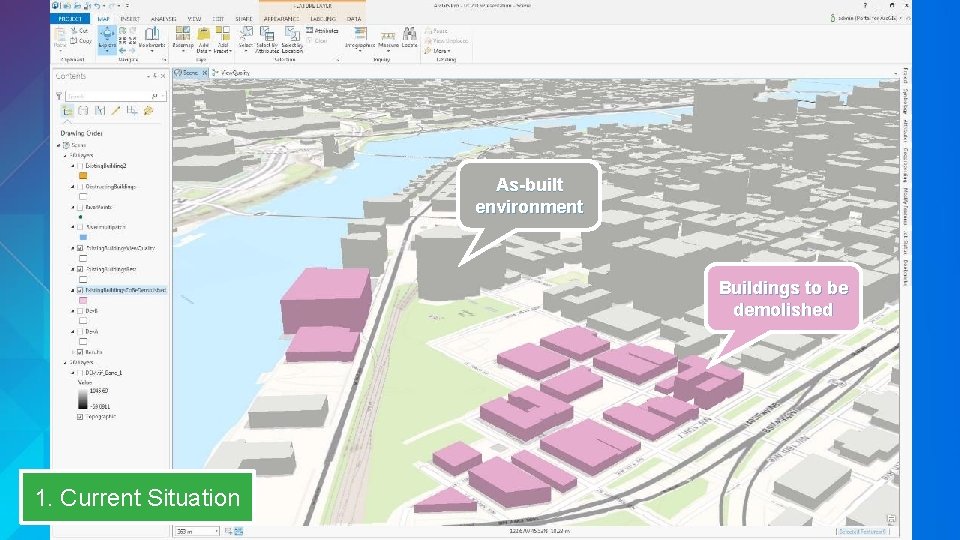
As-built environment Buildings to be demolished 1. Current Situation
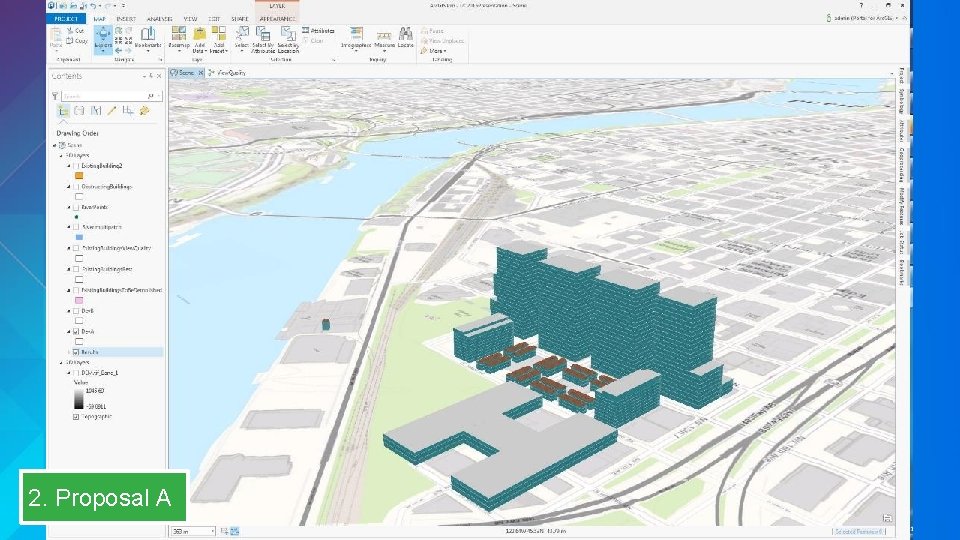
2. Proposal A
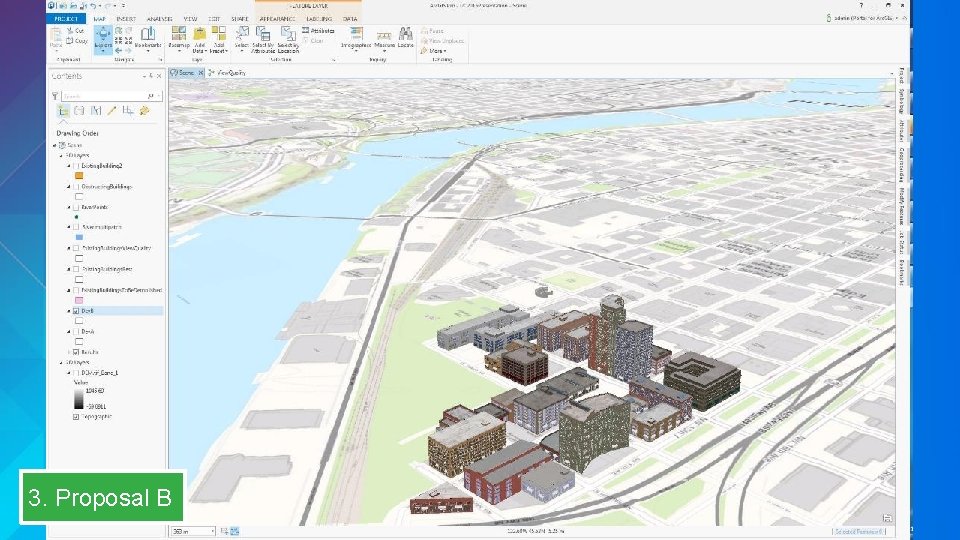
3. Proposal B
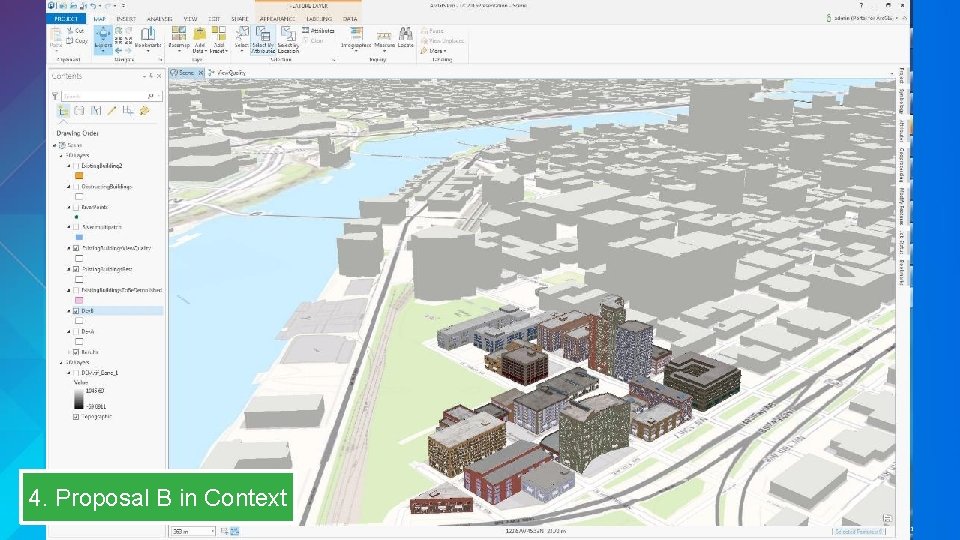
4. Proposal B in Context
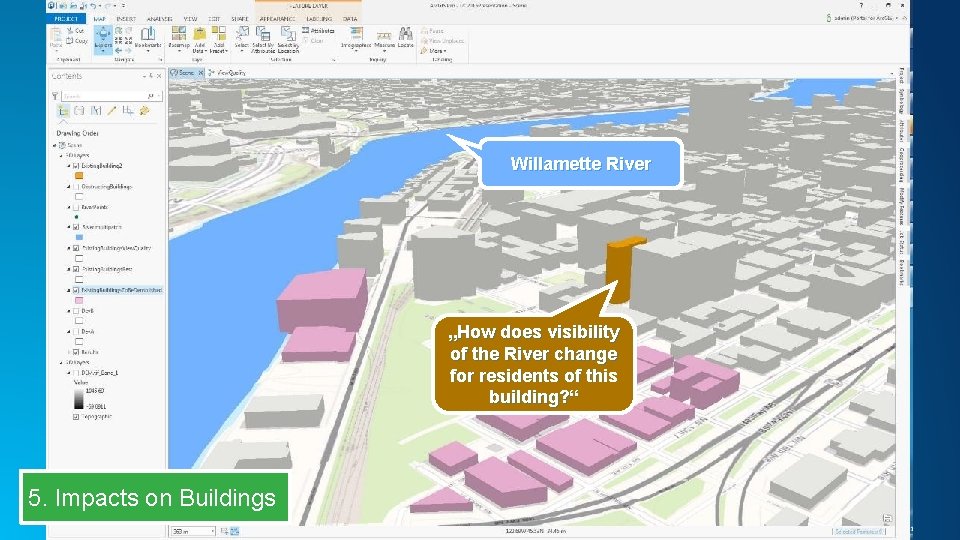
Willamette River „How does visibility of the River change for residents of this building? “ 5. Impacts on Buildings
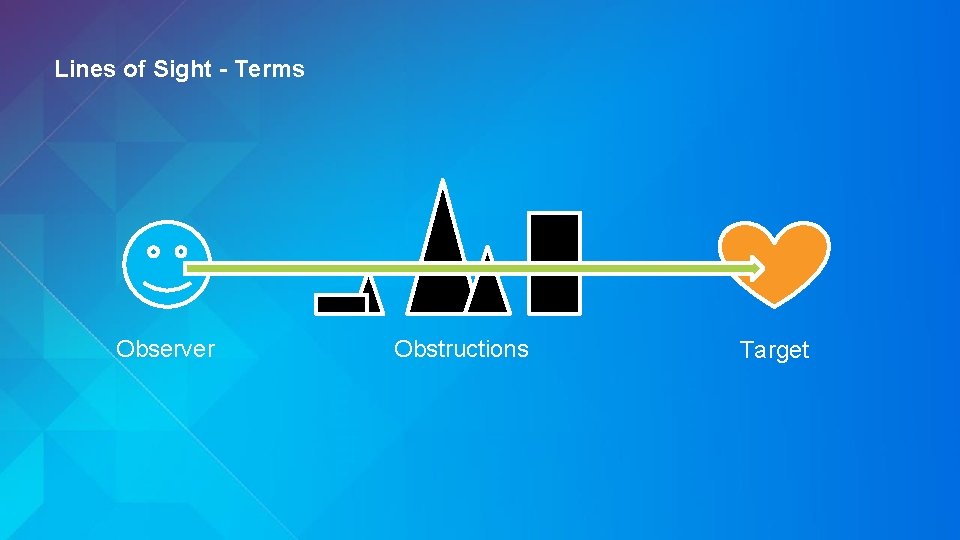
Lines of Sight - Terms Observer Obstructions Target
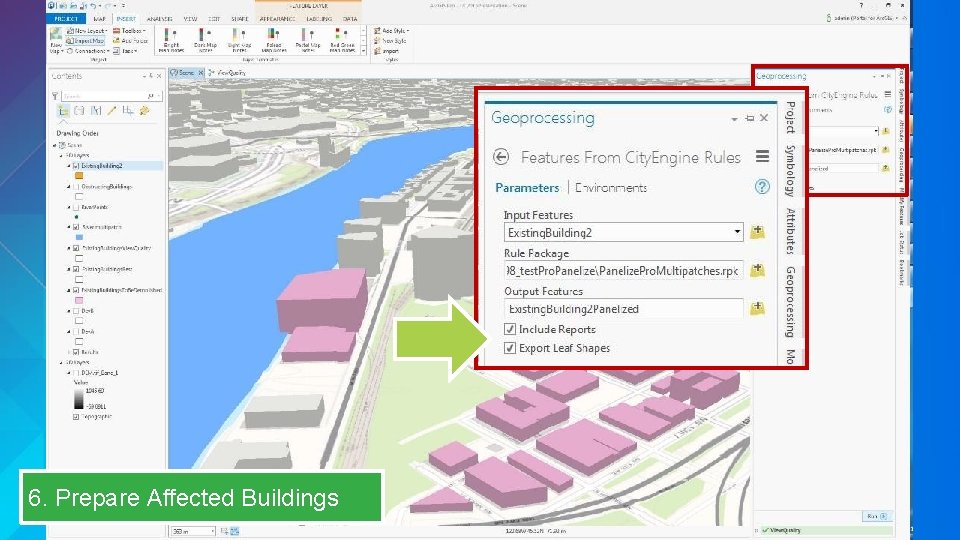
6. Prepare Affected Buildings
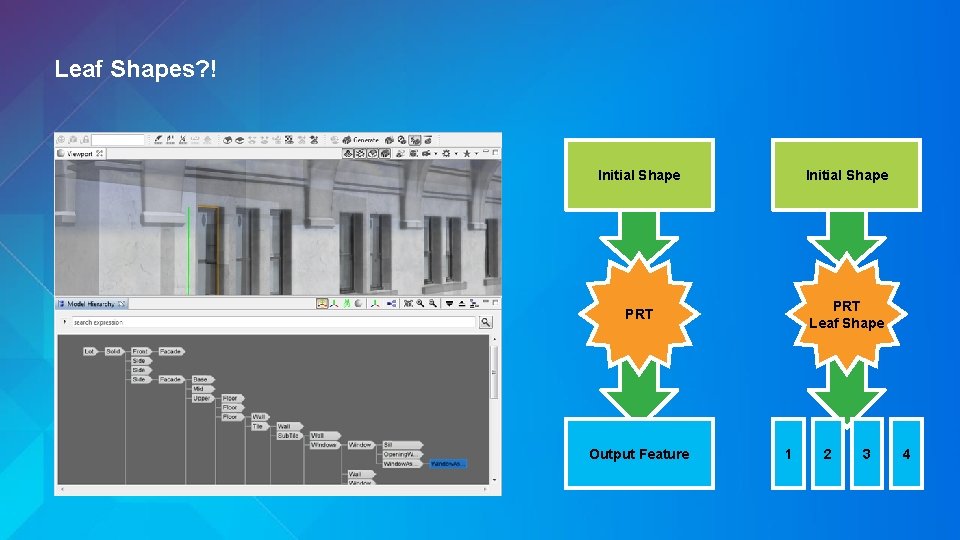
Leaf Shapes? ! Initial Shape PRT Leaf Shape Output Feature 1 2 3 4
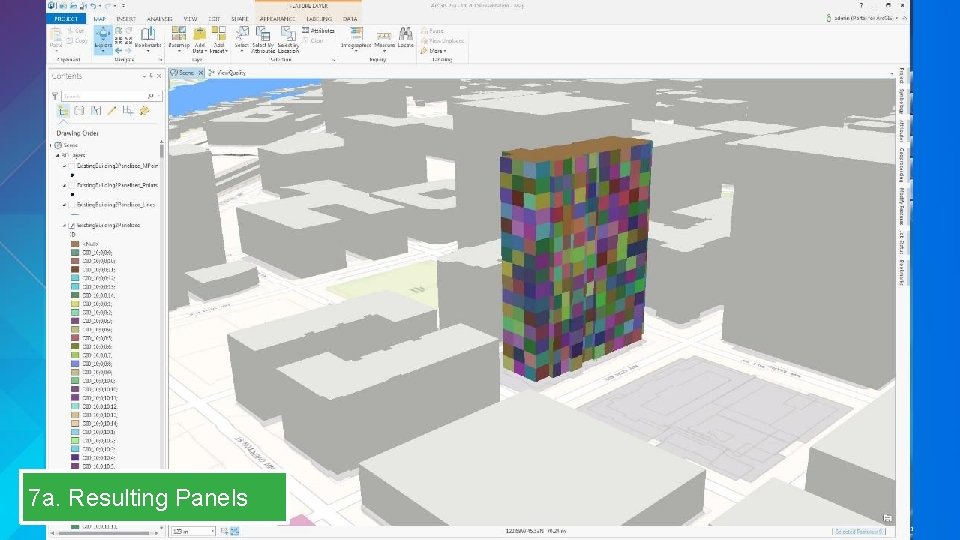
7 a. Resulting Panels
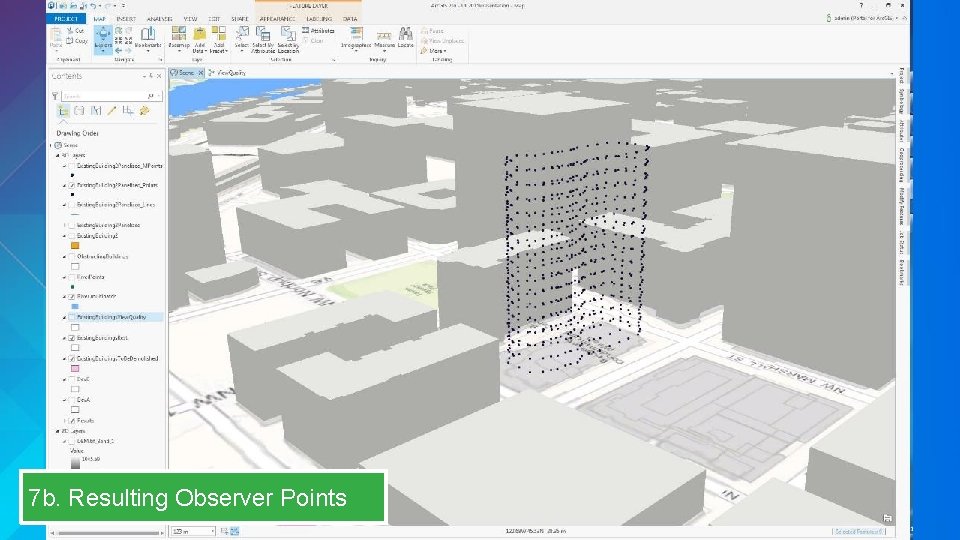
7 b. Resulting Observer Points
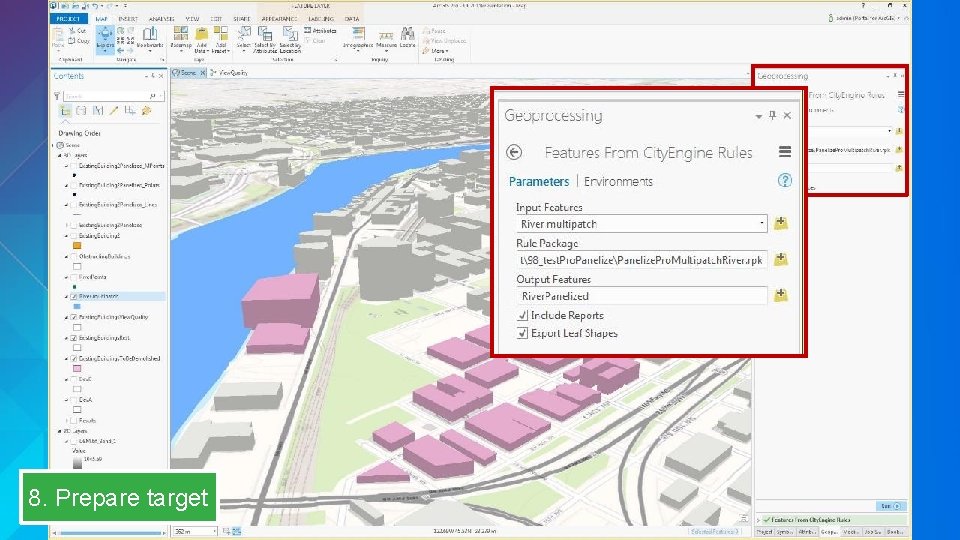
8. Prepare target
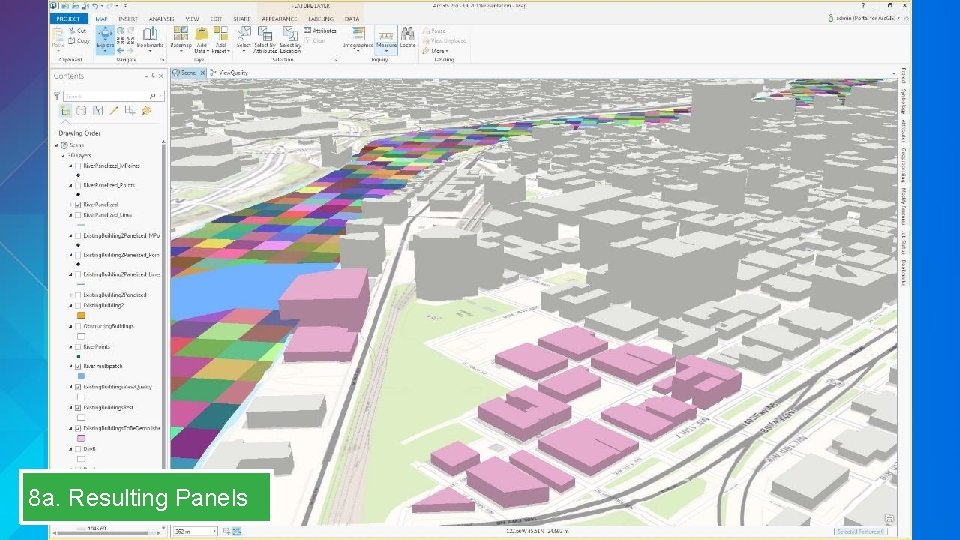
8 a. Resulting Panels
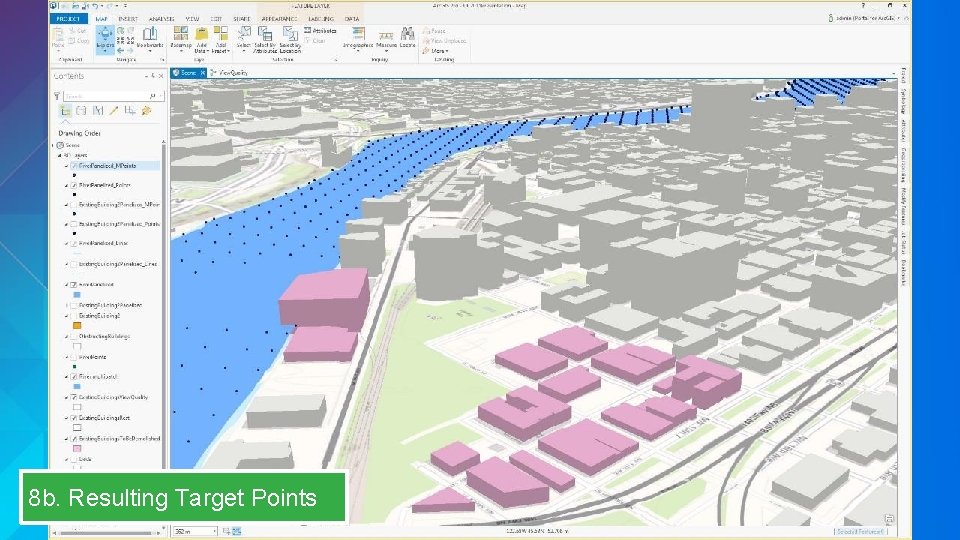
8 b. Resulting Target Points
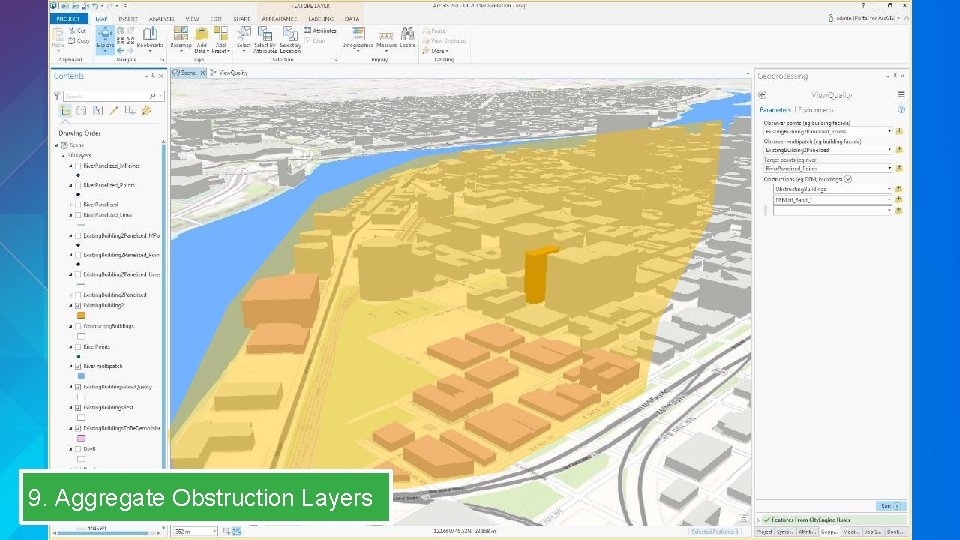
9. Aggregate Obstruction Layers
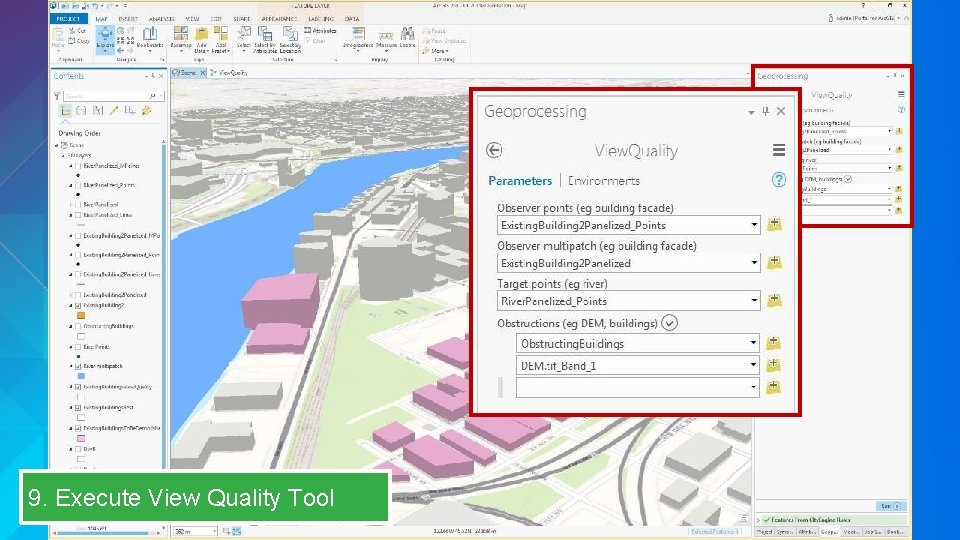
9. Execute View Quality Tool
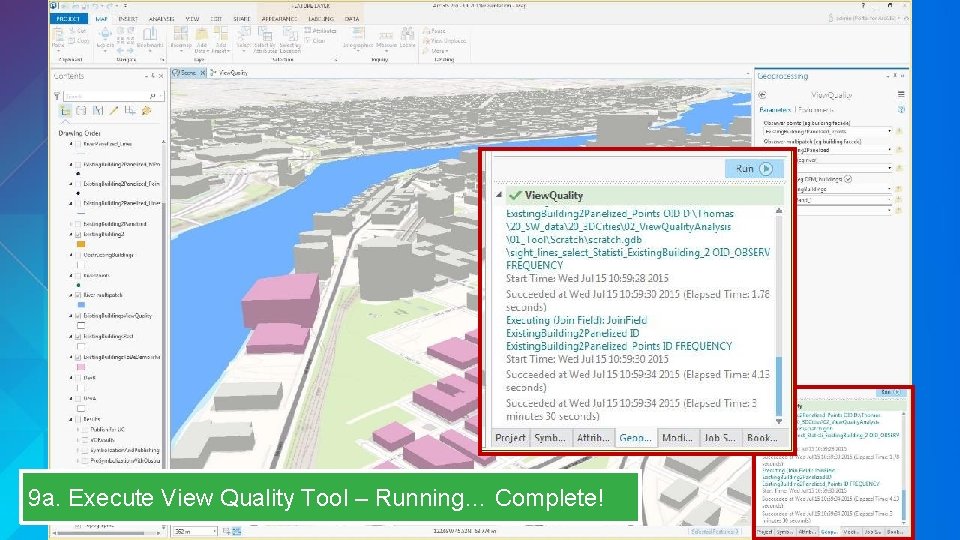
9 a. Execute View Quality Tool – Running… Complete!
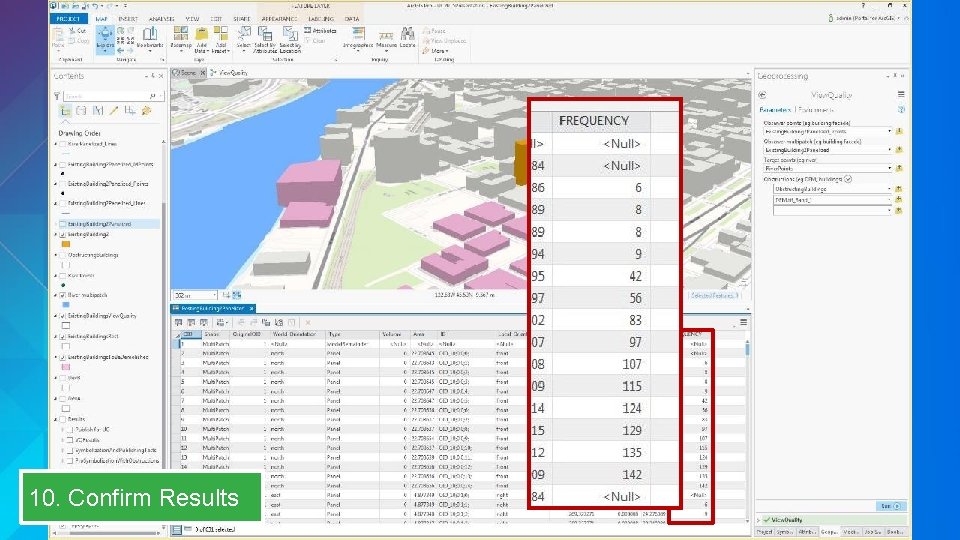
10. Confirm Results
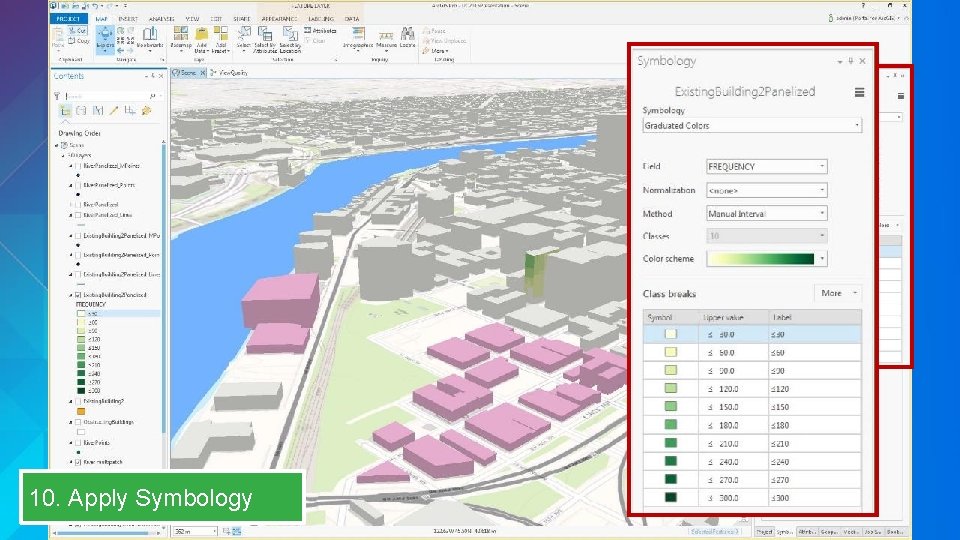
10. Apply Symbology
Sharing your 3 D City Thorsten Reitz
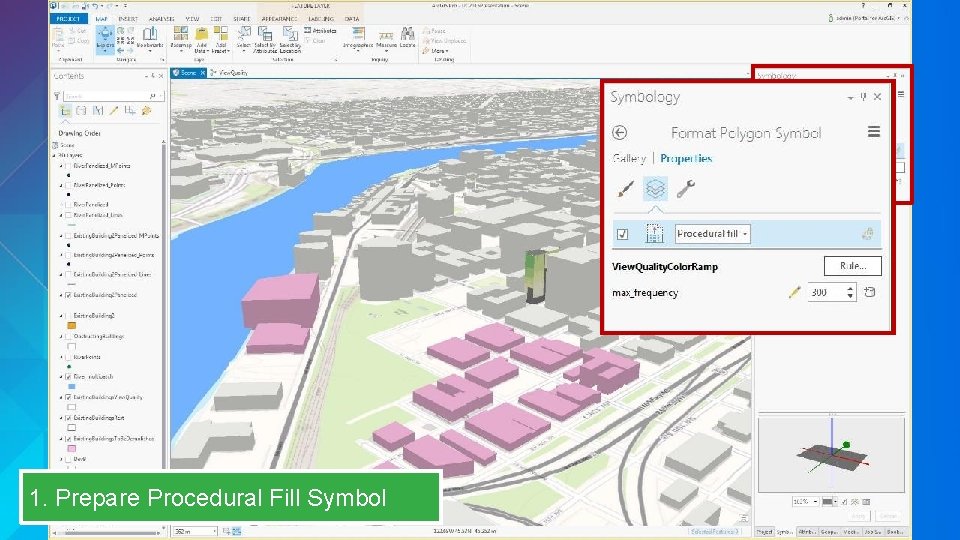
1. Prepare Procedural Fill Symbol
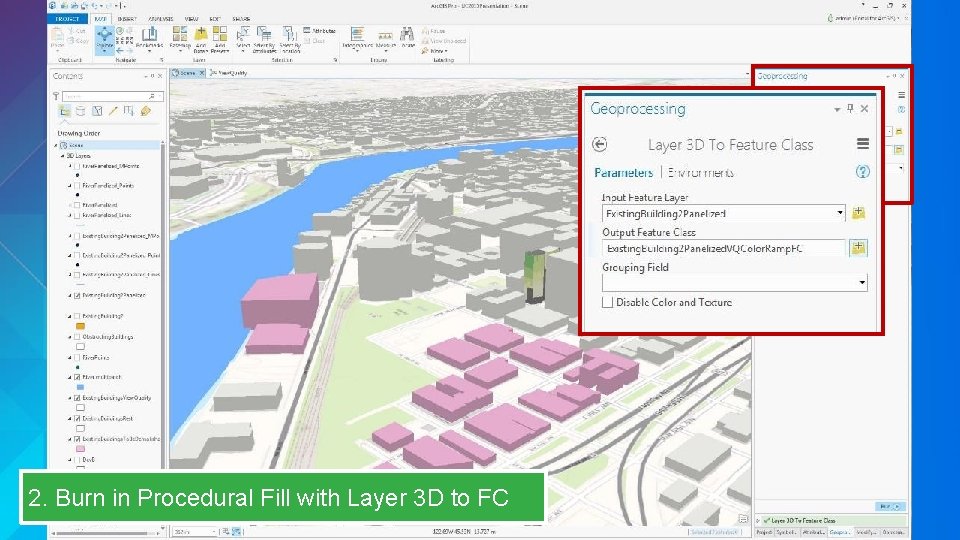
2. Burn in Procedural Fill with Layer 3 D to FC
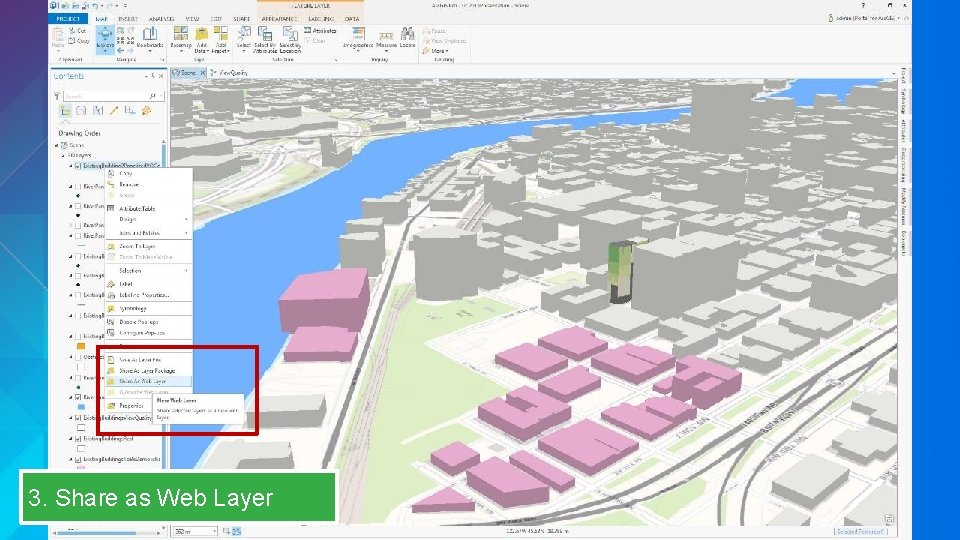
3. Share as Web Layer
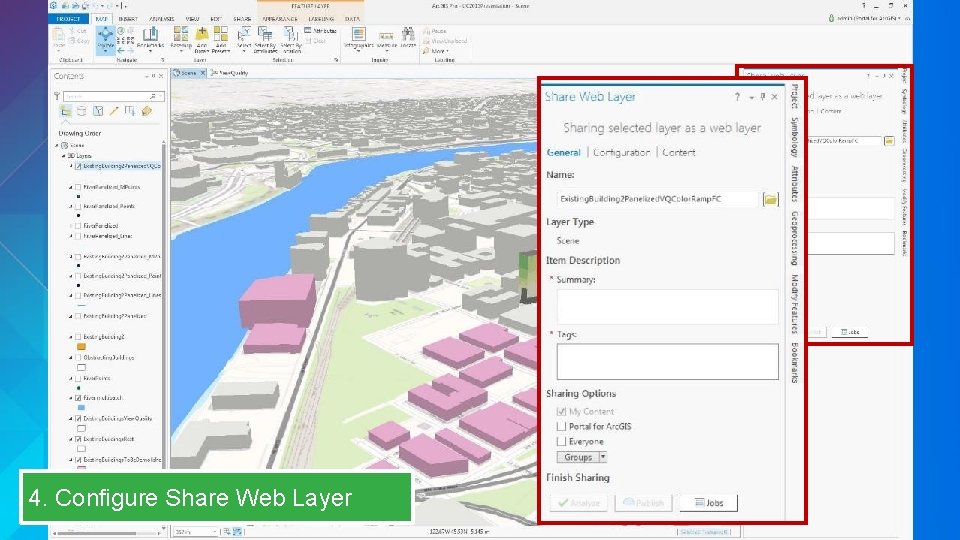
4. Configure Share Web Layer
Using and Extending the Living Atlas of the World Brian Sims
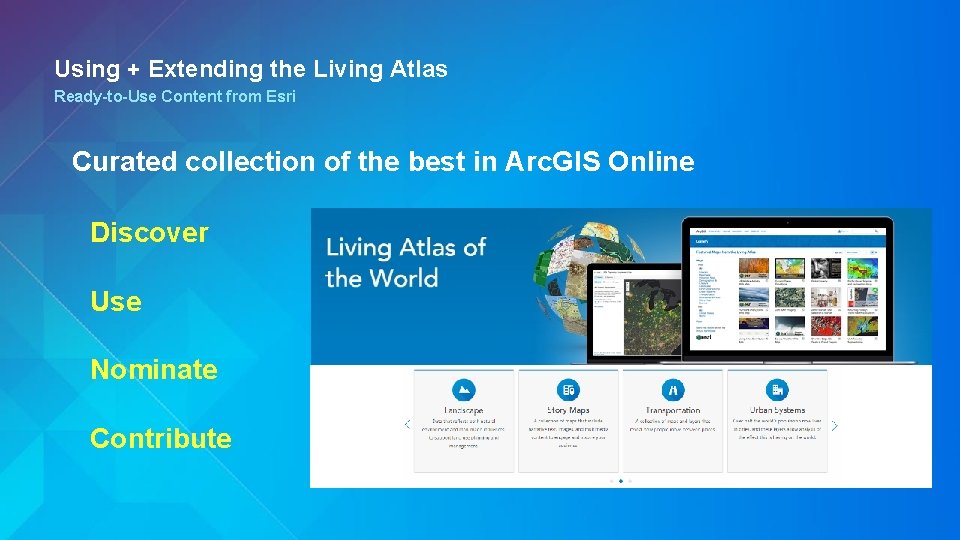
Using + Extending the Living Atlas Ready-to-Use Content from Esri Curated collection of the best in Arc. GIS Online Discover Use Nominate Contribute
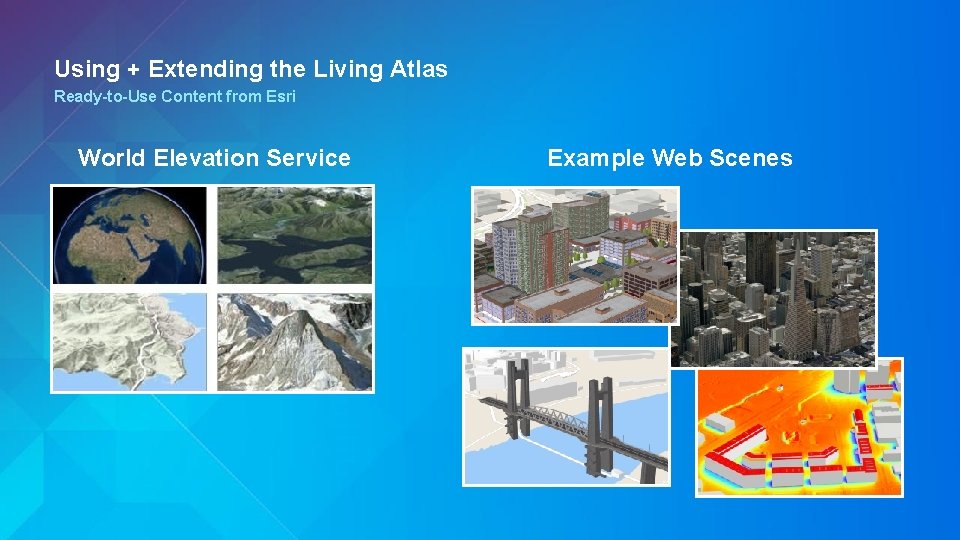
Using + Extending the Living Atlas Ready-to-Use Content from Esri World Elevation Service Example Web Scenes
Wrap Up: • Go 3 D for more informed and faster decision making • Get started at http: //esriurl. com/3 DCities • Use and contribute to the Living Atlas
Wrap Up: • Go 3 D for more informed and faster decision making • Get started at http: //esriurl. com/3 DCities • Use and contribute to the Living Atlas Thank You Questions?