
ar Unix Archiver Lecturer Prof Andrzej AJ Bieszczad

ar: Unix Archiver Lecturer: Prof. Andrzej (AJ) Bieszczad Email: andrzej@csun. edu Phone: 818 -677 -4954 “UNIX for Programmers and Users” Third Edition, Prentice-Hall, GRAHAM GLASS, KING ABLES Slides partially adapted from Kumoh National University of Technology (Korea) and NYU Prof. Andrzej (AJ) Bieszczad Email: andrzej@csun. edu Phone: 818 -677 -4954
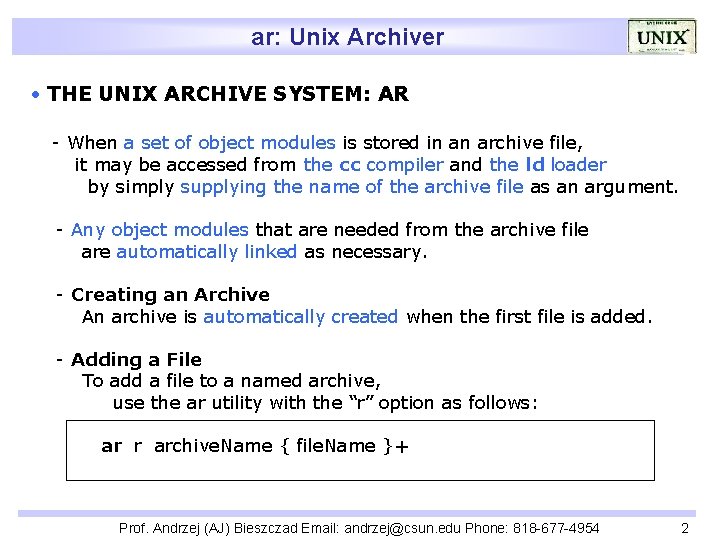
ar: Unix Archiver THE UNIX ARCHIVE SYSTEM: AR - When a set of object modules is stored in an archive file, it may be accessed from the cc compiler and the ld loader by simply supplying the name of the archive file as an argument. - Any object modules that are needed from the archive file are automatically linked as necessary. - Creating an Archive An archive is automatically created when the first file is added. - Adding a File To add a file to a named archive, use the ar utility with the “r” option as follows: ar r archive. Name { file. Name }+ Prof. Andrzej (AJ) Bieszczad Email: andrzej@csun. edu Phone: 818 -677 -4954 2
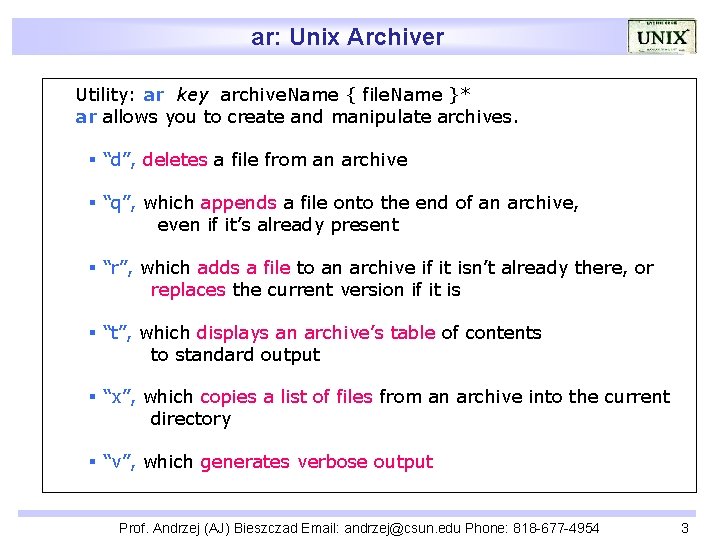
ar: Unix Archiver Utility: ar key archive. Name { file. Name }* ar allows you to create and manipulate archives. “d”, deletes a file from an archive “q”, which appends a file onto the end of an archive, even if it’s already present “r”, which adds a file to an archive if it isn’t already there, or replaces the current version if it is “t”, which displays an archive’s table of contents to standard output “x”, which copies a list of files from an archive into the current directory “v”, which generates verbose output Prof. Andrzej (AJ) Bieszczad Email: andrzej@csun. edu Phone: 818 -677 -4954 3
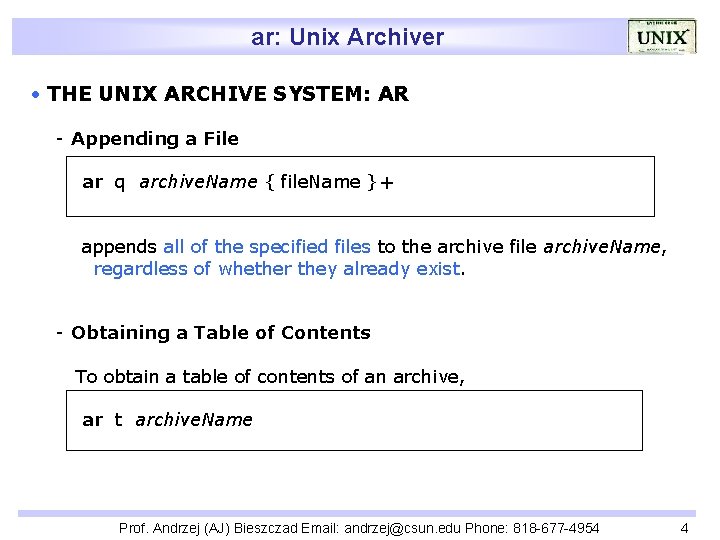
ar: Unix Archiver THE UNIX ARCHIVE SYSTEM: AR - Appending a File ar q archive. Name { file. Name }+ appends all of the specified files to the archive file archive. Name, regardless of whether they already exist. - Obtaining a Table of Contents To obtain a table of contents of an archive, ar t archive. Name Prof. Andrzej (AJ) Bieszczad Email: andrzej@csun. edu Phone: 818 -677 -4954 4
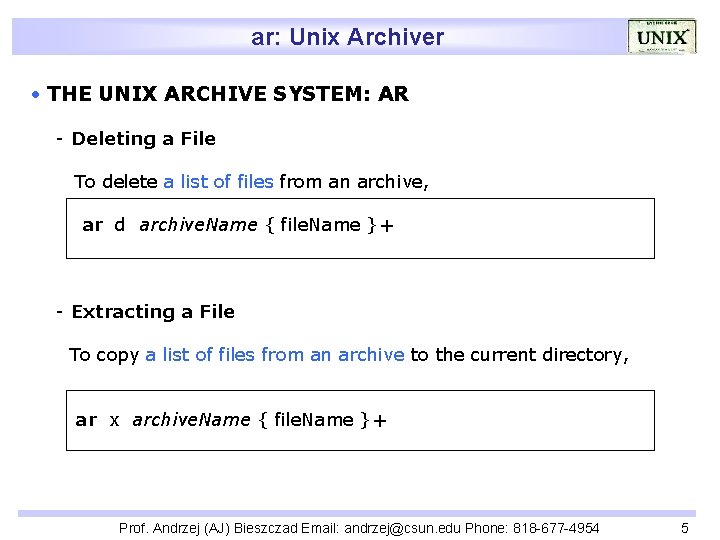
ar: Unix Archiver THE UNIX ARCHIVE SYSTEM: AR - Deleting a File To delete a list of files from an archive, ar d archive. Name { file. Name }+ - Extracting a File To copy a list of files from an archive to the current directory, ar x archive. Name { file. Name }+ Prof. Andrzej (AJ) Bieszczad Email: andrzej@csun. edu Phone: 818 -677 -4954 5
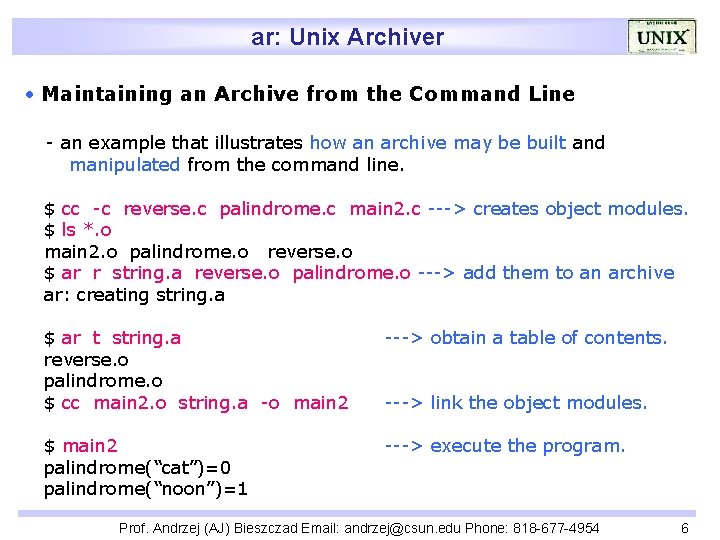
ar: Unix Archiver Maintaining an Archive from the Command Line - an example that illustrates how an archive may be built and manipulated from the command line. $ cc -c reverse. c palindrome. c main 2. c ---> creates object modules. $ ls *. o main 2. o palindrome. o reverse. o $ ar r string. a reverse. o palindrome. o ---> add them to an archive ar: creating string. a $ ar t string. a reverse. o palindrome. o $ cc main 2. o string. a -o main 2 ---> obtain a table of contents. $ main 2 palindrome(“cat”)=0 palindrome(“noon”)=1 ---> execute the program. ---> link the object modules. Prof. Andrzej (AJ) Bieszczad Email: andrzej@csun. edu Phone: 818 -677 -4954 6
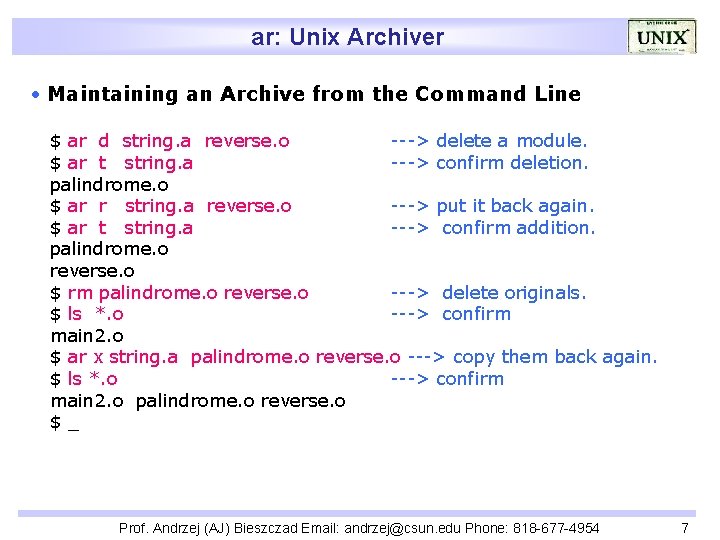
ar: Unix Archiver Maintaining an Archive from the Command Line $ ar d string. a reverse. o ---> delete a module. $ ar t string. a ---> confirm deletion. palindrome. o $ ar r string. a reverse. o ---> put it back again. $ ar t string. a ---> confirm addition. palindrome. o reverse. o $ rm palindrome. o reverse. o ---> delete originals. $ ls *. o ---> confirm main 2. o $ ar x string. a palindrome. o reverse. o ---> copy them back again. $ ls *. o ---> confirm main 2. o palindrome. o reverse. o $_ Prof. Andrzej (AJ) Bieszczad Email: andrzej@csun. edu Phone: 818 -677 -4954 7
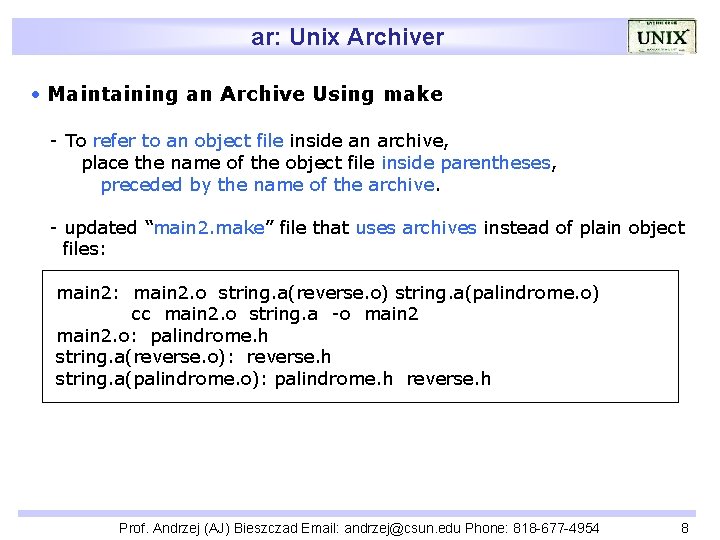
ar: Unix Archiver Maintaining an Archive Using make - To refer to an object file inside an archive, place the name of the object file inside parentheses, preceded by the name of the archive. - updated “main 2. make” file that uses archives instead of plain object files: main 2. o string. a(reverse. o) string. a(palindrome. o) cc main 2. o string. a -o main 2. o: palindrome. h string. a(reverse. o): reverse. h string. a(palindrome. o): palindrome. h reverse. h Prof. Andrzej (AJ) Bieszczad Email: andrzej@csun. edu Phone: 818 -677 -4954 8
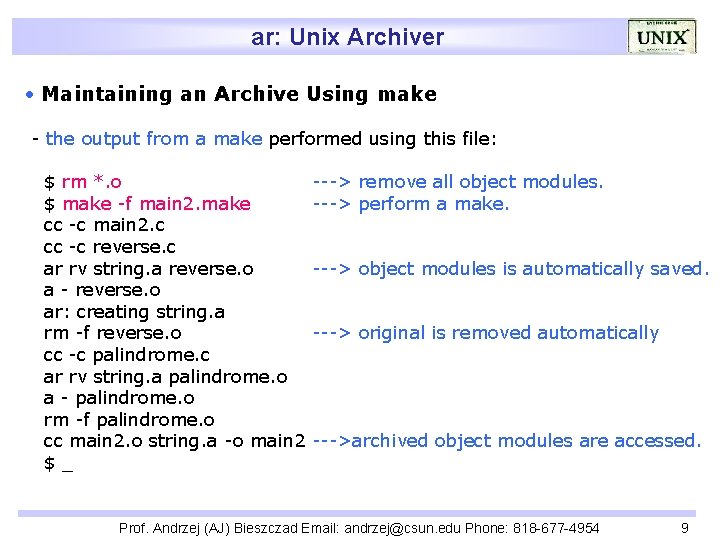
ar: Unix Archiver Maintaining an Archive Using make - the output from a make performed using this file: $ rm *. o $ make -f main 2. make cc -c main 2. c cc -c reverse. c ar rv string. a reverse. o a - reverse. o ar: creating string. a rm -f reverse. o cc -c palindrome. c ar rv string. a palindrome. o a - palindrome. o rm -f palindrome. o cc main 2. o string. a -o main 2 $_ ---> remove all object modules. ---> perform a make. ---> object modules is automatically saved. ---> original is removed automatically --->archived object modules are accessed. Prof. Andrzej (AJ) Bieszczad Email: andrzej@csun. edu Phone: 818 -677 -4954 9
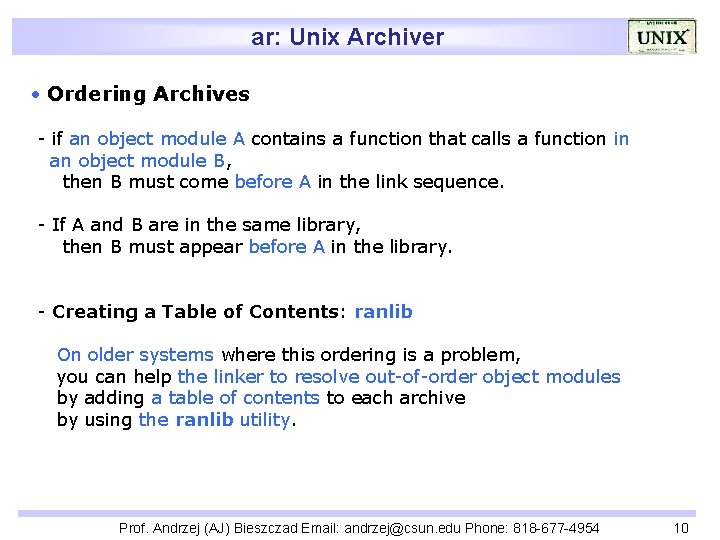
ar: Unix Archiver Ordering Archives - if an object module A contains a function that calls a function in an object module B, then B must come before A in the link sequence. - If A and B are in the same library, then B must appear before A in the library. - Creating a Table of Contents: ranlib On older systems where this ordering is a problem, you can help the linker to resolve out-of-order object modules by adding a table of contents to each archive by using the ranlib utility. Prof. Andrzej (AJ) Bieszczad Email: andrzej@csun. edu Phone: 818 -677 -4954 10
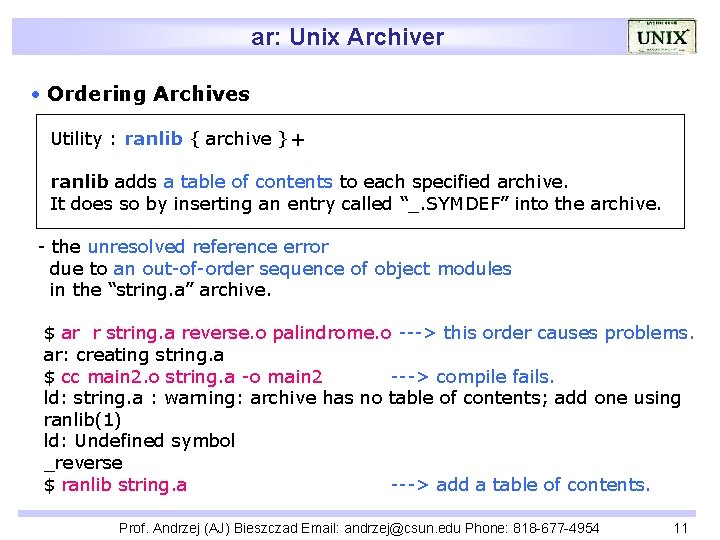
ar: Unix Archiver Ordering Archives Utility : ranlib { archive }+ ranlib adds a table of contents to each specified archive. It does so by inserting an entry called “_. SYMDEF” into the archive. - the unresolved reference error due to an out-of-order sequence of object modules in the “string. a” archive. $ ar r string. a reverse. o palindrome. o ---> this order causes problems. ar: creating string. a $ cc main 2. o string. a -o main 2 ---> compile fails. ld: string. a : warning: archive has no table of contents; add one using ranlib(1) ld: Undefined symbol _reverse $ ranlib string. a ---> add a table of contents. Prof. Andrzej (AJ) Bieszczad Email: andrzej@csun. edu Phone: 818 -677 -4954 11
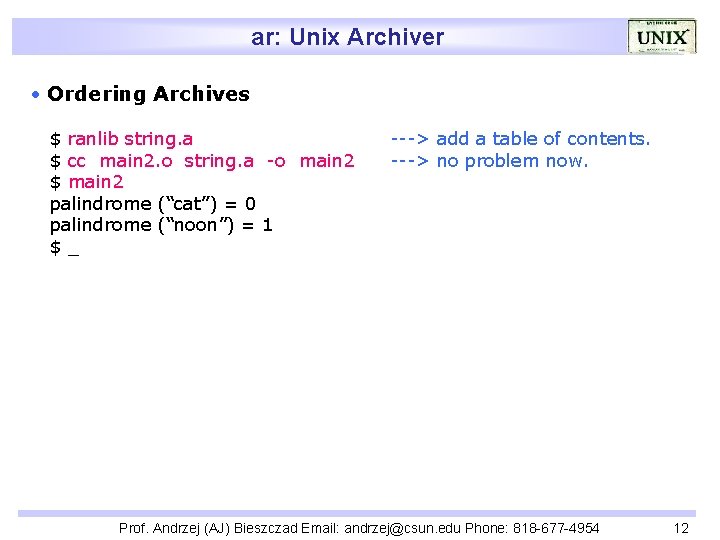
ar: Unix Archiver Ordering Archives $ ranlib string. a $ cc main 2. o string. a -o main 2 $ main 2 palindrome (“cat”) = 0 palindrome (“noon”) = 1 $_ ---> add a table of contents. ---> no problem now. Prof. Andrzej (AJ) Bieszczad Email: andrzej@csun. edu Phone: 818 -677 -4954 12
- Slides: 12