
APTC How to become an Authorised Prometric Test
APTC How to become an Authorised Prometric Test Center (APTC) The Steps to Take and Where to Start
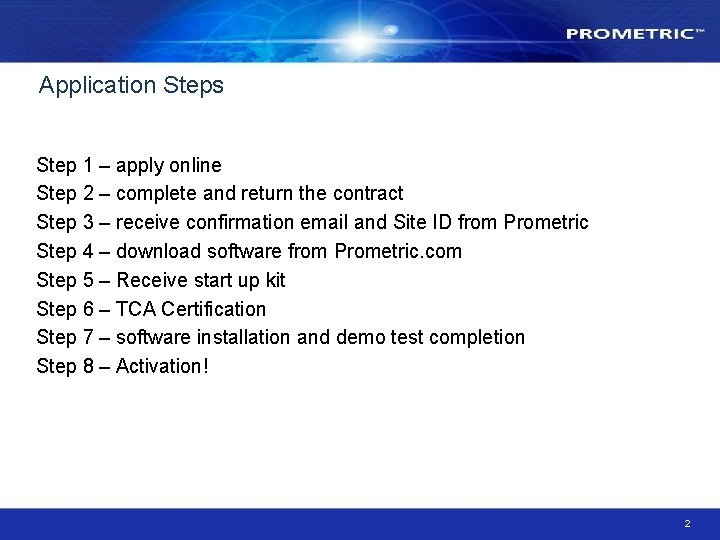
Application Steps Step 1 – apply online Step 2 – complete and return the contract Step 3 – receive confirmation email and Site ID from Prometric Step 4 – download software from Prometric. com Step 5 – Receive start up kit Step 6 – TCA Certification Step 7 – software installation and demo test completion Step 8 – Activation! 2
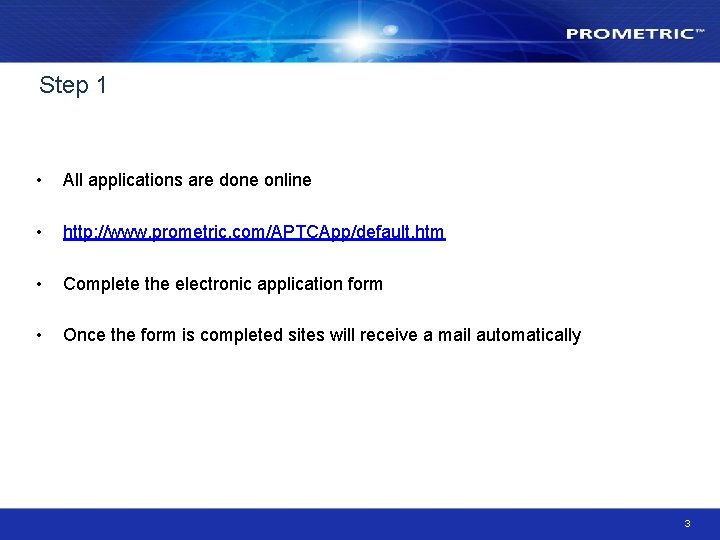
Step 1 • All applications are done online • http: //www. prometric. com/APTCApp/default. htm • Complete the electronic application form • Once the form is completed sites will receive a mail automatically 3

Step 2 • Once the online application form is completed Prometric carry out a security check. • After passing the security check a confirmation email is sent to the applicant with a contract and finance forms to complete. This may take 10 working days. • Return the contract and finance forms as soon as possible 4
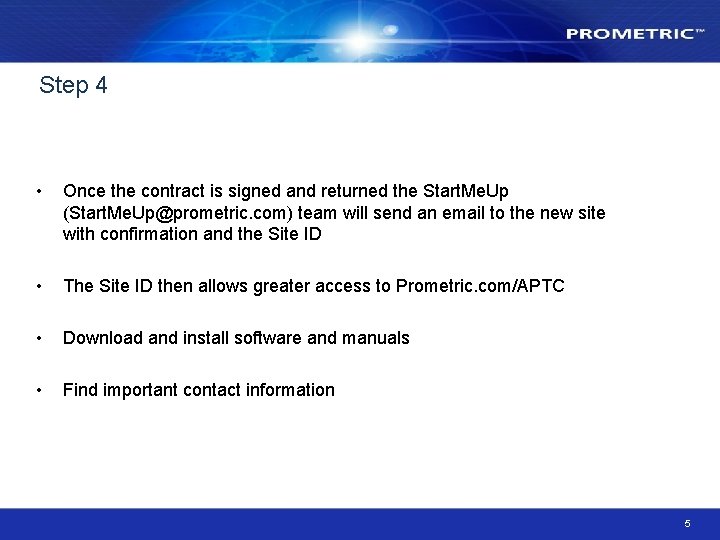
Step 4 • Once the contract is signed and returned the Start. Me. Up (Start. Me. Up@prometric. com) team will send an email to the new site with confirmation and the Site ID • The Site ID then allows greater access to Prometric. com/APTC • Download and install software and manuals • Find important contact information 5
Step 5 Prometric will ship a start up kit from the warehouse in Manchester The Start. Up Kit contains: – – – Dry Eraser Markers (Box of 12) Embosser SP ID Cards (Pack 200) Candidate Care cards (Pack 200) Laminated Note Board (Pack 12) Signage Kit 6

Step 6 • Test Center Administrator (TCA) Certification • There is an online training course followed by a test. Each site must have a certified TCA in order to proceed. • The course is in 3 sections to be completed all in one go or a section at a time. • TCA exam allows two hours to answer 50 multiple choice questions 7
Step 7 • Complete software installation • Send confirmation of setup to the Helpdesk 8

APTC Site Setup Schematic 9
- Slides: 9