
Approaches Tools Introduction to DIY Web Social Media
Approaches & Tools Introduction to DIY Web & Social Media Archiving dpconline. org sara day thomson tw: @sdaythomson
Why archive web and social media content? what do you think…? • _____________________ • . . . • community memory • institutional memory • historical research • context or supplementary to other collections • collecting policy • evidential value
Web & social media content are NOT exempt from selection and appraisal! What are your priorities? • • • look and feel browser or platform versions browser or platform functionality multiple devices or interfaces machine-readability content format or formats output format or formats context and relationship to other web content creators and account owners
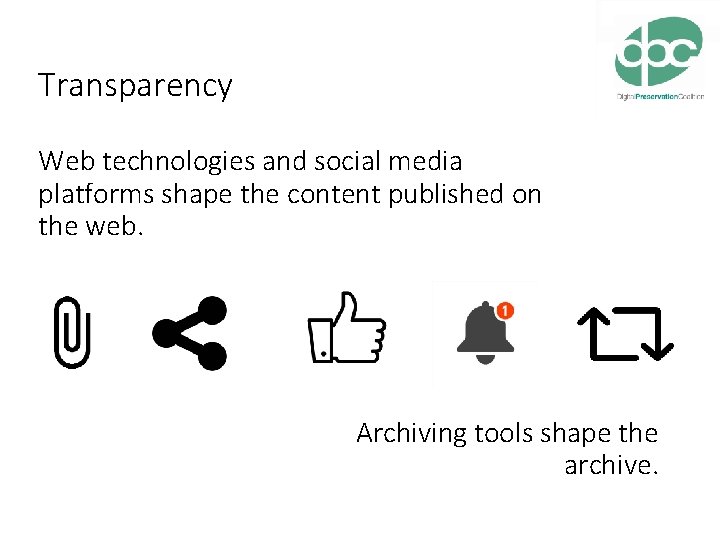
Transparency Web technologies and social media platforms shape the content published on the web. Archiving tools shape the archive.
what are you collecting and why?
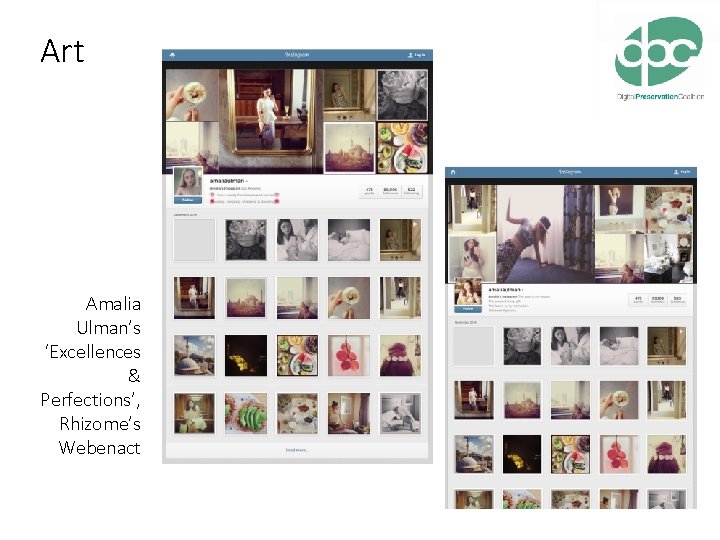
Art Amalia Ulman’s ‘Excellences & Perfections’, Rhizome’s Webenact
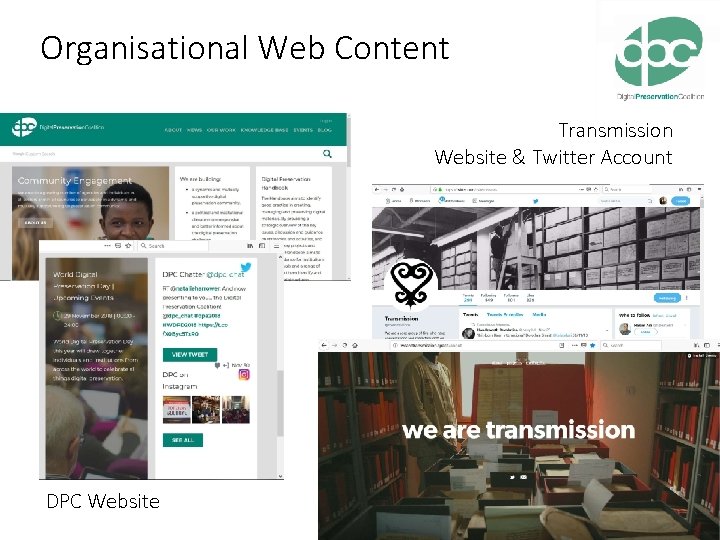
Organisational Web Content Transmission Website & Twitter Account DPC Website
Challenges to Social Media Selection & Appraisal • The ‘Conversation’ – across users – across social media services • Embedded Media – – images audio moving images URLs • Uniformity of language, tags, and keywords • Spelling errors • Obscenity or libel • Shortened Links (eg bitly, tinyurl) • Relevance • Rights & Ownership
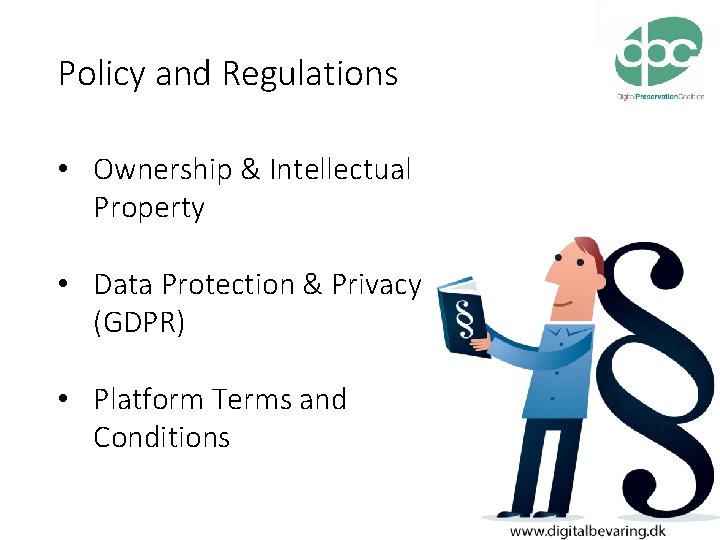
Policy and Regulations • Ownership & Intellectual Property • Data Protection & Privacy (GDPR) • Platform Terms and Conditions
Social Media Platform Terms and Conditions Common Policies • • • Terms of Service User Agreement Privacy Policy Terms of Use Developer Agreement or Developer Policy Developer Agreement or Policy: Common Characteristics • Controls use of API • Forbids sharing of data (incl. cloud storage) • Forbids preservation of deleted data
Are the T&Cs of social media good enough to fulfil your personal or institutional ethical obligations?
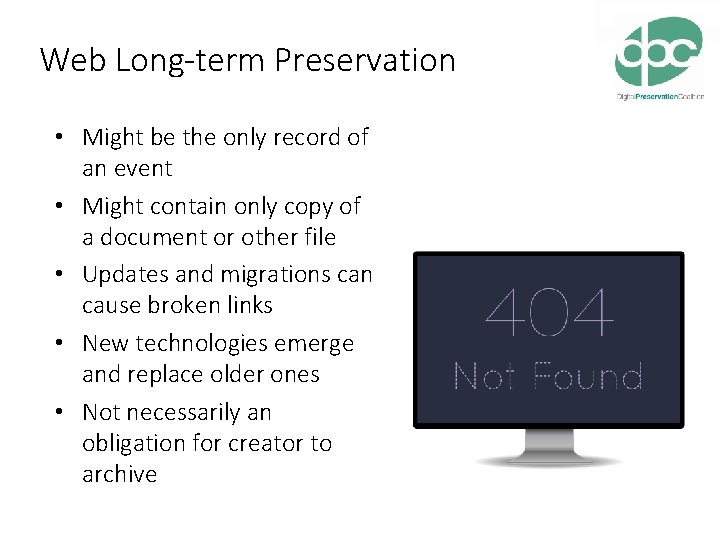
Web Long-term Preservation • Might be the only record of an event • Might contain only copy of a document or other file • Updates and migrations can cause broken links • New technologies emerge and replace older ones • Not necessarily an obligation for creator to archive
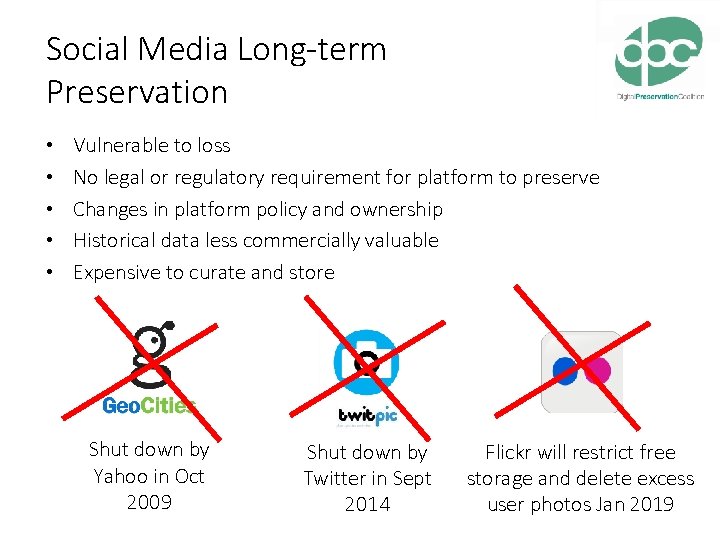
Social Media Long-term Preservation • • • Vulnerable to loss No legal or regulatory requirement for platform to preserve Changes in platform policy and ownership Historical data less commercially valuable Expensive to curate and store Shut down by Yahoo in Oct 2009 Shut down by Twitter in Sept 2014 Flickr will restrict free storage and delete excess user photos Jan 2019
Tools: how do we capture, curate, and preserve web & social media content • • • web crawlers (eg Heritrix) platform self-archiving services api-based tools third-party services data resellers

HTTrack ‘Website Copier’
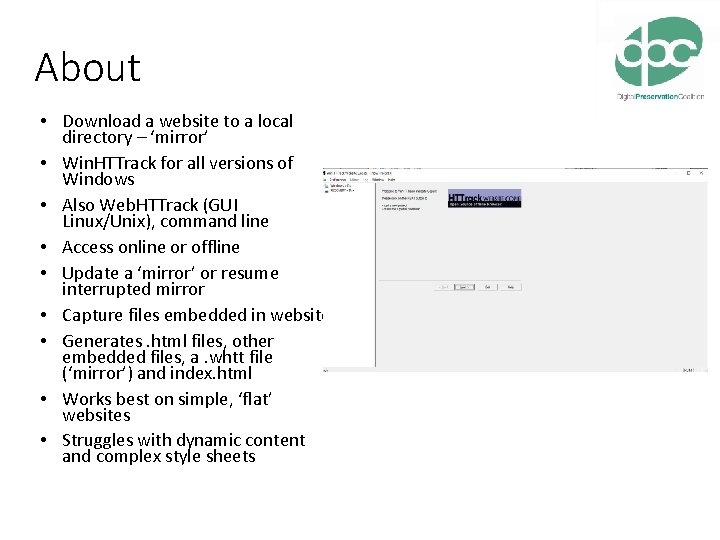
About • Download a website to a local directory – ‘mirror’ • Win. HTTrack for all versions of Windows • Also Web. HTTrack (GUI Linux/Unix), command line • Access online or offline • Update a ‘mirror’ or resume interrupted mirror • Capture files embedded in website • Generates. html files, other embedded files, a. whtt file (‘mirror’) and index. html • Works best on simple, ‘flat’ websites • Struggles with dynamic content and complex style sheets

Step 1: Download
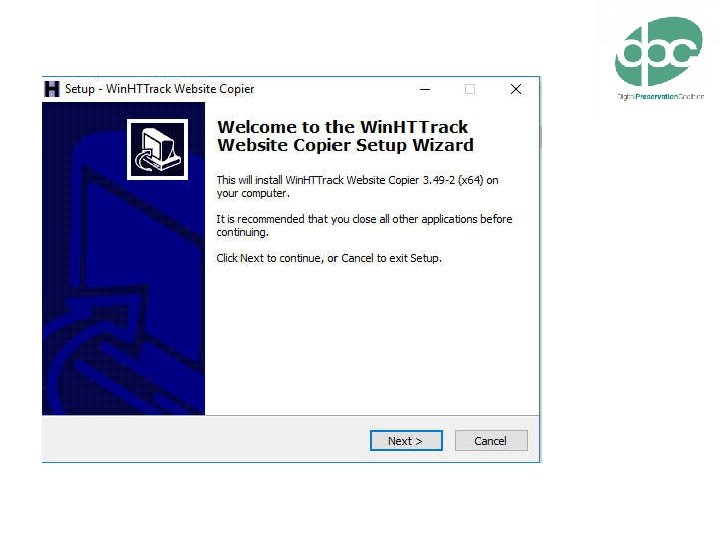
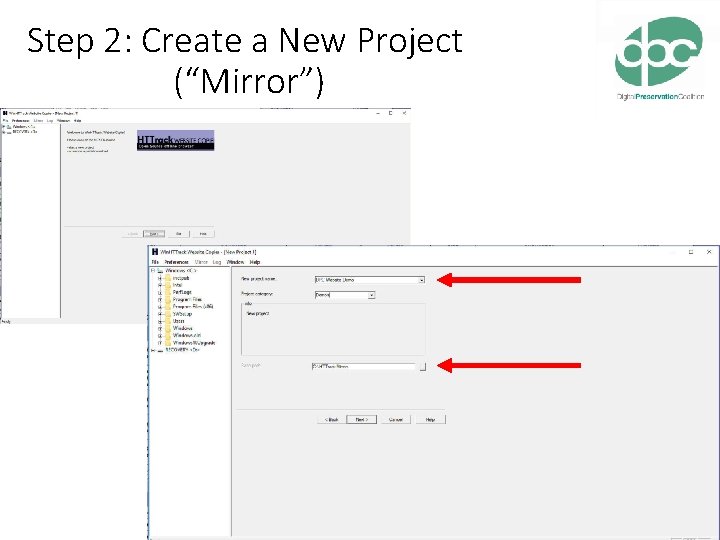
Step 2: Create a New Project (“Mirror”)
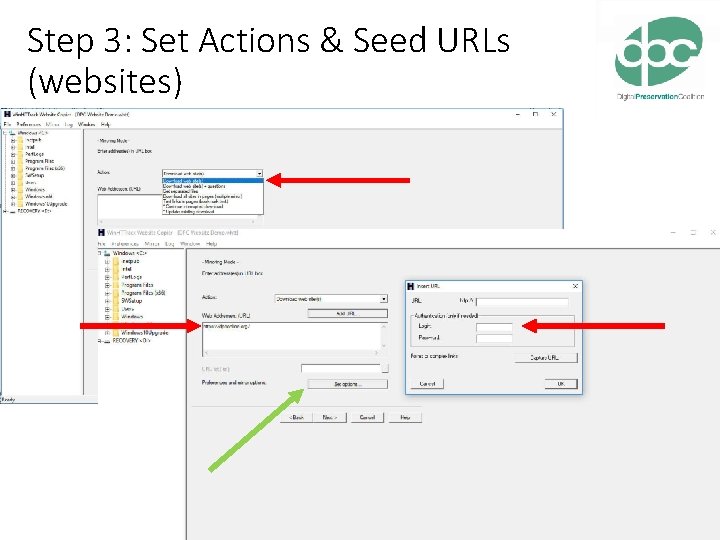
Step 3: Set Actions & Seed URLs (websites)
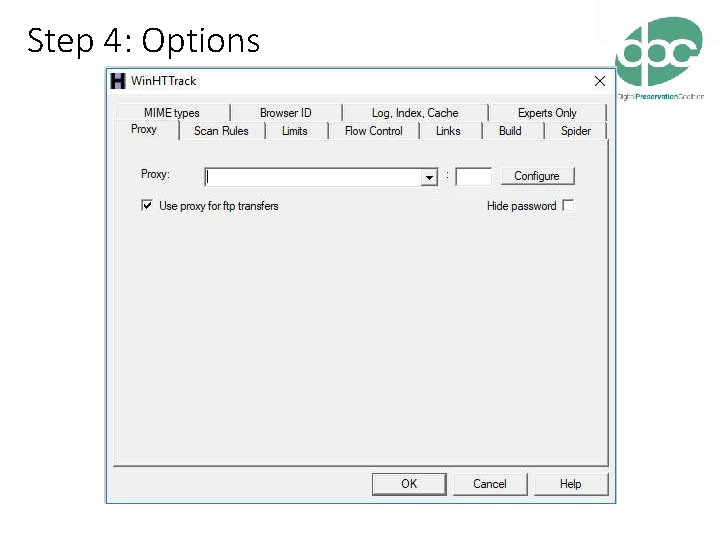
Step 4: Options
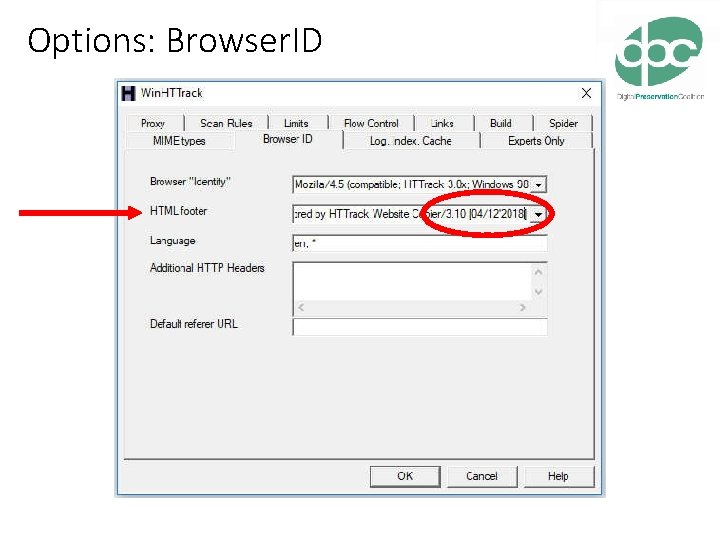
Options: Browser. ID
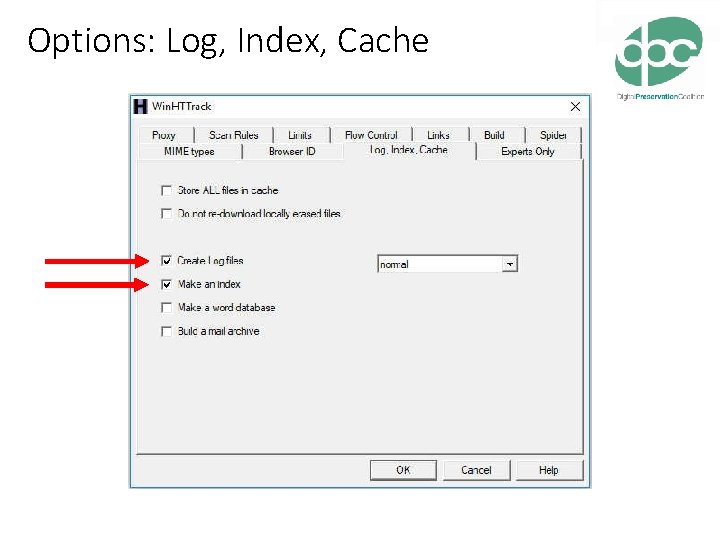
Options: Log, Index, Cache
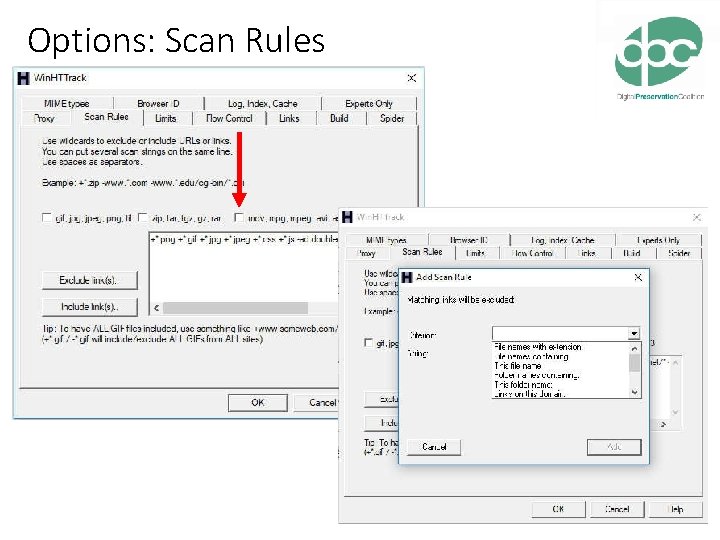
Options: Scan Rules
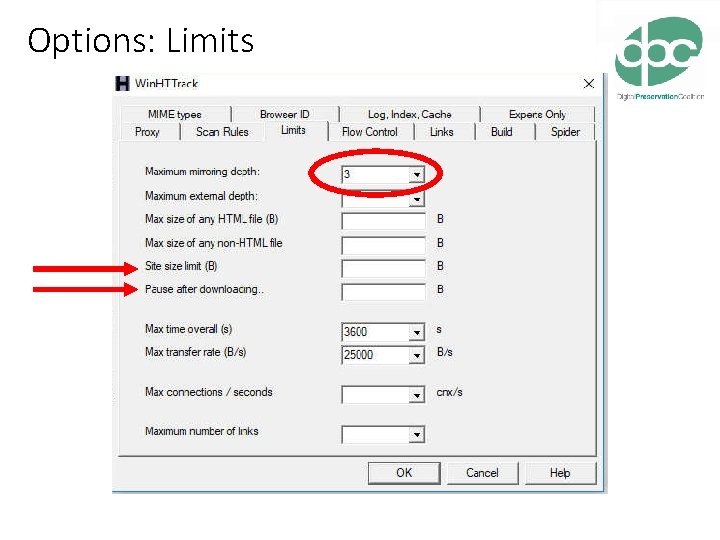
Options: Limits
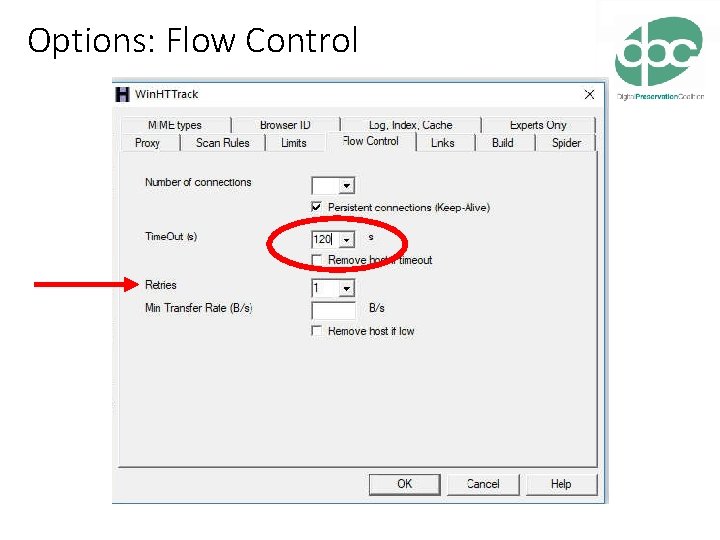
Options: Flow Control
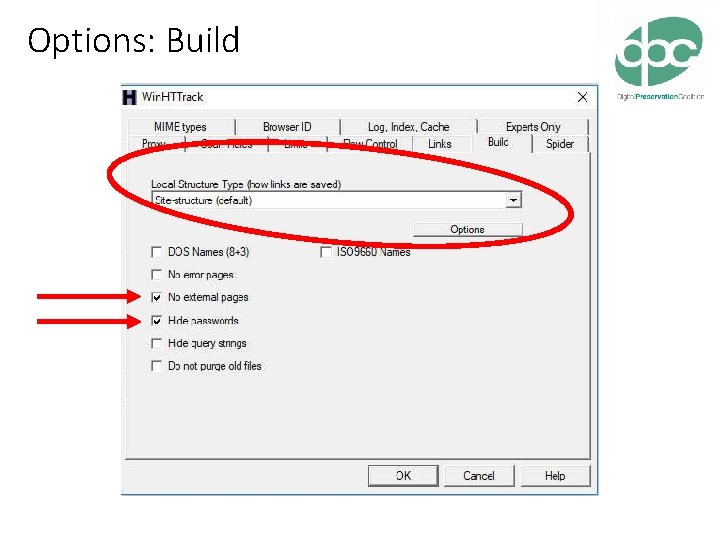
Options: Build
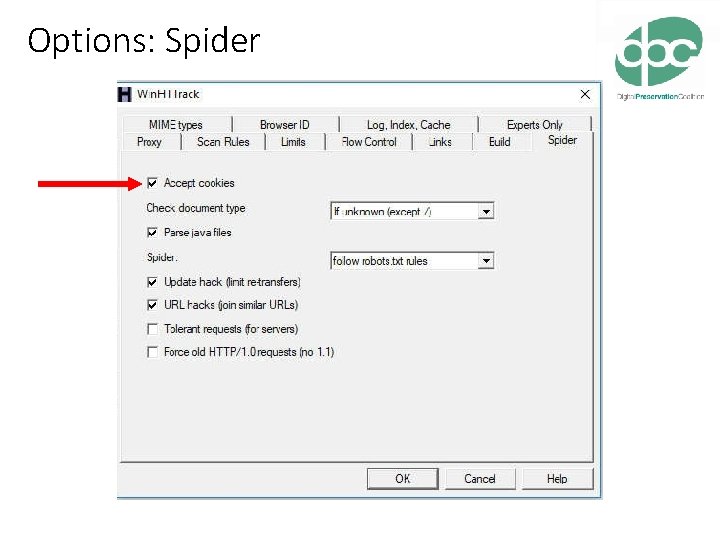
Options: Spider
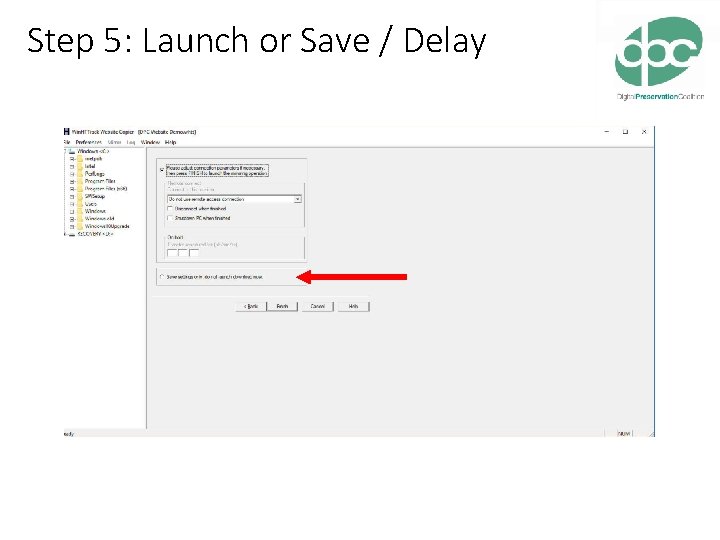
Step 5: Launch or Save / Delay
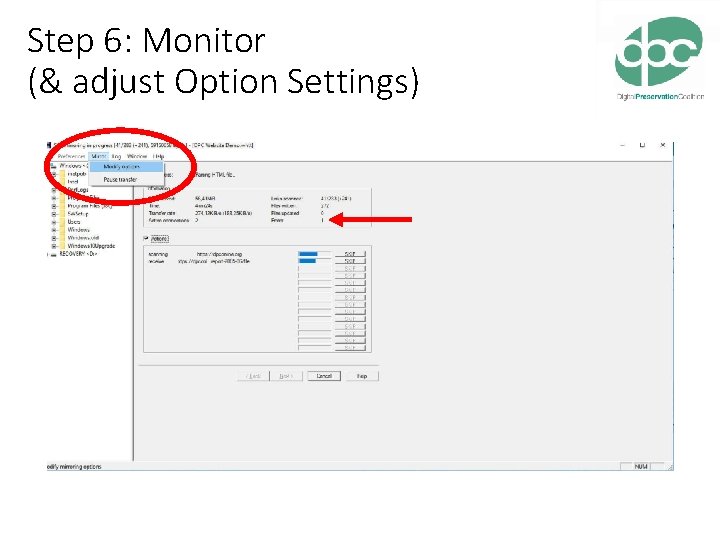
Step 6: Monitor (& adjust Option Settings)
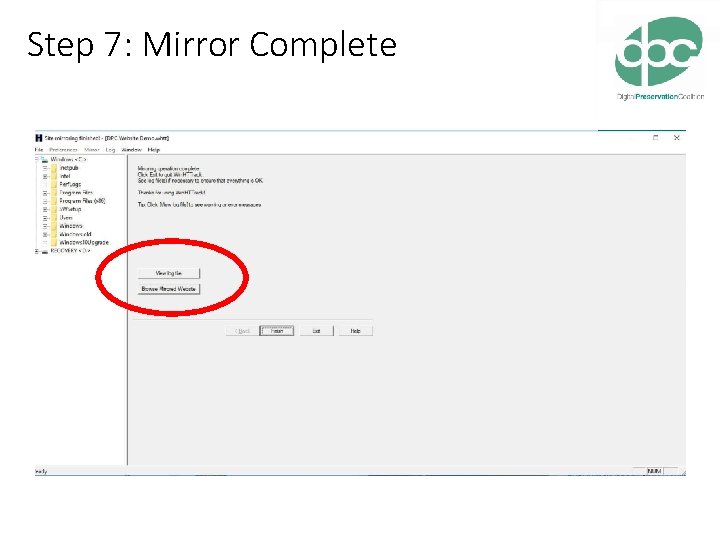
Step 7: Mirror Complete
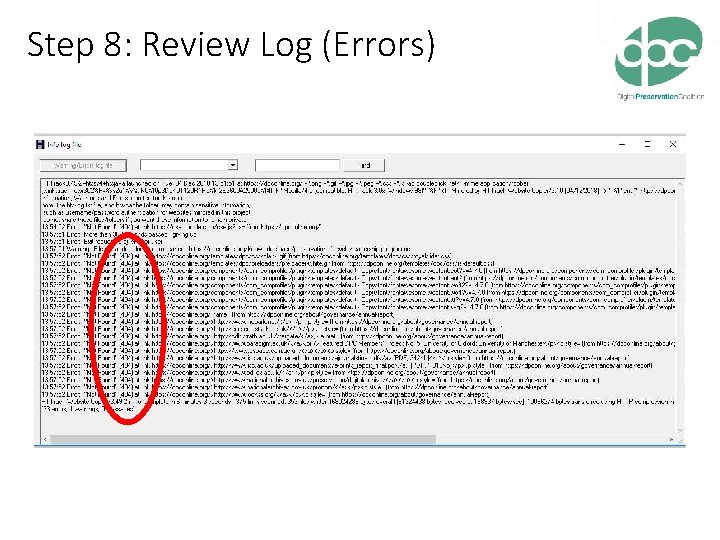
Step 8: Review Log (Errors)
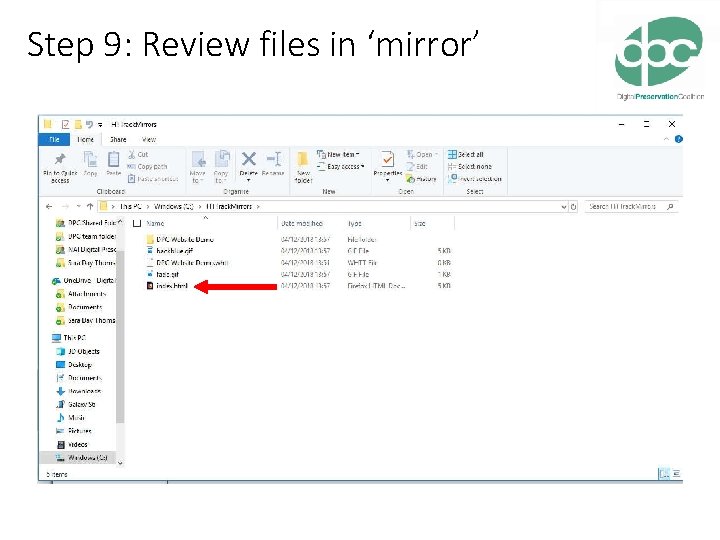
Step 9: Review files in ‘mirror’
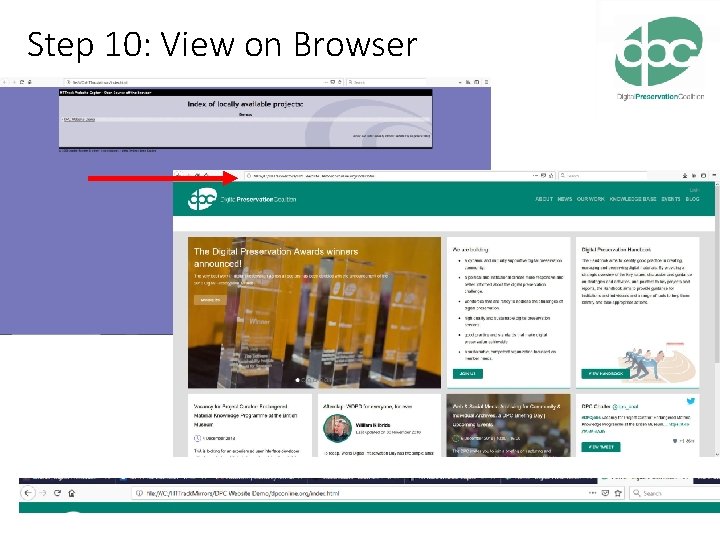
Step 10: View on Browser
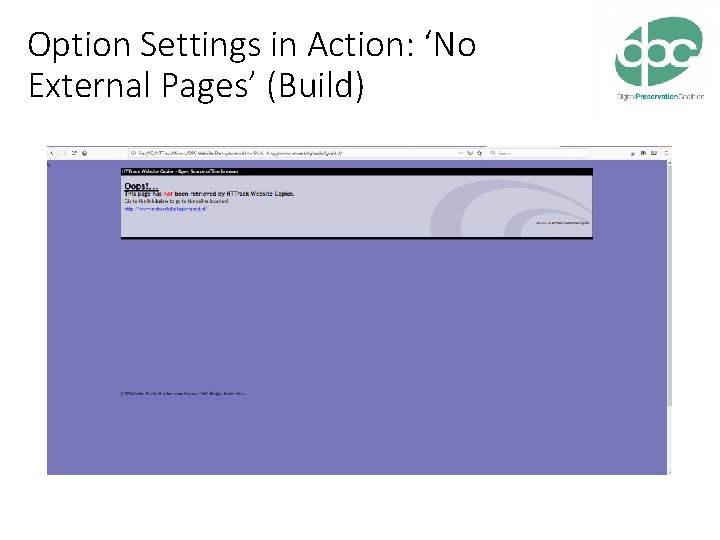
Option Settings in Action: ‘No External Pages’ (Build)
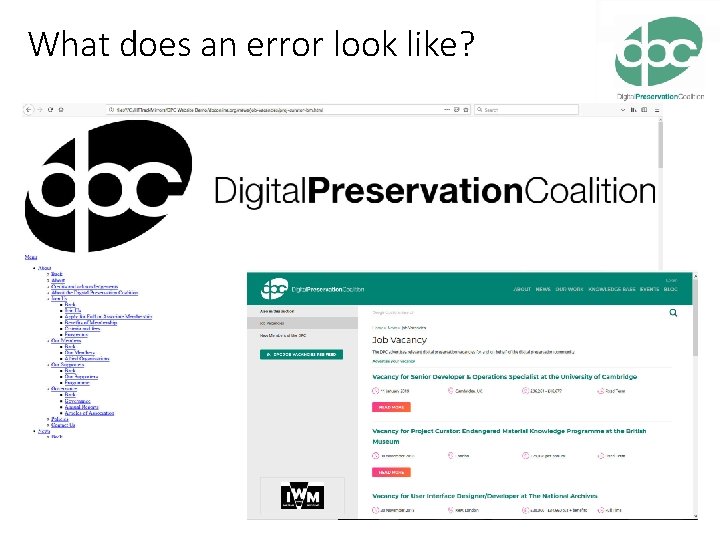
What does an error look like?
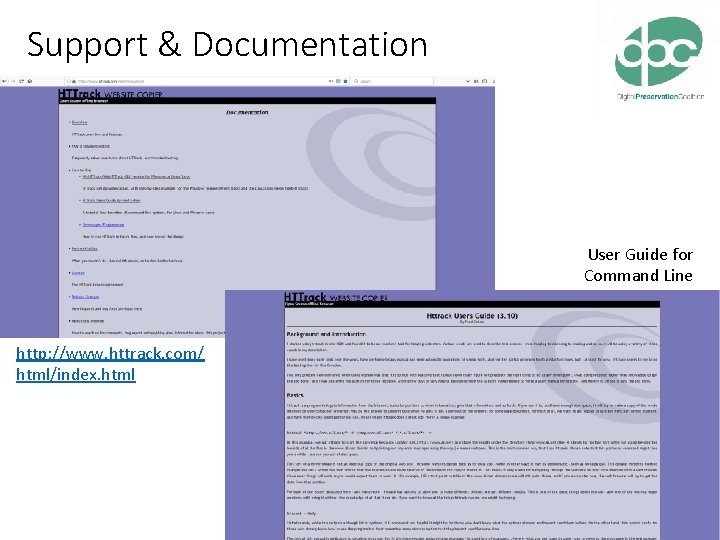
Support & Documentation User Guide for Command Line http: //www. httrack. com/ html/index. html
social media platform self archiving: Twitter
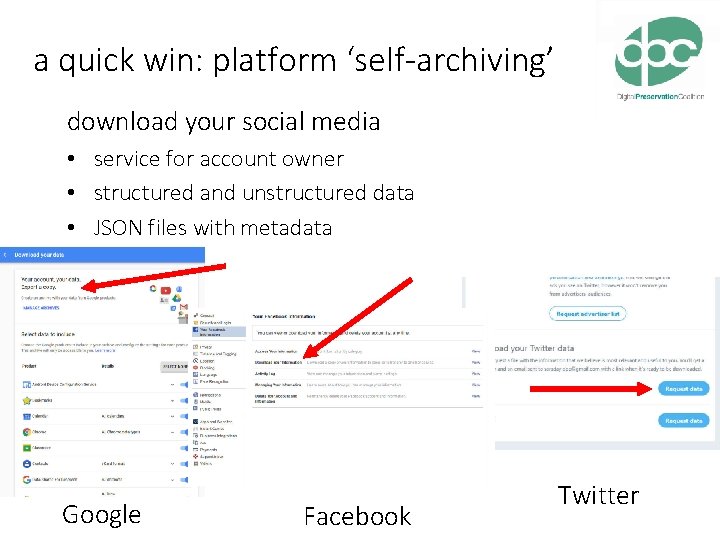
a quick win: platform ‘self-archiving’ download your social media • service for account owner • structured and unstructured data • JSON files with metadata Google Facebook Twitter
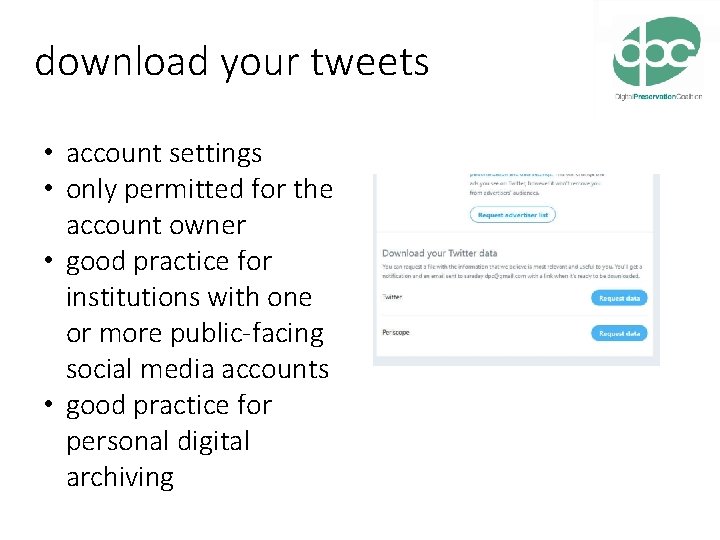
download your tweets • account settings • only permitted for the account owner • good practice for institutions with one or more public-facing social media accounts • good practice for personal digital archiving
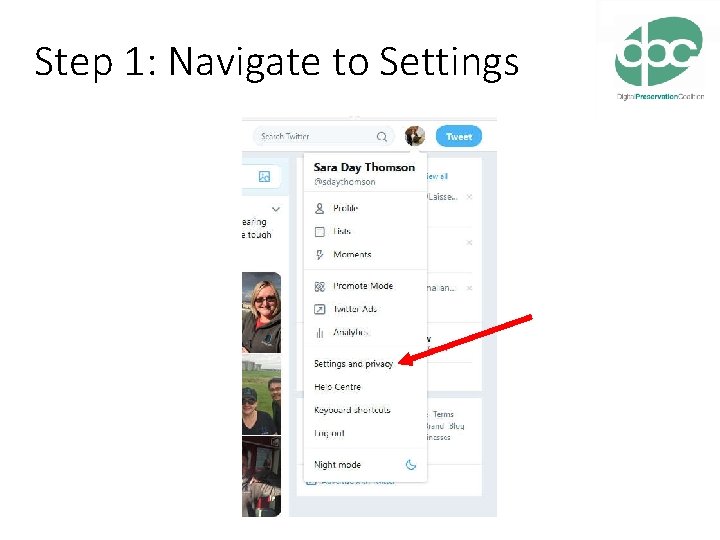
Step 1: Navigate to Settings
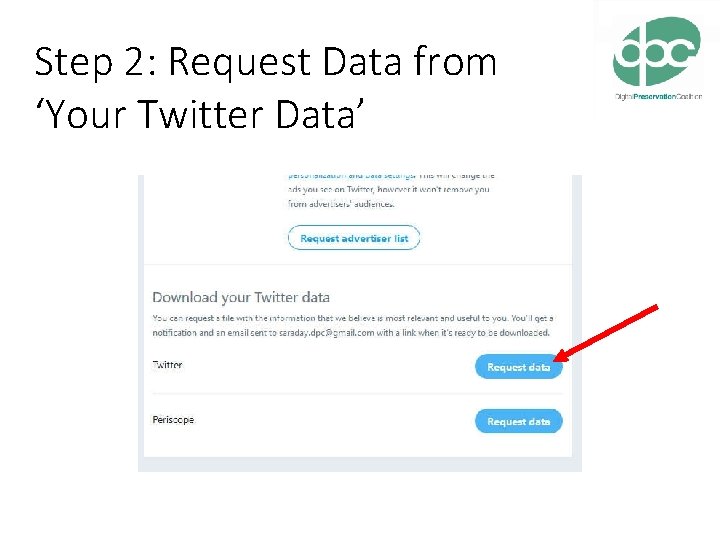
Step 2: Request Data from ‘Your Twitter Data’
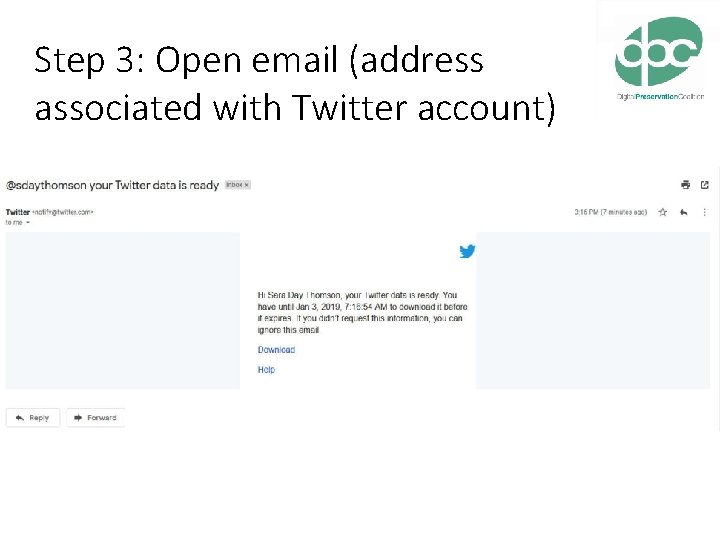
Step 3: Open email (address associated with Twitter account)
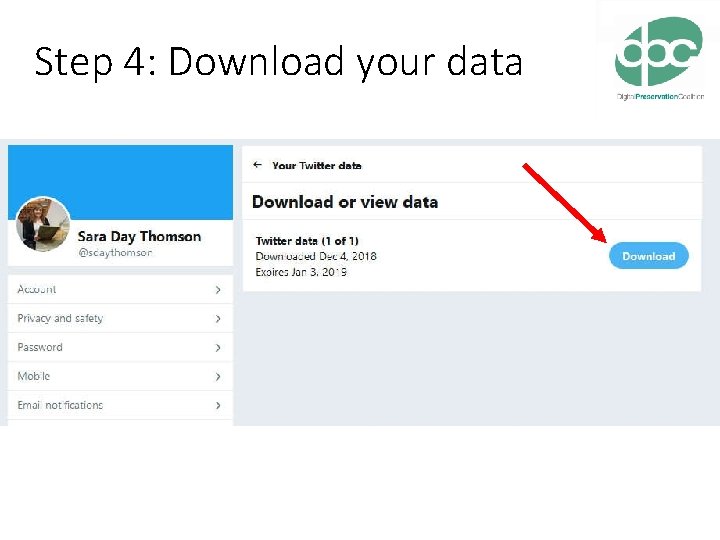
Step 4: Download your data
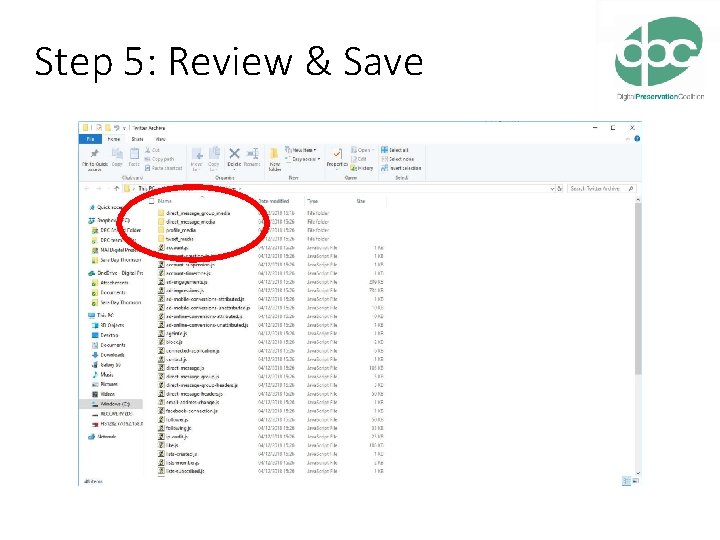
Step 5: Review & Save
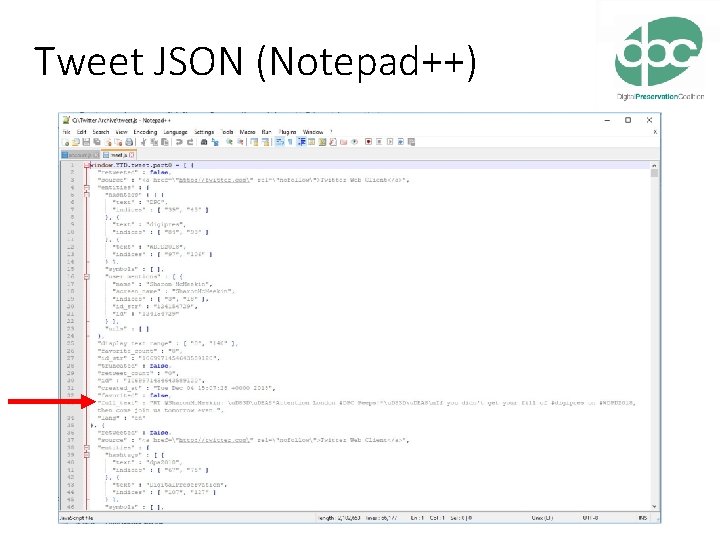
Tweet JSON (Notepad++)
#thanks!
- Slides: 47