
Apply Texas Application Guide EARLY COLLEGE Account Profile


- Slides: 21
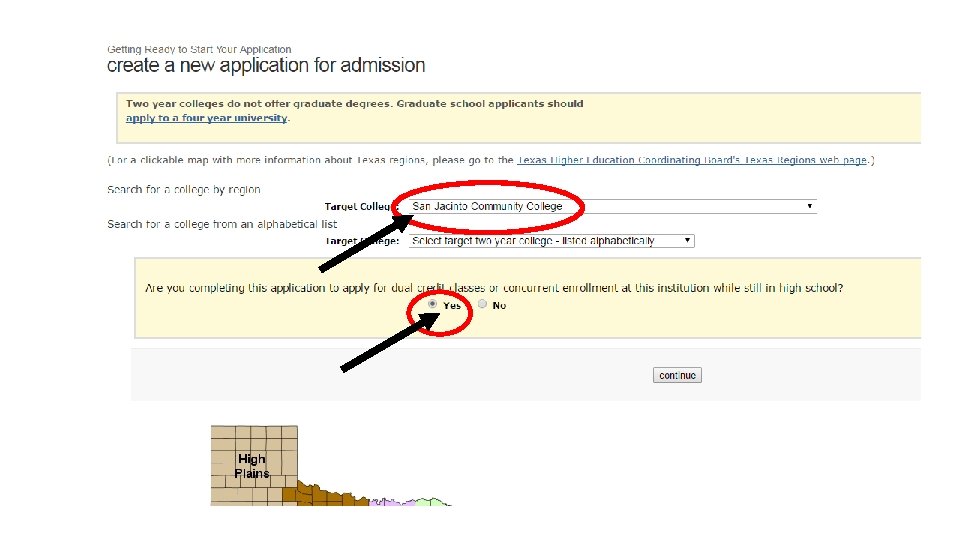
Apply Texas Application Guide EARLY COLLEGE
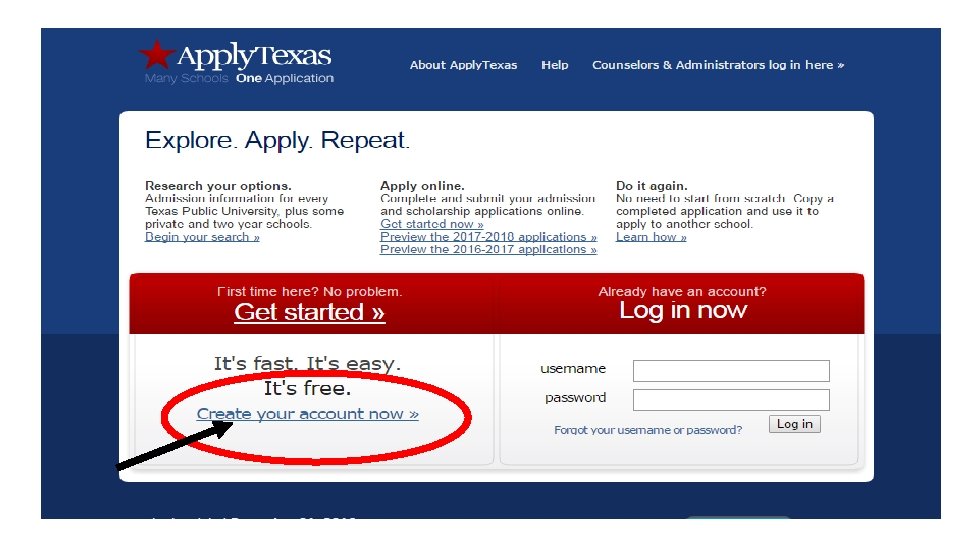
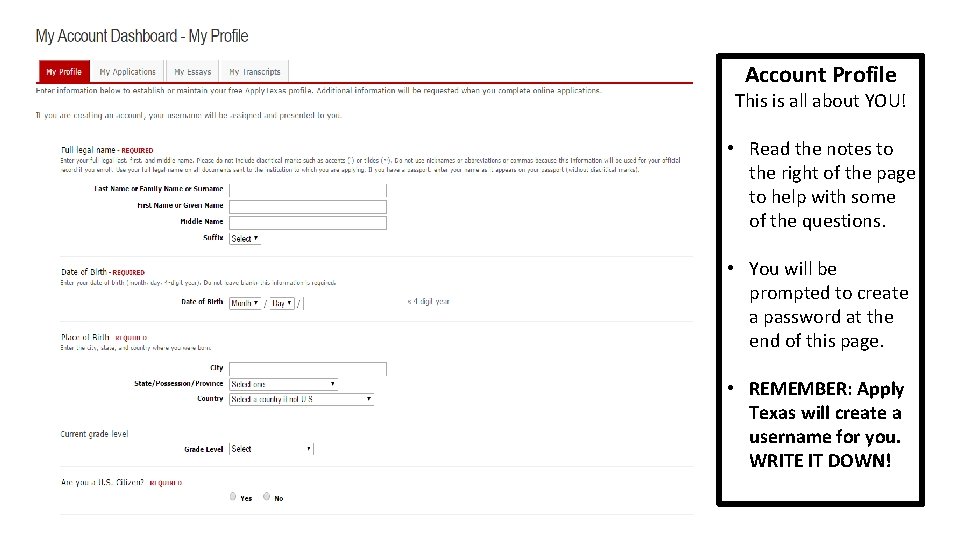
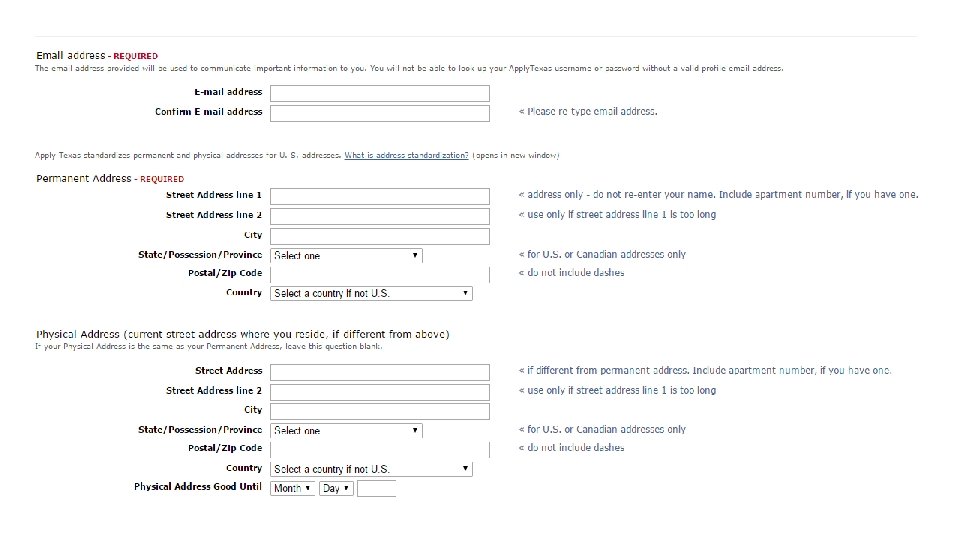
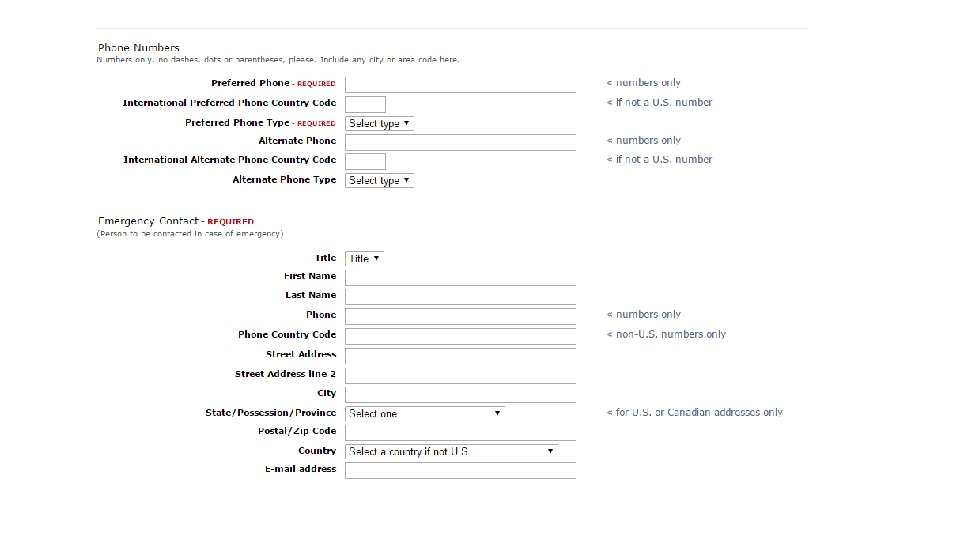
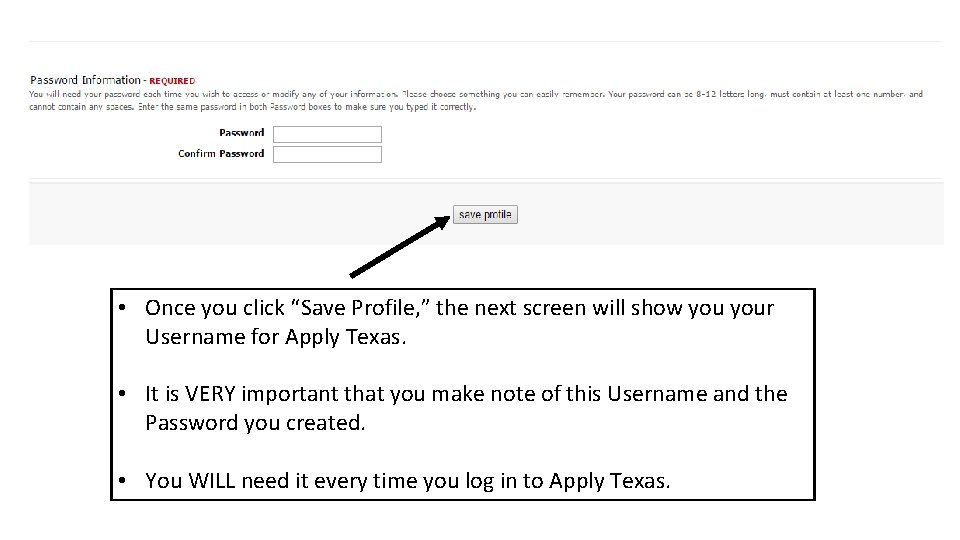
Account Profile This is all about YOU! • Read the notes to the right of the page to help with some of the questions. • You will be prompted to create a password at the end of this page. • REMEMBER: Apply Texas will create a username for you. WRITE IT DOWN!
• Once you click “Save Profile, ” the next screen will show your Username for Apply Texas. • It is VERY important that you make note of this Username and the Password you created. • You WILL need it every time you log in to Apply Texas.
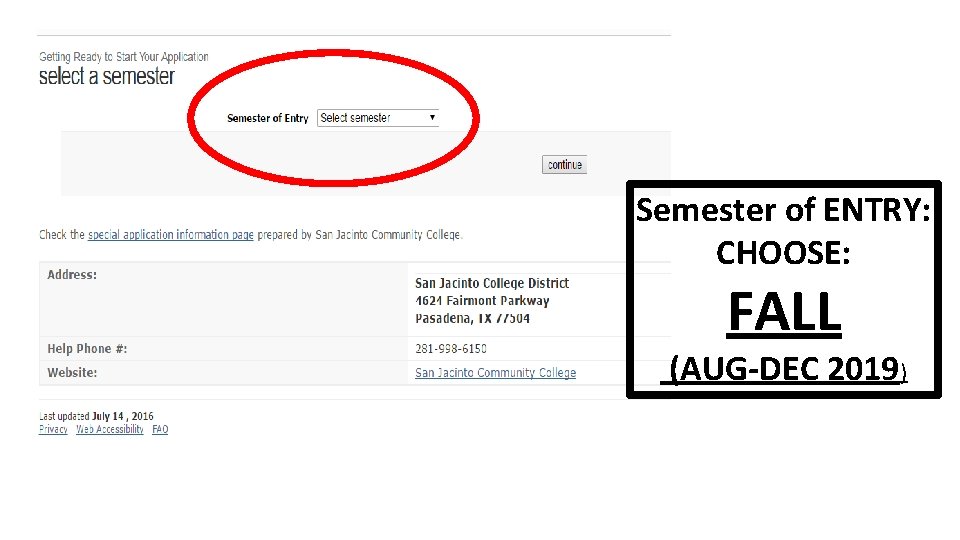
Semester of ENTRY: CHOOSE: FALL (AUG-DEC 2019)
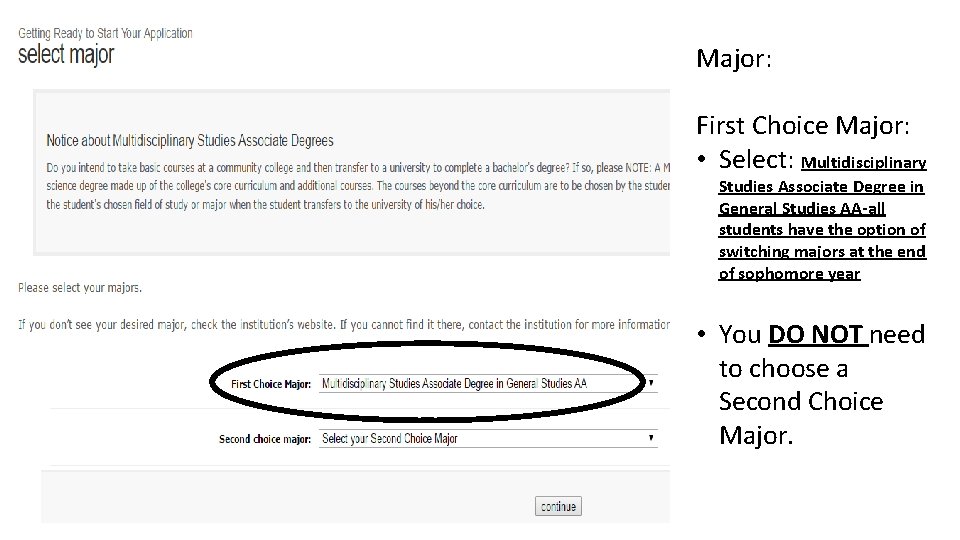
Major: First Choice Major: • Select: Multidisciplinary Studies Associate Degree in General Studies AA-all students have the option of switching majors at the end of sophomore year • You DO NOT need to choose a Second Choice Major.
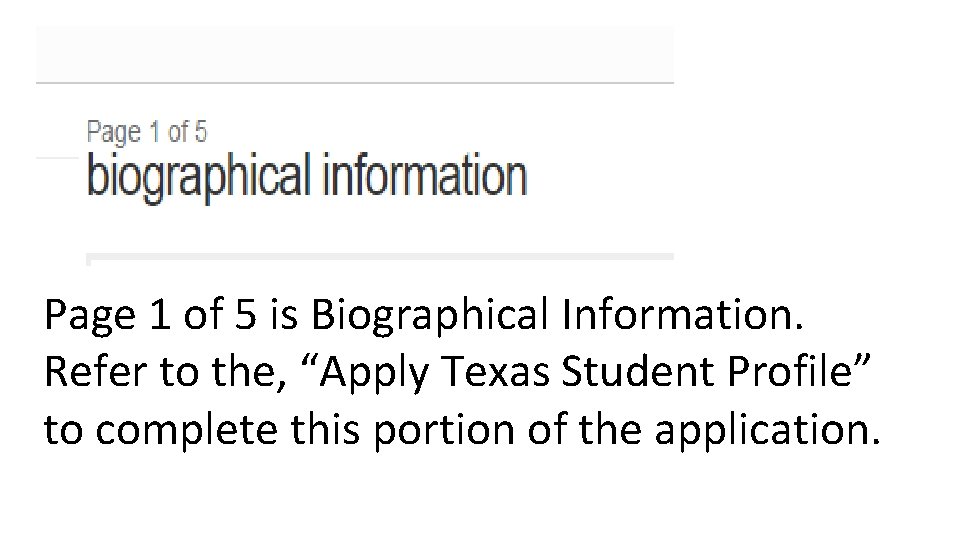
Page 1 of 5 is Biographical Information. Refer to the, “Apply Texas Student Profile” to complete this portion of the application.
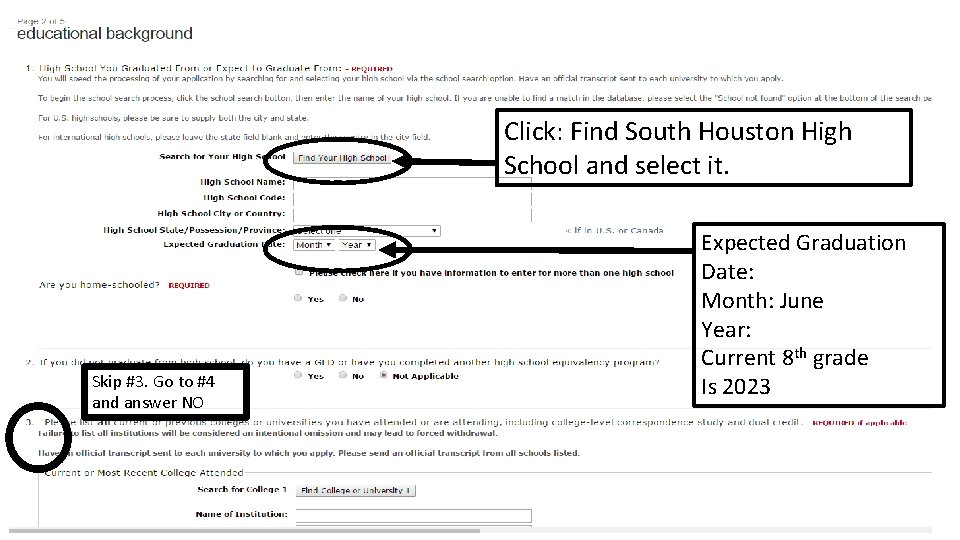
Click: Find South Houston High School and select it. Skip #3. Go to #4 and answer NO Expected Graduation Date: Month: June Year: Current 8 th grade Is 2023
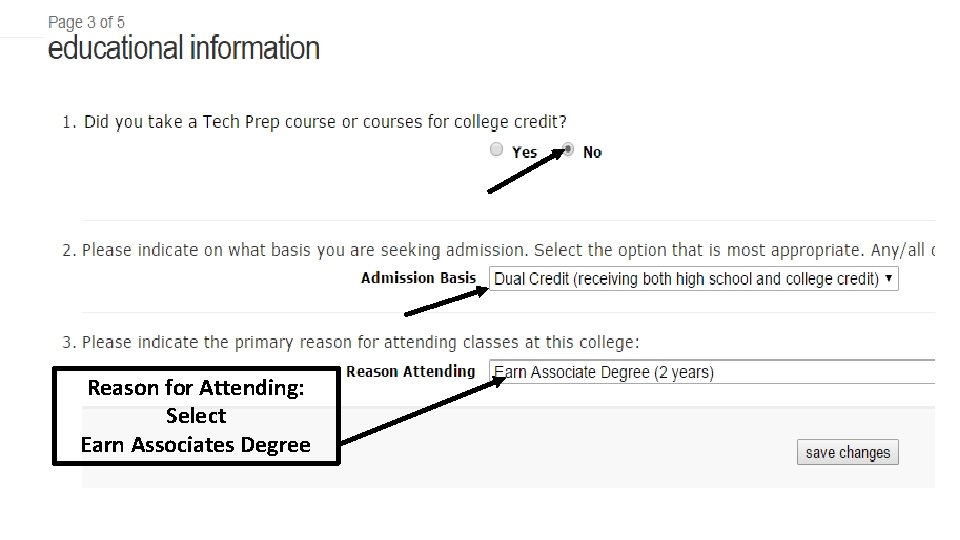
Reason for Attending: Select Earn Associates Degree
Page 4 of the Application is Residency Information. Refer to the, “Apply Texas Student Profile” to complete this portion of the application.
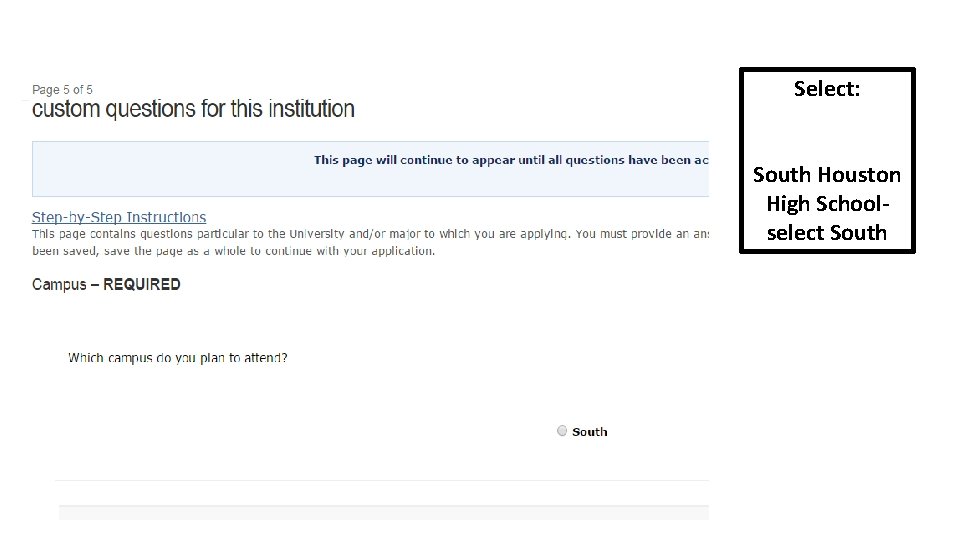
Select: South Houston High Schoolselect South
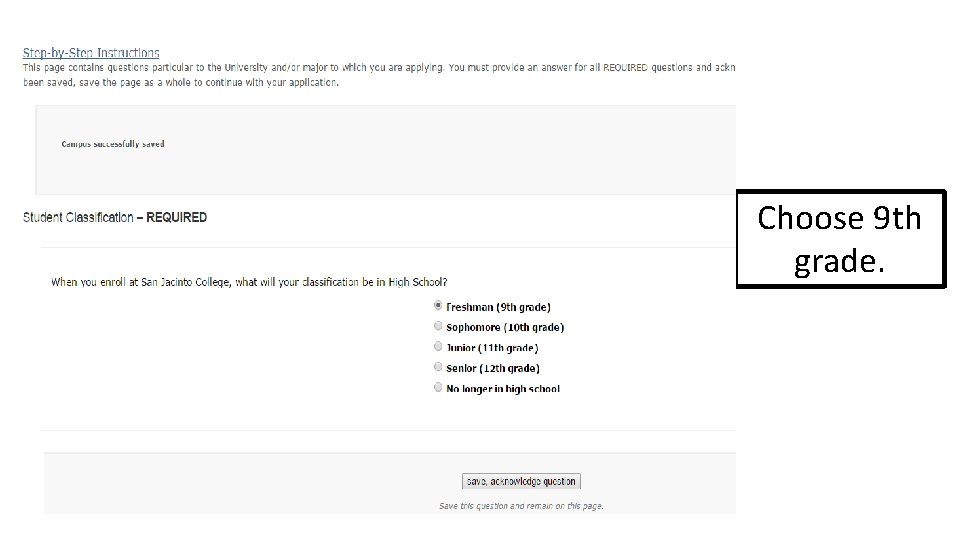
Choose 9 th grade.
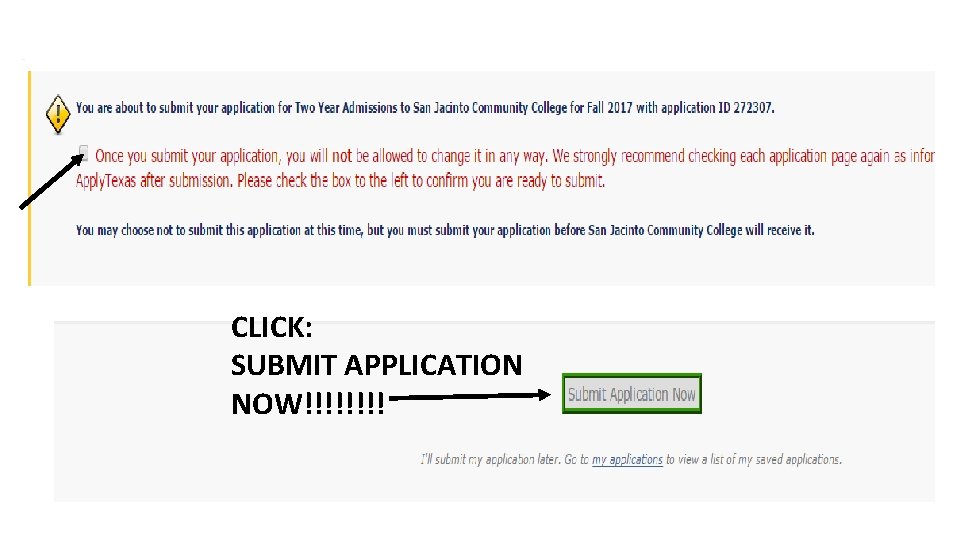
CLICK: SUBMIT APPLICATION NOW!!!!
You submitted your College Application! …But you’re not finished yet! You should receive an email in 1 -3 days from San Jacinto College instructing you to create an account with San Jac. Once you complete this step, you will receive your G#. . . this is your San Jac Student ID Number. It is important for you to be able to access your G number throughout your high school years.