
Applied Bioinformatics Course Overview Introduction to Linux Bing
Applied Bioinformatics Course Overview & Introduction to Linux Bing Zhang Department of Biomedical Informatics Vanderbilt University bing. zhang@vanderbilt. edu
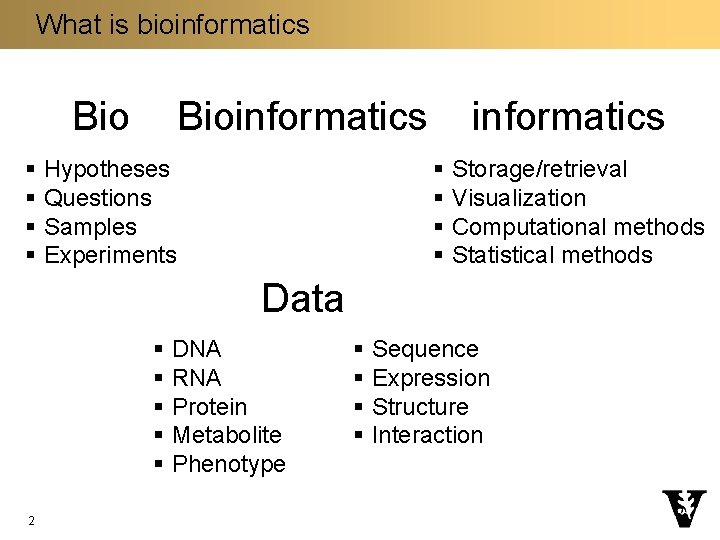
What is bioinformatics Bioinformatics § Hypotheses § Questions § Samples § Experiments informatics § Storage/retrieval § Visualization § Computational methods § Statistical methods Data § DNA § RNA § Protein § Metabolite § Phenotype 2 § Sequence § Expression § Structure § Interaction
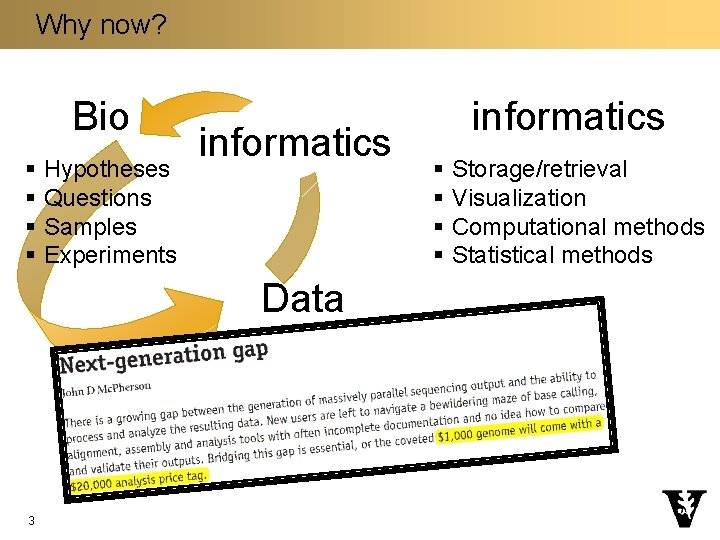
Why now? Bio § Hypotheses § Questions § Samples § Experiments informatics § Storage/retrieval § Visualization § Computational methods § Statistical methods Data § DNA § RNA § Protein § Metabolite § Phenotype 3 § Sequence § Expression § Structure § Interaction
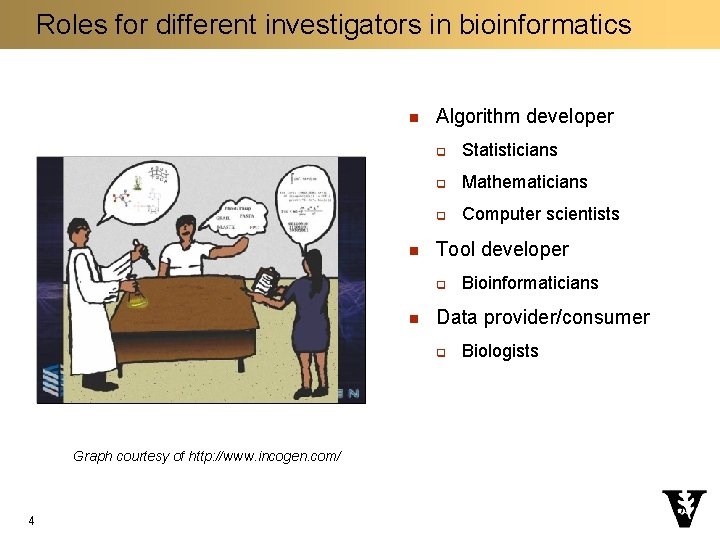
Roles for different investigators in bioinformatics n n Algorithm developer q Statisticians q Mathematicians q Computer scientists Tool developer q n Data provider/consumer q Graph courtesy of http: //www. incogen. com/ 4 Bioinformaticians Biologists
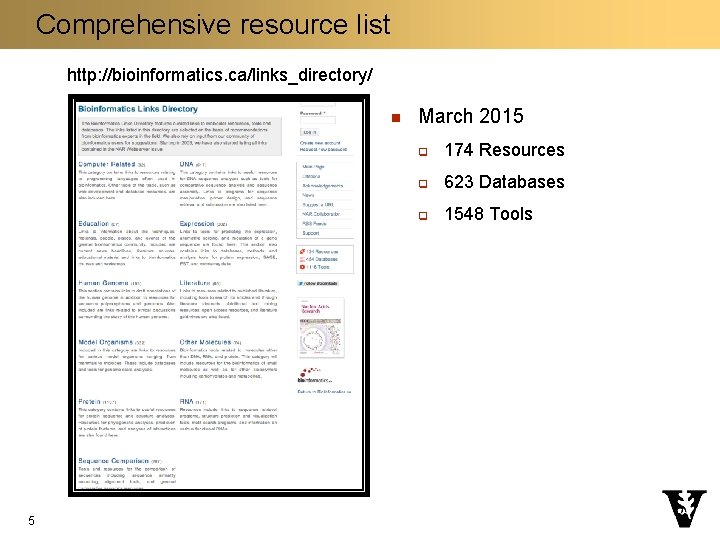
Comprehensive resource list http: //bioinformatics. ca/links_directory/ n 5 March 2015 q 174 Resources q 623 Databases q 1548 Tools
Sequence and structure databases n n Genbank: http: //www. ncbi. nlm. nih. gov/genbank/ q Annotated collection of all publicly available DNA sequences q 126, 551, 501, 141 bases in 135, 440, 924 sequence as of April 2011 Uni. Prot: http: //www. uniprot. org/ q Comprehensive resource for protein sequences and functional information q 534, 242 reviewed entries as of January 2012 PDB: http: //www. rcsb. org/ q 3 D structures of large biological molecules, including proteins and nucleic acids q 79, 180 structures as of February 2012 Pfam: http: //pfam. sanger. ac. uk/ q q 6 Collection of protein families, each represented by multiple sequence alignments and hidden Markov models (HMMs) 13, 672 families as of November 2011
Genome browsers n UCSC genome browser q n Ensembl genome browser q 7 http: //genome. ucsc. edu/cgi-bin/hg. Gateway http: //www. ensembl. org/index. html
Gene-centric databases n n 8 Entrez Gene q http: //www. ncbi. nlm. nih. gov/gene q NCBI/NIH q All completely sequenced genomes q One gene per page Ensembl Bio. Mart q http: //www. ensembl. org/biomart/martview q EMBL-EBI and Sanger Institute q Vertebrates and other selected eukaryotic species q Batch information retrieval
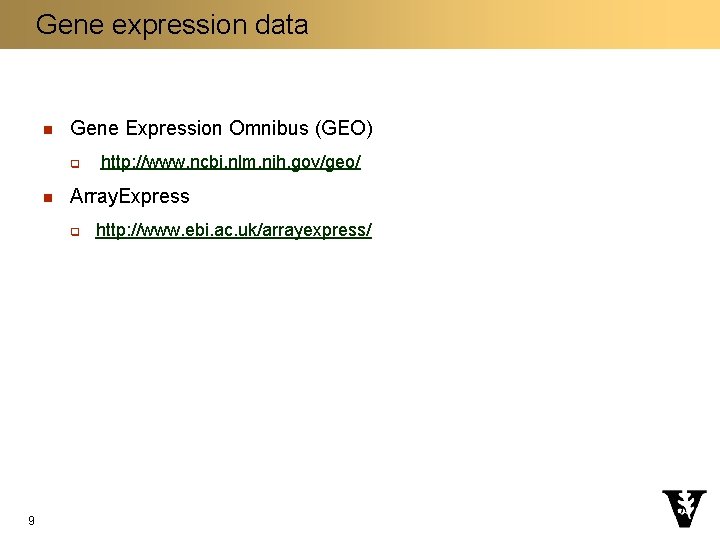
Gene expression data n Gene Expression Omnibus (GEO) q n Array. Express q 9 http: //www. ncbi. nlm. nih. gov/geo/ http: //www. ebi. ac. uk/arrayexpress/
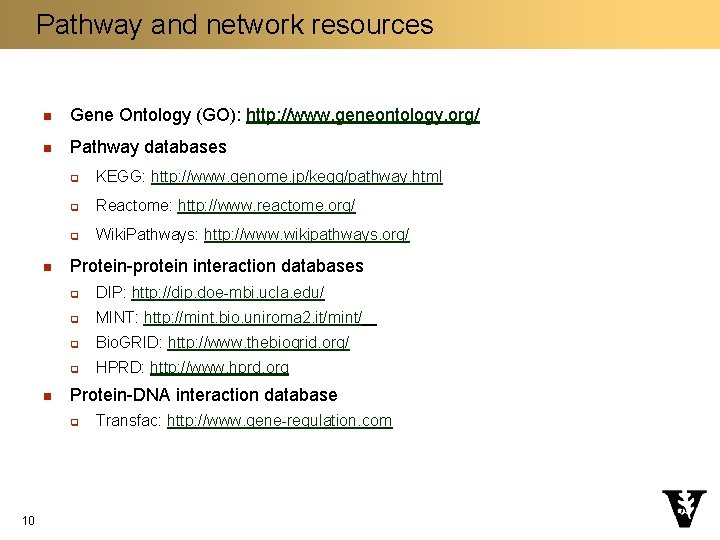
Pathway and network resources n Gene Ontology (GO): http: //www. geneontology. org/ n Pathway databases n n q KEGG: http: //www. genome. jp/kegg/pathway. html q Reactome: http: //www. reactome. org/ q Wiki. Pathways: http: //www. wikipathways. org/ Protein-protein interaction databases q DIP: http: //dip. doe-mbi. ucla. edu/ q MINT: http: //mint. bio. uniroma 2. it/mint/ q Bio. GRID: http: //www. thebiogrid. org/ q HPRD: http: //www. hprd. org Protein-DNA interaction database q 10 Transfac: http: //www. gene-regulation. com
Course content and grades 11
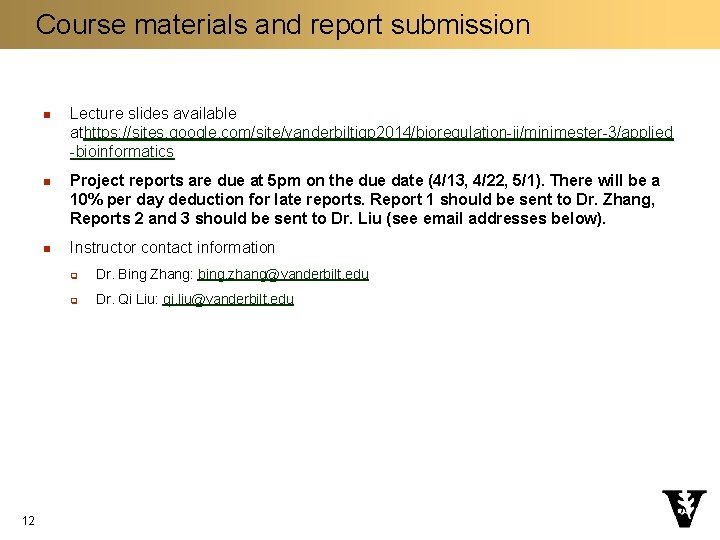
Course materials and report submission 12 n Lecture slides available athttps: //sites. google. com/site/vanderbiltigp 2014/bioregulation-ii/minimester-3/applied -bioinformatics n Project reports are due at 5 pm on the due date (4/13, 4/22, 5/1). There will be a 10% per day deduction for late reports. Report 1 should be sent to Dr. Zhang, Reports 2 and 3 should be sent to Dr. Liu (see email addresses below). n Instructor contact information q Dr. Bing Zhang: bing. zhang@vanderbilt. edu q Dr. Qi Liu: qi. liu@vanderbilt. edu
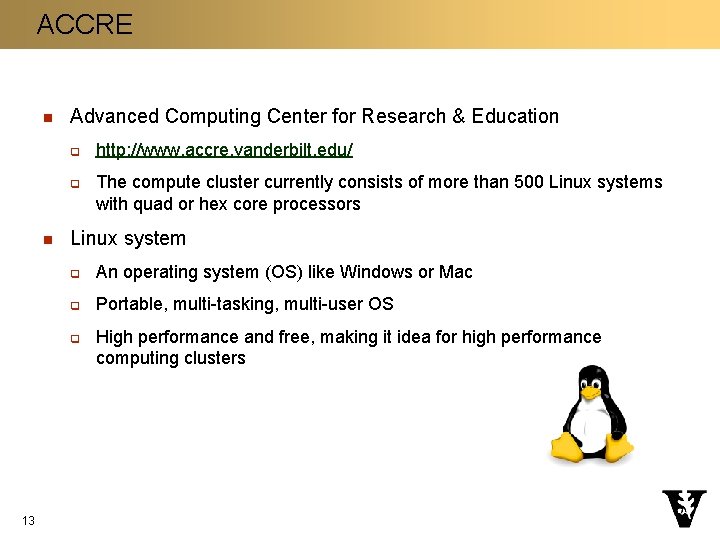
ACCRE n Advanced Computing Center for Research & Education q q n The compute cluster currently consists of more than 500 Linux systems with quad or hex core processors Linux system q An operating system (OS) like Windows or Mac q Portable, multi-tasking, multi-user OS q 13 http: //www. accre. vanderbilt. edu/ High performance and free, making it idea for high performance computing clusters
Proper use of ACCRE n 14 Information in the ACCRE cluster group igp 300 b_ab may not contain data, information, technology, images, or software that is controlled under Federal Export Administration Regulations (EAR), International Traffic in Arms Regulations (ITAR), Patient Health Information (PHI), or Research Health Information (RHI) nor is it considered proprietary.
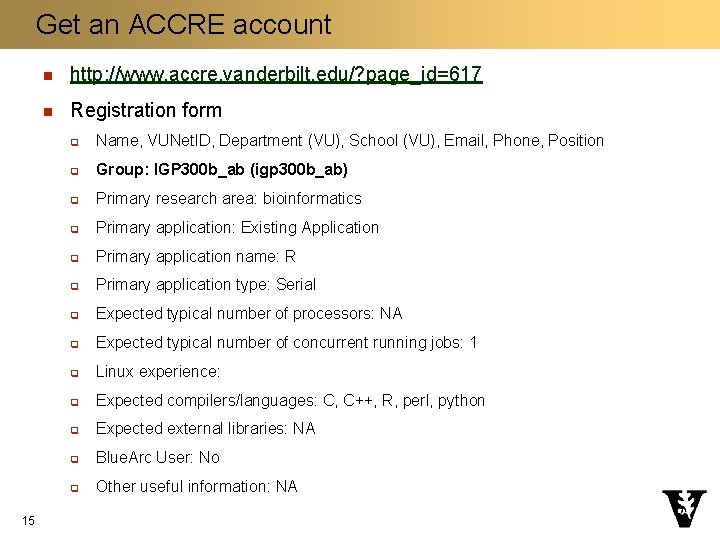
Get an ACCRE account 15 n http: //www. accre. vanderbilt. edu/? page_id=617 n Registration form q Name, VUNet. ID, Department (VU), School (VU), Email, Phone, Position q Group: IGP 300 b_ab (igp 300 b_ab) q Primary research area: bioinformatics q Primary application: Existing Application q Primary application name: R q Primary application type: Serial q Expected typical number of processors: NA q Expected typical number of concurrent running jobs: 1 q Linux experience: q Expected compilers/languages: C, C++, R, perl, python q Expected external libraries: NA q Blue. Arc User: No q Other useful information: NA
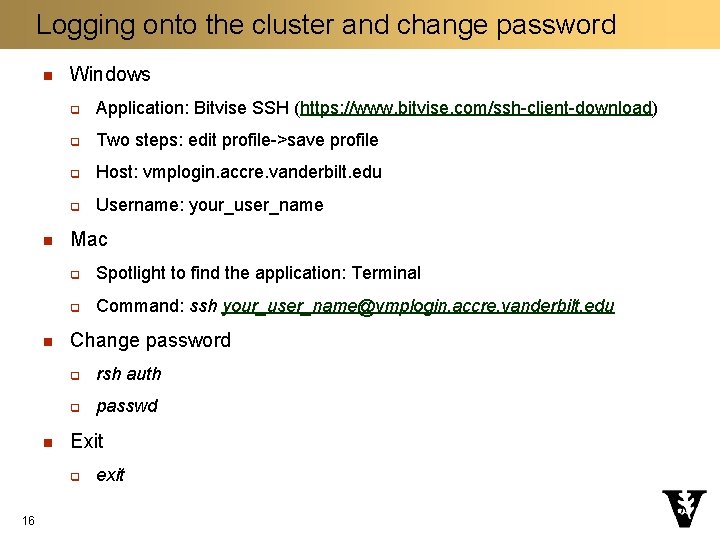
Logging onto the cluster and change password n n Windows q Application: Bitvise SSH (https: //www. bitvise. com/ssh-client-download) q Two steps: edit profile->save profile q Host: vmplogin. accre. vanderbilt. edu q Username: your_user_name Mac q Spotlight to find the application: Terminal q Command: ssh your_user_name@vmplogin. accre. vanderbilt. edu Change password q rsh auth q passwd Exit q 16 exit
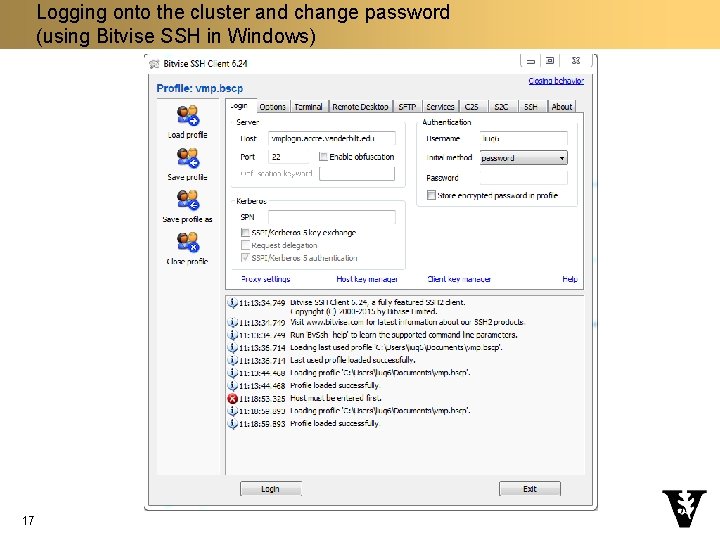
Logging onto the cluster and change password (using Bitvise SSH in Windows) 17
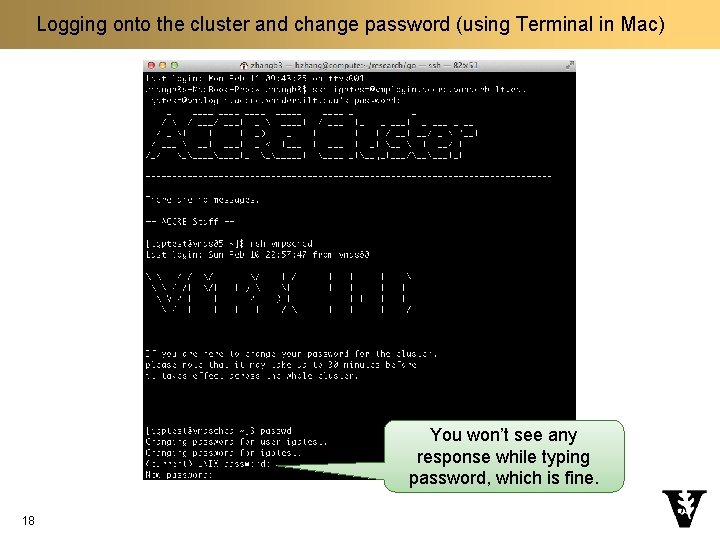
Logging onto the cluster and change password (using Terminal in Mac) You won’t see any response while typing password, which is fine. 18
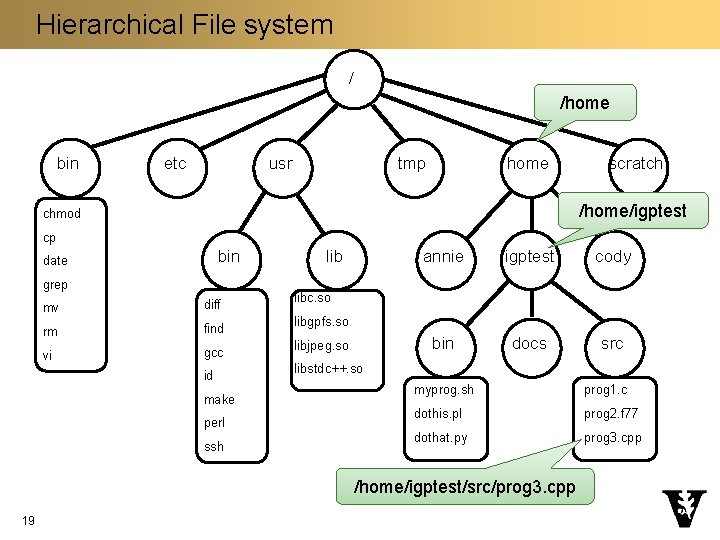
Hierarchical File system / /home bin etc usr tmp home scratch /home/igptest chmod cp bin date grep mv diff rm find vi gcc id make perl ssh lib annie igptest cody bin docs src libc. so libgpfs. so libjpeg. so libstdc++. so myprog. sh prog 1. c dothis. pl prog 2. f 77 dothat. py prog 3. cpp /home/igptest/src/prog 3. cpp 19
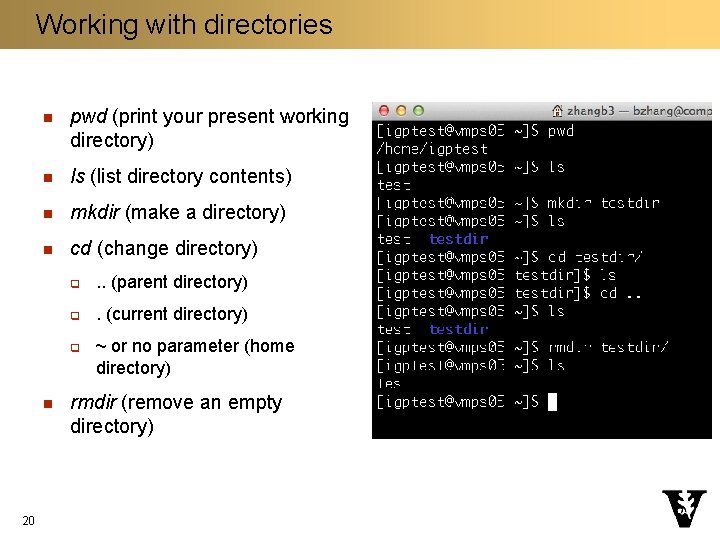
Working with directories n pwd (print your present working directory) n ls (list directory contents) n mkdir (make a directory) n cd (change directory) q . . (parent directory) q . (current directory) q n 20 ~ or no parameter (home directory) rmdir (remove an empty directory)
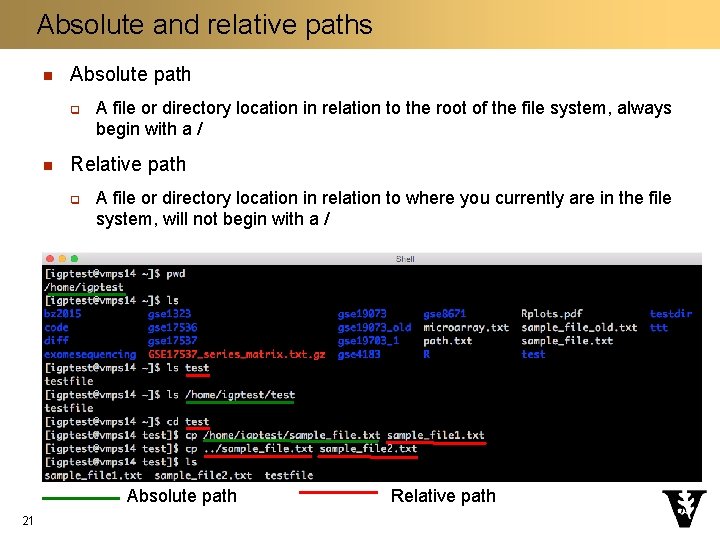
Absolute and relative paths n Absolute path q n A file or directory location in relation to the root of the file system, always begin with a / Relative path q A file or directory location in relation to where you currently are in the file system, will not begin with a / Absolute path 21 Relative path
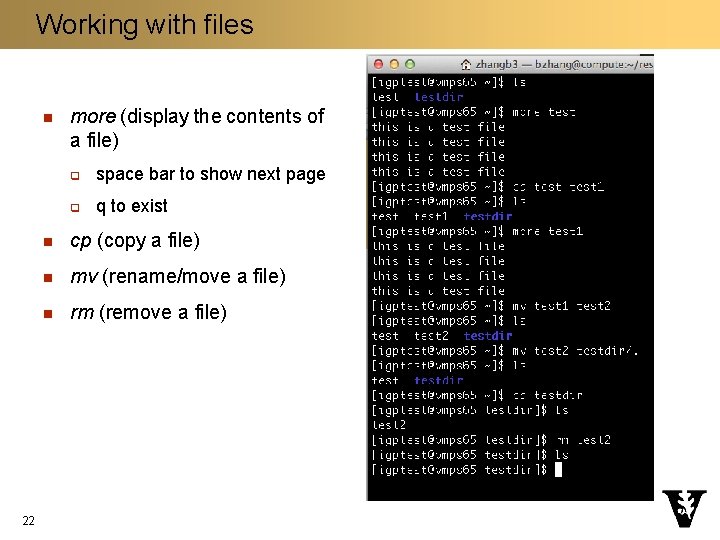
Working with files n 22 more (display the contents of a file) q space bar to show next page q q to exist n cp (copy a file) n mv (rename/move a file) n rm (remove a file)
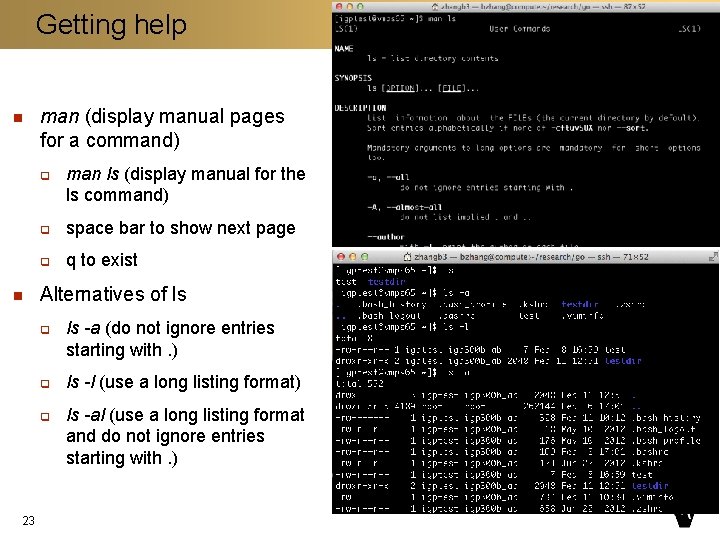
Getting help n man (display manual pages for a command) q n q space bar to show next page q q to exist Alternatives of ls q q q 23 man ls (display manual for the ls command) ls -a (do not ignore entries starting with. ) ls -l (use a long listing format) ls -al (use a long listing format and do not ignore entries starting with. )
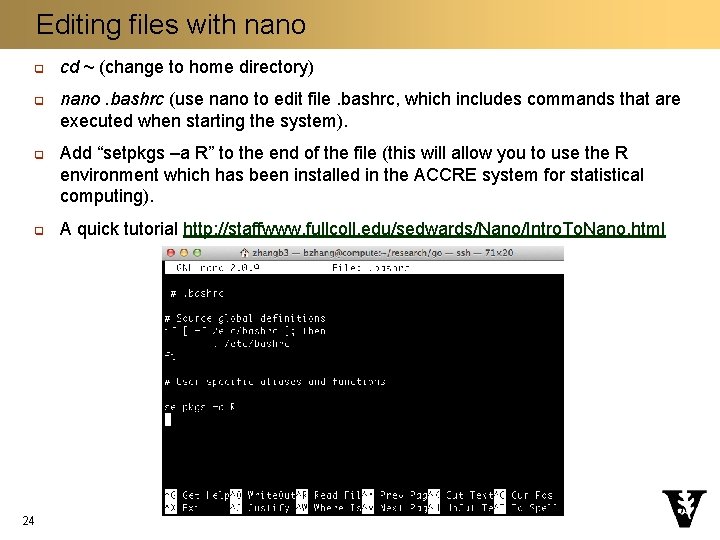
Editing files with nano q q 24 cd ~ (change to home directory) nano. bashrc (use nano to edit file. bashrc, which includes commands that are executed when starting the system). Add “setpkgs –a R” to the end of the file (this will allow you to use the R environment which has been installed in the ACCRE system for statistical computing). A quick tutorial http: //staffwww. fullcoll. edu/sedwards/Nano/Intro. To. Nano. html
Copying files to/from a local computer n Windows q Application: Bitvise SSH (https: //www. bitvise. com/ssh-client-download) n Mac q Application: Cyberduck (https: //it. vanderbilt. edu/software/downloads. php) 25 q Connect to: vmplogin. accre. vanderbilt. edu q Username: your_user_name q Don’t change other items
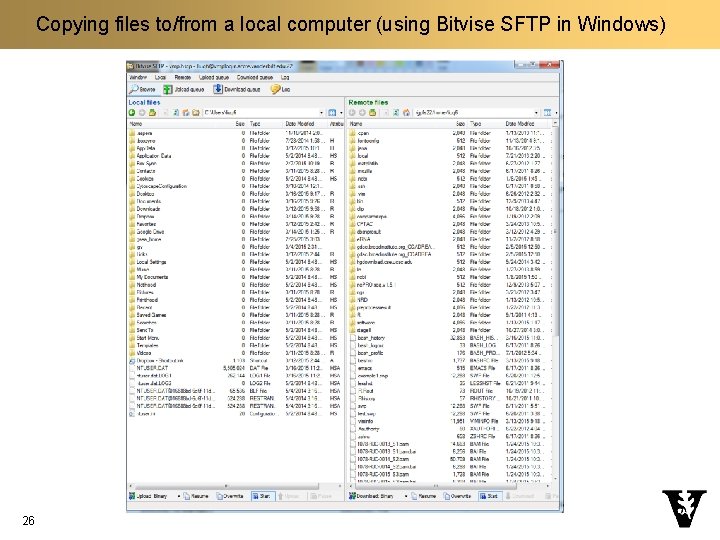
Copying files to/from a local computer (using Bitvise SFTP in Windows) 26
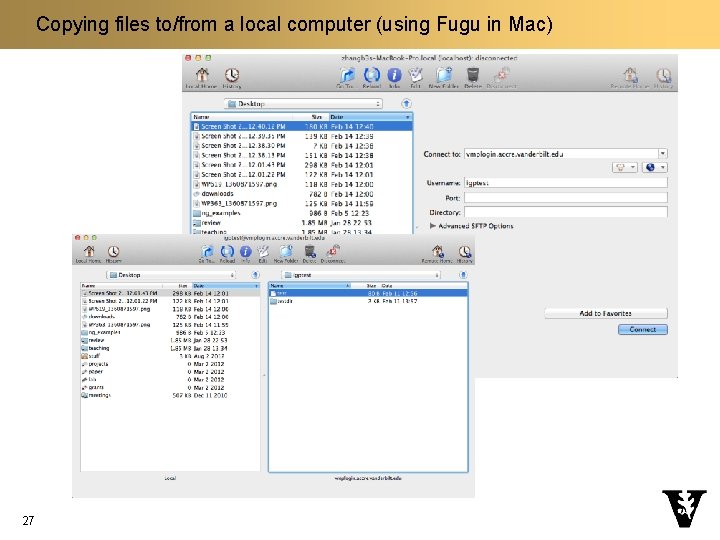
Copying files to/from a local computer (using Fugu in Mac) 27
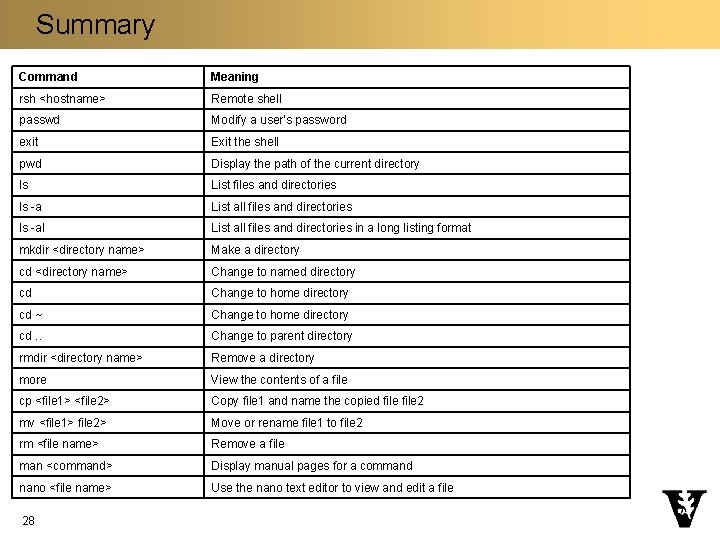
Summary Command Meaning rsh <hostname> Remote shell passwd Modify a user’s password exit Exit the shell pwd Display the path of the current directory ls List files and directories ls -a List all files and directories ls -al List all files and directories in a long listing format mkdir <directory name> Make a directory cd <directory name> Change to named directory cd Change to home directory cd ~ Change to home directory cd. . Change to parent directory rmdir <directory name> Remove a directory more View the contents of a file cp <file 1> <file 2> Copy file 1 and name the copied file 2 mv <file 1> file 2> Move or rename file 1 to file 2 rm <file name> Remove a file man <command> Display manual pages for a command nano <file name> Use the nano text editor to view and edit a file 28
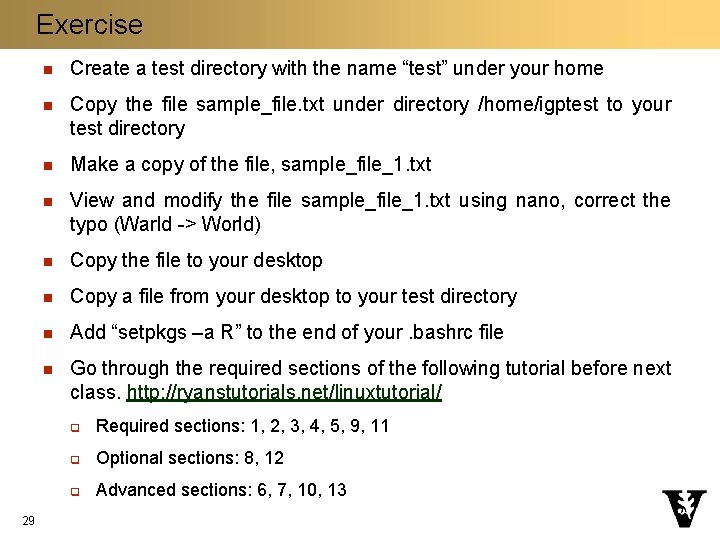
Exercise 29 n Create a test directory with the name “test” under your home n Copy the file sample_file. txt under directory /home/igptest to your test directory n Make a copy of the file, sample_file_1. txt n View and modify the file sample_file_1. txt using nano, correct the typo (Warld -> World) n Copy the file to your desktop n Copy a file from your desktop to your test directory n Add “setpkgs –a R” to the end of your. bashrc file n Go through the required sections of the following tutorial before next class. http: //ryanstutorials. net/linuxtutorial/ q Required sections: 1, 2, 3, 4, 5, 9, 11 q Optional sections: 8, 12 q Advanced sections: 6, 7, 10, 13
- Slides: 29