
Applications of Feather Weight Virtual Machine Yang Yu
- Slides: 26
Applications of Feather. Weight Virtual Machine Yang Yu Hariharan Govindarajan Lap-chung Lam Tzi-cker Chiueh Stony Brook University Symantec Research Labs 6/7/2021 VEE 2008 1
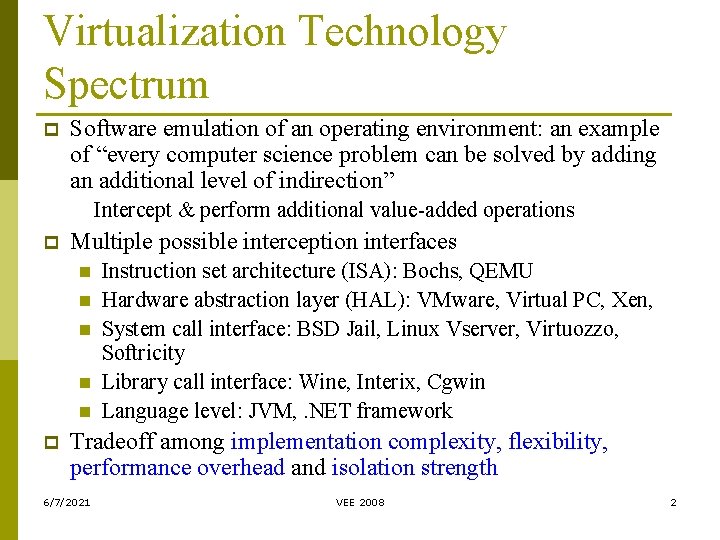
Virtualization Technology Spectrum p Software emulation of an operating environment: an example of “every computer science problem can be solved by adding an additional level of indirection” Intercept & perform additional value-added operations p Multiple possible interception interfaces n n n p Instruction set architecture (ISA): Bochs, QEMU Hardware abstraction layer (HAL): VMware, Virtual PC, Xen, System call interface: BSD Jail, Linux Vserver, Virtuozzo, Softricity Library call interface: Wine, Interix, Cgwin Language level: JVM, . NET framework Tradeoff among implementation complexity, flexibility, performance overhead and isolation strength 6/7/2021 VEE 2008 2
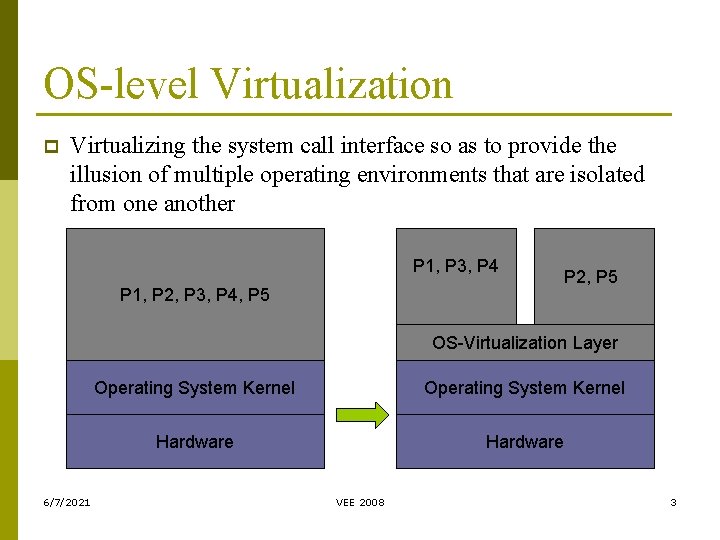
OS-level Virtualization p Virtualizing the system call interface so as to provide the illusion of multiple operating environments that are isolated from one another P 1, P 3, P 4 P 1, P 2, P 3, P 4, P 5 P 2, P 5 OS-Virtualization Layer 6/7/2021 Operating System Kernel Hardware VEE 2008 3
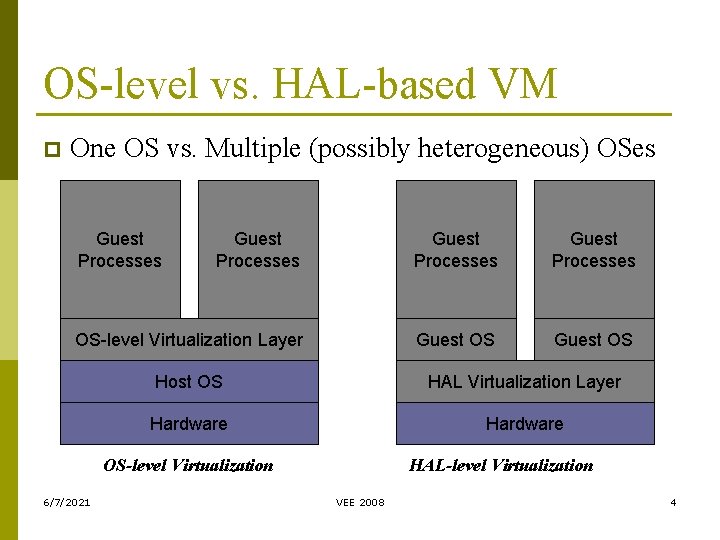
OS-level vs. HAL-based VM p One OS vs. Multiple (possibly heterogeneous) OSes Guest Processes OS-level Virtualization Layer Guest OS Host OS HAL Virtualization Layer Hardware OS-level Virtualization 6/7/2021 HAL-level Virtualization VEE 2008 4
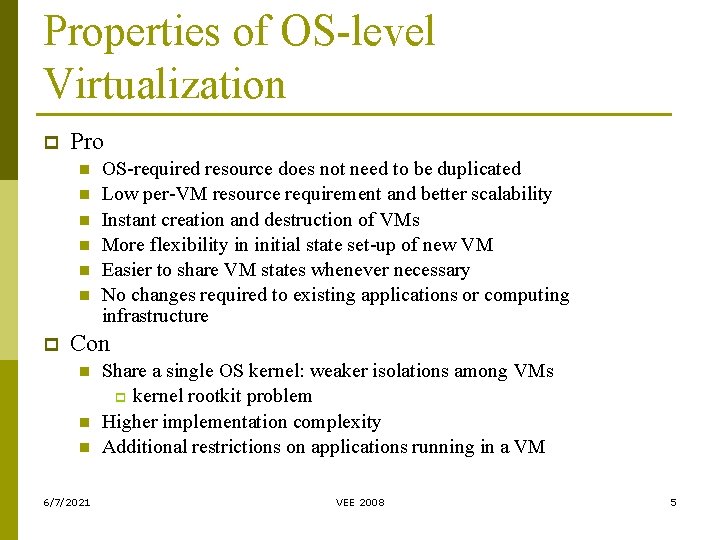
Properties of OS-level Virtualization p Pro n n n p OS-required resource does not need to be duplicated Low per-VM resource requirement and better scalability Instant creation and destruction of VMs More flexibility in initial state set-up of new VM Easier to share VM states whenever necessary No changes required to existing applications or computing infrastructure Con n 6/7/2021 Share a single OS kernel: weaker isolations among VMs p kernel rootkit problem Higher implementation complexity Additional restrictions on applications running in a VM VEE 2008 5
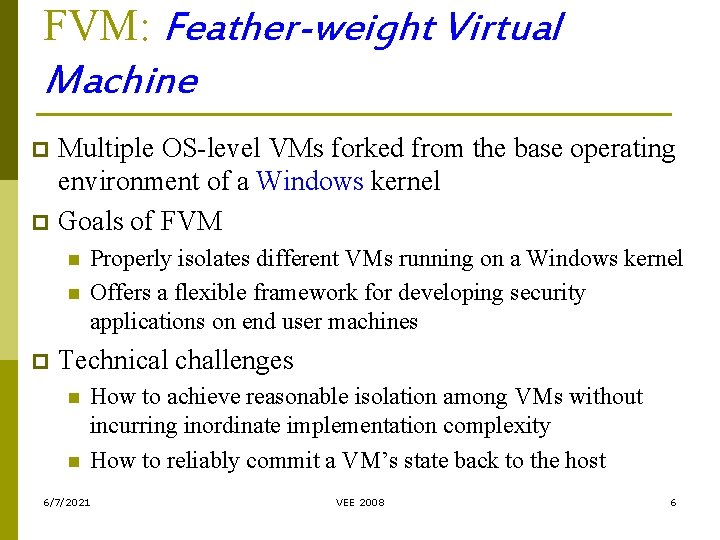
FVM: Feather-weight Virtual Machine Multiple OS-level VMs forked from the base operating environment of a Windows kernel p Goals of FVM p n n p Properly isolates different VMs running on a Windows kernel Offers a flexible framework for developing security applications on end user machines Technical challenges n n How to achieve reasonable isolation among VMs without incurring inordinate implementation complexity How to reliably commit a VM’s state back to the host 6/7/2021 VEE 2008 6
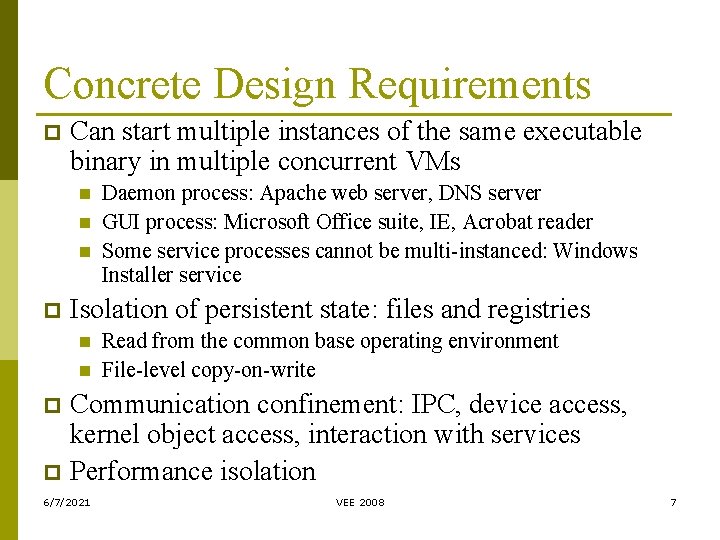
Concrete Design Requirements p Can start multiple instances of the same executable binary in multiple concurrent VMs n n n p Daemon process: Apache web server, DNS server GUI process: Microsoft Office suite, IE, Acrobat reader Some service processes cannot be multi-instanced: Windows Installer service Isolation of persistent state: files and registries n n Read from the common base operating environment File-level copy-on-write Communication confinement: IPC, device access, kernel object access, interaction with services p Performance isolation p 6/7/2021 VEE 2008 7
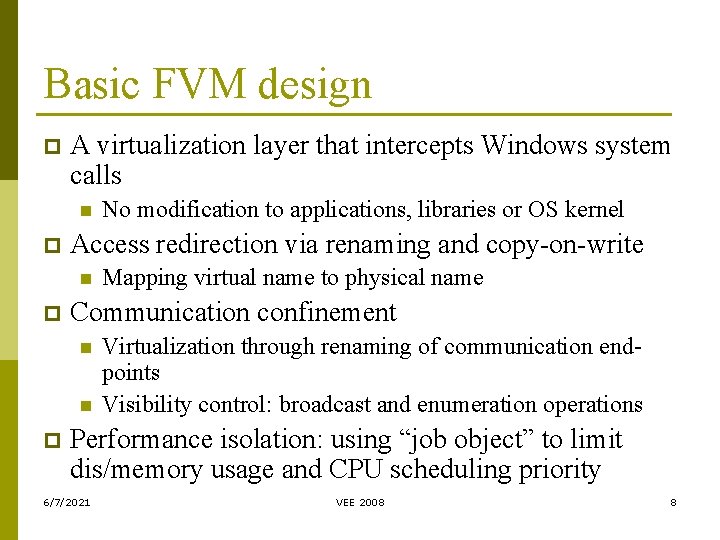
Basic FVM design p A virtualization layer that intercepts Windows system calls n p Access redirection via renaming and copy-on-write n p Mapping virtual name to physical name Communication confinement n n p No modification to applications, libraries or OS kernel Virtualization through renaming of communication endpoints Visibility control: broadcast and enumeration operations Performance isolation: using “job object” to limit dis/memory usage and CPU scheduling priority 6/7/2021 VEE 2008 8
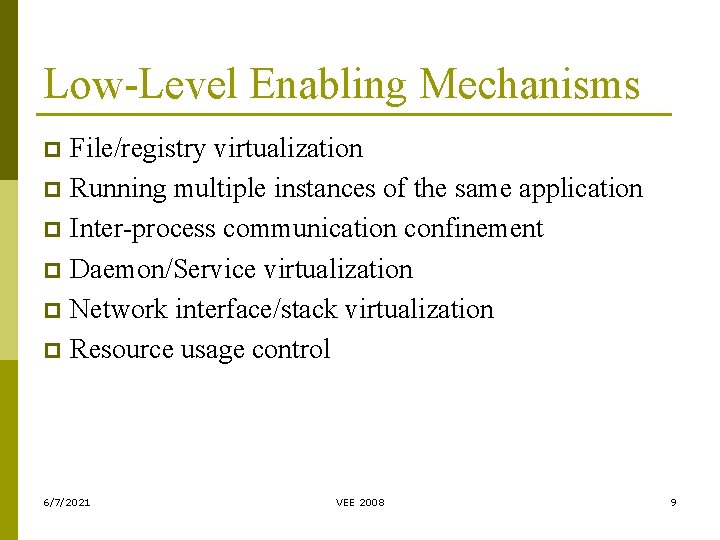
Low-Level Enabling Mechanisms File/registry virtualization p Running multiple instances of the same application p Inter-process communication confinement p Daemon/Service virtualization p Network interface/stack virtualization p Resource usage control p 6/7/2021 VEE 2008 9
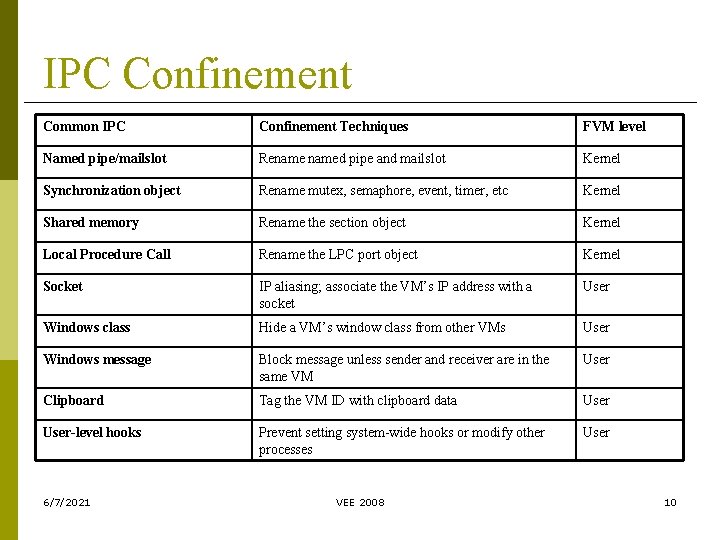
IPC Confinement Common IPC Confinement Techniques FVM level Named pipe/mailslot Renamed pipe and mailslot Kernel Synchronization object Rename mutex, semaphore, event, timer, etc Kernel Shared memory Rename the section object Kernel Local Procedure Call Rename the LPC port object Kernel Socket IP aliasing; associate the VM’s IP address with a socket User Windows class Hide a VM’s window class from other VMs User Windows message Block message unless sender and receiver are in the same VM User Clipboard Tag the VM ID with clipboard data User-level hooks Prevent setting system-wide hooks or modify other processes User 6/7/2021 VEE 2008 10
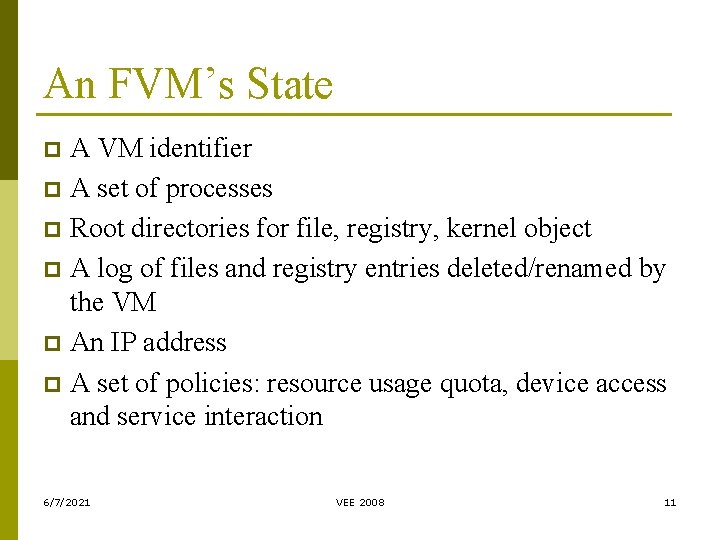
An FVM’s State A VM identifier p A set of processes p Root directories for file, registry, kernel object p A log of files and registry entries deleted/renamed by the VM p An IP address p A set of policies: resource usage quota, device access and service interaction p 6/7/2021 VEE 2008 11
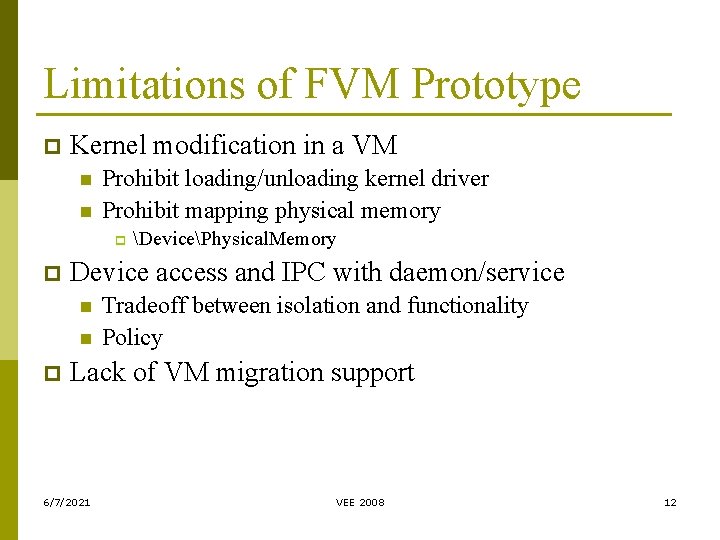
Limitations of FVM Prototype p Kernel modification in a VM n n Prohibit loading/unloading kernel driver Prohibit mapping physical memory p p Device access and IPC with daemon/service n n p DevicePhysical. Memory Tradeoff between isolation and functionality Policy Lack of VM migration support 6/7/2021 VEE 2008 12
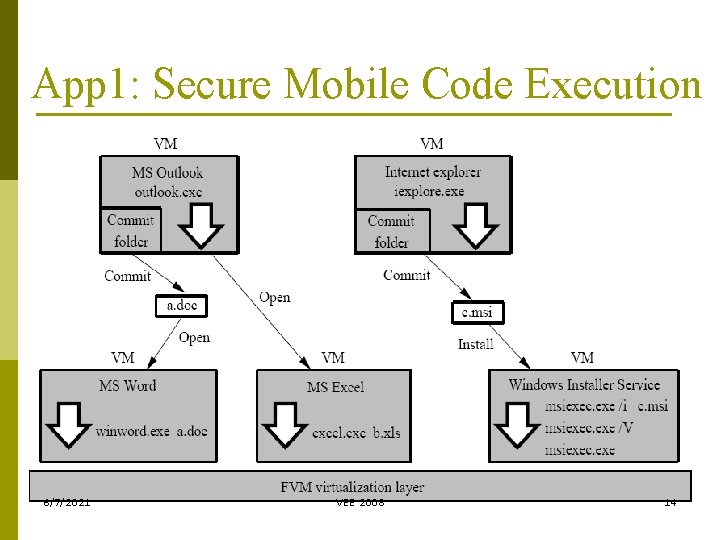
App 1: Secure Mobile Code Execution Start web browser, email client or any suspicious program in a separate VM p Selective commit based on analysis of system/API call log – detect suspicious process behaviors p Mark a file when it is committed to the host p A marked file is always opened/executed in a separate VM until it is explicitly unmarked p 6/7/2021 VEE 2008 13
App 1: Secure Mobile Code Execution 6/7/2021 VEE 2008 14
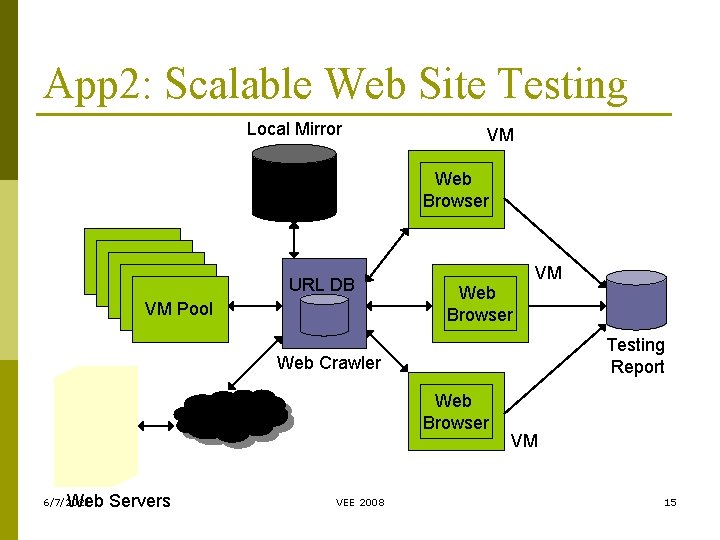
App 2: Scalable Web Site Testing Local Mirror VM Web Browser URL DB VM Pool Web Browser VM Testing Report Web Crawler Web Browser Web Servers 6/7/2021 VEE 2008 VM 15
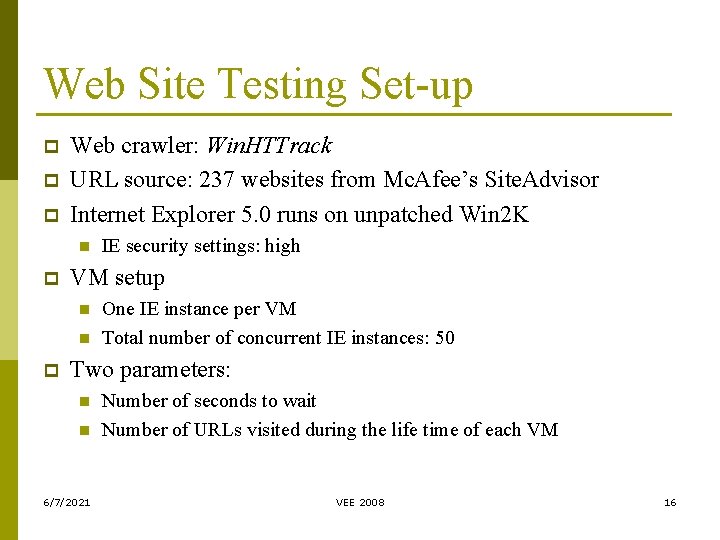
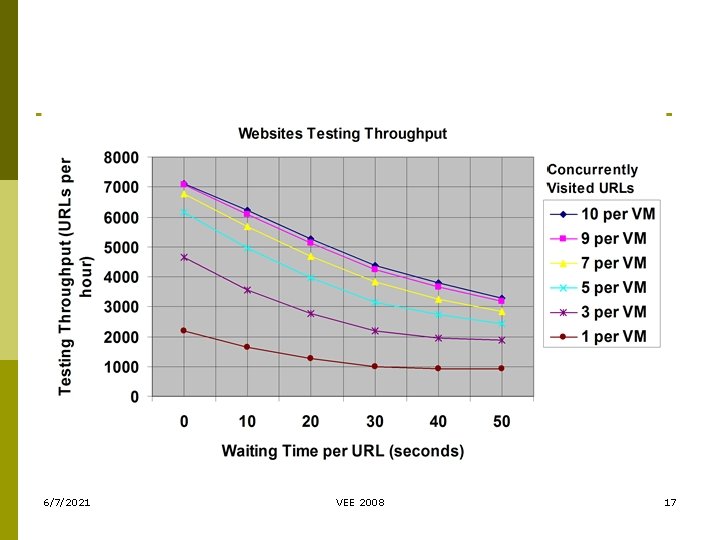
Web Site Testing Set-up p Web crawler: Win. HTTrack URL source: 237 websites from Mc. Afee’s Site. Advisor Internet Explorer 5. 0 runs on unpatched Win 2 K n p VM setup n n p IE security settings: high One IE instance per VM Total number of concurrent IE instances: 50 Two parameters: n n 6/7/2021 Number of seconds to wait Number of URLs visited during the life time of each VM VEE 2008 16
6/7/2021 VEE 2008 17
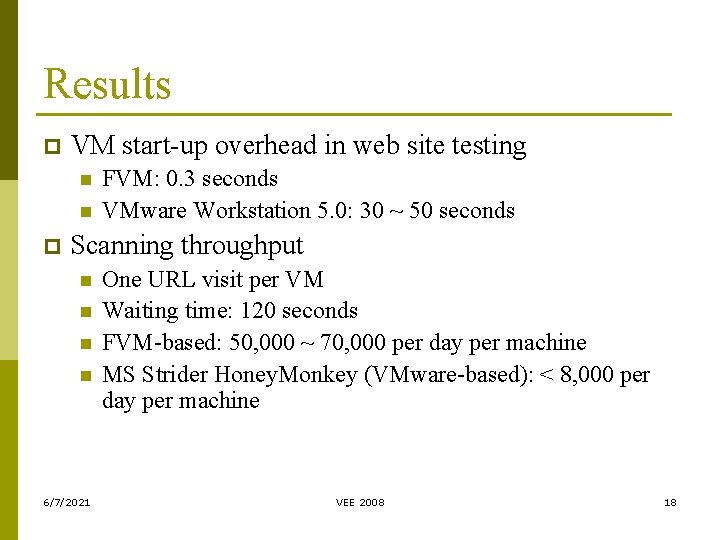
Results p VM start-up overhead in web site testing n n p FVM: 0. 3 seconds VMware Workstation 5. 0: 30 ~ 50 seconds Scanning throughput n n 6/7/2021 One URL visit per VM Waiting time: 120 seconds FVM-based: 50, 000 ~ 70, 000 per day per machine MS Strider Honey. Monkey (VMware-based): < 8, 000 per day per machine VEE 2008 18
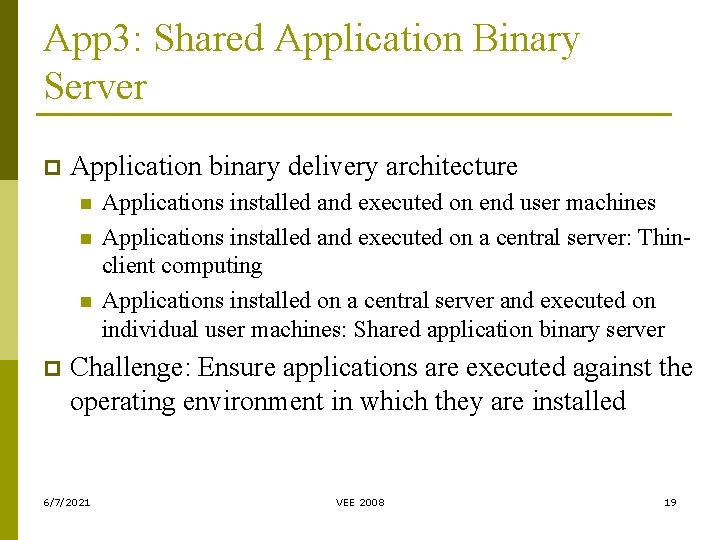
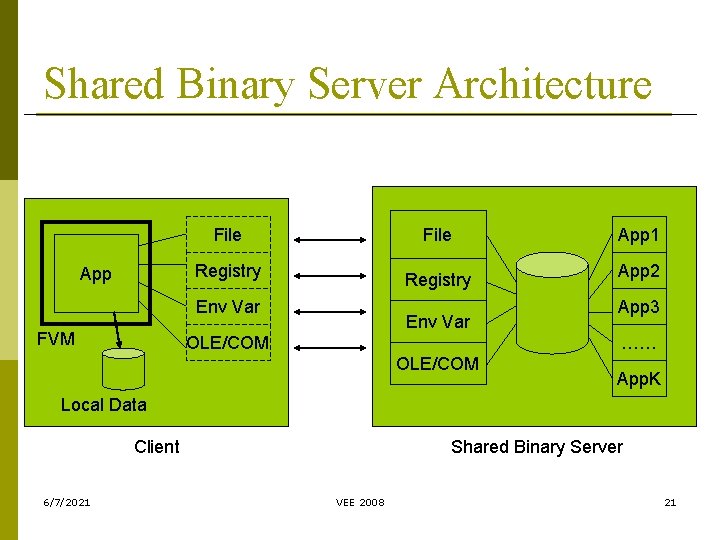
App 3: Shared Application Binary Server p Application binary delivery architecture n n n p Applications installed and executed on end user machines Applications installed and executed on a central server: Thinclient computing Applications installed on a central server and executed on individual user machines: Shared application binary server Challenge: Ensure applications are executed against the operating environment in which they are installed 6/7/2021 VEE 2008 19
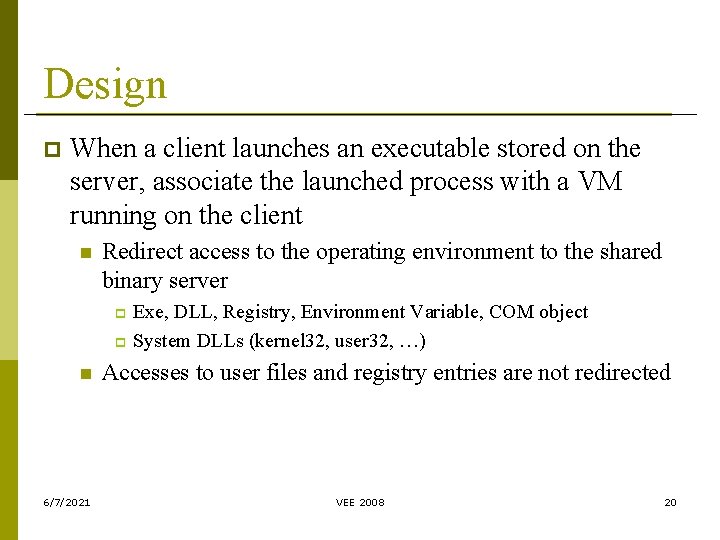
Design p When a client launches an executable stored on the server, associate the launched process with a VM running on the client n Redirect access to the operating environment to the shared binary server Exe, DLL, Registry, Environment Variable, COM object p System DLLs (kernel 32, user 32, …) p n 6/7/2021 Accesses to user files and registry entries are not redirected VEE 2008 20
Shared Binary Server Architecture File Registry App Registry Env Var FVM Env Var OLE/COM App 1 App 2 App 3 …… OLE/COM App. K Local Data Client 6/7/2021 Shared Binary Server VEE 2008 21
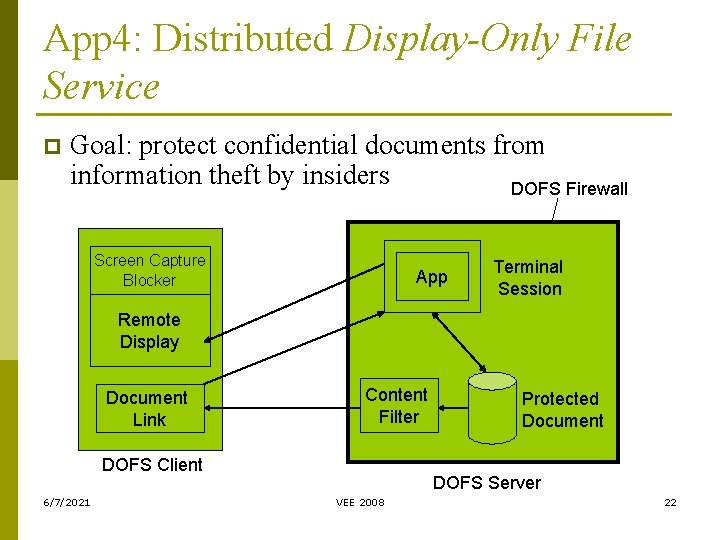
App 4: Distributed Display-Only File Service p Goal: protect confidential documents from information theft by insiders DOFS Firewall Screen Capture Blocker App Terminal Session Remote Display Document Link Content Filter DOFS Client 6/7/2021 Protected Document DOFS Server VEE 2008 22
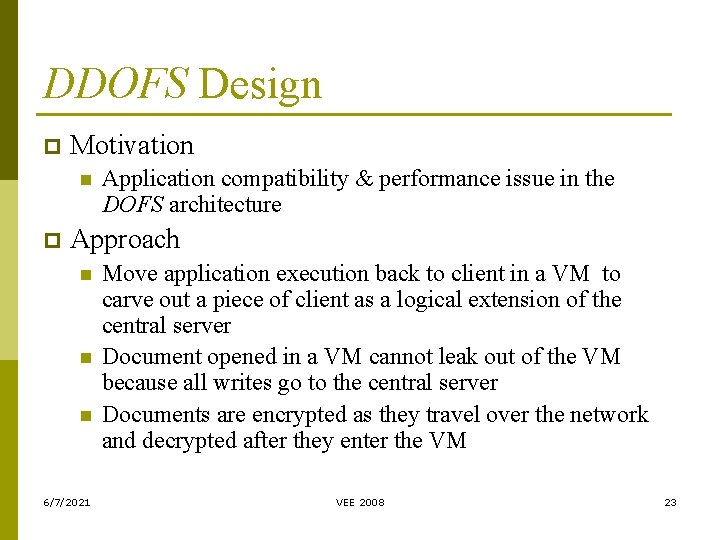
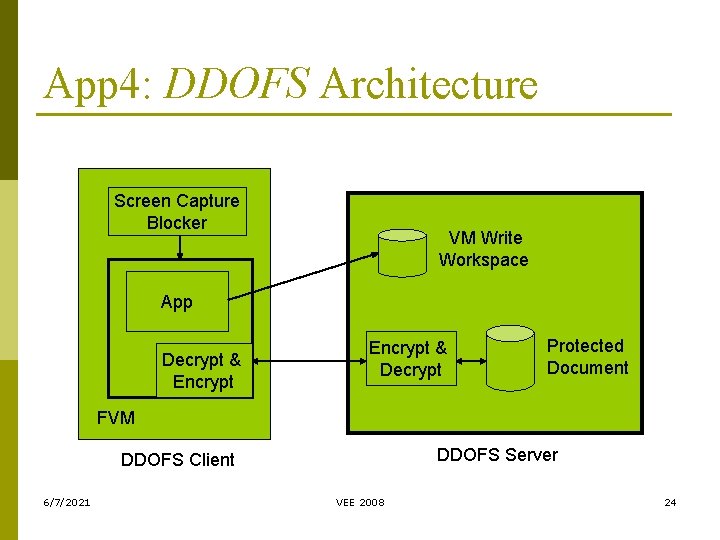
DDOFS Design p Motivation n p Application compatibility & performance issue in the DOFS architecture Approach n n n 6/7/2021 Move application execution back to client in a VM to carve out a piece of client as a logical extension of the central server Document opened in a VM cannot leak out of the VM because all writes go to the central server Documents are encrypted as they travel over the network and decrypted after they enter the VM VEE 2008 23
App 4: DDOFS Architecture Screen Capture Blocker VM Write Workspace App Decrypt & Encrypt & Decrypt Protected Document FVM DDOFS Server DDOFS Client 6/7/2021 VEE 2008 24
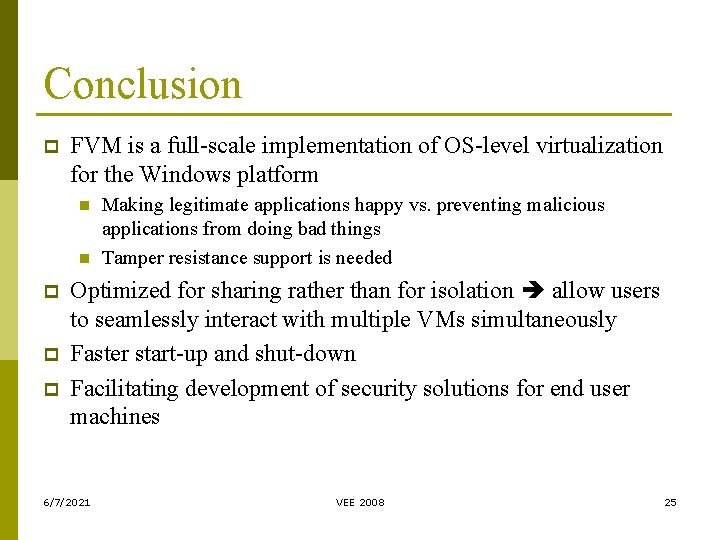
Conclusion p FVM is a full-scale implementation of OS-level virtualization for the Windows platform n n p p p Making legitimate applications happy vs. preventing malicious applications from doing bad things Tamper resistance support is needed Optimized for sharing rather than for isolation allow users to seamlessly interact with multiple VMs simultaneously Faster start-up and shut-down Facilitating development of security solutions for end user machines 6/7/2021 VEE 2008 25
Open-source version of FVM 1. 0 available in https: //sourceforge. net/projects/fvm-rni Questions? Thank You! 6/7/2021 VEE 2008 26