
Application Software Chapter 3 Tools for Thinking Working
- Slides: 18
Application Software Chapter 3 Tools for Thinking & Working More Productively
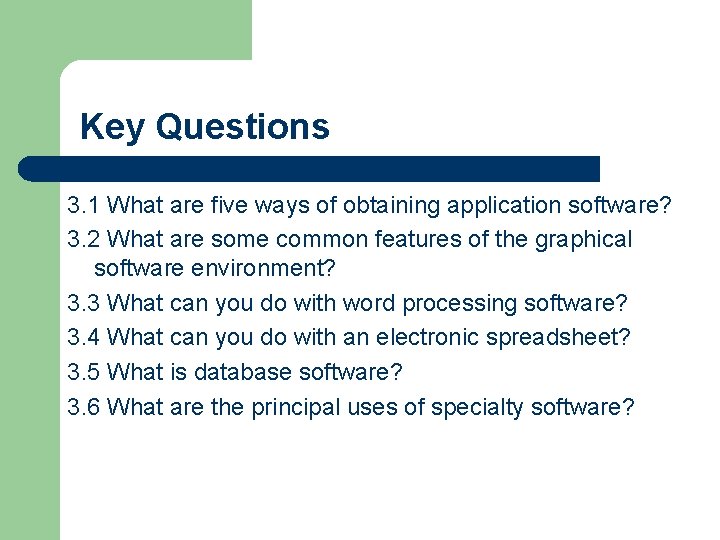
Key Questions 3. 1 What are five ways of obtaining application software? 3. 2 What are some common features of the graphical software environment? 3. 3 What can you do with word processing software? 3. 4 What can you do with an electronic spreadsheet? 3. 5 What is database software? 3. 6 What are the principal uses of specialty software?
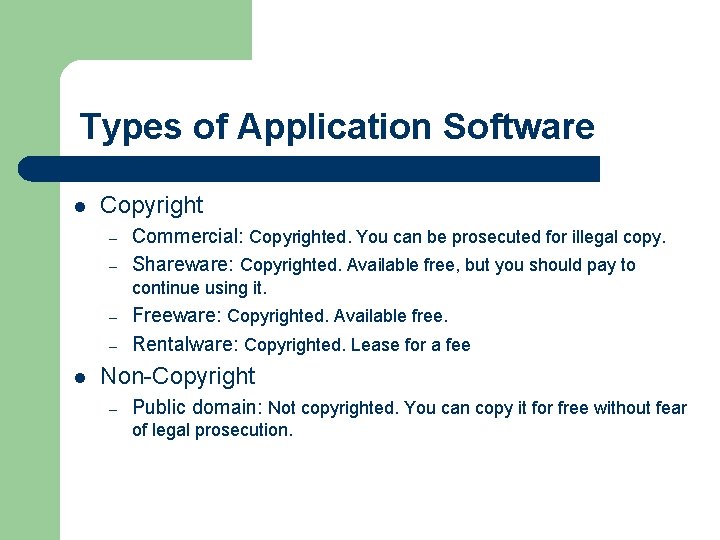
Types of Application Software l Copyright – – Commercial: Copyrighted. You can be prosecuted for illegal copy. Shareware: Copyrighted. Available free, but you should pay to continue using it. – – l Freeware: Copyrighted. Available free. Rentalware: Copyrighted. Lease for a fee Non-Copyright – Public domain: Not copyrighted. You can copy it for free without fear of legal prosecution.
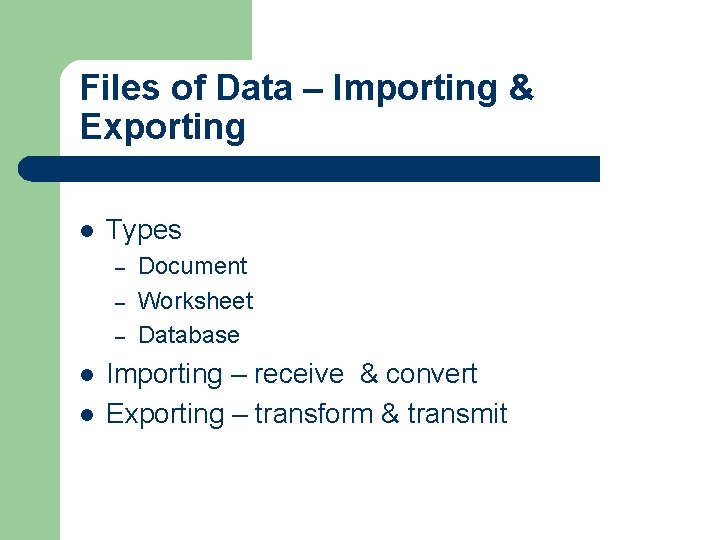
Files of Data – Importing & Exporting l Types – – – l l Document Worksheet Database Importing – receive & convert Exporting – transform & transmit
Productivity Software l Format – – l Office suite Groupware Types – – – Word processing Spreadsheet Database
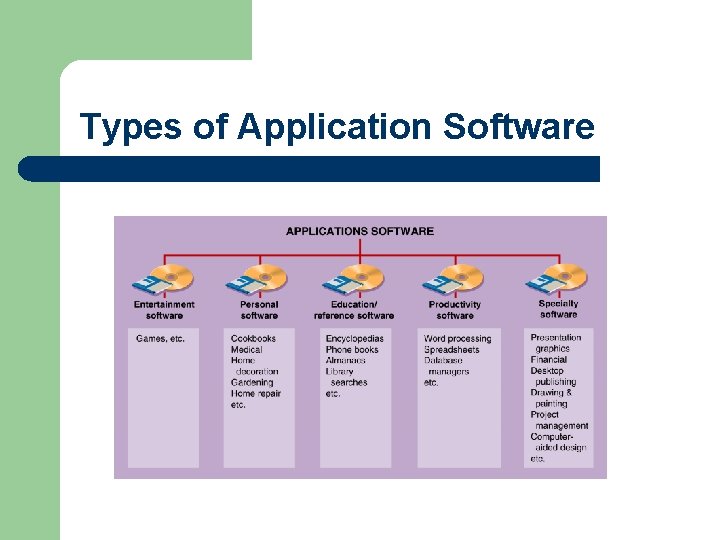
Types of Application Software
Your Computer’s Dashboard l l l User interface Pointer Graphical User Interface (GUI) – – – Desktop Icons & rollovers Menus l l Pull-up menu Pop-up menu
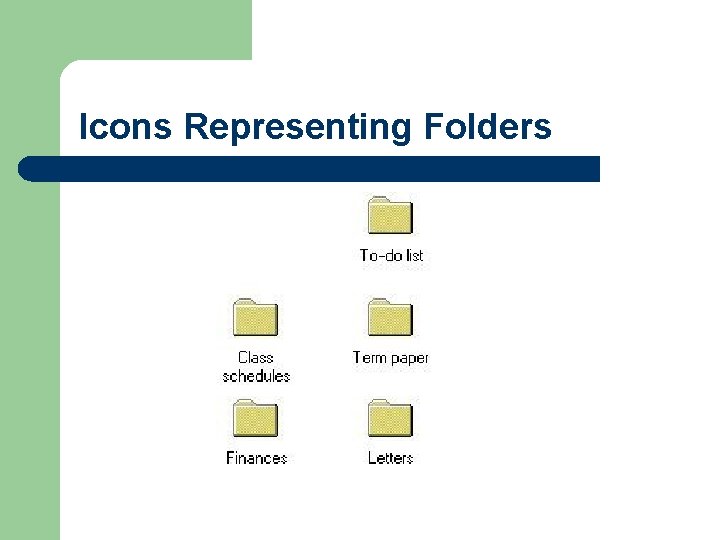
Icons Representing Folders
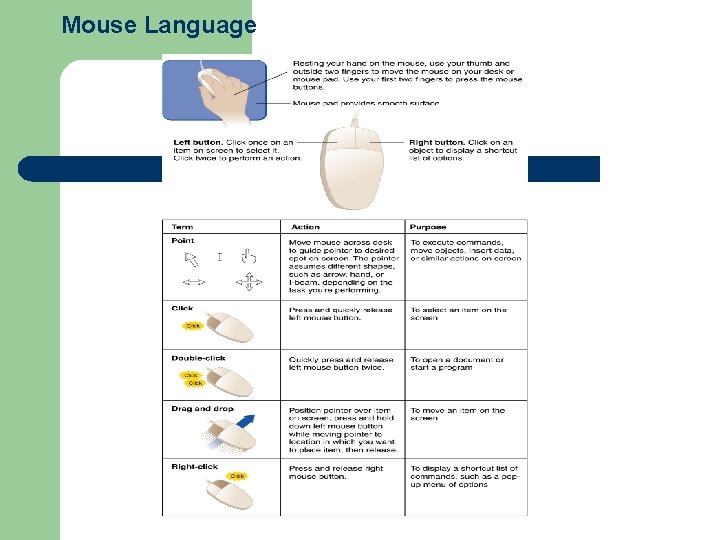
Mouse Language
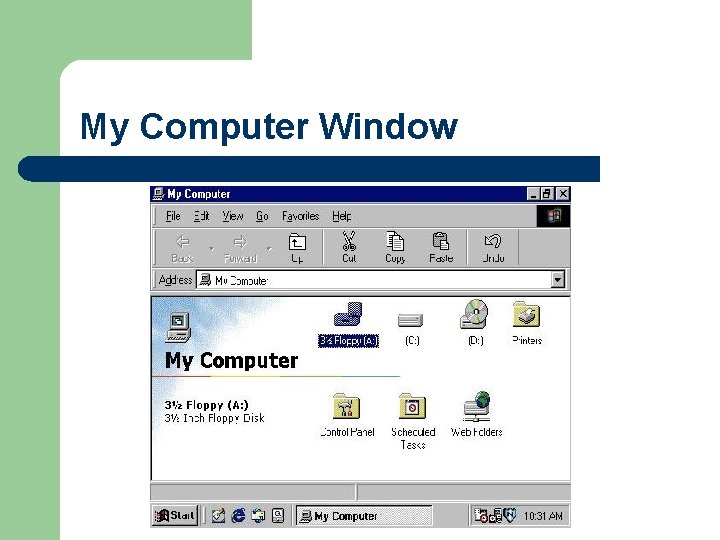
My Computer Window
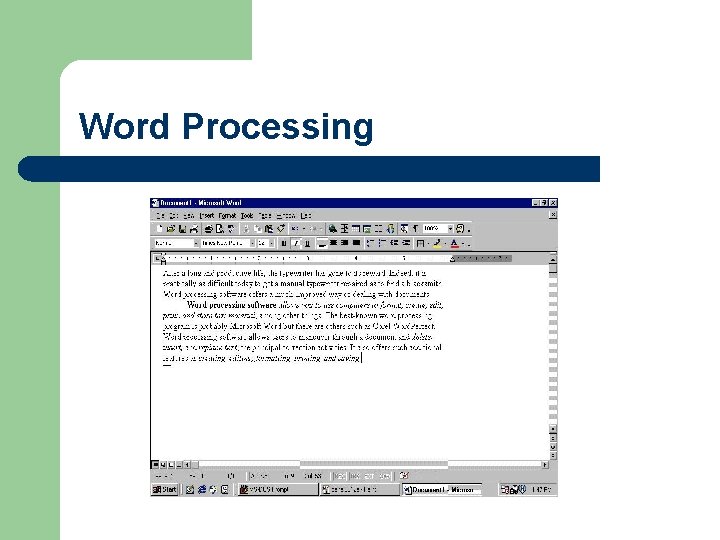
Word Processing l l Creating documents Editing documents – – l Formatting documents – l l Insert/delete, find/replace, and cut/copy & paste, spelling checker, grammar checker, and Thesaurus Font, spacing & columns, margins and justification, pages, headers, and footers Printing, faxing or E-mailing documents Saving and retrieving documents
Word Processing l. Mouse pointer l. Scroll bar l. Status bar l. Insertion point l. Rulers l. Style button l. Tool bar l. Copy and paste
Word Processing
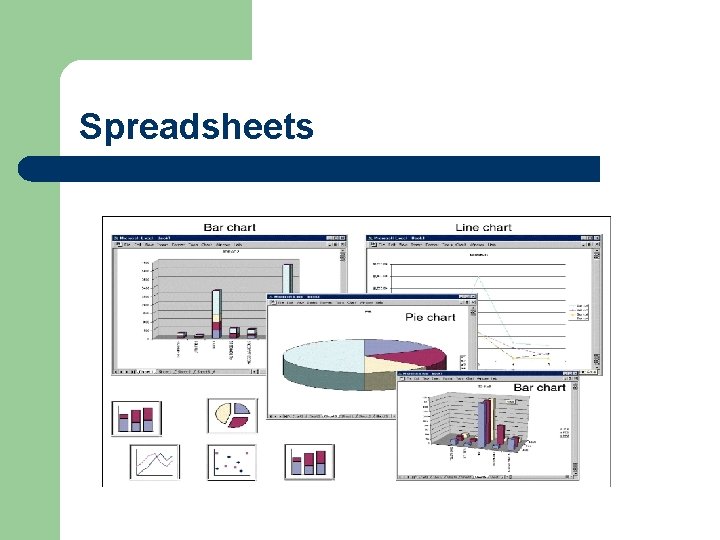
Spreadsheets l l Organization l Columns, rows, cells, ranges Functions l Values, labels, formulas, functions, recalculation, and what-if analysis l Analytical graphics l charts
Spreadsheets
Database l l l Electronically stored collection of data Database manager or database management system (DBMS) Reduces data redundancy Increases data integrity Organization – Tables, records, and fields
Specialty Software l Presentations Graphics – – l Financial – – l uses graphics, animation, sound and data or information to make visual presentations E. g. , MS Powerpoint keep track of income and expenses, write checks, online banking, and plan financial goals E. g. , MS Money, Quicken Desktop Publishing – – involves mixing text and graphics to produce high-quality output for commercial printing E. g. , MS Works
Specialty Software l Drawing & Painting Programs – – l Project Management Software – l graphics software that allows users to design and illustrate objects and products E. g. , MS Paint, Visio program used to plan and schedule the people, costs, and resources required to complete a project on time Computer-Aided Design – programs intended for the design of products, structures, civil engineering, drawings, and maps