
Application Packaging From out of Control to Under
- Slides: 39
Application Packaging: From out of Control to Under Control
Today’s Speakers Bob Kelly Founder of App. Deploy & ITNinja Lisa Richardson Sr. Product Marketing Manager at Dell KACE
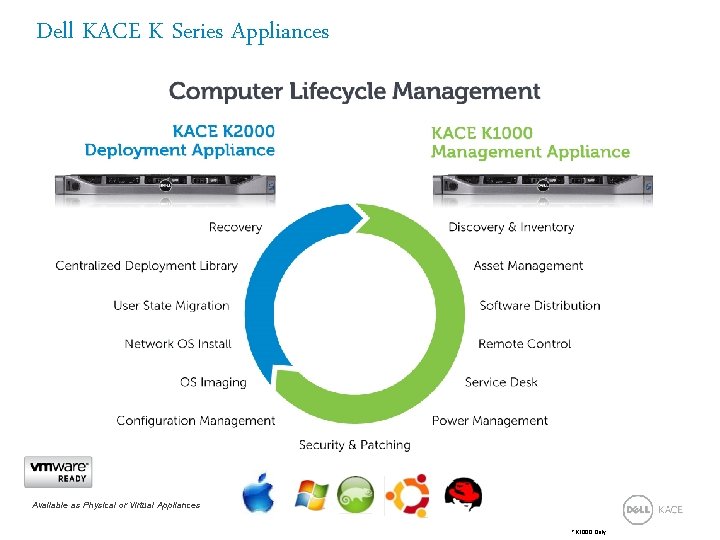
Dell KACE K Series Appliances Available as Physical or Virtual Appliances *K 1000 Only
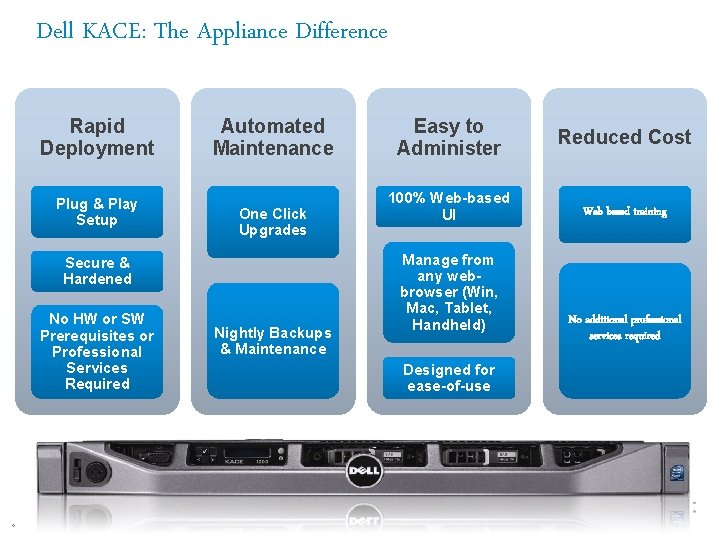
Dell KACE: The Appliance Difference Rapid Deployment Plug & Play Setup Automated Maintenance One Click Upgrades Secure & Hardened No HW or SW Prerequisites or Professional Services Required 4 Nightly Backups & Maintenance Easy to Administer 100% Web-based UI Manage from any webbrowser (Win, Mac, Tablet, Handheld) Designed for ease-of-use Reduced Cost Web based training No additional professional services required
Bob Kelly Founder of App. Deploy & ITNinja 5
Agenda A Timeline Approach to Application Packaging App. Deploy Migration to ITNinja Packaging Tips and Tricks Repackaging Demo Windows 8 and Future Technologies Q&A
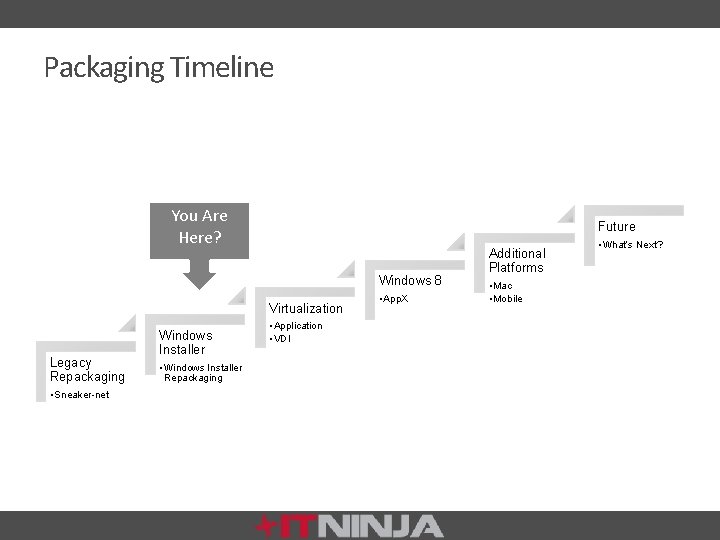
Packaging Timeline You Are Here? Future Windows 8 Virtualization Legacy Repackaging • Sneaker-net Windows Installer • Windows Installer Repackaging • Application • VDI • App. X Additional Platforms • Mac • Mobile • What’s Next?
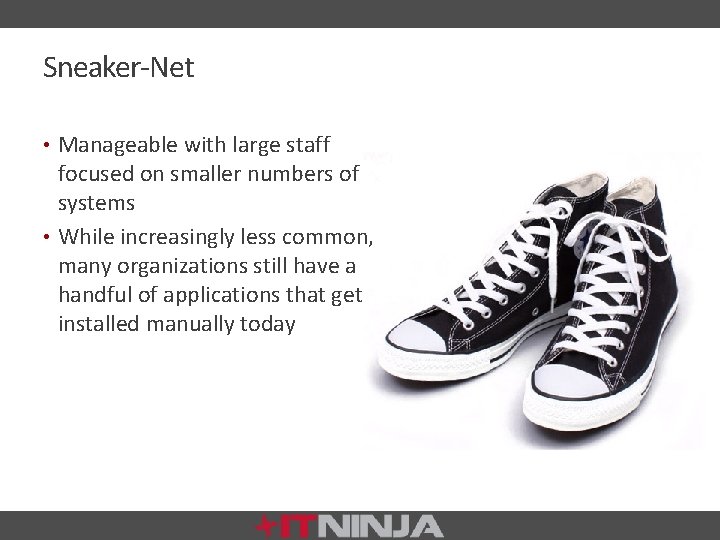
Sneaker-Net • Manageable with large staff focused on smaller numbers of systems • While increasingly less common, many organizations still have a handful of applications that get installed manually today
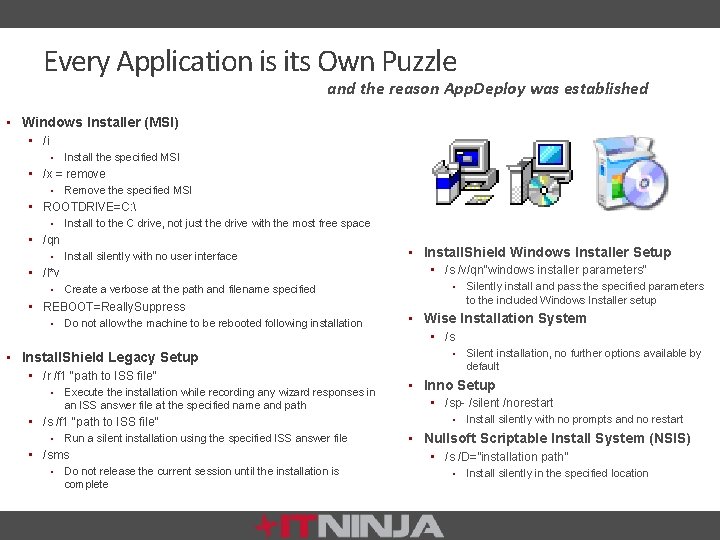
Every Application is its Own Puzzle and the reason App. Deploy was established • Windows Installer (MSI) • /i • Install the specified MSI • /x = remove • Remove the specified MSI • ROOTDRIVE=C: • Install to the C drive, not just the drive with the most free space • /qn • Install silently with no user interface • /l*v • Create a verbose at the path and filename specified • REBOOT=Really. Suppress • Do not allow the machine to be rebooted following installation • Install. Shield Legacy Setup • /r /f 1 “path to ISS file” • Execute the installation while recording any wizard responses in an ISS answer file at the specified name and path • /s /f 1 “path to ISS file” • Run a silent installation using the specified ISS answer file • /sms • Do not release the current session until the installation is complete • Install. Shield Windows Installer Setup • /s /v/qn"windows installer parameters" • Silently install and pass the specified parameters to the included Windows Installer setup • Wise Installation System • /s • Silent installation, no further options available by default • Inno Setup • /sp- /silent /norestart • Install silently with no prompts and no restart • Nullsoft Scriptable Install System (NSIS) • /s /D=”installation path” • Install silently in the specified location
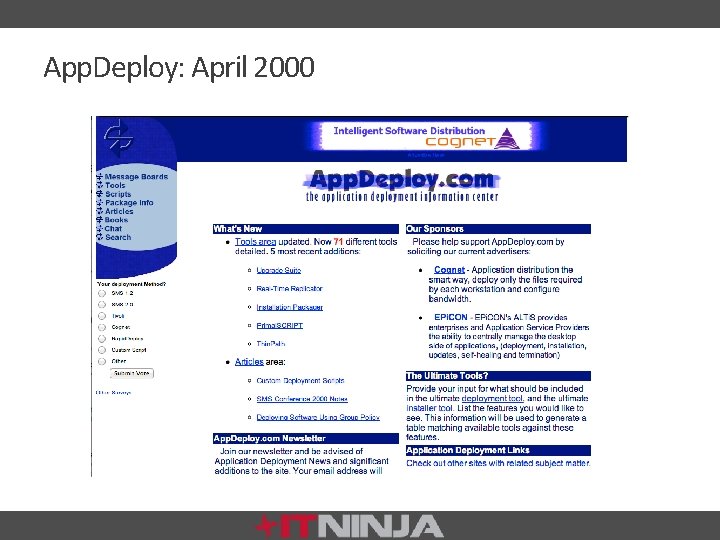
App. Deploy: April 2000
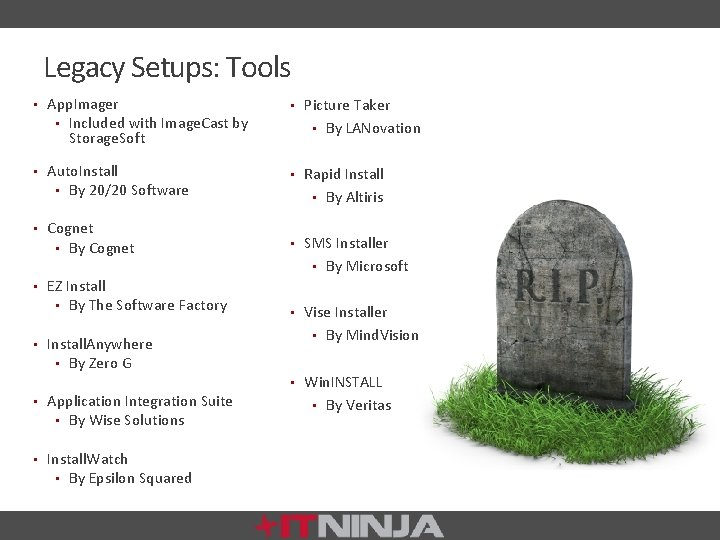
Legacy Setups: Tools • App. Imager • Included with Image. Cast by • Picture Taker • Auto. Install • By 20/20 Software • Rapid Install • Cognet • By Cognet • SMS Installer Storage. Soft • EZ Install • By The Software Factory • Install. Anywhere • By Zero G • Application Integration Suite • By Wise Solutions • Install. Watch • By Epsilon Squared • By LANovation • By Altiris • By Microsoft • Vise Installer • By Mind. Vision • Win. INSTALL • By Veritas
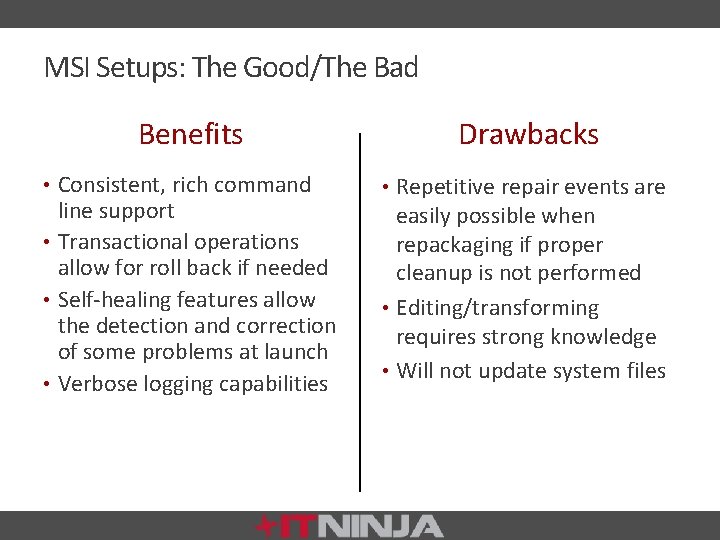
MSI Setups: The Good/The Bad Benefits • Consistent, rich command line support • Transactional operations allow for roll back if needed • Self-healing features allow the detection and correction of some problems at launch • Verbose logging capabilities Drawbacks • Repetitive repair events are easily possible when repackaging if proper cleanup is not performed • Editing/transforming requires strong knowledge • Will not update system files
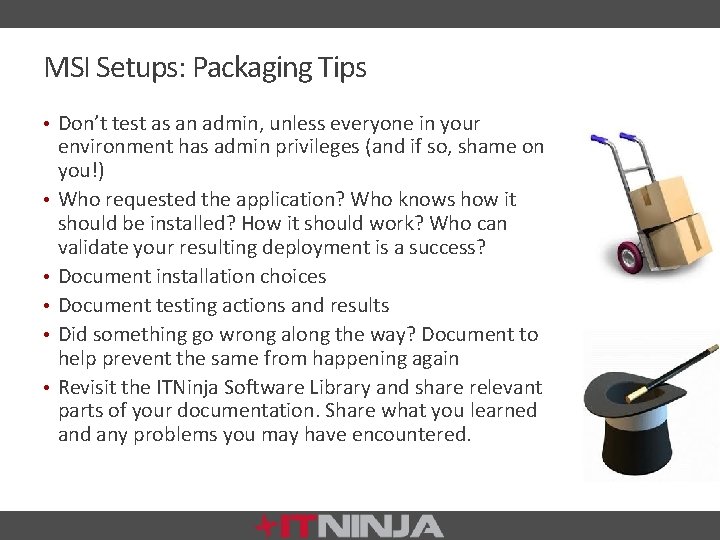
MSI Setups: Packaging Tips • Don’t test as an admin, unless everyone in your • • • environment has admin privileges (and if so, shame on you!) Who requested the application? Who knows how it should be installed? How it should work? Who can validate your resulting deployment is a success? Document installation choices Document testing actions and results Did something go wrong along the way? Document to help prevent the same from happening again Revisit the ITNinja Software Library and share relevant parts of your documentation. Share what you learned any problems you may have encountered.
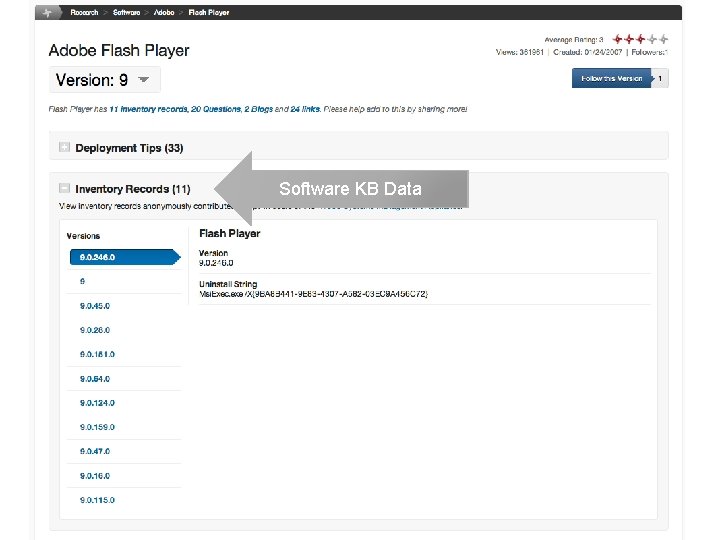
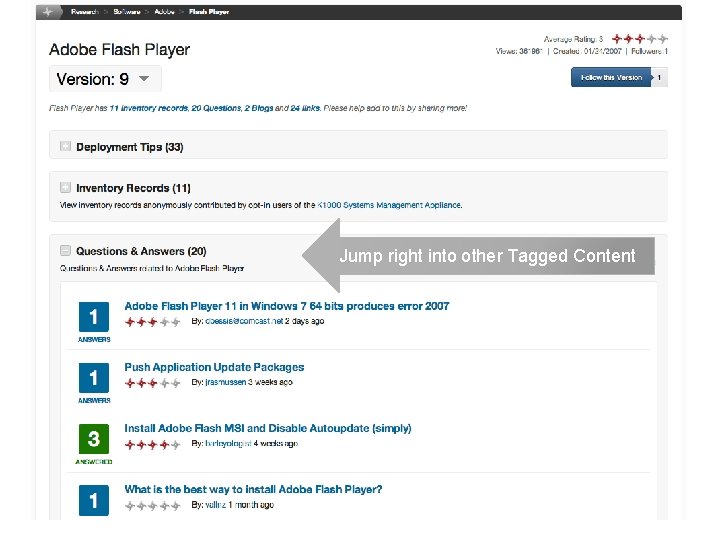
App. Deploy as ITNinja • All deployment tips were migrated and continue to be regularly contributed today • There are over 6, 500 tips today • The Package KB and Software KB from App. Deploy have been merged into a single resource at ITNinja • Features to help search and filter this massive database have been introduced • We are implementing our own custom site-wide search to control the entire search experience
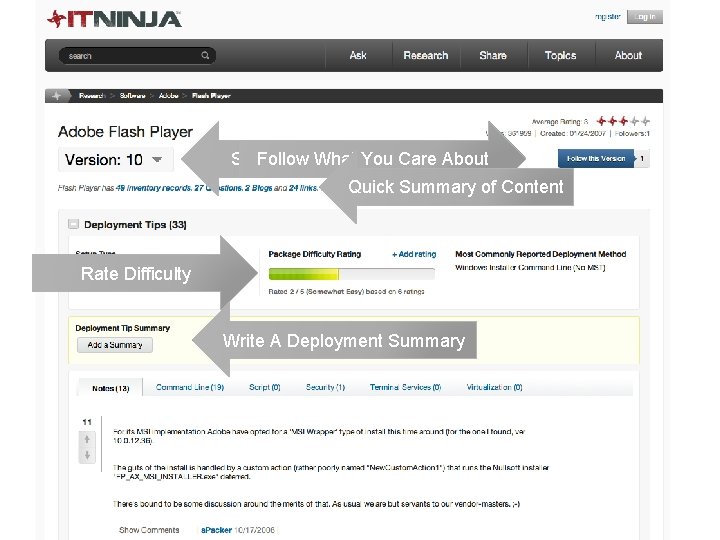
Switch Follow Between What You Versions Care About Quick Summary of Content Rate Difficulty Write A Deployment Summary
Software KB Data
Jump right into other Tagged Content
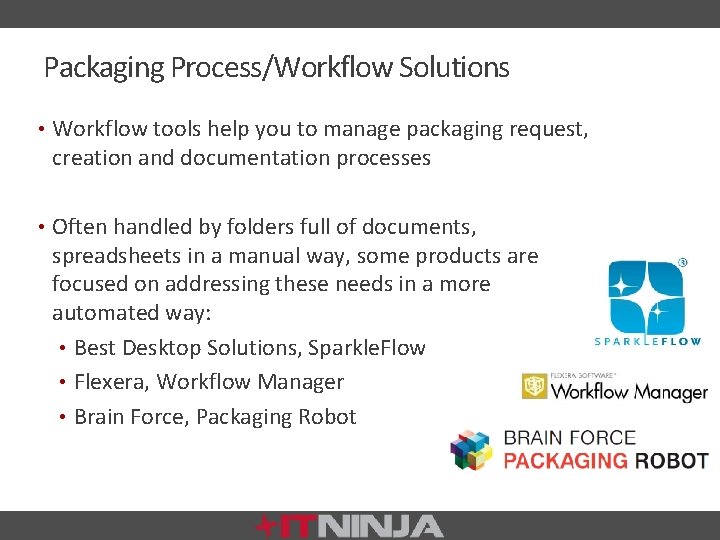
Packaging Process/Workflow Solutions • Workflow tools help you to manage packaging request, creation and documentation processes • Often handled by folders full of documents, spreadsheets in a manual way, some products are focused on addressing these needs in a more automated way: • Best Desktop Solutions, Sparkle. Flow • Flexera, Workflow Manager • Brain Force, Packaging Robot
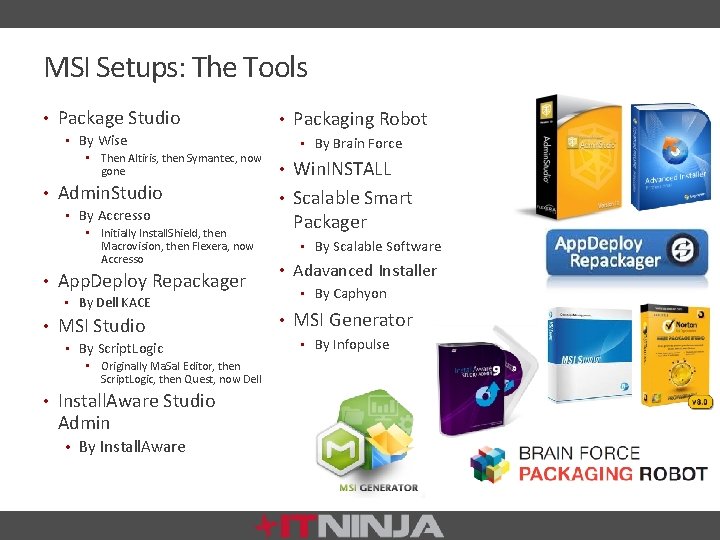
MSI Setups: The Tools • Package Studio • By Wise • Then Altiris, then Symantec, now gone • Admin. Studio • By Accresso • Initially Install. Shield, then Macrovision, then Flexera, now Accresso • App. Deploy Repackager • By Dell KACE • MSI Studio • By Script. Logic • Originally Ma. Sa. I Editor, then Script. Logic, then Quest, now Dell • Install. Aware Studio Admin • By Install. Aware • Packaging Robot • By Brain Force • Win. INSTALL • Scalable Smart Packager • By Scalable Software • Adavanced Installer • By Caphyon • MSI Generator • By Infopulse
Why Is Packaging So Hard? • Requires a deep understanding of Windows and how Applications work on Windows • What are my options? • What is the right way to handle a given application or update? • When repackaging, what needs to be included, what needs to be excluded?
Determining Your Options • Is it Windows Installer based or not? • Don’t rely on the fact you see a setup. exe • If it is Windows Installer customize with a transform • Response transforms, manual/edited transforms • If it a Windows Installer update, update your current installation source and redeploy the original package • If it is a legacy setup, determine if vendor provided setup offers sufficient support for automated deployment • If the setup does not meet you needs, repackaging may be necessary
Repackaging Tips • Packaging/Scripting vs. Re. Packaging • Include what you need, remove what you don’t • This is the art of repackaging and may take time to develop confidence in what should and should not be included • Too Much • Installations may fail, uninstall may cause damage • Too Little • Application may not function properly
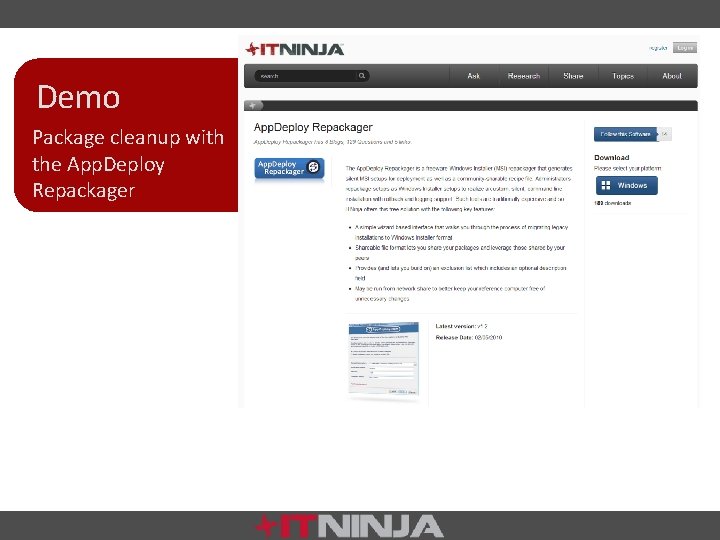
Demo Package cleanup with the App. Deploy Repackager
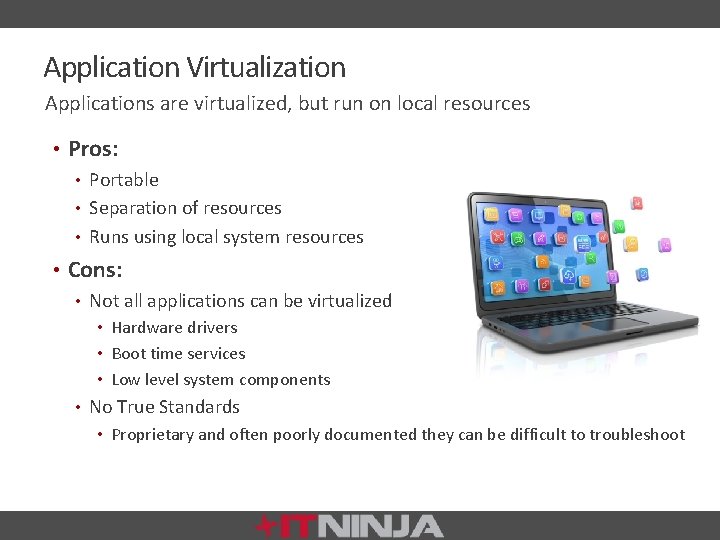
Application Virtualization Applications are virtualized, but run on local resources • Pros: • Portable • Separation of resources • Runs using local system resources • Cons: • Not all applications can be virtualized • Hardware drivers • Boot time services • Low level system components • No True Standards • Proprietary and often poorly documented they can be difficult to troubleshoot
Application Virtualization Packaging • More forgiving when too much is included • • Automated conversion is more practical Difficult to troubleshoot due to proprietary nature and lack of good tools/documentation • Migration of existing package creation efforts • Packaging experience builds deep understanding of application, OS components and how they interact • Existing skills are still very relevant and necessary to build virtual packages, as well as for managing desktop images
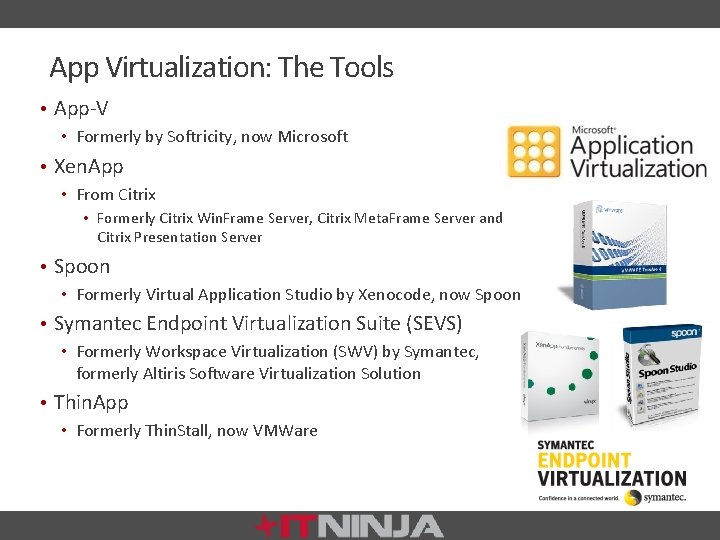
App Virtualization: The Tools • App-V • Formerly by Softricity, now Microsoft • Xen. App • From Citrix • Formerly Citrix Win. Frame Server, Citrix Meta. Frame Server and Citrix Presentation Server • Spoon • Formerly Virtual Application Studio by Xenocode, now Spoon • Symantec Endpoint Virtualization Suite (SEVS) • Formerly Workspace Virtualization (SWV) by Symantec, formerly Altiris Software Virtualization Solution • Thin. App • Formerly Thin. Stall, now VMWare
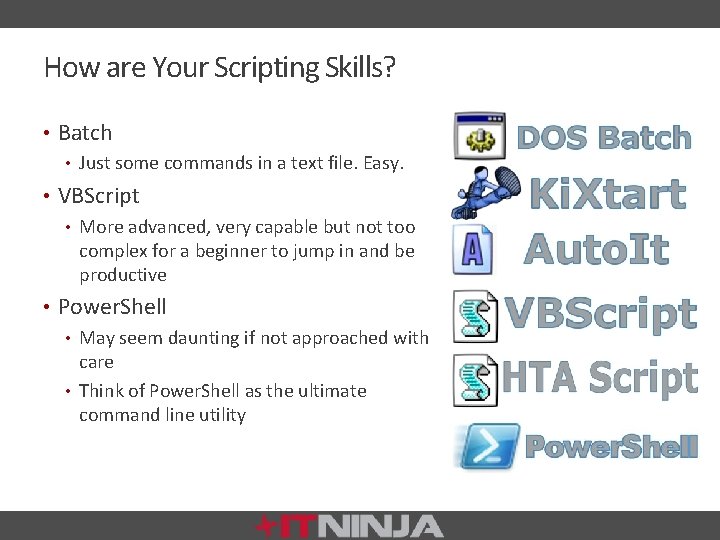
How are Your Scripting Skills? • Batch • Just some commands in a text file. Easy. • VBScript • More advanced, very capable but not too complex for a beginner to jump in and be productive • Power. Shell • May seem daunting if not approached with care • Think of Power. Shell as the ultimate command line utility
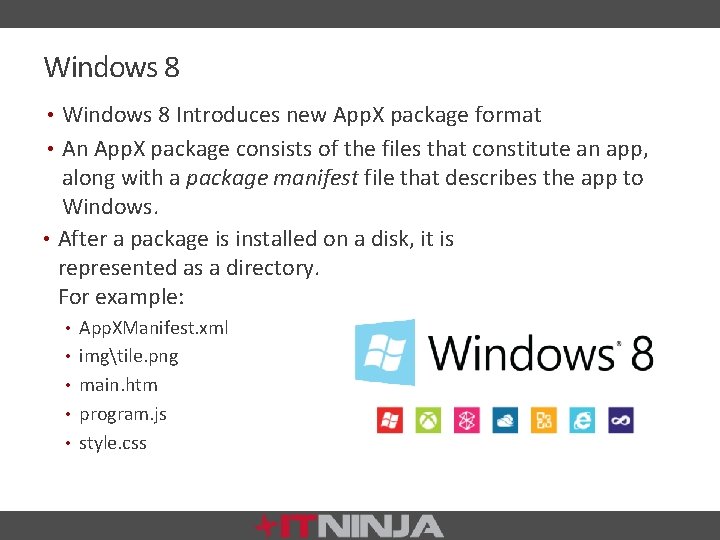
Windows 8 • Windows 8 Introduces new App. X package format • An App. X package consists of the files that constitute an app, along with a package manifest file that describes the app to Windows. • After a package is installed on a disk, it is represented as a directory. For example: • App. XManifest. xml • imgtile. png • main. htm • program. js • style. css
App. X with Power. Shell • Add-Appx. Package • Get-Appx. Package. Manifest • Get-Appx. Package • Remove-Appx. Package • Get-Appx. Last. Error • Get-Appx. Log • Add-Appx. Provisioned. Package • Get-Appx. Provisioned. Package • Remove-Appx. Provisioned. Package
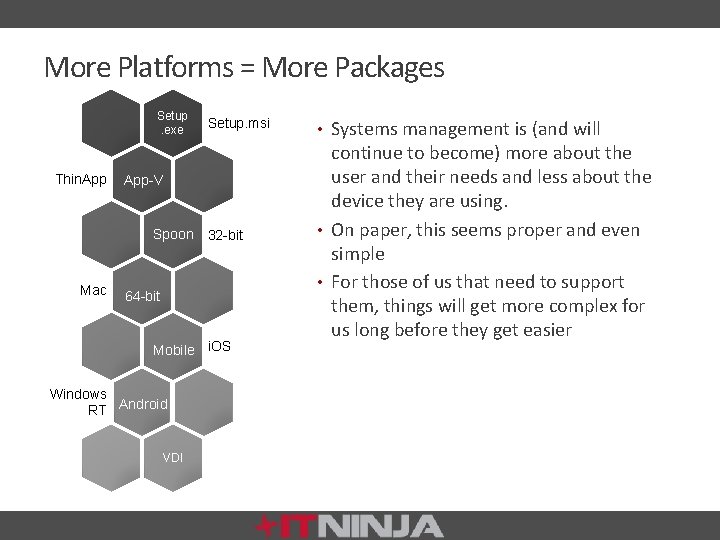
More Platforms = More Packages Setup. exe Thin. App Setup. msi App-V Spoon 32 -bit Mac 64 -bit Mobile i. OS Windows RT Android VDI • Systems management is (and will continue to become) more about the user and their needs and less about the device they are using. • On paper, this seems proper and even simple • For those of us that need to support them, things will get more complex for us long before they get easier
Future • It would seem that the future of packaging is here today, but that there is lots of room for incremental enhancements and maturity. Some concepts will get left behind while others evolve into more robust offerings.
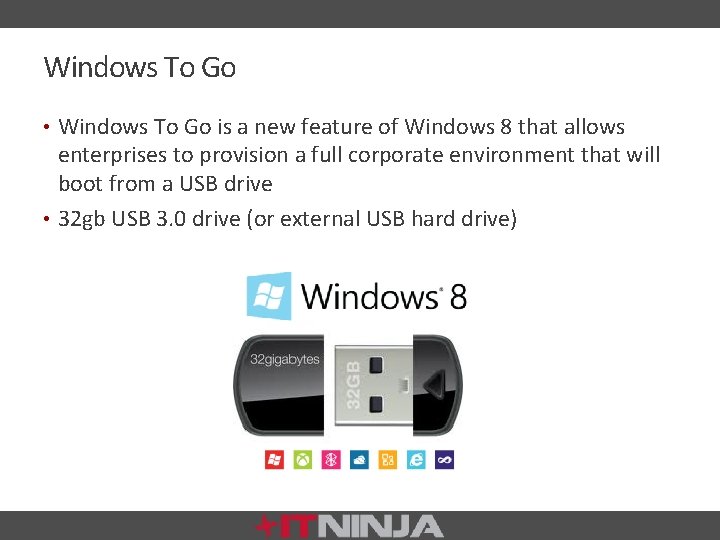
Windows To Go • Windows To Go is a new feature of Windows 8 that allows enterprises to provision a full corporate environment that will boot from a USB drive • 32 gb USB 3. 0 drive (or external USB hard drive)
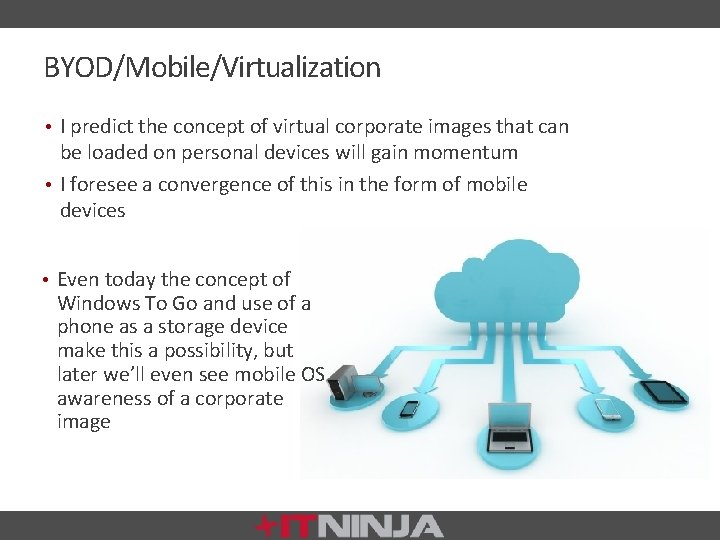
BYOD/Mobile/Virtualization • I predict the concept of virtual corporate images that can be loaded on personal devices will gain momentum • I foresee a convergence of this in the form of mobile devices • Even today the concept of Windows To Go and use of a phone as a storage device make this a possibility, but later we’ll even see mobile OS awareness of a corporate image
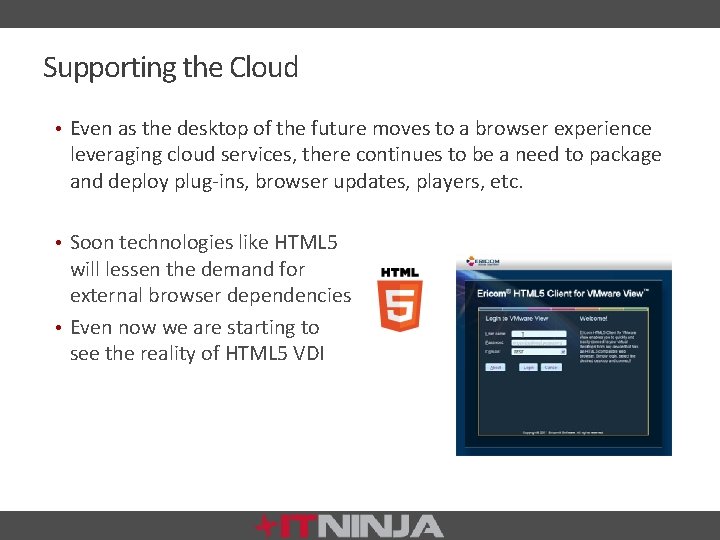
Supporting the Cloud • Even as the desktop of the future moves to a browser experience leveraging cloud services, there continues to be a need to package and deploy plug-ins, browser updates, players, etc. • Soon technologies like HTML 5 will lessen the demand for external browser dependencies • Even now we are starting to see the reality of HTML 5 VDI
Conclusion The skills of the desktop packager have evolved and pushed us forward to work with the next big thing while still leaning on the skills of the past. This will continue for the foreseeable future—let your skills evolve and branch out into related application support paradigms.
Q&A and Resources The App. Deploy Repackager: www. ITNinja. com/repackager www. ITNinja. com/register Exclusive prizes for ITNinja members Stickers, T-Shirts and Black belts based on level
Join the Conversation @ITNinja. Site @Dell. KACE Facebook. com/ITNinja. Site Facebook. com/kboxbykace ITNinja Community Member KACE Systems Management Kommunity . com/App. Deploy. Bob . com/kboxbykace
Thank You Contact KACE 1 -877 -MGMT-DONE www. kace. com sales@kace. com #Dell. KACE facebook. com/KBOXby. KACE. com/kboxbykace KACE Systems Management Kommunity