
Application Compatibility Remediation The Dark Magic of Fixing
Application Compatibility Remediation: The Dark Magic of Fixing Broken Applications Aaron Margosis Principal Consultant Microsoft Session Code: CLI 405
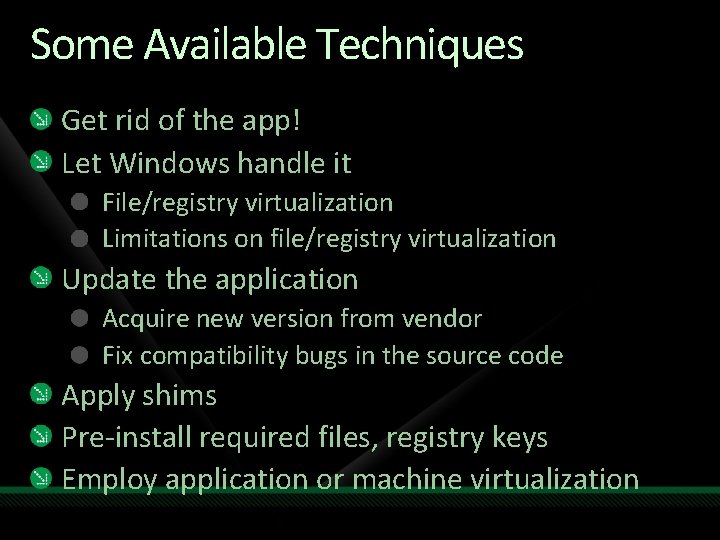
Some Available Techniques Get rid of the app! Let Windows handle it File/registry virtualization Limitations on file/registry virtualization Update the application Acquire new version from vendor Fix compatibility bugs in the source code Apply shims Pre-install required files, registry keys Employ application or machine virtualization

When to Use Shims Define standards for when to use this technique: Vendor no longer in business Internal applications Support negotiable Shimming applications can be outsourced

How Shims Work Import Function Export Function Application Windows Shim DLL

When Shims Are Used App. Y. exe v 2. 3. 4. 5 Windows loads app. Checks App. Compat DB(s). Match found: Selected API calls intercepted and modified. App. Y. exe v 2. 3. 4. 5 Windows • User 32 • Advapi 32 APIs • Kernel 32 • Ole. Aut 32 • …
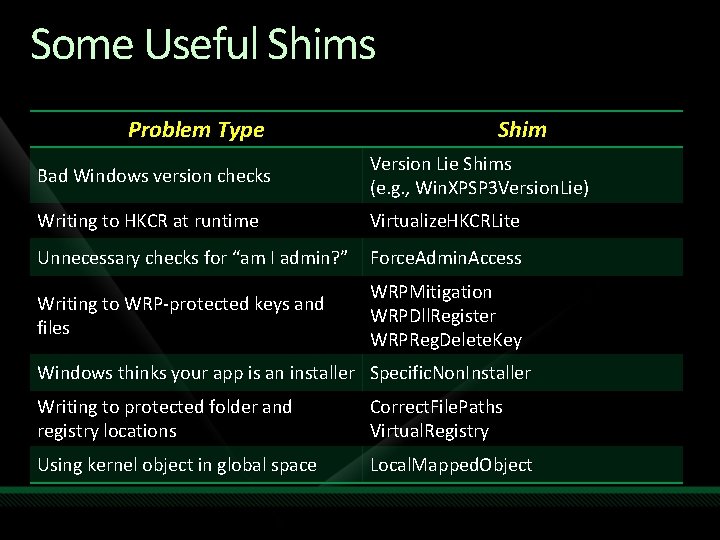
Some Useful Shims Problem Type Shim Bad Windows version checks Version Lie Shims (e. g. , Win. XPSP 3 Version. Lie) Writing to HKCR at runtime Virtualize. HKCRLite Unnecessary checks for “am I admin? ” Force. Admin. Access Writing to WRP-protected keys and files WRPMitigation WRPDll. Register WRPReg. Delete. Key Windows thinks your app is an installer Specific. Non. Installer Writing to protected folder and registry locations Correct. File. Paths Virtual. Registry Using kernel object in global space Local. Mapped. Object
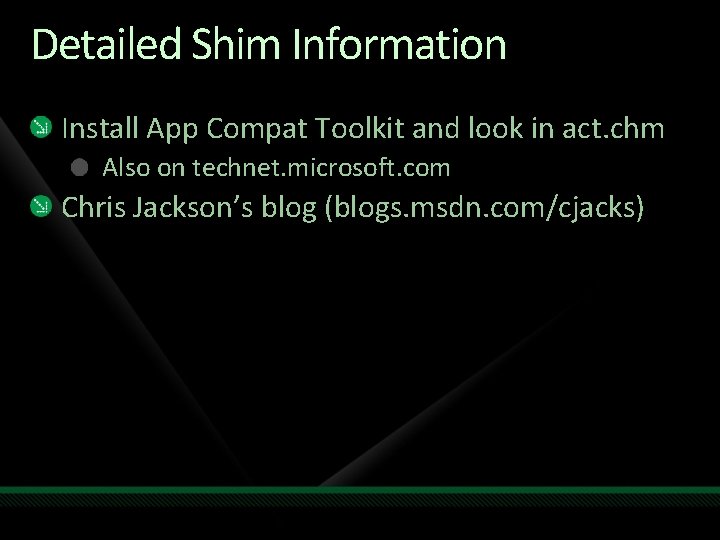
Detailed Shim Information Install App Compat Toolkit and look in act. chm Also on technet. microsoft. com Chris Jackson’s blog (blogs. msdn. com/cjacks)
demo Show me the shims
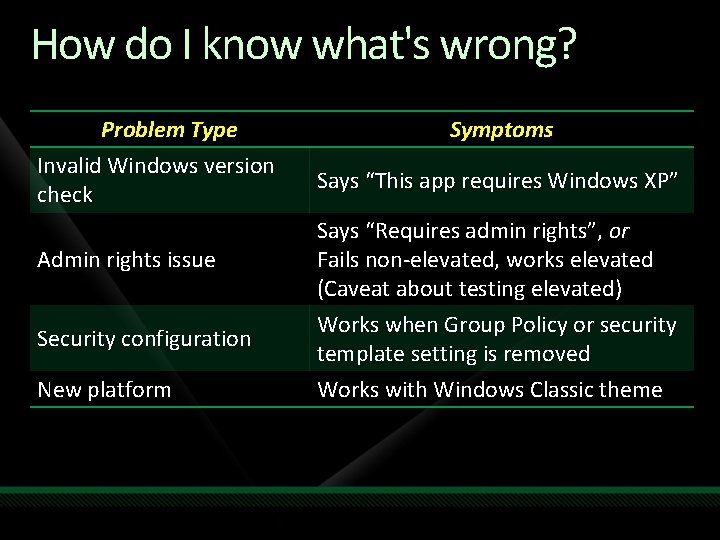
How do I know what's wrong? Problem Type Invalid Windows version check Admin rights issue Security configuration New platform Symptoms Says “This app requires Windows XP” Says “Requires admin rights”, or Fails non-elevated, works elevated (Caveat about testing elevated) Works when Group Policy or security template setting is removed Works with Windows Classic theme
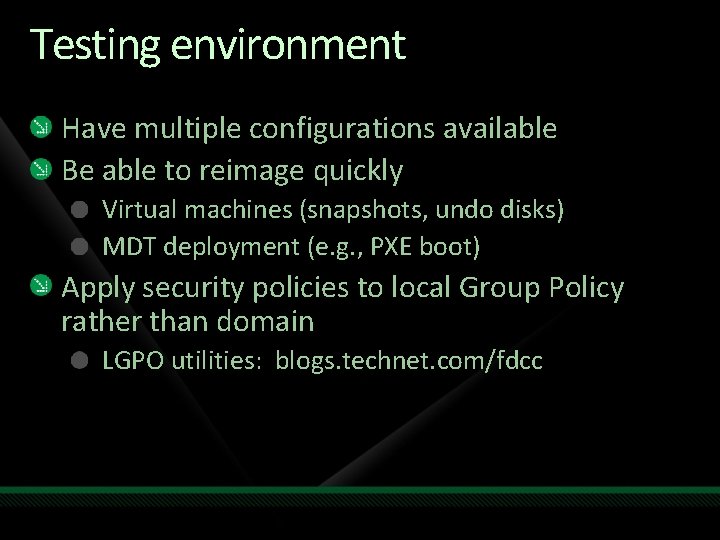
Testing environment Have multiple configurations available Be able to reimage quickly Virtual machines (snapshots, undo disks) MDT deployment (e. g. , PXE boot) Apply security policies to local Group Policy rather than domain LGPO utilities: blogs. technet. com/fdcc
Tools for identifying specific issues Sysinternals Process Monitor Standard User Analyzer (App Compat Toolkit) LUA Buglight v 2. 1 just released Includes support for Windows 7 and x 64 http: //blogs. msdn. com/aaron_margosis/pages/Lua Buglight. aspx
demo LUA Buglight, Process Monitor, SUA
Resources www. microsoft. com/teched www. microsoft. com/learning Sessions On-Demand & Community Microsoft Certification & Training Resources http: //microsoft. com/technet http: //microsoft. com/msdn Resources for IT Professionals Resources for Developers
Complete an evaluation on Comm. Net and enter to win an Xbox 360 Elite!
© 2009 Microsoft Corporation. All rights reserved. Microsoft, Windows Vista and other product names are or may be registered trademarks and/or trademarks in the U. S. and/or other countries. The information herein is for informational purposes only and represents the current view of Microsoft Corporation as of the date of this presentation. Because Microsoft must respond to changing market conditions, it should not be interpreted to be a commitment on the part of Microsoft, and Microsoft cannot guarantee the accuracy of any information provided after the date of this presentation. MICROSOFT MAKES NO WARRANTIES, EXPRESS, IMPLIED OR STATUTORY, AS TO THE INFORMATION IN THIS PRESENTATION.
- Slides: 16