
Apple Functions And Basic Training Module Two Learning
Apple Functions And Basic Training Module Two – Learning Outcome Two Objective: Becoming familiar with basic internal devices Introduction to basic computer parts Explanation of apple mac memory Explanation of hard drive/ specifications
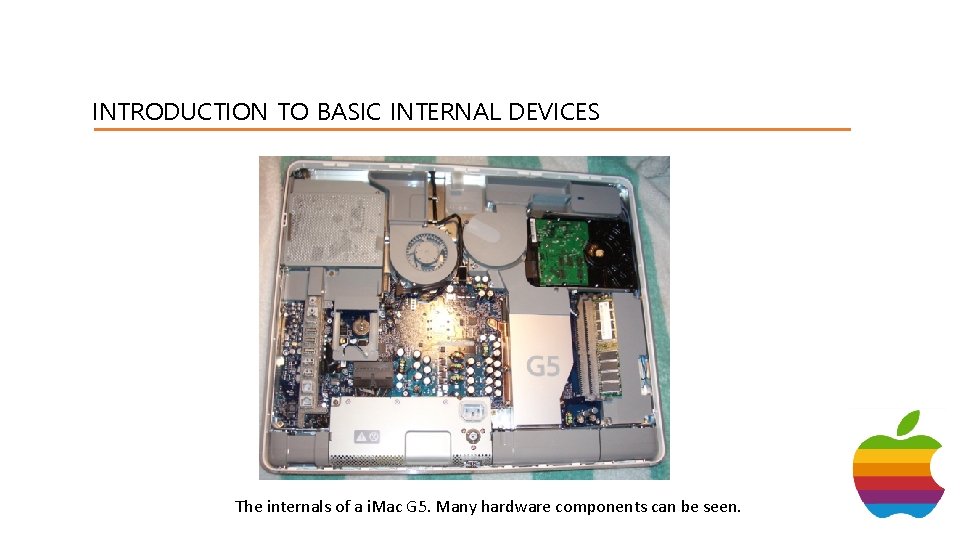
INTRODUCTION TO BASIC INTERNAL DEVICES The internals of a i. Mac G 5. Many hardware components can be seen.
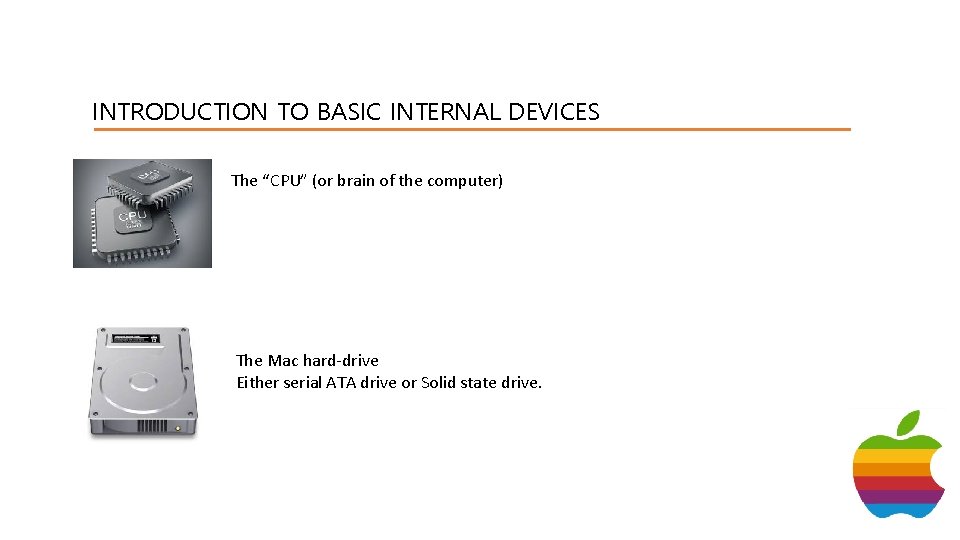
INTRODUCTION TO BASIC INTERNAL DEVICES The “CPU” (or brain of the computer) The Mac hard-drive Either serial ATA drive or Solid state drive.
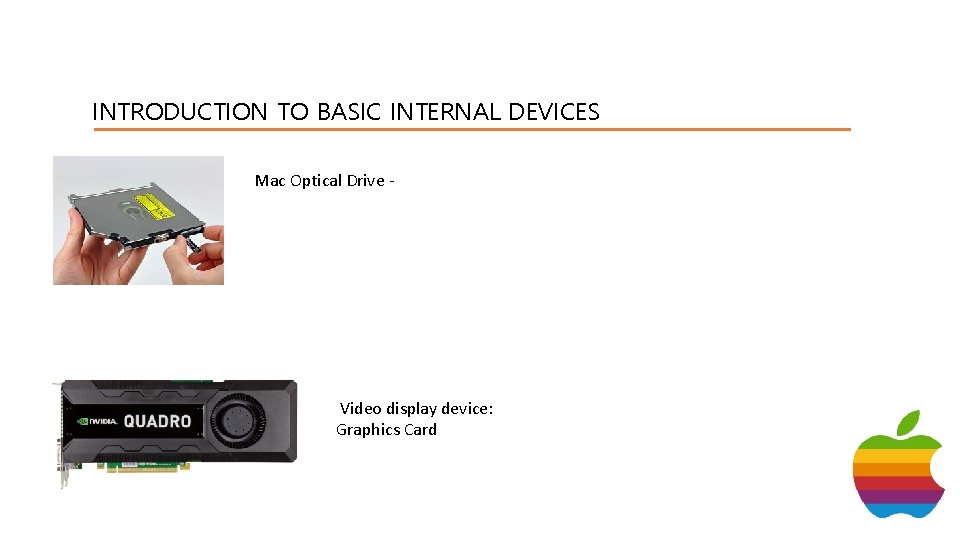
INTRODUCTION TO BASIC INTERNAL DEVICES Mac Optical Drive - Video display device: Graphics Card
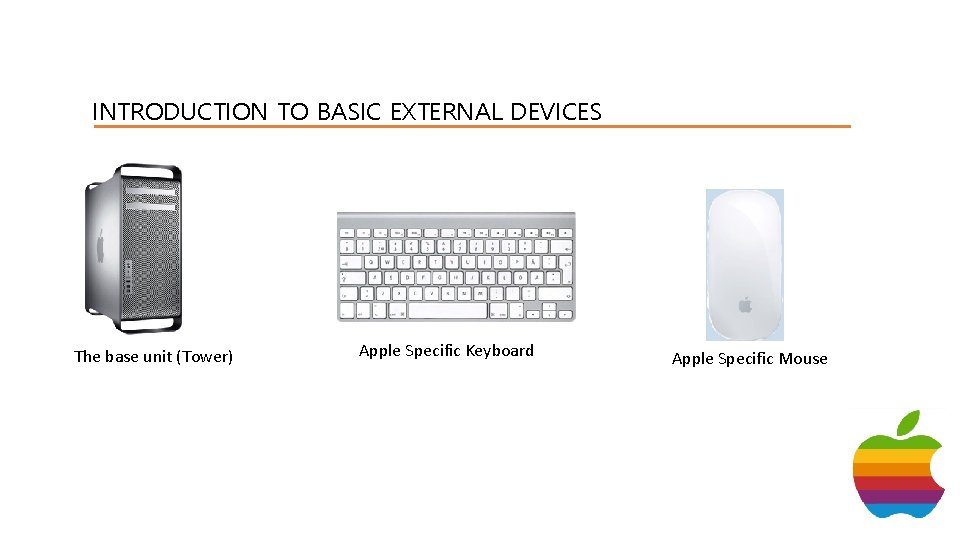
INTRODUCTION TO BASIC EXTERNAL DEVICES The base unit (Tower) Apple Specific Keyboard Apple Specific Mouse
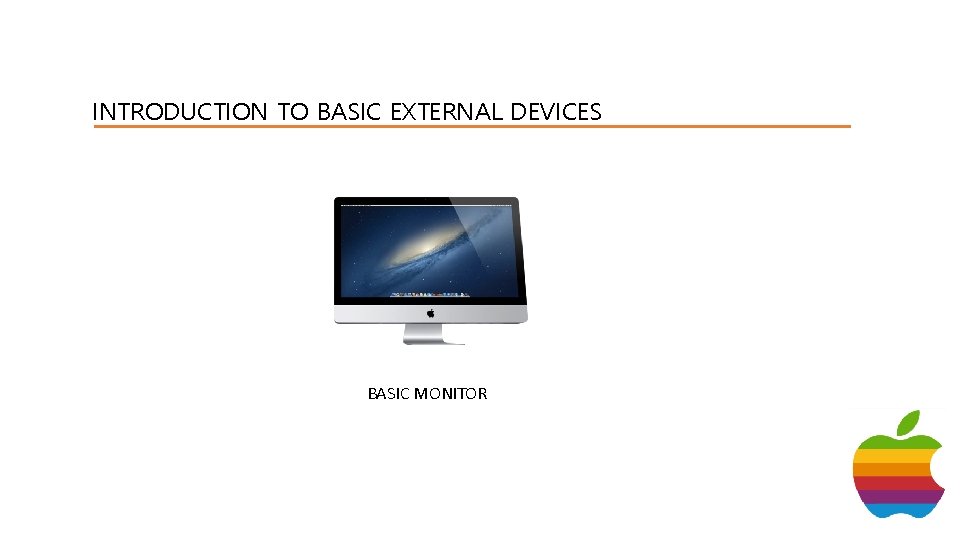
INTRODUCTION TO BASIC EXTERNAL DEVICES BASIC MONITOR

EXPLAINATION OF MAC MEMORY Memory is one of the core hardware components of the computer. It is the component which stores information – such as : Numbers, characters, settings, instructions and files etc. ROM/RAM Memory is know by two types. ROM (Read Only Memory ) which means hardware and software only read the byte values stored inside the rom memory. RAM- RAM memory is a microchip that is fitted onto a card, such as graphics card or memory card. RAM memory can have its byte values edited and read.
EXPLAINATION OF MAC MEMORY Virtual memory – When your computer is full, or has run out of memory and you cannot fit anymore files inside the memory in one piece, the computer will begin to use its virtual memory. Virtual memory is very small compared to ram/rom and it is not recommended to use, as overtime this wears out the hard-drive. Therefore always make sure you have plenty of memory!.
EXPLAINATION OF MAC MEMORY Graphics Memory – This is held in a microchip on the Motherboard of the Graphics card. This is the memory which holds imagery such as: • • Desktop Image Games Scenes Photographs Icons
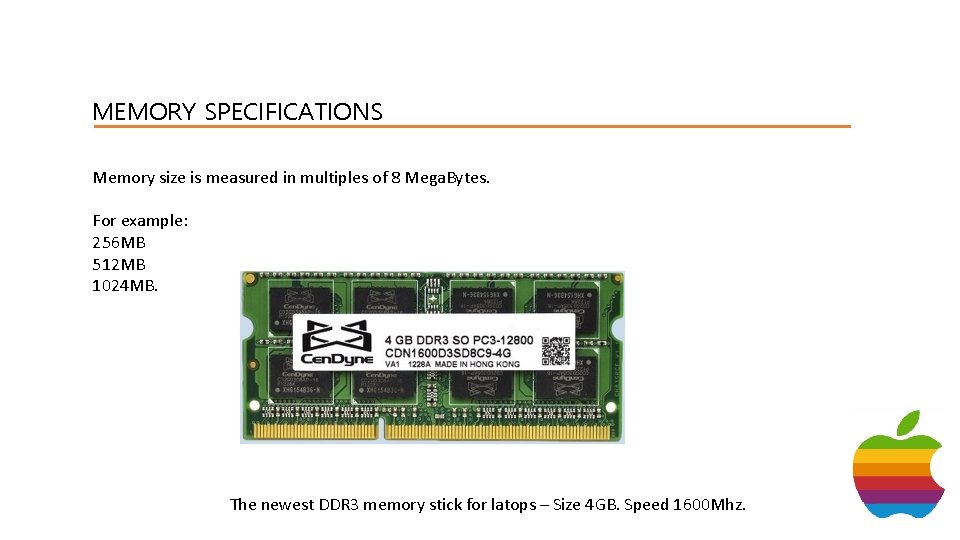
MEMORY SPECIFICATIONS Memory size is measured in multiples of 8 Mega. Bytes. For example: 256 MB 512 MB 1024 MB. The newest DDR 3 memory stick for latops – Size 4 GB. Speed 1600 Mhz.
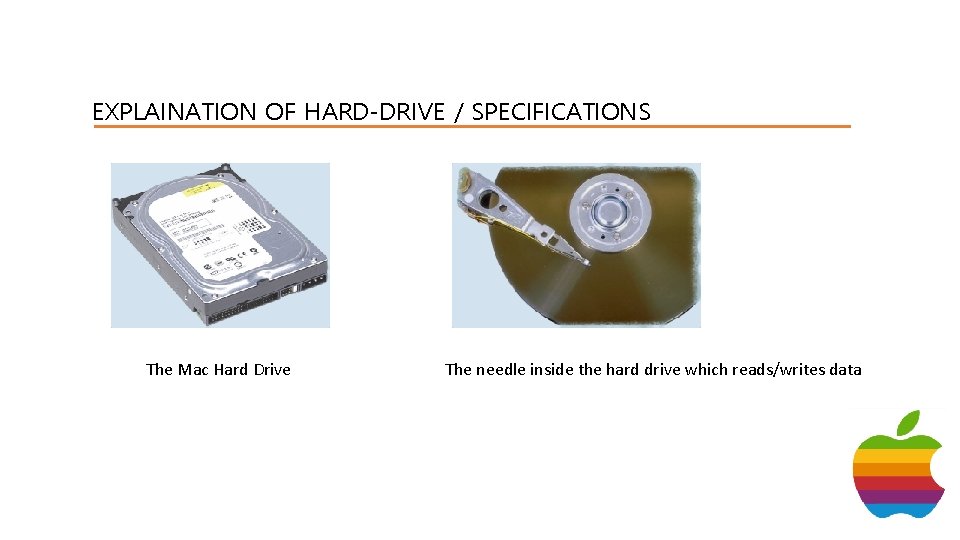
EXPLAINATION OF HARD-DRIVE / SPECIFICATIONS The Mac Hard Drive The needle inside the hard drive which reads/writes data
EXPLAINATION OF HARD-DRIVE / SPECIFICATIONS The average Apple Mac computer is fitted with a hard drive that has a speed of around 5400 RPM. (Revolutions/Cycles) Per Minute. The hard drive is like a record player, The table spins around while the needle (laser) reads and writes the data. (as shown on last slide). Therefore the higher the RPM, the faster the hard drive spins. This is why many people upgrade their hard drive overtime, to for example a 7200 RPM hard-drive, For the simple reason that they speed is clearly noticeable as data is read and written faster.
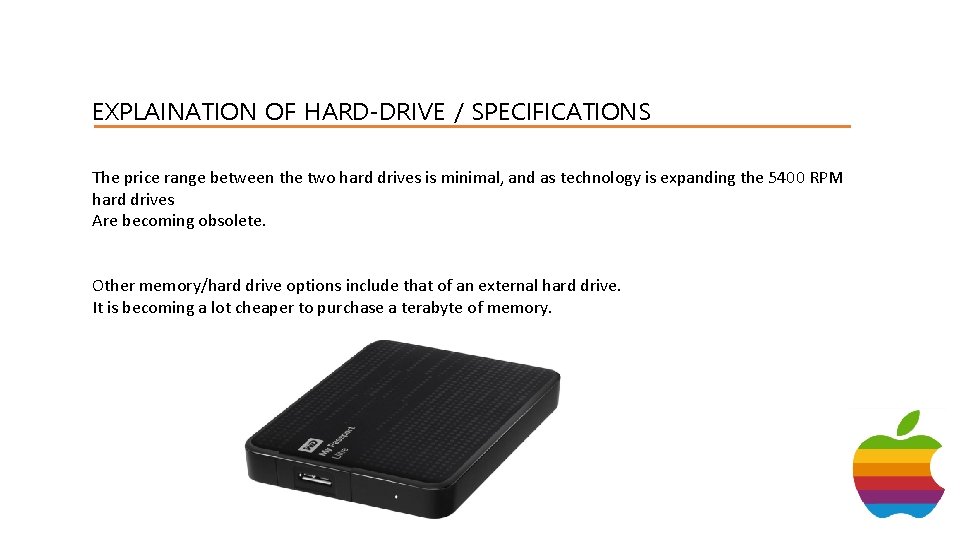
EXPLAINATION OF HARD-DRIVE / SPECIFICATIONS The price range between the two hard drives is minimal, and as technology is expanding the 5400 RPM hard drives Are becoming obsolete. Other memory/hard drive options include that of an external hard drive. It is becoming a lot cheaper to purchase a terabyte of memory.
HOMEWORK Find out your own personal computers Hard-Drive specifications. READ THIS ARTICLE: http: //www. explainthatstuff. com/harddrive. html Look at rom/ram memory.
- Slides: 14