
API Gravity by Stereopycnometer Are a Unit Operating
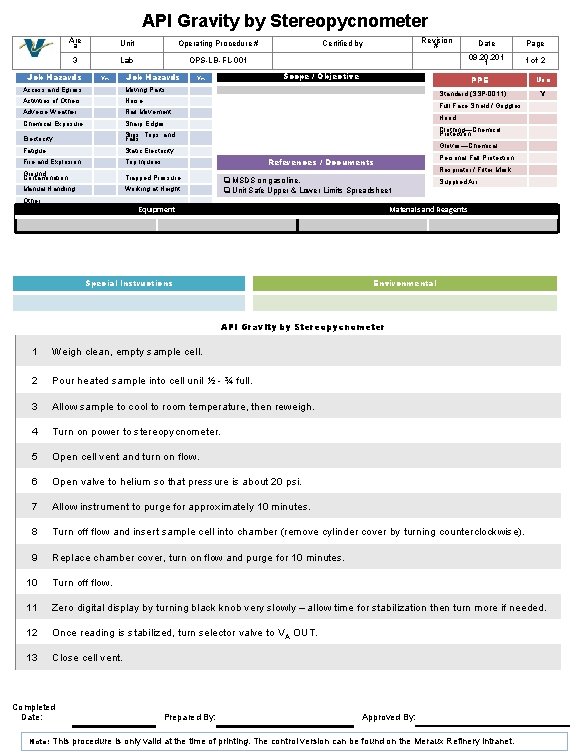
API Gravity by Stereopycnometer Are a Unit Operating Procedure # 3 Lab OPS-LB-FL-001 Job Hazards Yes Job Hazards Access and Egress Moving Parts Activities of Others Noise Adverse Weather Rail Movement Chemical Exposure Sharp Edges Electricity Slips, Trips, and Falls Fatigue Static Electricity Fire and Explosion Trip Injuries Ground Contamination Trapped Pressure Manual Handling Working at Height Revision # Certified by Scope / Objective Yes Date Page 09. 201 1 1 of 2 PPE Standard (SSP-0011) Use Y Full Face Shield / Goggles Hood Clothing—Chemical Protection Gloves—Chemical Personal Fall Protection References / Documents Respirator / Filter Mask q MSDS on gasoline. q Unit Safe Upper & Lower Limits Spreadsheet Supplied Air Other: Equipment Materials and Reagents Special Instructions Environmental API Gravity by Stereopycnometer 1 Weigh clean, empty sample cell. 2 Pour heated sample into cell unil ½ - ¾ full. 3 Allow sample to cool to room temperature, then reweigh. 4 Turn on power to stereopycnometer. 5 Open cell vent and turn on flow. 6 Open valve to helium so that pressure is about 20 psi. 7 Allow instrument to purge for approximately 10 minutes. 8 Turn off flow and insert sample cell into chamber (remove cylinder cover by turning counterclockwise). 9 Replace chamber cover, turn on flow and purge for 10 minutes. 10 Turn off flow. 11 Zero digital display by turning black knob very slowly – allow time for stabilization then turn more if needed. 12 Once reading is stabilized, turn selector valve to V A OUT. 13 Close cell vent. Completed Date: Note: Prepared By: Approved By: This procedure is only valid at the time of printing. The control version can be found on the Meraux Refinery intranet.
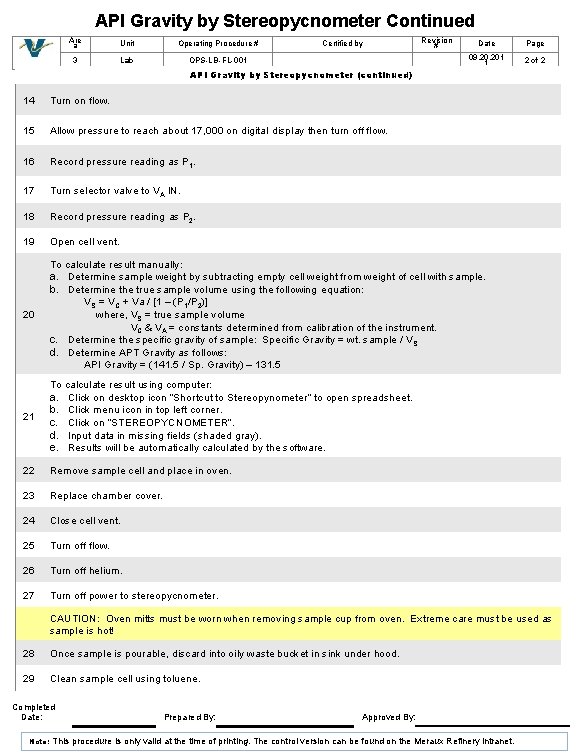
API Gravity by Stereopycnometer Continued Are a Unit Operating Procedure # 3 Lab OPS-LB-FL-001 Certified by Revision # Date Page 09. 201 1 2 of 2 API Gravity by Stereopycnometer (continued) 14 Turn on flow. 15 Allow pressure to reach about 17, 000 on digital display then turn off flow. 16 Record pressure reading as P 1. 17 Turn selector valve to VA IN. 18 Record pressure reading as P 2. 19 Open cell vent. 20 To calculate result manually: a. Determine sample weight by subtracting empty cell weight from weight of cell with sample. b. Determine the true sample volume using the following equation: VS = VC + Va / [1 – (P 1/P 2)] where, VS = true sample volume VC & VA = constants determined from calibration of the instrument. c. Determine the specific gravity of sample: Specific Gravity = wt. sample / V S d. Determine APT Gravity as follows: API Gravity = (141. 5 / Sp. Gravity) – 131. 5 21 To calculate result using computer: a. Click on desktop icon “Shortcut to Stereopynometer” to open spreadsheet. b. Click menu icon in top left corner. c. Click on “STEREOPYCNOMETER”. d. Input data in missing fields (shaded gray). e. Results will be automatically calculated by the software. 22 Remove sample cell and place in oven. 23 Replace chamber cover. 24 Close cell vent. 25 Turn off flow. 26 Turn off helium. 27 Turn off power to stereopycnometer. CAUTION: Oven mitts must be worn when removing sample cup from oven. Extreme care must be used as sample is hot! 28 Once sample is pourable, discard into oily waste bucket in sink under hood. 29 Clean sample cell using toluene. Completed Date: Note: Prepared By: Approved By: This procedure is only valid at the time of printing. The control version can be found on the Meraux Refinery intranet.
- Slides: 2