
AP BIOLOGY UPDATES 5420 STRAIGHT FROM COLLEGE BOARD

AP BIOLOGY UPDATES 5/4/20
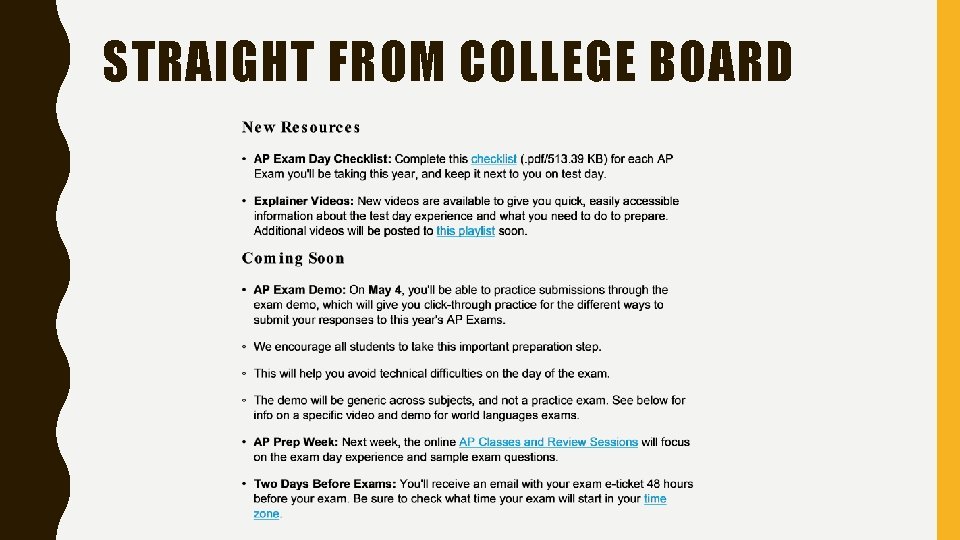
STRAIGHT FROM COLLEGE BOARD
EXAM E-TICKET • The e-ticket will be emailed to you 48 hours before your exam, BUT • It will ALSO automatically appear in your College Board Account at my. AP. collegeboard. org (the one we use for AP Classroom). • You will NOT receive it until 48 hours before the test, so do not panic if you can not see it now. If you do not see it within 48 hours of the test, please contact me immediately. • To access your ticket, you will need your 8 -character code (letters and numbers). You were assigned this number when you signed up on AP Classroom. Let me know if you have trouble finding this code. – Finding your 8 character code. GO to AP Classroom and look under your PROFILE • If you are not taking the May 18 th exam, DO NOT USE TICKET. A makeup date exam ticket will automatically be sent to you. Not recommended to do makeup date because there is no second chance if you have technology issues.
EXPLAINER VIDEOS Youtube playlist for “explainer videos” https: //www. youtube. com/playlist? list=PLo. Ggviqq 4844 oy. Qvi. UHOOdd. Aa. MOd. DAqpk Exam Walk Through https: //www. youtube. com/watch? v=q. HZ 2 zpql. ZNE&list=PLo. Ggviqq 4844 oy. Qvi. UHOOdd. A a. MOd. DAqpk&index=3&t=0 s Let’s watch now.
THE CHECK LIST https: //apcentral. collegeboard. org/pdf/ap-student-exam-day-checklist. pdf Print out and complete for every AP test you are taking.
AP EXAM DEMO https: //ap 2020 examdemo. collegeboard. org/ As soon as we are done today, please go to this site to tryout the demo. It simulates what you need to do the day of the test and lets you practice uploading answers. If you can access this demo, you can access the test. It you have trouble doing anything on the demo (especially uploading), please contact me immediately.
EXAM DAY TH MAY 18 11: 00 A. M. • Use your exam ticket to log on to the test 30 minutes before start time. • You will need to answer several security questions before you can access the test, so please do not wait until just before 11: 00 to log on. • After you have finished the questions, you will see a timer which counts down until 11: 00 am. The test will automatically open the 1 st question at 11 a. m. • The timer will say 30 minutes, but you only have 25 minutes to write the answer to the question and 5 minutes to upload it. You can submit early if you are finished. • You MUST push upload before the timer runs out or you will not receive any credit for your answer. • When the 30 minute is up, the 2 nd question will automatically appear. • The timer will reset for 20 minutes, 15 minutes to write and 5 minutes to upload. • Do not turn off your computer or go to a different tab until you receive confirmation that both of your questions have uploaded.
WHILE TAKING YOUR TEST • You can use a calculator and your Biology formulas sheet. Find sheet at cb. org/apexamdaydocs • Do not refresh your browser • Tell your family to stay quiet so you wont be disturbed. Have them avoid using devices, steaming TV, online videogames, etc. during this time so you do not have internet issues • Use your books and notes sparingly so you do not run out of time • Do NOT copy and paste anything from the internet • Do NOT go to any websites where students might be sharing information. You will get a zero and colleges will be told that you were on the site, even if you went there by mistake. • Do NOT talk to friends or family during the test. It needs to be 100% your own work. – If you have a temporary disability (ex. a broken arm), you need to fill out a form at cb. org/ap 2020 accomodations to get preapproval for letting someone else write or type for you. If you do not get preapproval, your test may be cancelled.
TEST TECH • DO NOT USE INTERNET EXPLORER & DO NOT REFRESH BROWSER WHILE TAKING THE TEST – Chrome is the preferred browser, but you can also use safari, firefox and edge. – Do NOT use Internet Explorer – Turn off annotation software such as grammarly • You can NOT type directly into the boxes on the test, you must copy & paste or upload your answers. • Three options to upload your answers: 1. Copy/paste. (Laptop best for this choice) Write your answers in a word, google docs (as long as it isn’t shared), or other writing program. Copy and paste what you wrote into the boxes on the exam. 2. Type your answers on word (or other program), save file, and upload as a file. 3. Handwrite your response. (phone or tablet best for this choice) Use a #2 pencil or a blue/black pen. You can use lined or blank paper, but it needs to be white. Take a picture and upload the picture file. You can upload up to 5 pictures per question. Problem with this choice is that you need to do a lot of scrolling to see all of the parts of the question. • You must write your initials and 8 -character code on the top of all of the pages that you submit. • If you are accidentally logged out, click on “e-ticket” to reenter the test • If you have technology issues DURING the test, fill out a form on the College Board website within 48 hours. cb. org/requestmakeup If it is approved, you will get a new exam ticket
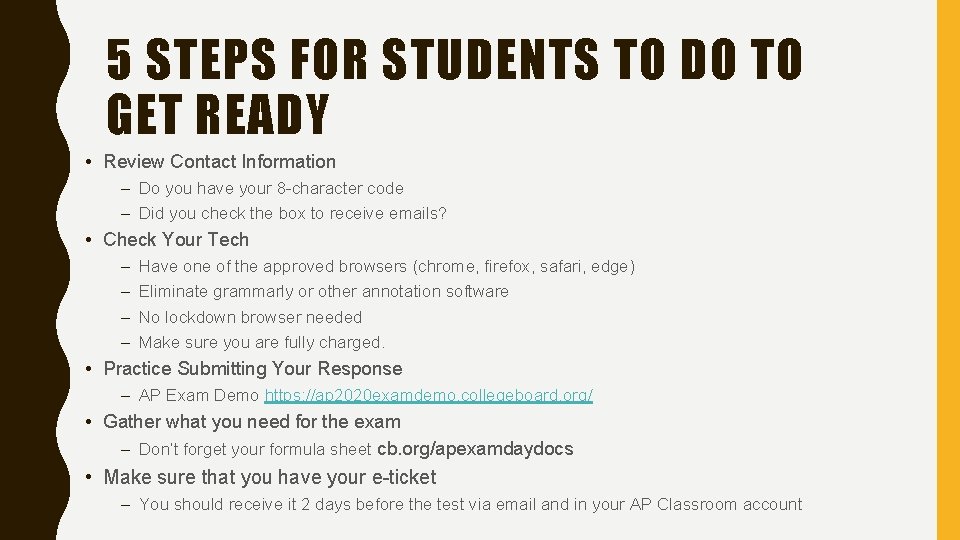
5 STEPS FOR STUDENTS TO DO TO GET READY • Review Contact Information – Do you have your 8 -character code – Did you check the box to receive emails? • Check Your Tech – – Have one of the approved browsers (chrome, firefox, safari, edge) Eliminate grammarly or other annotation software No lockdown browser needed Make sure you are fully charged. • Practice Submitting Your Response – AP Exam Demo https: //ap 2020 examdemo. collegeboard. org/ • Gather what you need for the exam – Don’t forget your formula sheet cb. org/apexamdaydocs • Make sure that you have your e-ticket – You should receive it 2 days before the test via email and in your AP Classroom account
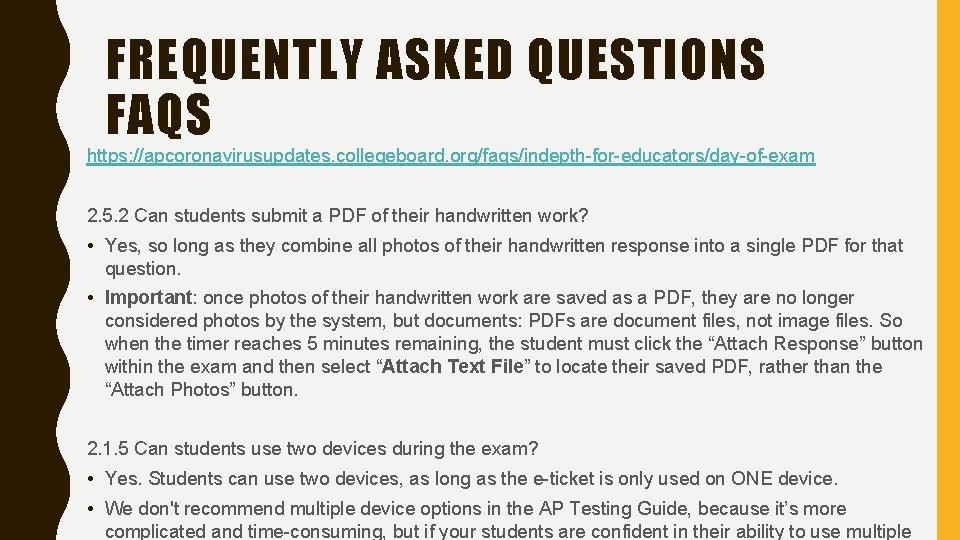
FREQUENTLY ASKED QUESTIONS FAQS https: //apcoronavirusupdates. collegeboard. org/faqs/indepth-for-educators/day-of-exam 2. 5. 2 Can students submit a PDF of their handwritten work? • Yes, so long as they combine all photos of their handwritten response into a single PDF for that question. • Important: once photos of their handwritten work are saved as a PDF, they are no longer considered photos by the system, but documents: PDFs are document files, not image files. So when the timer reaches 5 minutes remaining, the student must click the “Attach Response” button within the exam and then select “Attach Text File” to locate their saved PDF, rather than the “Attach Photos” button. 2. 1. 5 Can students use two devices during the exam? • Yes. Students can use two devices, as long as the e-ticket is only used on ONE device. • We don't recommend multiple device options in the AP Testing Guide, because it’s more complicated and time-consuming, but if your students are confident in their ability to use multiple
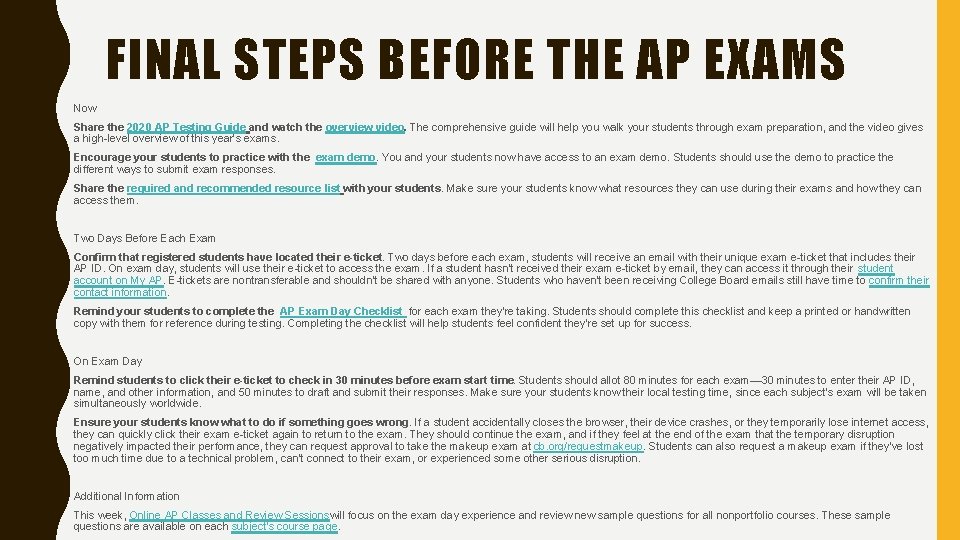
FINAL STEPS BEFORE THE AP EXAMS Now Share the 2020 AP Testing Guide and watch the overview video. The comprehensive guide will help you walk your students through exam preparation, and the video gives a high-level overview of this year's exams. Encourage your students to practice with the exam demo. You and your students now have access to an exam demo. Students should use the demo to practice the different ways to submit exam responses. Share the required and recommended resource list with your students. Make sure your students know what resources they can use during their exams and how they can access them. Two Days Before Each Exam Confirm that registered students have located their e-ticket. Two days before each exam, students will receive an email with their unique exam e-ticket that includes their AP ID. On exam day, students will use their e-ticket to access the exam. If a student hasn't received their exam e-ticket by email, they can access it through their student account on My AP. E-tickets are nontransferable and shouldn't be shared with anyone. Students who haven't been receiving College Board emails still have time to confirm their contact information. Remind your students to complete the AP Exam Day Checklist for each exam they're taking. Students should complete this checklist and keep a printed or handwritten copy with them for reference during testing. Completing the checklist will help students feel confident they're set up for success. On Exam Day Remind students to click their e-ticket to check in 30 minutes before exam start time. Students should allot 80 minutes for each exam— 30 minutes to enter their AP ID, name, and other information, and 50 minutes to draft and submit their responses. Make sure your students know their local testing time, since each subject's exam will be taken simultaneously worldwide. Ensure your students know what to do if something goes wrong. If a student accidentally closes the browser, their device crashes, or they temporarily lose internet access, they can quickly click their exam e-ticket again to return to the exam. They should continue the exam, and if they feel at the end of the exam that the temporary disruption negatively impacted their performance, they can request approval to take the makeup exam at cb. org/requestmakeup. Students can also request a makeup exam if they've lost too much time due to a technical problem, can't connect to their exam, or experienced some other serious disruption. Additional Information This week, Online AP Classes and Review Sessionswill focus on the exam day experience and review new sample questions for all nonportfolio courses. These sample questions are available on each subject's course page.
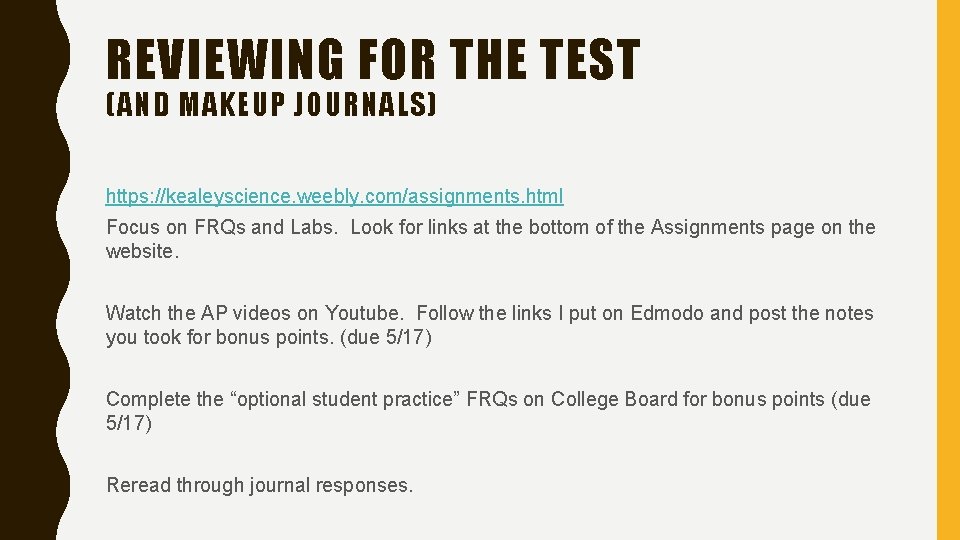
REVIEWING FOR THE TEST (AND MAKEUP JOURNALS) https: //kealeyscience. weebly. com/assignments. html Focus on FRQs and Labs. Look for links at the bottom of the Assignments page on the website. Watch the AP videos on Youtube. Follow the links I put on Edmodo and post the notes you took for bonus points. (due 5/17) Complete the “optional student practice” FRQs on College Board for bonus points (due 5/17) Reread through journal responses.
ADDITIONAL INFORMATION • AP Test Guide: cb. org/ap 2020 • College Board Update 4/28: https: //globalmeet. webcasts. com/viewer/event. jsp? ei=1303792&tp_key=134 a 3 d 23 c 1 – Webinar that I attended last week with tons of information about the AP Science tests • Testing Guide: https: //apcentral. collegeboard. org/pdf/ap-testing-guide-2020. pdf – All of the rules for the test • FAQs: https: //apcoronavirusupdates. collegeboard. org/faqs/indepth-for-educators

GOOD LUCK ON ALL OF YOUR AP TESTS!!!!!! SEE YOU BACK ONLINE IN 2 WEEKS.
- Slides: 15