
AOPP MPhys Overview Don Grainger This is the

- Slides: 13
AOPP MPhys Overview Don Grainger
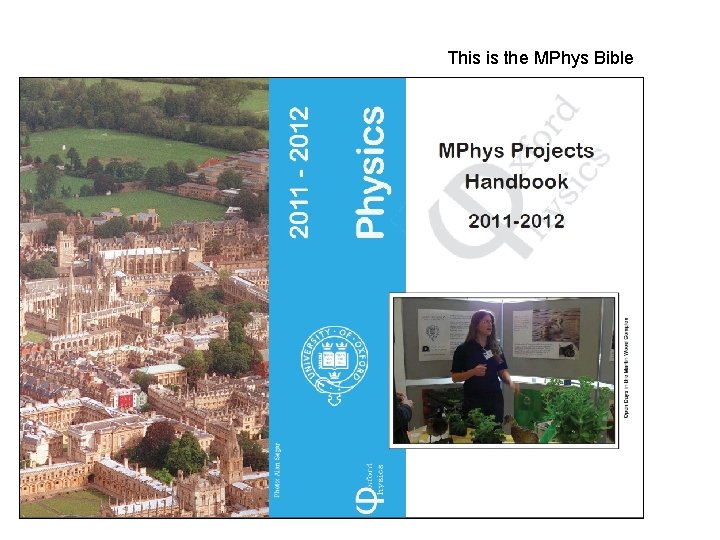
This is the MPhys Bible
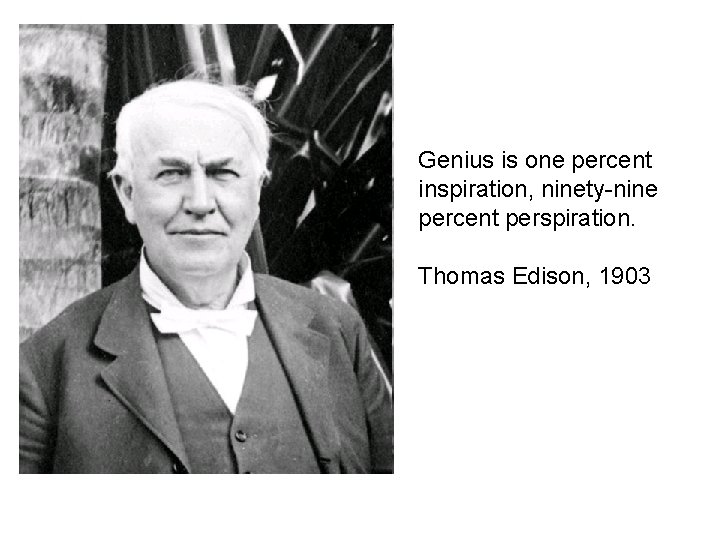
Genius is one percent inspiration, ninety-nine percent perspiration. Thomas Edison, 1903
Doing the Project • Treat it like a job – spend 40 hours a week on it (at least) • Learn to research efficiently – work in phase with people you need to talk to – try and work things out yourself and if you can’t … – use books, papers (know about web of science ; http: //apps. isiknowledge. com) – ask your peers, postdocs & supervisor
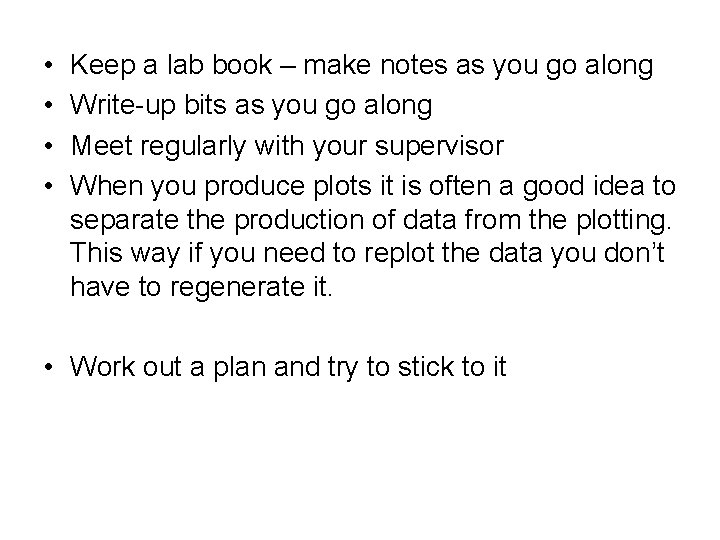
• • Keep a lab book – make notes as you go along Write-up bits as you go along Meet regularly with your supervisor When you produce plots it is often a good idea to separate the production of data from the plotting. This way if you need to replot the data you don’t have to regenerate it. • Work out a plan and try to stick to it
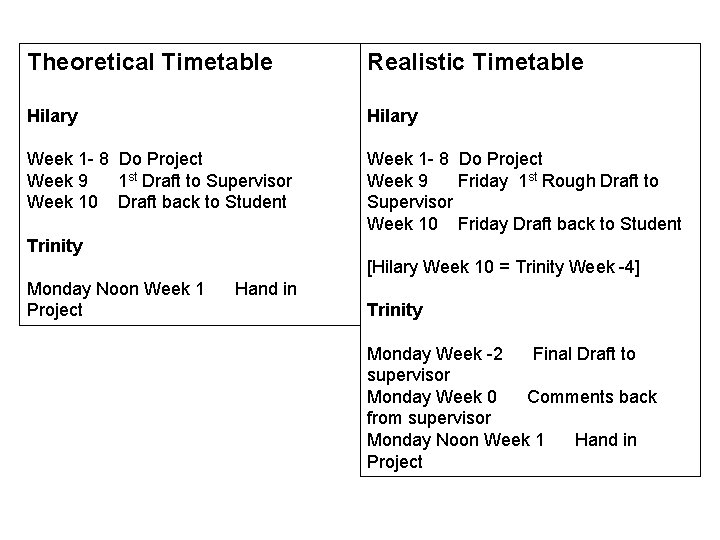
Theoretical Timetable Realistic Timetable Hilary Week 1 - 8 Do Project Week 9 1 st Draft to Supervisor Week 10 Draft back to Student Week 1 - 8 Do Project Week 9 Friday 1 st Rough Draft to Supervisor Week 10 Friday Draft back to Student Trinity [Hilary Week 10 = Trinity Week -4] Monday Noon Week 1 Project Hand in Trinity Monday Week -2 Final Draft to supervisor Monday Week 0 Comments back from supervisor Monday Noon Week 1 Hand in Project
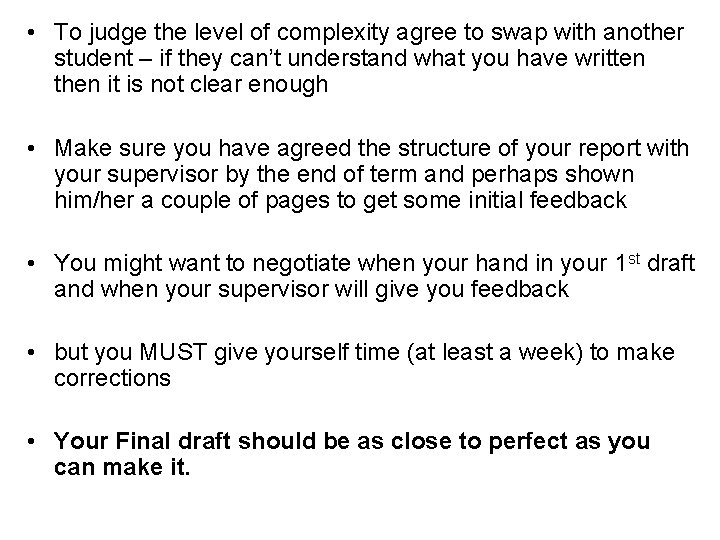
• To judge the level of complexity agree to swap with another student – if they can’t understand what you have written then it is not clear enough • Make sure you have agreed the structure of your report with your supervisor by the end of term and perhaps shown him/her a couple of pages to get some initial feedback • You might want to negotiate when your hand in your 1 st draft and when your supervisor will give you feedback • but you MUST give yourself time (at least a week) to make corrections • Your Final draft should be as close to perfect as you can make it.
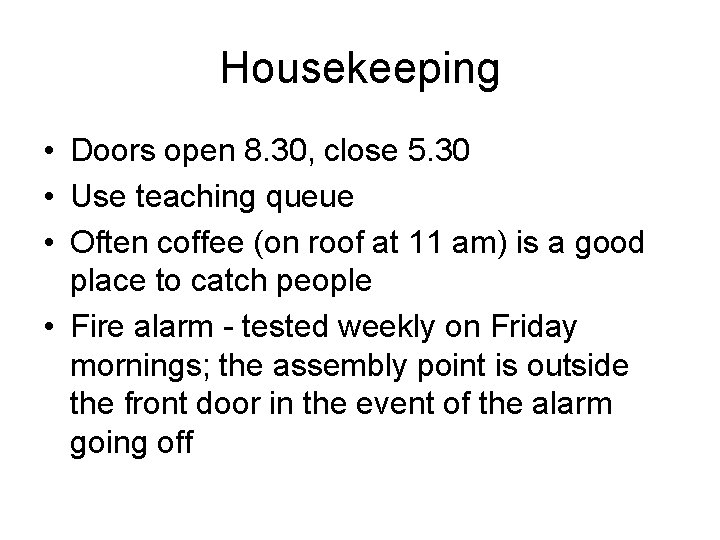
Housekeeping • Doors open 8. 30, close 5. 30 • Use teaching queue • Often coffee (on roof at 11 am) is a good place to catch people • Fire alarm - tested weekly on Friday mornings; the assembly point is outside the front door in the event of the alarm going off
Brief Comments on Latex
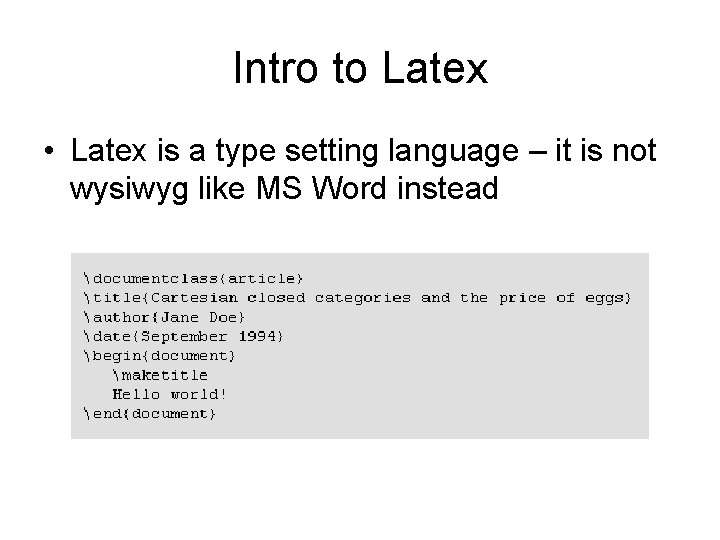
Intro to Latex • Latex is a type setting language – it is not wysiwyg like MS Word instead
• Why use it? (It is free!) • Lots of nice features like – Consistency – Cross-referencing – Equations – Table of Contents – Bibliography – Index – Figures
How to use it • Create. tex file the use the latex command to make dvi file • xdvi to view it • Windows version – Texniccentre (uses Mik. Tex) • Easiest to copy a bit of code and modify it. • Template at my home page http: //www. atm. ox. ac. uk/user/grainger/index. html