
AO 7 STANDARD WAYS OF WORKING Backing Storage
AO 7: STANDARD WAYS OF WORKING Backing Storage
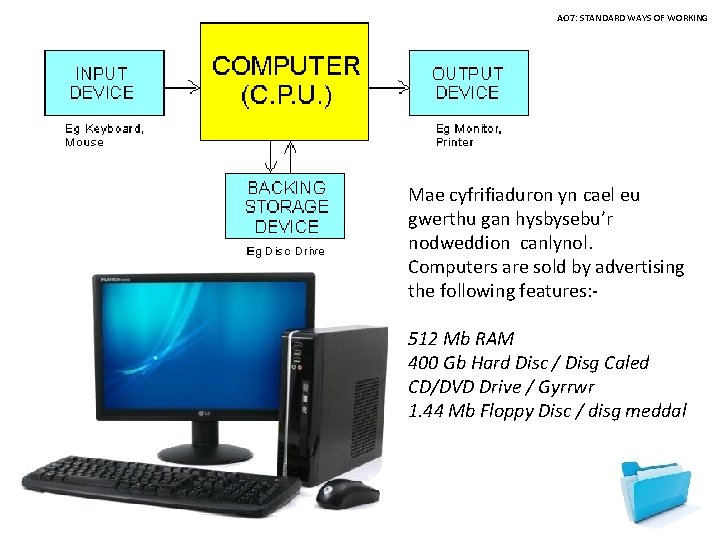
AO 7: STANDARD WAYS OF WORKING Mae cyfrifiaduron yn cael eu gwerthu gan hysbysebu’r nodweddion canlynol. Computers are sold by advertising the following features: 512 Mb RAM 400 Gb Hard Disc / Disg Caled CD/DVD Drive / Gyrrwr 1. 44 Mb Floppy Disc / disg meddal
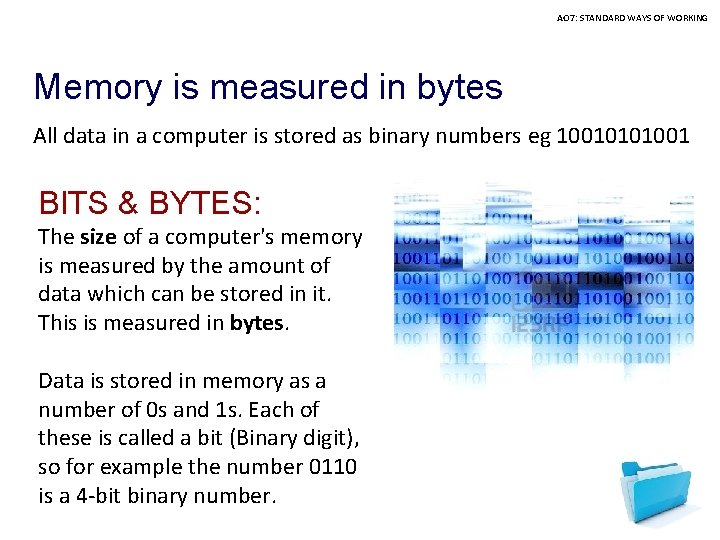
AO 7: STANDARD WAYS OF WORKING Memory is measured in bytes All data in a computer is stored as binary numbers eg 10010101001 BITS & BYTES: The size of a computer's memory is measured by the amount of data which can be stored in it. This is measured in bytes. Data is stored in memory as a number of 0 s and 1 s. Each of these is called a bit (Binary digit), so for example the number 0110 is a 4 -bit binary number.
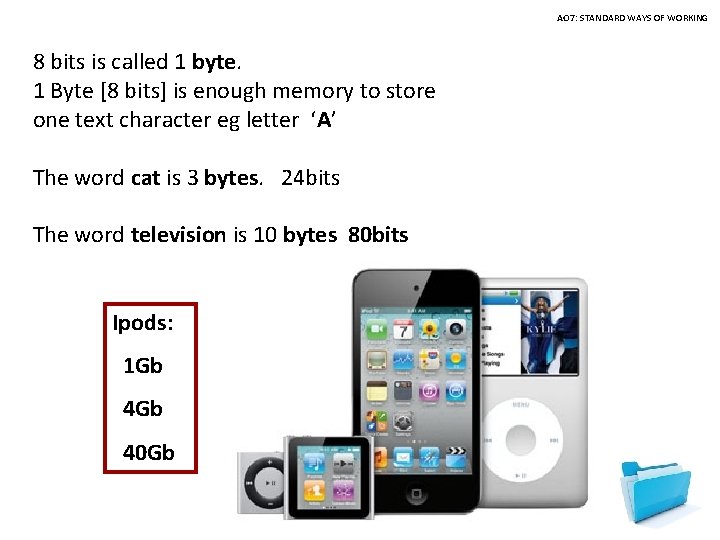
AO 7: STANDARD WAYS OF WORKING 8 bits is called 1 byte. 1 Byte [8 bits] is enough memory to store one text character eg letter ‘A’ The word cat is 3 bytes. 24 bits The word television is 10 bytes 80 bits Ipods: 1 Gb 40 Gb
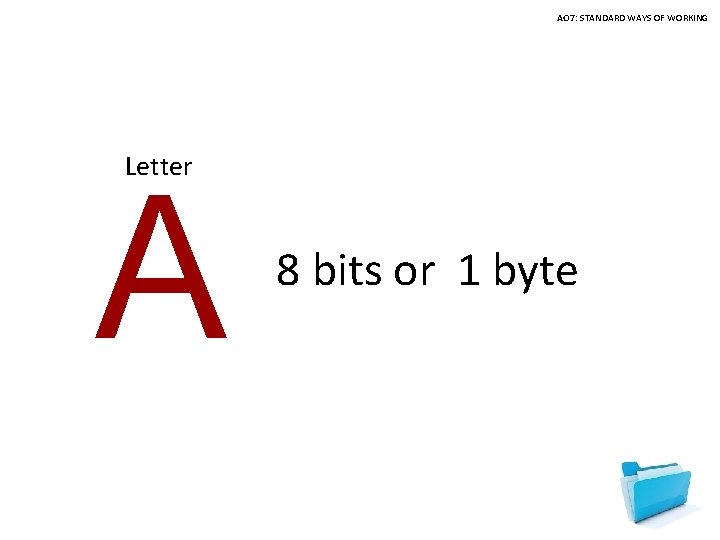
AO 7: STANDARD WAYS OF WORKING Letter A 8 bits or 1 byte
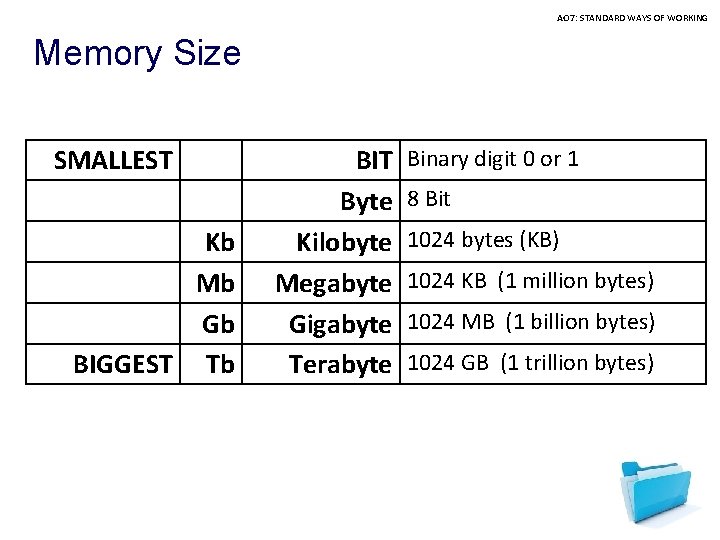
AO 7: STANDARD WAYS OF WORKING Memory Size SMALLEST Kb Mb Gb BIGGEST Tb BIT Byte Kilobyte Megabyte Gigabyte Terabyte Binary digit 0 or 1 8 Bit 1024 bytes (KB) 1024 KB (1 million bytes) 1024 MB (1 billion bytes) 1024 GB (1 trillion bytes)

AO 7: STANDARD WAYS OF WORKING Backup storage is measured in BYTES. The number of BYTES can be so large so we refer to memory size in terms of KILOBYTES, MEGABYTES or TETRABYTE
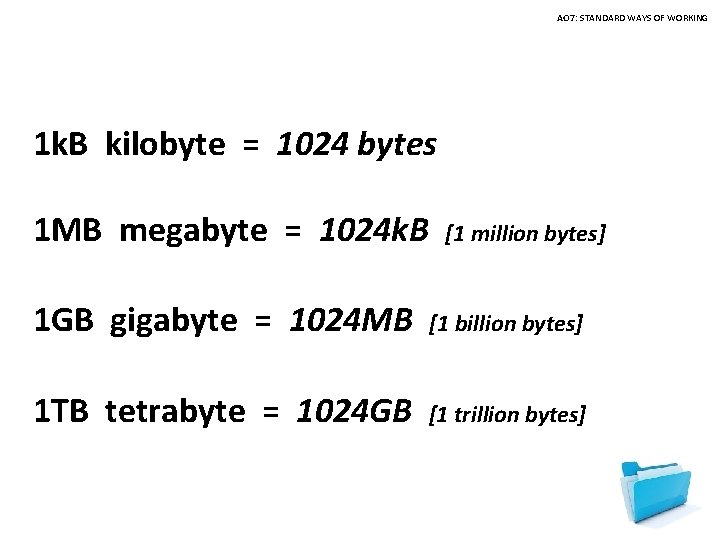
AO 7: STANDARD WAYS OF WORKING 1 k. B kilobyte = 1024 bytes 1 MB megabyte = 1024 k. B [1 million bytes] 1 GB gigabyte = 1024 MB [1 billion bytes] 1 TB tetrabyte = 1024 GB [1 trillion bytes]
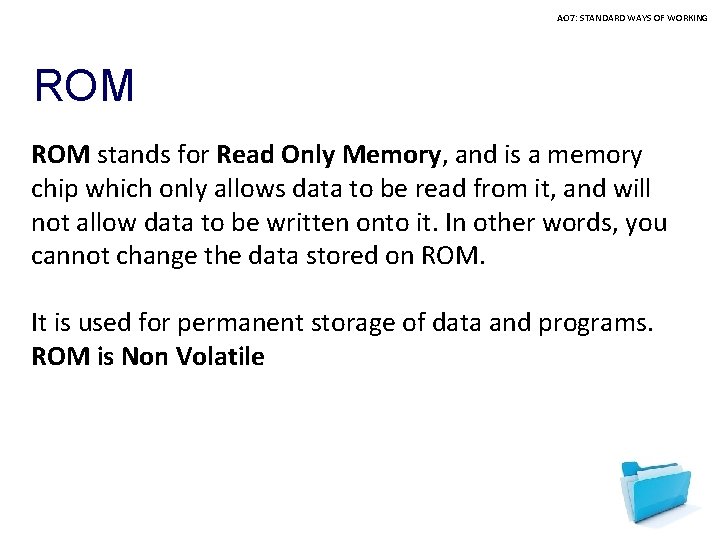
AO 7: STANDARD WAYS OF WORKING ROM stands for Read Only Memory, and is a memory chip which only allows data to be read from it, and will not allow data to be written onto it. In other words, you cannot change the data stored on ROM. It is used for permanent storage of data and programs. ROM is Non Volatile
![AO 7: STANDARD WAYS OF WORKING Backing Storage [Secondary storage] Backing storage devices [medium]](http://slidetodoc.com/presentation_image_h2/2265e4857128e8d149070dd73fcca745/image-10.jpg "AO 7: STANDARD WAYS OF WORKING Backing Storage [Secondary storage] Backing storage devices [medium]")
AO 7: STANDARD WAYS OF WORKING Backing Storage [Secondary storage] Backing storage devices [medium] are used to store or save your data [work] Different methods are used to do this. Two technologies are used: • Magnetic • Optical
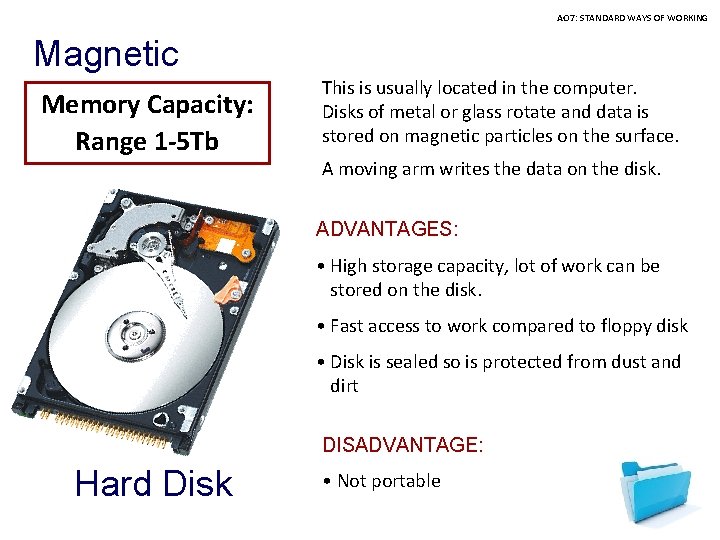
AO 7: STANDARD WAYS OF WORKING Magnetic Memory Capacity: Range 1 -5 Tb This is usually located in the computer. Disks of metal or glass rotate and data is stored on magnetic particles on the surface. A moving arm writes the data on the disk. ADVANTAGES: • High storage capacity, lot of work can be stored on the disk. • Fast access to work compared to floppy disk • Disk is sealed so is protected from dust and dirt DISADVANTAGE: Hard Disk • Not portable
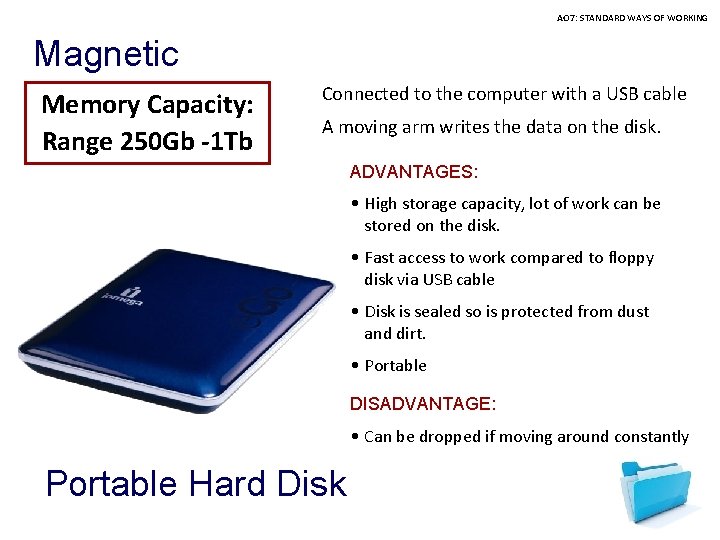
AO 7: STANDARD WAYS OF WORKING Magnetic Memory Capacity: Range 250 Gb -1 Tb Connected to the computer with a USB cable A moving arm writes the data on the disk. ADVANTAGES: • High storage capacity, lot of work can be stored on the disk. • Fast access to work compared to floppy disk via USB cable • Disk is sealed so is protected from dust and dirt. • Portable DISADVANTAGE: • Can be dropped if moving around constantly Portable Hard Disk
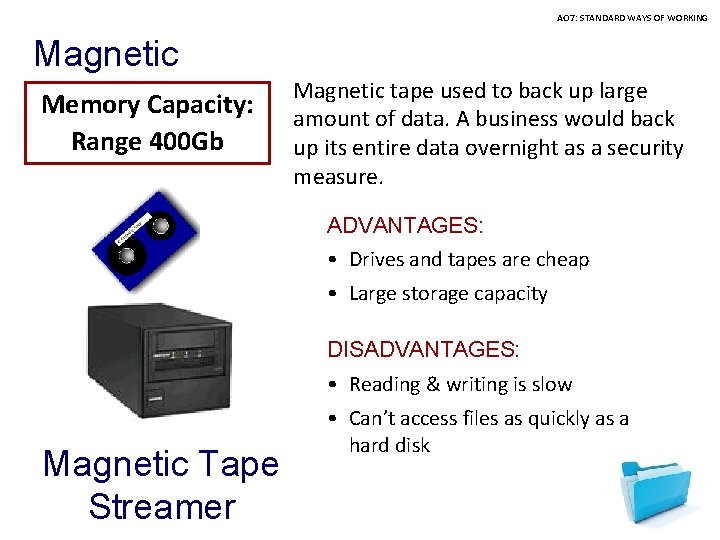
AO 7: STANDARD WAYS OF WORKING Magnetic Memory Capacity: Range 400 Gb Magnetic tape used to back up large amount of data. A business would back up its entire data overnight as a security measure. ADVANTAGES: • Drives and tapes are cheap • Large storage capacity DISADVANTAGES: • Reading & writing is slow Magnetic Tape Streamer • Can’t access files as quickly as a hard disk
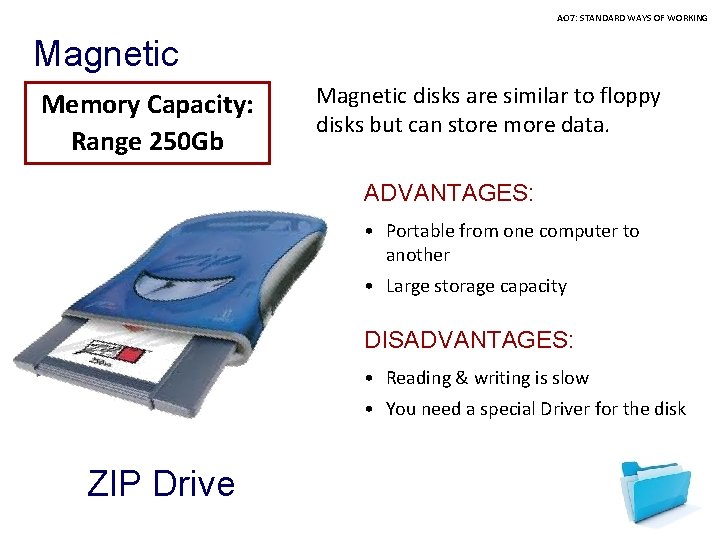
AO 7: STANDARD WAYS OF WORKING Magnetic Memory Capacity: Range 250 Gb Magnetic disks are similar to floppy disks but can store more data. ADVANTAGES: • Portable from one computer to another • Large storage capacity DISADVANTAGES: • Reading & writing is slow • You need a special Driver for the disk ZIP Drive
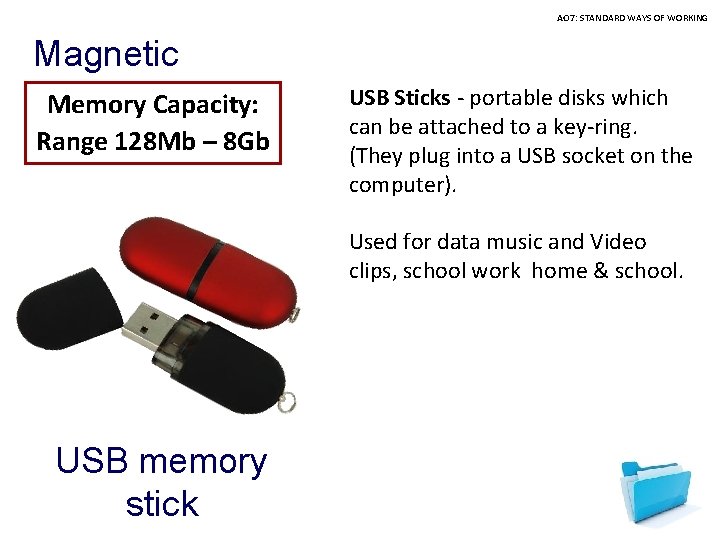
AO 7: STANDARD WAYS OF WORKING Magnetic Memory Capacity: Range 128 Mb – 8 Gb USB Sticks - portable disks which can be attached to a key-ring. (They plug into a USB socket on the computer). Used for data music and Video clips, school work home & school. USB memory stick
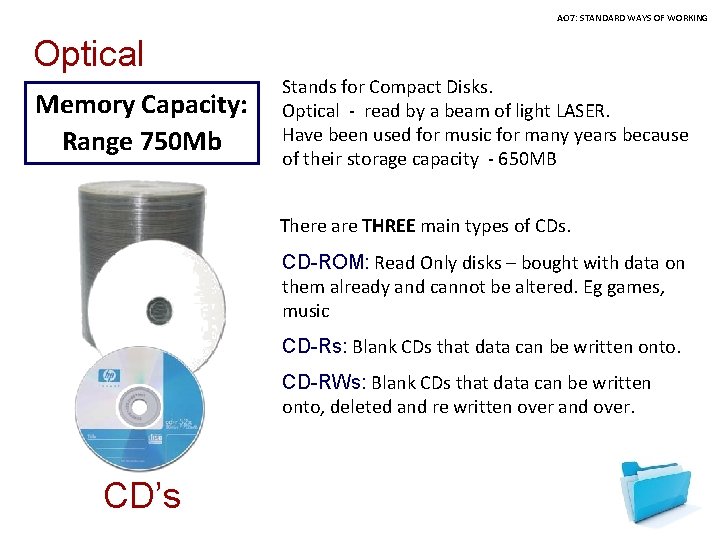
AO 7: STANDARD WAYS OF WORKING Optical Memory Capacity: Range 750 Mb Stands for Compact Disks. Optical - read by a beam of light LASER. Have been used for music for many years because of their storage capacity - 650 MB There are THREE main types of CDs. CD-ROM: Read Only disks – bought with data on them already and cannot be altered. Eg games, music CD-Rs: Blank CDs that data can be written onto. CD-RWs: Blank CDs that data can be written onto, deleted and re written over and over. CD’s
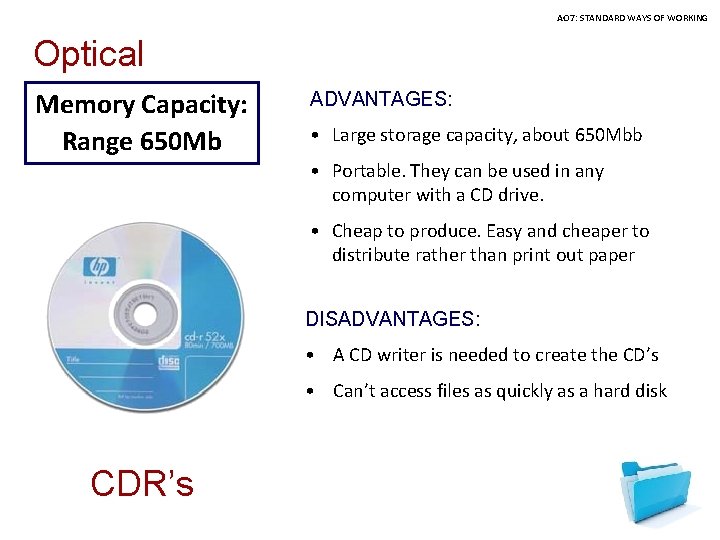
AO 7: STANDARD WAYS OF WORKING Optical Memory Capacity: Range 650 Mb ADVANTAGES: • Large storage capacity, about 650 Mbb • Portable. They can be used in any computer with a CD drive. • Cheap to produce. Easy and cheaper to distribute rather than print out paper DISADVANTAGES: • A CD writer is needed to create the CD’s • Can’t access files as quickly as a hard disk CDR’s
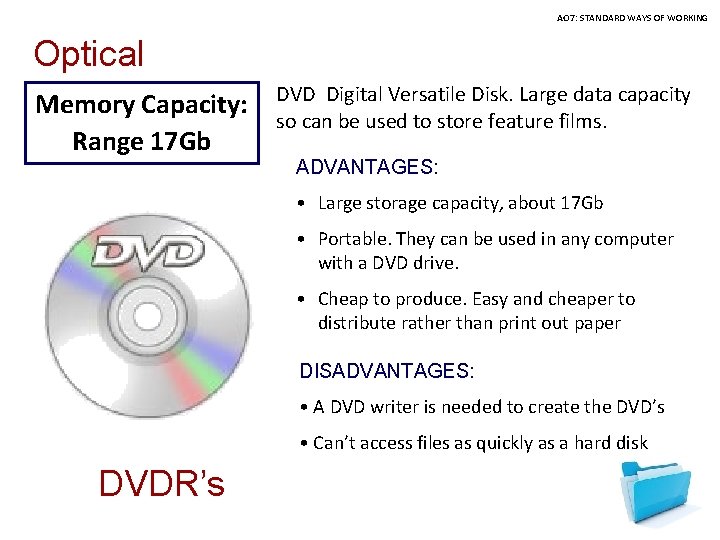
AO 7: STANDARD WAYS OF WORKING Optical Memory Capacity: Range 17 Gb DVD Digital Versatile Disk. Large data capacity so can be used to store feature films. ADVANTAGES: • Large storage capacity, about 17 Gb • Portable. They can be used in any computer with a DVD drive. • Cheap to produce. Easy and cheaper to distribute rather than print out paper DISADVANTAGES: • A DVD writer is needed to create the DVD’s • Can’t access files as quickly as a hard disk DVDR’s
- Slides: 18