
Anthony Steven Principal Technologist Content Master Martin Coetzer

- Slides: 41
Anthony Steven | Principal Technologist, Content Master Martin Coetzer | Portfolio Architect, Microsoft
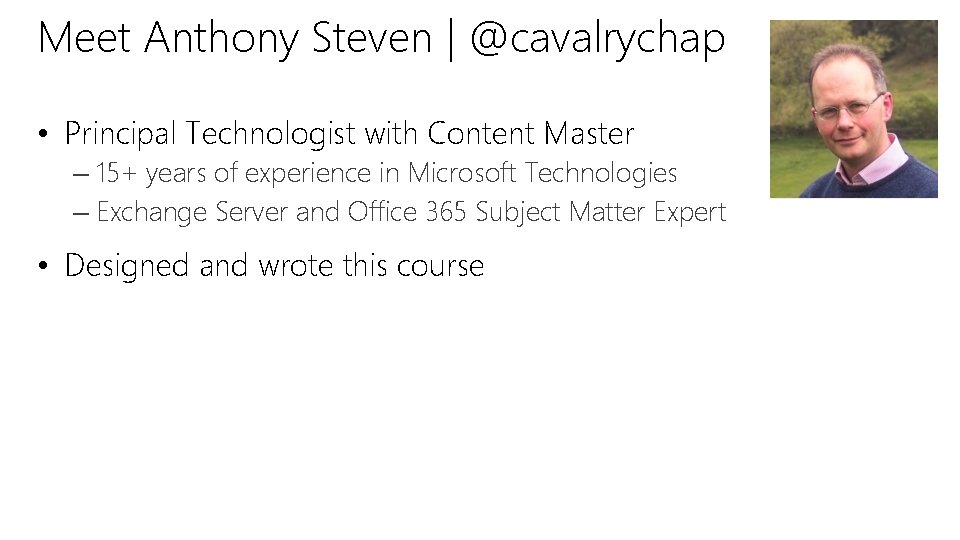
Meet Anthony Steven | @cavalrychap • Principal Technologist with Content Master – 15+ years of experience in Microsoft Technologies – Exchange Server and Office 365 Subject Matter Expert • Designed and wrote this course
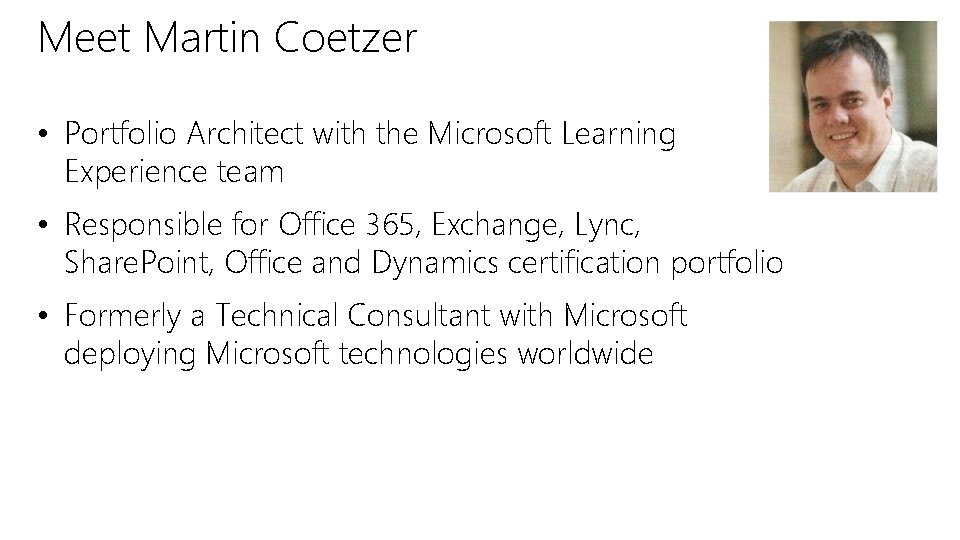
Meet Martin Coetzer • Portfolio Architect with the Microsoft Learning Experience team • Responsible for Office 365, Exchange, Lync, Share. Point, Office and Dynamics certification portfolio • Formerly a Technical Consultant with Microsoft deploying Microsoft technologies worldwide
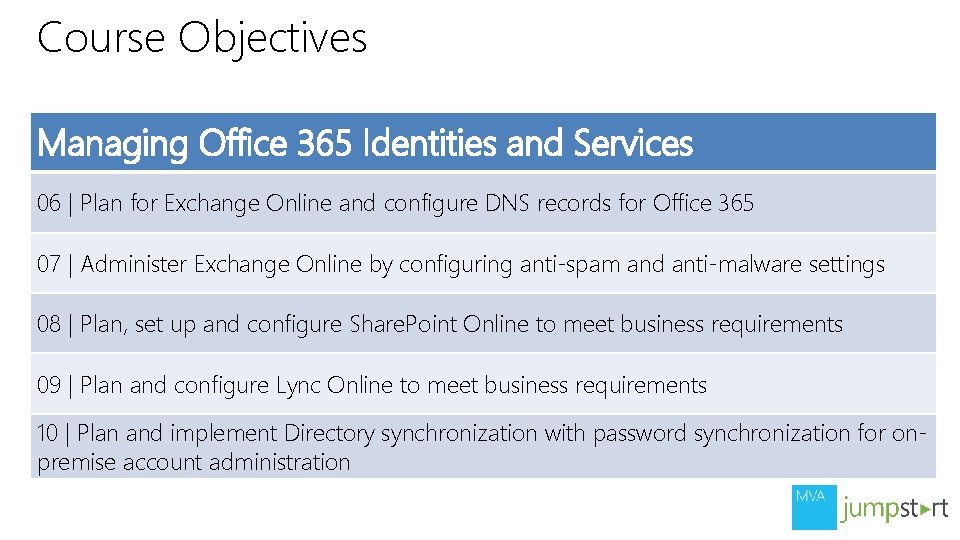
Course Objectives Managing Office 365 Identities and Services 01 | Prepare for the Office 365 Pilot and check the customer environment 02 | Manage users, groups and licenses in Office 365 03 | Administer administrator accounts in Office 365, manage passwords and apply Rights Management Services 04 | Plan for and manage the deployment of Office 365 clients 05 | Plan DNS settings for Office 365 and plan for Exchange migration
Course Objectives Managing Office 365 Identities and Services 06 | Plan for Exchange Online and configure DNS records for Office 365 07 | Administer Exchange Online by configuring anti-spam and anti-malware settings 08 | Plan, set up and configure Share. Point Online to meet business requirements 09 | Plan and configure Lync Online to meet business requirements 10 | Plan and implement Directory synchronization with password synchronization for onpremise account administration
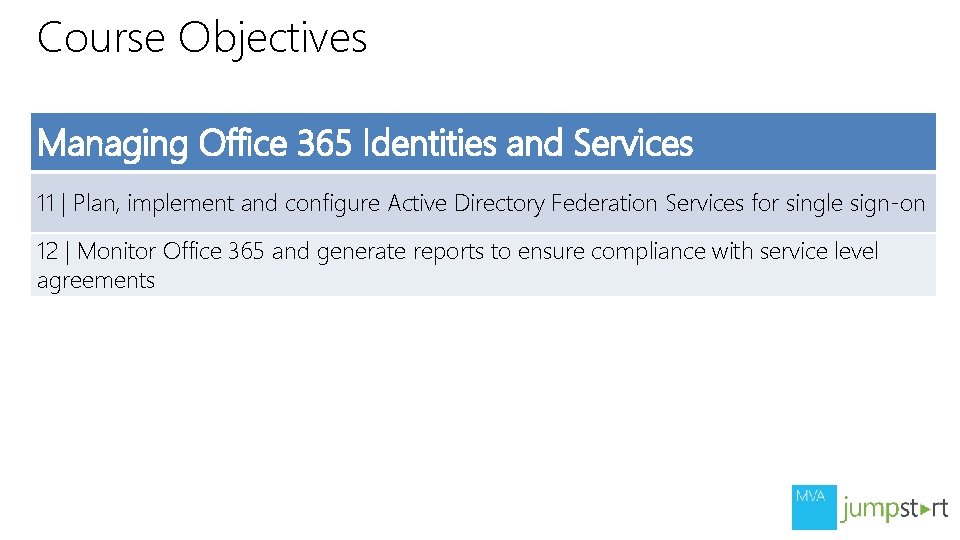
Course Objectives Managing Office 365 Identities and Services 11 | Plan, implement and configure Active Directory Federation Services for single sign-on 12 | Monitor Office 365 and generate reports to ensure compliance with service level agreements
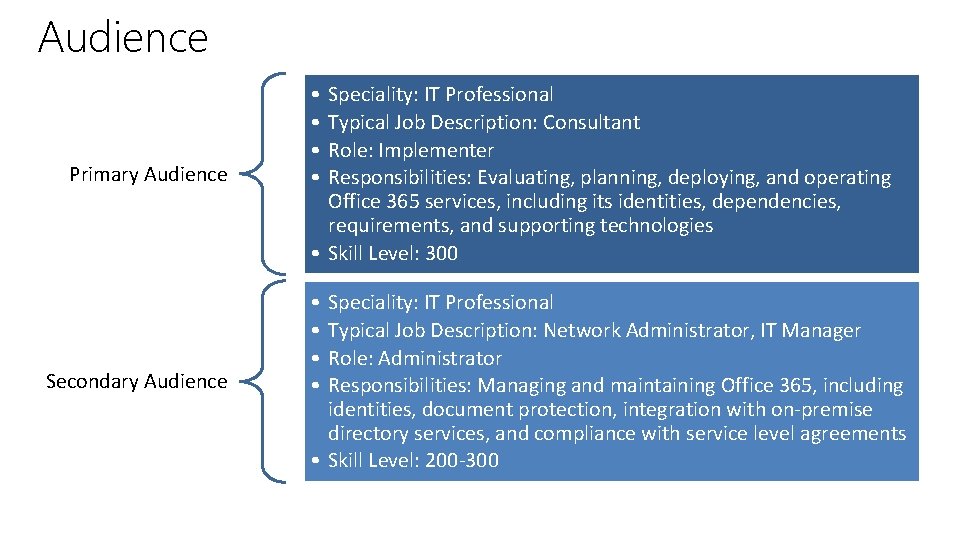
Audience Primary Audience • • Secondary Audience • • Speciality: IT Professional Typical Job Description: Consultant Role: Implementer Responsibilities: Evaluating, planning, deploying, and operating Office 365 services, including its identities, dependencies, requirements, and supporting technologies • Skill Level: 300 Speciality: IT Professional Typical Job Description: Network Administrator, IT Manager Role: Administrator Responsibilities: Managing and maintaining Office 365, including identities, document protection, integration with on-premise directory services, and compliance with service level agreements • Skill Level: 200 -300
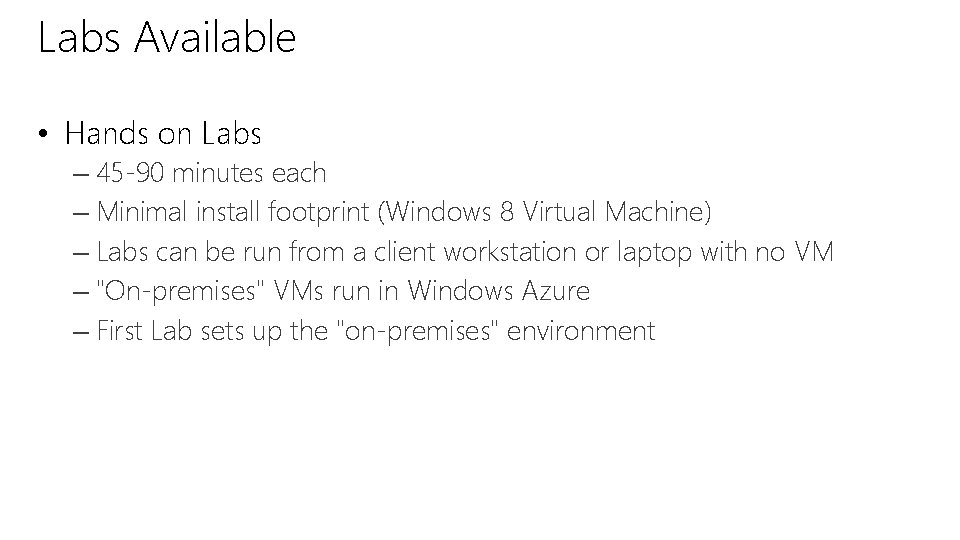
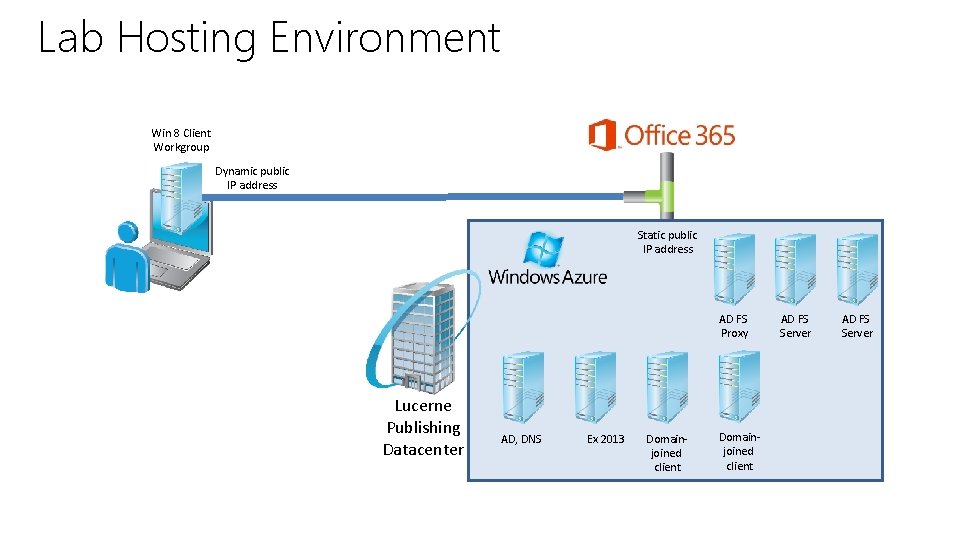
Labs Available • Hands on Labs – 45 -90 minutes each – Minimal install footprint (Windows 8 Virtual Machine) – Labs can be run from a client workstation or laptop with no VM – "On-premises" VMs run in Windows Azure – First Lab sets up the "on-premises" environment
Lab Hosting Environment Win 8 Client Workgroup Dynamic public IP address Static public IP address AD FS Proxy Lucerne Publishing Datacenter AD, DNS Ex 2013 Domainjoined client AD FS Server
Join the MVA Community! • Microsoft Virtual Academy – Free online learning tailored for IT Pros and Developers – Over 1 M registered users – Up-to-date, relevant training on variety of Microsoft products
01 | Preparing for Office 365 Anthony Steven | Principal Technologist, Content Master Martin Coetzer | Portfolio Architect, Microsoft
Module Overview • Introduction to Office 365 • Planning a Pilot • Provisioning Tenant Accounts • Enabling Client Connectivity
Introduction to Office 365 • Overview of Office 365 • Core Components of Office 365 • Optional Components of Office 365 • Benefits of Office 365 • Improvements in the Latest Office 365 Service Upgrade • The Fast. Track Deployment Process • Advantages of the Fast. Track Approach
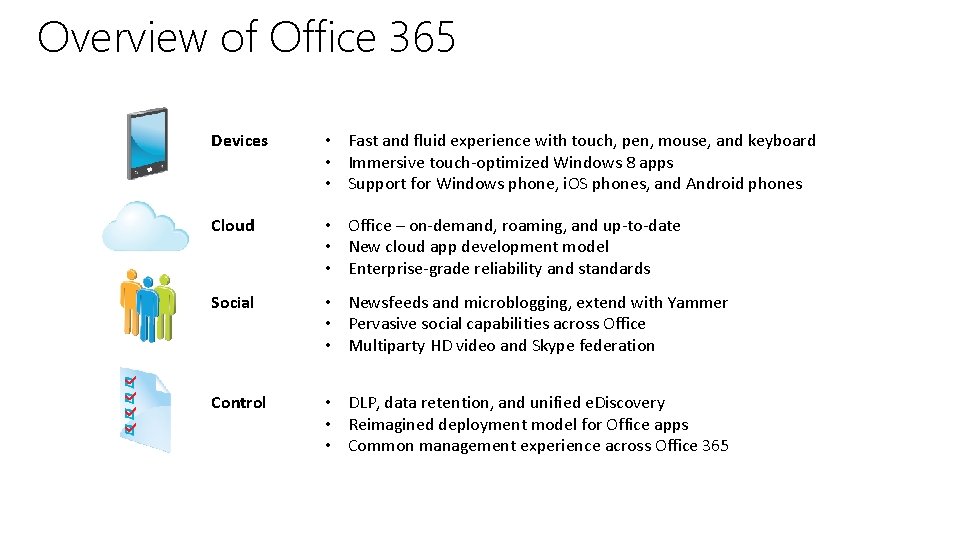
Overview of Office 365 Devices • Fast and fluid experience with touch, pen, mouse, and keyboard • Immersive touch-optimized Windows 8 apps • Support for Windows phone, i. OS phones, and Android phones Cloud • Office – on-demand, roaming, and up-to-date • New cloud app development model • Enterprise-grade reliability and standards Social • Newsfeeds and microblogging, extend with Yammer • Pervasive social capabilities across Office • Multiparty HD video and Skype federation Control • DLP, data retention, and unified e. Discovery • Reimagined deployment model for Office apps • Common management experience across Office 365
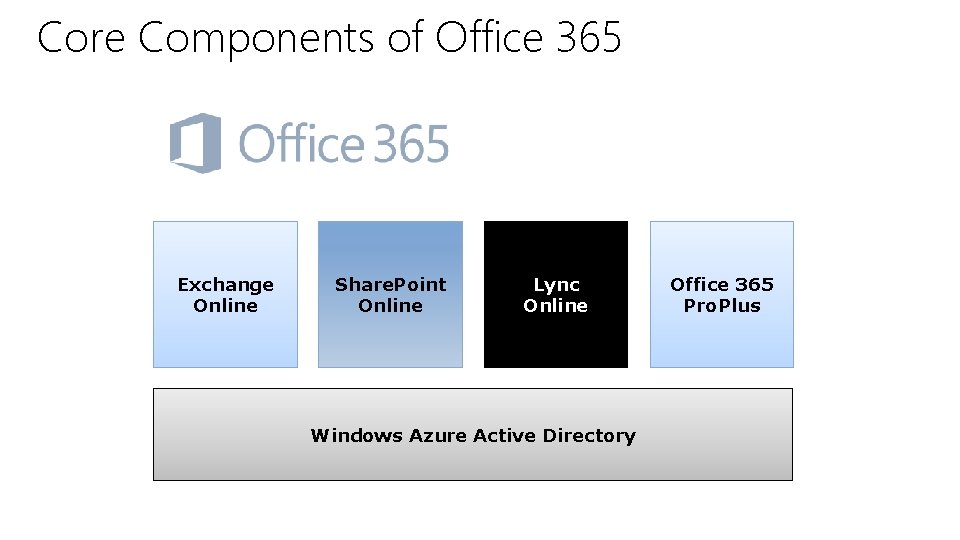
Core Components of Office 365 Exchange Online Share. Point Online Lync Online Windows Azure Active Directory Office 365 Pro. Plus
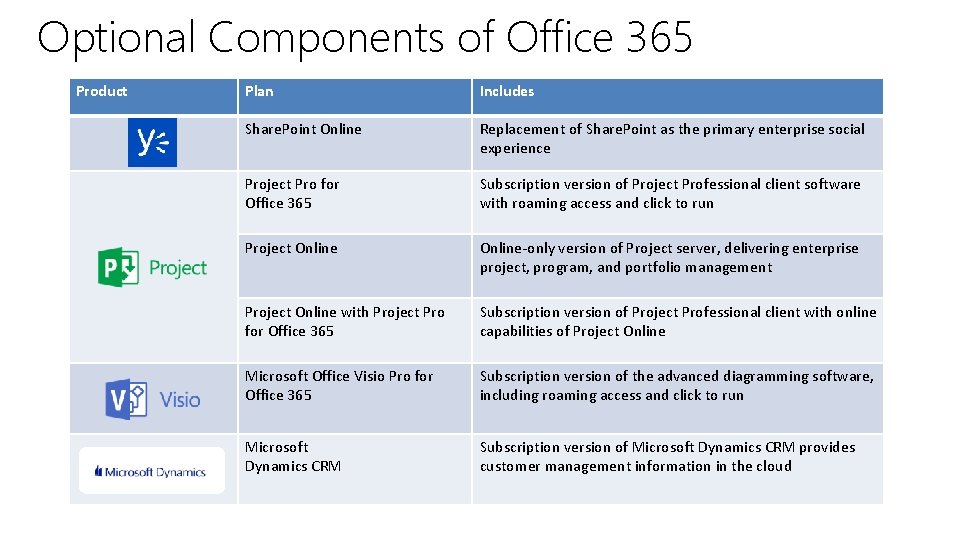
Optional Components of Office 365 Product Plan Includes Share. Point Online Replacement of Share. Point as the primary enterprise social experience Project Pro for Office 365 Subscription version of Project Professional client software with roaming access and click to run Project Online-only version of Project server, delivering enterprise project, program, and portfolio management Project Online with Project Pro for Office 365 Subscription version of Project Professional client with online capabilities of Project Online Microsoft Office Visio Pro for Office 365 Subscription version of the advanced diagramming software, including roaming access and click to run Microsoft Dynamics CRM Subscription version of Microsoft Dynamics CRM provides customer management information in the cloud
Benefits of Office 365 • Familiar and full Office applications are available online • Advanced IT controls and configuration • Optimized experiences for common devices • Reliable services run at scale with a 99. 9% SLA • Continuous innovation • Trusted service
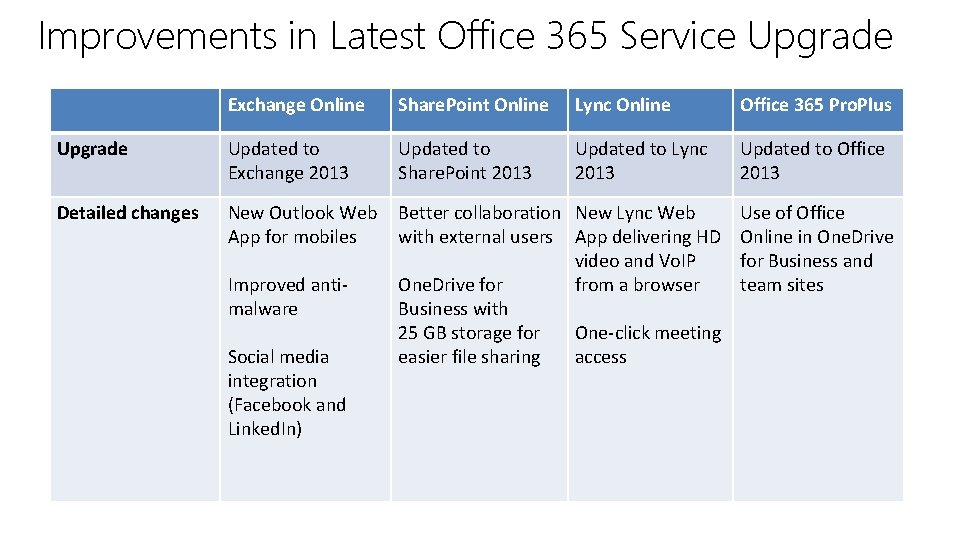
Improvements in Latest Office 365 Service Upgrade Exchange Online Share. Point Online Lync Online Office 365 Pro. Plus Upgrade Updated to Exchange 2013 Updated to Share. Point 2013 Updated to Lync 2013 Updated to Office 2013 Detailed changes New Outlook Web App for mobiles Better collaboration New Lync Web with external users App delivering HD video and Vo. IP One. Drive for from a browser Business with 25 GB storage for One-click meeting easier file sharing access Improved antimalware Social media integration (Facebook and Linked. In) Use of Office Online in One. Drive for Business and team sites
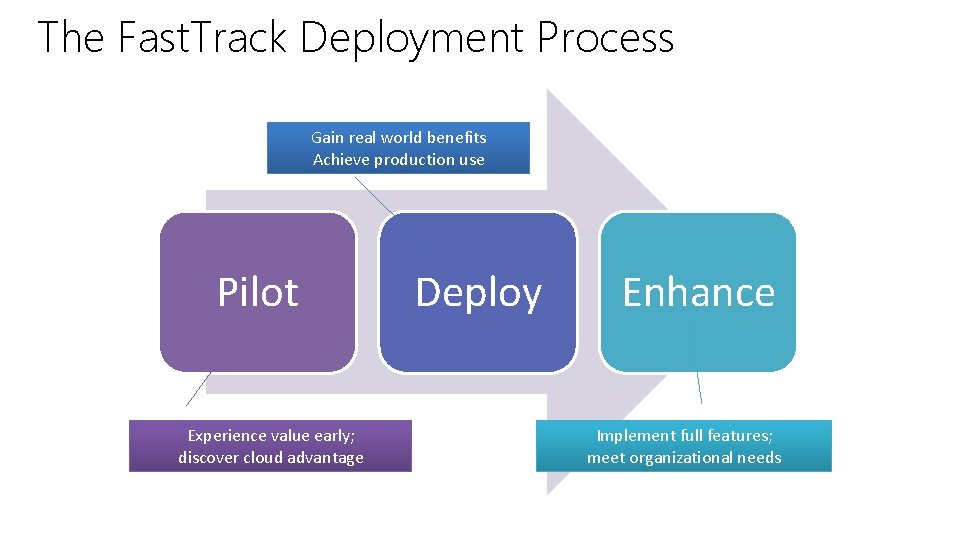
The Fast. Track Deployment Process Gain real world benefits Achieve production use Pilot Experience value early; discover cloud advantage Deploy Enhance Implement full features; meet organizational needs
Advantages of the Fast. Track Approach • No throw-away effort on a production pilot • Full Office 365 user experience with minimal on-premises requirements • Reduced time to value against effort invested • Multiple data migration methods: – New mailbox, self-service, and IT managed • Range of identity options: – Cloud IDs, synchronized IDs, password sync, and federated IDs • Deployment portal with prescriptive guidance
Planning a Pilot • Initial Customer Analysis • Scalability Limits • Pilot Activities • Pilot User Planning • Pilot Outcomes • Post-Pilot Activities
Initial Customer Analysis • Industry sector • Number and type of users • Geographic spread and working patterns • Device types and operating systems • IT department size, location, and management style • Workloads and migration requirements • Management attitude to cloud services
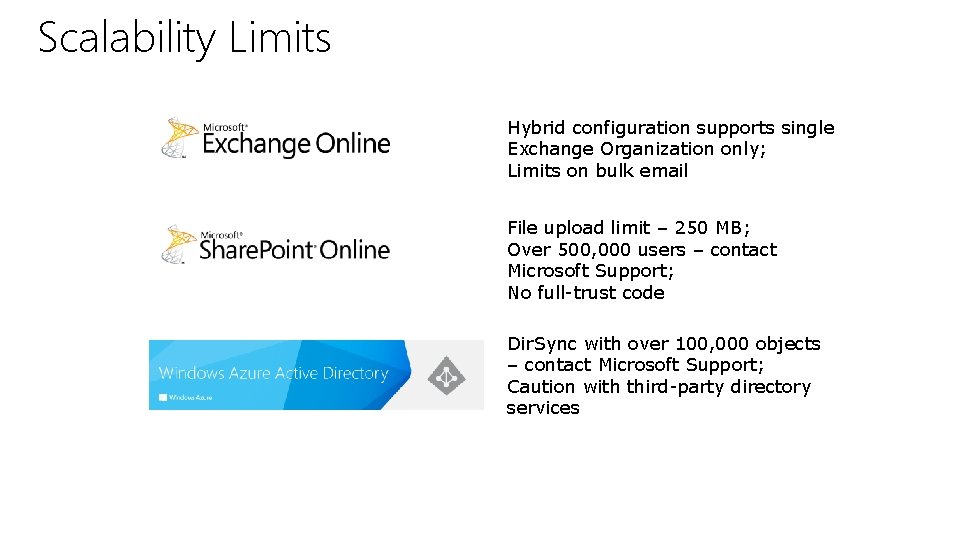
Scalability Limits Hybrid configuration supports single Exchange Organization only; Limits on bulk email File upload limit – 250 MB; Over 500, 000 users – contact Microsoft Support; No full-trust code Dir. Sync with over 100, 000 objects – contact Microsoft Support; Caution with third-party directory services
Pilot Activities 1. 2. 3. 4. 5. 6. 7. 8. 9. Checking prerequisites Setting up pilot domains Adding users Connecting existing email accounts Setting up collaboration sites Preparing pilot users Testing the pilot Running the pilot Completing the pilot
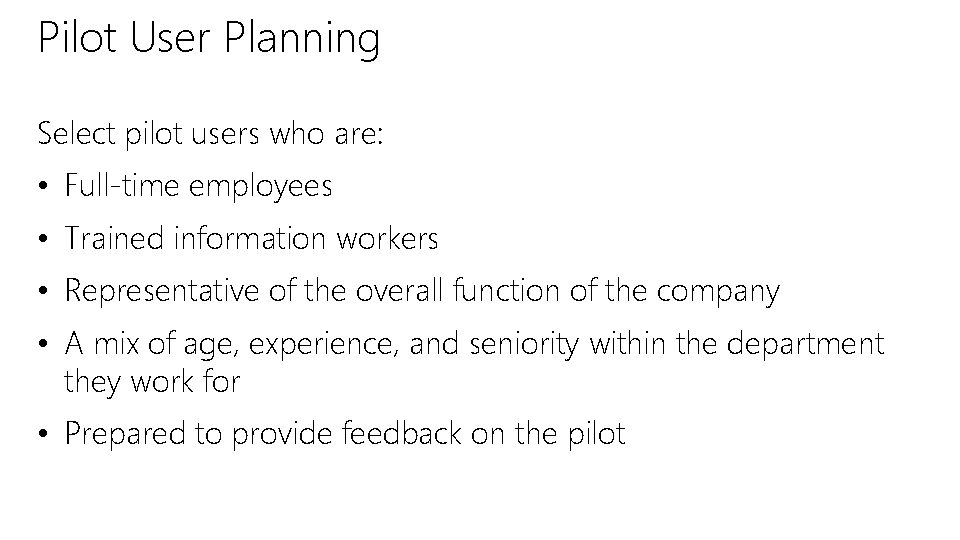
Pilot User Planning Select pilot users who are: • Full-time employees • Trained information workers • Representative of the overall function of the company • A mix of age, experience, and seniority within the department they work for • Prepared to provide feedback on the pilot
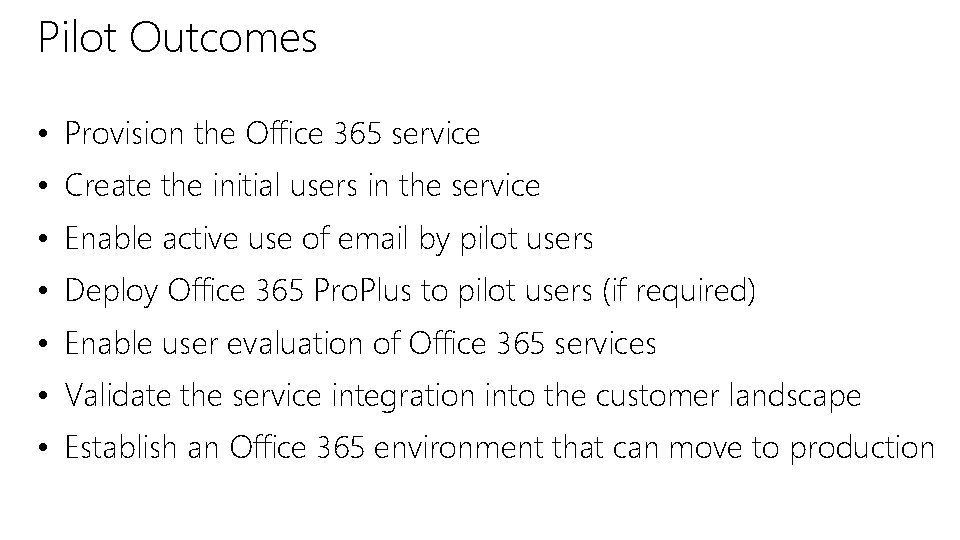
Pilot Outcomes • Provision the Office 365 service • Create the initial users in the service • Enable active use of email by pilot users • Deploy Office 365 Pro. Plus to pilot users (if required) • Enable user evaluation of Office 365 services • Validate the service integration into the customer landscape • Establish an Office 365 environment that can move to production
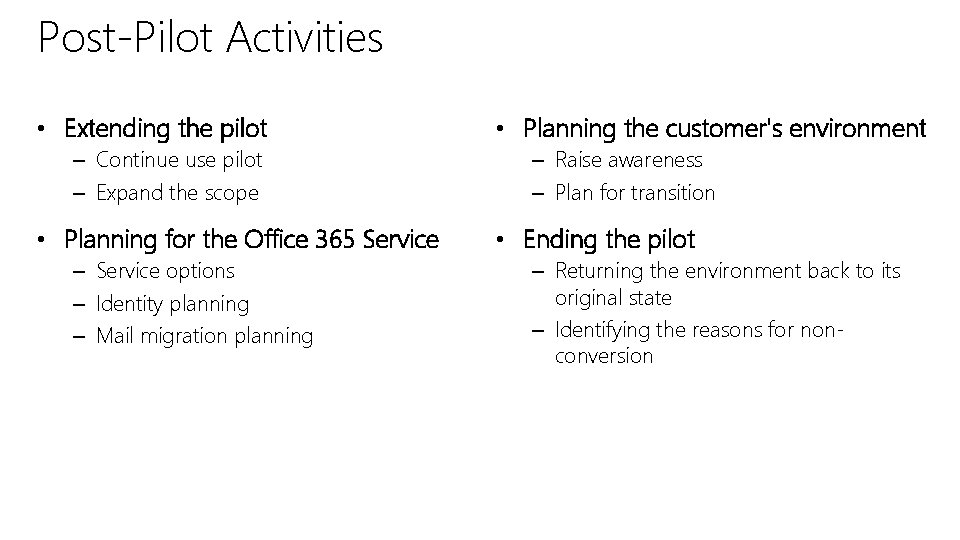
Post-Pilot Activities • Extending the pilot – Continue use pilot – Expand the scope • Planning for the Office 365 Service – Service options – Identity planning – Mail migration planning • Planning the customer's environment – Raise awareness – Plan for transition • Ending the pilot – Returning the environment back to its original state – Identifying the reasons for nonconversion
Provisioning Tenant Accounts • Process for Creating a Tenant Account • Obstacles to Tenant Account Provisioning • Tenant Account Provisioning Errors • Demo: Services Provisioning Status • Guidelines for Tenant Account Provisioning
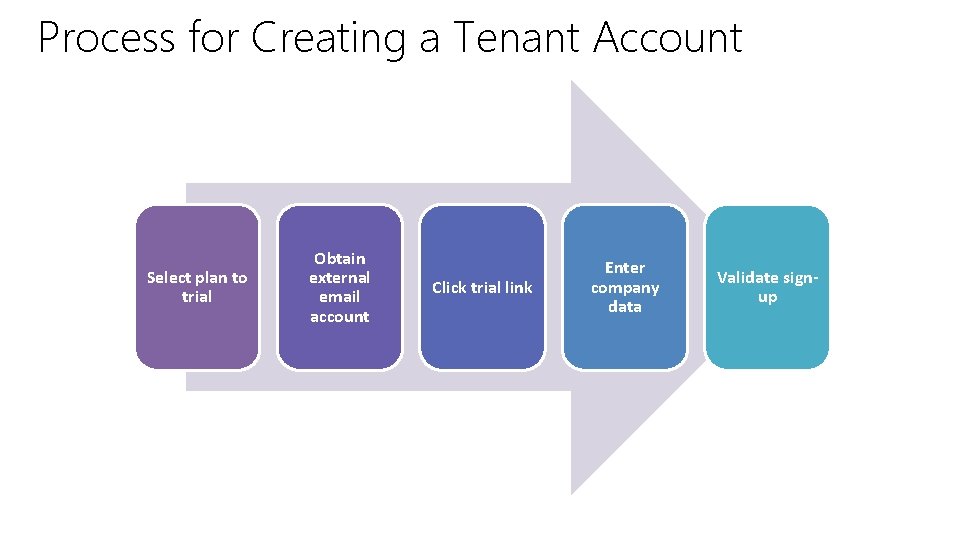
Process for Creating a Tenant Account Select plan to trial Obtain external email account Click trial link Enter company data Validate signup
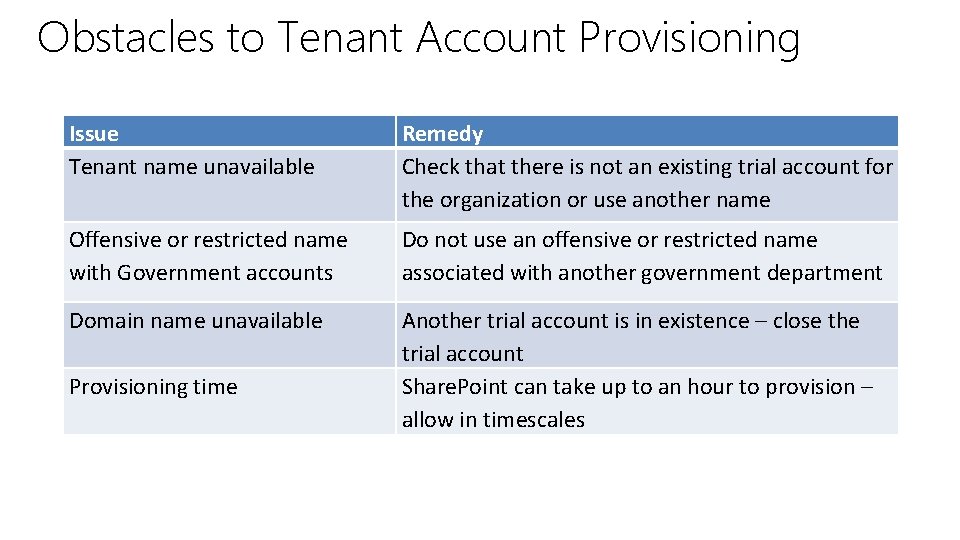
Obstacles to Tenant Account Provisioning Issue Tenant name unavailable Remedy Check that there is not an existing trial account for the organization or use another name Offensive or restricted name with Government accounts Do not use an offensive or restricted name associated with another government department Domain name unavailable Another trial account is in existence – close the trial account Share. Point can take up to an hour to provision – allow in timescales Provisioning time
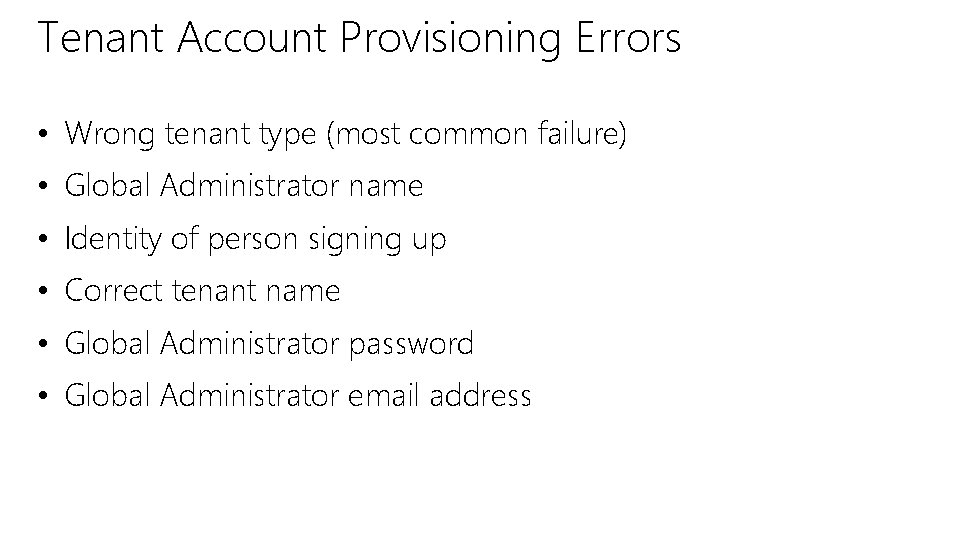
Tenant Account Provisioning Errors • Wrong tenant type (most common failure) • Global Administrator name • Identity of person signing up • Correct tenant name • Global Administrator password • Global Administrator email address
Demo: Services Provisioning Status
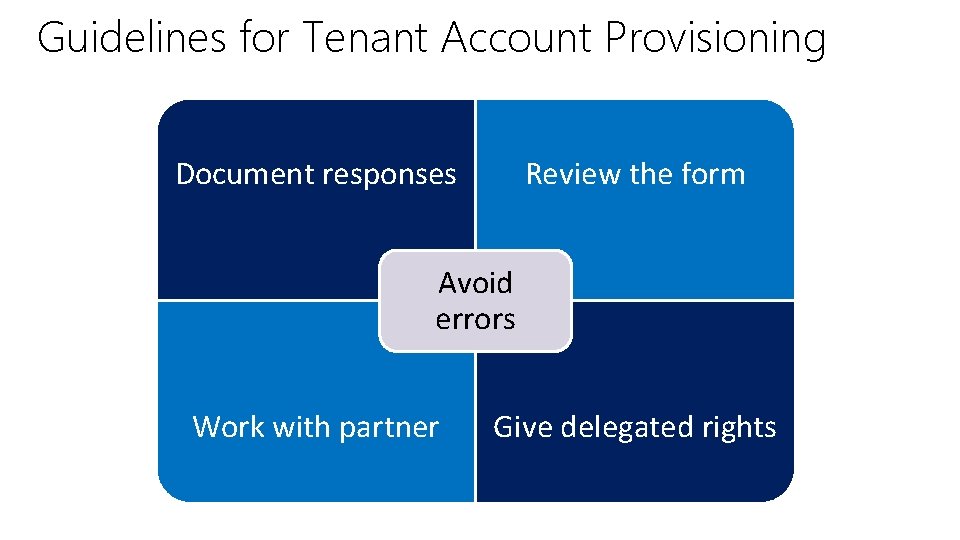
Guidelines for Tenant Account Provisioning Document responses Review the form Avoid errors Work with partner Give delegated rights
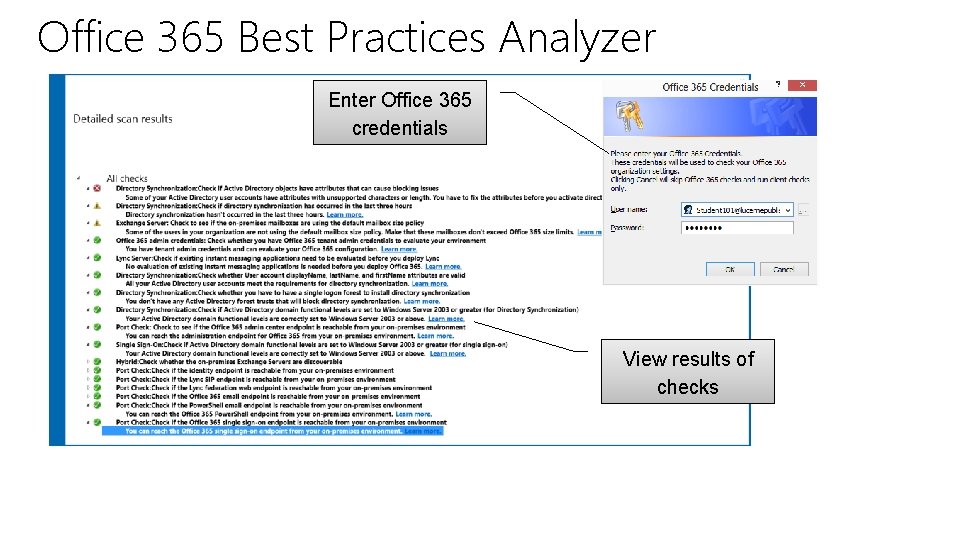
Enabling Client Connectivity • Client Access Blocking Issues • Port, Caching and IPv 6 Requirements • Office 365 Best Practices Analyzer • Demo: Office 365 On. Ramp Tool • Network Connectivity Factors
Client Access Blocking Issues • No routing to the Internet • No gateway address or gateway address incorrect • No Internet connection • Routing errors • Host firewalls • Ports blocked • Authentication • Latency
Port, Caching and IPv 6 Requirements • Ports and protocols – Ensure correct ports are open – Check for network traffic • Third-party caching and filtering rules – Office 365 uses third-party caching for non-SSL traffic – IP-based filtering on these caches is not possible or supported – Check access to * r 3. res. outlook. com for non-SSL traffic • IPv 6 -capable devices – Check for end-to-end IPv 6 support – Check for hardware emulation at the perimeter
Office 365 Best Practices Analyzer Enter Office 365 credentials View results of checks
Demo: Office 365 On. Ramp Tool
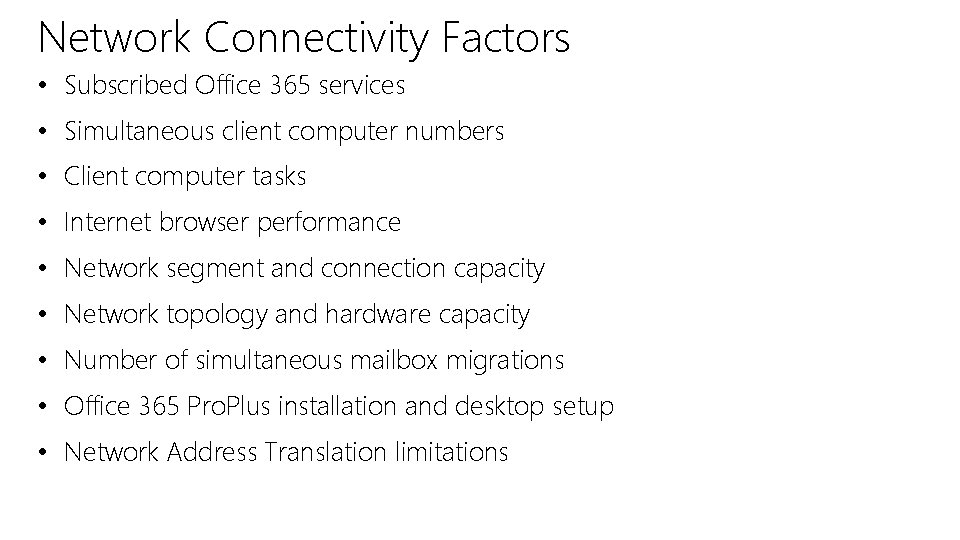
Network Connectivity Factors • Subscribed Office 365 services • Simultaneous client computer numbers • Client computer tasks • Internet browser performance • Network segment and connection capacity • Network topology and hardware capacity • Number of simultaneous mailbox migrations • Office 365 Pro. Plus installation and desktop setup • Network Address Translation limitations
Module Review • Introduction to Office 365 • Planning a Pilot • Provisioning Tenant Accounts • Enabling Client Connectivity
© 2013 Microsoft Corporation. All rights reserved. Microsoft, Windows, Office, Azure, System Center, Dynamics and other product names are or may be registered trademarks and/or trademarks in the U. S. and/or other countries. The information herein is for informational purposes only and represents the current view of Microsoft Corporation as of the date of this presentation. Because Microsoft must respond to changing market conditions, it should not be interpreted to be a commitment on the part of Microsoft, and Microsoft cannot guarantee the accuracy of any information provided after the date of this presentation. MICROSOFT MAKES NO WARRANTIES, EXPRESS, IMPLIED OR STATUTORY, AS TO THE INFORMATION IN THIS PRESENTATION.