
Ansible for Easy Provisioning and Application Deployment Neal

Ansible for Easy Provisioning and Application Deployment Neal Stephenson and Diego Figueroa, UIT
Why Use It ● Simple automation tool ○ Low requirements: ■ Machine with ssh server ■ Account that can sudo (or root) ● Can crystalize knowledge ● Deploy applications to your environments
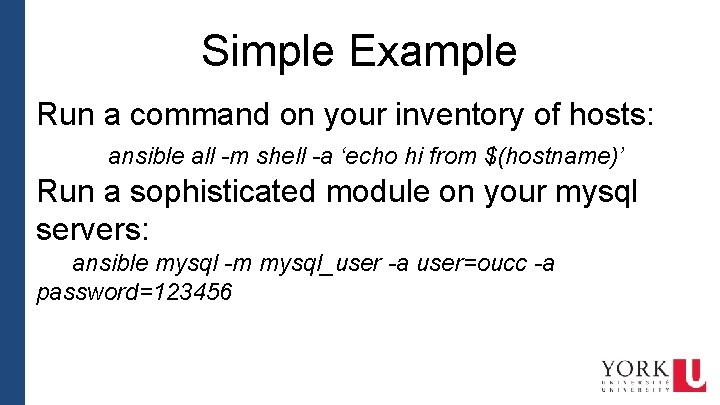
Simple Example Run a command on your inventory of hosts: ansible all -m shell -a ‘echo hi from $(hostname)’ Run a sophisticated module on your mysql servers: ansible mysql -m mysql_user -a user=oucc -a password=123456
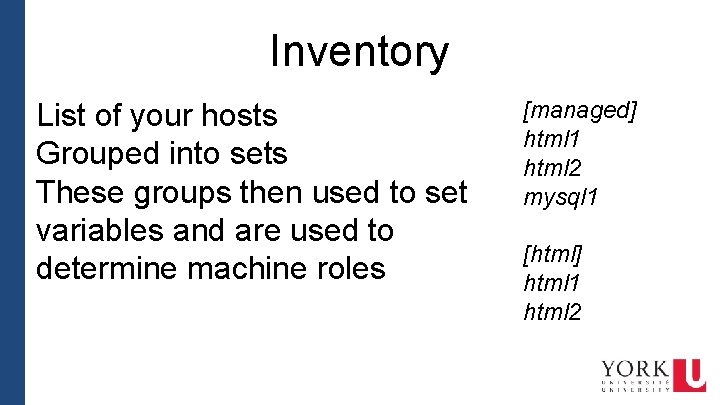
Inventory List of your hosts Grouped into sets These groups then used to set variables and are used to determine machine roles [managed] html 1 html 2 mysql 1 [html] html 1 html 2

YAML Syntax YAML is a clean syntax to write most data structures in. variable: value list: - item 1 - item 2 hash: key 1: value 1 key 2: value 2

Group Vars These are variables that are set due to host being in group in hosts. There is a default all. yml group. html. yml --users: - name: us 1 uid: 20001 - name: us 2 uid: 20002 web_home: /webs web_group: web nfs_hosts: - 10. 0. 1. 21 - 10. 0. 1. 22 - 10. 0. 1. 51
Roles are groups of tasks, files, handlers that can be used to setup a “service” e. g. mysql role would have all the commands to install mysql, configure the database, setup root user…
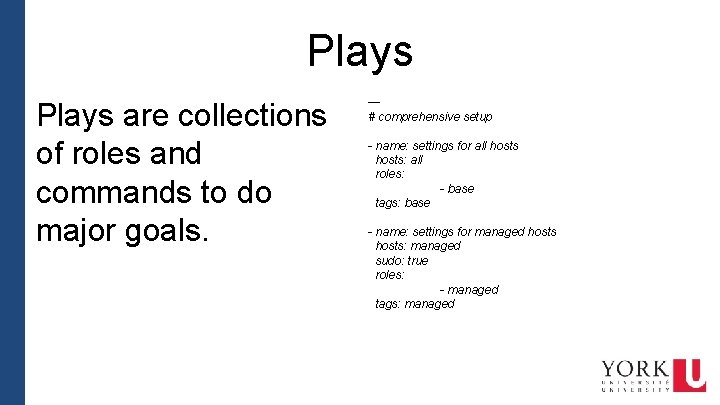
Plays are collections of roles and commands to do major goals. --# comprehensive setup - name: settings for all hosts: all roles: - base tags: base - name: settings for managed hosts: managed sudo: true roles: - managed tags: managed
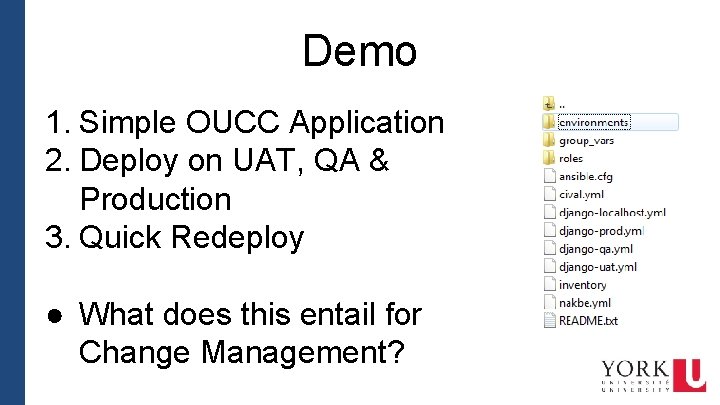
Demo 1. Simple OUCC Application 2. Deploy on UAT, QA & Production 3. Quick Redeploy ● What does this entail for Change Management?
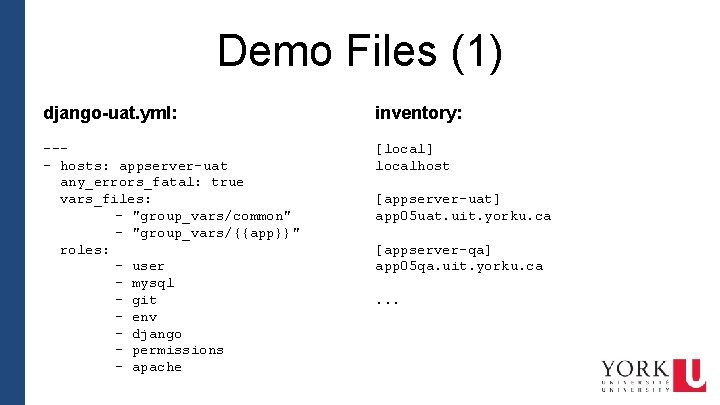
Demo Files (1) django-uat. yml: inventory: --- hosts: appserver-uat any_errors_fatal: true vars_files: - "group_vars/common" - "group_vars/{{app}}" roles: - user - mysql - git - env - django - permissions - apache [local] localhost [appserver-uat] app 05 uat. uit. yorku. ca [appserver-qa] app 05 qa. uit. yorku. ca. . .
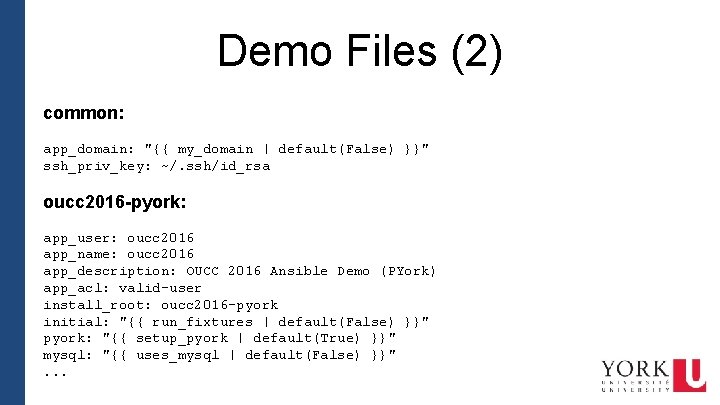
Demo Files (2) common: app_domain: "{{ my_domain | default(False) }}" ssh_priv_key: ~/. ssh/id_rsa oucc 2016 -pyork: app_user: oucc 2016 app_name: oucc 2016 app_description: OUCC 2016 Ansible Demo (PYork) app_acl: valid-user install_root: oucc 2016 -pyork initial: "{{ run_fixtures | default(False) }}" pyork: "{{ setup_pyork | default(True) }}" mysql: "{{ uses_mysql | default(False) }}". . .
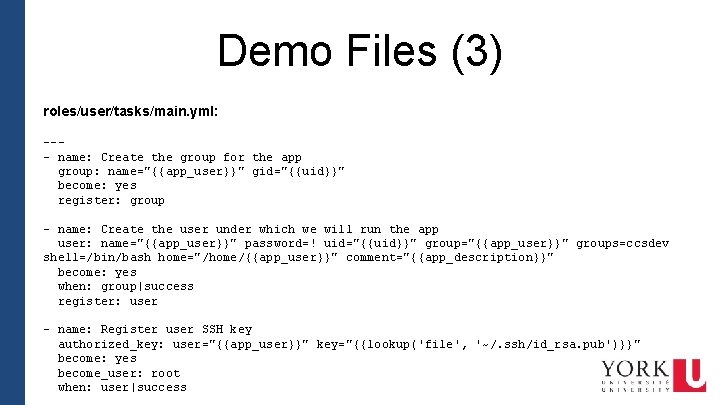
Demo Files (3) roles/user/tasks/main. yml: --- name: Create the group for the app group: name="{{app_user}}" gid="{{uid}}" become: yes register: group - name: Create the user under which we will run the app user: name="{{app_user}}" password=! uid="{{uid}}" group="{{app_user}}" groups=ccsdev shell=/bin/bash home="/home/{{app_user}}" comment="{{app_description}}" become: yes when: group|success register: user - name: Register user SSH key authorized_key: user="{{app_user}}" key="{{lookup('file', '~/. ssh/id_rsa. pub')}}" become: yes become_user: root when: user|success
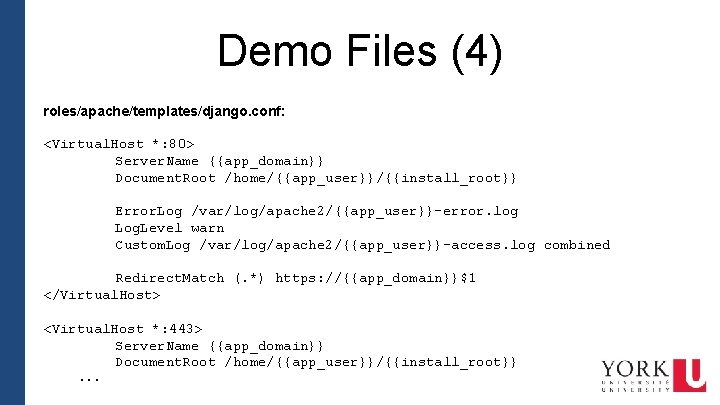
Demo Files (4) roles/apache/templates/django. conf: <Virtual. Host *: 80> Server. Name {{app_domain}} Document. Root /home/{{app_user}}/{{install_root}} Error. Log /var/log/apache 2/{{app_user}}-error. log Log. Level warn Custom. Log /var/log/apache 2/{{app_user}}-access. log combined Redirect. Match (. *) https: //{{app_domain}}$1 </Virtual. Host> <Virtual. Host *: 443> Server. Name {{app_domain}} Document. Root /home/{{app_user}}/{{install_root}}. . .
Install Demo Large play that installs a complete virtual machine environment with two apache servers, a mysql server, a tomcat server, an NFS server and a graphite server. Also installs collectd and monit on every machine.

Questions?

Thank you! Neal Stephenson neal@yorku. ca Diego Figueroa dfiguero@yorku. ca
- Slides: 16