
Announcing Moldflow Communicator 1 0 Providing the complete




- Slides: 24
Announcing… Moldflow Communicator 1. 0 Providing the complete story of your injection molding process
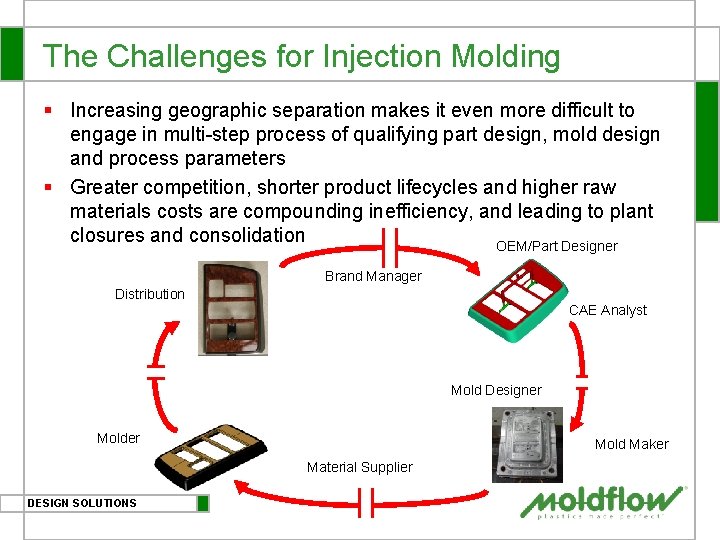
The Challenges for Injection Molding § Increasing geographic separation makes it even more difficult to engage in multi-step process of qualifying part design, mold design and process parameters § Greater competition, shorter product lifecycles and higher raw materials costs are compounding inefficiency, and leading to plant closures and consolidation OEM/Part Designer Brand Manager Distribution CAE Analyst Mold Designer Mold Maker Material Supplier DESIGN SOLUTIONS
The Need A new method to communicate a visual representation of CAE associated to part & mold design process along with the CAE assumptions made, to all stakeholders DESIGN SOLUTIONS
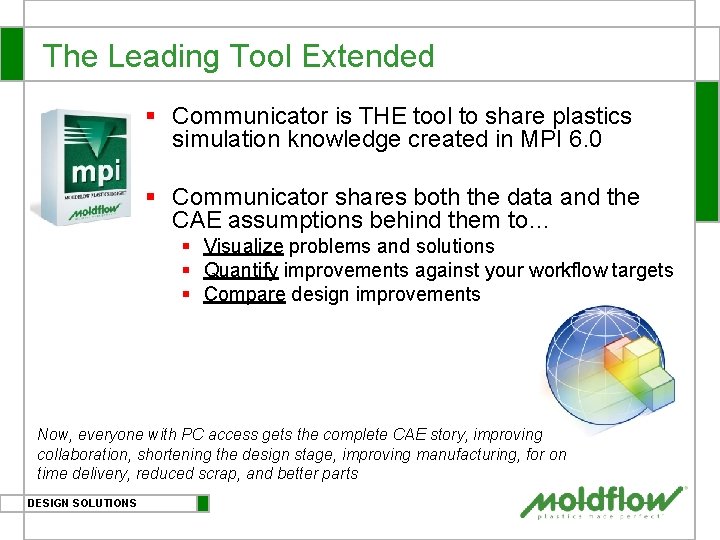
The Leading Tool Extended § Communicator is THE tool to share plastics simulation knowledge created in MPI 6. 0 § Communicator shares both the data and the CAE assumptions behind them to… § Visualize problems and solutions § Quantify improvements against your workflow targets § Compare design improvements Now, everyone with PC access gets the complete CAE story, improving collaboration, shortening the design stage, improving manufacturing, for on time delivery, reduced scrap, and better parts DESIGN SOLUTIONS
Using Communicator § MPI easily exports your desired results including CAE assumptions, plus conclusions, comments, warnings, etc. § Share files with your product team, clients, suppliers, and the media § Anyone can download, install and use Communicator on any PC DESIGN SOLUTIONS Free Download
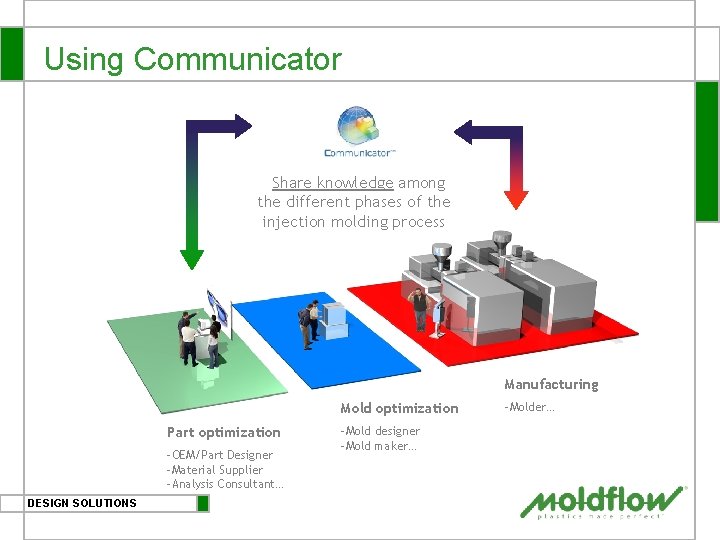
Using Communicator Share knowledge among the different phases of the injection molding process Manufacturing Mold optimization Part optimization -OEM/Part Designer -Material Supplier -Analysis Consultant… DESIGN SOLUTIONS -Mold designer -Mold maker… -Molder…
Benefits of Using Communicator § Part Design: communicate ideas/specs, increase collaboration, fewer iterations, errors § Mold Design: visualize mold requirements, avoid mold rework, fewer, faster mold trials § Manufacturing: visualize potential problems upfront, reduce rejects, ship products faster DESIGN SOLUTIONS
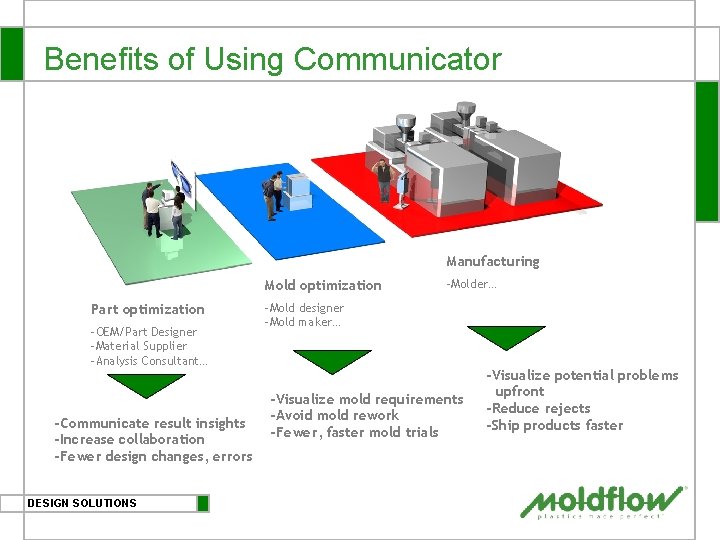
Benefits of Using Communicator Manufacturing Mold optimization Part optimization -OEM/Part Designer -Material Supplier -Analysis Consultant… -Communicate result insights -Increase collaboration -Fewer design changes, errors DESIGN SOLUTIONS -Molder… -Mold designer -Mold maker… -Visualize mold requirements -Avoid mold rework -Fewer, faster mold trials -Visualize potential problems upfront -Reduce rejects -Ship products faster
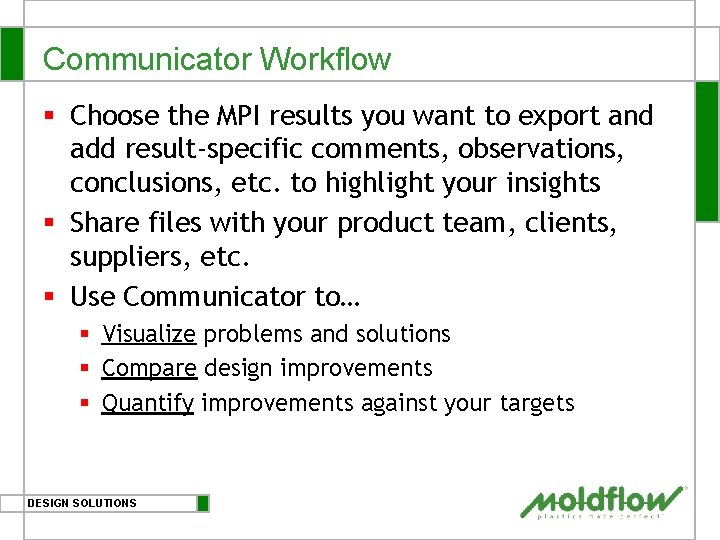
Communicator Workflow § Choose the MPI results you want to export and add result-specific comments, observations, conclusions, etc. to highlight your insights § Share files with your product team, clients, suppliers, etc. § Use Communicator to… § Visualize problems and solutions § Compare design improvements § Quantify improvements against your targets DESIGN SOLUTIONS
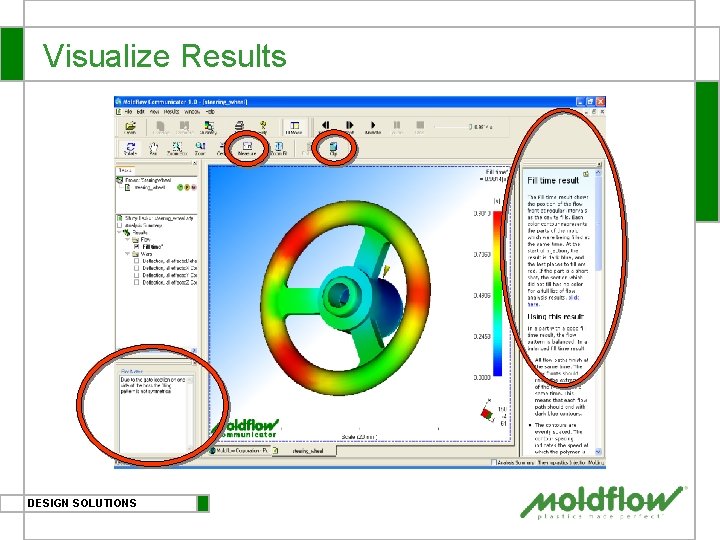
Visualize Results DESIGN SOLUTIONS
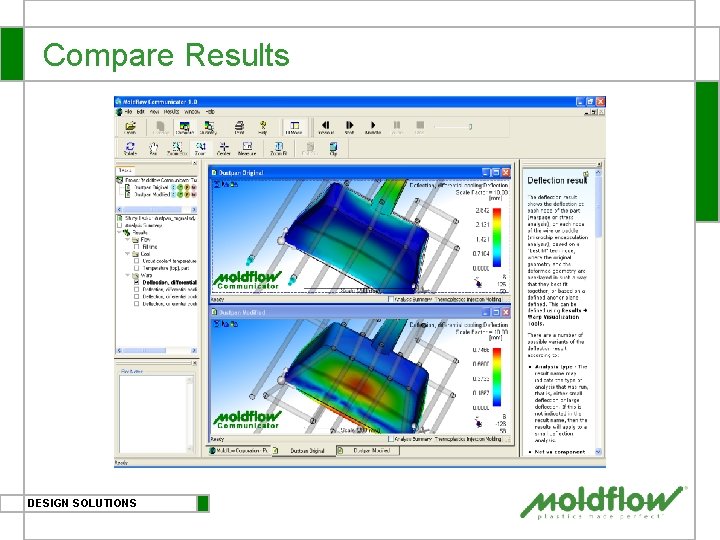
Compare Results DESIGN SOLUTIONS
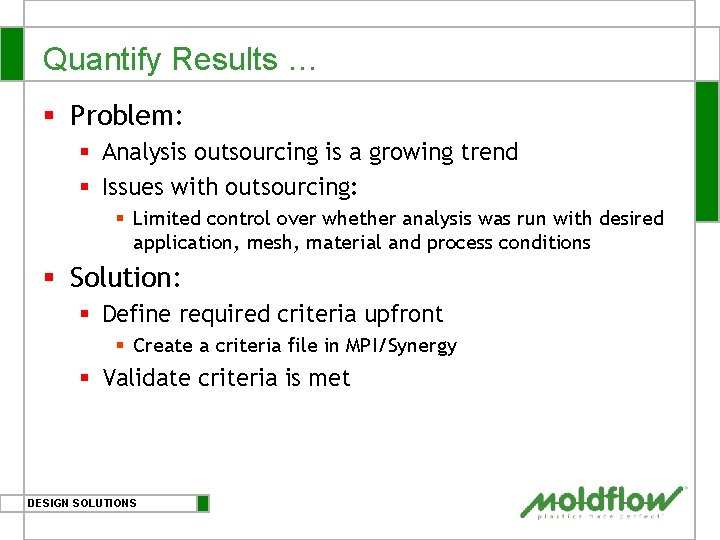
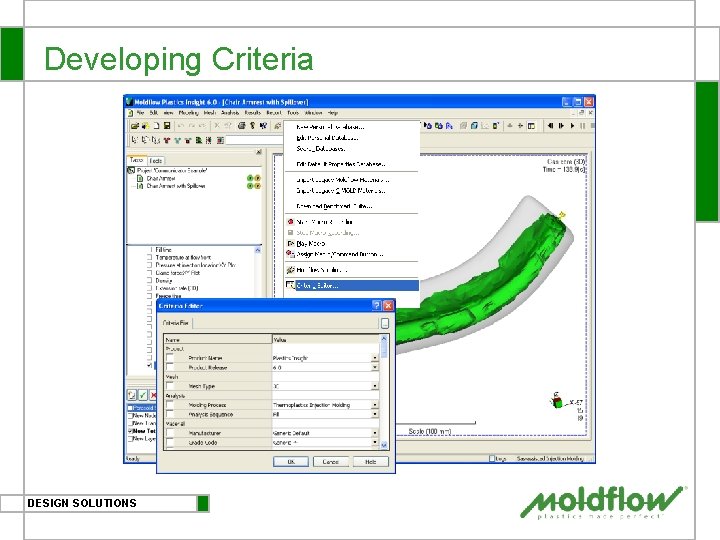
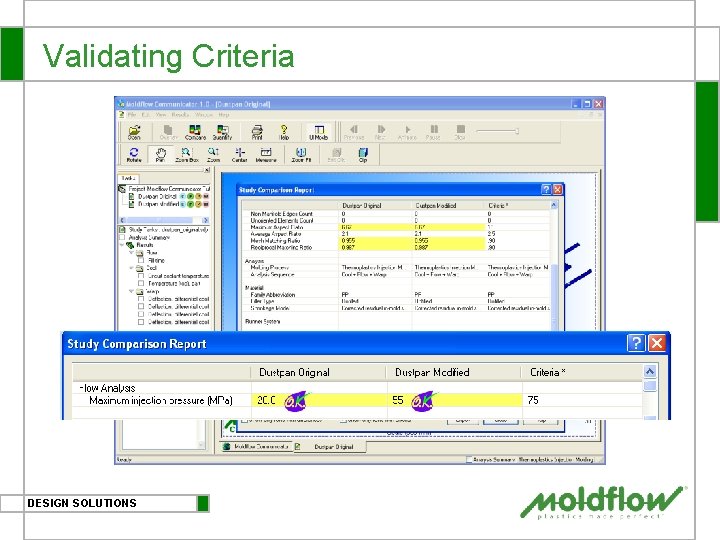
Quantify Results … § Problem: § Analysis outsourcing is a growing trend § Issues with outsourcing: § Limited control over whether analysis was run with desired application, mesh, material and process conditions § Solution: § Define required criteria upfront § Create a criteria file in MPI/Synergy § Validate criteria is met DESIGN SOLUTIONS
Developing Criteria DESIGN SOLUTIONS
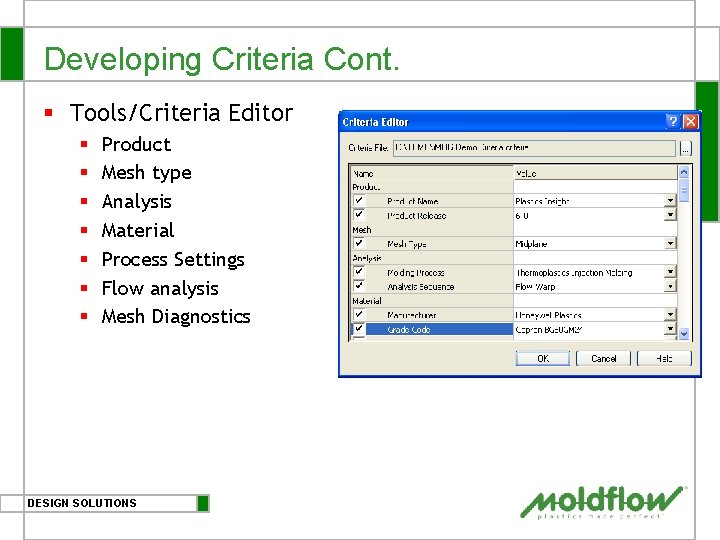
Developing Criteria Cont. § Tools/Criteria Editor § § § § Product Mesh type Analysis Material Process Settings Flow analysis Mesh Diagnostics DESIGN SOLUTIONS
Validating Criteria DESIGN SOLUTIONS
What People Are Saying “Moldflow Communicator provides a means to transfer analysis results among our mold makers, manufacturing plants and engineers around the world. The ability to set analysis criteria helps to ensure the quality of analysis is maintained, while the visualization capabilities convey information to both the experienced and novice alike. We expect to implement Moldflow Communicator throughout our entire global team. ” Keith Beattie Fisher Price DESIGN SOLUTIONS
Next Steps § Download Moldflow Communicator at www. moldflow. com/communicator § Supported Platforms § Windows XP Professional (32 bit) SP 1 § Windows 2000 SP 4 DESIGN SOLUTIONS
Other Key Features Beginning
Moldflow Results File (*. MFR) § § Input file to Moldflow Communicator Created in MPI/Synergy Single file contains both model and results Efficient file size § Compressed binary format § Stores up to 2 studies § Stores up to 8 results/study § Supports all model types § Midplane/Fusion/3 D § Supports all analysis modules § Flow/Cool/Warp/Stress/Fiber/Gas etc. DESIGN SOLUTIONS
Selecting Results in MPI/Synergy DESIGN SOLUTIONS
Adding Plot Notes in MPI/Synergy DESIGN SOLUTIONS
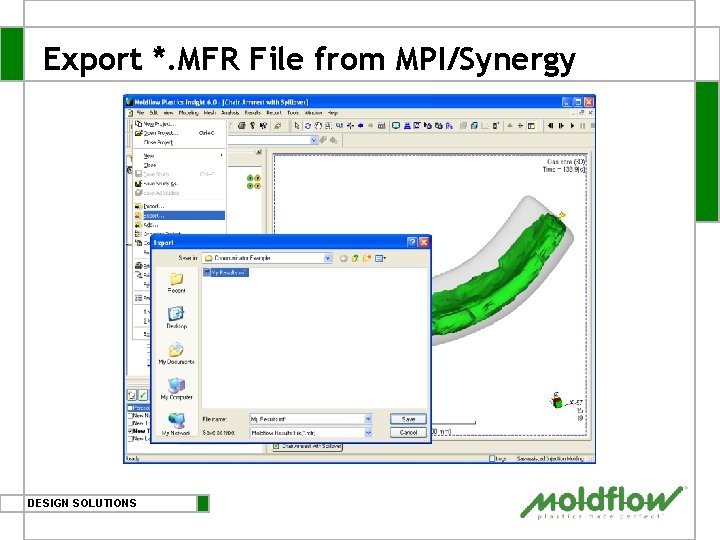
Export *. MFR File from MPI/Synergy DESIGN SOLUTIONS
Guided, Intuitive, Easy-to-Use Interface Tooltips Resultspecific help Resultspecific notes DESIGN SOLUTIONS
Thank you Beginning