
Animation Programs Alice Overview 4 step process for

- Slides: 27
Animation Programs Alice
Overview 4 -step process for creating animations Step 1: Understand Problem Step 2: Design Step 3: Implementation Step 4: Test
Programming Methodology Understand the problem and think about a strategy for a solution Create an algorithm to solve the problem Storyboards are helpful for problems involving animation Implement the algorithm Test and refine
Step 1 & 2: The Problem Decide on the problem to be solved Often the problem to be solved is given to you by your instructor, team leader, etc. Other times, you get to make it up! We will practice both Design a solution We will use a storyboard design
An example problem (scenario) The scenario is: Several snow-people are outdoors, on a snowcovered landscape. A snowman is trying to meet a snowwoman who is talking with a group of her friends (other snowwomen. ) He says “Ahem" and blinks his eyes, trying to get her attention. The problem is: How can we create this animation?
Designing a solution First decide on the objects that will be in the scene. Then, create a storyboard. A "storyboard" is a representation of what actions are going to take place in the animation A storyboard can take two forms sketches textual "to do" lists
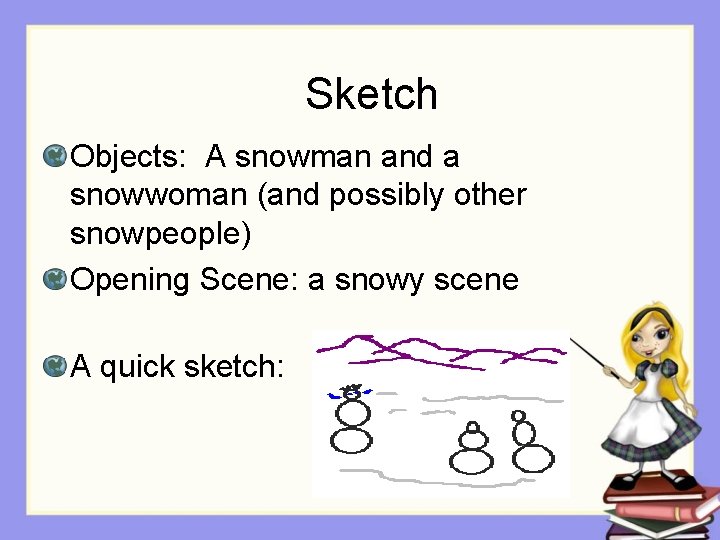
Sketch Objects: A snowman and a snowwoman (and possibly other snowpeople) Opening Scene: a snowy scene A quick sketch:
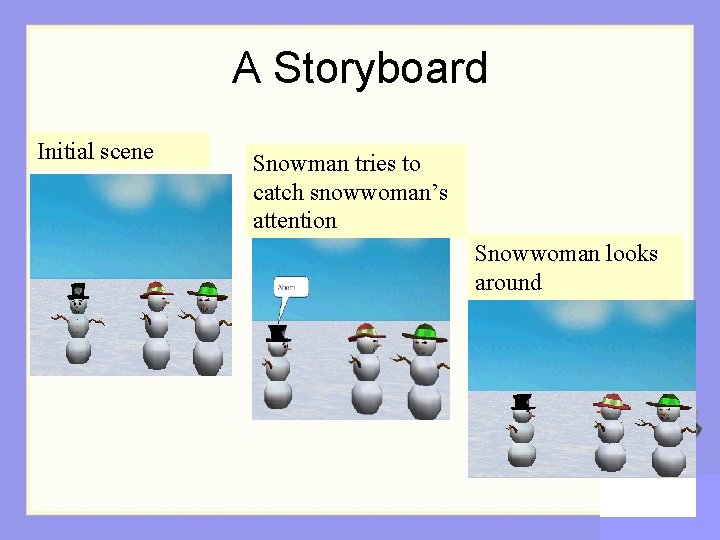
A Storyboard Initial scene Snowman tries to catch snowwoman’s attention Snowwoman looks around
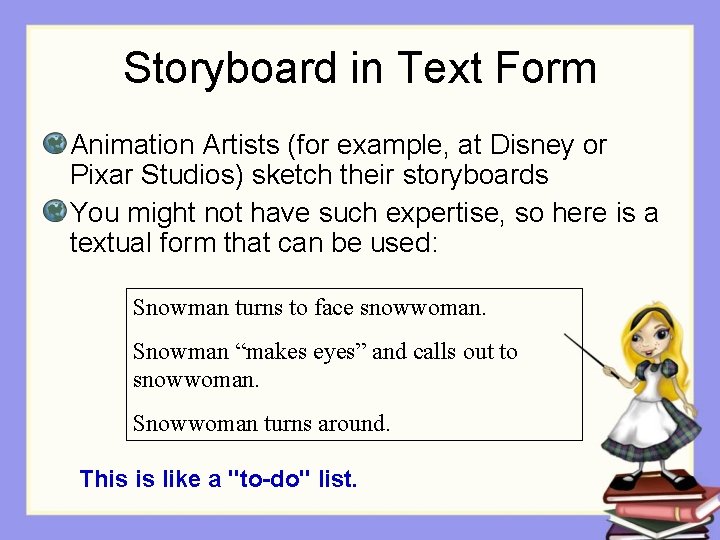
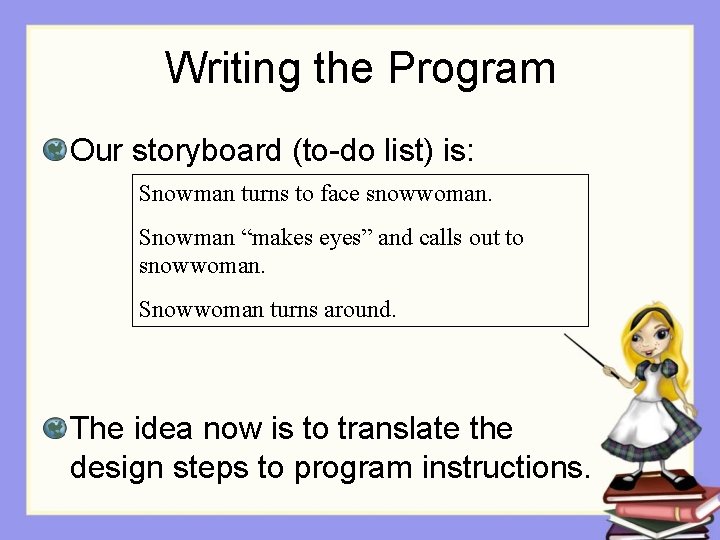
Storyboard in Text Form Animation Artists (for example, at Disney or Pixar Studios) sketch their storyboards You might not have such expertise, so here is a textual form that can be used: Snowman turns to face snowwoman. Snowman “makes eyes” and calls out to snowwoman. Snowwoman turns around. This is like a "to-do" list.
Step 3: Implementation Implementing an animation requires Setting Up the Initial Scene in Alice Writing the Program (Script)
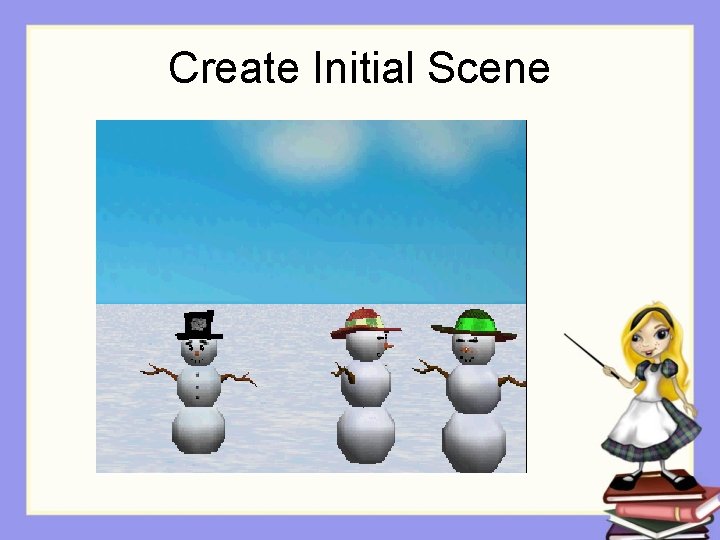
Create Initial Scene
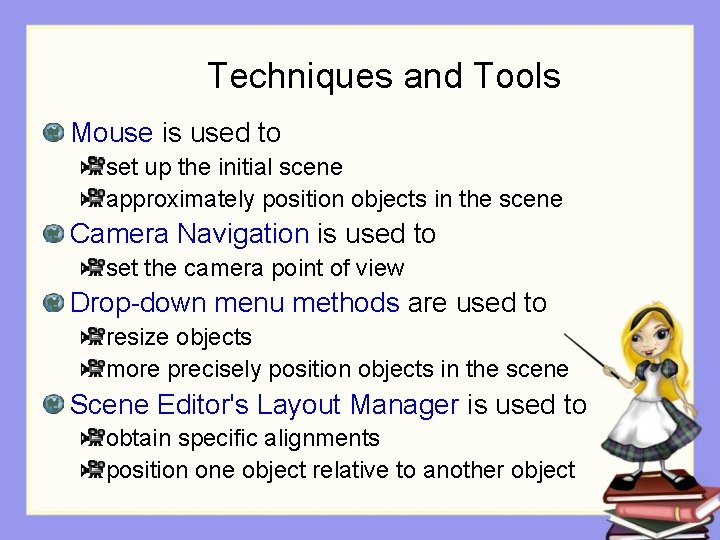
Techniques and Tools Mouse is used to set up the initial scene approximately position objects in the scene Camera Navigation is used to set the camera point of view Drop-down menu methods are used to resize objects more precisely position objects in the scene Scene Editor's Layout Manager is used to obtain specific alignments position one object relative to another object
Writing A Program "Writing" a program (script) a list of instructions to have the objects perform certain actions in the animation
Writing the Program Our storyboard (to-do list) is: Snowman turns to face snowwoman. Snowman “makes eyes” and calls out to snowwoman. Snowwoman turns around. The idea now is to translate the design steps to program instructions.
Translating the Design Some steps in the storyboard can be written as a single instruction The snowman turns to face the snowwoman Other steps are composite actions that require more than one instruction The snowman tries to catch the snowwoman’s attention is two actions Snowman says “ahem” Snowman raises and lowers his eyes
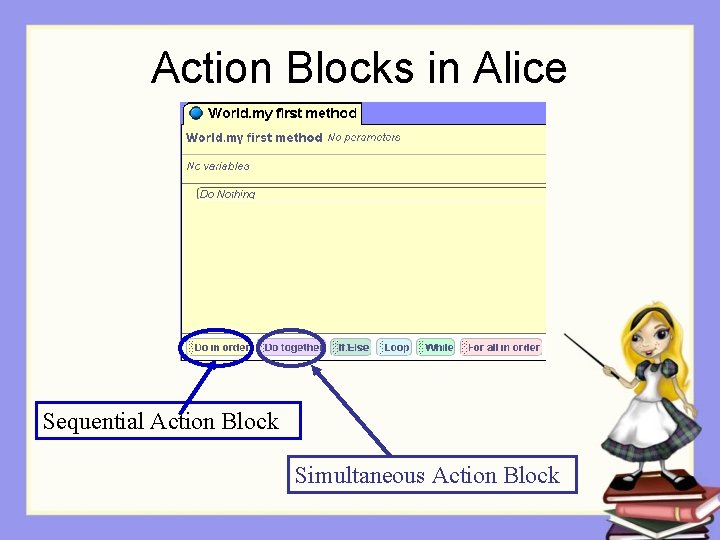
Actions Sequential Some actions occur one after the other first step (snowman turns to face snowwoman) second step (snowman tries to get snowwoman’s attention) Simultaneous Other actions occur at the same time Snowman says "Ahem" and while simultaneously blinking his eyes
Action Blocks in Alice Sequential Action Block Simultaneous Action Block
Write the Animation Program Will develop in class.
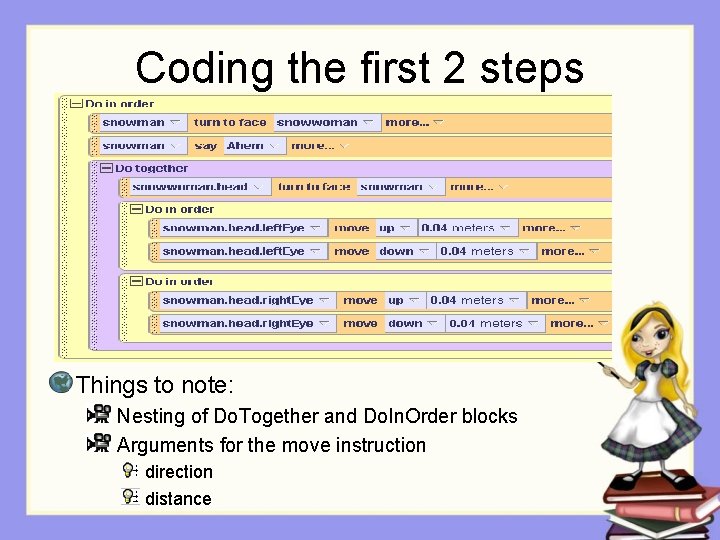
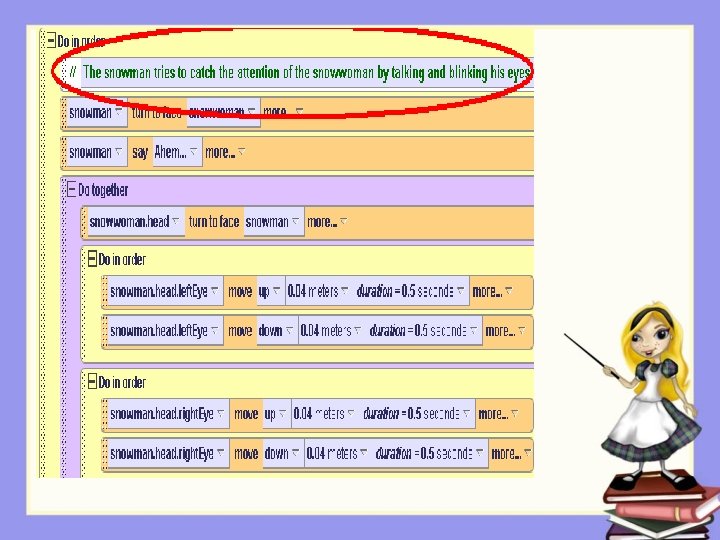
Coding the first 2 steps Things to note: Nesting of Do. Together and Do. In. Order blocks Arguments for the move instruction direction distance
Step 4: Testing An important step in creating a program is to run it – to be sure it does what you expect it to do. We recommend that you use an incremental development process: write a few lines of code and then run it write a few more lines and run it… This process allows you to find any problems and fix them as you go along.
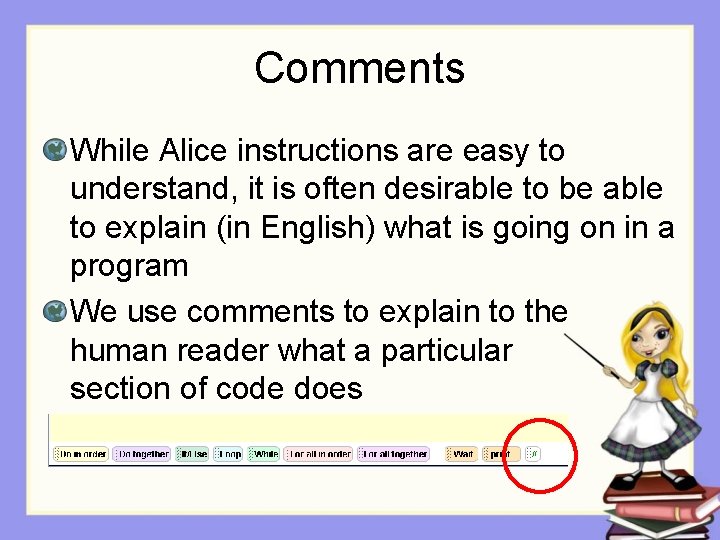
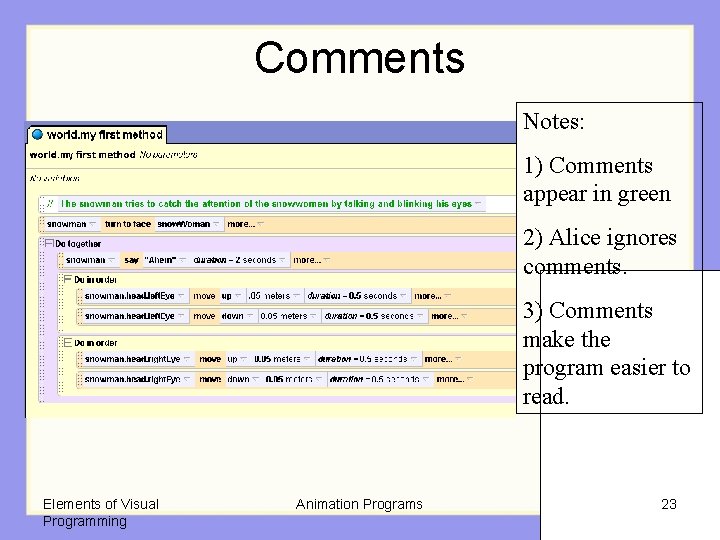
Comments While Alice instructions are easy to understand, it is often desirable to be able to explain (in English) what is going on in a program We use comments to explain to the human reader what a particular section of code does
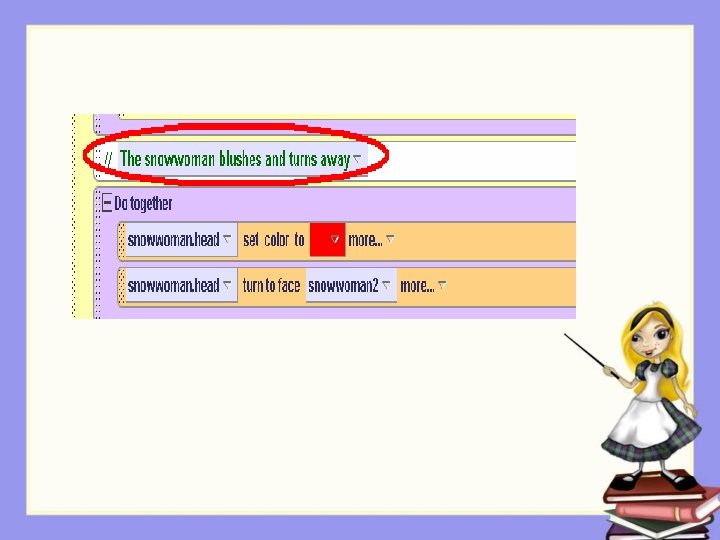
Comments Notes: 1) Comments appear in green 2) Alice ignores comments. 3) Comments make the program easier to read. Elements of Visual Programming Animation Programs 23
Assignment Read Chapter 2 sections 1 and 2 Scenarios and Storyboards A First Program Read Tips & Techniques 2 Orientation and Movement Instructions
Lab 02 Exercises from 2 -1 and 2 -2