
Animation Jehee Lee Seoul National University What is
![What is Captured ? • Flexible objects [Titanic]](https://slidetodoc.com/presentation_image/8b10b24266a1f4cd7a10f4cefc09369e/image-25.jpg "What is Captured ? • Flexible objects [Titanic]")
![What is Captured ? • Skin deformation [Sand, Mc. Millan, Popovic]](https://slidetodoc.com/presentation_image/8b10b24266a1f4cd7a10f4cefc09369e/image-26.jpg "What is Captured ? • Skin deformation [Sand, Mc. Millan, Popovic]")
- Slides: 43
Animation Jehee Lee Seoul National University
What is Animation • Animation is about making things move • (Merriam-Webster’s) A motion picture made by photographing successive positions of inanimate objects – cf). Live action movie • Computer allows more flexibility – Eg). Special effects, Interactive animation
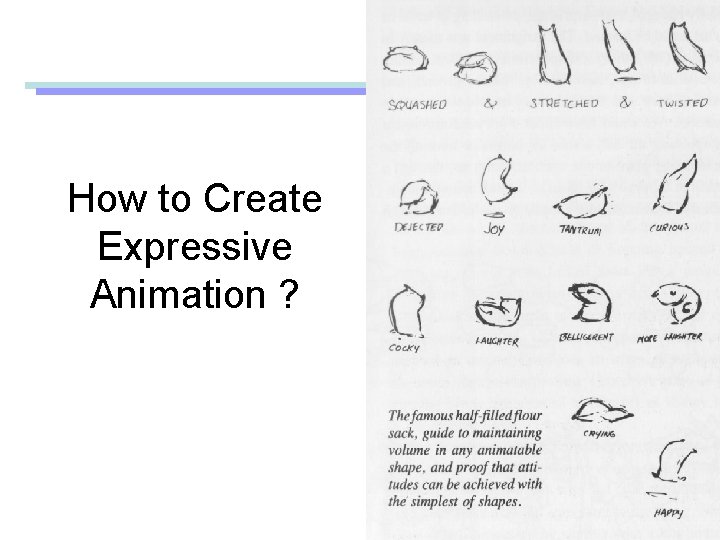
How to Create Expressive Animation ?
Principles of Animation • “The Illusion of Life”, by Thomas Johnson and Ollie Johnson • Principles of Traditional Animation Applied to 3 D Computer Animation, John Lasseter, Siggraph 87.
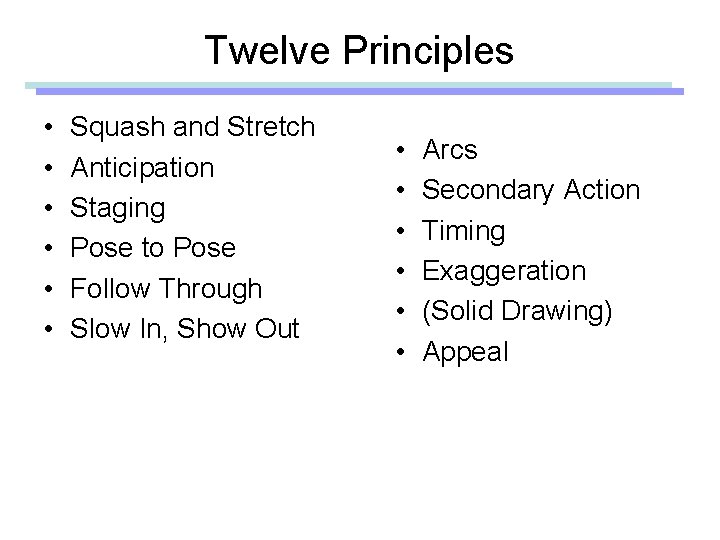
Twelve Principles • • • Squash and Stretch Anticipation Staging Pose to Pose Follow Through Slow In, Show Out • • • Arcs Secondary Action Timing Exaggeration (Solid Drawing) Appeal
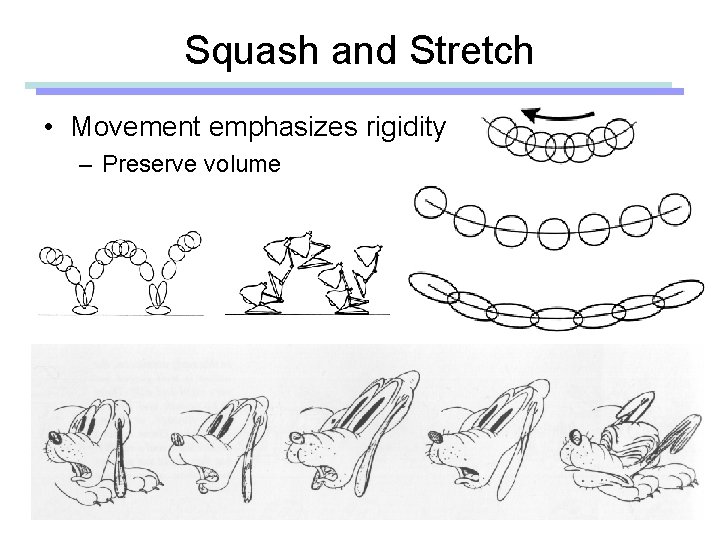
Squash and Stretch • Movement emphasizes rigidity – Preserve volume
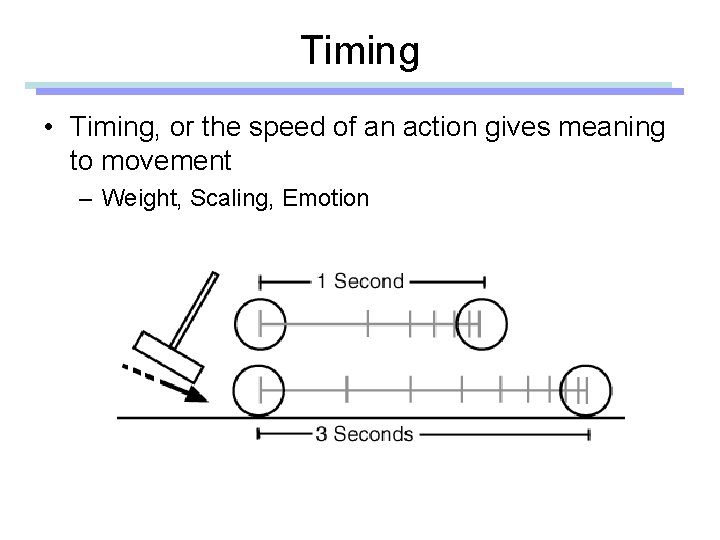
Timing • Timing, or the speed of an action gives meaning to movement – Weight, Scaling, Emotion
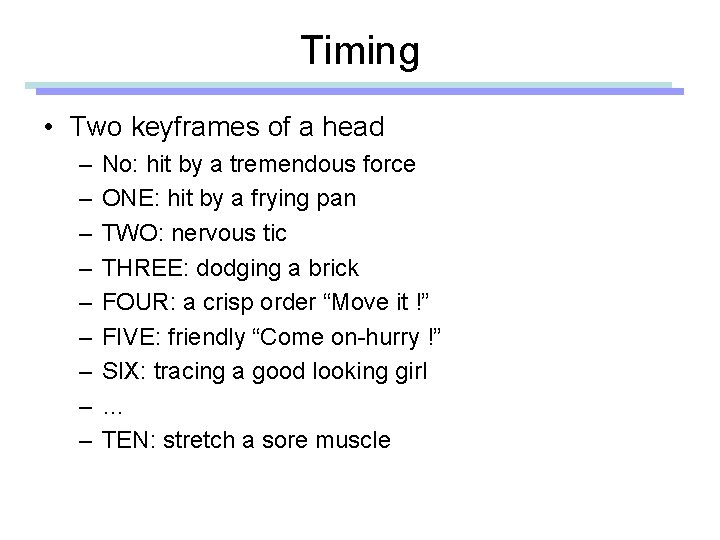
Timing • Two keyframes of a head – – – – – No: hit by a tremendous force ONE: hit by a frying pan TWO: nervous tic THREE: dodging a brick FOUR: a crisp order “Move it !” FIVE: friendly “Come on-hurry !” SIX: tracing a good looking girl … TEN: stretch a sore muscle
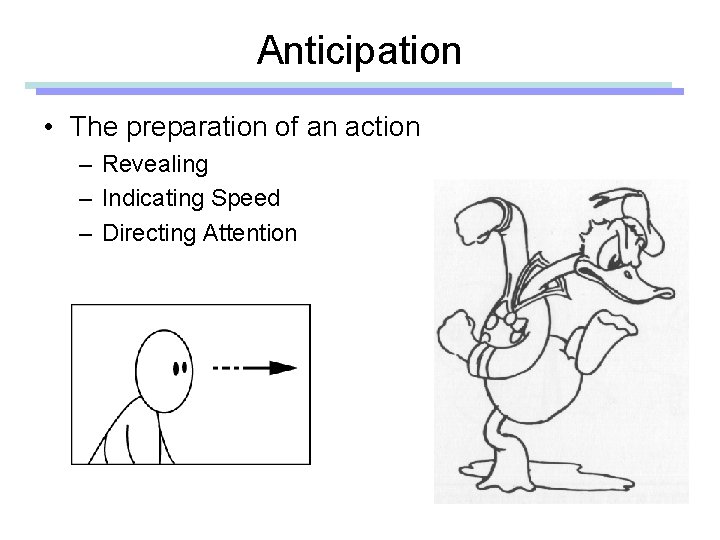
Anticipation • The preparation of an action – Revealing – Indicating Speed – Directing Attention
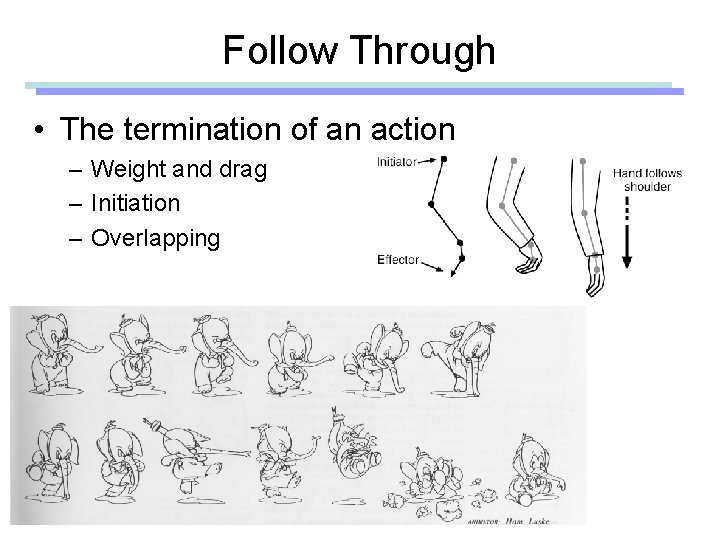
Follow Through • The termination of an action – Weight and drag – Initiation – Overlapping
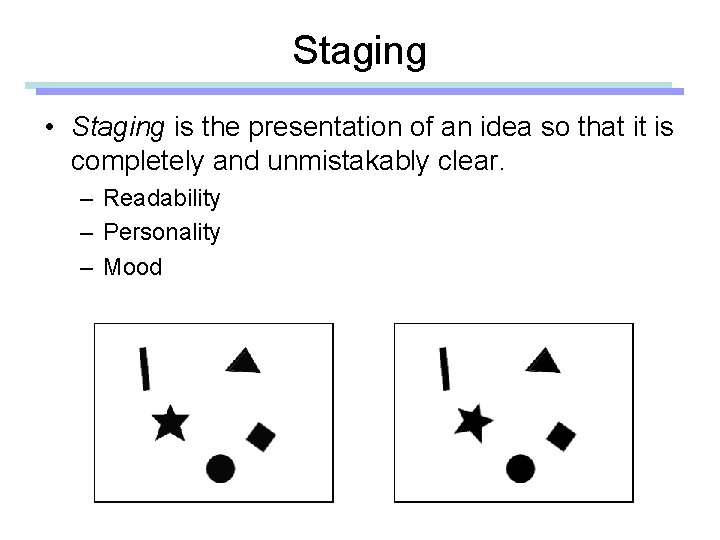
Staging • Staging is the presentation of an idea so that it is completely and unmistakably clear. – Readability – Personality – Mood
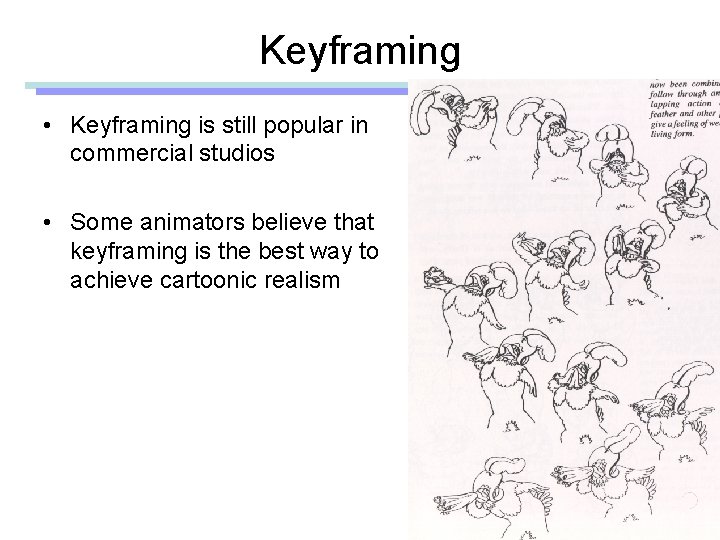
Pose to Pose • Straight ahead – Draw/Animate one frame at a time – Hard to get exactly what you want • Pose to pose – – Top-down process Plan shots using storyboards Plan key poses first Finally fill in the in-between frames
Keyframing • Keyframing is still popular in commercial studios • Some animators believe that keyframing is the best way to achieve cartoonic realism
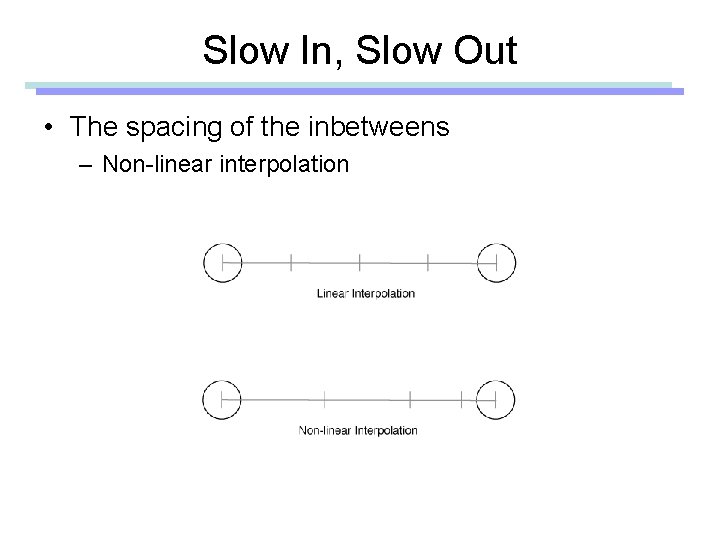
Slow In, Slow Out • The spacing of the inbetweens – Non-linear interpolation
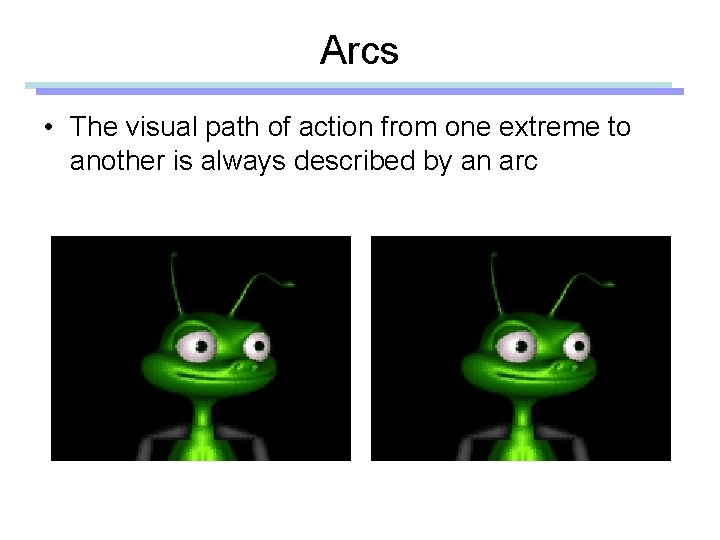
Arcs • The visual path of action from one extreme to another is always described by an arc
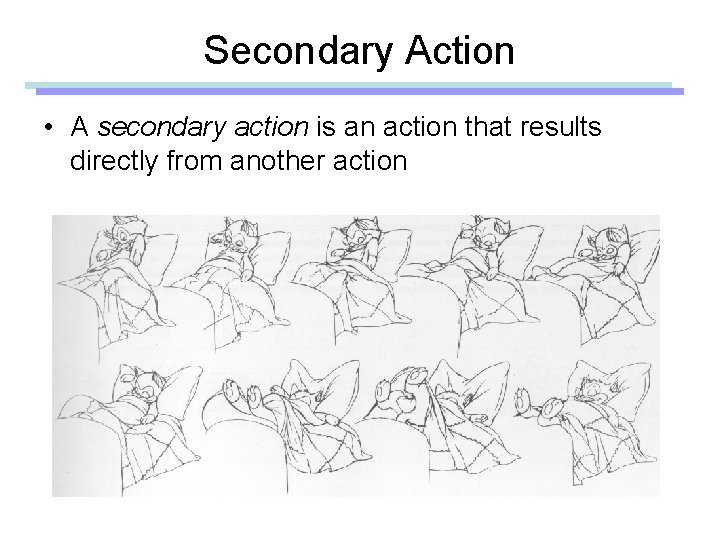
Secondary Action • A secondary action is an action that results directly from another action
Exaggeration • Exaggerate the essence of the action – Action, emotion, shape, color, sound, …
Appeal • The animated character has appeal – A quality of charm – Pleasing design – Simplicity • It doesn’t mean that the character/animation should be realistic – Movie 1. mov – Movie 2. mov
Animation Techniques • • Kinematics Procedural Physically based Data-driven
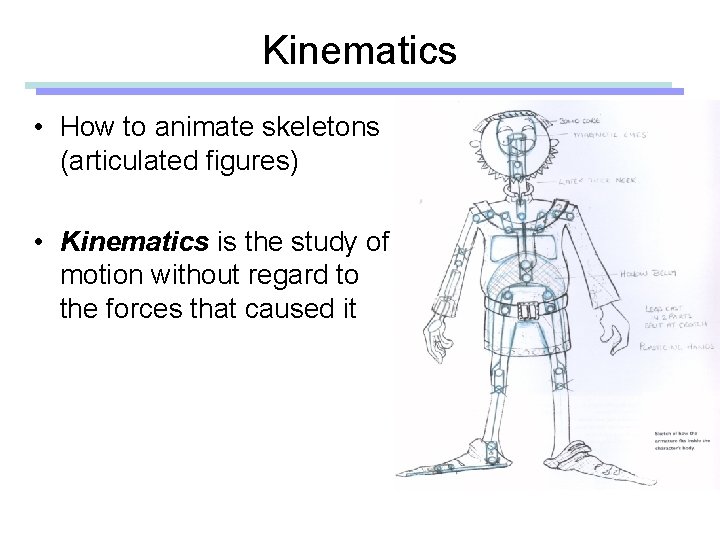
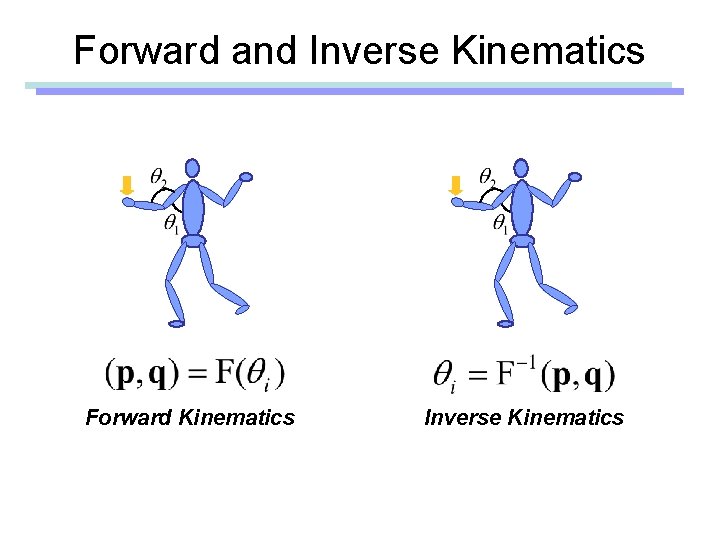
Kinematics • How to animate skeletons (articulated figures) • Kinematics is the study of motion without regard to the forces that caused it
Forward and Inverse Kinematics Forward Kinematics Inverse Kinematics
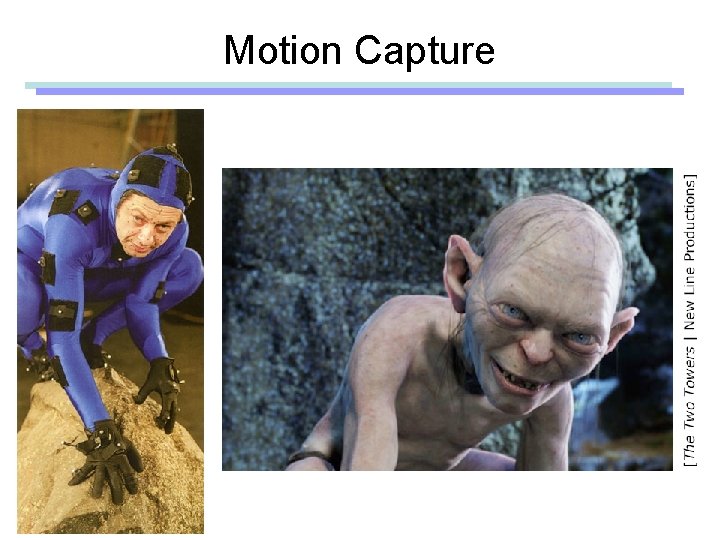
Motion Capture
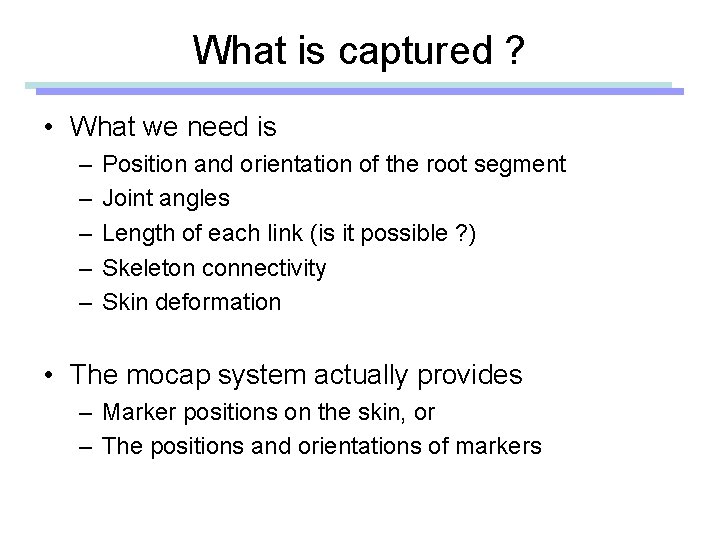
What is captured ? • What we need is – – – Position and orientation of the root segment Joint angles Length of each link (is it possible ? ) Skeleton connectivity Skin deformation • The mocap system actually provides – Marker positions on the skin, or – The positions and orientations of markers
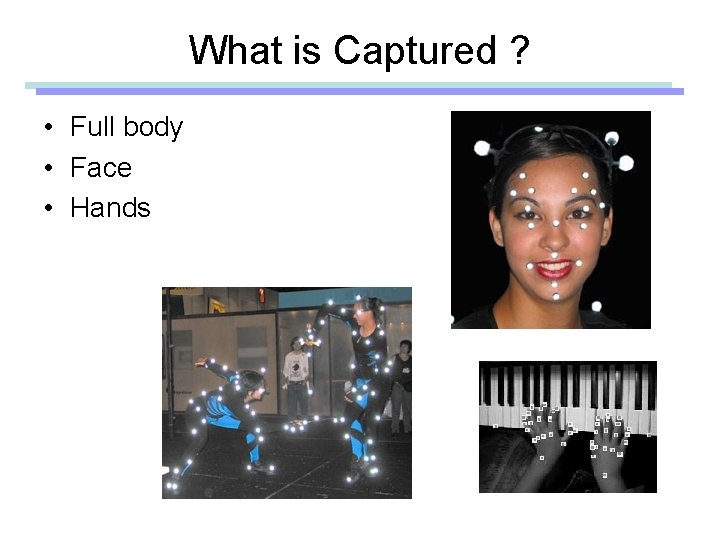
What is Captured ? • Full body • Face • Hands
What is Captured ? • Flexible objects [Titanic]
What is Captured ? • Skin deformation [Sand, Mc. Millan, Popovic]
Motion Capture Technologies • • • Optical passive Optical active Electromagnetic Electromechanical Accoustic Optical fiber
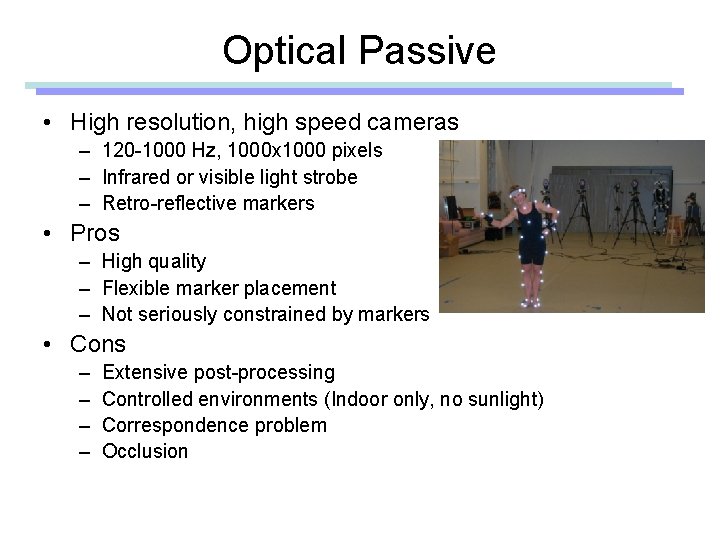
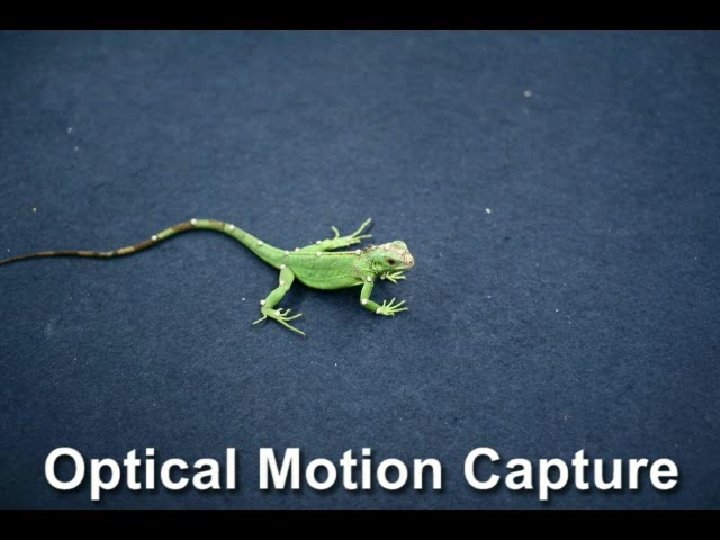
Optical Passive • High resolution, high speed cameras – 120 -1000 Hz, 1000 x 1000 pixels – Infrared or visible light strobe – Retro-reflective markers • Pros – High quality – Flexible marker placement – Not seriously constrained by markers • Cons – – Extensive post-processing Controlled environments (Indoor only, no sunlight) Correspondence problem Occlusion
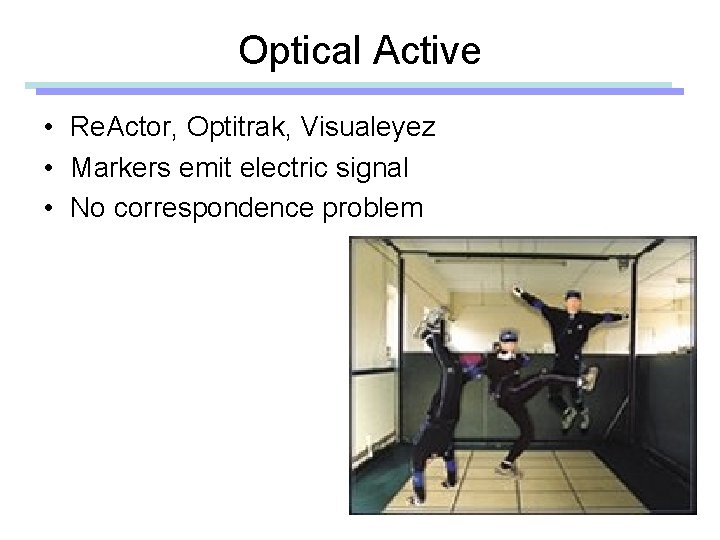
Optical Active • Re. Actor, Optitrak, Visualeyez • Markers emit electric signal • No correspondence problem
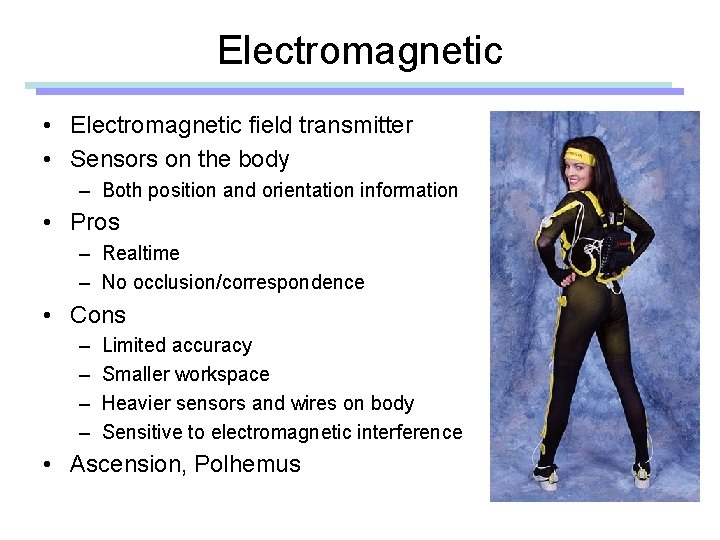
Electromagnetic • Electromagnetic field transmitter • Sensors on the body – Both position and orientation information • Pros – Realtime – No occlusion/correspondence • Cons – – Limited accuracy Smaller workspace Heavier sensors and wires on body Sensitive to electromagnetic interference • Ascension, Polhemus
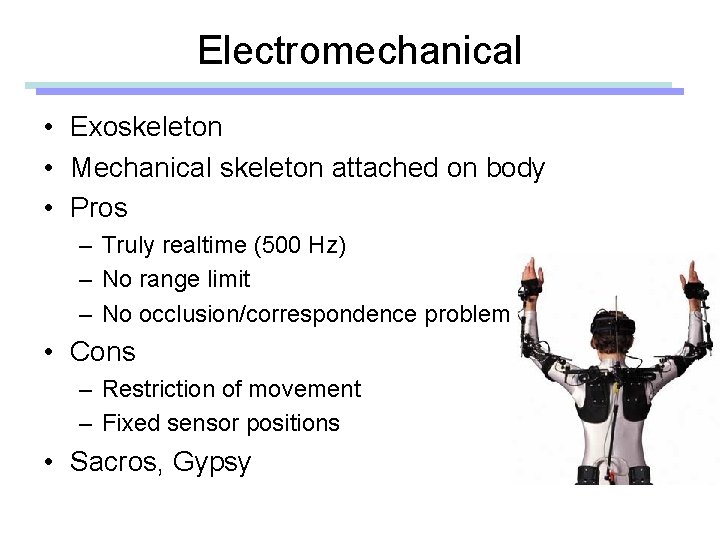
Electromechanical • Exoskeleton • Mechanical skeleton attached on body • Pros – Truly realtime (500 Hz) – No range limit – No occlusion/correspondence problem • Cons – Restriction of movement – Fixed sensor positions • Sacros, Gypsy