
Animation 2 Stop Motion Pivot Year 9 Unit

- Slides: 31
Animation 2 Stop Motion - Pivot Year 9 Unit 1 Animation
This IT Unit’s Aim 1 To get an insight into different types of animations 2 To know that animations are achieved by sequencing images 3 Create basic stop-frame animation and 2 D computer animations 4 Complete an i. Media Animation Project Year 9 Unit 1 Animation
Today’s Aim 1 Understand how to eye and brain works together 2 Know that animations are achieved by sequencing images 3 Understand that frame rate determines the quality of an animation 4 Practice on making basic stop motion animations Year 9 Unit 1 Animation
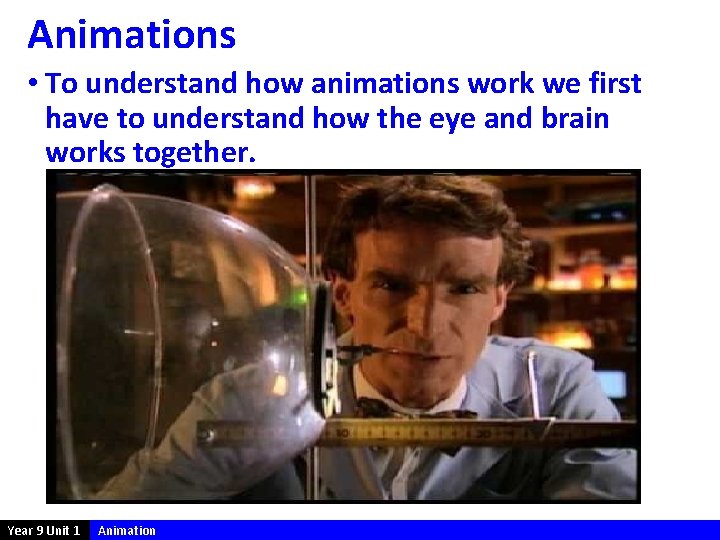
Animations • To understand how animations work we first have to understand how the eye and brain works together. Year 9 Unit 1 Animation
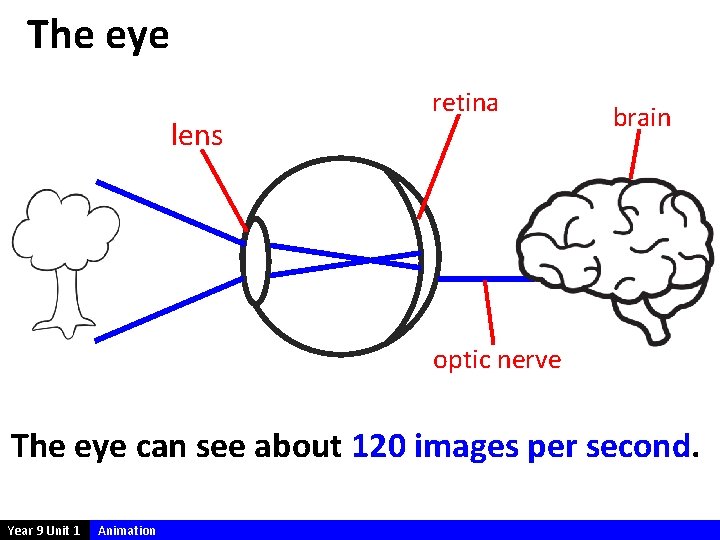
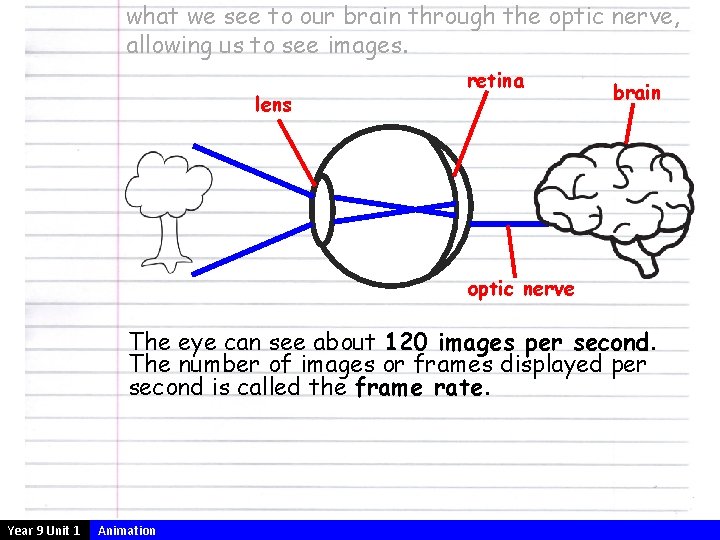
The eye lens retina brain optic nerve The eye can see about 120 images per second. Year 9 Unit 1 Animation
13 14 13 Year 9 Unit 1 14 Animation
13 14 13 Year 9 Unit 1 14 Animation
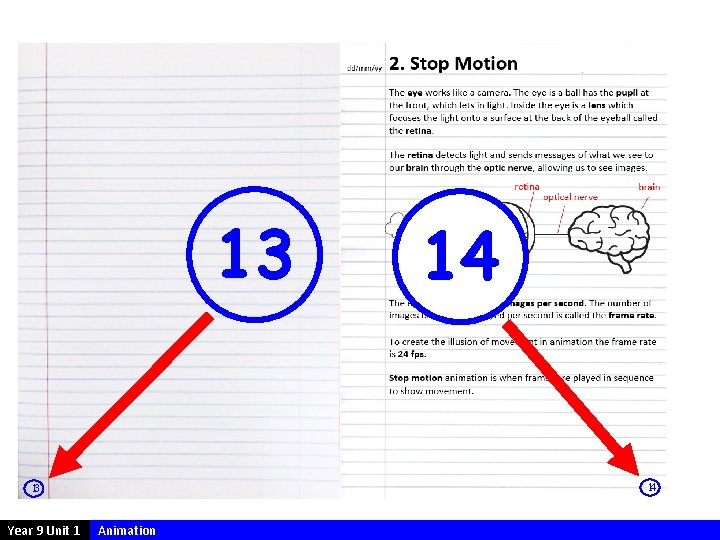
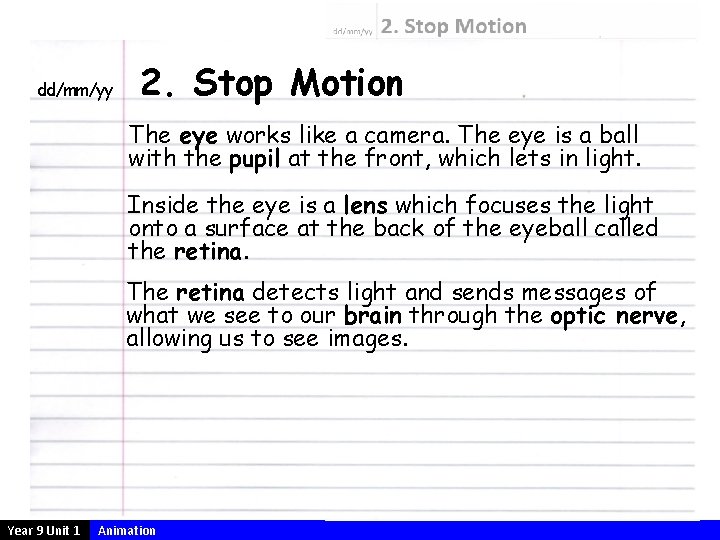
dd/mm/yy 2. Stop Motion The eye works like a camera. The eye is a ball with the pupil at the front, which lets in light. Inside the eye is a lens which focuses the light onto a surface at the back of the eyeball called the retina. The retina detects light and sends messages of what we see to our brain through the optic nerve, allowing us to see images. Year 9 Unit 1 Animation
what we see to our brain through the optic nerve, allowing us to see images. lens retina brain optic nerve The eye can see about 120 images per second. The number of images or frames displayed per second is called the frame rate. Year 9 Unit 1 Animation
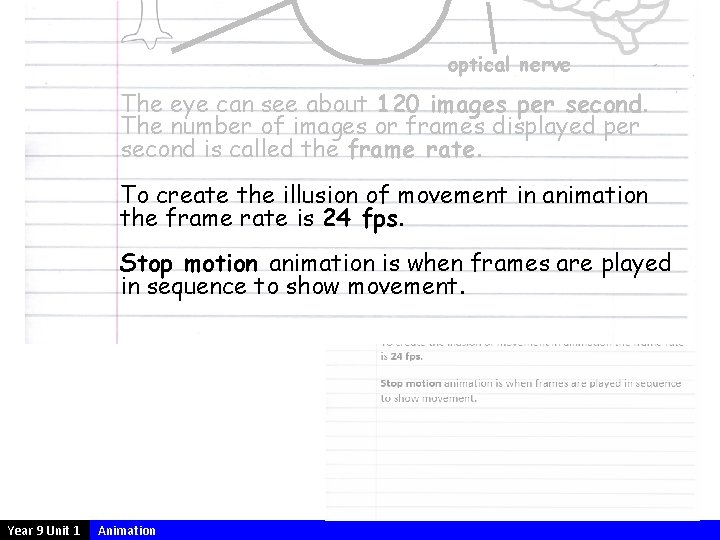
optical nerve The eye can see about 120 images per second. The number of images or frames displayed per second is called the frame rate. To create the illusion of movement in animation the frame rate is 24 fps. Stop motion animation is when frames are played in sequence to show movement. Year 9 Unit 1 Animation
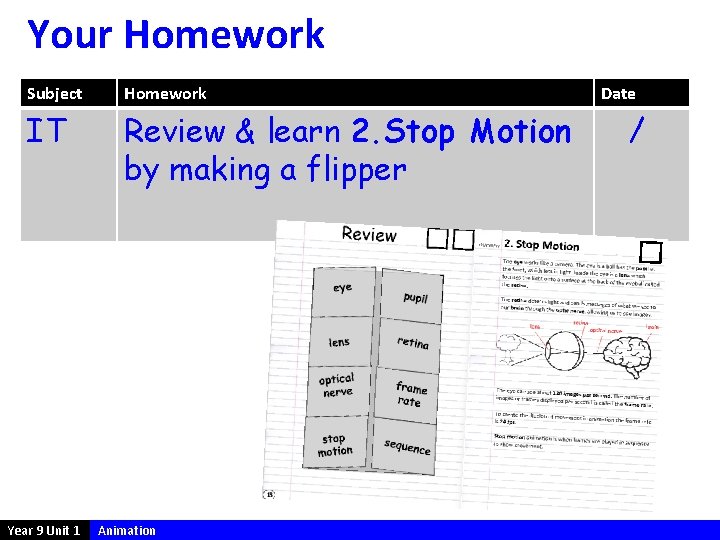
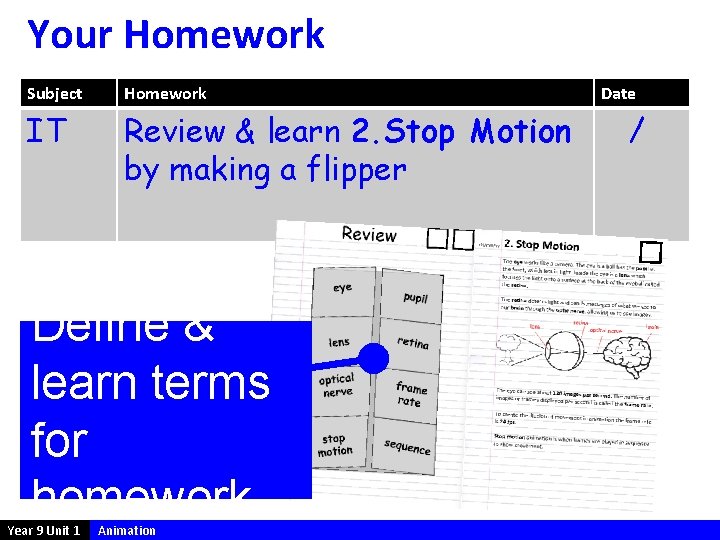
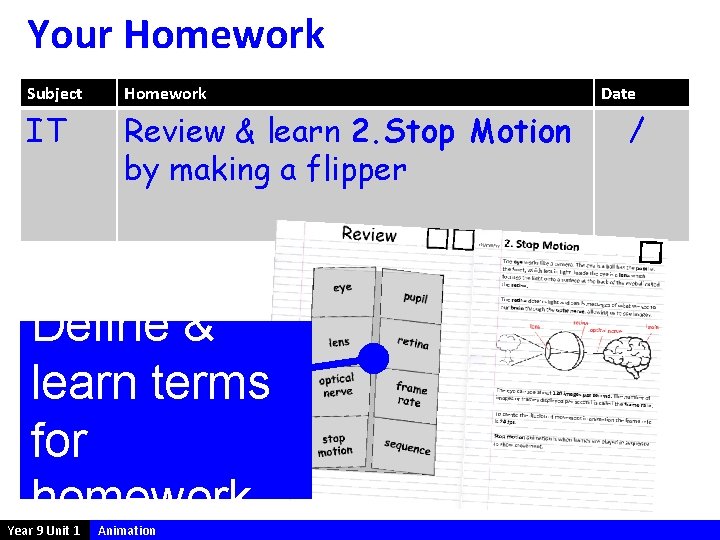
Your Homework Subject Homework IT Review & learn 2. Stop Motion by making a flipper Year 9 Unit 1 Animation Date /
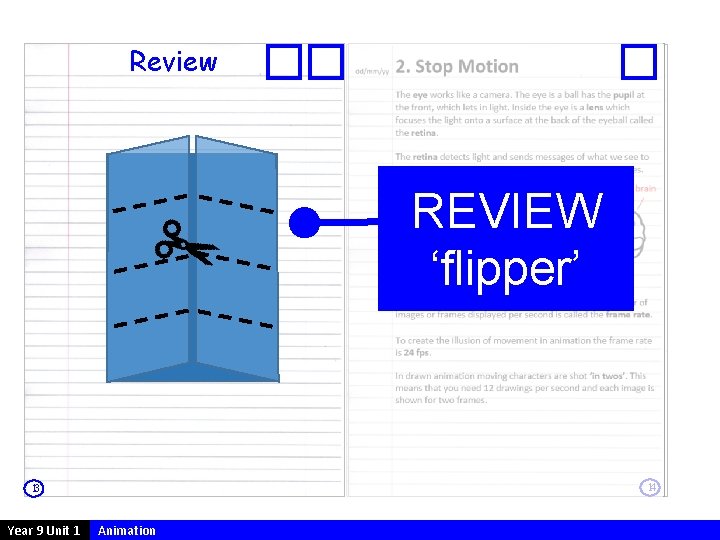
Review Leave REVIEW page blank ‘flipper’ 14 13 Year 9 Unit 1 Animation
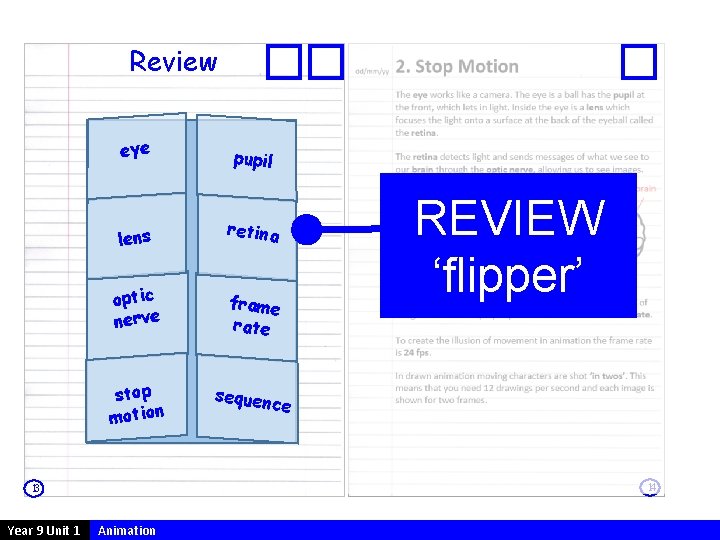
Review eye pupil lens retina optic nerve frame rate stop motion sequen ce 14 13 Year 9 Unit 1 REVIEW ‘flipper’ Animation
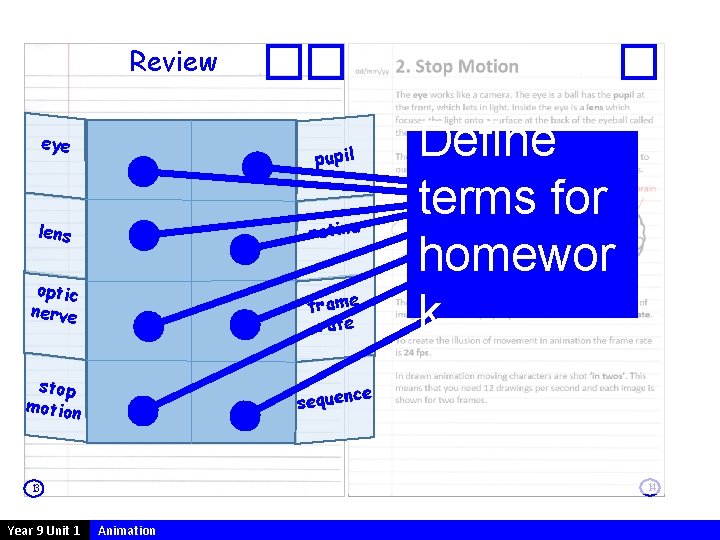
Review eye pupil retina lens optic nerve frame rate stop motion ce sequen 14 13 Year 9 Unit 1 Define terms for homewor k Animation
Your Homework Subject Homework IT Review & learn 2. Stop Motion by making a flipper Define & learn terms for homework Year 9 Unit 1 Animation Date /
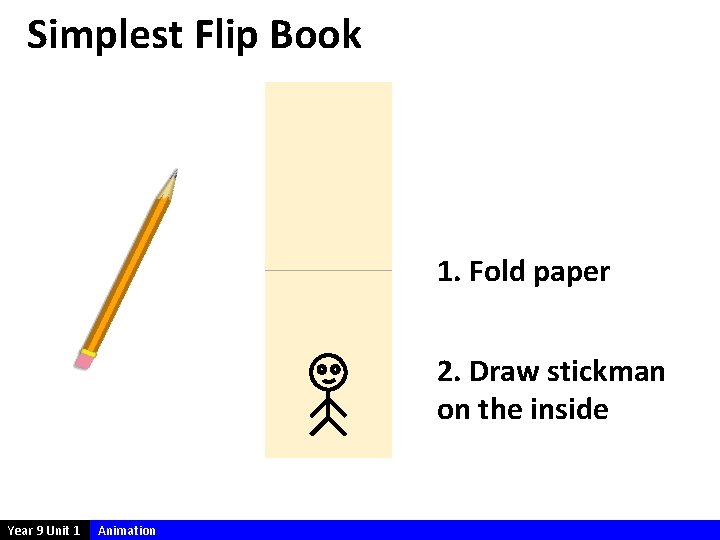
Simplest Flip Book 1. Fold paper 2. Draw stickman on the inside Year 9 Unit 1 Animation
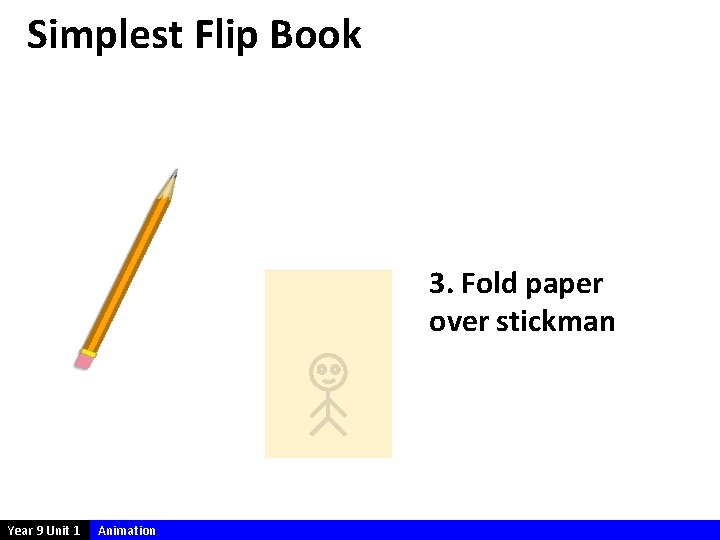
Simplest Flip Book 3. Fold paper over stickman Year 9 Unit 1 Animation
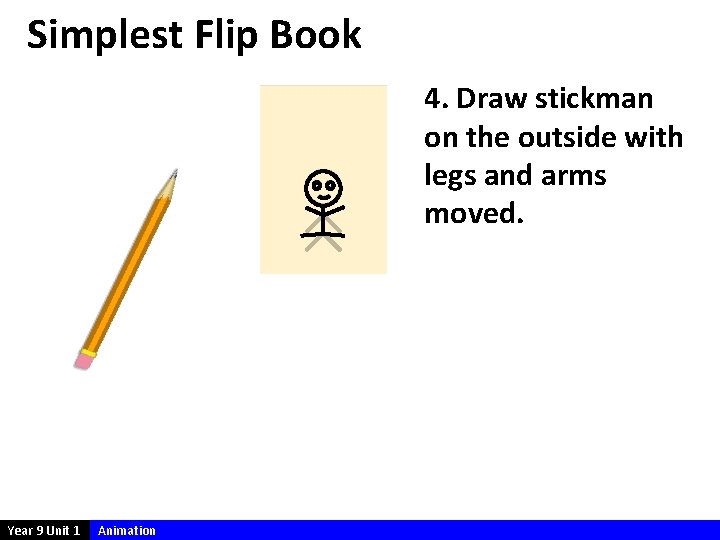
Simplest Flip Book 4. Draw stickman on the outside with legs and arms moved. Year 9 Unit 1 Animation
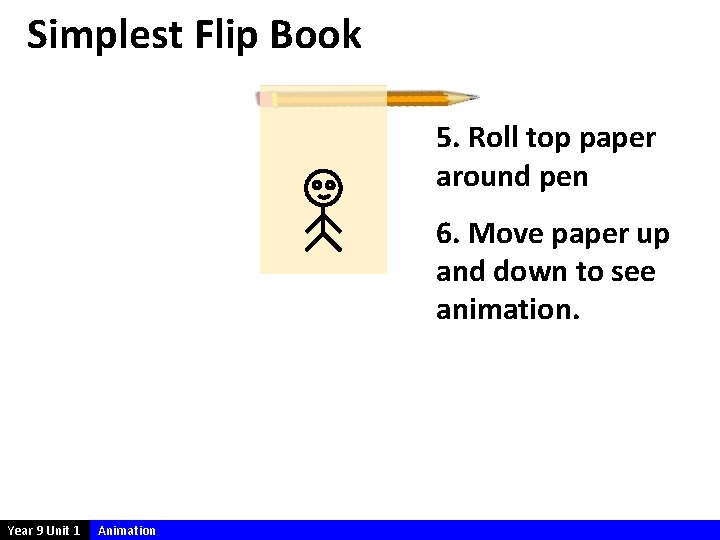
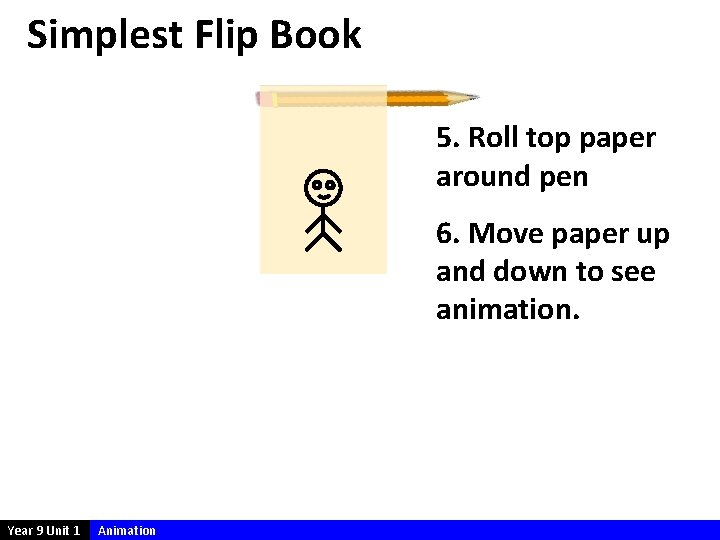
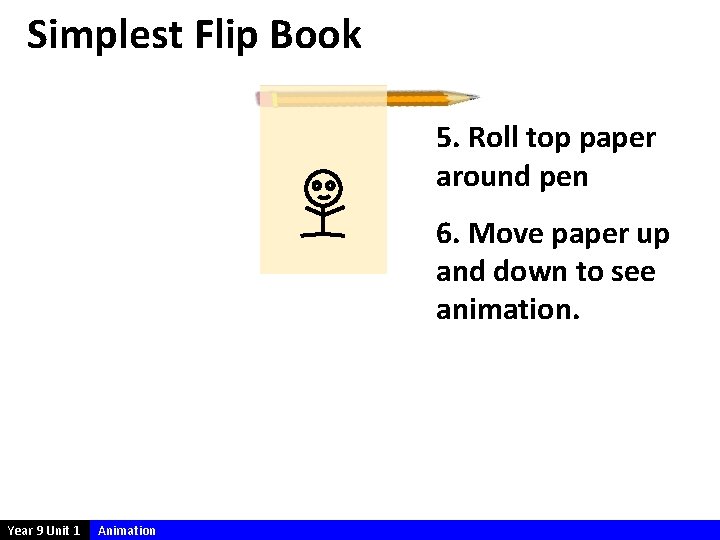
Simplest Flip Book 5. Roll top paper around pen 6. Move paper up and down to see animation. Year 9 Unit 1 Animation
Simplest Flip Book 5. Roll top paper around pen 6. Move paper up and down to see animation. Year 9 Unit 1 Animation
Simplest Flip Book 5. Roll top paper around pen 6. Move paper up and down to see animation. Year 9 Unit 1 Animation
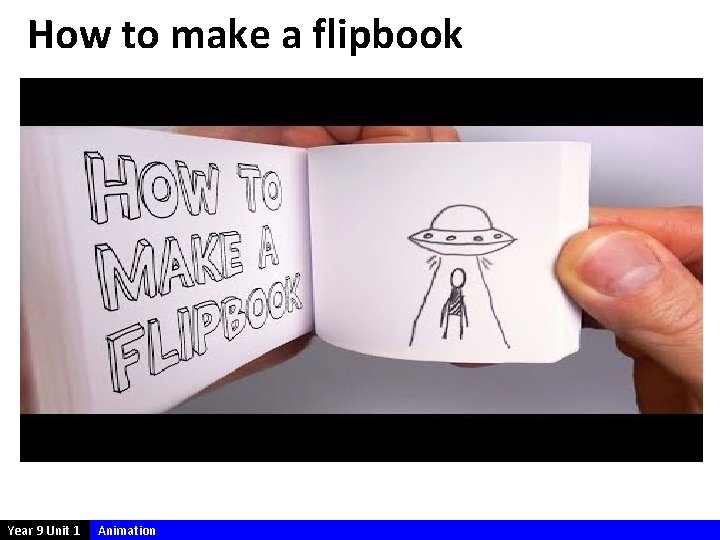
How to make a flipbook Year 9 Unit 1 Animation
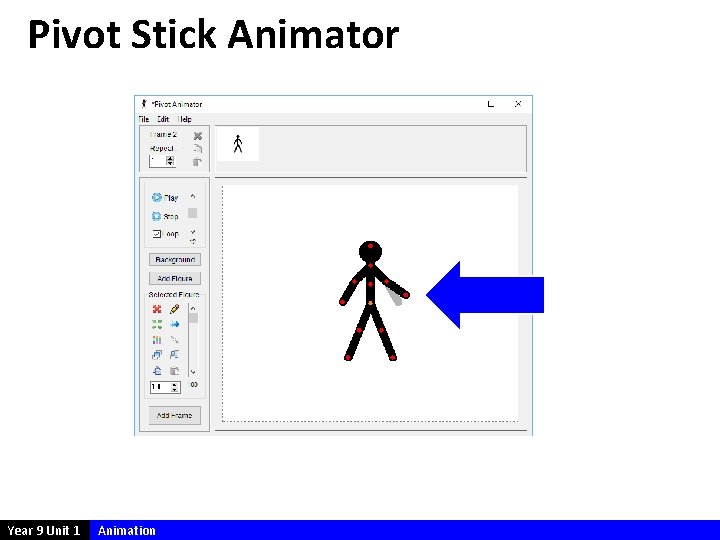
Pivot Stick Animator Year 9 Unit 1 Animation
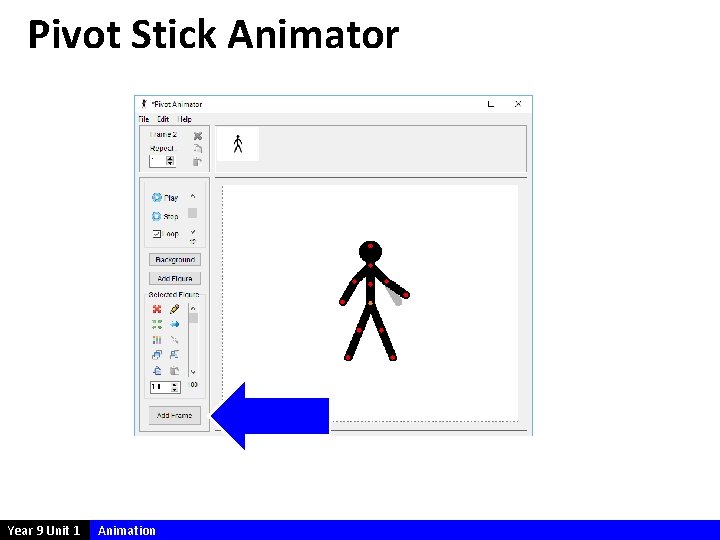
Pivot Stick Animator Year 9 Unit 1 Animation
Pivot Stick Animator Year 9 Unit 1 Animation
Pivot Stick Animator Year 9 Unit 1 Animation
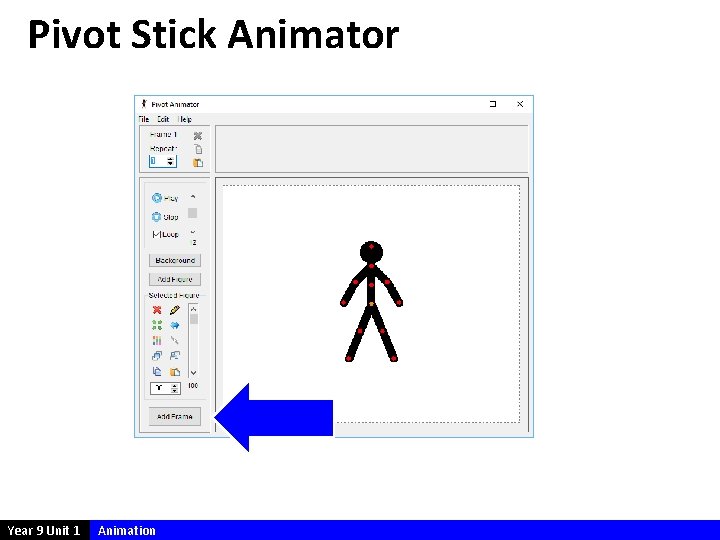
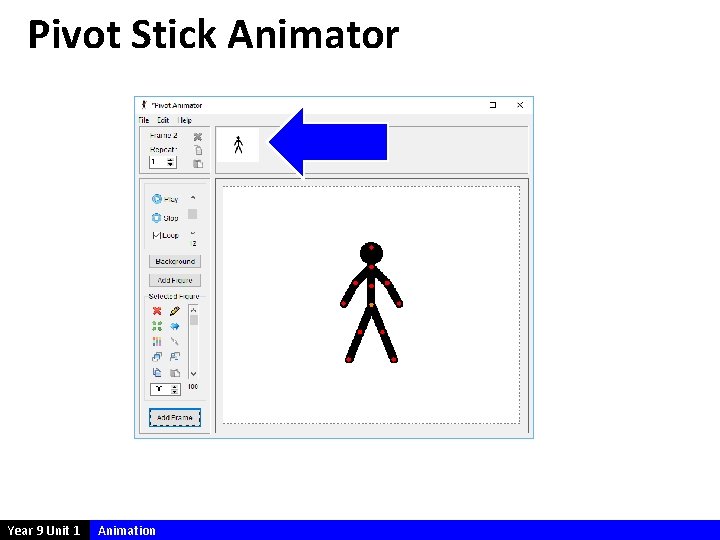
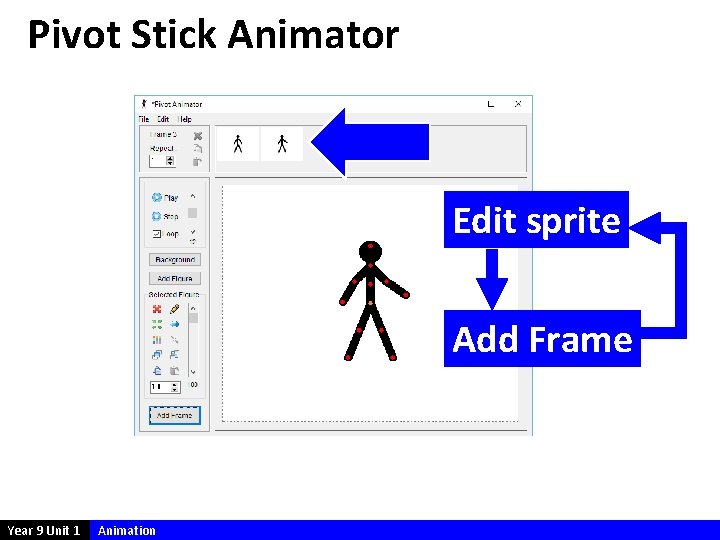
Pivot Stick Animator Edit sprite Add Frame Year 9 Unit 1 Animation
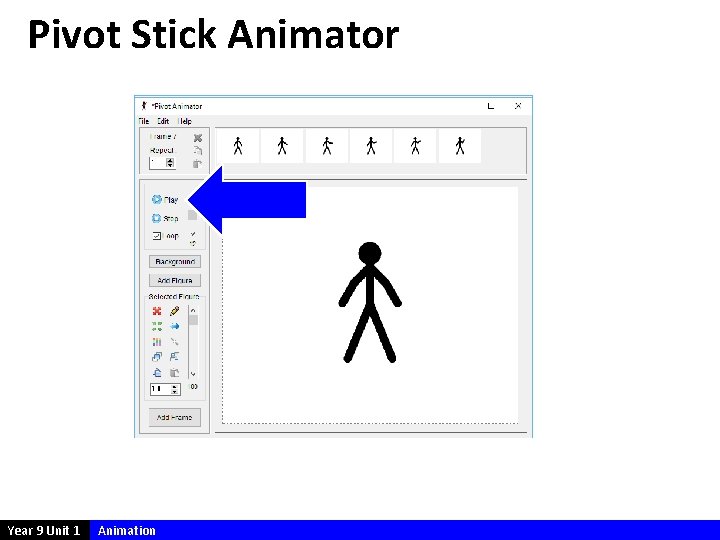
Pivot Stick Animator Year 9 Unit 1 Animation
Year 9 Unit 1 Animation
Today’s Aim 1 Understand how to eye and brain works together 2 Know that animations are achieved by sequencing images 3 Understand that frame rate determines the quality of an animation 4 Practice on making basic stop motion animations Year 9 Unit 1 Animation
Your Homework Subject Homework IT Review & learn 2. Stop Motion by making a flipper Define & learn terms for homework Year 9 Unit 1 Animation Date /