
ANIMATE YOUR NAME EDUCATOR GUIDE Workshop Overview Animate
- Slides: 4
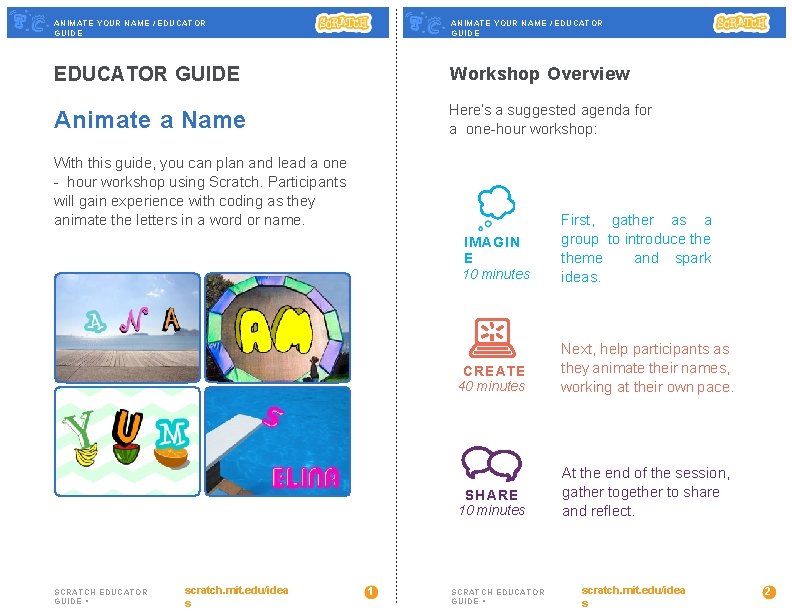
ANIMATE YOUR NAME / EDUCATOR GUIDE Workshop Overview Animate a Name Here’s a suggested agenda for a one-hour workshop: With this guide, you can plan and lead a one - hour workshop using Scratch. Participants will gain experience with coding as they animate the letters in a word or name. IMAGIN E 10 minutes SCRATCH EDUCATOR GUIDE • scratch. mit. edu/idea s 1 First, gather as a group to introduce theme and spark ideas. CREATE 40 minutes Next, help participants as they animate their names, working at their own pace. SHARE 10 minutes At the end of the session, gather together to share and reflect. SCRATCH EDUCATOR GUIDE • scratch. mit. edu/idea s 2
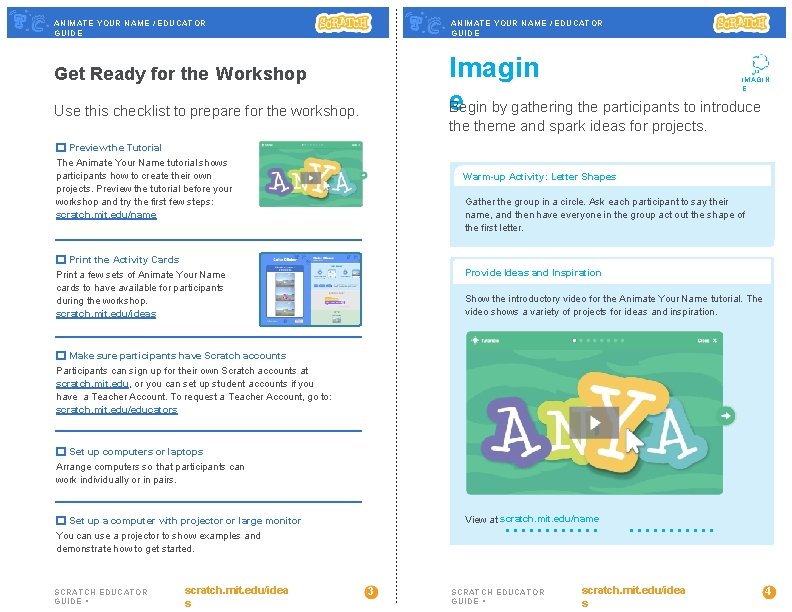
ANIMATE YOUR NAME / EDUCATOR GUIDE Imagin e Begin by gathering the participants to introduce Get Ready for the Workshop IMAGIN E Use this checklist to prepare for the workshop. theme and spark ideas for projects. Preview the Tutorial The Animate Your Name tutorial shows participants how to create their own projects. Preview the tutorial before your workshop and try the first few steps: scratch. mit. edu/name Warm-up Activity: Letter Shapes Gather the group in a circle. Ask each participant to say their name, and then have everyone in the group act out the shape of the first letter. Print the Activity Cards Provide Ideas and Inspiration Print a few sets of Animate Your Name cards to have available for participants during the workshop. scratch. mit. edu/ideas Show the introductory video for the Animate Your Name tutorial. The video shows a variety of projects for ideas and inspiration. Make sure participants have Scratch accounts Participants can sign up for their own Scratch accounts at scratch. mit. edu, or you can set up student accounts if you have a Teacher Account. To request a Teacher Account, go to: scratch. mit. edu/educators Set up computers or laptops Arrange computers so that participants can work individually or in pairs. View at scratch. mit. edu/name Set up a computer with projector or large monitor You can use a projector to show examples and demonstrate how to get started. SCRATCH EDUCATOR GUIDE • scratch. mit. edu/idea s 3 SCRATCH EDUCATOR GUIDE • scratch. mit. edu/idea s 4
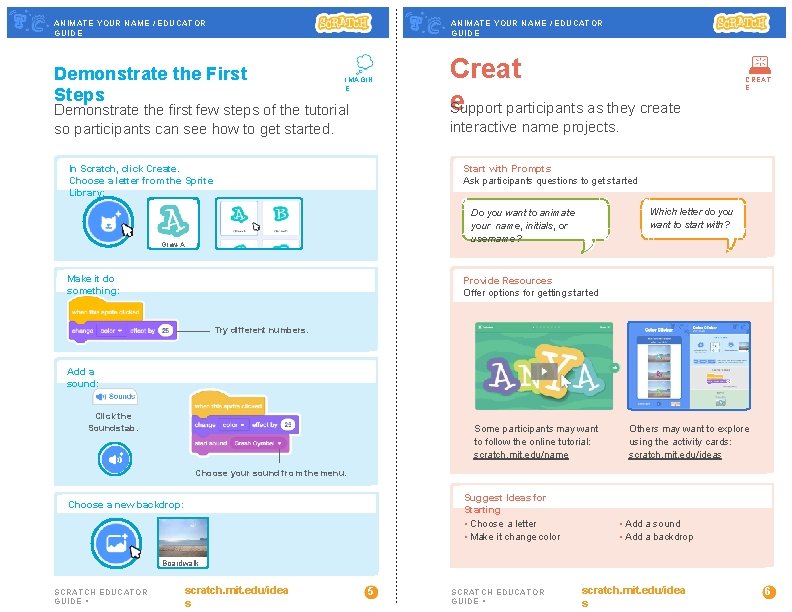
ANIMATE YOUR NAME / EDUCATOR GUIDE Demonstrate the First Steps IMAGIN E Demonstrate the first few steps of the tutorial so participants can see how to get started. Creat e Support participants as they create CREAT E interactive name projects. In Scratch, click Create. Choose a letter from the Sprite Library: Start with Prompts Ask participants questions to get started Which letter do you want to start with? Do you want to animate your name, initials, or username? Glow-A Make it do something: Provide Resources Offer options for getting started Try different numbers. Add a sound: Click the Sounds tab. Some participants may want to follow the online tutorial: scratch. mit. edu/name Others may want to explore using the activity cards: scratch. mit. edu/ideas Choose your sound from the menu. Suggest Ideas for Starting • Choose a letter • Make it change color Choose a new backdrop: • Add a sound • Add a backdrop Boardwalk SCRATCH EDUCATOR GUIDE • scratch. mit. edu/idea s 5 SCRATCH EDUCATOR GUIDE • scratch. mit. edu/idea s 6
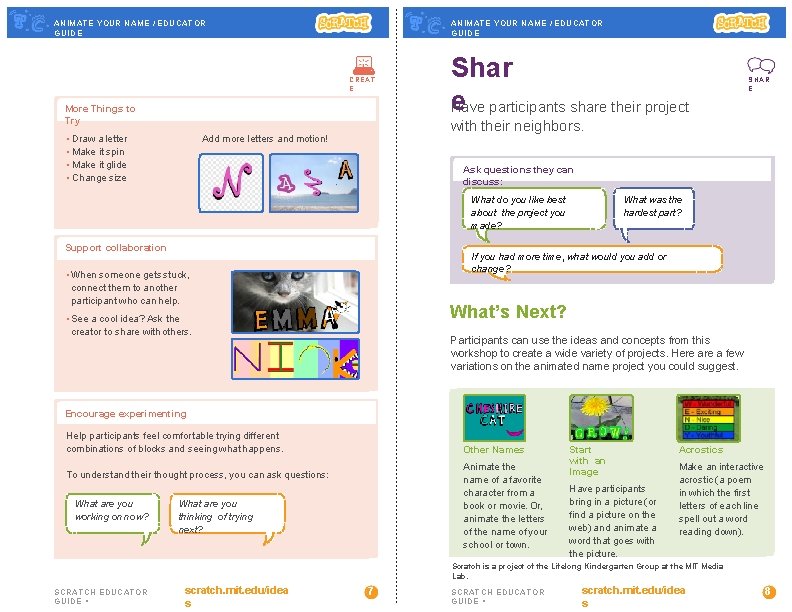
ANIMATE YOUR NAME / EDUCATOR GUIDE CREAT E More Things to Try • Draw a letter • Make it spin • Make it glide • Change size Shar e Have participants share their project SHAR E with their neighbors. Add more letters and motion! Ask questions they can discuss: What do you like best about the project you made? Support collaboration What was the hardest part? If you had more time, what would you add or change? • When someone gets stuck, connect them to another participant who can help. What’s Next? • See a cool idea? Ask the creator to share with others. Participants can use the ideas and concepts from this workshop to create a wide variety of projects. Here a few variations on the animated name project you could suggest. Encourage experimenting Help participants feel comfortable trying different combinations of blocks and seeing what happens. Other Names Animate the name of a favorite character from a book or movie. Or, animate the letters of the name of your school or town. To understand their thought process, you can ask questions: What are you working on now? What are you thinking of trying next? Start with an Image Have participants bring in a picture (or find a picture on the web) and animate a word that goes with the picture. Acrostics Make an interactive acrostic (a poem in which the first letters of each line spell out a word reading down). Scratch is a project of the Lifelong Kindergarten Group at the MIT Media Lab. SCRATCH EDUCATOR GUIDE • scratch. mit. edu/idea s 7 SCRATCH EDUCATOR GUIDE • scratch. mit. edu/idea s 8